

OMOTON Mac Bluetooth Keyboard, 10 m range
Product description
If you use a Mac for work or study, a reliable wireless keyboard can make day to day tasks feel quicker and more comfortable. The OMOTON Bluetooth Keyboard for Mac is a compact QWERTY UK layout option that pairs over Bluetooth with a range that reaches up to 10 m, so you can move around your desk setup with less constraint. It is also designed to support smoother productivity thanks to dedicated shortcut keys and a slim, portable build 😌.
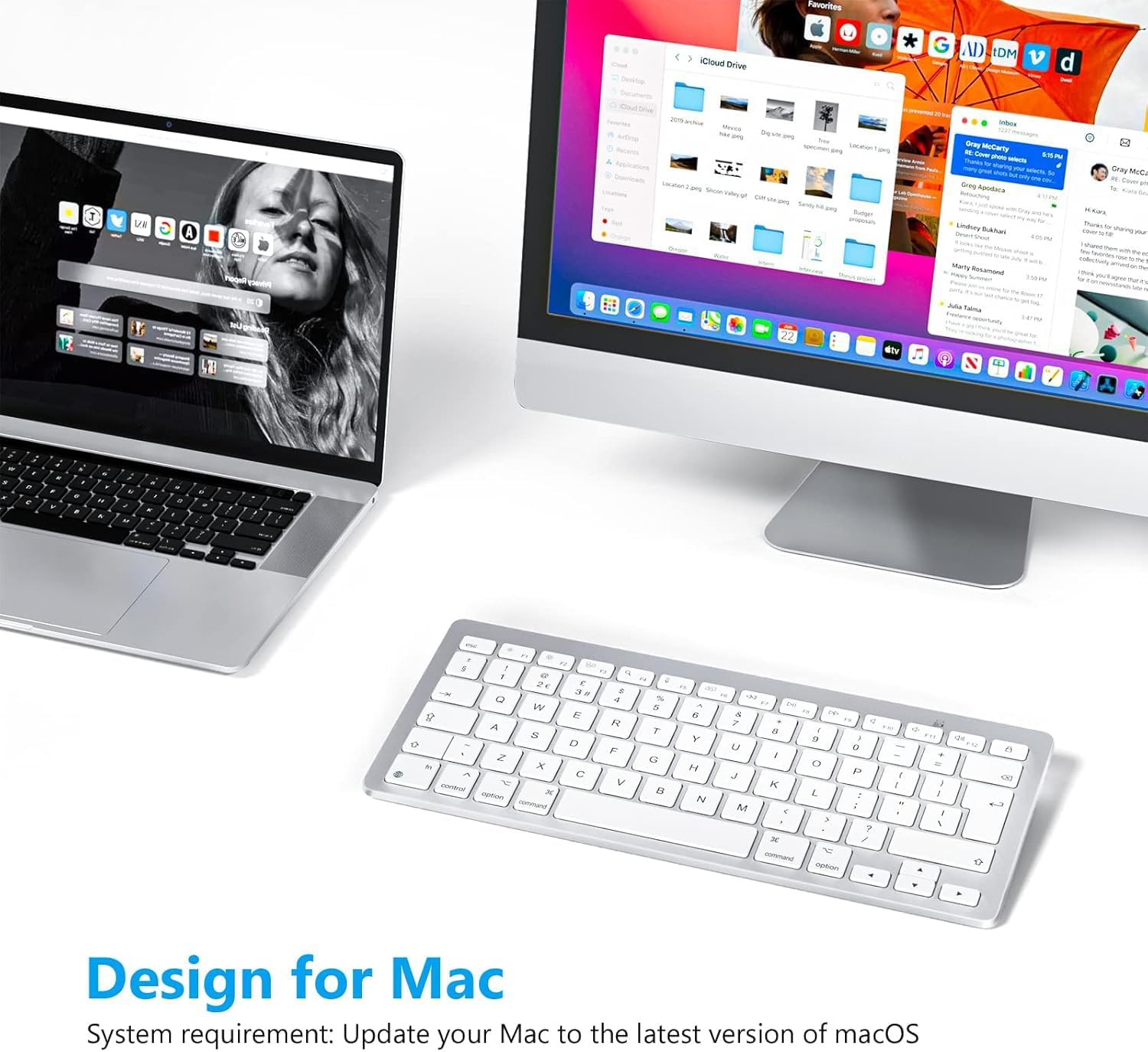
Whether you are using it with a MacBook, MacBook Pro, MacBook Air, iMac, iMac Pro, Mac Mini, or Mac Pro, this keyboard focuses on practical everyday usability rather than fuss. You get a silent style of typing experience, plus an efficient power setup using two AAA batteries with an automatic sleep or off mode after inactivity. Have a look if you want a straightforward Bluetooth keyboard for MacOS workflows and you care about keeping your workspace tidy.
The essentials
This OMOTON wireless keyboard for Mac is built around Bluetooth pairing, using a stable connection with up to 10 m range, according to the product description. That helps if you sometimes work across a wider area, for example when you are on a sofa with a laptop or when your iMac is positioned away from your chair. The compact design keeps the footprint small, so it is easier to fit on a desk, in a home office, or alongside other accessories.
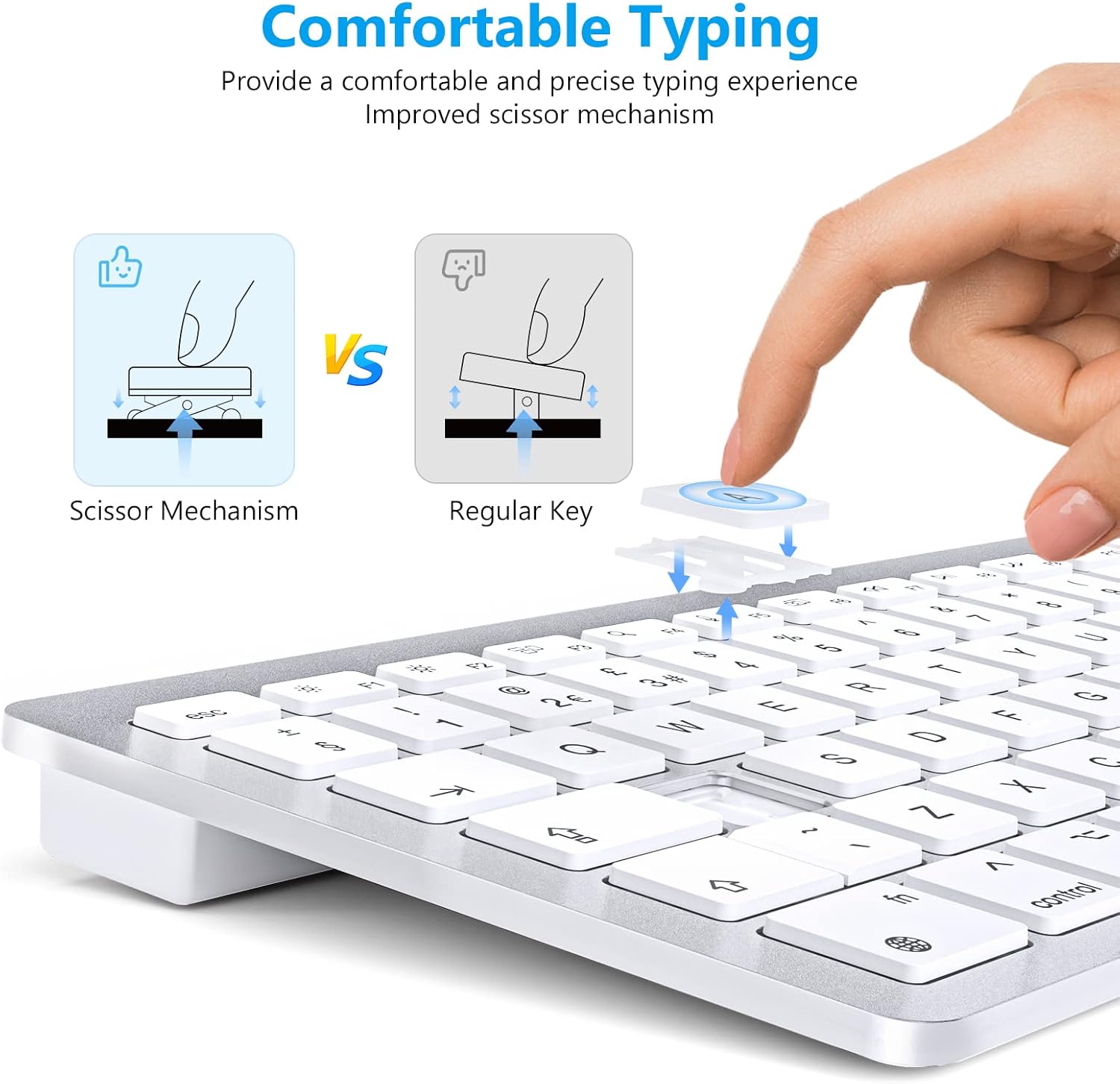
Typing is also a major part of the appeal. The keyboard uses a scissor switch mechanism, which is described as providing comfortable feedback while supporting quiet typing. If you share a space or prefer not to make lots of noise, that quiet typing approach can be especially useful for late sessions or calmer working environments.
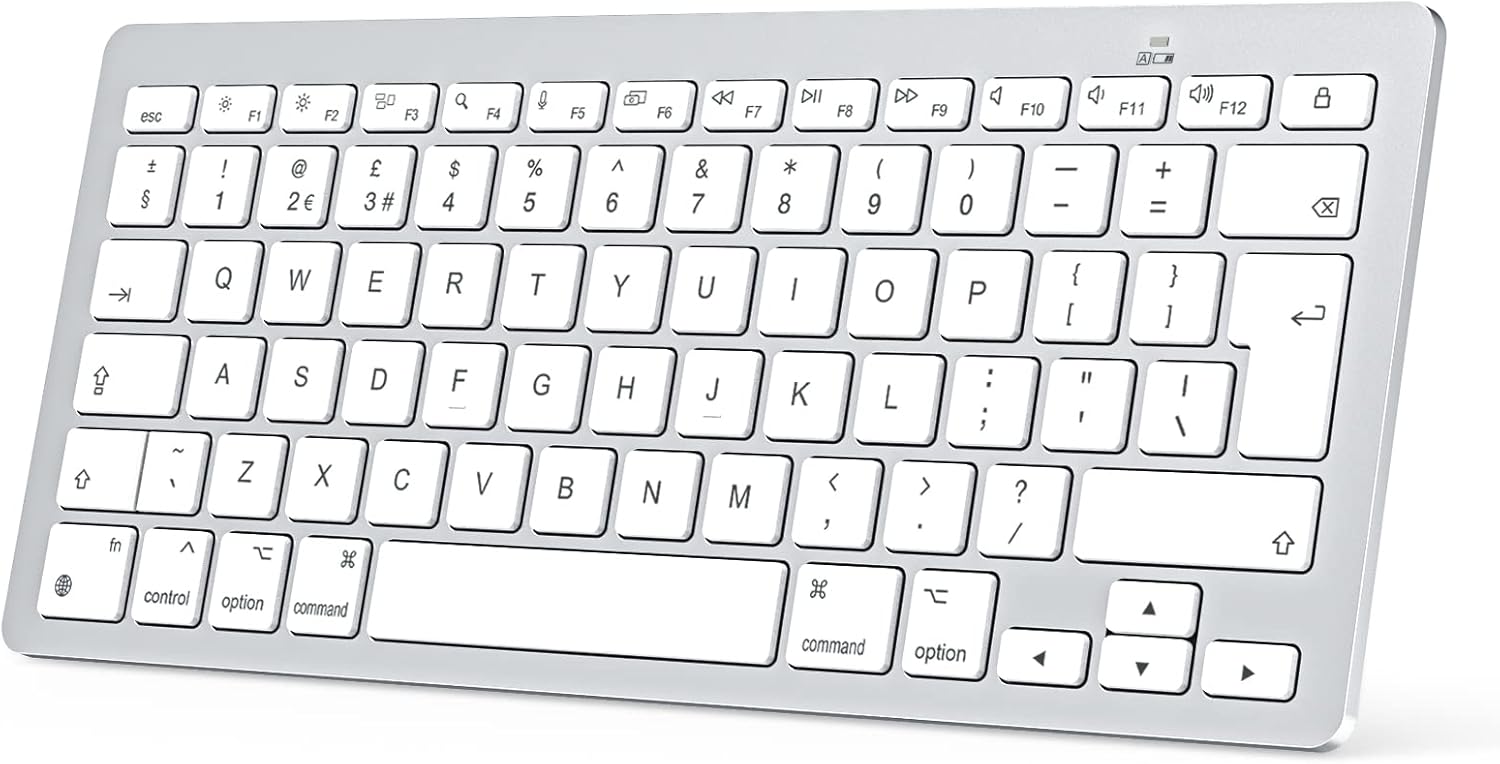
For speed, it includes 12 shortcut keys. Instead of relying entirely on the trackpad, those dedicated access keys support faster navigation through common actions, which can save small amounts of time across a busy day. And because it is a QWERTY UK layout, it is set up to feel familiar for UK keyboard users.
Tech specs
The following details are based on the provided product information, so you can check compatibility and practical expectations before buying.
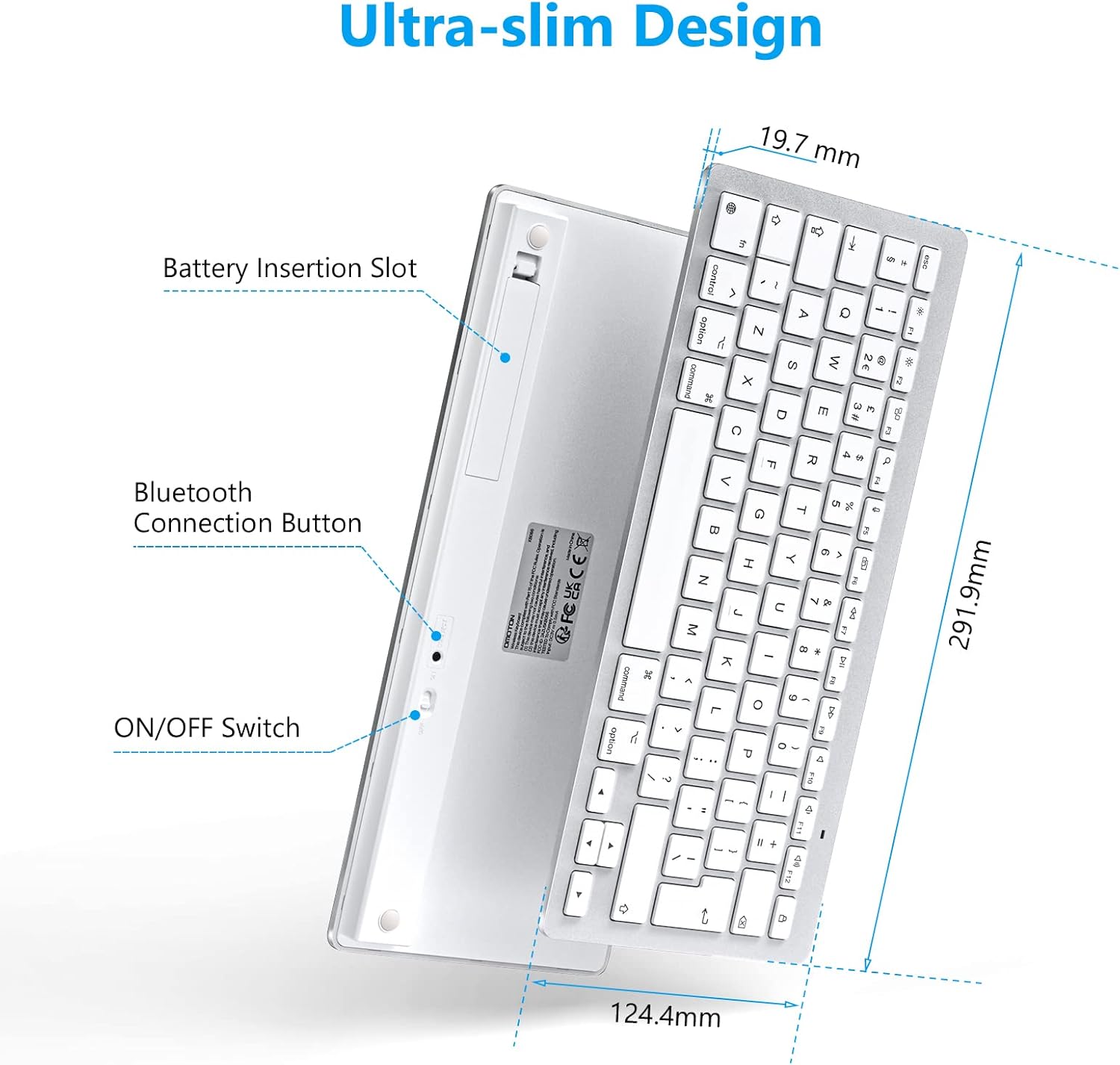
- Name: OMOTON Bluetooth Keyboard for Mac
- Type: Wireless Bluetooth keyboard
- Format: QWERTY UK layout
- Material: Not specified
- Connection range: Up to 10 m
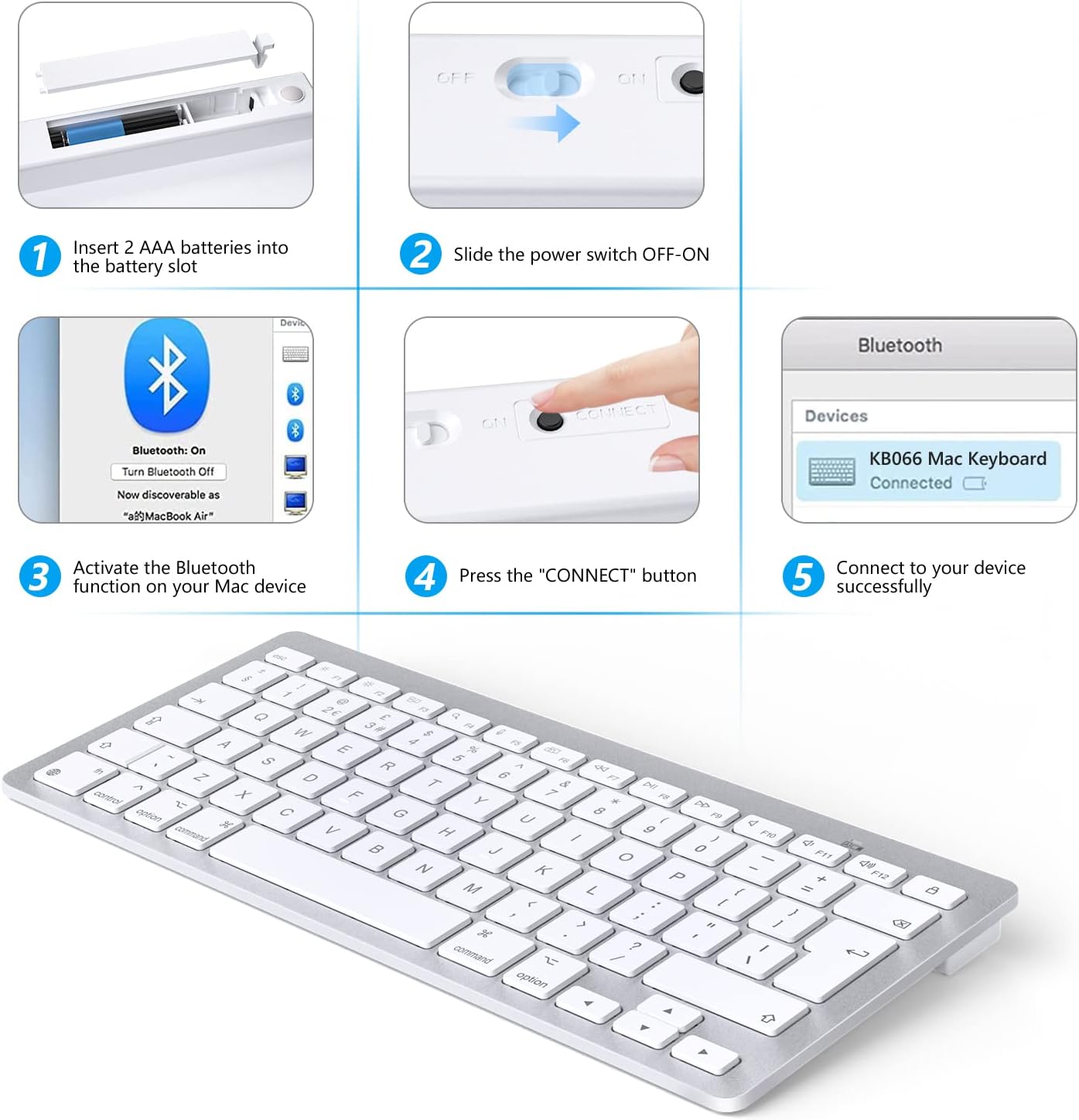
- Battery type: 2 x AAA batteries, not included
- Compatibility: Works best with macOS X 10.10 and later, as stated
What stands out
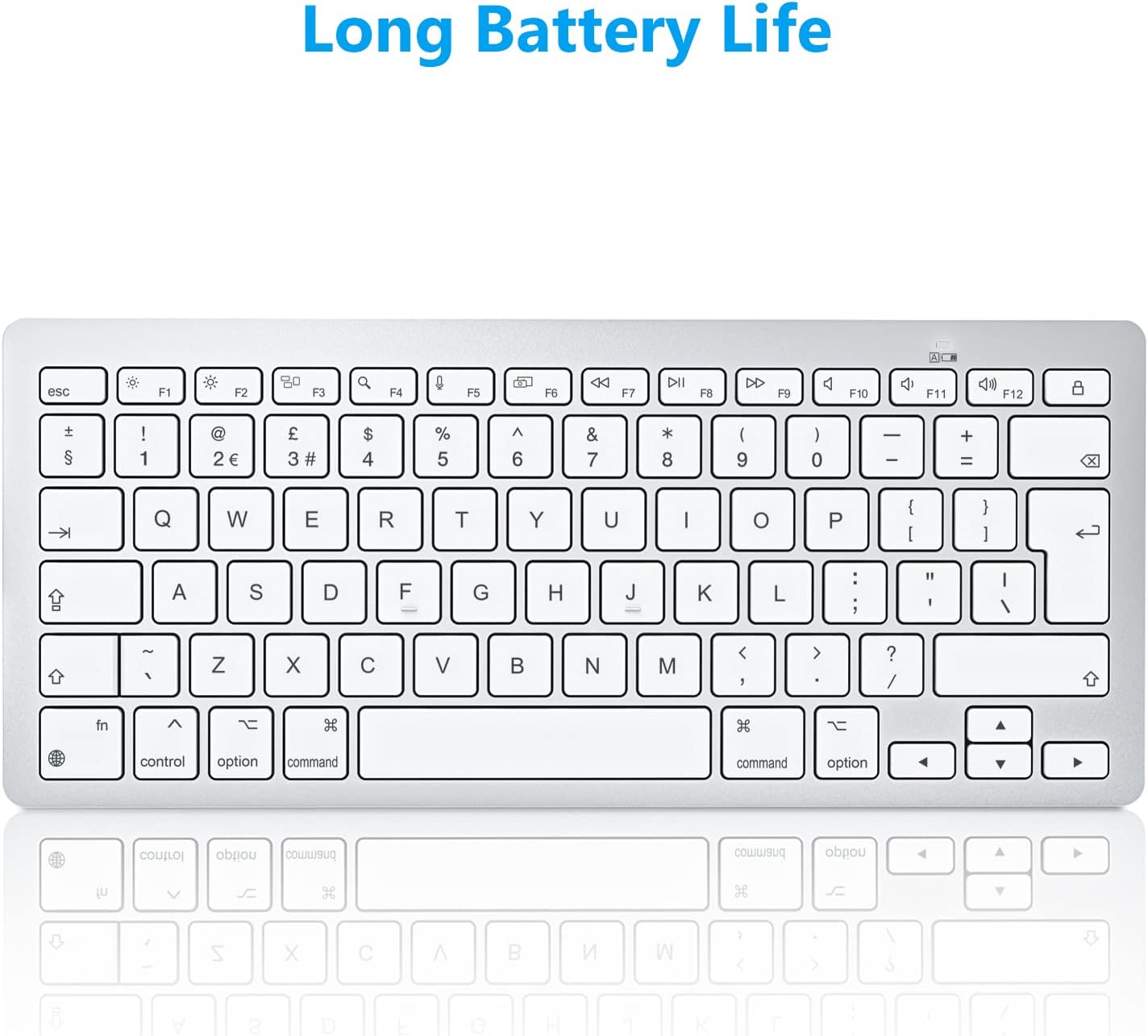
One of the clearest advantages is the balance between portability and everyday functionality. The keyboard is described as slim and lightweight, which makes it easier to pack into a bag if you work on the move, or if you want a simple setup for home and office. There is also a sensible power saving approach, with an automatic off mode and a wake up behaviour that responds when you click any key after around 10 minutes of inactivity.
You also get a layout designed to stay productive without taking up too much space. The compact form factor is intended to give full functionality while helping reduce desk clutter. If you like to keep your workspace minimal, this design direction can make a noticeable difference in how easy the keyboard is to live with day to day 😌.
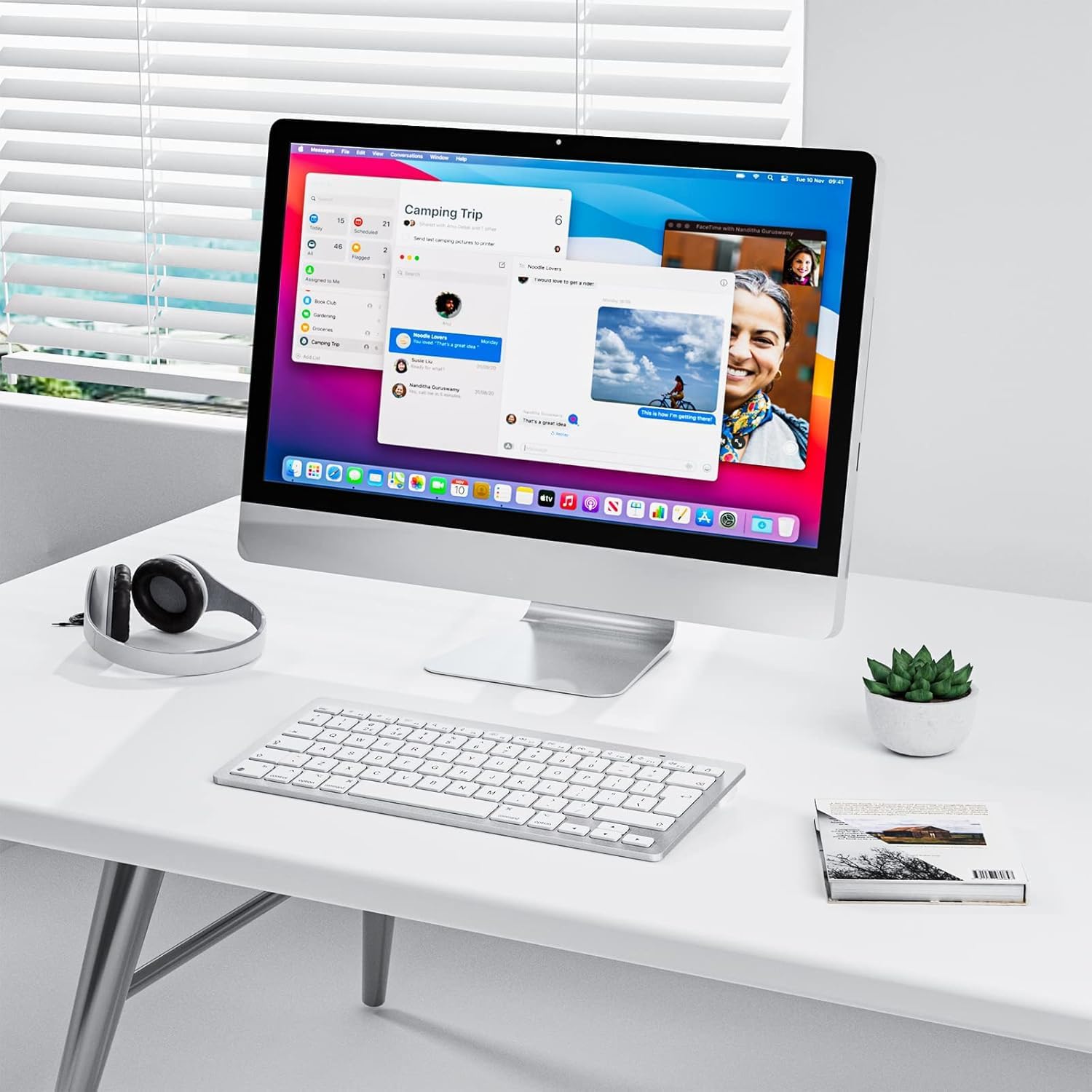
It makes sense if you want a Bluetooth keyboard that pairs with multiple Mac devices in your household or office. It is described as usable with MacBook, MacBook Pro, MacBook Air, iMac, iMac Pro, Mac Pro, Mac Mini, and similar MacOS setups. You may want to skip it if you specifically need a different keyboard layout than the stated QWERTY UK format, or if you are not working with macOS 10.10 or newer, since that is the version it is described as working best with.
Who it’s for
It’s a good fit if you use macOS at home or work and you want a compact Bluetooth keyboard with quiet typing and shortcut keys. You’ll like it if you value a smaller footprint, easy portability, and a practical power setup using two AAA batteries. It suits you if your Mac setup includes devices like a MacBook, iMac, or Mac Mini and you prefer a simple wireless keyboard that connects without extra cables.
You may want to avoid it if you require a keyboard that does not rely on Bluetooth pairing, or if you need included batteries in the box since two AAA batteries are noted as not included. It might not be a great match if you are using a macOS version older than the one stated in the description, because support is described as best with macOS X 10.10 and later.