

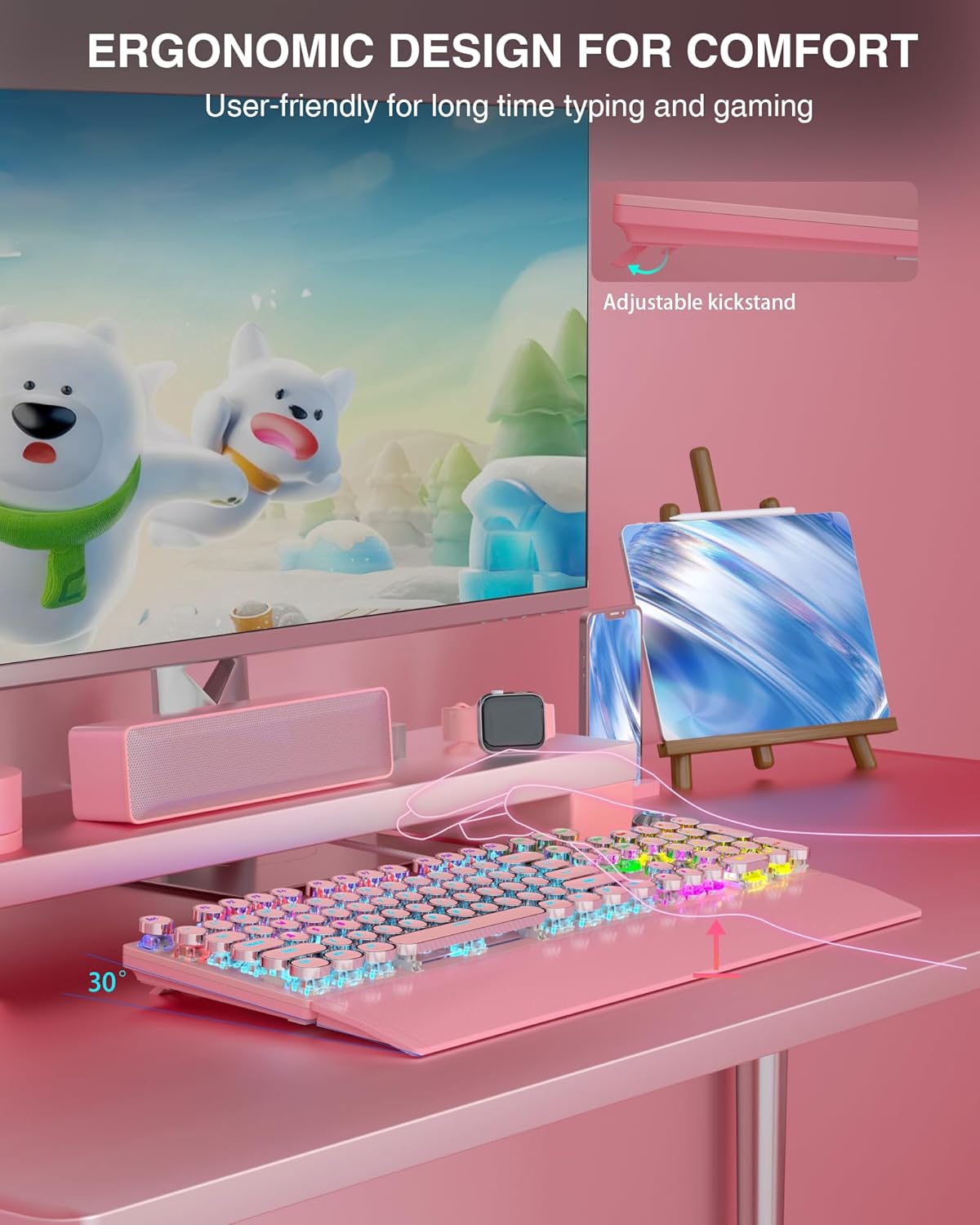
AULA F2088 Typewriter-Style Mechanical Gaming Keyboard with Blue Switches
Product description
What it is and what problem it aims to solve
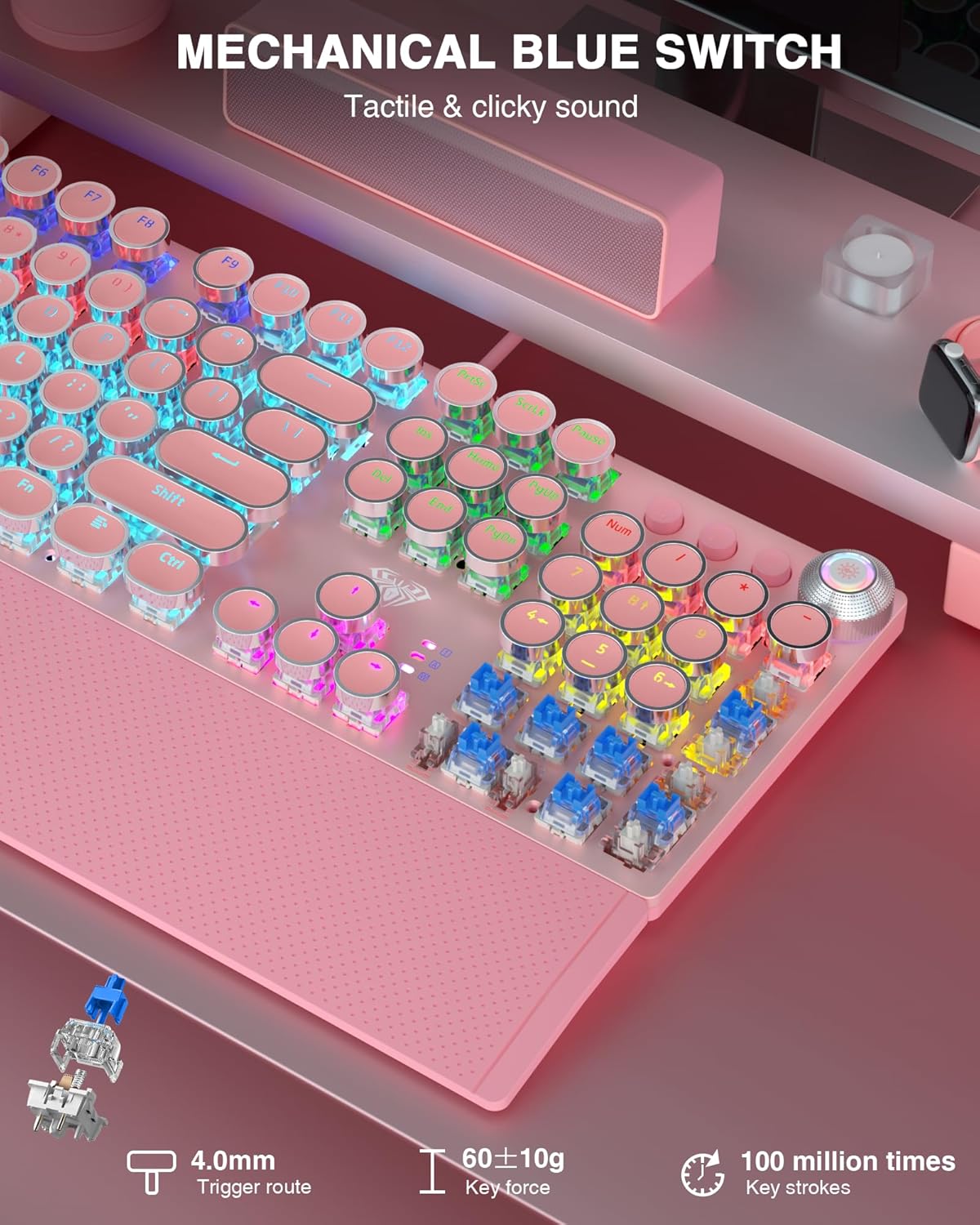
The AULA F2088 is a wired mechanical gaming keyboard designed to evoke a retro typewriter aesthetic while delivering modern performance. With blue switches, it offers a quick, tactile feel and a crisp audible click that many players associate with precise in-game inputs. The design includes vintage-style round keycaps and a stepped floating keycap layout intended to reduce fatigue and improve positional accuracy during long sessions.
What stands out in use
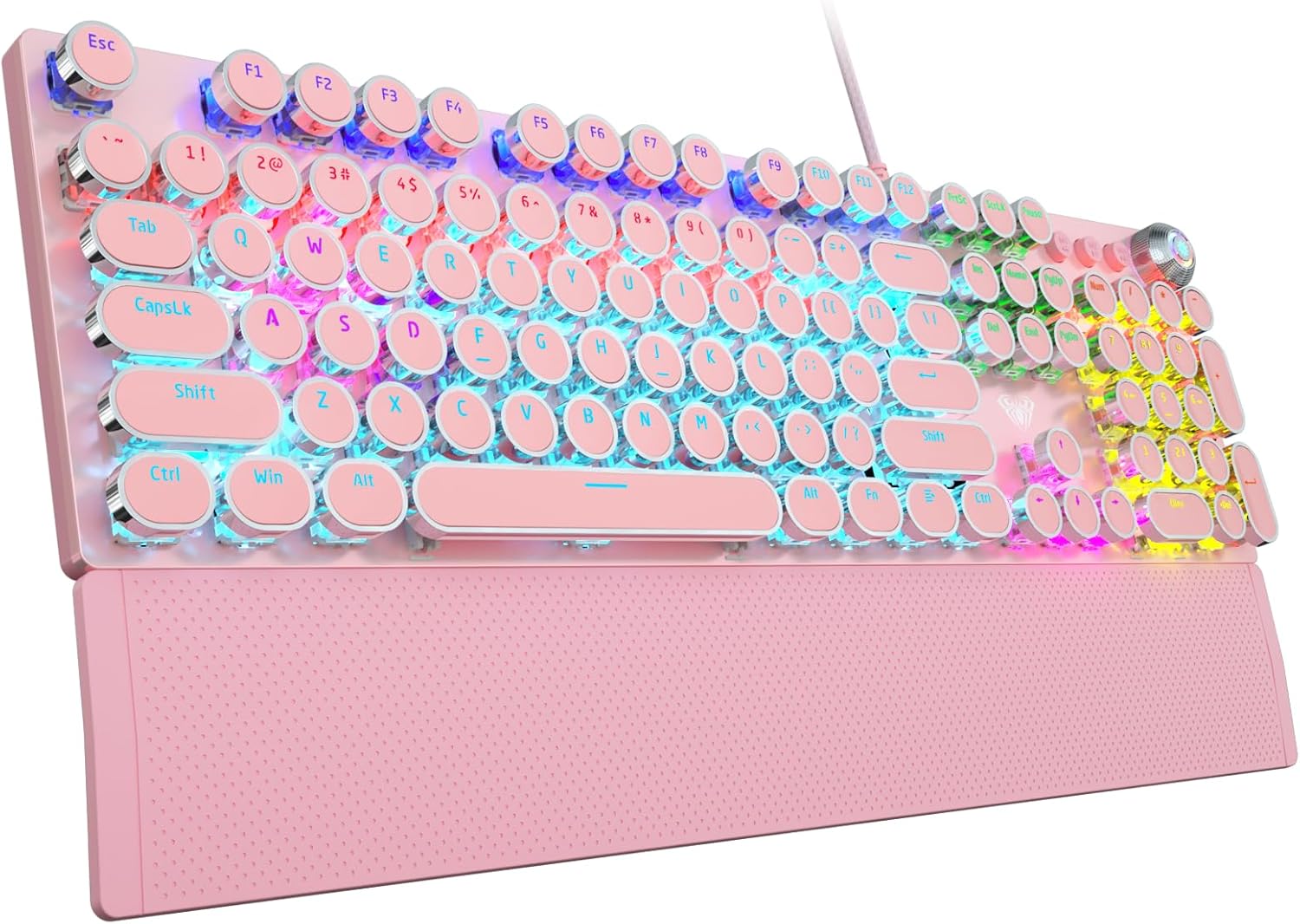
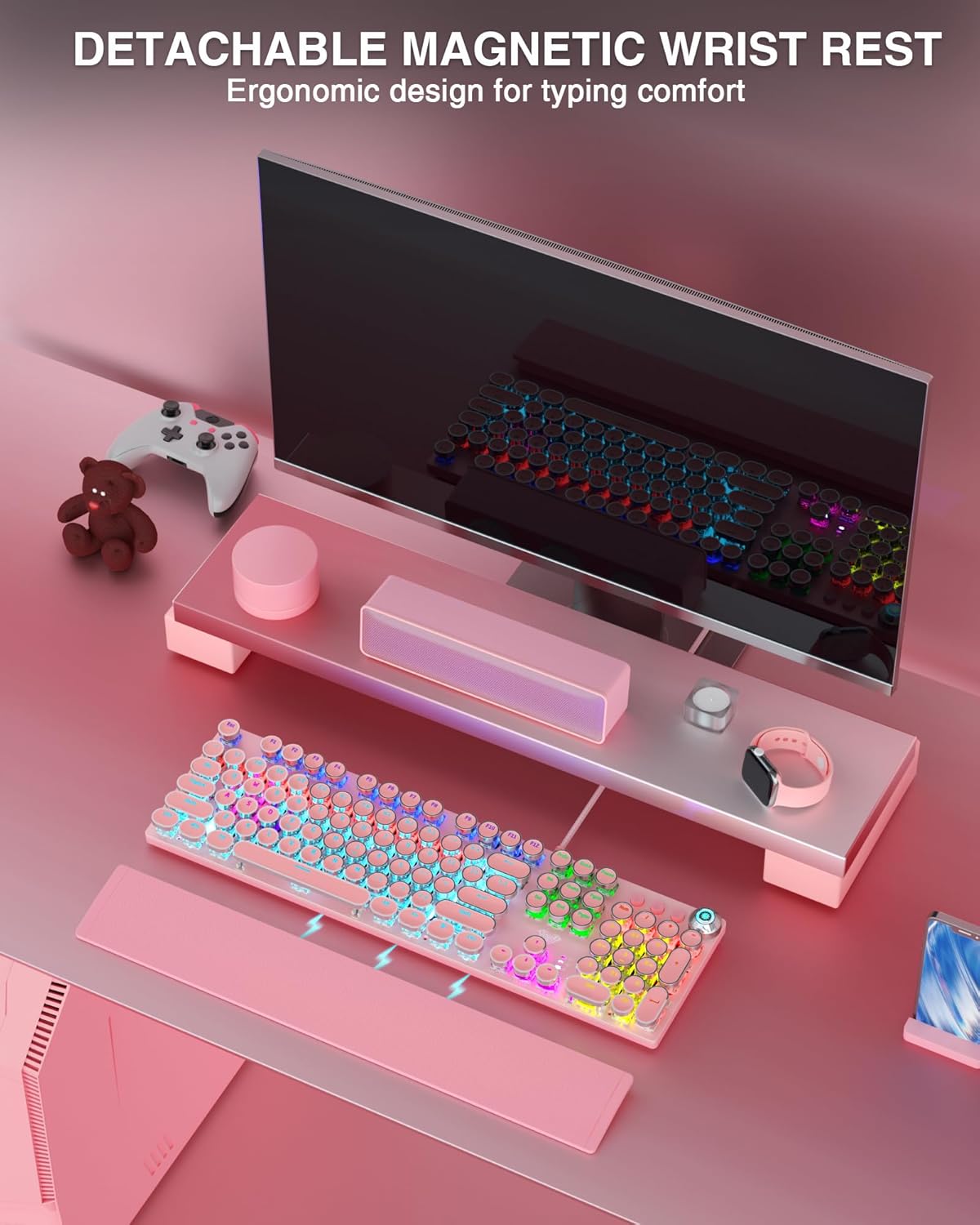
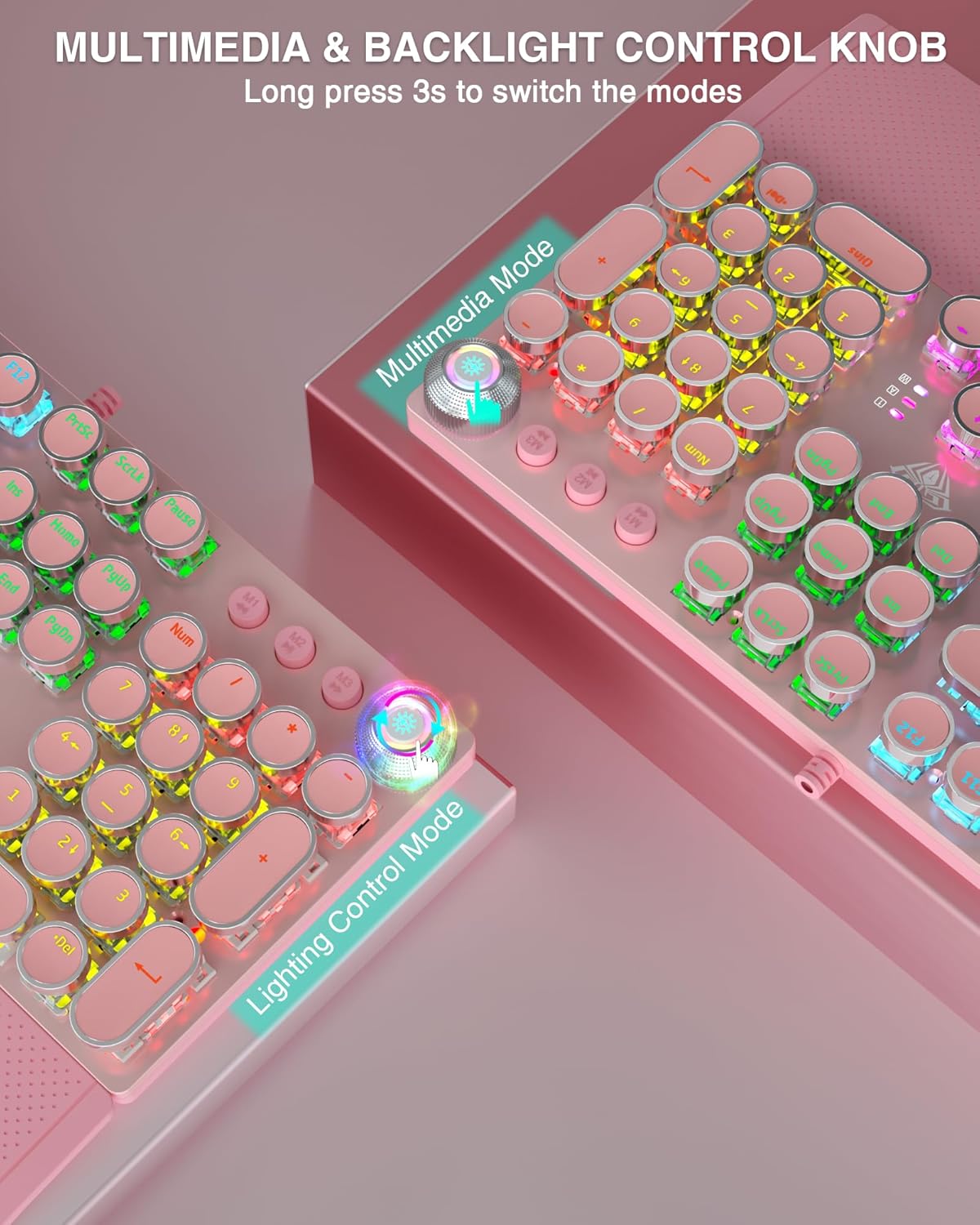
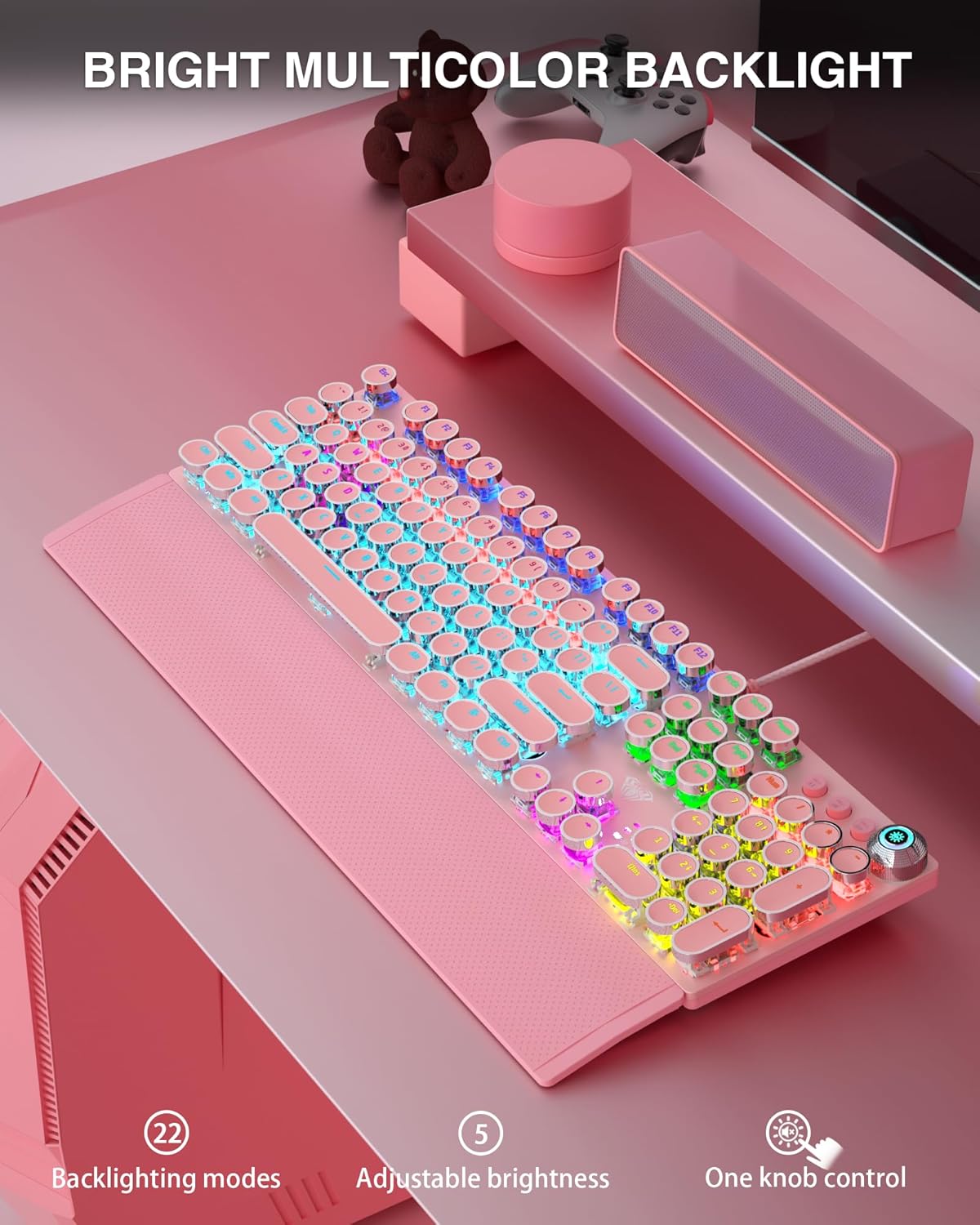
Key to its character is the multi-function media control knob, which provides quick access to volume, backlight effects and music controls without leaving the game. The keyboard supports 19 different RGB lighting effects, adjustable brightness and speed, plus the ability to save three custom lighting profiles. A detachable wrist rest in a magnetic, aluminium-panel chassis aims to balance comfort and build quality, with a matte finish that helps protect against scratches.
How it performs for typing and gaming
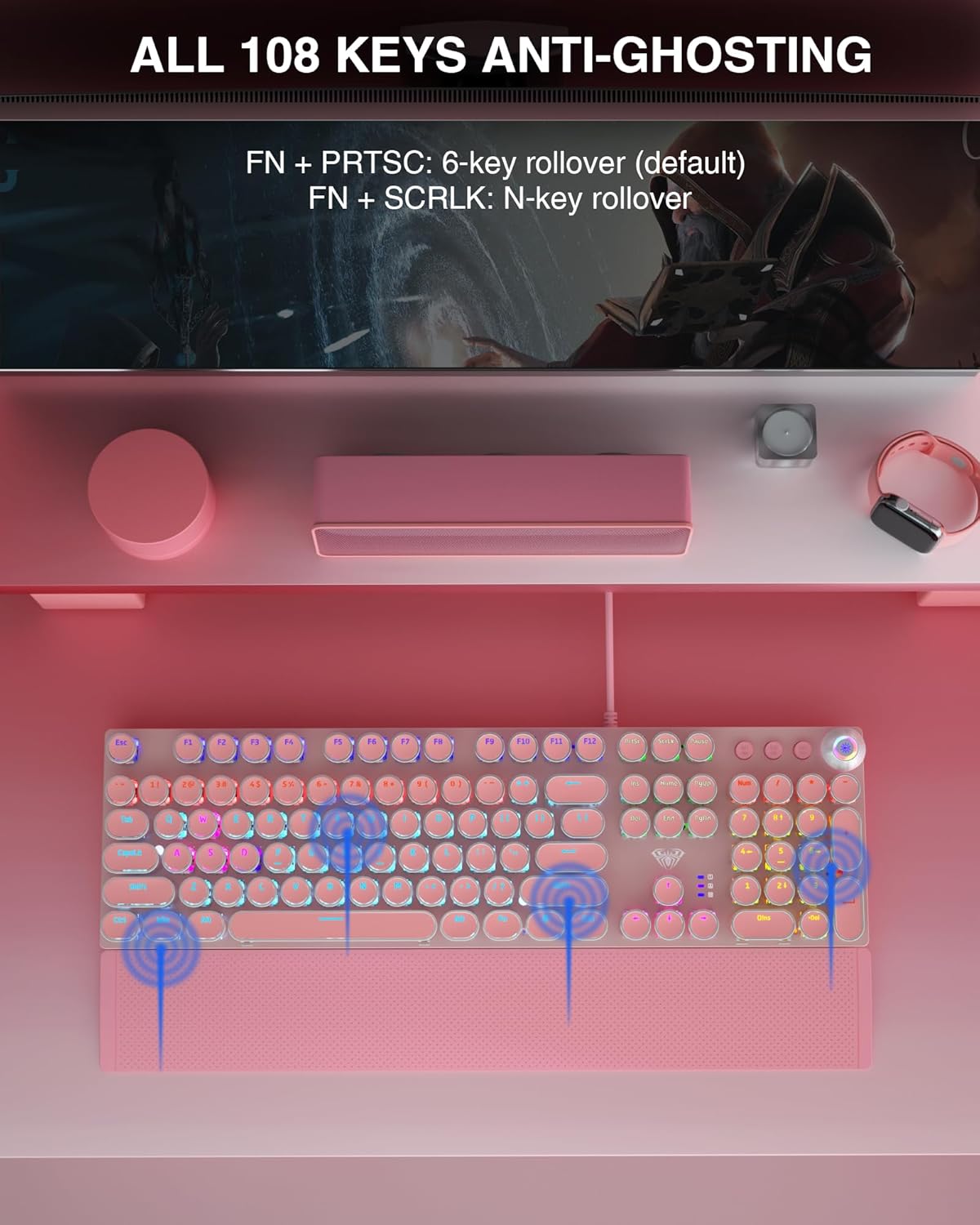
The 108-key layout includes independent switches with anti-ghosting, which means simultaneous keystrokes register as intended. This can feel more responsive in fast-paced titles or when executing complex key combos. The round keycaps and high-contrast backlight help readability in dim rooms, though the retro style may differ from conventional gaming keyboards in feel and acoustics. If you prioritise a tactile, clicky feedback and a distinctive look, this keyboard aligns with those preferences, but the aesthetic might not suit everyone in a shared workspace.
What to consider before buying
This model blends office-use practicality with gaming credentials. It ships wired for reliable latency and compatibility across Windows and Mac systems, with plug-and-play simplicity. However, if you require silent operation or a more understated design, the blue switches and retro typography may be less suitable. The aluminium top panel promises durability, yet the overall feel remains more about style and familiarity than a completely stock-free configuration.
Pros and cons at a glance
Pros: tactile blue switches, clear backlighting with 19 lighting effects, dedicated media knob, removable wrist rest, anti-ghosting for multi-key inputs, wired USB reliability. Cons: audible switch click may be loud in quiet environments, retro keycap shape may take time to adapt if you’re used to flat, modern gaming layouts, some users may prefer subtle aesthetics for work and play.
Who it’s for and who it isn’t
It’s well suited to players who want a distinctive retro look with functional media controls and a tactile typing experience. It may appeal to those who like a robust build and a visual statement on the desk. It isn’t likely to be the best pick if you prioritise near-silent keys, minimalistic design, or a stock, understated keyboard for a shared office setting.
How to get the most from it
Position the keyboard on a flat, stable surface and connect via USB for plug-and-play use. Experiment with the three custom backlight profiles and the 19 lighting effects to find a comfortable balance between visibility and ambience. If you’re using it for long sessions, enable the wrist rest and adjust chair height to keep wrists aligned with the keys.
What to check before purchasing
Ensure your computer supports wired USB keyboards and that you’re comfortable with the blue switch’s tactile feel and audible click. Consider whether the retro keycap style fits your desk aesthetic and whether you’ll benefit from the media knob in fast-moving games or media-heavy tasks.
Practical usage example
Imagine a late-night raid where you need quick voice-chat volume tweaks between rounds. The dedicated media knob lets you adjust volume without tabbing out of the game, while the rainbow backlighting makes it easy to locate the WASD cluster in low light.
What’s included
Keycaps with retro round design, a keycap puller for maintenance, a magnetic wrist rest, and a standard USB cable for connection.
FAQ
- Do the blue switches feel loud to others in the room? Yes, blue switches are known for a crisp audible click, which some may find noticeable in quiet spaces.
- Is it compatible with Mac or Linux? It’s designed for Windows and Mac OS via USB plug-and-play, no drivers are required.
- Can I customise all keys or only some? The keyboard supports 108 keys with independent switches, enabling strong multi-key input performance, full customisation depends on software features not described in the base data.
Is it worth it?
Worth considering if you want a visually distinctive keyboard with tactile blue switches, robust build, and practical media controls. If stealthy, quiet typing or a minimalist look is a priority, you might look elsewhere. For a gamer who also values a strong typing feel and desk personality, this model offers a clear set of trade-offs that can pay off in daily use.