

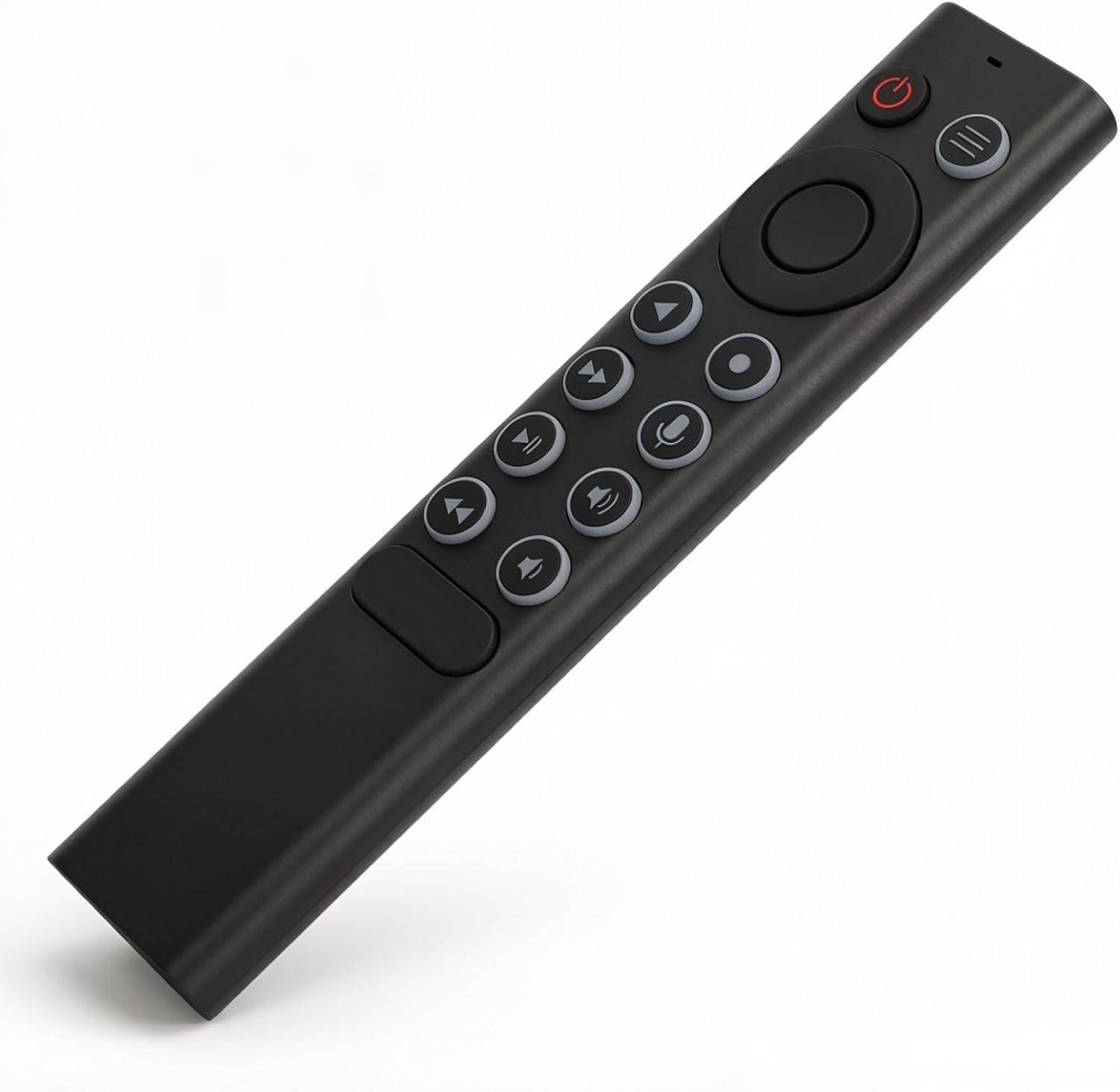
Voice Replacement Remote Control for NVIDIA Shield TV and Shield TV Pro (2015/2017/2019) – UK Edition
Reviews
Price
Product description
What it is and what it solves
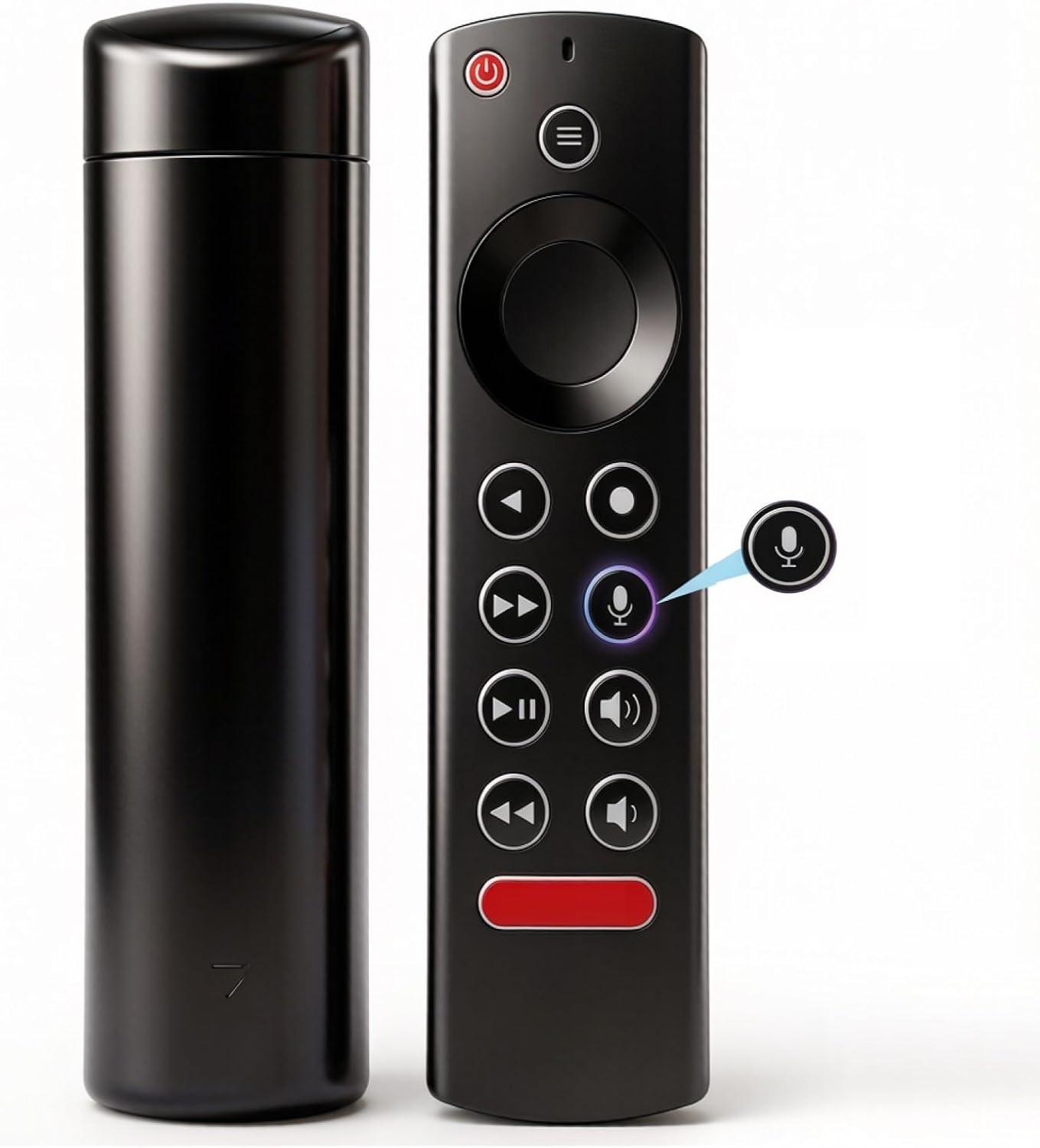
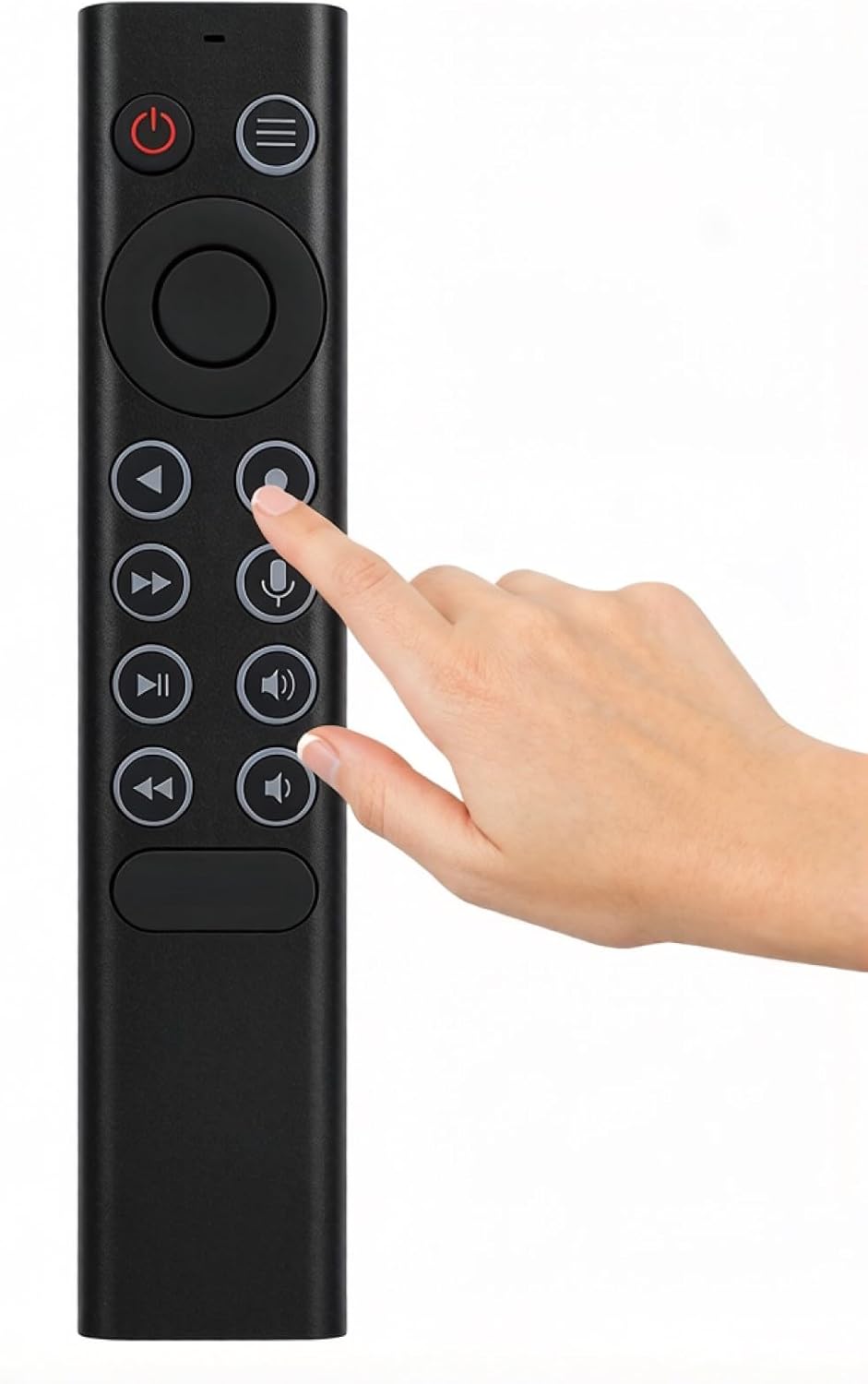
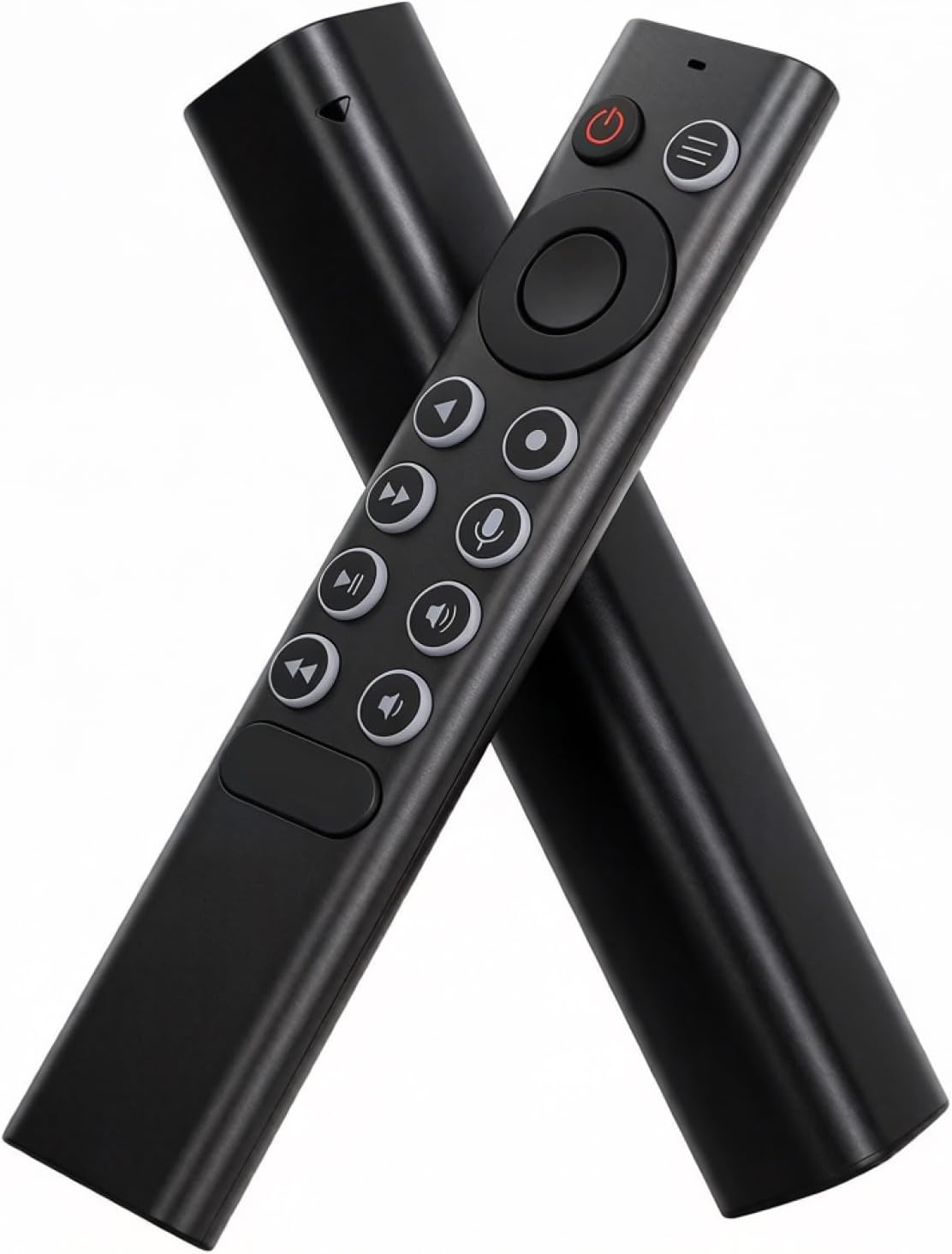
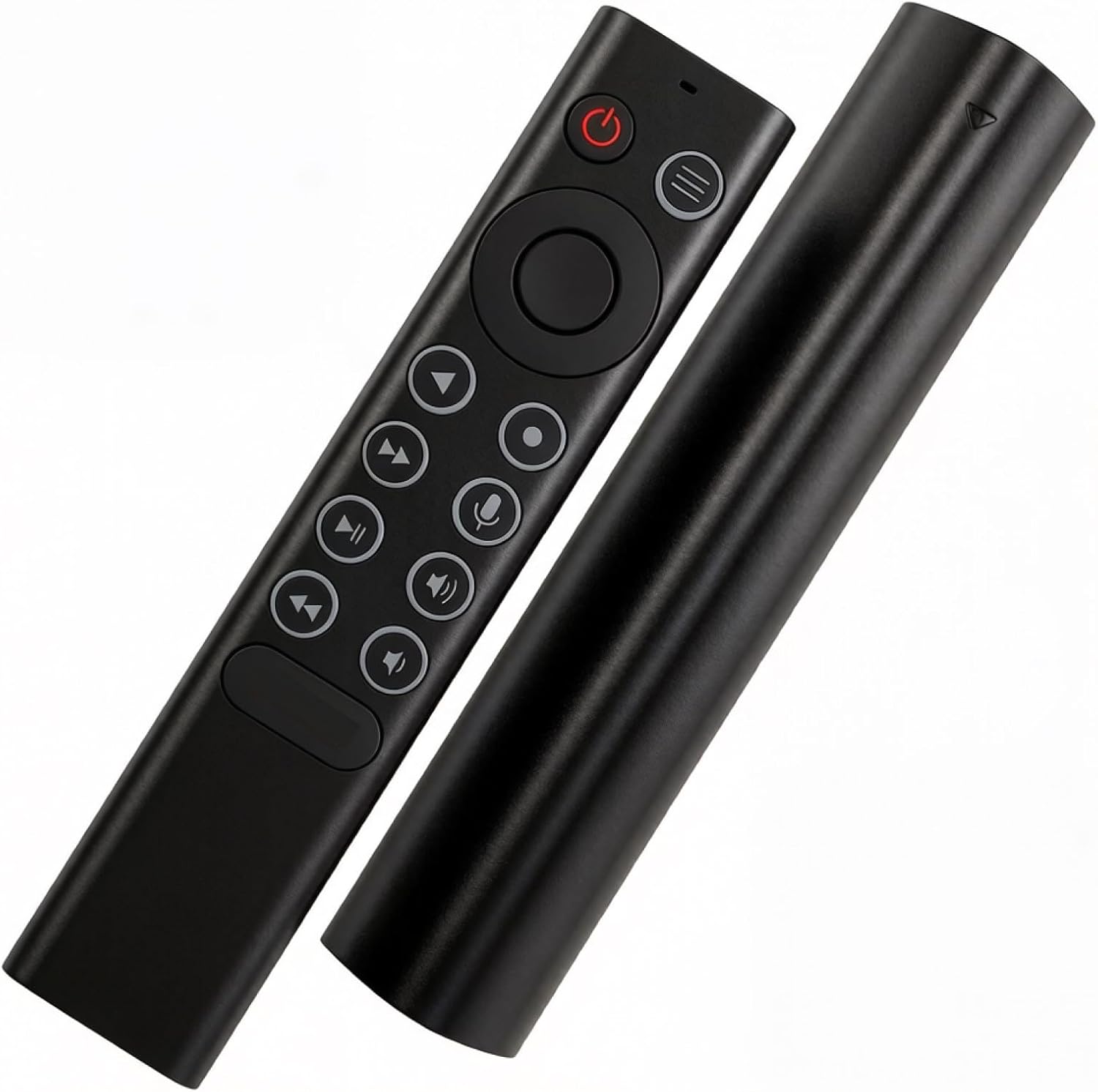
This is a voice-enabled replacement remote designed to work with NVIDIA Shield TV and Shield TV Pro models from 2015, 2017 and 2019. It recreates the convenient voice search feature that helps you navigate, launch apps, find shows and adjust your TV volume without hunting for the right button. If your original remote is lost, damaged or you simply want a dedicated voice remote, this model offers a straightforward upgrade path.
How it works and what you need to know
To connect, hold the Select button on the new remote until the light flashes, then wait for it to pair with your Shield device. For reliable use, keep the remote within roughly 2 feet of your SHIELD TV during setup and use. The remote requires two AAA batteries, which are not included.
What’s included and build notes
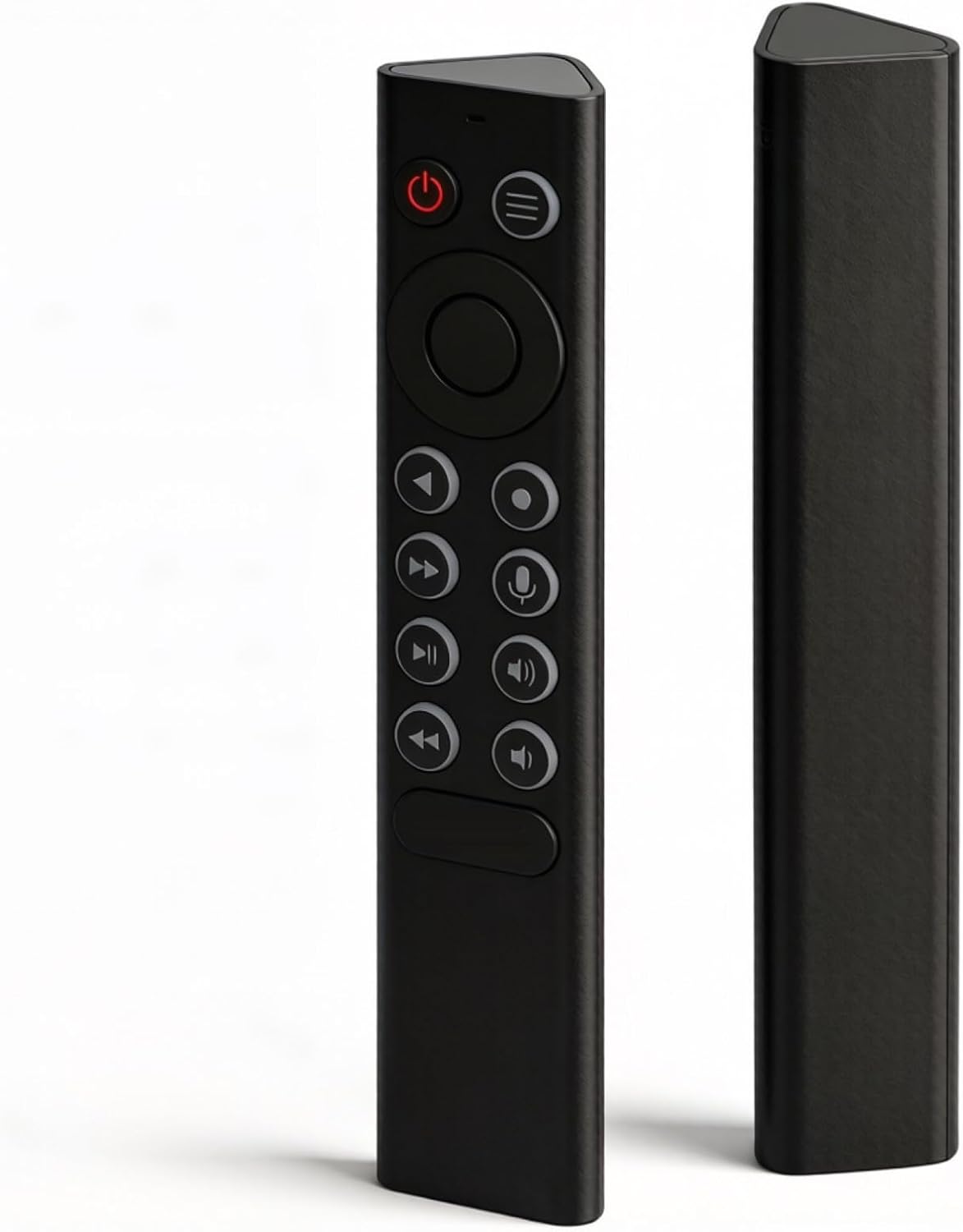
The package features the Voice Remote and a User Manual. The remote shell is described as made from a durable silicone-like material—soft to the touch, flexible and gentle on the skin. This can be advantageous if you’re frequently using the remote in sofas or beds where comfort matters.
Strengths and limitations
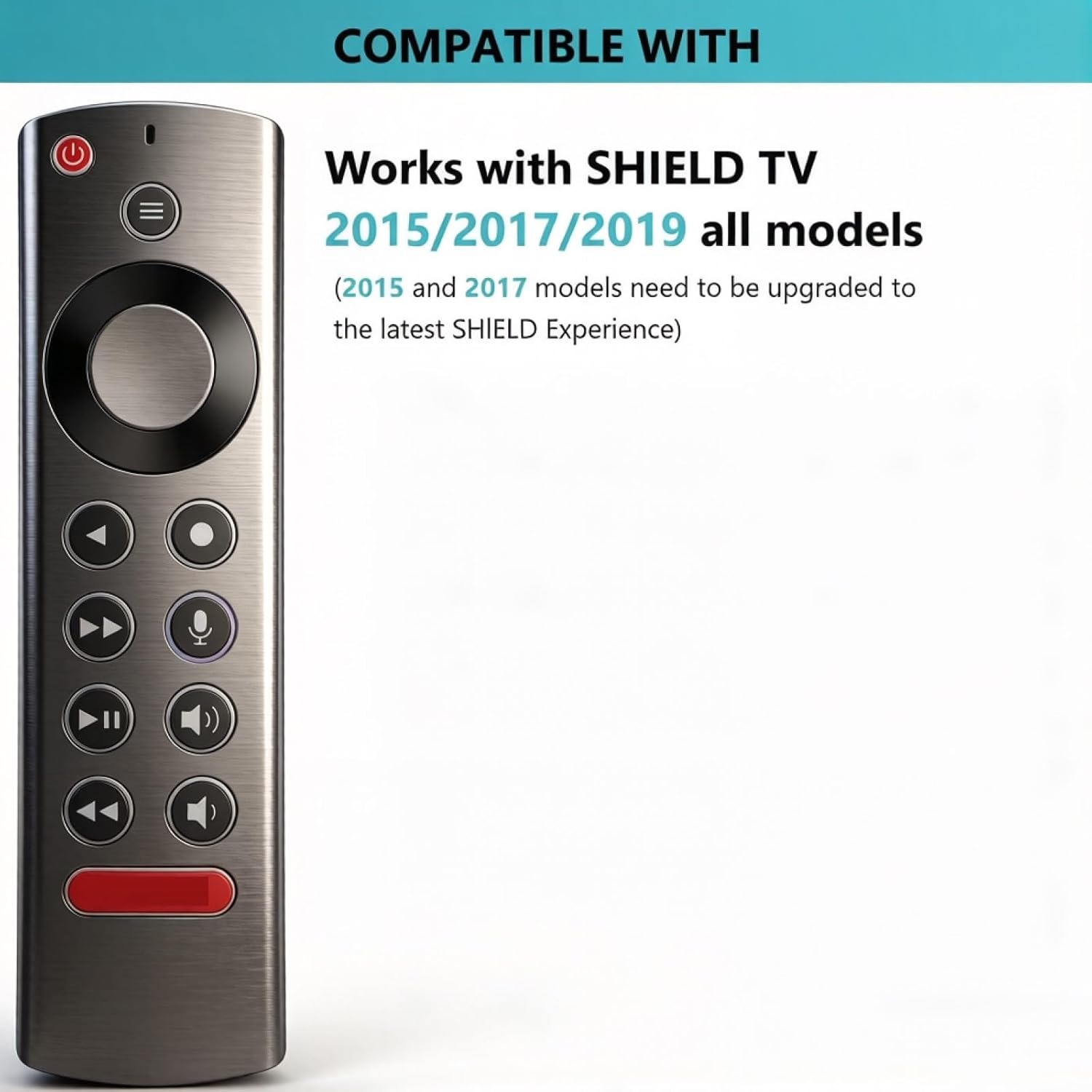
On the plus side, pressing the Voice Search button and speaking commands can reduce the number of steps needed to find content or control media playback. It’s a practical upgrade for hands-free operation, especially if you routinely switch between apps or search for specific shows. A potential limitation is that performance depends on the pairing process and the stability of the Shield Experience version you’re running. If your setup is not updated to the latest SHIELD Experience, you might not get the full benefits of any new voice controls.
Suitable for whom
This replacement remote is a sensible choice if you own a Shield TV (2015/2017/2019 models) and want a voice-enabled control option without investing in a newer, possibly more feature-dense, model. It may suit households where one person prefers voice navigation or where the existing remote is worn out.
When it may not be the best option
If you rely on the most current features available in newer Shield iterations or if you need additional buttons and shortcuts, you might find this model falls short of a brand-new or more feature-rich remote. Also, if you require a remote with a built-in rechargeable battery or more robust pairing options, this silicone-bodied replacement may not meet those needs.
Before you buy: practical checks
- Confirm your Shield TV model and ensure it’s compatible (2015/2017/2019 all models).
- Plan for two AAA batteries and be prepared to source them separately.
- Expect that features hinge on the Shield Experience version you’re running, an upgrade may be required for best performance.
- Consider your environment and whether a dedicated voice remote would improve daily use in your living room or bedroom.
Practical use snapshot
Imagine settling in for an evening of streaming. Instead of scrolling through menus with a standard remote, you press the Voice Search button, speak your choice (e.g., “Open Netflix” or “Find The Crown”), and the Shield acts on it. It’s not a flashy gadget, but the convenience can be noticeable during relaxed viewing or multi-app navigation.
FAQ
- Do I need to update my Shield Experience to use this remote effectively? It can help, some features benefit from the latest SHIELD Experience.
- Are batteries included? No, you’ll need to provide two AAA batteries.
- Is setup difficult? Pairing is a quick process—press and hold Select until the light flashes, then follow on-screen prompts.
Is it worth it?
Worth considering if you value hands-free control and already own a compatible Shield TV model, and you don’t mind supplying two AAA batteries. If you prioritise having the latest voice features or an always-on rechargeable solution, you may prefer exploring other options or newer remotes.