

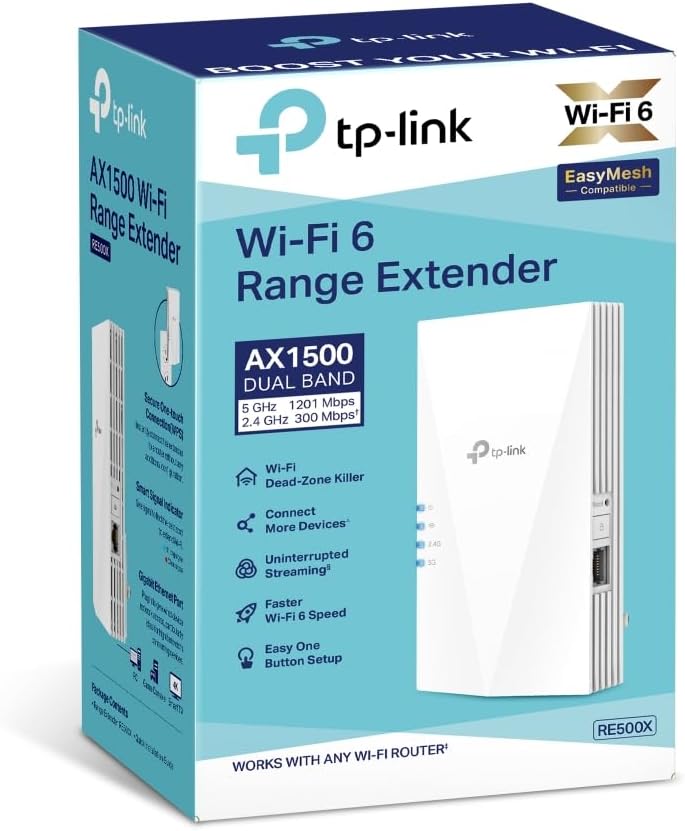
TP-Link RE500X WiFi 6 AX1500 WiFi Extender (WiFi Booster) with Gigabit Ethernet, EasyMesh & App Control
Product description
The essentials
If you’re dealing with Wi‑Fi dead zones or speeds that drop off when you move to another room, a Wi‑Fi extender like the TP-Link RE500X is designed to help. It’s positioned around Wi‑Fi 6 performance (AX1500 class is mentioned in the product name) and focuses on smoother day-to-day use by making it easier to keep devices connected reliably.
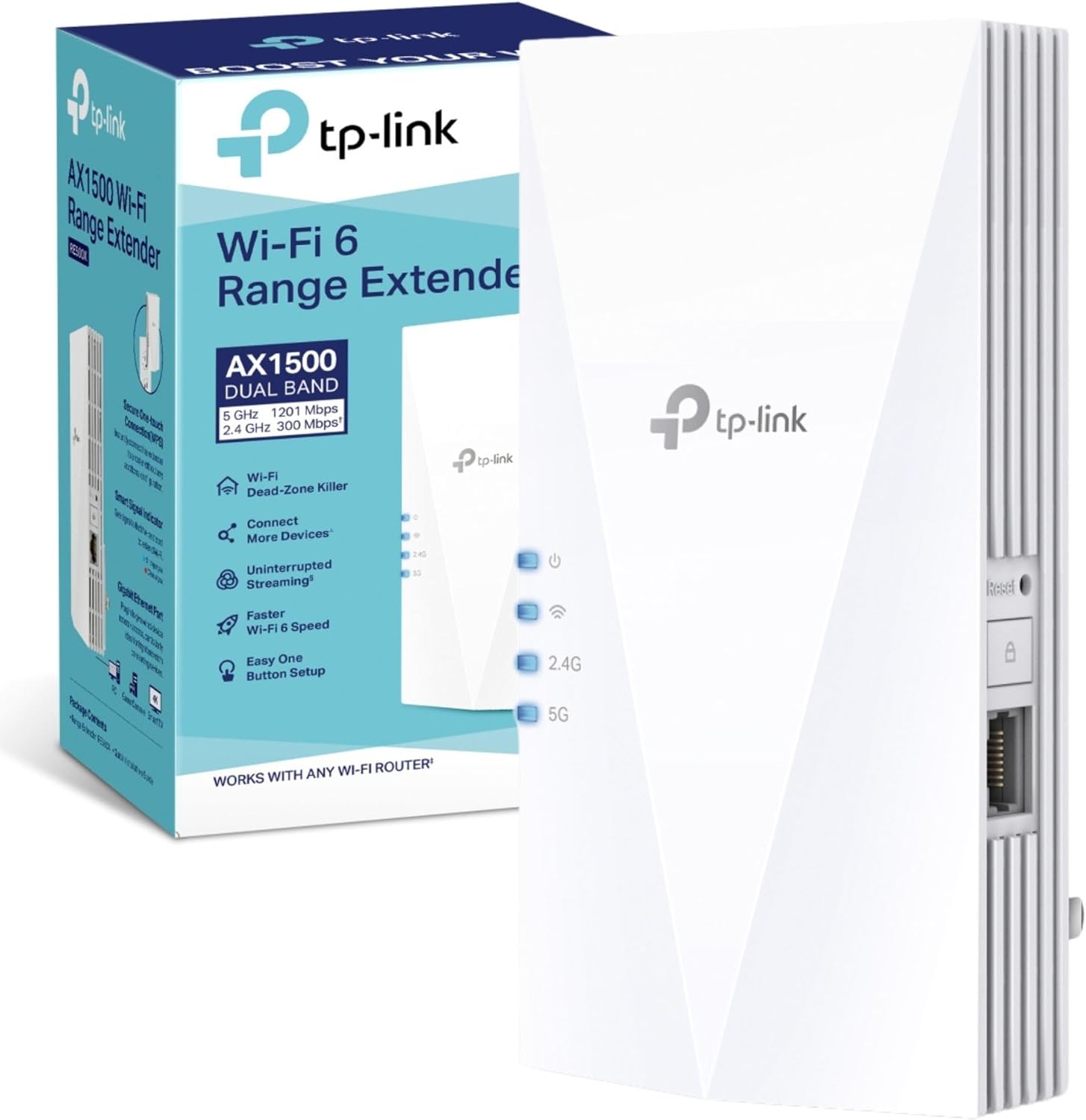
On paper, the idea is simple: extend your existing network without turning your home into a patchwork of different connections. The RE500X is also built to work with mesh-style setups via EasyMesh/OneMesh, depending on what router you pair it with, plus it includes a Gigabit Ethernet port for wired add-ons.
Key takeaways
The features that stand out here aren’t just marketing phrases. Adaptive Path Selection is meant to automatically pick the fastest connection path back to your router, which can matter if your layout forces the extender to find a less obvious route.
There’s also a clear emphasis on reducing congestion and improving the experience when you’re online. That “reduced network congestion” angle, alongside “ultra‑low latency”, suggests it’s aimed at more than just browsing—think streaming, video calls, and general responsiveness when the signal is weaker.
A practical extra is power saving for battery devices: Target Wake Time schedules connection times for compatible clients to reduce power consumption. In real homes, that’s the sort of detail that can help devices like sensors behave more consistently.
And if you don’t want to fiddle with settings for hours, app control and easy setup are mentioned, which is often the difference between an extender that gets used and one that ends up in a drawer.
What you’ll notice day to day
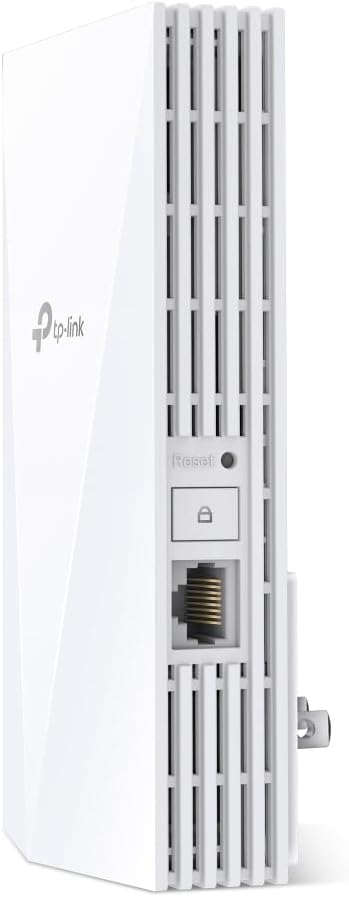
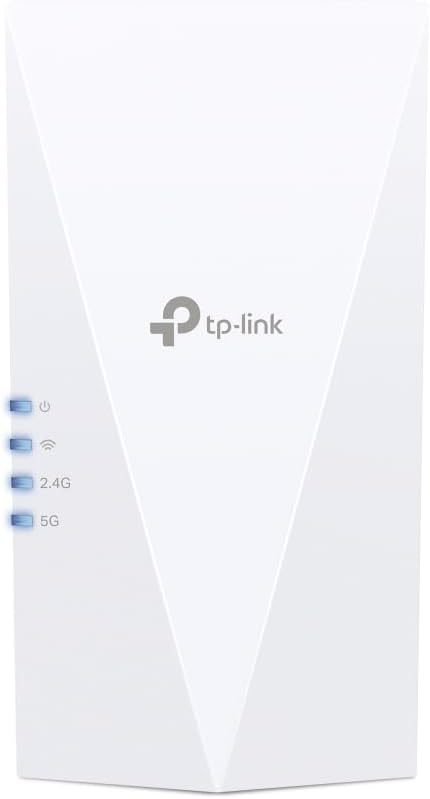
In everyday terms, you’ll usually judge an extender by whether it keeps a stable connection where your main router struggles. This model is described as an “Internet Booster” and Wi‑Fi booster/repeater, so the target use is straightforward: place it partway between the router and the area that needs better coverage, then let it do the heavy lifting.
A micro-example: imagine you’ve got a living-room router, but your bedroom and home office feel sluggish at certain times of day. With the RE500X, you’re looking to push Wi‑Fi coverage further while keeping devices on the best available path, rather than forcing everything to bounce around on the first available link.
One thing to bear in mind, though: extenders always depend a lot on where you plug them in and how your home’s walls affect the signal. Even with features like Adaptive Path Selection, a poor placement can still limit what you get.
Where it shines
- If you want to extend coverage in a whole-home way, the EasyMesh/OneMesh support is a meaningful selling point on this unit. The description specifically says it can “create a Mesh network” by connecting to an EasyMesh-compatible router (and also mentions OneMesh).
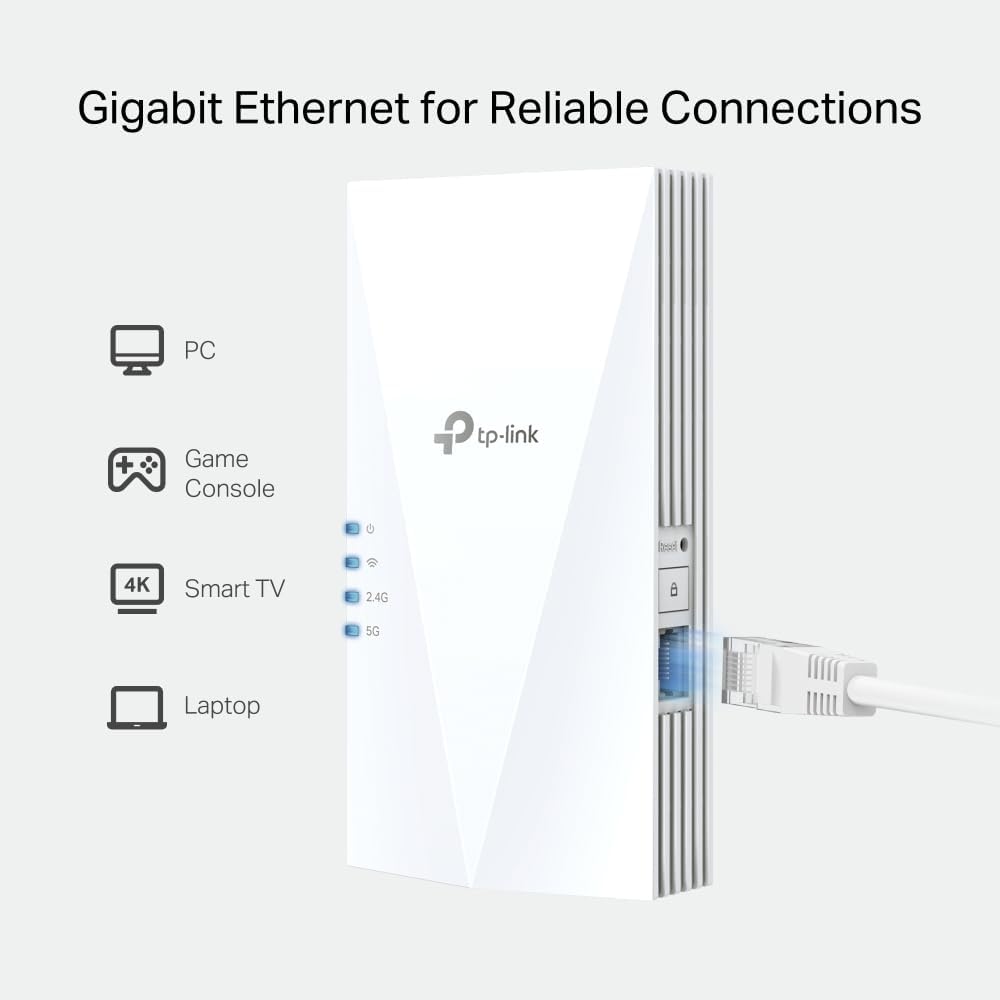
- If you have devices that benefit from wired connectivity, the included Gigabit Ethernet port gives you a way to connect something directly instead of relying purely on Wi‑Fi.
- If you care about responsiveness, the product description calls out ultra‑low latency for smoother online experiences.
- If your network has battery-powered clients, the scheduling approach for power saving (Target Wake Time) is relevant.
It’s worth considering that this looks aimed at people who are upgrading from older extenders or struggling with inconsistent coverage. It’s not described as a no-compromise enterprise setup, it’s more of a pragmatic home fix with Wi‑Fi 6 features.
Limitations and what to check first
Before you buy, it’s smart to check compatibility with how you plan to run your network.
- Mesh behaviour depends on the router you have: the entry states it’s EasyMesh compatible (and also references OneMesh). If your router doesn’t fit those requirements, you may still get Wi‑Fi extension, but don’t expect the same “seamless whole-home coverage” effect the description talks about.
- Placement matters. Even with adaptive path selection, extenders can underperform if the connection to the router is already very weak at the extender’s location.
- The system requirements list a range of operating systems and browsers. That’s useful background for setup/control via a browser/app approach, but it doesn’t replace the practical reality that Wi‑Fi extenders also need a good signal relationship with the router.
Care & maintenance
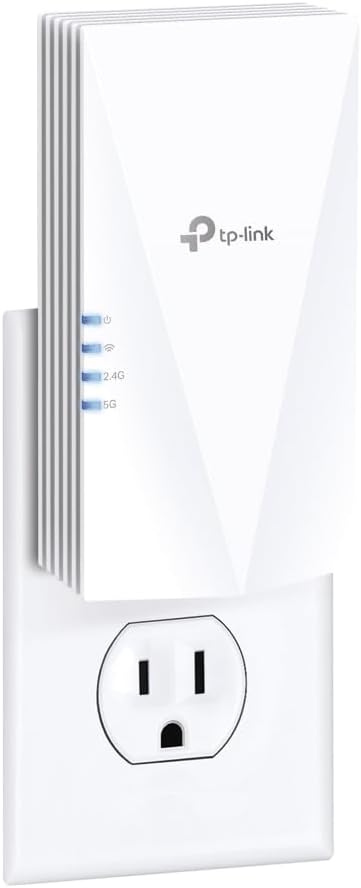
This type of device doesn’t really have “maintenance” in the usual sense, but it does live in your power outlets all day. Keep it in a ventilated spot, avoid blocking it with stacked clutter, and if you ever change your router or Wi‑Fi settings, it’s worth revisiting extender setup through the app to ensure the connection path and mesh behaviour (if you’re using it) stays in the best shape.
In the box
No box contents are provided in the information you shared, so it’s best to check the amazon UK listing details for what’s included (and any region-specific accessories) before you commit.
Final verdict
Should you buy it?
It makes sense if you’re trying to improve coverage in a home where Wi‑Fi drops off, and you want a Wi‑Fi extender that leans into Wi‑Fi 6 features like adaptive path selection and battery-friendly scheduling. The Gigabit Ethernet port is also a sensible bonus if you’d rather wire at least one device.
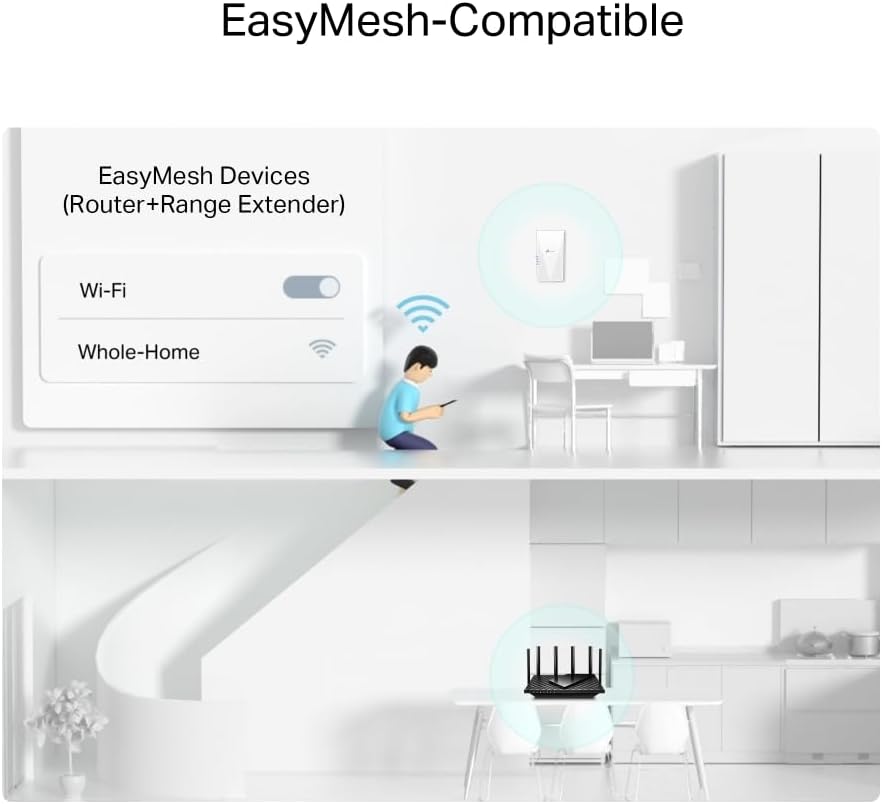
Don’t rush into it if you’re expecting guaranteed “seamless” mesh results without checking that your router is EasyMesh/OneMesh compatible as described. Also, if you’re not ready to experiment with placement, you may find extenders can only do so much when the signal backhaul is weak.
Mini FAQ
What is the TP-Link RE500X designed for?
It’s designed to extend Wi‑Fi coverage by acting as a Wi‑Fi booster/repeater, aiming to keep devices running at top speed where the main router signal struggles.
Does it support mesh networks?
The information says it supports EasyMesh compatible routers for flexible mesh creation, and it also mentions OneMesh in the description.
Is there an Ethernet port?
Yes, the product name notes a Gigabit Ethernet port, which can be useful for connecting compatible devices with a wired link.
Will it save power for battery devices?
Target Wake Time scheduling is mentioned, which is intended to reduce power consumption for battery-powered devices.
Do I need a specific router?
If you want the mesh-style seamless coverage described, then your router needs to be compatible with EasyMesh (and/or the OneMesh approach mentioned). Otherwise, you may still extend coverage, but mesh benefits may not apply in the same way.