

NEEWER GL25B 12.9" Streaming Key Light with 2.4G RT100 Remote and App Control
Product description
At a glance
If you’re setting up a webcam and want your face to look properly lit without the usual hassle, the NEEWER GL25B is aimed squarely at that “streaming key light” job. It’s a 12.9" panel designed to give a soft, even glow, with controls that are simple on the light itself and expanded with a 2.4G remote (RT100) or control via the NEEWER Live 2.4G app on a Windows or macOS computer.
On paper, what stands out is the combination of edge-emitting LED styling, a wide 2900K–7000K colour temperature range, and a dimming range of 0–100%. Add the claimed CRI 98+ for more faithful colours, plus a fanless, silent approach, and you get a light that’s more about consistent results than flashy features.
Still, it’s worth keeping expectations grounded: a desk-mounted key light can only do so much if your room is very dark or if you need dramatic, studio-style shaping. It’s a practical lighting tool for content creators who want reliable fill/key light during long sessions.
What you’ll notice in day-to-day use
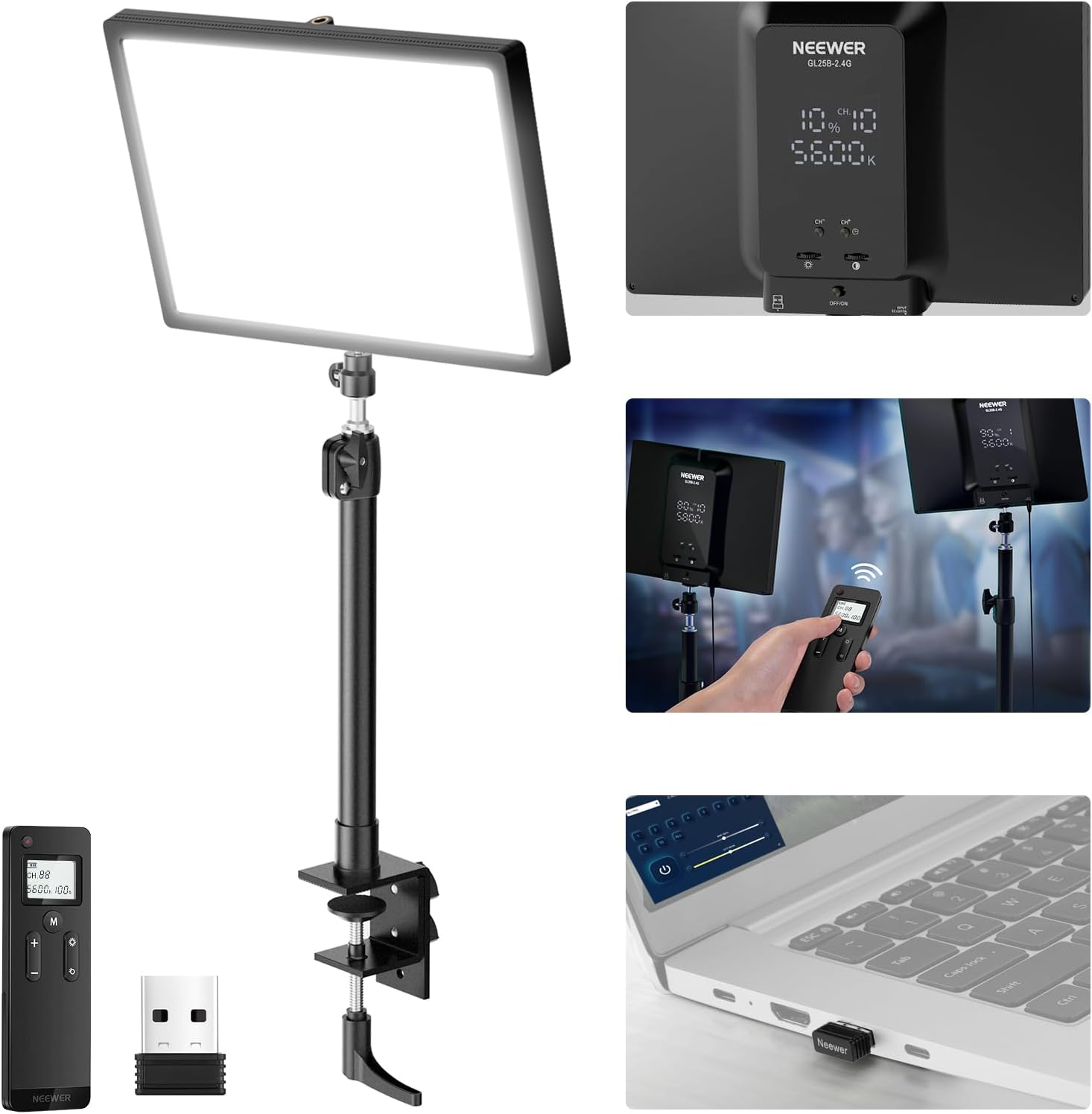
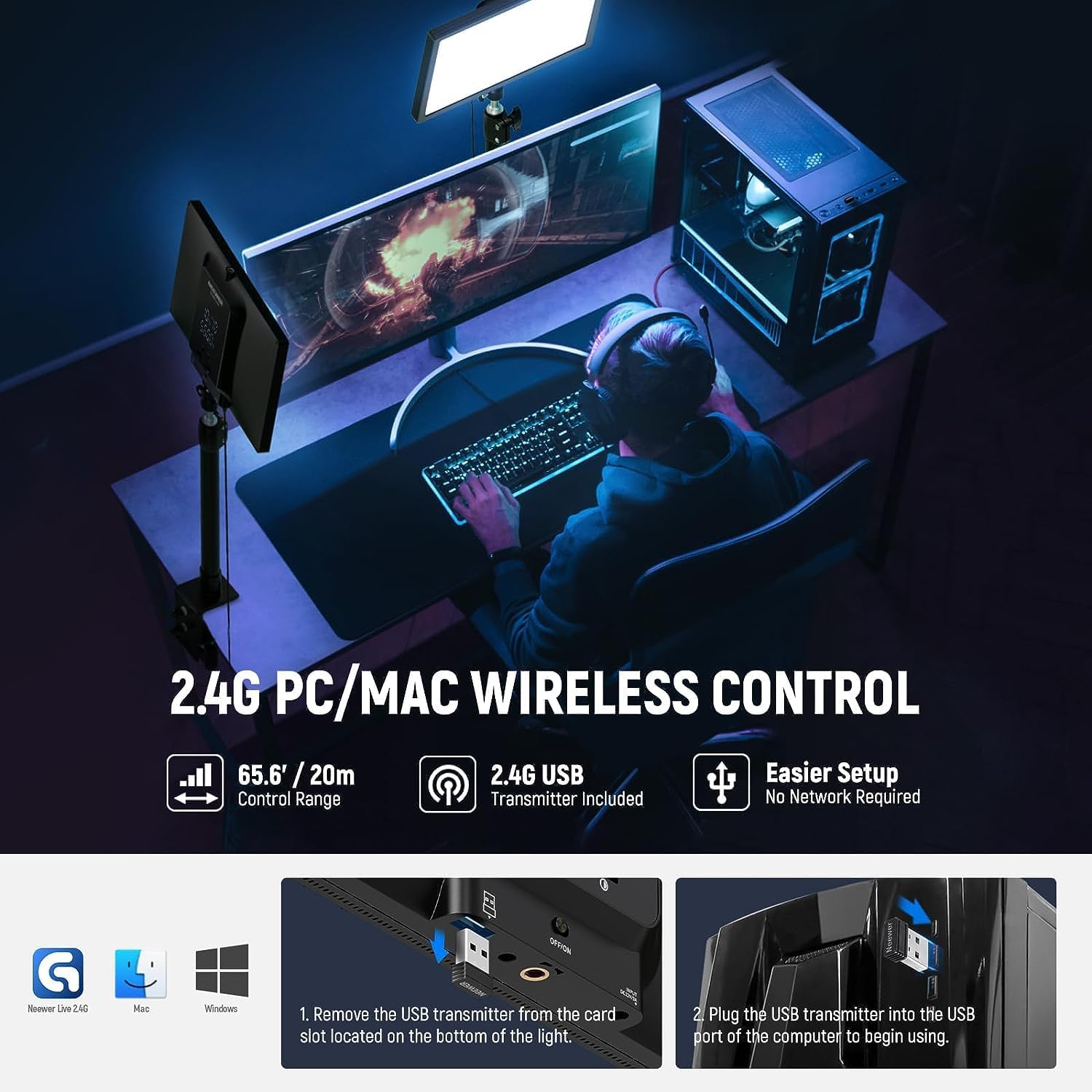
This is the kind of light that’s meant to disappear into your workflow. You can adjust settings directly on the panel, but you also get a 2.4G RT100 remote for wireless control of single or multiple lights. There’s also a more “computer-led” way to control it: remove the 2.4G USB transmitter from the light panel, plug it into a Windows or macOS laptop/desktop, then run the NEEWER Live 2.4G app (the description notes it’s designed to work without needing the internet).
A small, practical detail that matters on real desks: the adjustable desktop stand clamps to the desk edge and uses a ball head adapter. That should make it easier to aim the beam angle and tweak height without taking over your entire workstation.
Where it shines (and where it may fall short)
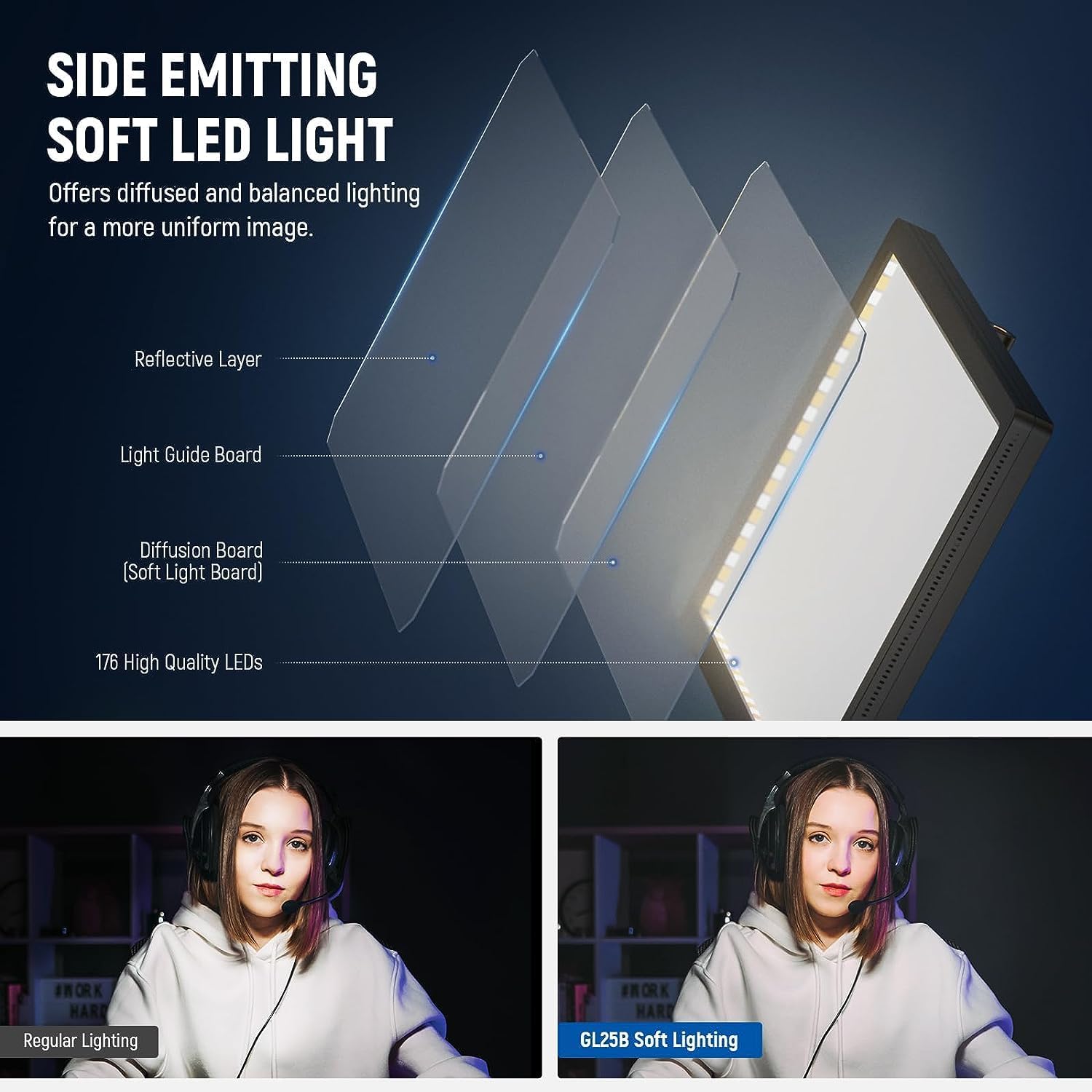
The headline benefit is the soft, continuous glow. With 176 LEDs and “edge emitting” technology, the goal is to reduce harsh hotspots and give a more gentle look on camera, which can be helpful for long video calls and live streaming sessions.
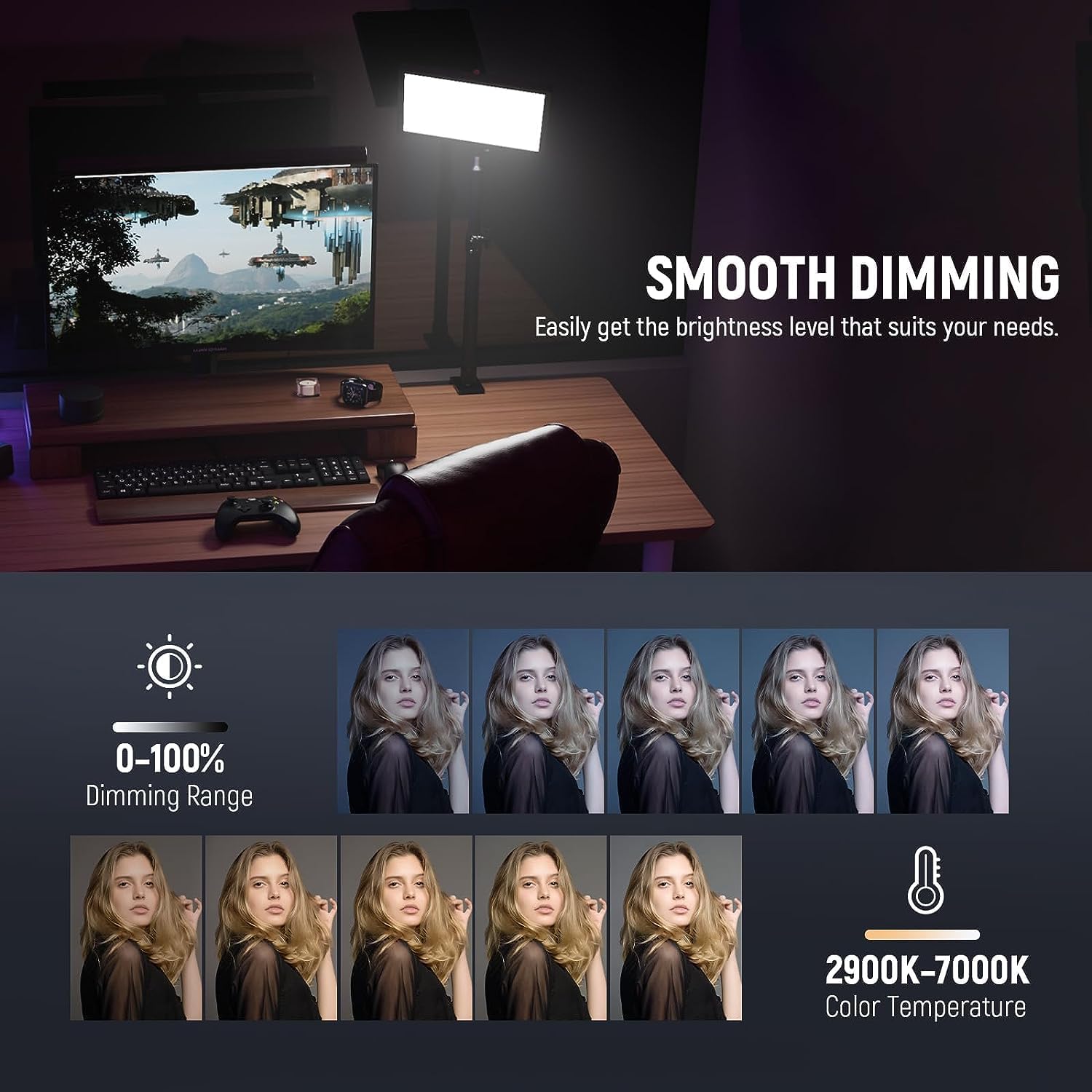
Colour control is another strong point. Being able to tune from 2900K to 7000K means you can match different ambient lighting moods, and the 0–100% dimming range is useful when you’re trying to avoid washing out your face on camera.
One limitation to consider: the maximum illuminance is specified as 2300lux/0.5m. If you tend to sit farther from the light, or if you’re lighting a larger area, you may need to experiment with placement (or accept that it’ll behave more like a fill/key hybrid rather than a high-power studio light).
Tech specs
- Name: NEEWER GL25B 12.9" Streaming Key Light
- Type: Edge emitting LED webcam/video light
- Display/Controls: Direct panel control, 2.4G RT100 remote control, and PC/Mac control via NEEWER Live 2.4G app (with USB transmitter)
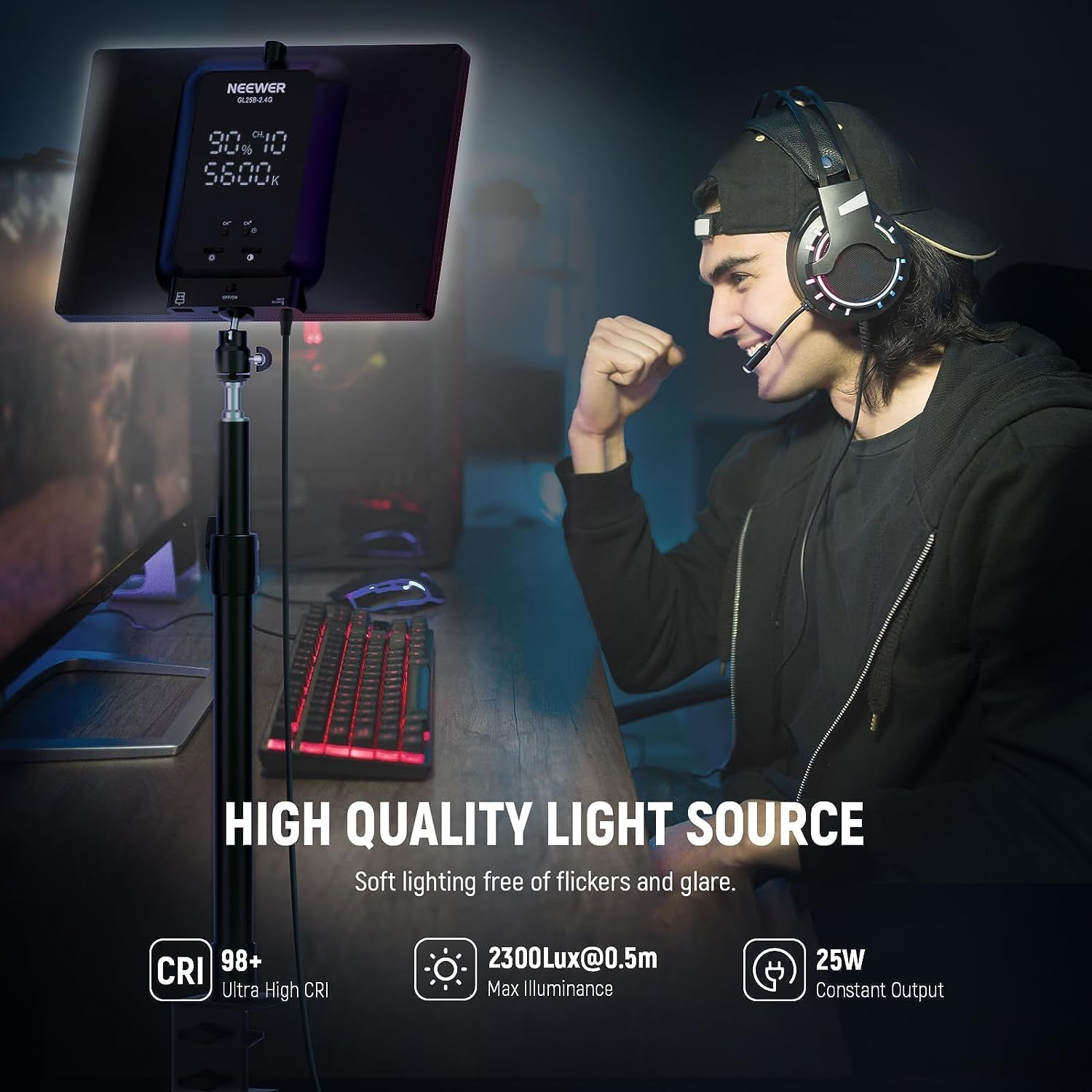
- Output power: 25W
- LEDs: 176 LEDs
- Illuminance: 2300lux/0.5m
- Colour temperature: 2900K–7000K
- Dimming range: 0–100%
- CRI: 98+
- Noise: fanless design (zero noise disturbance claimed)
- Beam/Mounting: desk stand with ball head adapter, adjustable height and beam angle tilt
- Dimensions (light panel): 268 x 188 x 37.25mm
- Weight: 623g
Getting the most from it
A common beginner mistake is placing the light too far or aimed too high, which can create shadows under the eyes or a “top-lit” look. With this being a desk edge setup, try a simple experiment: put the light slightly above eye level and angle it down towards your face, then dial brightness down until skin tones look natural.
If your room lighting is warm (like lamps) but your setup tends to drift cool, use the 2900K–7000K range to match. Even modest changes can help your camera produce more consistent colours, and the CRI 98+ rating is there to support that “colour looks right” goal.
Care & maintenance
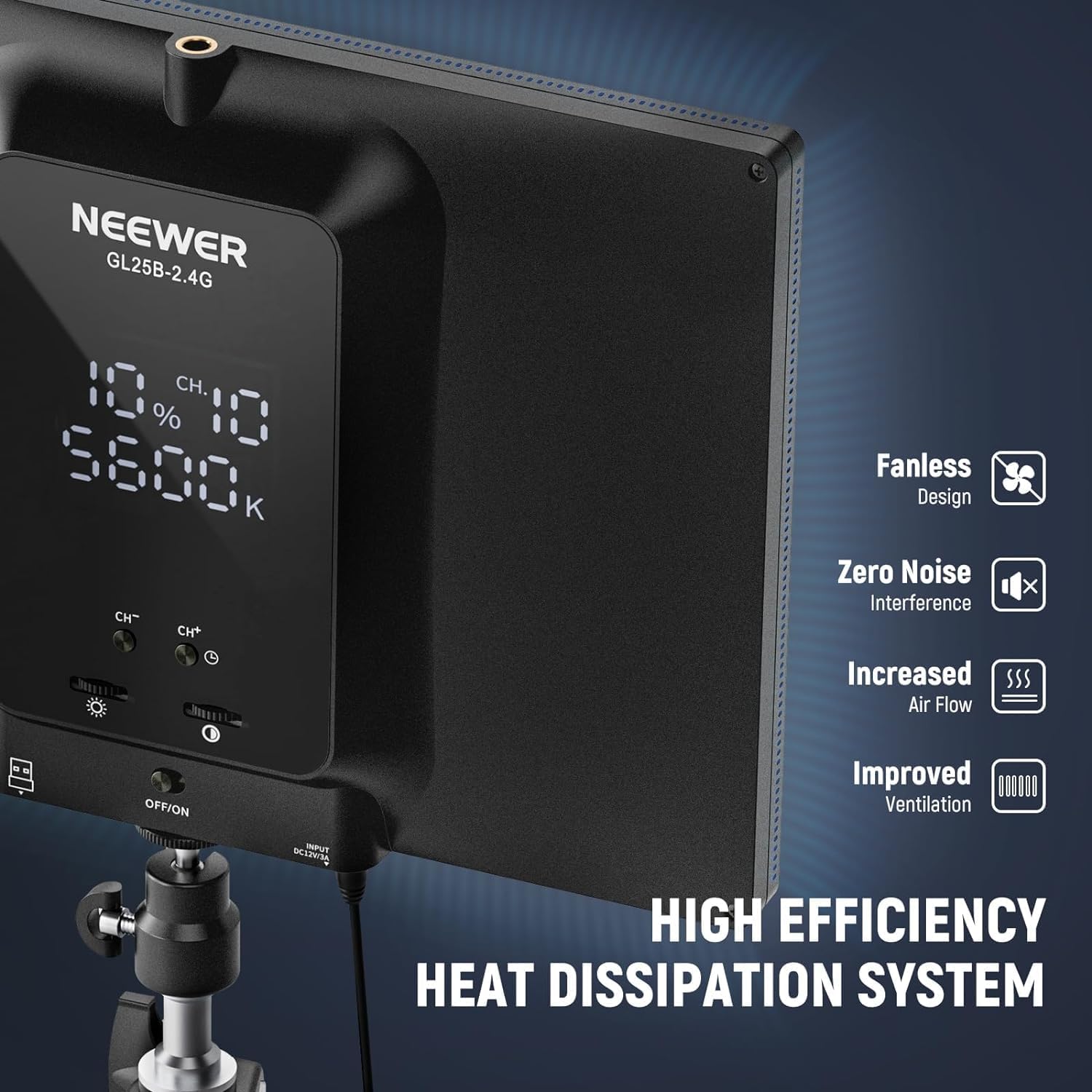
Nothing dramatic is mentioned in the provided details, but with a fanless design and vents around the frame (stated for heat dissipation), it’s sensible to keep airflow areas clear. Treat it like other on-camera lighting gear: avoid blocking vents and wipe the outer surfaces gently when needed.
FAQs
Is the GL25B controlled with a remote, or only via the app?
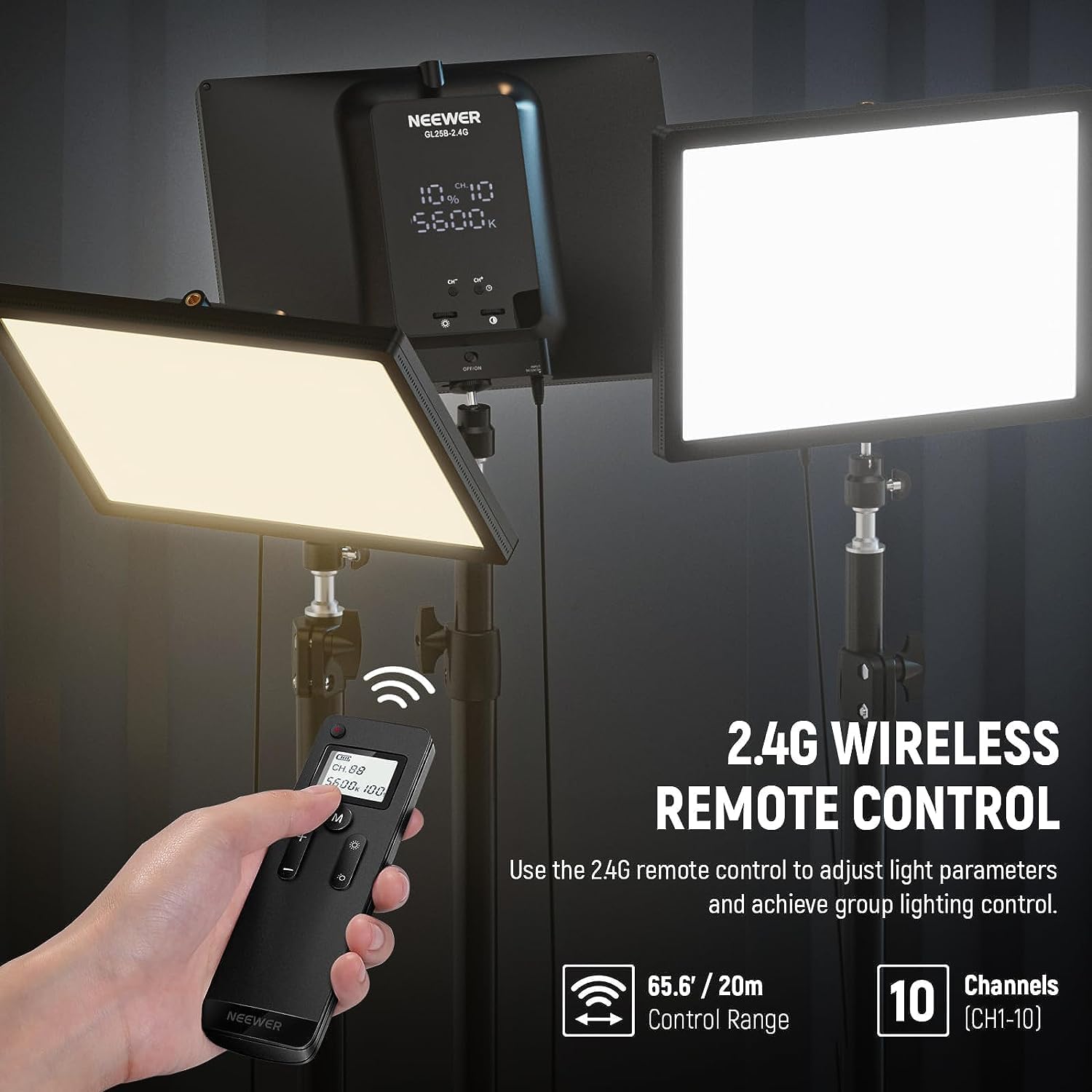
You get both options. The light can be controlled directly from the panel, and there’s also the included RT100 remote using 2.4G. For computer control, you can plug the included 2.4G USB transmitter into a Windows or macOS laptop/desktop and use the NEEWER Live 2.4G app.
Can it work without internet?
The description says app control is designed to be used without the internet, using the USB transmitter connection.
Is it suitable for long video calls?
The “silent, fanless” approach and the soft, edge-emitting glow are both positioned for extended sessions like video conferencing and live streaming.
What kind of lighting is it best at: key light or fill light?
It’s marketed as a streaming key light, but because it’s desk-mounted and the illuminance is specified at a particular distance, it may behave like a combined key/fill depending on how far you sit and how dark the room is.
Should you buy it?
Buying verdict
This is a strong pick if you want a desk-focused streaming light with soft, even glow, a wide 2900K–7000K colour range, dimming from 0–100%, and a way to control it either from the panel, with a wireless 2.4G remote, or from your computer via the Live 2.4G app without internet.
You may want to skip it if you’re expecting maximum punch from very long distances or you need lighting that’s designed for larger spaces and heavy set-building. On a typical desk setup it should serve creators well, but if your room is dim or your seating position varies a lot, you’ll likely spend more time adjusting placement than you’d like.
Worth considering if you’re doing webcam work, live streaming, or social content and you want a calmer, no-fan setup that won’t add noticeable noise into your recordings. Better avoided if you only need a quick, minimal light and don’t care about colour matching or consistent camera-friendly output.