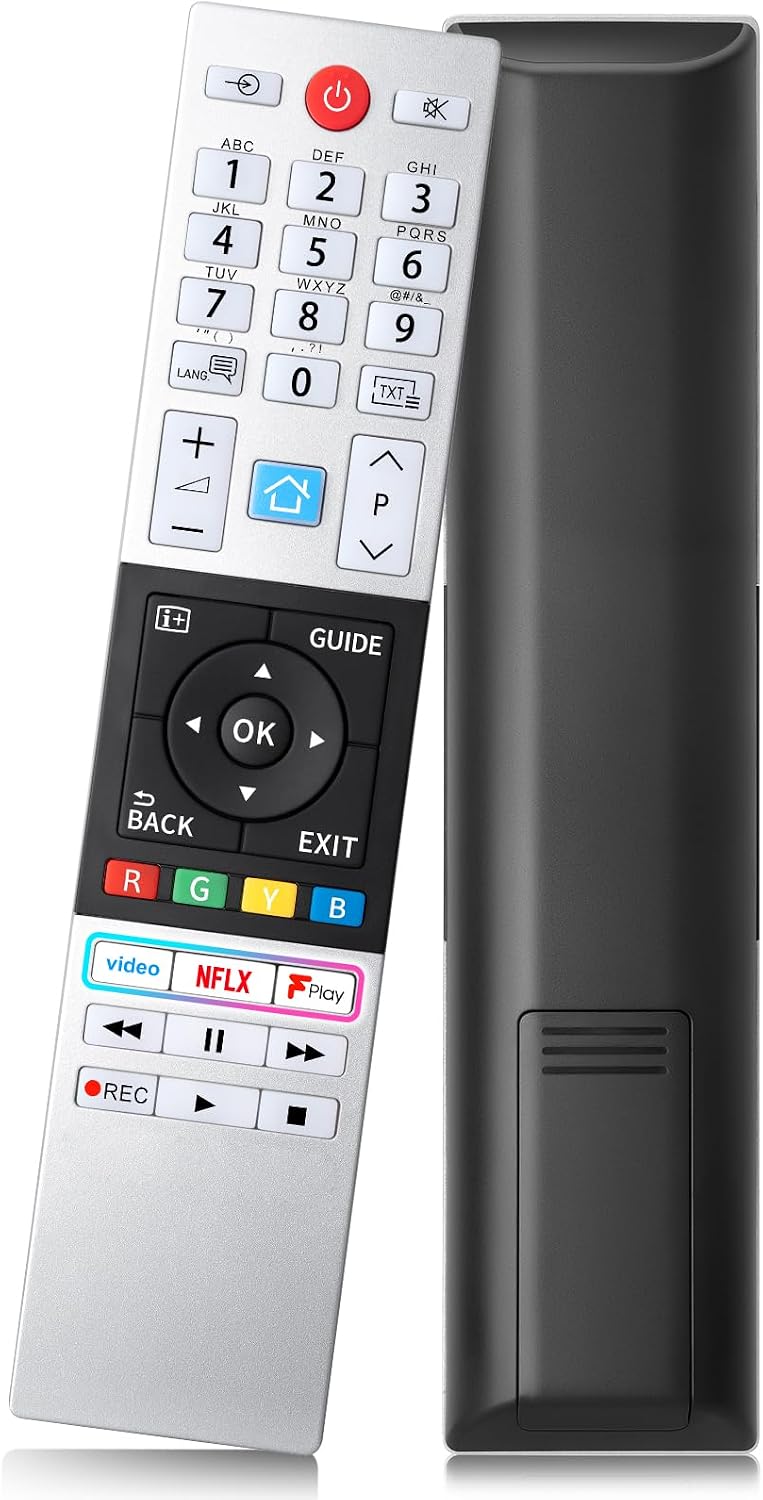
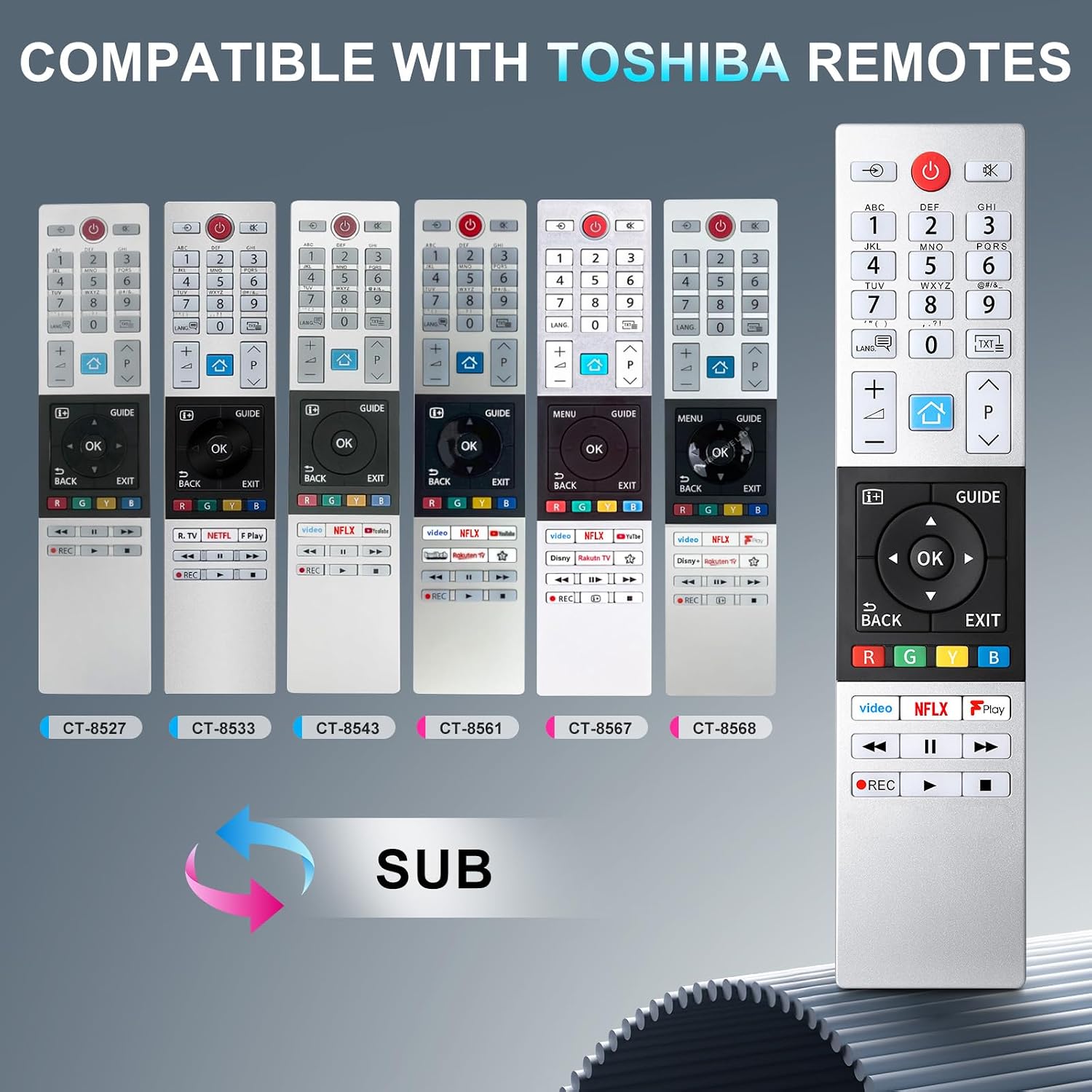
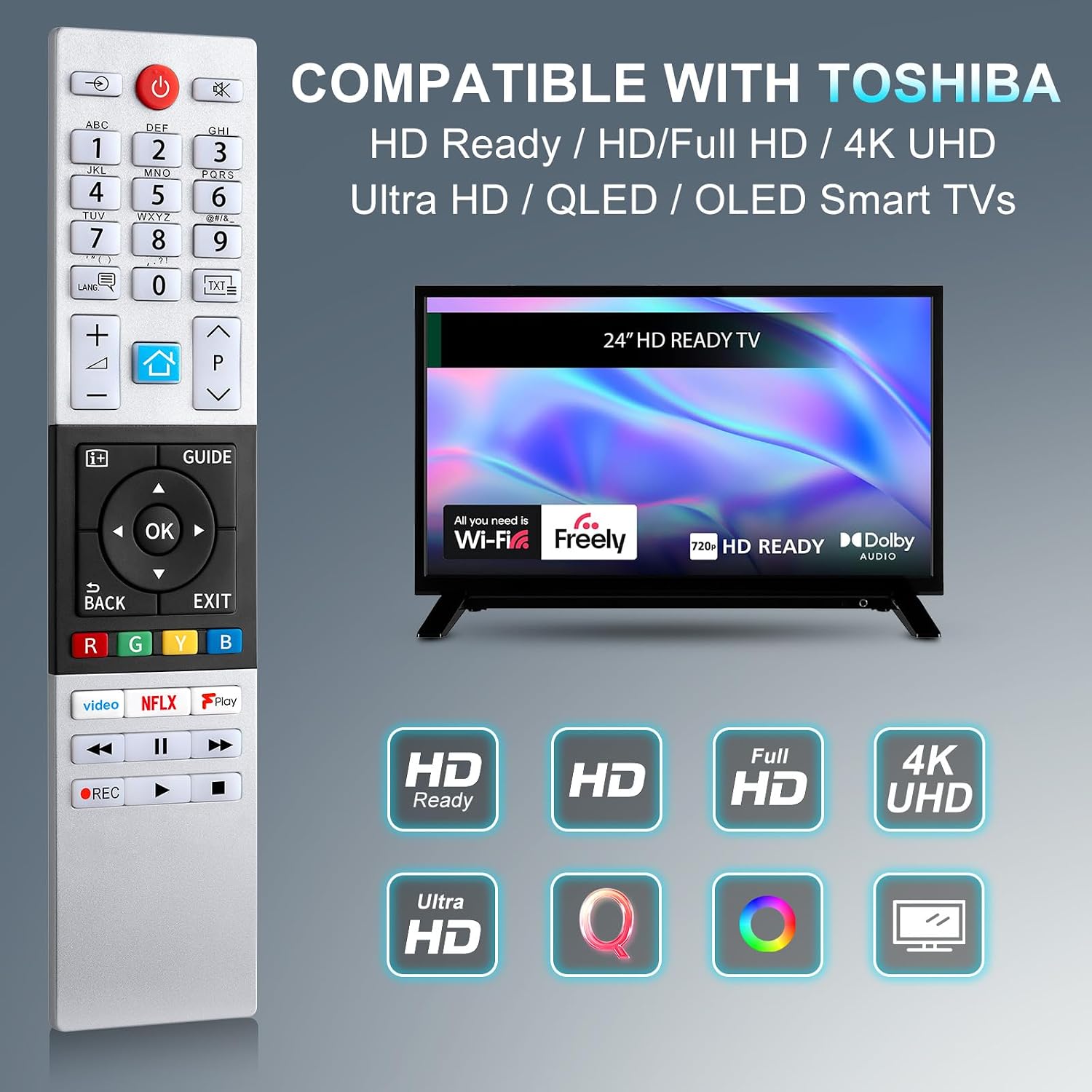
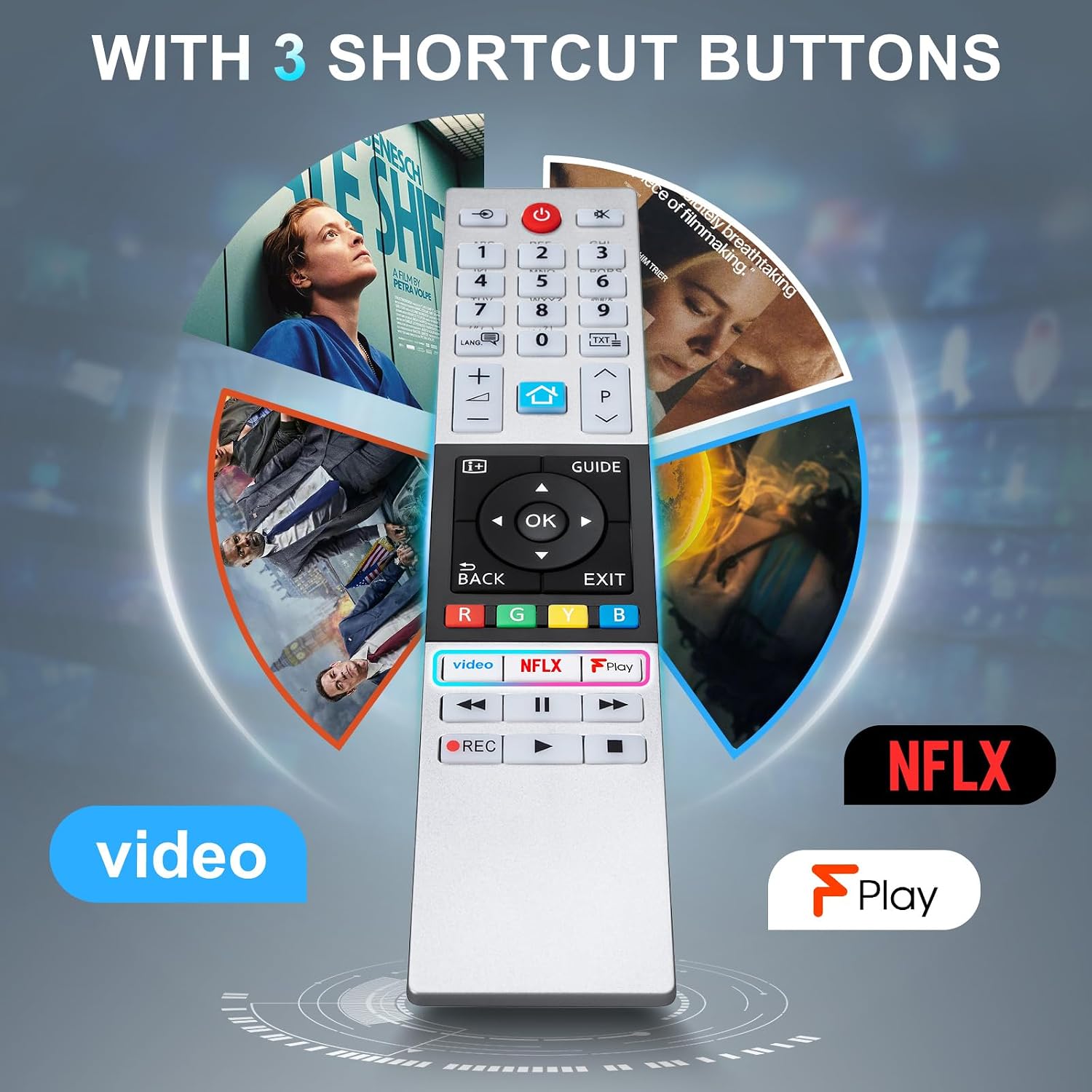
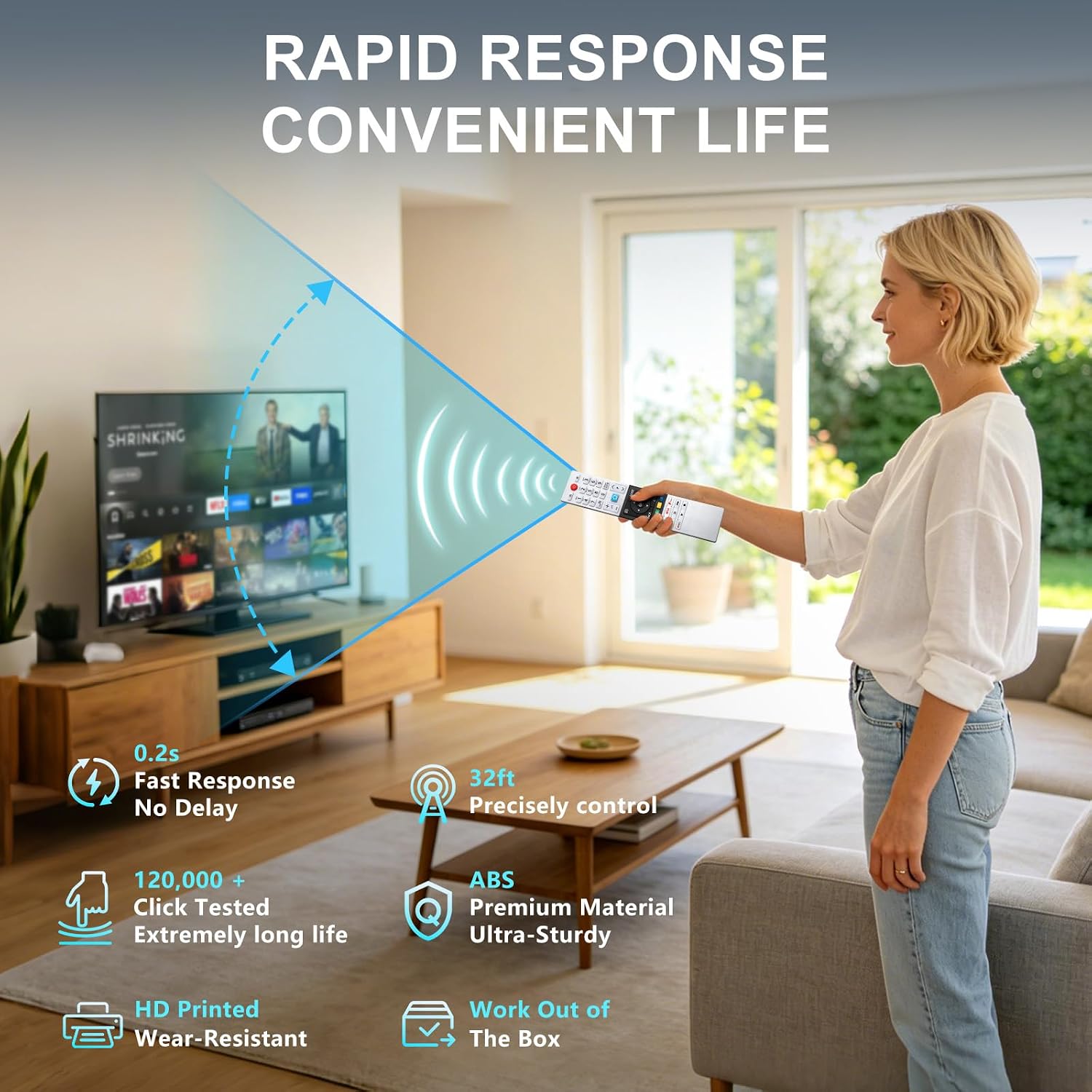
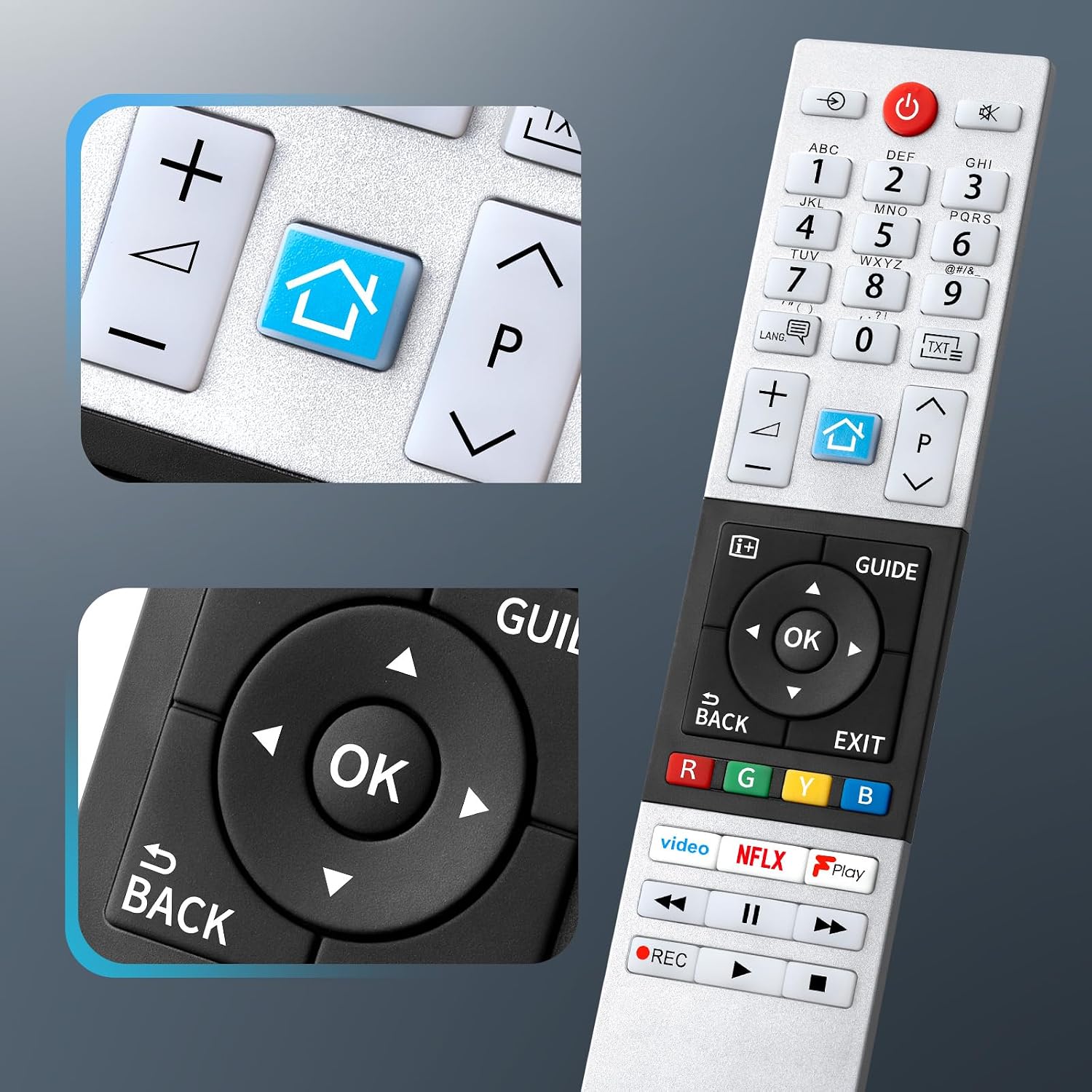
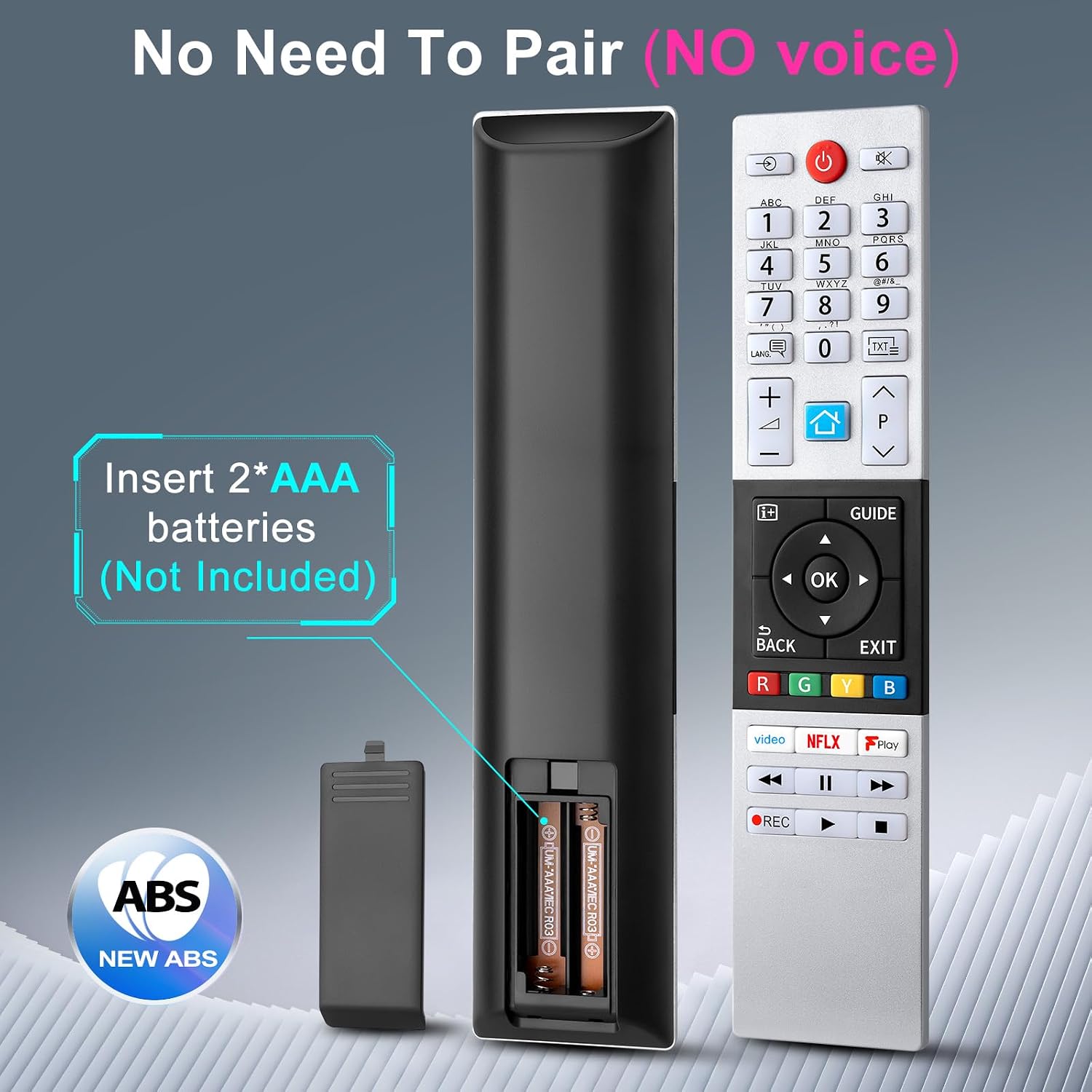
What this is and what it solves\nIf your Toshiba TV remote has given up or you simply want a spare, the CT-8541 is a universal replacement designed to work with a broad range of Toshiba HD, UHD and Smart TVs. It aims to simplify viewing with a straightforward layout and doesn’t require pairing out of the box, which can be convenient if you don’t want to mess with setup menus. The fact that it’s compatible with multiple CT-series models means you don’t have to chase a exact-match remote if your TV model gets staggered through revisions. On paper, this makes it a pragmatic option for households with more than one Toshiba TV or for users who want a drop-in replacement without extra fuss.\n\n## How it works in practice\nDesigned to take two AAA batteries (not included), the CT-8541 claims a 32 ft range and a fast 0.2-second response. There are dedicated shortcut buttons for Video, Netflix (NFLX) and Play to help you reach your content quickly, which can save time navigating menus during a busy evening. In day-to-day use, that means fewer taps to start what you want to watch.\n\n## What stands out, and what might not\nOn the upside, the no-pairing requirement and wide compatibility offer real convenience. The shortcuts are helpful for common streaming tasks, and the 32 ft range is modestly reassuring for sofa-to-TV use. However, the description notes it is a “NO Programmed” remote, so you may rely on the manufacturer’s compatibility list rather than more advanced features that some premium remotes offer. It’s also worth noting that, as with any universal remote, strict compatibility will depend on your exact TV model and firmware.\n\n## Who it’s for\nThis CT-8541 is suited to Toshiba owners who want a cost-effective, straightforward replacement that covers several popular CT models and uses a familiar layout. If you prioritise quick access to streaming apps and a simple, plug-and-play experience, it can be a sensible pick for a spare or a dedicated living-room control.\n\n## Who might want to skip it\nIf you rely on advanced remotes with personalised buttons, extensive smart-home integration, or voice control, this model may feel limited. It also isn’t described as programmable, so users who expect custom button functions may prefer a different option. It’s not the best choice if you need a highly customised remote for a specific Toshiba model not listed here.\n\n## What to check before buying\nConfirm your Toshiba TV is within the compatible series and models listed, and note that batteries are not included. If your model rests near the edge of compatibility, a quick test or a cautious purchase with a return option is sensible. Consider whether you value dedicated shortcuts for video, Netflix and play, or if you would rather have a universal remote with broader control options.\n\n## How it compares to other approaches\nCompared with a dedicated original remote, this CT-8541 trades perfect, brand-specific replication for affordability and convenience in a single, broadly compatible unit. If you own multiple Toshiba sets or want a spare remote that covers several CT model iterations, this approach can offer reasonable value. If you expect advanced programming or voice control, you may still wish to look at more feature-rich alternatives.\n\n## Practical usage example\nPicture this: you’re unwinding after a long day and want to jump straight into your favourite show. You grab the CT-8541, press the Netflix shortcut, and you’re straight into streaming without hunting through menus. It’s not perfect for every scenario, but it reduces the number of taps in a typical viewing session.\n\n## Final buying decision\nIs it worth it? Worth considering if you want a simple, drop-in replacement for a range of Toshiba TVs and you value quick access via dedicated shortcuts without setup. It’s less ideal if you need extensive button customisation or advanced remote features. For many households, a spare CT-8541 could be a practical addition that saves time and avoids a longer search for an original remote.\n\n## FAQ (practical questions)\n- Will this remote work with my Toshiba TV? It covers a wide range of models listed in the compatibility notes, check your exact model against those references.\n- Do I need to programme or pair it? No pairing is required, just insert batteries and use.\n- What if the shortcuts don’t behave as expected? The shortcuts are designed for common tasks, if something isn’t working as intended, confirm the model compatibility and battery installation.\n- How long will the remote last between battery changes? Battery life isn’t specified, with typical use and standard alkaline batteries, it should be reasonable for daily streaming.