

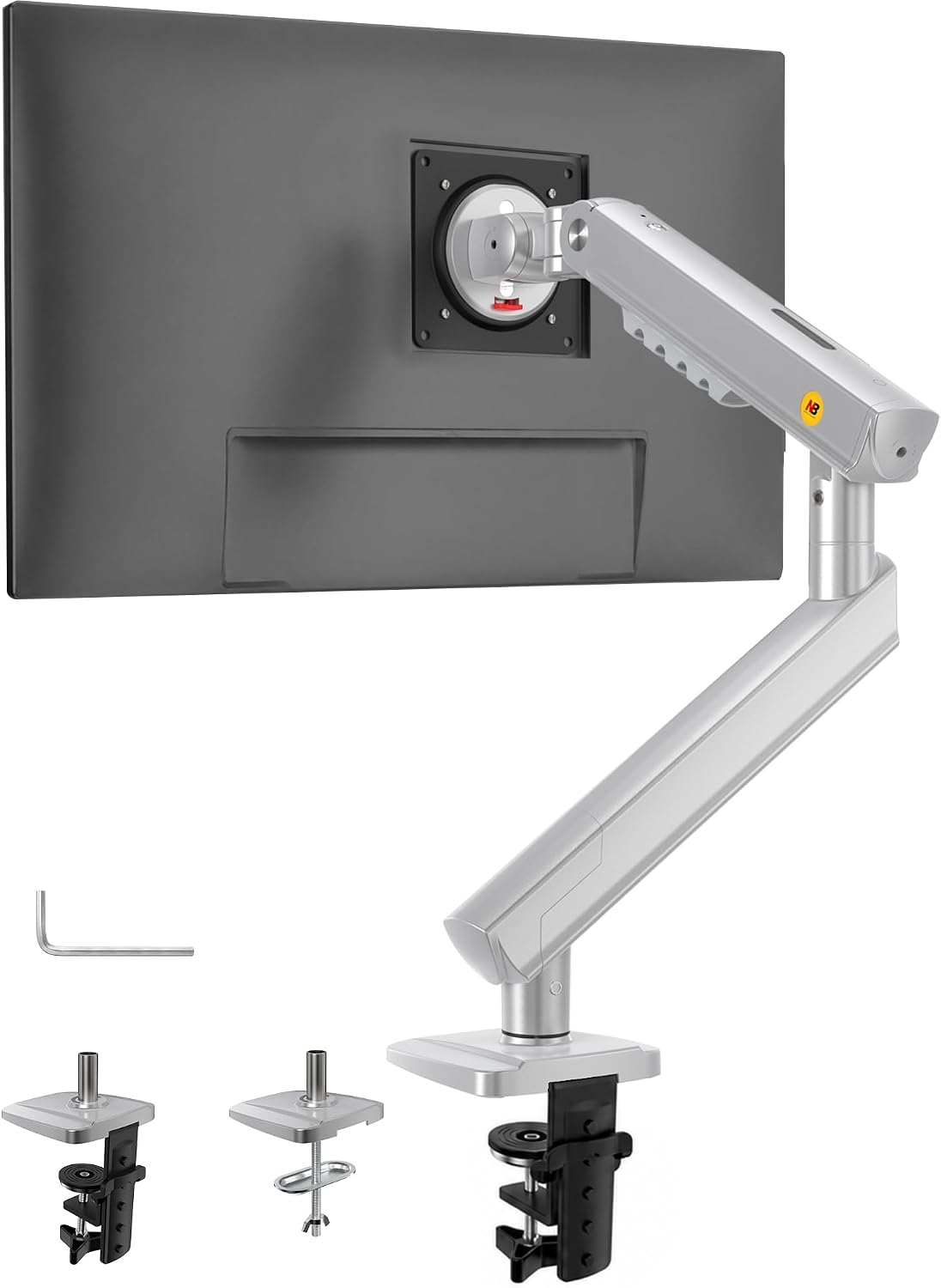
NB Ergonomic Monitor Arm for 17–32 inch Displays (Up to 9 kg) with Mechanical Spring – VESA 75/100 mm, Black
Product description
What it is and what it solves
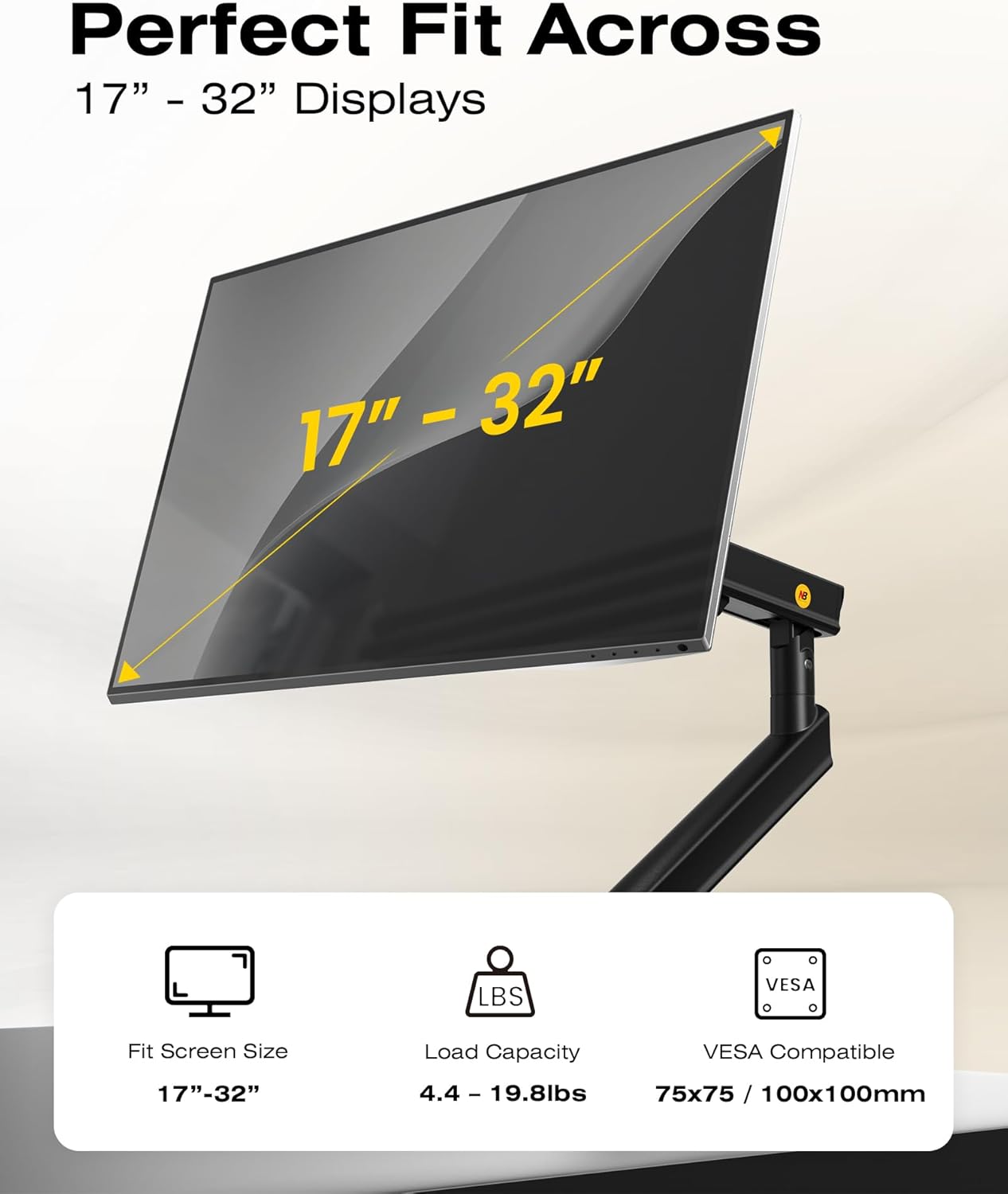
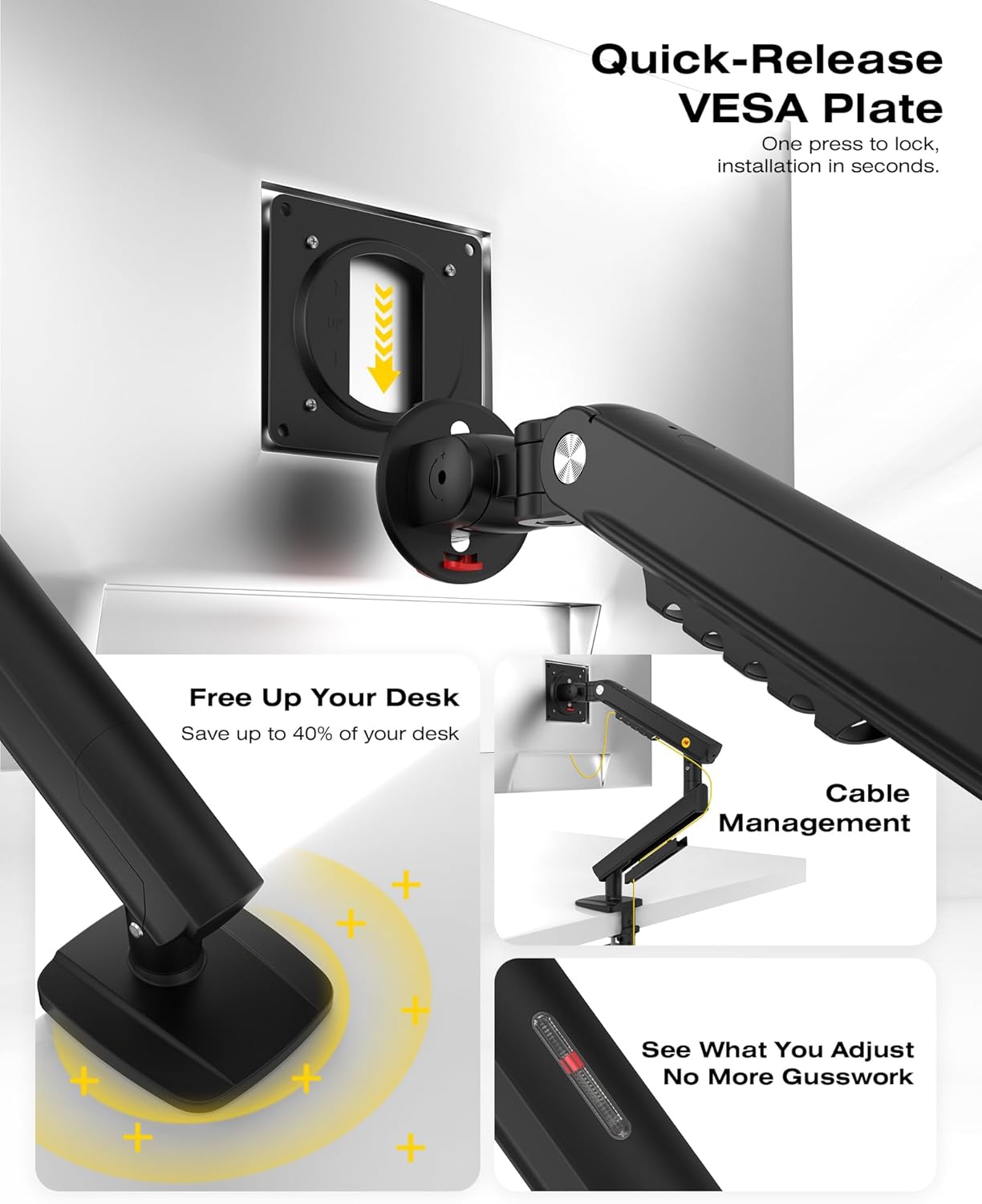
The NB Ergonomic Monitor Arm is a mechanical spring mount designed for small to large computer screens from 17 to 32 inches. It aims to lift your display to eye level and reduce neck strain, while offering a compact, space‑saving footprint. On paper, the core upgrade from gas to precision mechanical springs promises steadier support with less risk of sagging over time. If you’re looking to declutter your desk and improve posture during long sessions, this arm is positioned as a practical, budget‑minded option rather than a premium, feature‑packed solution.
How it’s built and what you can mount
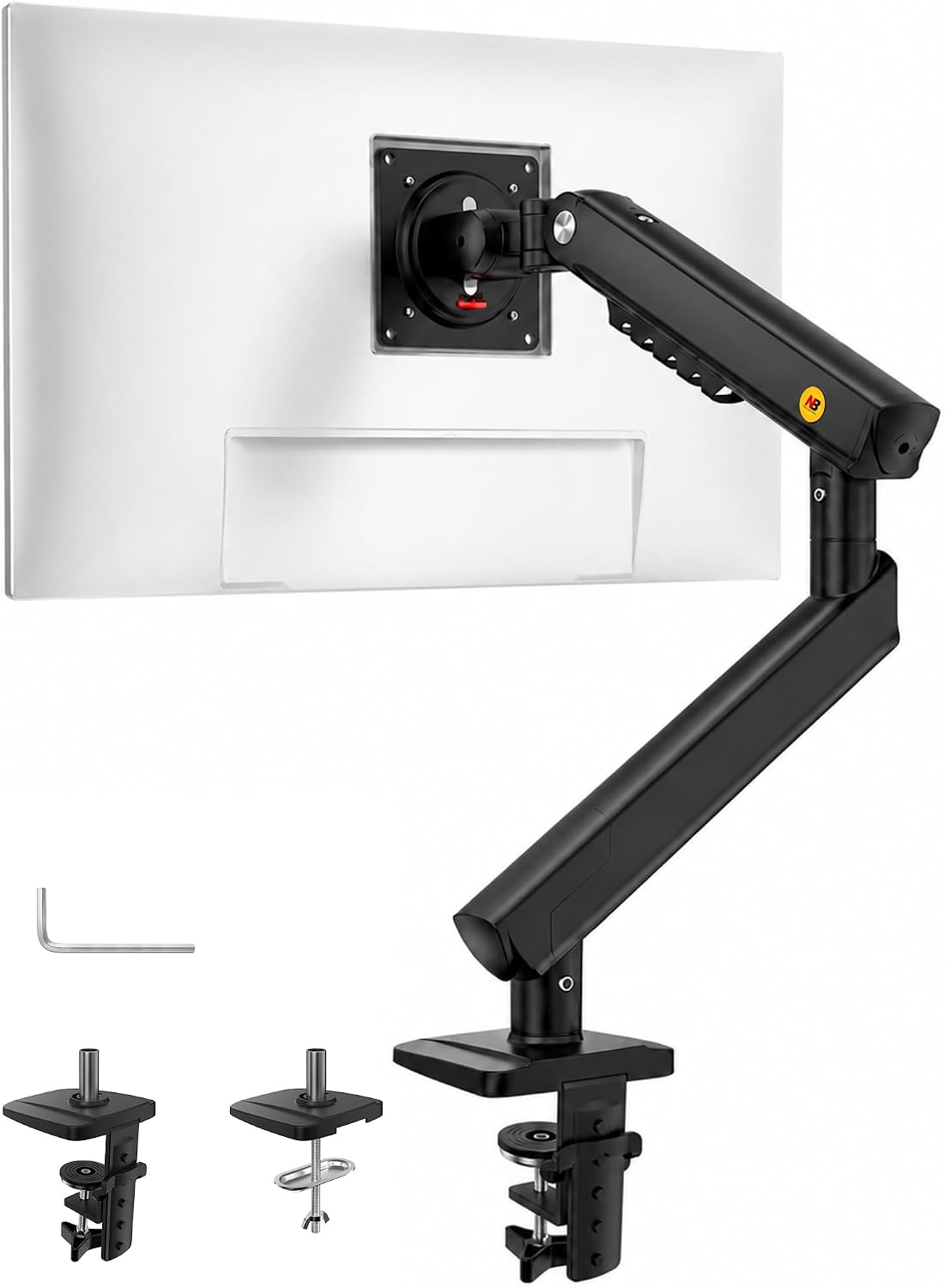
This model supports VESA mounting patterns of 75 x 75 mm and 100 x 100 mm, compatible with a wide range of mainstream monitors. The stated load capacity is up to 9 kg, which covers most standard business and home office displays. The build is described as slimmer and sturdier than earlier iterations, with upgraded joints intended to yield a more solid feel in day‑to‑day use.
How you install it
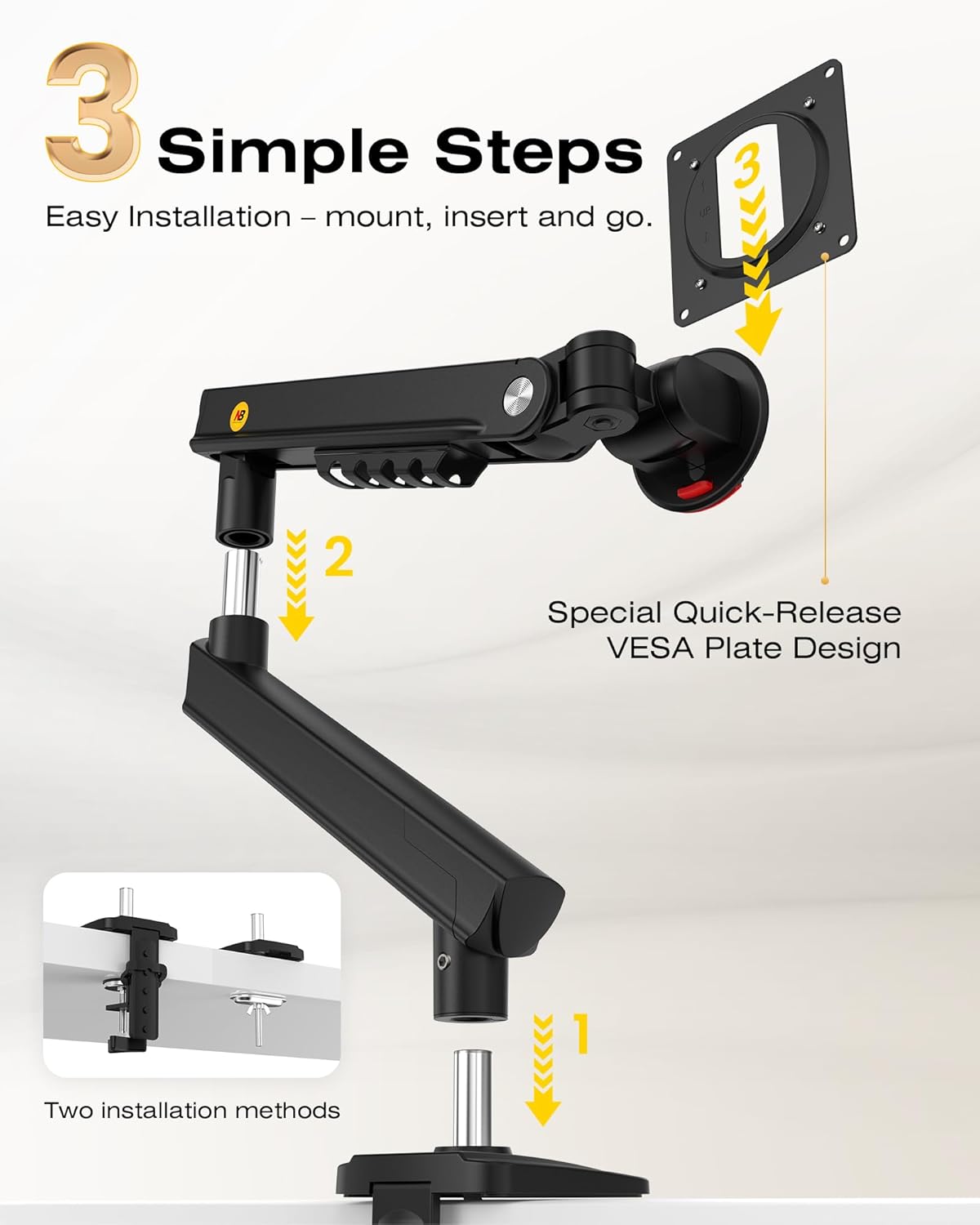
The three‑step installation is pitched as straightforward, aiming for solo setup in about five minutes. You can fix it via a C‑clamp or a grommet base, which makes it flexible for different desk types. If you’ve shied away from more complex mounting solutions, this one is described as simple enough to get up and running without dedicated tools.
How it moves and supports your workflow
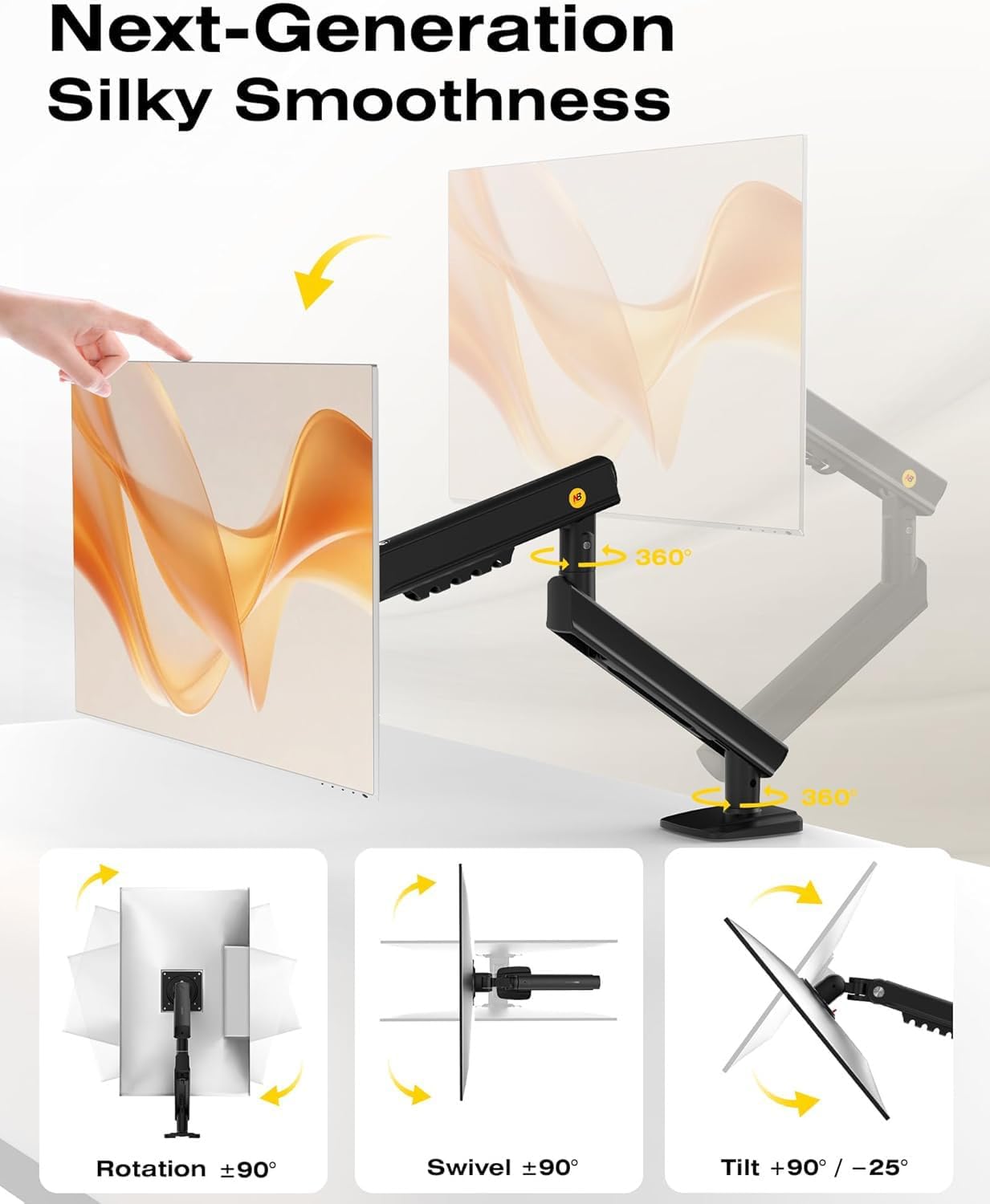
Key movement features include 360° rotation, a tilt range from −25° to 90°, and a height travel of 230 mm. In practical terms, you should be able to position the screen at eye level and adjust for comfortable viewing angles during coding, design, spreadsheets, or multimedia tasks. The combination of rotation, tilt, and height adjustability is useful for switching between tasks and collaborators, though the extent of movement may feel modest on very large or unusually mounted screens.
Pros and what to watch out for
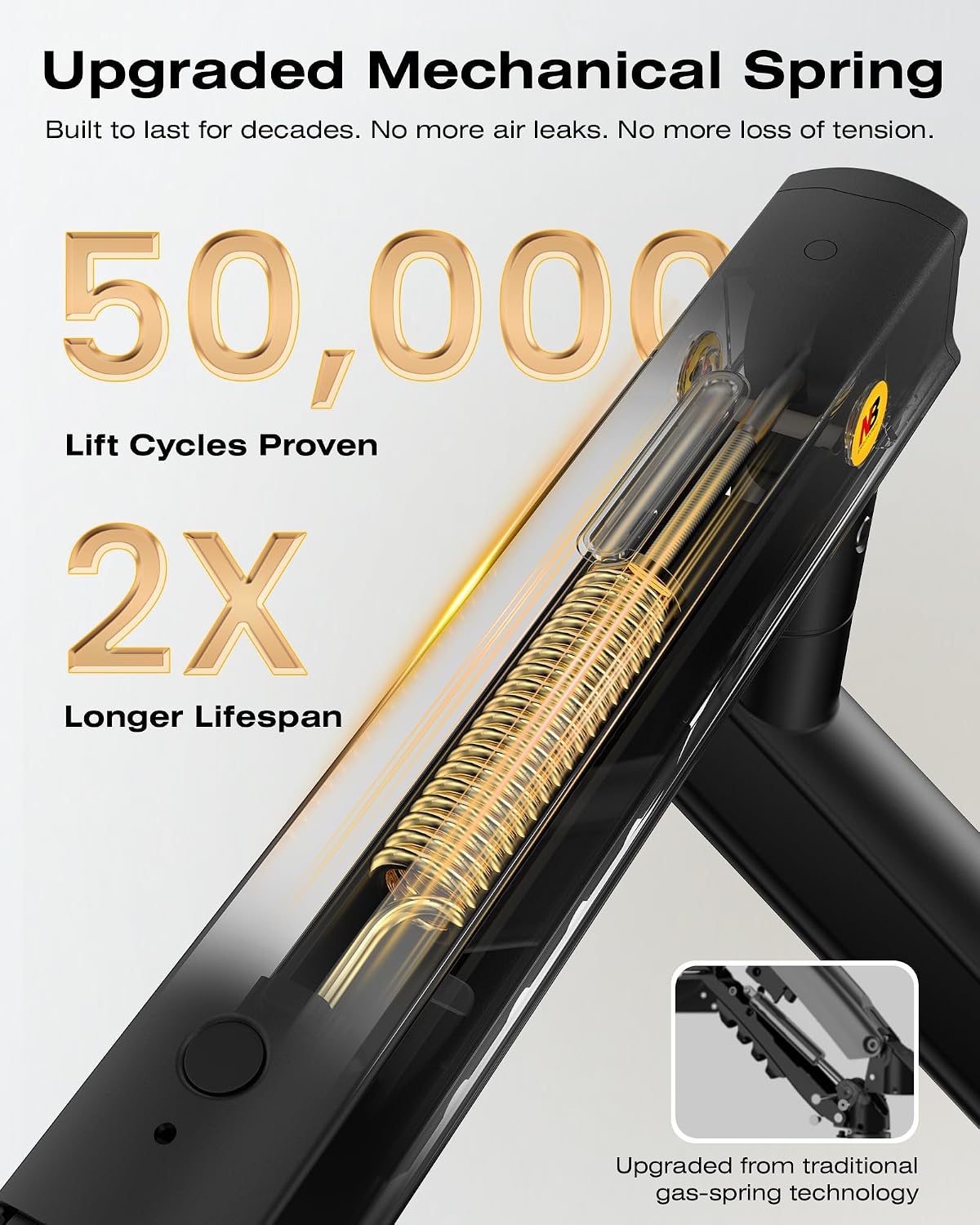
On the plus side, the shift to a mechanical spring means a quieter, more predictable action with less risk of gas‑charged sag over time. The compact form helps with smaller workspaces and reduces the wall‑block effect common with bulkier arms. On the downside, you’ll want to check that your monitor weight sits comfortably under the 9 kg limit and that your desk can accommodate either a C‑clamp or grommet base. The claimed 230 mm travel is practical, but if you frequently re‑position monitors across extreme distances, you might notice a limited range compared with high‑end alternatives.
Who it’s for
This NB arm suits home offices and light‑to‑regular office setups where a clean desk, improved ergonomics, and straightforward installation matter more than top‑tier servo motion. If you prioritise a no‑fuss addition to a desk without breaking the bank, it’s worth considering. It may be less ideal for users seeking desktop depth clearance beyond standard layouts or for very heavy, uniquely shaped monitors that approach the upper end of the weight limit.
When it makes sense to buy
If you want a practical upgrade to posture without hefty expense, and your monitor size sits within 17–32 inches with a weight under 9 kg, this arm offers a balanced blend of adjustability and simplicity. It can also help you reclaim desk space and improve collaboration by bringing screens to a more natural viewing height.
When you might hesitate
If your setup requires extreme lateral reach, heavy or non‑standard VESA configurations, or you frequently swap between multiple monitors, you may prefer a model with more expansive motion or higher load capacity. Also, ensure your desk and mounting options align with the offered base types.
What to check before buying
- Confirm your monitor’s weight and VESA pattern (75 x 75 mm or 100 x 100 mm).
- Verify desk compatibility with either C‑clamp or grommet base.
- Consider your typical viewing distance and whether the 230 mm height travel covers comfortable positions for you.
- Think about future monitor upgrades within the 17–32 inch range and weight limit.
Practical usage snapshot
Imagine swapping between a coding session and a video call: you rotate the screen to a collaborator’s eye level, tilt slightly for glare control, and then tuck it back for a clean, focused desk feel. The simple 5‑minute setup means you can test different heights and angles without committing to a fixed, wall‑heavy mount.
What it means in practice: alternatives and context
Compared with more elaborate arms, this NB model leans into value and ease of use. If you’re weighing between a basic desk stand and a dedicated arm, the NB solution offers meaningful ergonomic gains with notably less mess on the desk. For users who want high‑end tracking and micro‑adjustments, a more premium mount with longer reach or higher weight tolerance would be worth exploring, but that often comes with a higher price tag.
Final decision
Is it worth it?
If you prioritise straightforward installation, a respectable weight range, and a view that aligns with a natural eye line, this NB Ergonomic Monitor Arm is worth considering. It sits more in the practical, mid‑range category than as an aspirational premium piece, which suits many daily uses.
Quick FAQ
- Will it fit my monitor? It supports 17–32 inch displays with VESA 75 x 75 mm or 100 x 100 mm.
- How heavy can my monitor be? Up to 9 kg, which covers most office displays.
- How easy is the setup? Described as a 3‑step installation that can be completed in about five minutes.
- Can I install it on a standing desk? The description mentions C‑clamp or grommet base, which is compatible with common desk configurations.