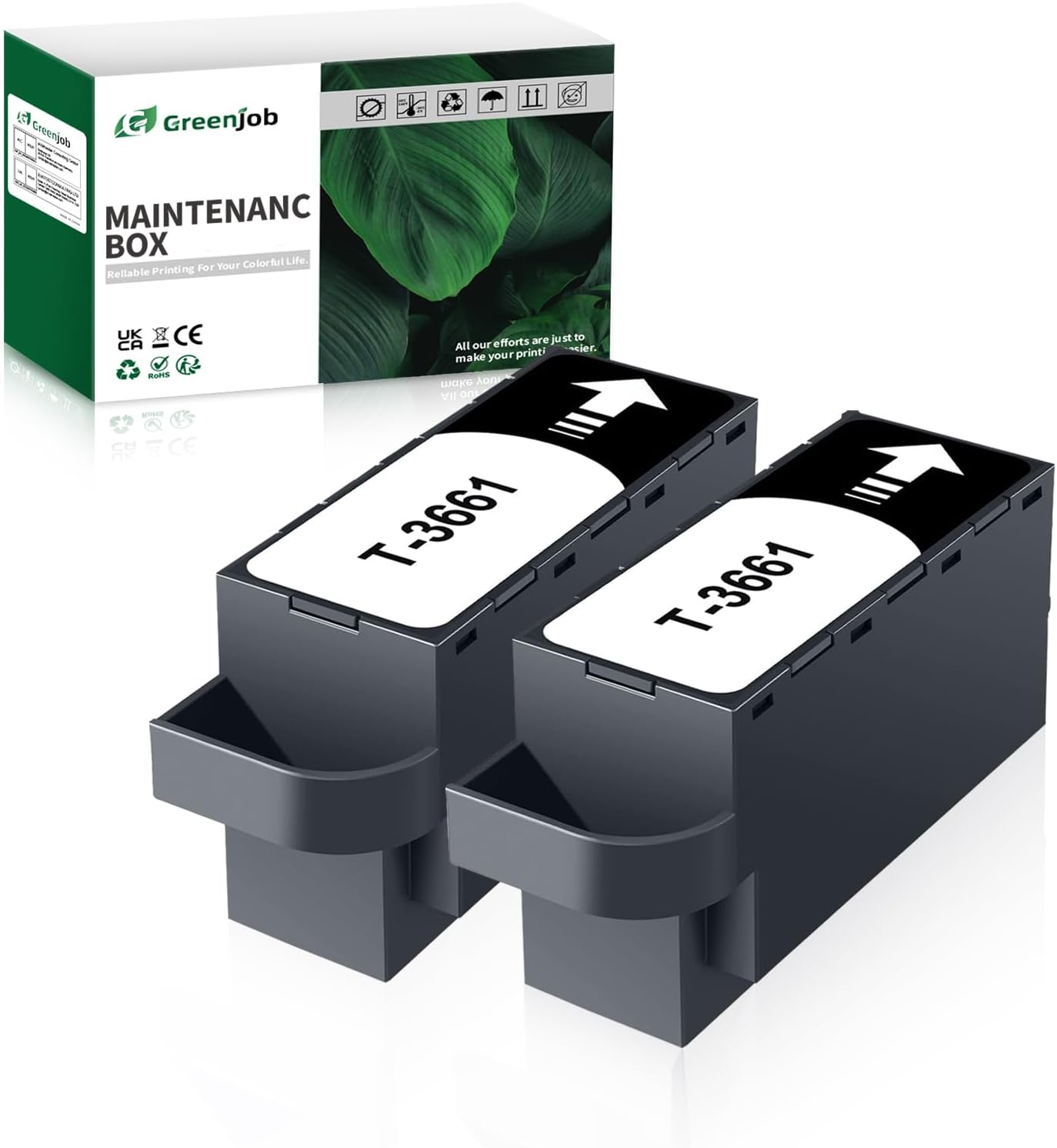
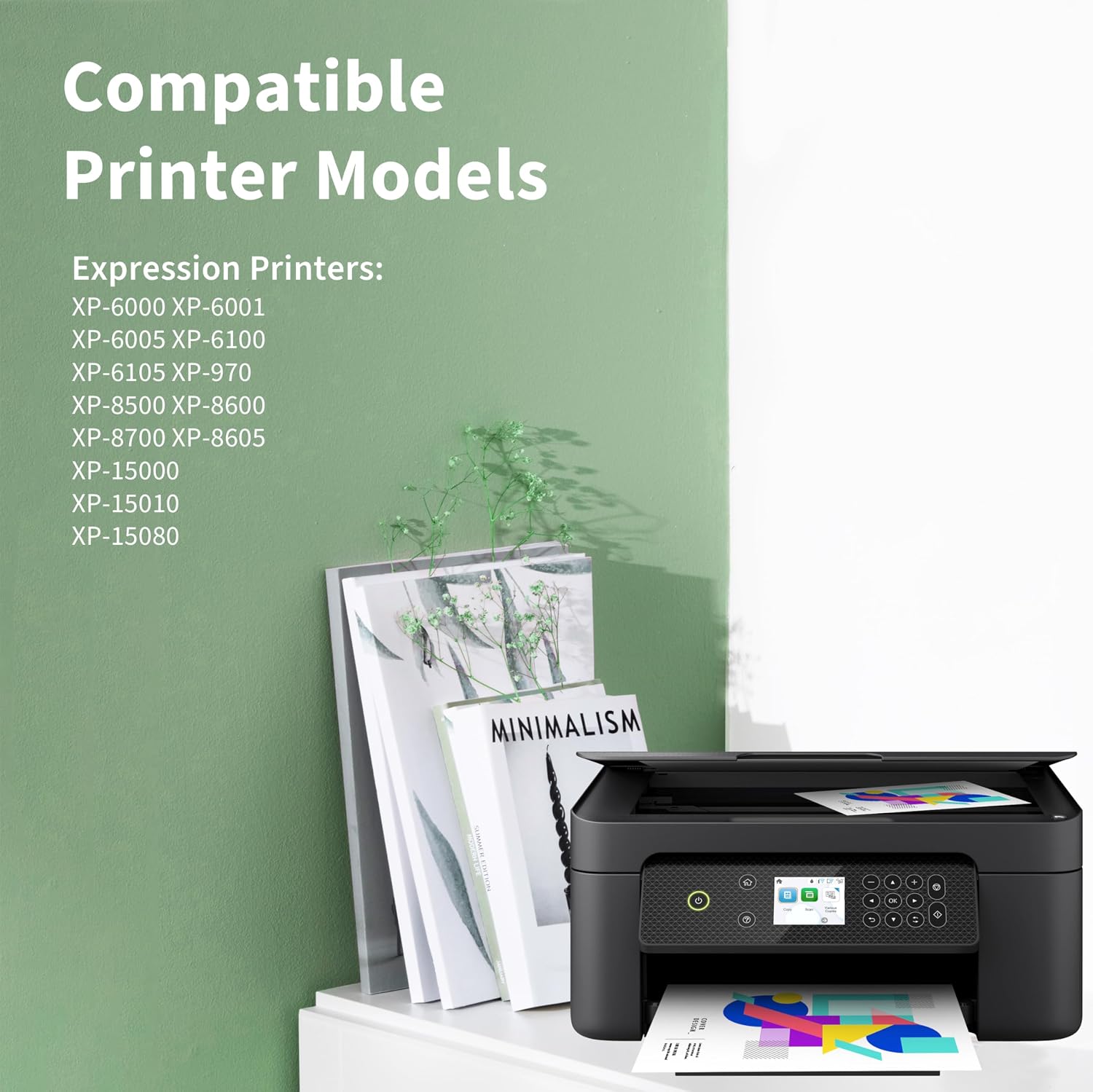
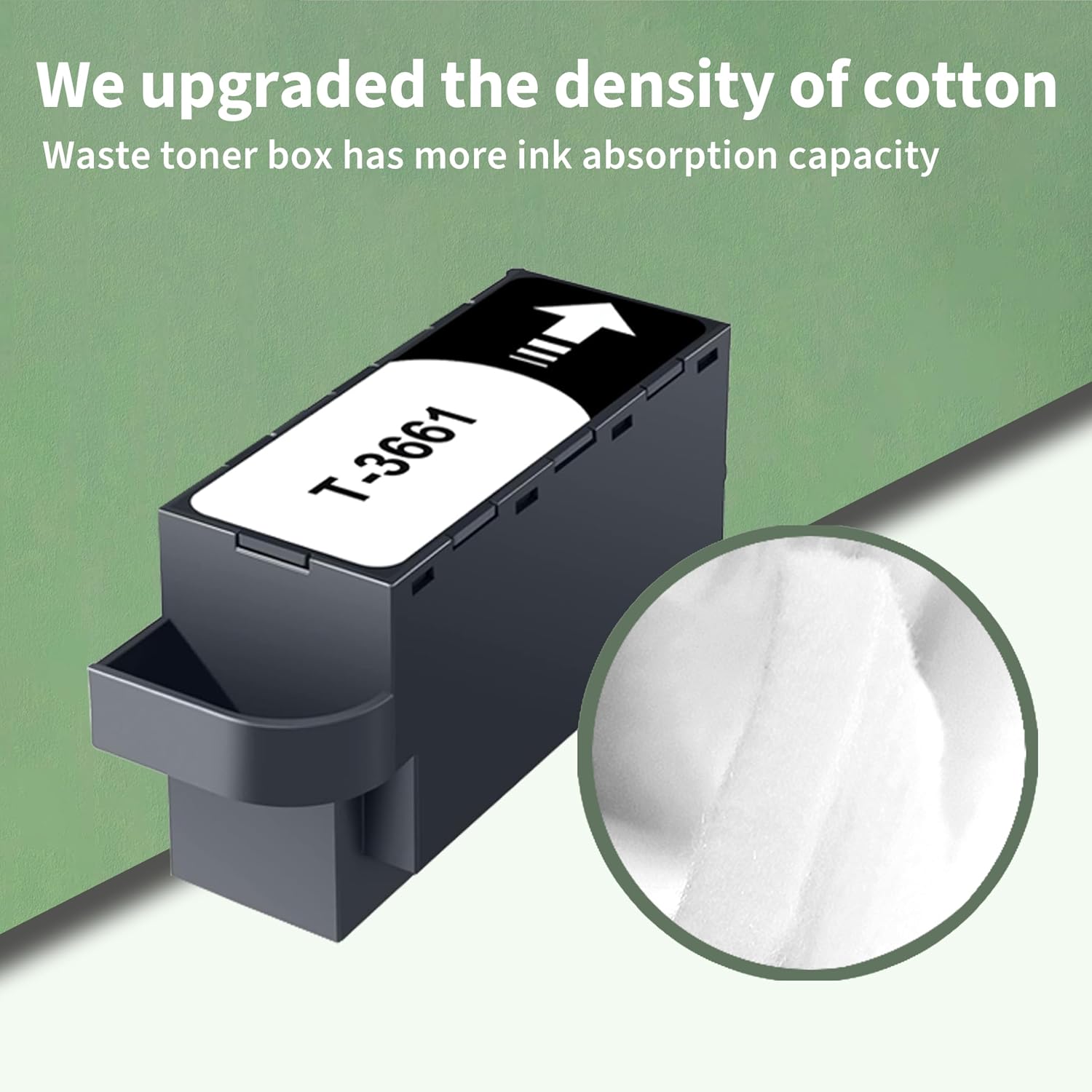
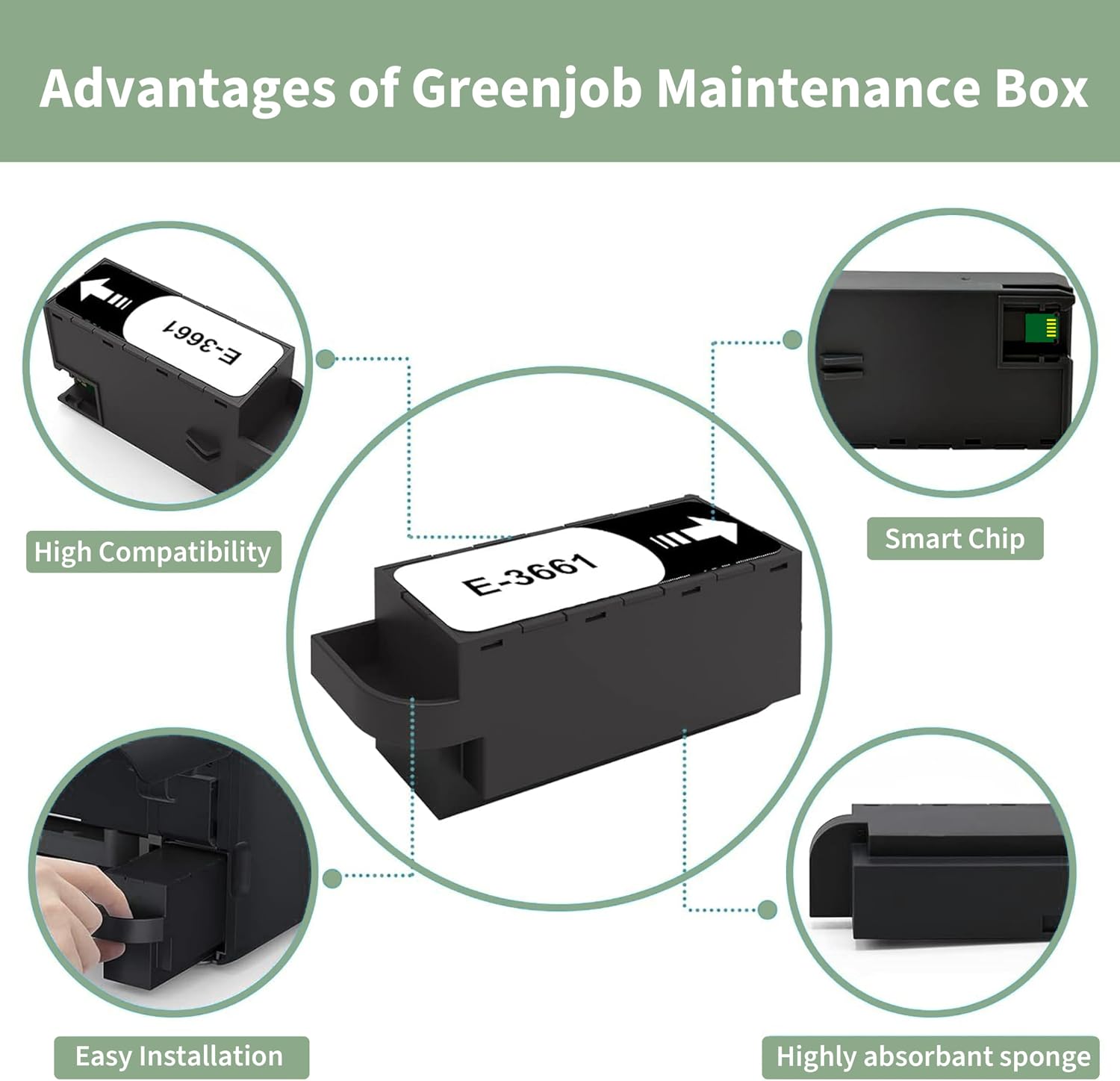
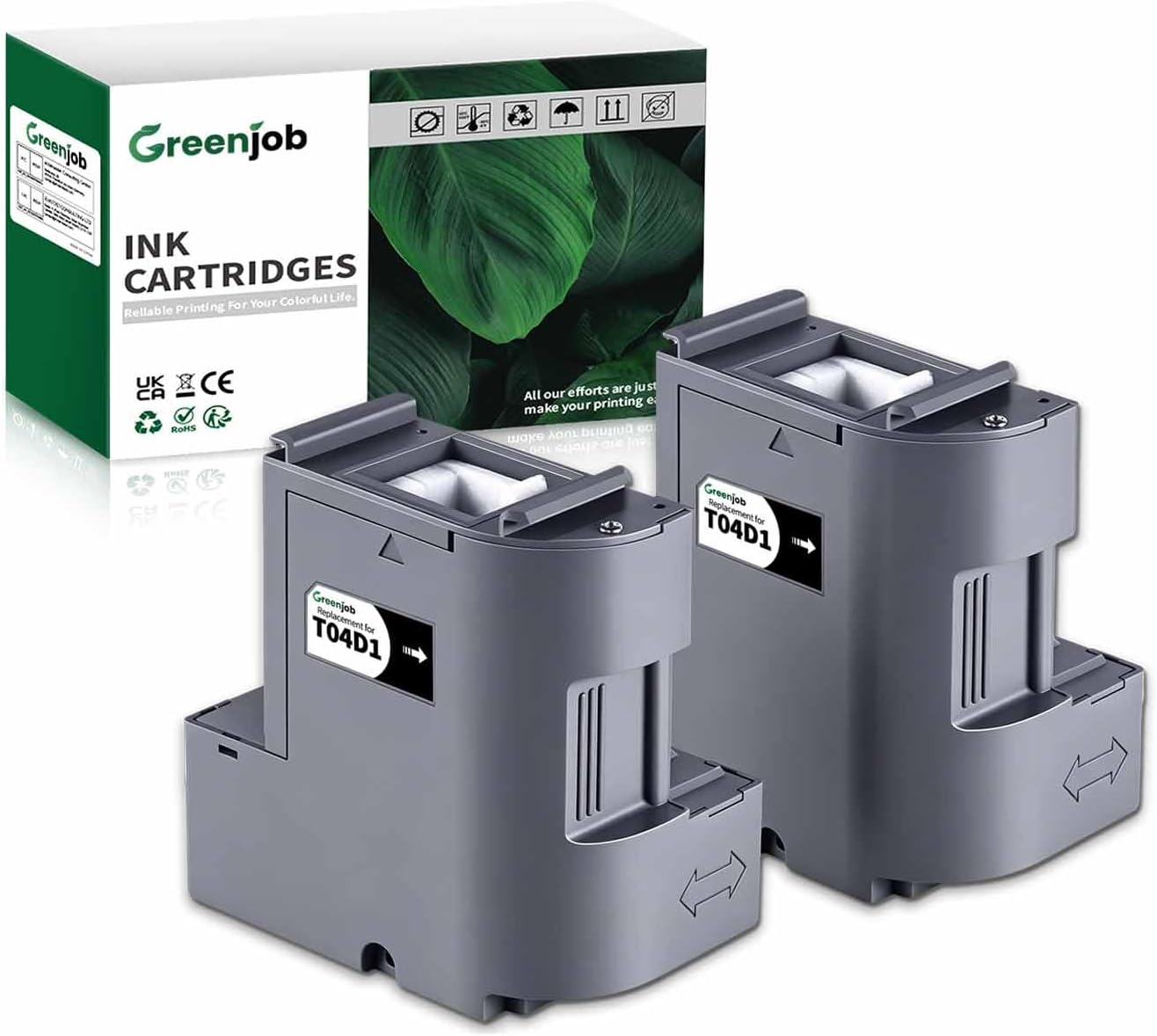
What this is and what problem it solves\nThe Greenjob T3661 Maintenance Box is a non-original replacement maintenance solution designed to work with certain Epson printers. It targets the routine maintenance cycles printers require to manage ink-cleaning and flow, which helps keep printheads in better condition between full service tasks. On the page you’ll find a 2-pack that includes the latest chip update, intended to be used with specific Expression and XP- series models. On paper, this kind of accessory can reduce downtime from maintenance tasks and may offer a lower-cost alternative to OEM parts.\n\n## Compatibility and what to expect\nThe stated compatibility covers Expression Premium XP-6000, XP-6001, XP-6005, XP-6100, XP-6105, and Expression Photo XP-8500, XP-8600, XP-8605, XP-8700, XP-970, XP-980, XP-15000, XP-15010, XP-15080 printers. If your device falls within this list, the Greenjob option is positioned as a drop-in replacement that ships as a two‑pack with updated chips. It’s important to note that this isn’t an original Epson part.\n\n## How to install safely\nFor best results, switch off your printer before installing the T3661 / C13T366100 maintenance box and avoid touching the chip during handling. Following these cautions helps prevent misreads or errors that could interrupt a job.\n\n## Strengths and trade-offs\nOn the plus side, a two-pack with a recent chip can be convenient for households or small offices that want continuity of maintenance supplies without frequent ordering. It’s positioned as a value option, which may appeal if you’re comfortable with third‑party components. On the other hand, being non-original, it may not be guaranteed to deliver identical long-term reliability or compatibility confidence for every unit. If you prioritise OEM assurance, this may feel less robust.\n\n## Who it’s for\nThis maintenance box is likely to suit printers in the Epson XP- and Expression series owners who are managing ongoing maintenance cycles and looking to extend intervals between official replacements, provided they’re comfortable with non‑OEM parts. It’s also convenient for users who prefer to keep a spare kit handy.\n\n## When it makes sense to buy\nIf you’re already using compatible maintenance boxes and want a dual-pack option with a newer chip, and your model aligns with the listed printers, this product can be a sensible choice. It’s sensible to assess your current maintenance routine and whether you’re ready to commit to non‑original components.\n\n## What to check before buying\n- Confirm your printer model matches the compatibility list.\n- Ensure you’re prepared to handle non-original parts and follow the installation guidance.\n- Be aware of the potential difference in long‑term reliability compared to OEM parts and factor this into your budgeting.\n\n## Practical use example\nImagine you’ve got a busy home office print workflow and you need to maintain print quality without waiting on OEM stock. Having a two-pack on hand means you can replace the maintenance box during a routine service window and keep working with minimal disruption, assuming the printer recognises the component as compatible.\n\n## FAQ (based on available information)\n- Q: Is this an original Epson part? A: No, it is described as a compatible/third‑party maintenance box.\n- Q: How many boxes are included? A: The listing specifies a 2-pack.\n- Q: What models does it support? A: The compatibility includes a range of Expression Premium and Expression Photo XP printers listed above.\n- Q: Should I remove the old box first? A: The guidance implies you should power down the printer before installation.\n\n## Is it worth it?\nWorth considering if you want a cost-effective, non‑OEM maintenance supply and your printer model is on the compatibility list, provided you accept the trade-offs of third‑party components. If you prioritise OEM compatibility certainty or require guaranteed long‑term reliability, you may want to weigh alternatives.