

GPC Image 131X Compatible Toner Cartridges (HP 131X) for HP LaserJet Pro 200 Colour MFP — 4-Pack (Black, Cyan, Yellow, Magenta)
Product description
The essentials
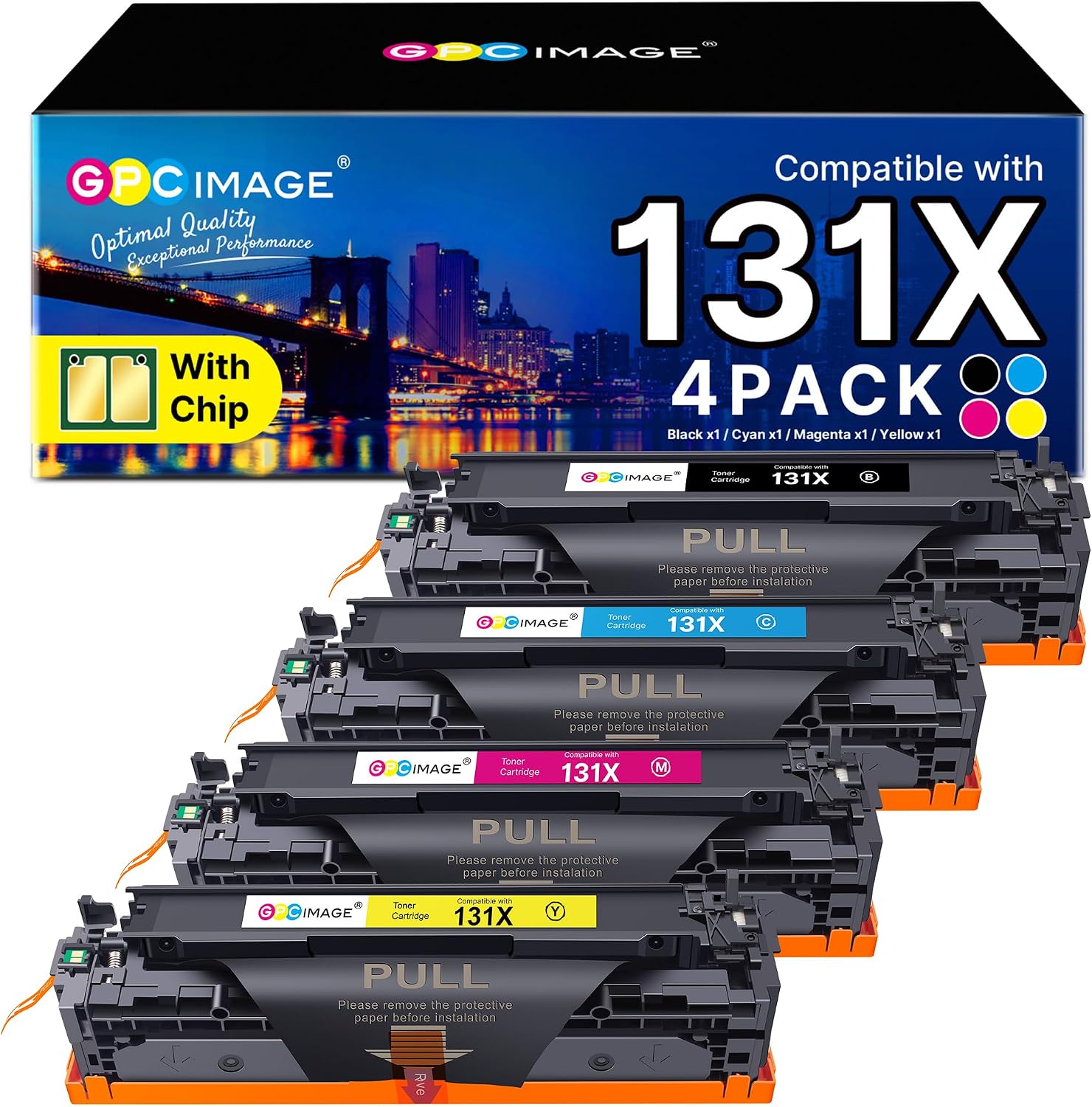
If you’re running an HP LaserJet Pro 200 colour MFP and you want a straightforward way to keep printing without paying for an original cartridge, this GPC Image 131X compatible 4-pack is aimed squarely at that. It’s a non-original set for HP 131X systems, supplied as Black, Cyan, Yellow and Magenta, each with a chip.
On paper, the big appeal is simple: you get the full colour range in one go, plus Black, so you’re less likely to be stuck waiting for a single replacement. The stated yields also give you something to work with for budgeting, particularly if your print jobs are mostly everyday documents with typical coverage.
That said, “compatible” can be a bit of a spectrum. Depending on how your printer handles non-original cartridges (and how it behaves with chips), you may find it’s smooth sailing or slightly more fiddly than you’d expect from an original line.
Key facts that affect buying decisions
This 4-pack includes: - 131X CF210X Black toner - 131X CF211X Cyan toner - 131X CF212X Yellow toner - 131X CF213X Magenta toner
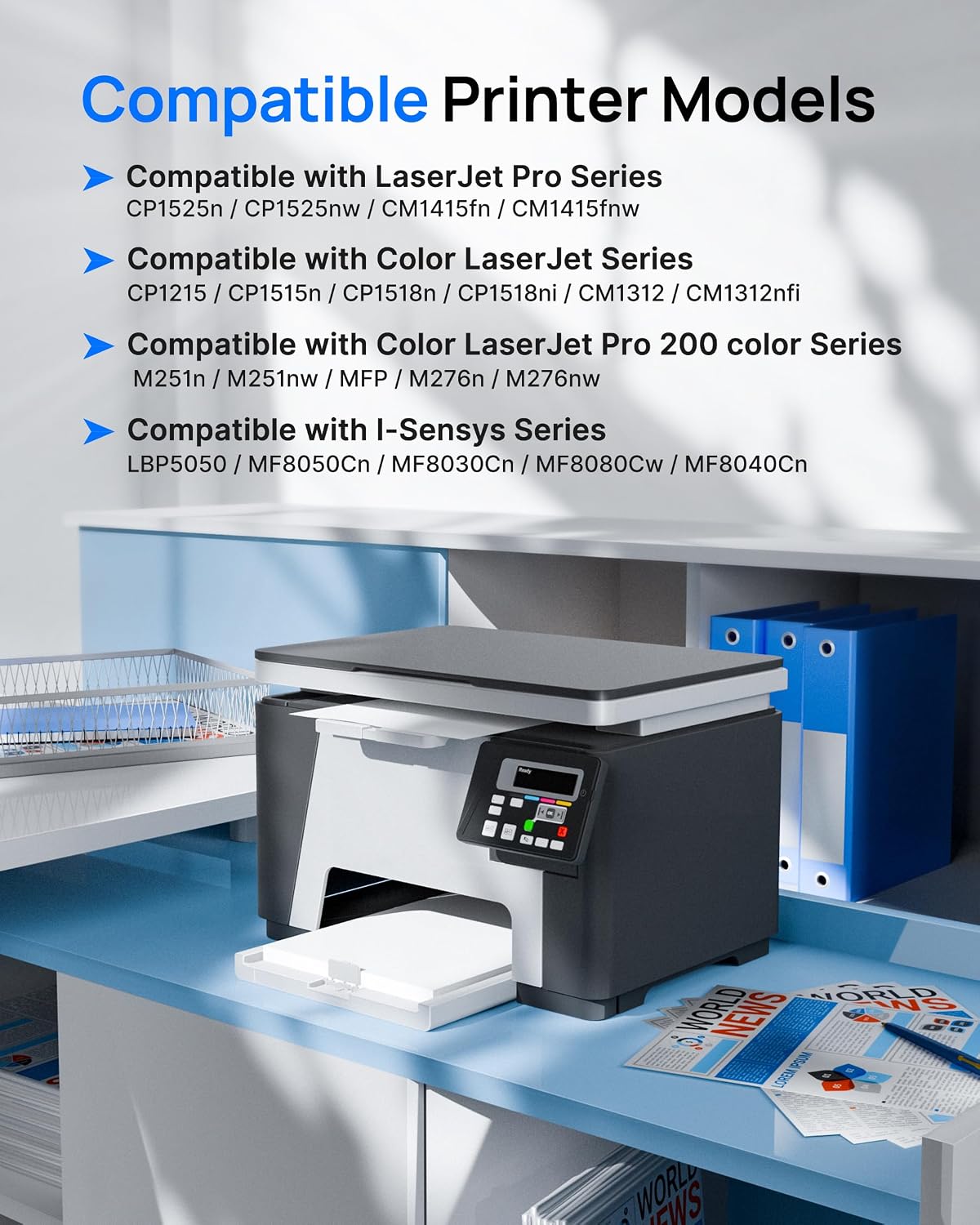
The description specifies compatibility with a number of HP colour models in the LaserJet Pro 200 colour MFP range (including M251n/M251nw and M276n/M276nw). It also lists several other compatible HP LaserJet/Colour LaserJet Pro and i-SENSYS models.
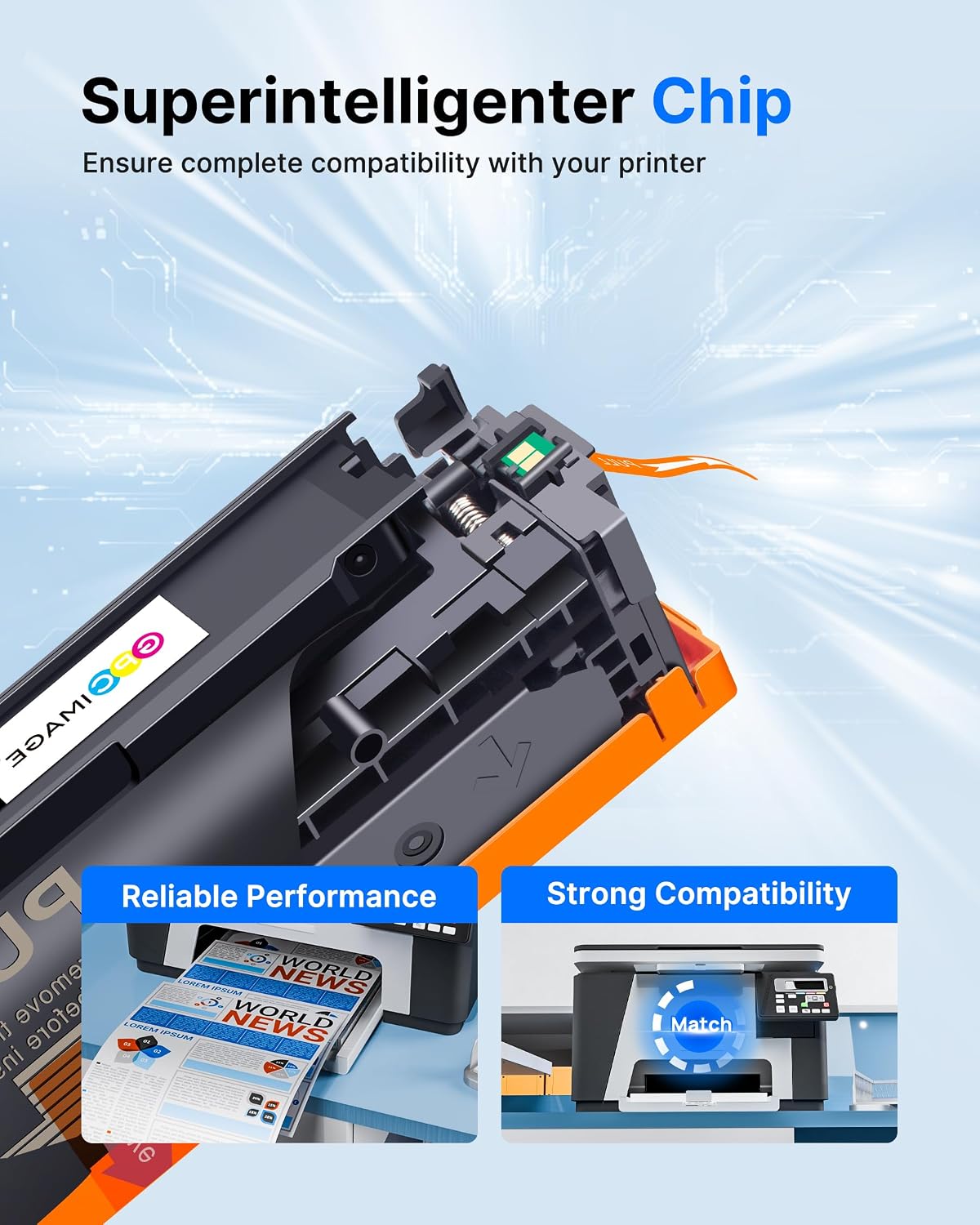
One detail that matters for day-to-day use is the chip: these are supplied with a chip, which is often what helps the printer recognise the cartridge rather than treating it as an unknown replacement.
Where it shines for everyday printing
If your usage is mixed—emails, proposals, school materials, business forms, marketing handouts—this set makes sense because it covers all four colours plus black in one purchase. You won’t need to hunt down individual cartridges the next time a colour runs low.
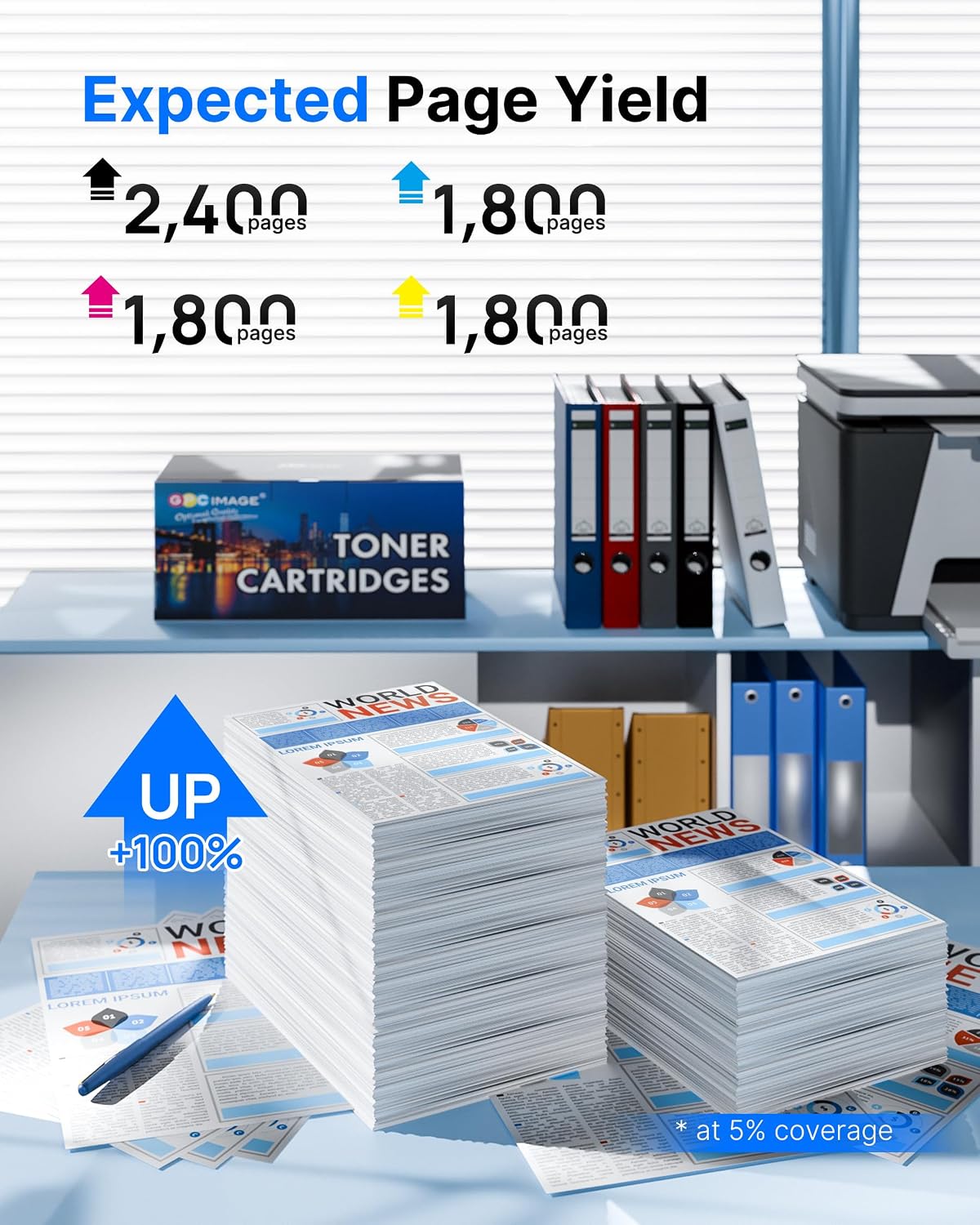
The stated page yields are: - 2,400 pages per 131X black toner cartridge - 1,800 pages per 131X cyan/yellow/magenta toner cartridge These yields are given at 5% coverage of A4 for the colour cartridges, which is a reasonable benchmark for typical office text-heavy printing with some colour.
For a practical example: if you print a batch of A4 colour documents where only a small portion of the page is covered in colour graphics, you should be able to treat these as a predictable, budget-friendly run. If your pages are heavily filled with colour (think dense charts and near-full-page graphics), any toner set can burn through faster than the headline figure.
What you’ll notice in use (and the limits)
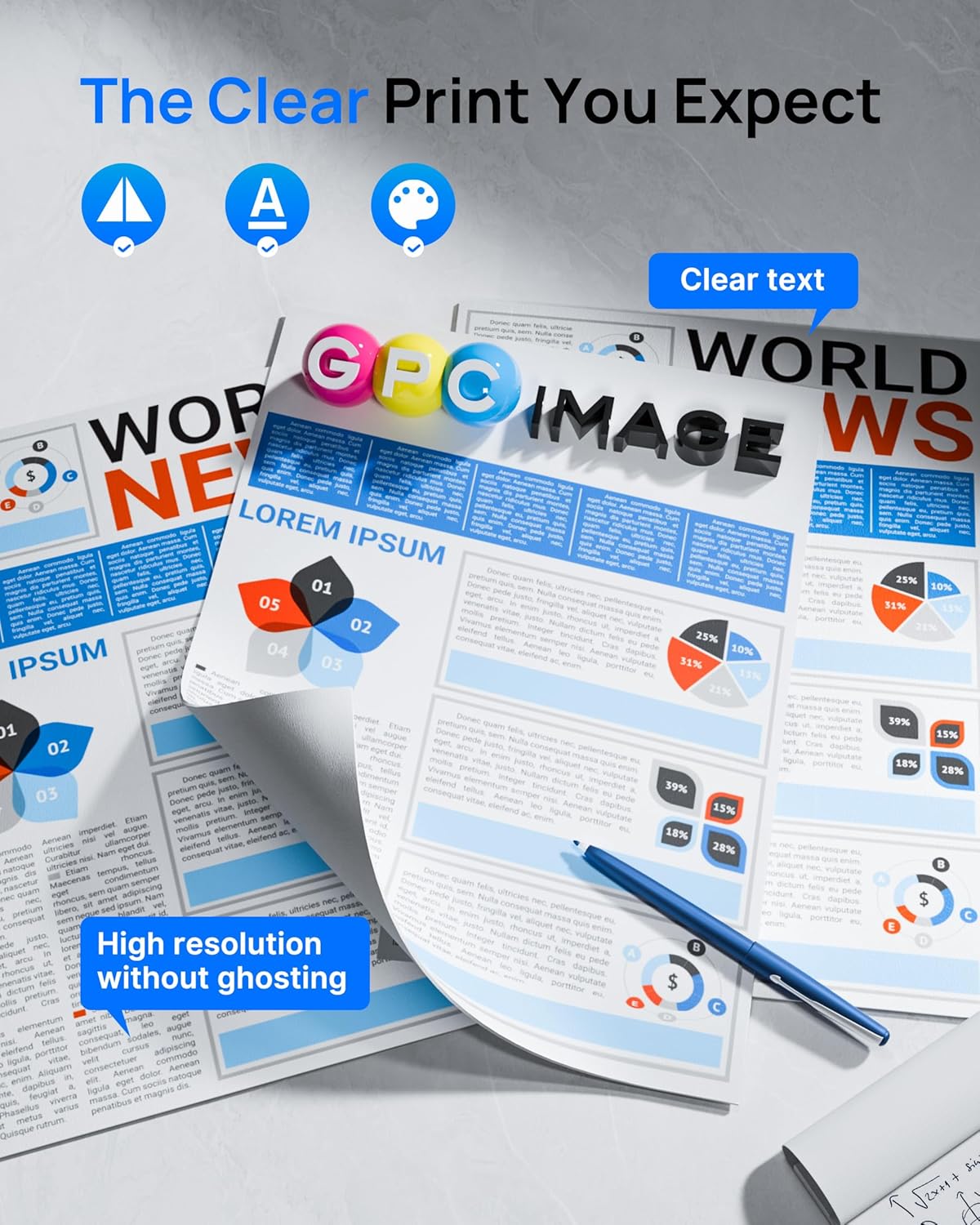
The listing claims “quality printing” with vivid, natural-looking results. Compatible toners can absolutely deliver decent colour, but it’s worth keeping expectations realistic: colour consistency and crispness can vary with printer settings and the type of print content.
Also, because this is not an original cartridge range, there’s always a chance it won’t feel identical in behaviour. For example, some printers may display different toner status readings or prompt particular notifications depending on how they manage third-party supplies.
If you’re the sort of user who needs perfectly consistent colour for client-facing artwork every time, you may find you’ll want to test and compare rather than assuming it will match original cartridges shot-for-shot.
Quick overview of compatibility and requirements
This toner set is presented as compatible with multiple HP models, including printers listed like HP LaserJet Pro 200 colour MFP units (M251n/M251nw, M276n/M276nw). Compatibility is described broadly across certain HP LaserJet and Colour LaserJet/i-SENSYS lines as well.
Before buying, it’s worth double-checking your exact printer model against the list in the product description and ensuring it corresponds to the HP 131X/131 series referenced. If your printer uses a different toner numbering system, this kind of compatible set won’t help even if the cartridges look similar.
Pros and cons before you commit
What’s likely to suit you - You want a multi-colour 4-pack (black + CMY) rather than buying single cartridges. - Your printing is mostly office-style, with around typical A4 coverage. - You’re happy with compatible cartridges as long as they’re recognised by your printer.
What may not suit you - You need guaranteed performance that mirrors originals in every way (some printers can be picky in how they report toner). - You print very high coverage colour pages often, where the stated yields may overestimate real-life output.
Is it worth it?
This GPC Image 131X compatible toner 4-pack is a sensible pick if you’re trying to reduce running costs for an HP LaserJet Pro 200 colour MFP and you want all four colours sorted in one purchase. The inclusion of a chip and the listed compatibility across several HP models make it the kind of option that can work smoothly for everyday office use.
You may want to skip it if your priority is absolute consistency with originals, or if your printer has previously been awkward with non-original supplies. In that case, it can be safer to trial carefully or stick with a supply type that your printer is known to accept without fuss.