

NAERSI USB-C to Micro B USB 3.0 cable (Hard drive/phone linking) – up to 5Gbps
Product description
The essentials
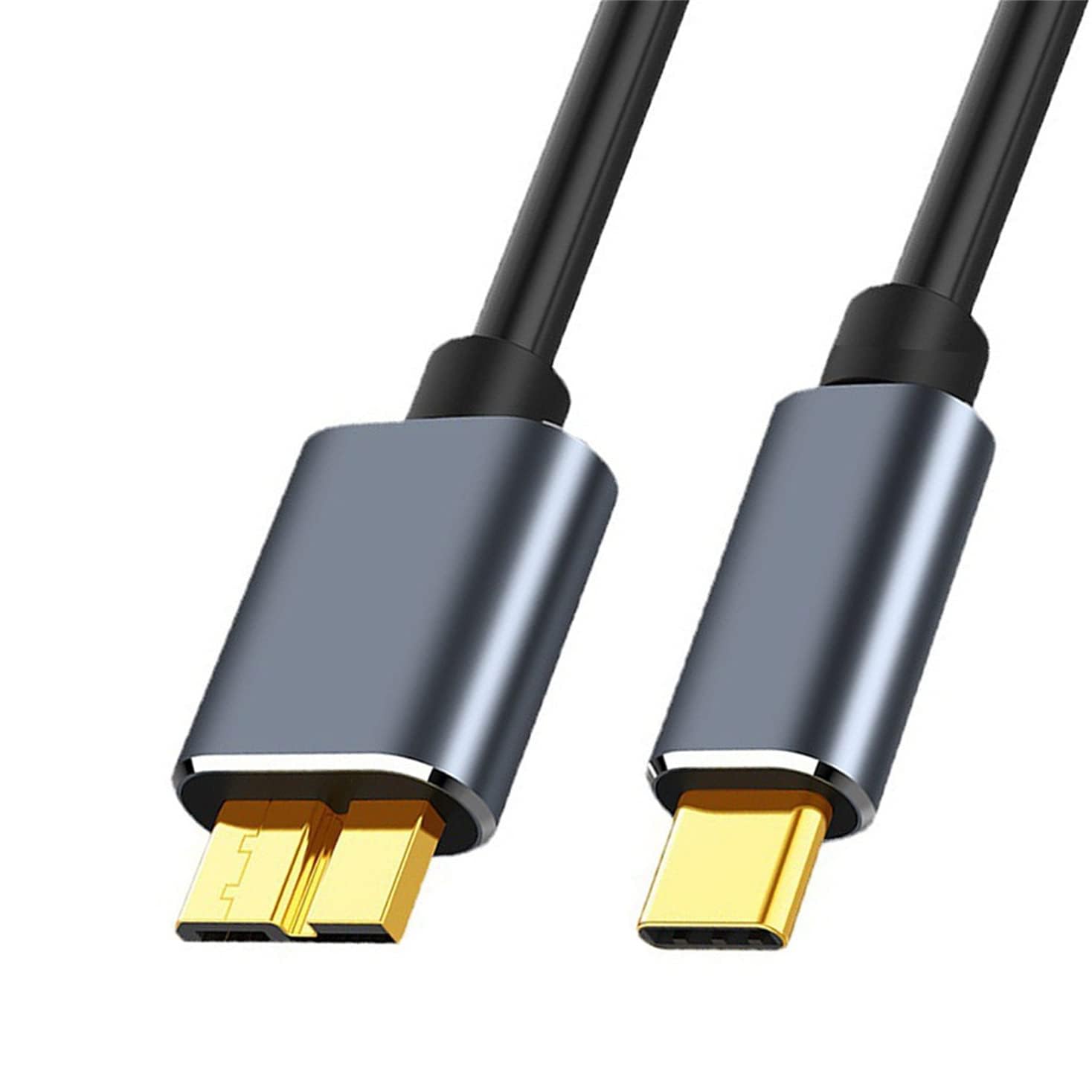
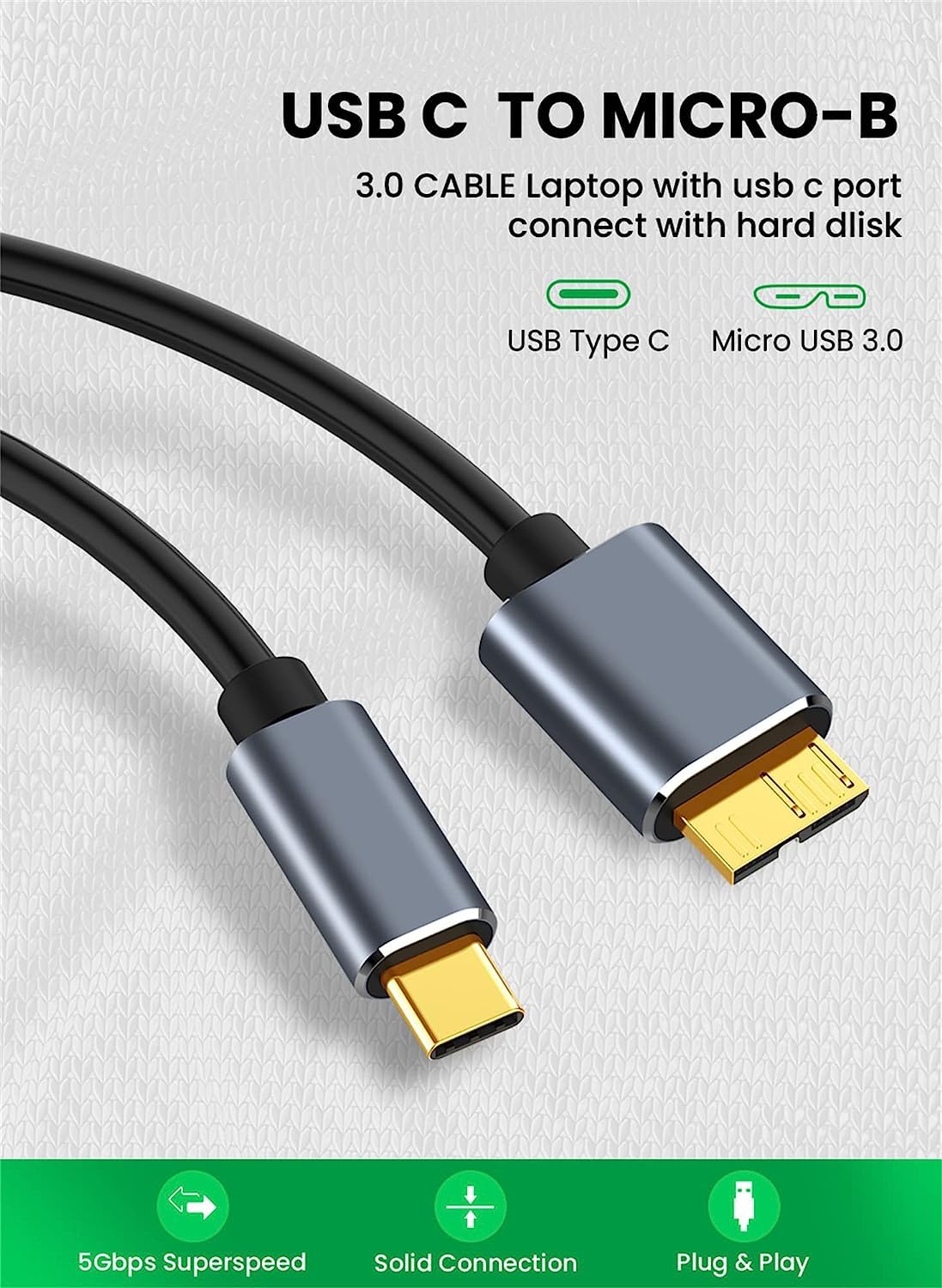
A NAERSI USB-C to Micro B USB 3.0 cable is a practical bridge for anyone who has a device with a Micro-B port but now mostly uses a USB-C laptop or charger. The idea is simple: connect a USB-C device (like a PC or compatible mobile) to something that still uses Micro-B—such as an external hard drive enclosure or older phones/tablets.
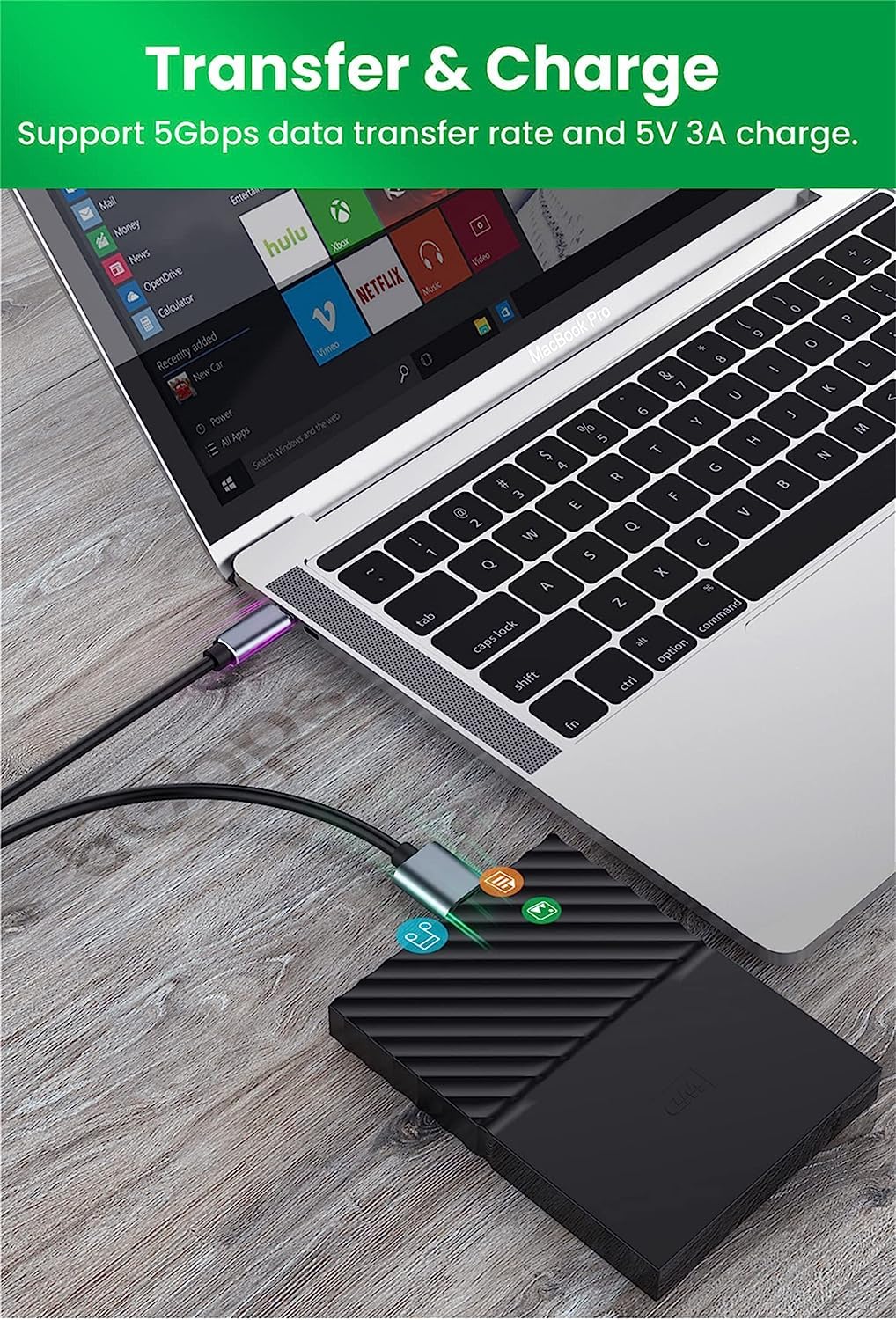
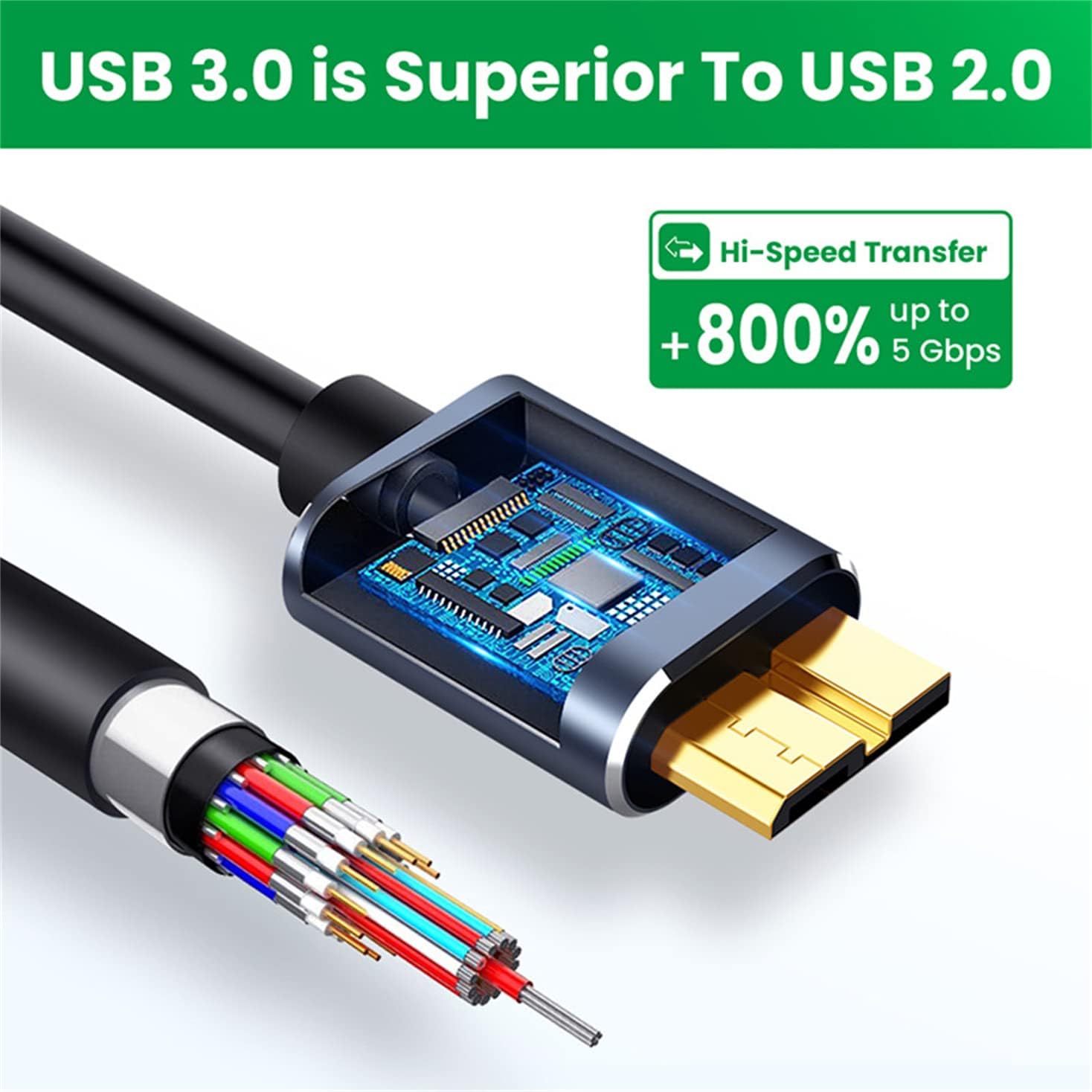
The headline here is USB 3.0 class performance, described as up to 5Gbps for data transfers. In everyday terms, that’s aimed at moving files faster than the older USB standards when your setup supports it. That said, cables can only deliver what the rest of your devices allow—so if your hard drive or phone limits speed on its own, you won’t magically get the maximum figure just from the cable.
Also worth noting: the listing mentions additional support for USB 3.1 and higher transfer speeds “up to 10Gbps” when working with SSDs. If you mainly use a spinning external drive, the 5Gbps figure is the more relevant one to keep in mind.
What you’ll notice in use
This is the kind of cable you reach for when you’re trying to avoid faffing about with adapters or docking stations. Plug it in between your USB-C device and a Micro-B hard drive lead, and you can handle common tasks like copying photos, transferring documents, or moving backups.
The length options listed include 0.2m, 0.5m, 1m, 1.5m and 2m, which is handy because desk setups vary. A shorter cable can keep things tidy behind a monitor, a longer one helps if your external drive sits further away.
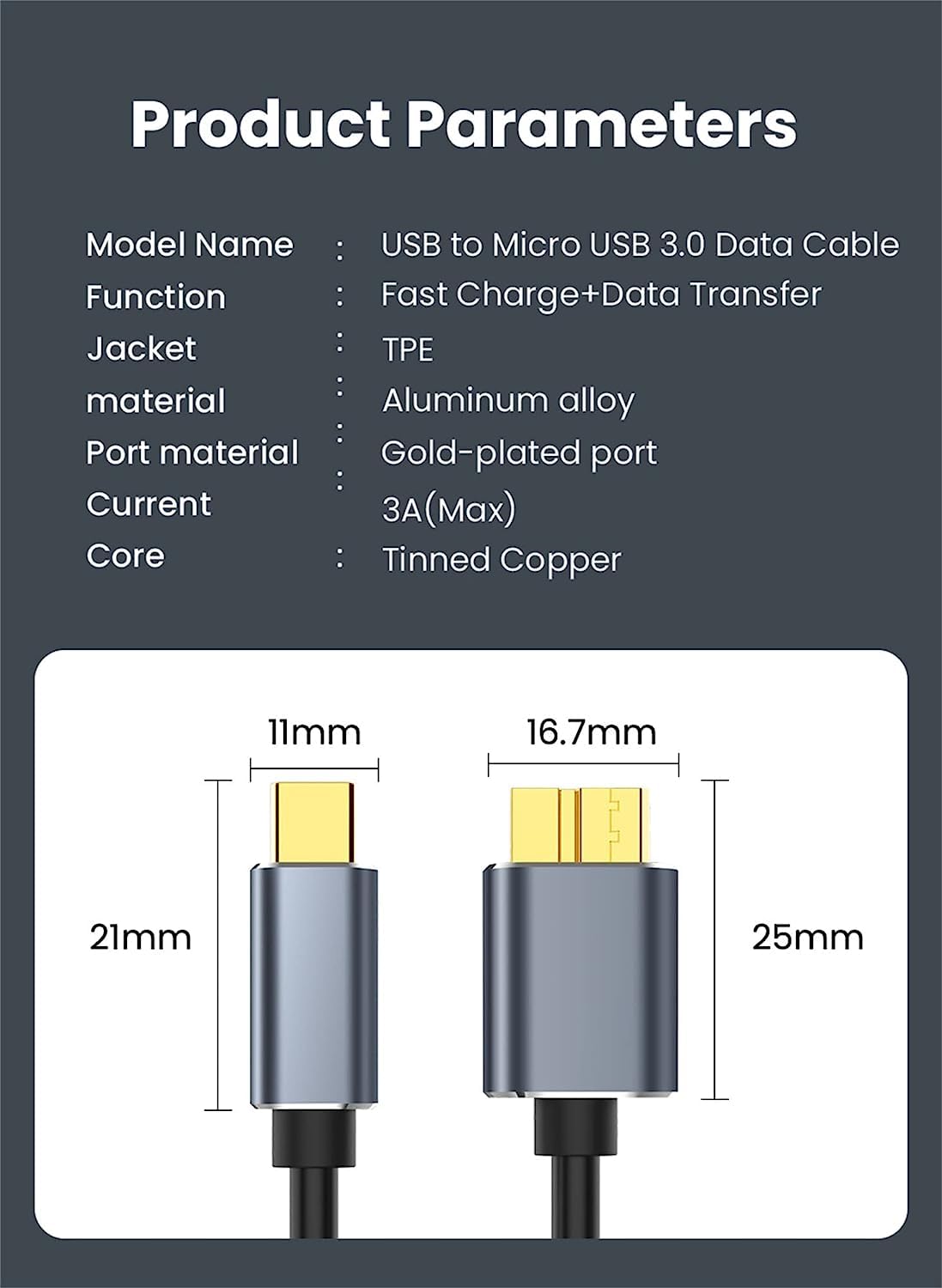
The connectors are described as gold-plated, with aluminium alloy housings and a braided cotton sleeve. Over time, that’s the sort of build detail that can make a cable feel more resilient than the flimsy ones that loosen at the strain point.
One small caveat: the base description also mentions “(2)”, which suggests a two-pack, but it’s not entirely clear beyond the wording. If you’re buying for spares or different locations, it’s worth double-checking the quantity shown on the listing before you order.
Key features that matter for buying
- USB 3.0 class cable for Micro B to USB-C connections, with a stated 5Gbps transfer speed.
- Mentioned support for USB 3.1 and up to 10Gbps when paired with SSDs (so it’s more appealing if your storage isn’t a traditional drive).
- Build details aimed at durability: gold-plated connectors, aluminium alloy casings, and a braided cotton cover.
- Designed for common external hard drive use cases and compatibility with various drives and devices named in the listing.
Tech specs
- Type: USB-C to Micro B cable
- Name: NAERSI® USB C to Micro B Cable USB 3.0
- Transfer speed: up to 5Gbps (USB 3.0), and up to 10Gbps mentioned for SSD/USB 3.1 use
- Length options: 0.2m, 0.5m, 1m, 1.5m, 2m
Compatibility & requirements
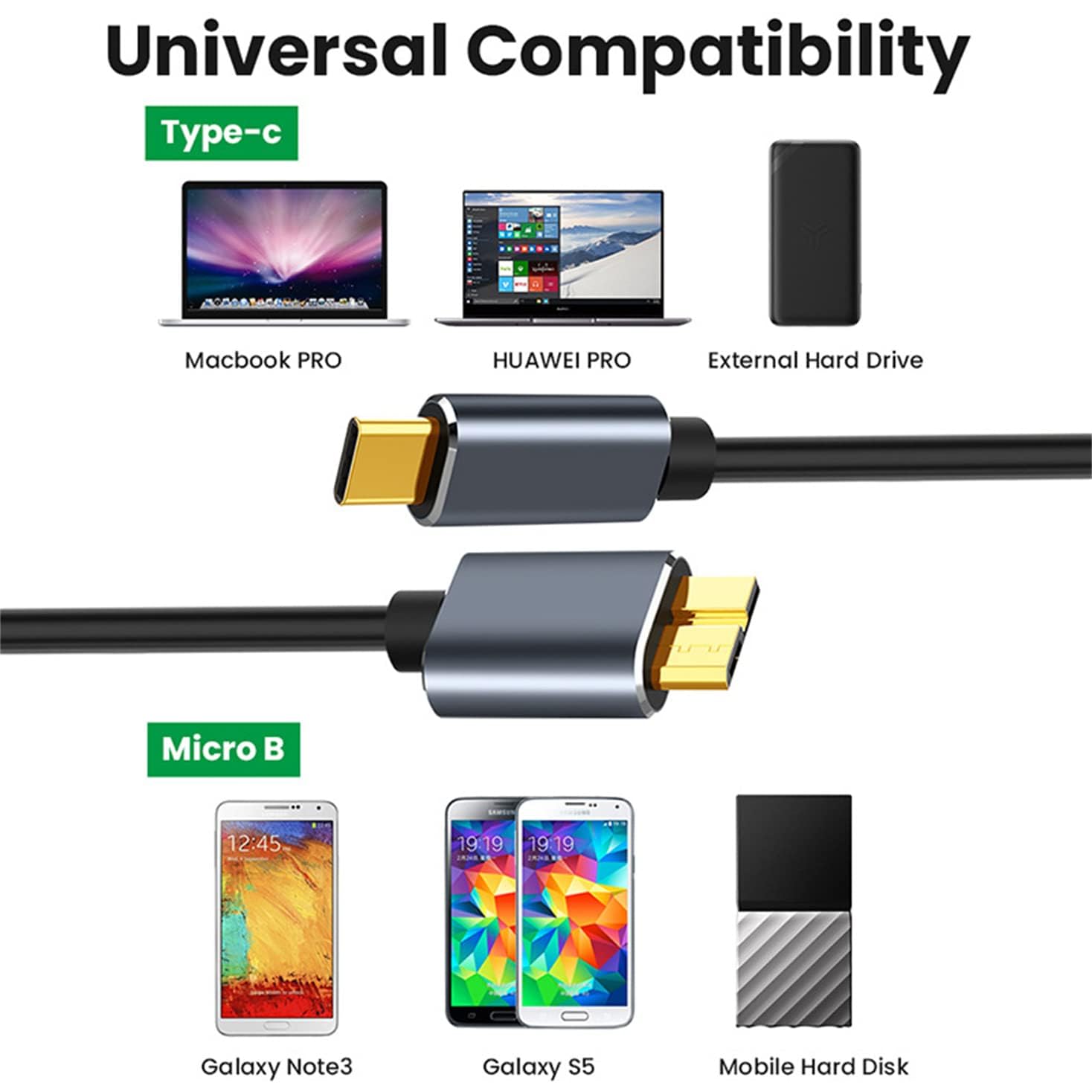
The listing frames this as a “universal” USB-C to Micro-B connection for data and charging, and it specifically calls out external hard drives and devices using Micro-B.
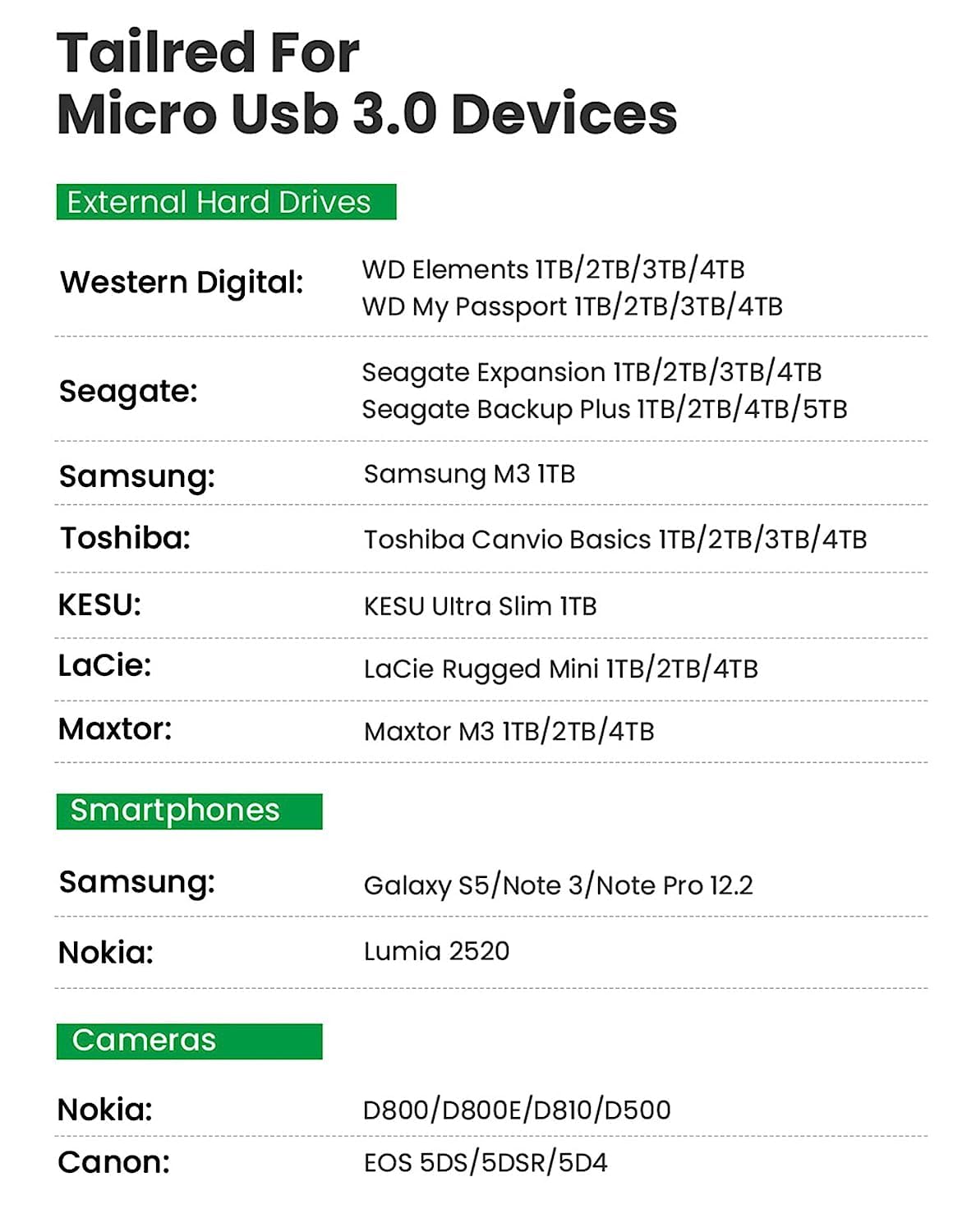
On paper, it’s meant to work with external drives such as Seagate, Western Digital (WD) My Passport and Elements, and Toshiba Canvio, plus it mentions Samsung Galaxy S5 and Note 3.
In real life, compatibility depends on your exact drive/enclosure and port type. If your hard drive enclosure doesn’t use Micro-B, or if your device requires a different cable standard, this won’t help. So before buying, it’s worth checking the port on both ends—USB-C on your host device and Micro-B on the drive/phone/tablet.
Who it suits (and who should skip it)
It makes sense if you want a straightforward replacement cable for a Micro-B external drive that you regularly plug into a USB-C laptop/PC, and you care about a cable that’s more robust than the cheapest options.
You may want to skip it if you already have the correct lead, or if your storage device uses a different connector than Micro-B. And if you’re chasing the fastest possible transfers for SSD use, you’ll still be limited by the SSD enclosure and your host port—so consider the whole chain, not just the cable.
Final verdict
If you’re dealing with a Micro-B external hard drive setup and you want a USB-C connection that’s built for regular plugging/unplugging, this NAERSI cable looks like a sensible buy. The stated USB 3.0 speed (up to 5Gbps) is the useful headline for typical hard drive transfers, and the build details (gold-plated contacts, aluminium alloy housing, braided sleeve) are the kind of upgrade you’ll feel more over time than on day one.
Just don’t overpromise expectations: you’ll only get the higher speeds mentioned for SSD/USB 3.1 scenarios if the rest of your system supports it. If your ports don’t match the Micro-B to USB-C setup described, it won’t be the right tool.
Mini FAQ
Is this cable only for external hard drives?
No. The listing also mentions smartphones/tablets that use Micro-B ports (for example, Galaxy S5 and Note 3), so it’s intended for data and charging in compatible setups.
What speed can I expect?
The cable is described as up to 5Gbps for USB 3.0. It also mentions up to 10Gbps for SSD use with USB 3.1, but only if your SSD/enclosure and host support those conditions.
How do I check if it will fit my devices?
Check the port on your devices: you need USB-C on the host side and Micro-B on the device side. If the device isn’t Micro-B, this won’t be a match.
Is it durable enough for everyday use?
The description focuses on gold-plated connectors, aluminium alloy housings and a braided cotton sleeve, which are the right kinds of details for durability. It should handle routine desk use better than very thin cables.
What’s included in the box?
The base description mentions what you get includes a cable of 0.5m, but it also includes “(2)”. If you’re ordering for a multi-location setup, it’s a good idea to verify the quantity shown on the product page.