

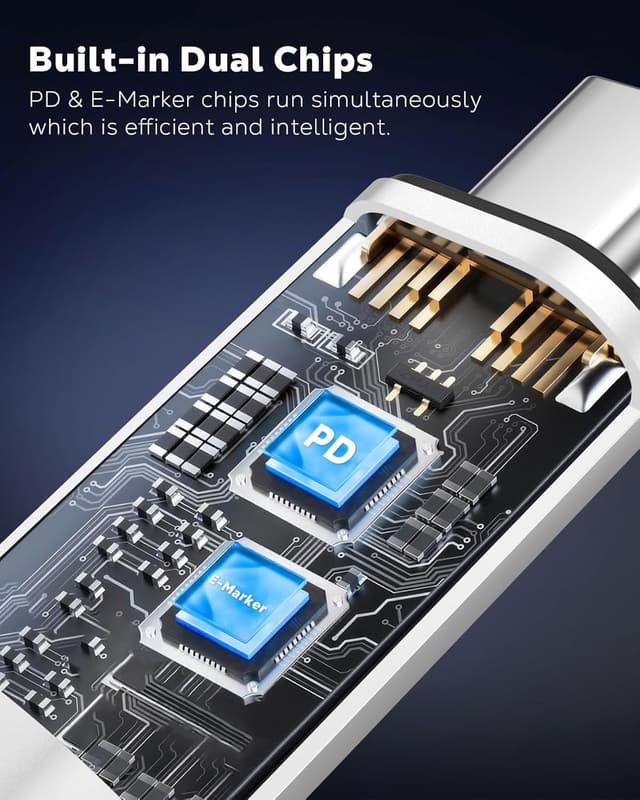
MoKo Lightning to USB-C Adapter 2 Pack (Charging & Data Sync Only, White) — USB-C to Lightning for iPhone/iPad & USB-C Devices
Product description
The essentials
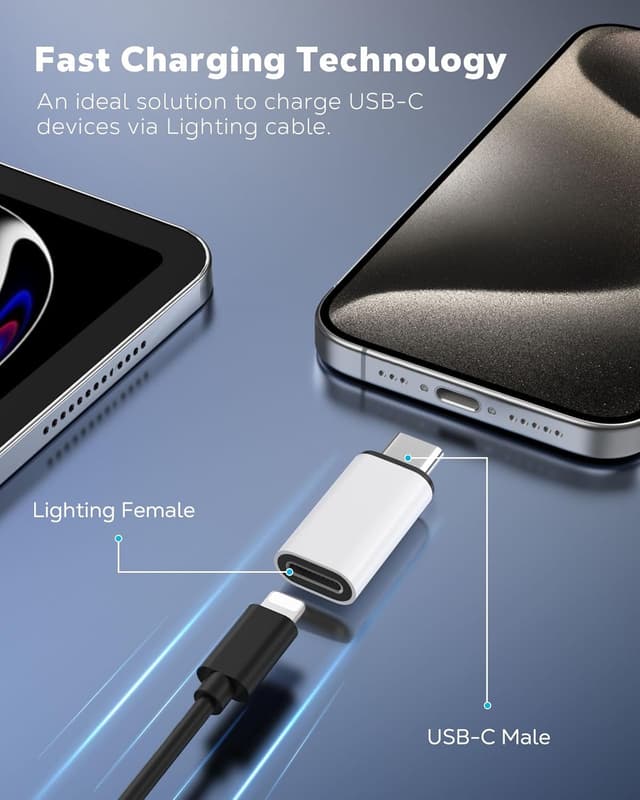
If you keep a mix of Lightning and USB‑C cables (work laptop on USB‑C, phone on Lightning), this MoKo Lightning to USB‑C Adapter 2 pack is aimed at one simple job: get charging and data transfer working between them. It’s a practical “stop carrying extra cables” accessory, especially if you travel between home, the office and a desktop computer.
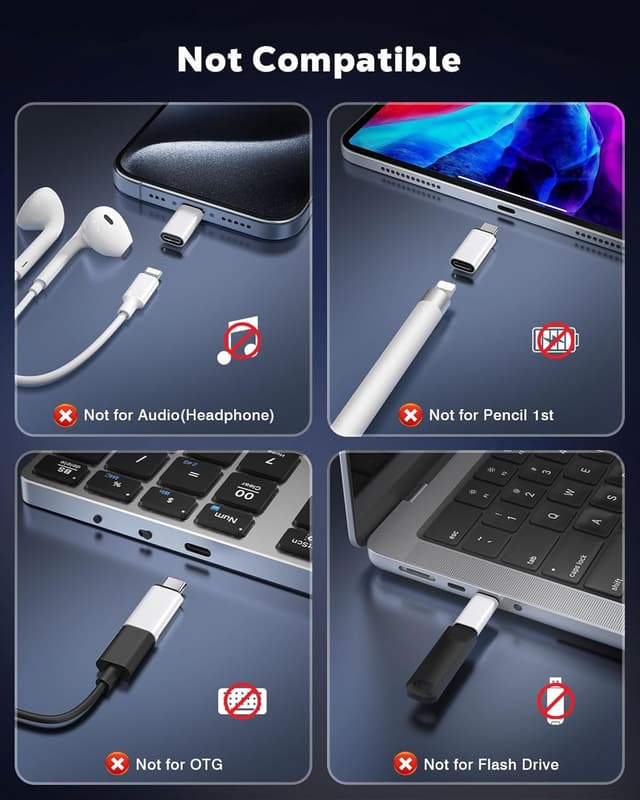
That said, it’s not a universal adapter in the way some people hope. The manufacturer is quite clear that it supports charging and data sync only, and it deliberately does not support certain functions (OTG, audio over Lightning, video output, and Apple Pencil). So it’s worth checking your intended use before buying, rather than assuming it will mirror every feature you might get from a direct cable.
What it’s for (and what it isn’t)
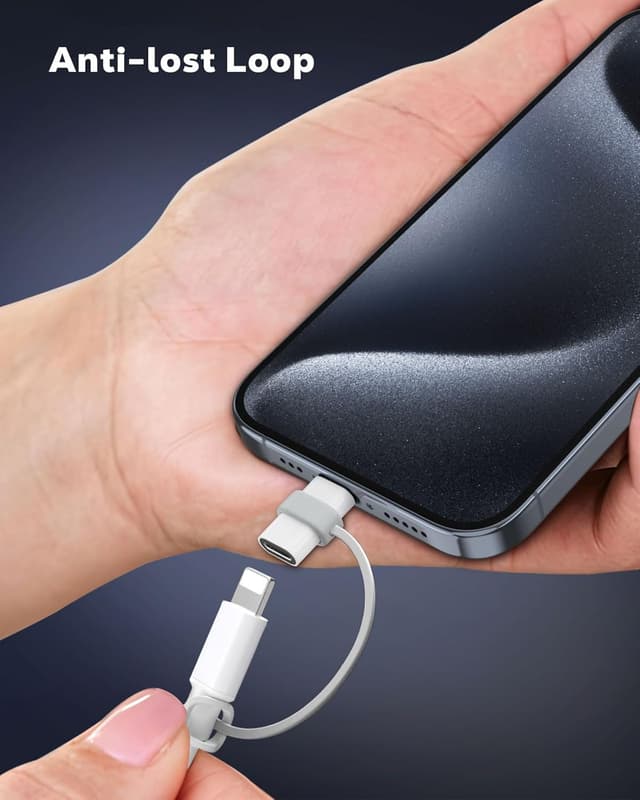
On paper, this adapter makes it possible to connect a Lightning cable to a USB‑C device, letting you use an existing Lightning lead for charging and syncing. The included design also focuses on not losing the adapter in your bag, with anti-lost silicone loops.

Where it can fall short: if you’re trying to use it for audio (Lightning earphones, microphones), OTG with USB sticks or portable drives, or video input/output via HDMI-style setups, this pack won’t meet those needs. It also won’t support Apple Pencil, CarPlay, or Apple’s video-related workflows as you might expect from a “do-everything” adapter.
Key features that matter in day-to-day use
The biggest “feels useful” detail is the pairing of two adapters with small anti-lost silicone cords. In real-life terms, that means you’re less likely to misplace the little middle-piece when you’re swapping cables for different devices.
The manufacturer also claims durability based on more than 20,000 push/pull tests. No one should treat test claims as a guarantee, but it does suggest this is designed for repeated plugging and unplugging—useful if you’re tethering cables to a laptop commute.
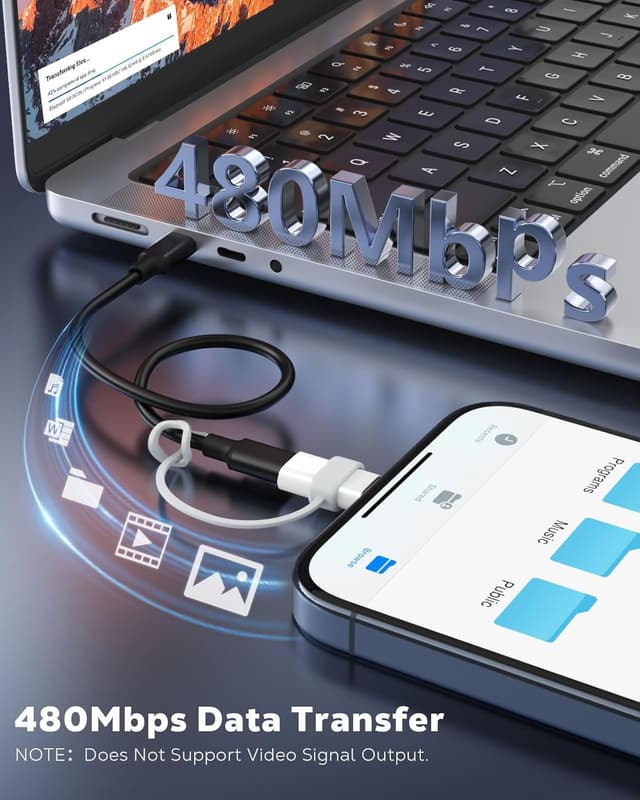
For performance, the stated data transfer speed is up to 480 Mbps, alongside charging support. If your main goal is moving photos, backing up, or syncing contacts via a computer, that figure is directly relevant.
Where it shines (with practical examples)
If your phone is a Lightning model and your computer ports are USB‑C, this adapter can reduce clutter: you can keep one Lightning cable and adapt it rather than chasing multiple cable types.
Example: you’re heading into the office, plug a Lightning cable into this adapter, connect the USB‑C end to your laptop, and start a sync session for files. Then later at home, you reuse the same Lightning cable with the adapter to charge from a USB‑C power source (as long as you’re sticking to charging/data sync use).
If you’re carrying an adapter per device setup, the 2‑pack layout also helps—one can live in your work bag while the other stays at home.
Compatibility you should double-check
This adapter is described as compatible with a range of Lightning-side iPhone and iPad models and USB‑C devices including various Surface and MacBook models, and several Galaxy and other Type‑C devices.
However, the safest approach is to confirm two things before buying:
- Your phone/tablet needs to be a Lightning device (since the adapter is Lightning female to USB‑C male).
- Your computer/host needs a USB‑C port, and your workflow must be charging and data sync only.
Buying limitations to keep in mind
It’s not for audio accessories, not for OTG, and not for video conversion workflows. Also, it doesn’t support Apple Pencil and isn’t intended for CarPlay use. If your “must-have” includes any of those functions, you’ll likely end up disappointed.
There’s also a subtle point about charging stability: the manufacturer recommends using an original cable to avoid charging issues. That doesn’t mean the adapter won’t work with others, but it does suggest cable quality can matter.
Should you buy it?
It makes sense if you mainly want charging and data transfer between a Lightning iPhone/iPad and a USB‑C computer or charger, and you’d like a tidy way to avoid juggling different cable types. The included anti-lost loops and the idea of durability for repeated use make it feel aimed at everyday carry.
You may want to skip it if you need OTG features (USB sticks/drives), audio support through the Lightning port (earphones/microphones), any video input/output (HDMI converters/cameras), or Apple Pencil and CarPlay functionality. In those cases, you’re better off choosing an accessory specifically built for that feature set rather than “hoping it covers everything”.

Mini FAQ
Will this adapter support OTG with a USB stick?
No. The product notes that it does not support the OTG function, so it should not be used with a USB stick or portable hard drive.
Does it work with Lightning earphones or audio devices?
No. It does not support the audio function via the Lightning port (so it’s not intended for Lightning earphones/earbuds/earpods or audio microphones).
Can I use it for video output (like HDMI converters)?
No. Video input/output is not supported, so avoid using it with HDMI converters or cameras.
Does it charge and transfer data?
Yes—charging and data sync are supported. The manufacturer states data transfer speeds up to 480 Mbps, and it’s intended for charging with a cable (original cable recommended to avoid charging issues).
What’s in the pack?
You get 2 x Lightning female to USB‑C male adapters, plus 2 x grey silicone anti-lost cords.