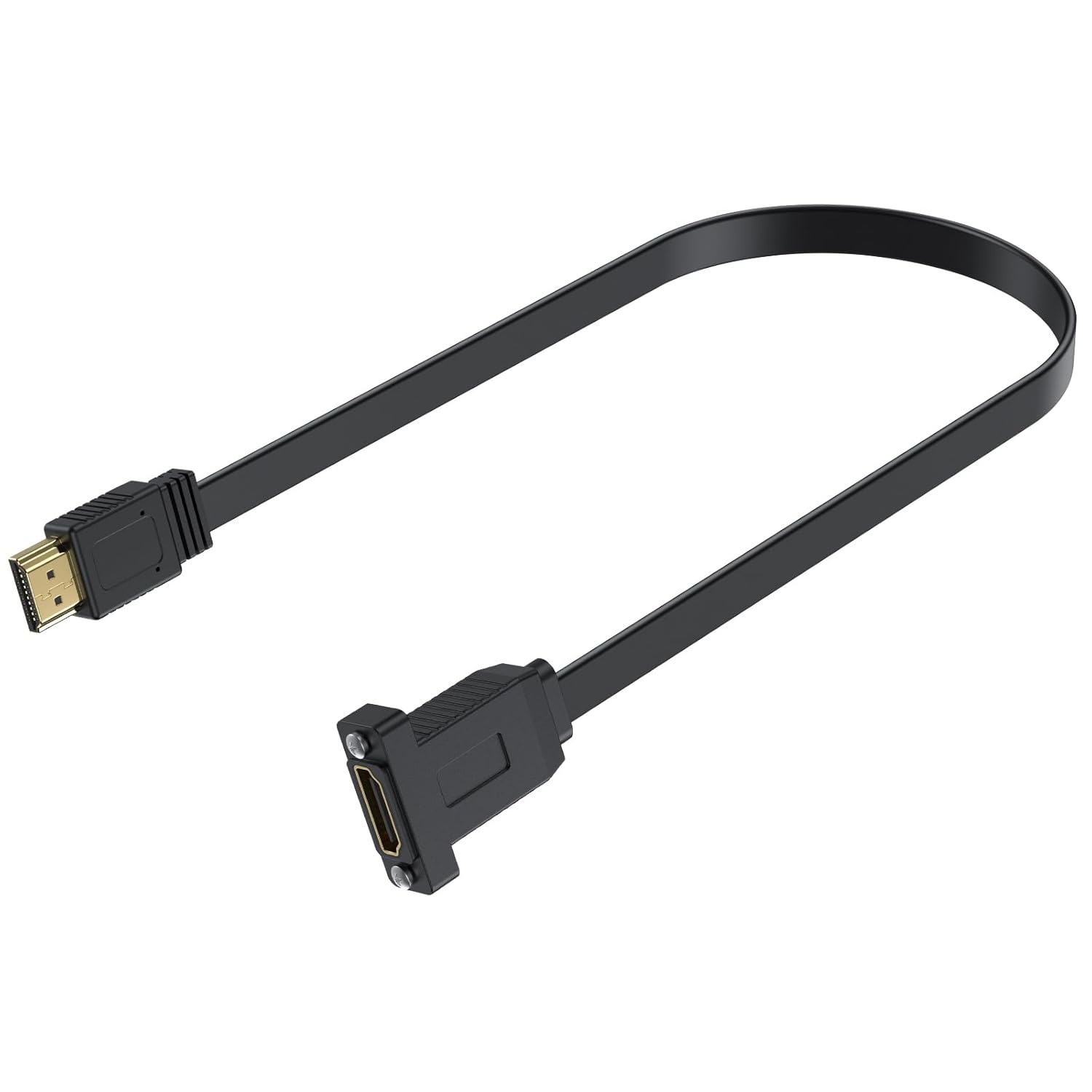
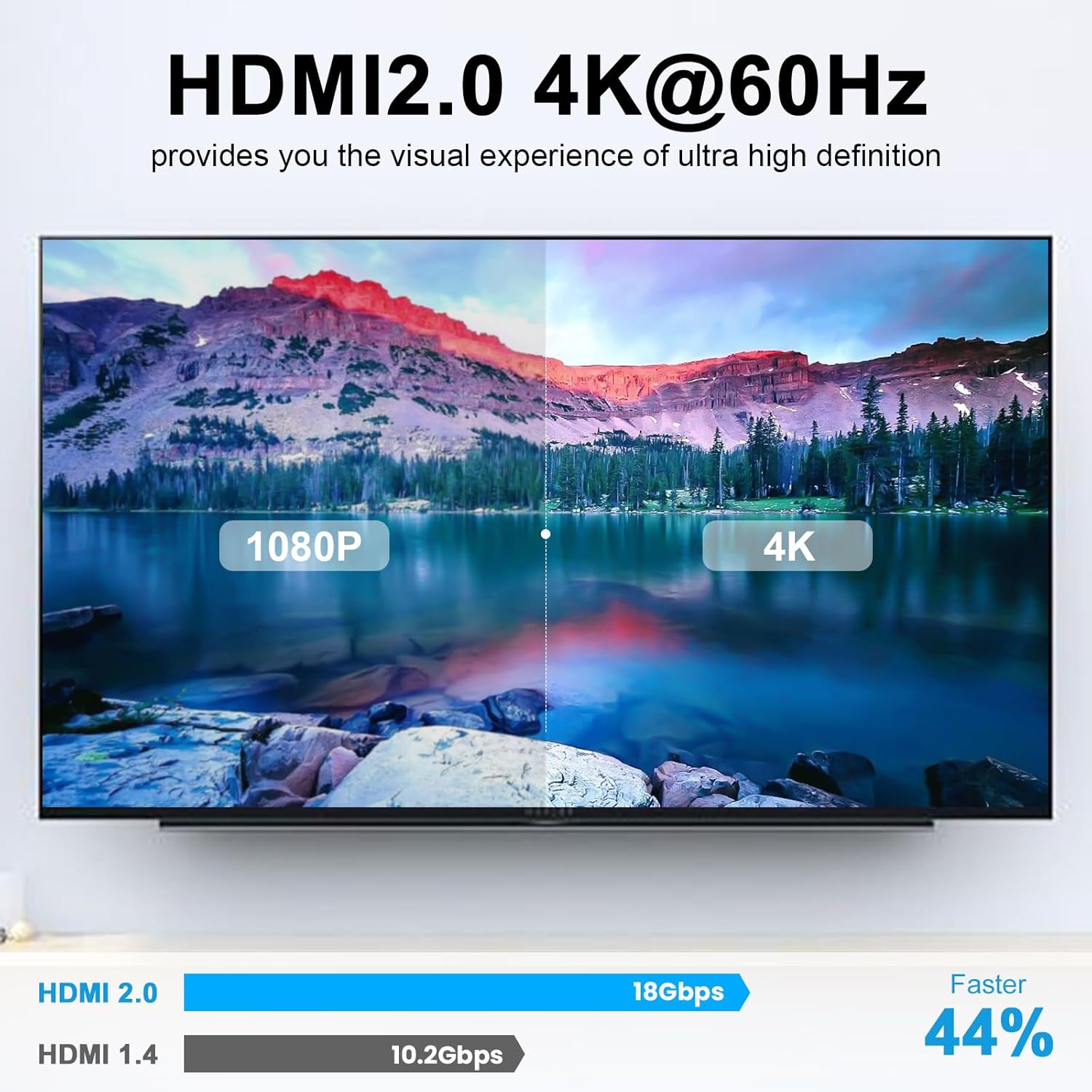
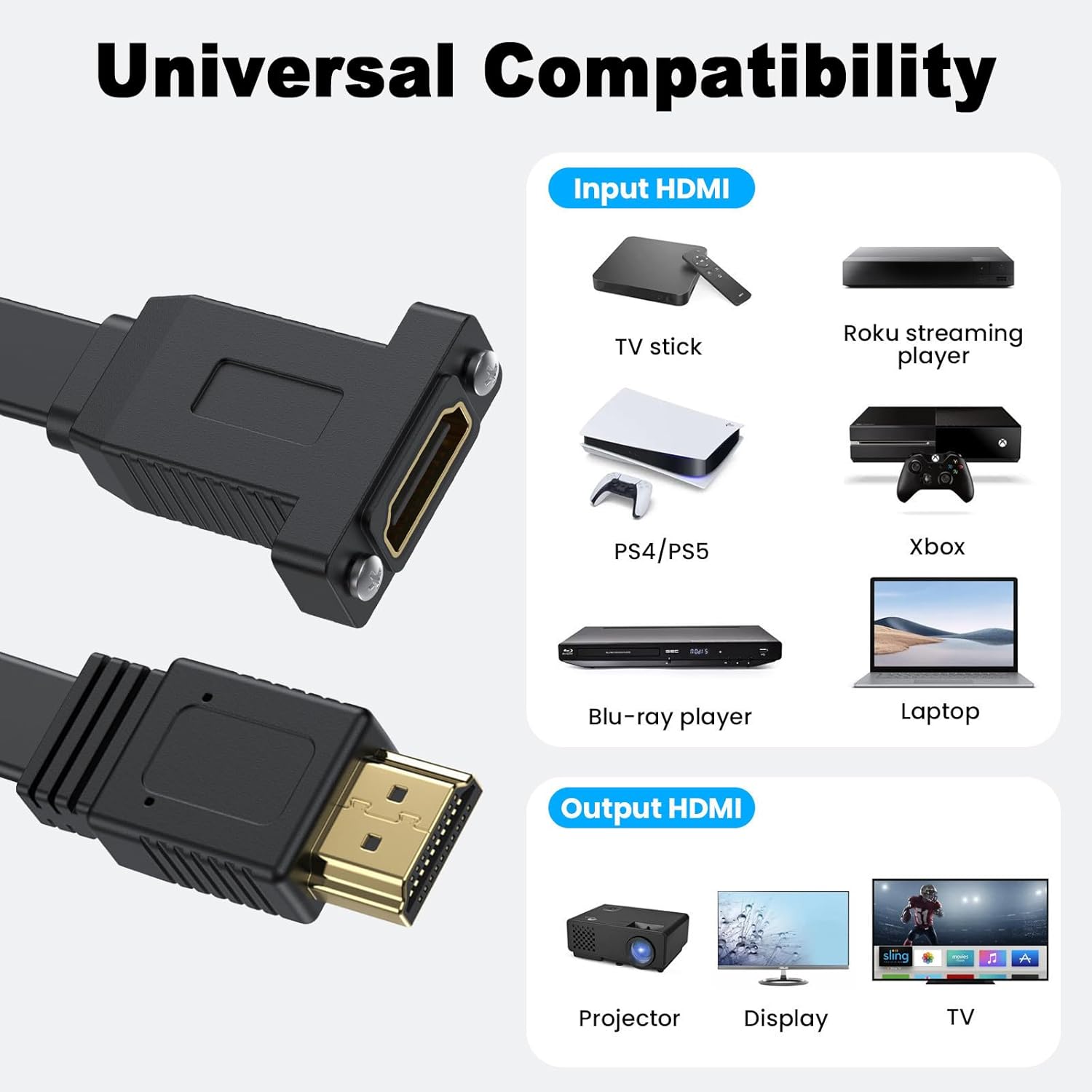
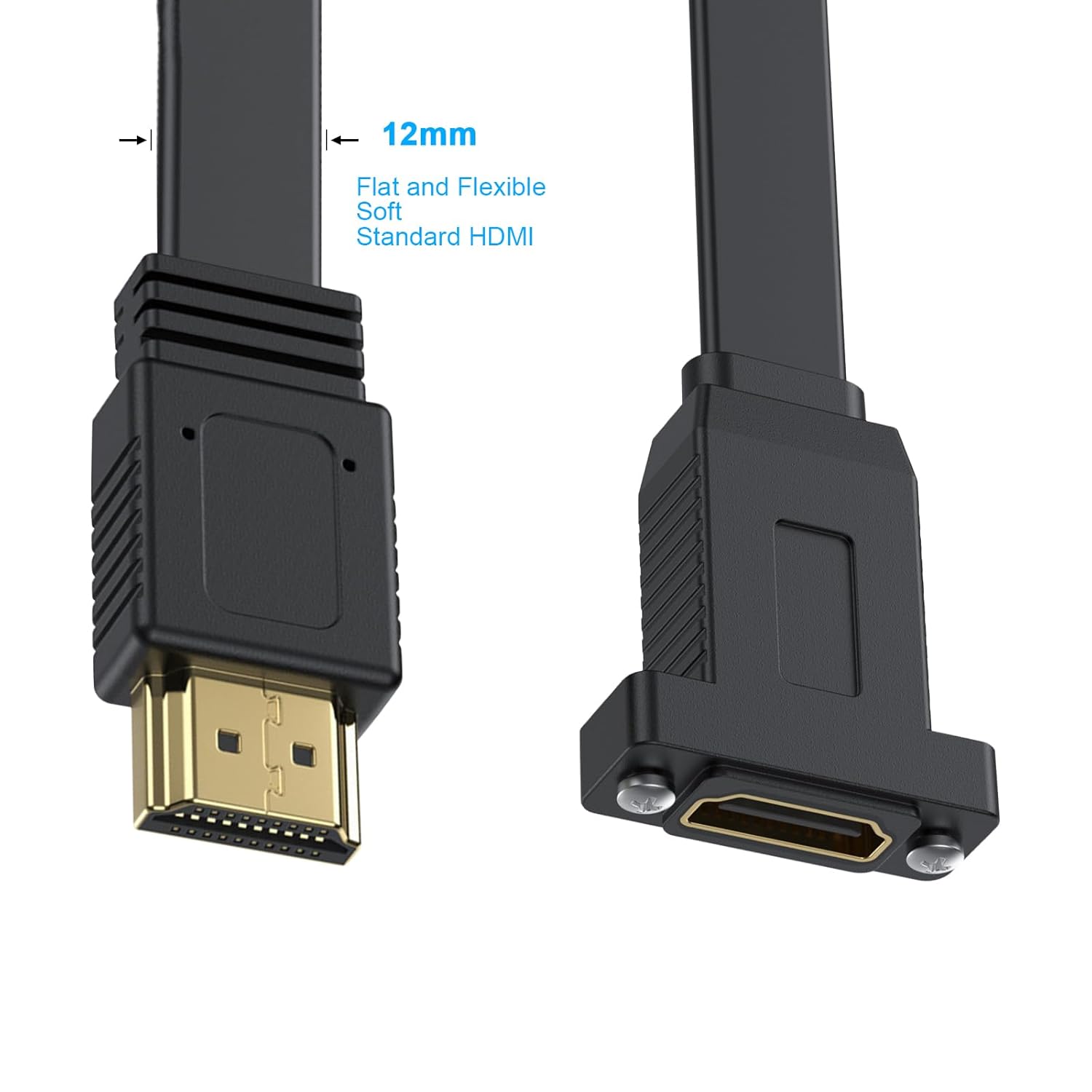
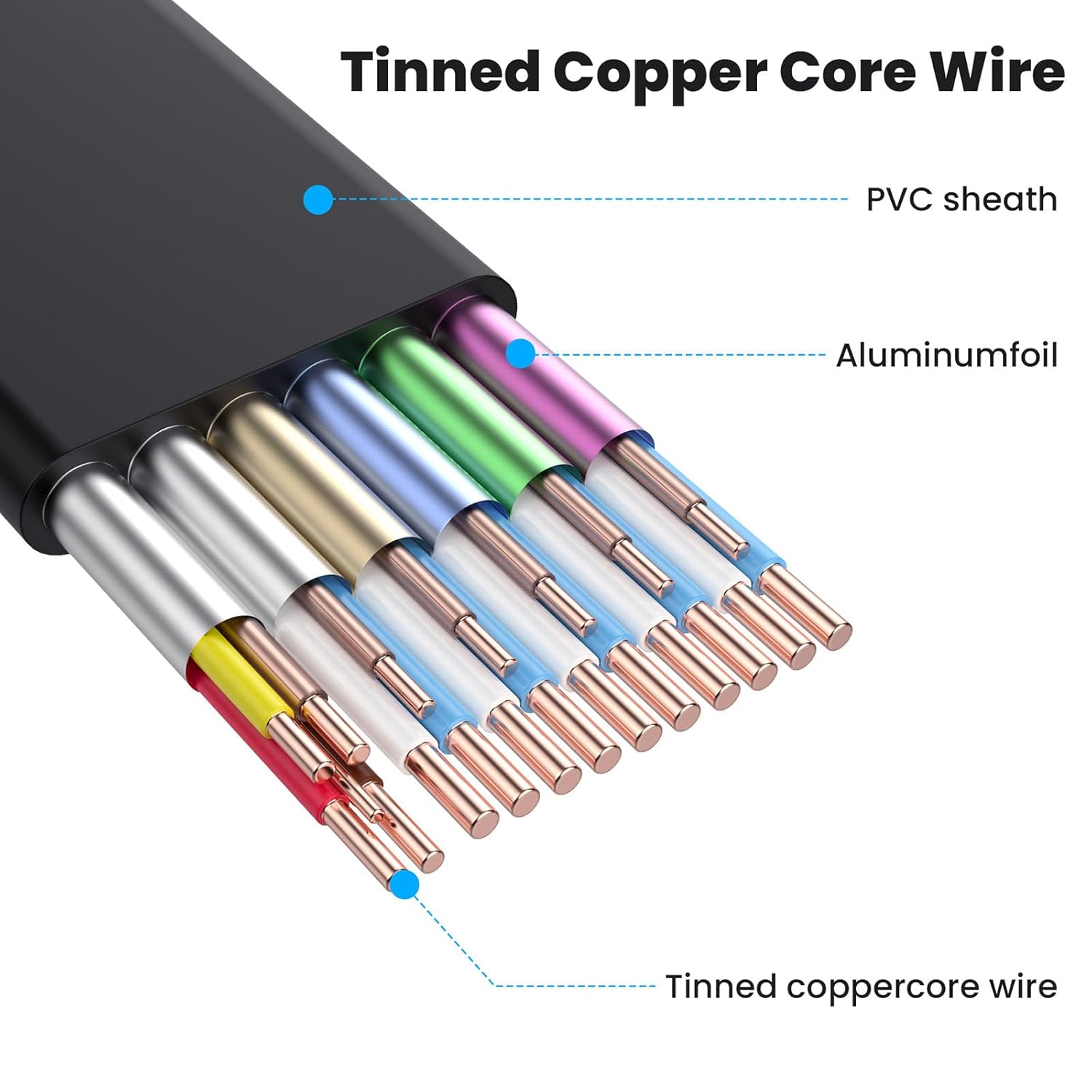
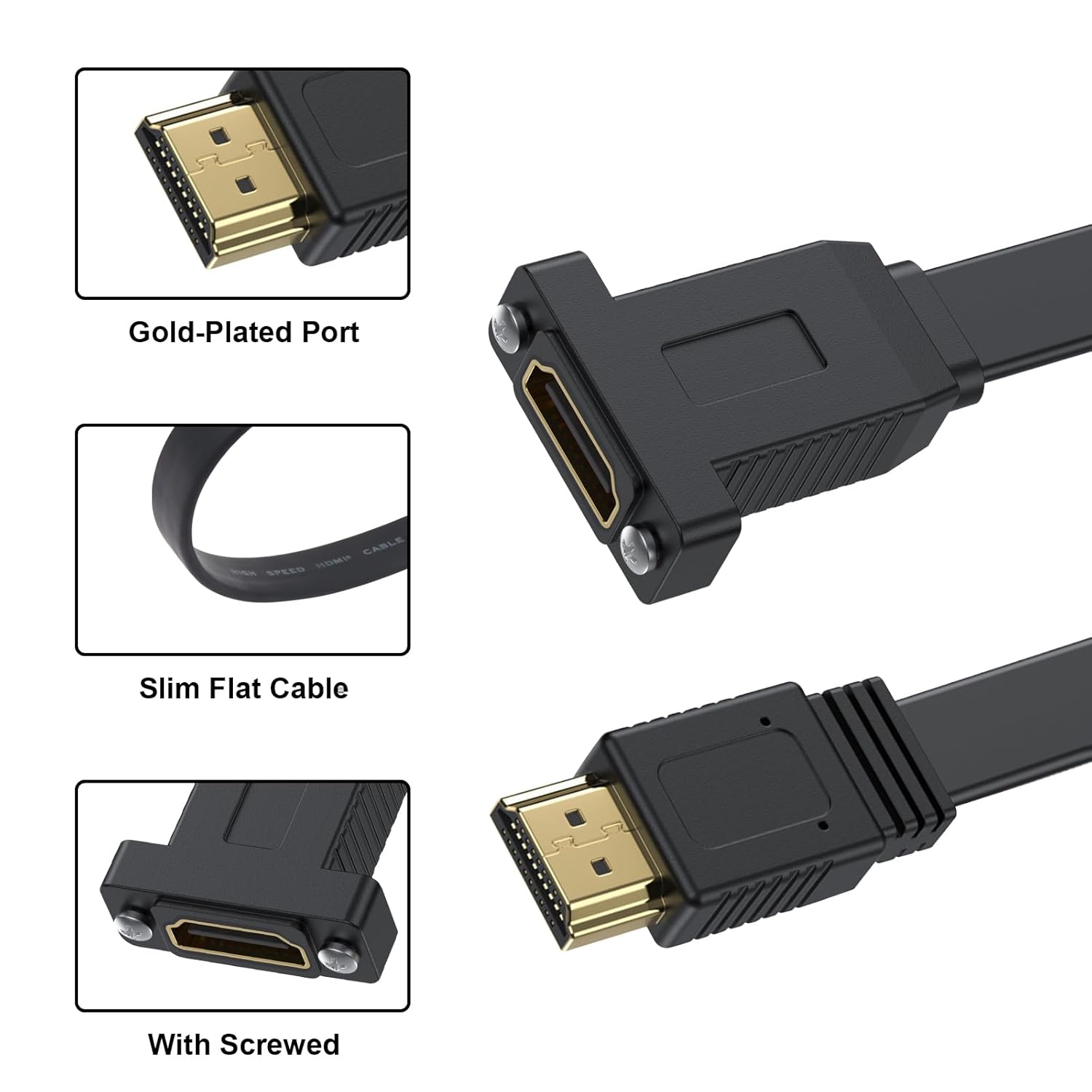
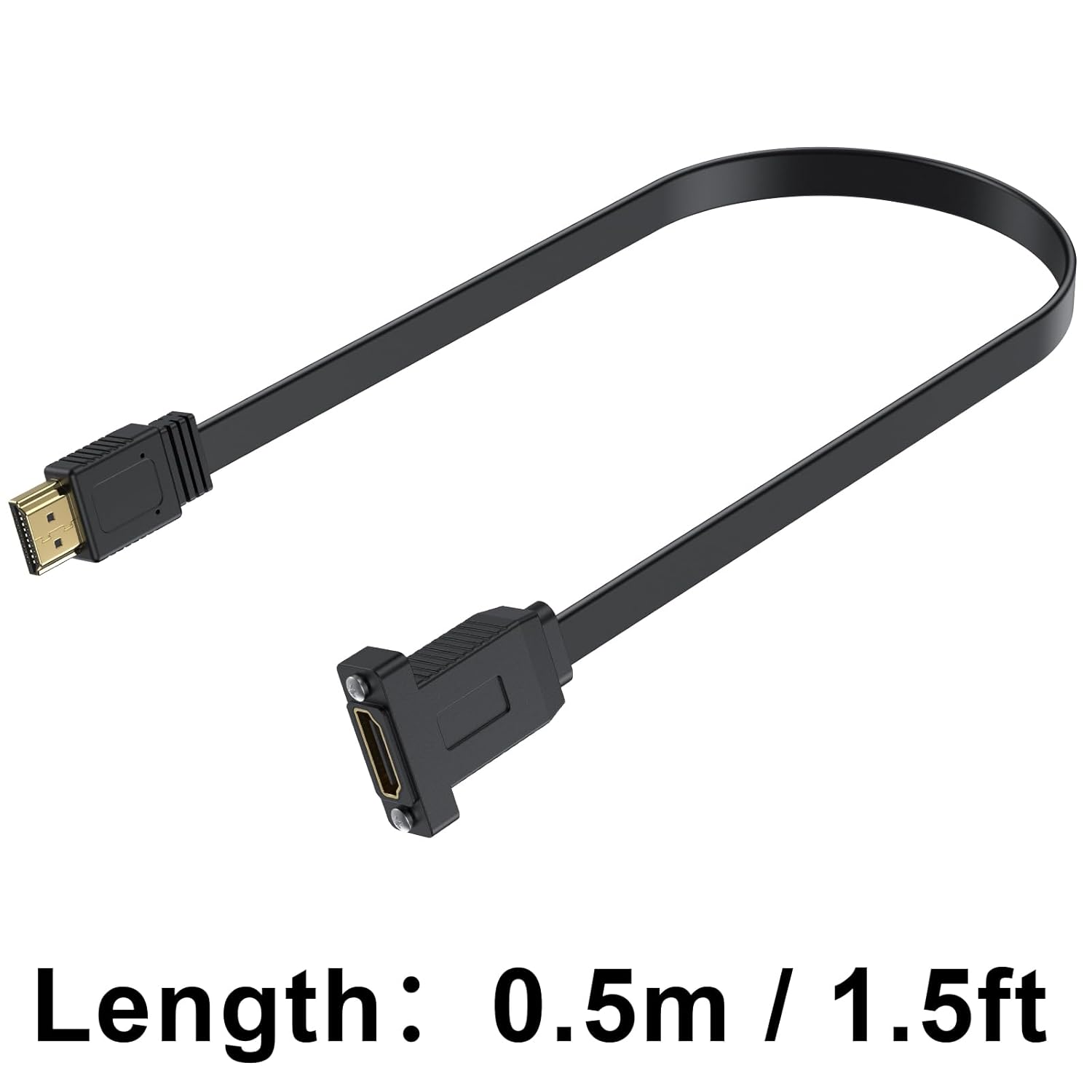
What it is and what it’s for\nThe Maxhood Flat HDMI 2.0 Cable is a short, flat HDMI to HDMI extension designed for tidy cable management and embedded installations. Its slim profile helps it sit neatly in tight spaces, under carpets, or along edges where a round cable might be cumbersome. The inclusion of a panel-mount option with screw ears makes it practical for fixed setups, such as wall panels or fixed AV installations. On the paper, it supports 4K at 60Hz and the full HDMI 2.0 feature set, including HEC, ARC, HDCP, and HDR, while remaining backwards compatible with older HDMI versions.\n\n## How it performs in practice\nIf you prioritise a clean install in a confined space, this flat design reduces bulk and strain on ports, potentially extending the life of both the device and the cable. It’s easy to plug in without needing extra drivers or software, aligning with a plug-and-play expectation. In use, a 1.5ft length is convenient for shortening visible runs and staging equipment closer to the display. However, the shorter length may limit reach in complicated setups, and the flat form factor might be a consideration if your routing requires significant flexibility.\n\n## What stands out\n- Flat, slim design for tight spaces and simple cable routing.\n- Short 50cm length aimed at reducing clutter and easing concealment.\n- Panel-mount option supports fixed installations, which can be handy for wall-mounted displays or embedded AV panels.\n- Full HDMI 2.0 bandwidth (18Gbps) supports 4K@60Hz and HDR, with compatibility for HEVC/ARC/HDCP as part of the spec.\n- Backwards compatibility with HDMI 1.4/1.3/1.2 devices ensures broad usability across common gear.\n\n## Limitations to consider\n- The fixed length is great for neat installs but may not be ideal if you need greater reach or flexibility.\n- It’s a short extension, if your setup relies on long runs, you’ll need additional HDMI cables or extensions.\n- As with any HDMI cable, ensure the entire signal path is well-supported (no interference along the run) to avoid later picture or audio issues.\n\n## Who it’s for\n- Home theatre enthusiasts organising a tidy TV or projector area.\n- A/V installers looking for a fixed, panel-mount HDMI solution in a compact footprint.\n- Anyone upgrading to 4K60 HDR content who wants a simple, short extension without extra bulk.\n\n## Who it isn’t ideal for\n- Users needing longer reach or highly flexible routing, where a longer, looser HDMI cable would be preferable.\n- Those seeking a budget extension without a panel-mount feature.\n\n## When it makes sense to buy\n- If you want a low-profile, plug-and-play solution that supports 4K60 and HDR.\n- When installing a display in a fixed position where the panel-mount capability helps secure the connection.\n- For neat sousing of cables under furniture or along skirting boards where a flat cable sits flush.\n\n## What to check before buying\n- Confirm your device supports HDMI 2.0 features needed (4K60, HDR) to make the most of the spec.\n- Verify that the mounting option matches your installation needs (panel-mount suitability).\n- Ensure your other HDMI connections in the chain support the same standard to avoid bottlenecks.\n\n## Practical use example\nImagine mounting a TV on a wall with a soundbar placed low on a shelf. Running a 50cm flat HDMI cable between the TV and the source keeps the setup tidy, with the panel-mount option providing a secure anchor at the wall box. It’s unobtrusive, and you’ll notice a cleaner look with less cable visible around the stand and cabinet.\n\n## FAQ\n- Is this cable compatible with PS4/PS5 and Blu-ray players? Yes, it’s designed to work with common consumer devices that support HDMI 2.0 features.\n- Can I run this cable behind carpeting or under a rug? The flat design is intended to help with such routing, but ensure the path remains clear of pressure or pinching.\n- Does it support 3D and ARC? It supports Full 3D and ARC as part of the HDMI 2.0 feature set.\n\n## Is it worth it?\nWorth considering if you value a neat, fixed install and plan a short, low-profile link between devices. It isn’t the best option if you need long runs or high flexibility, but for a clean, 4K-compatible connection in a compact space, it offers clear advantages.