

Magnetic Laptop Privacy Screen 14 Inch 16:10 — Privacy Shield for Open Workspaces
Product description
What it is
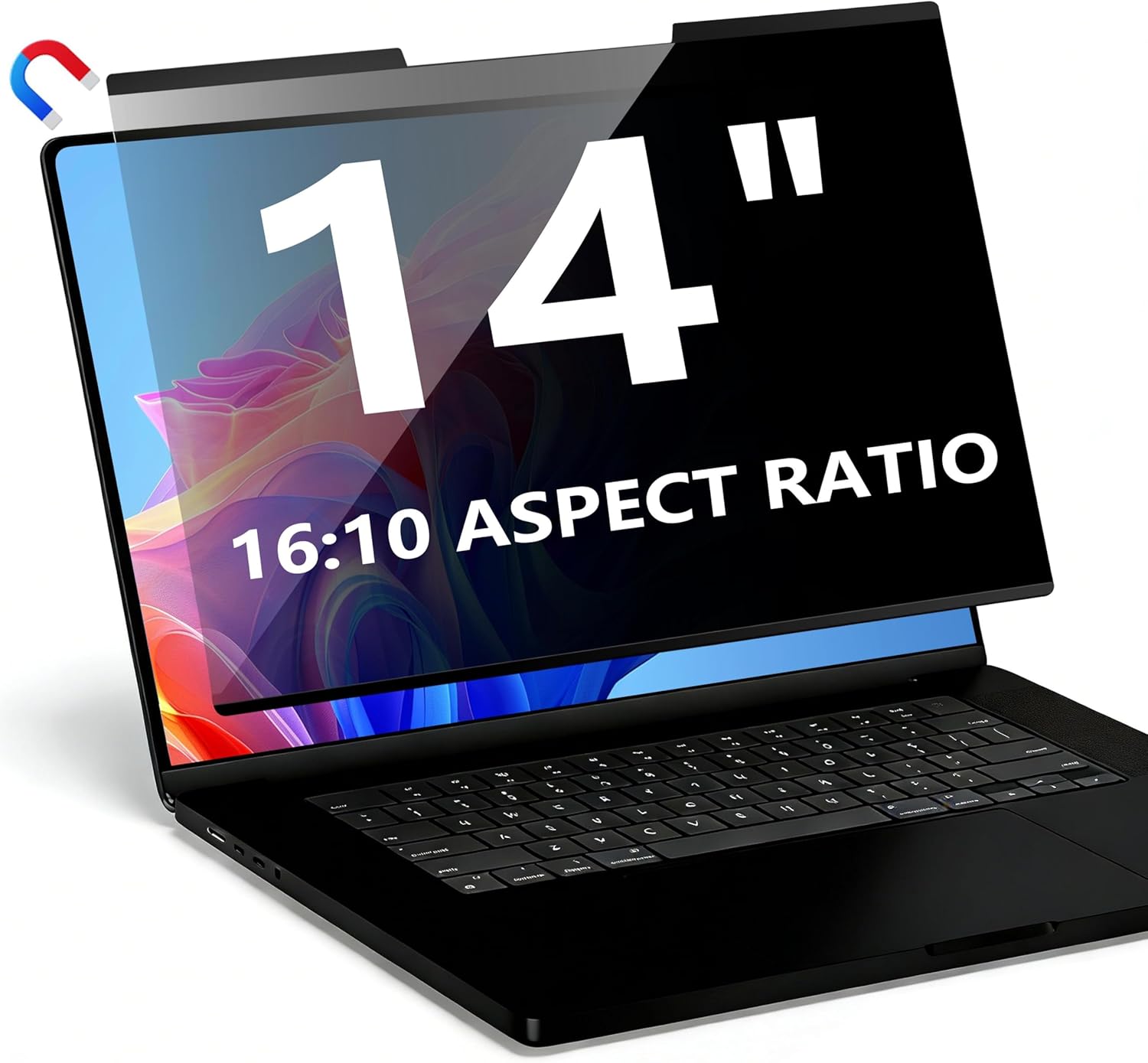
The Magnetic Laptop Privacy Screen is a removable privacy filter designed for 14" laptops with a 16:10 aspect ratio. Its magnetic attachment allows easy on/off use without permanently altering the display. It’s compatible with a range of brands, including Lenovo ThinkPad, HP, Dell, Acer, Asus, Samsung, and more, subject to correct width and height measurements. It’s not intended for MacBooks.
How it works
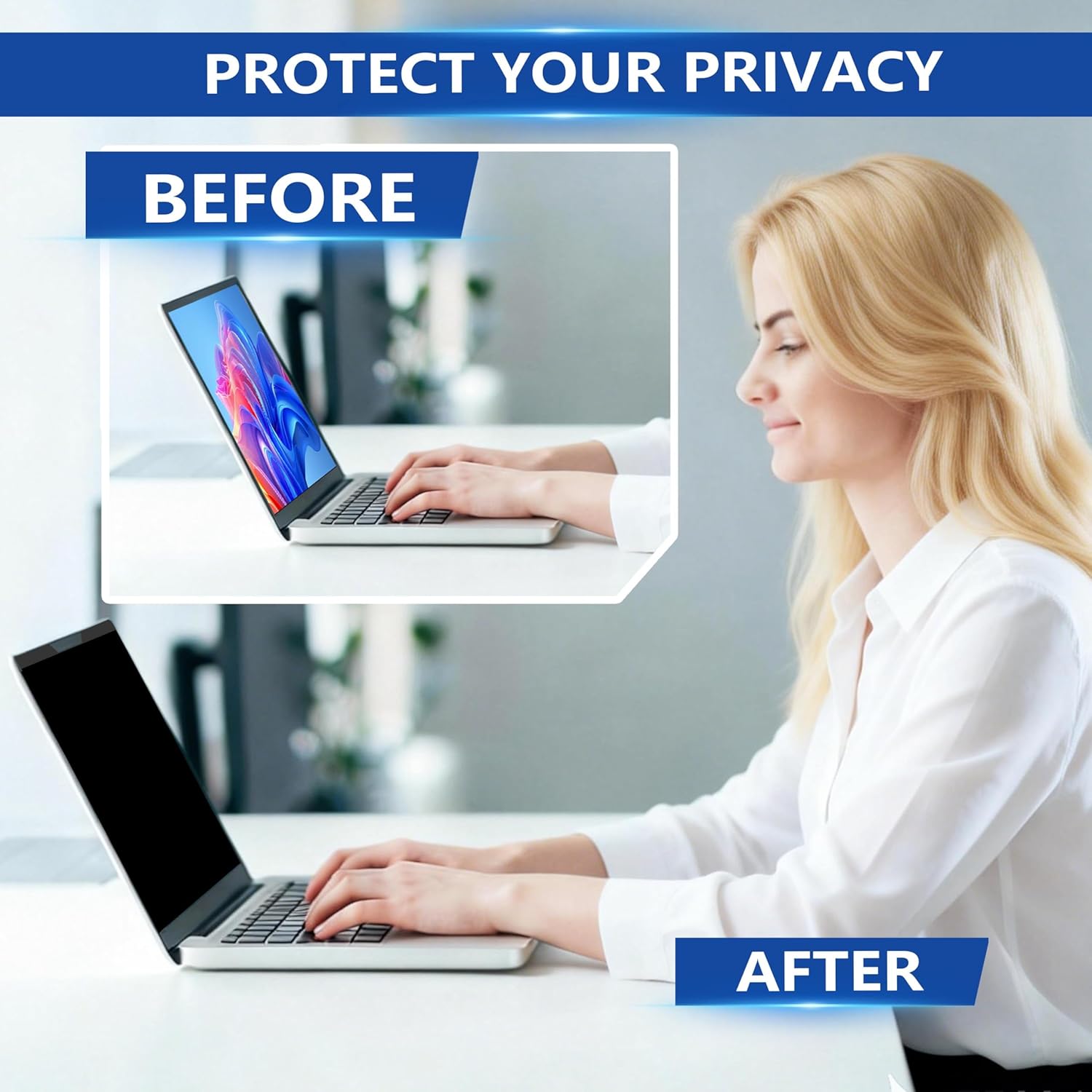
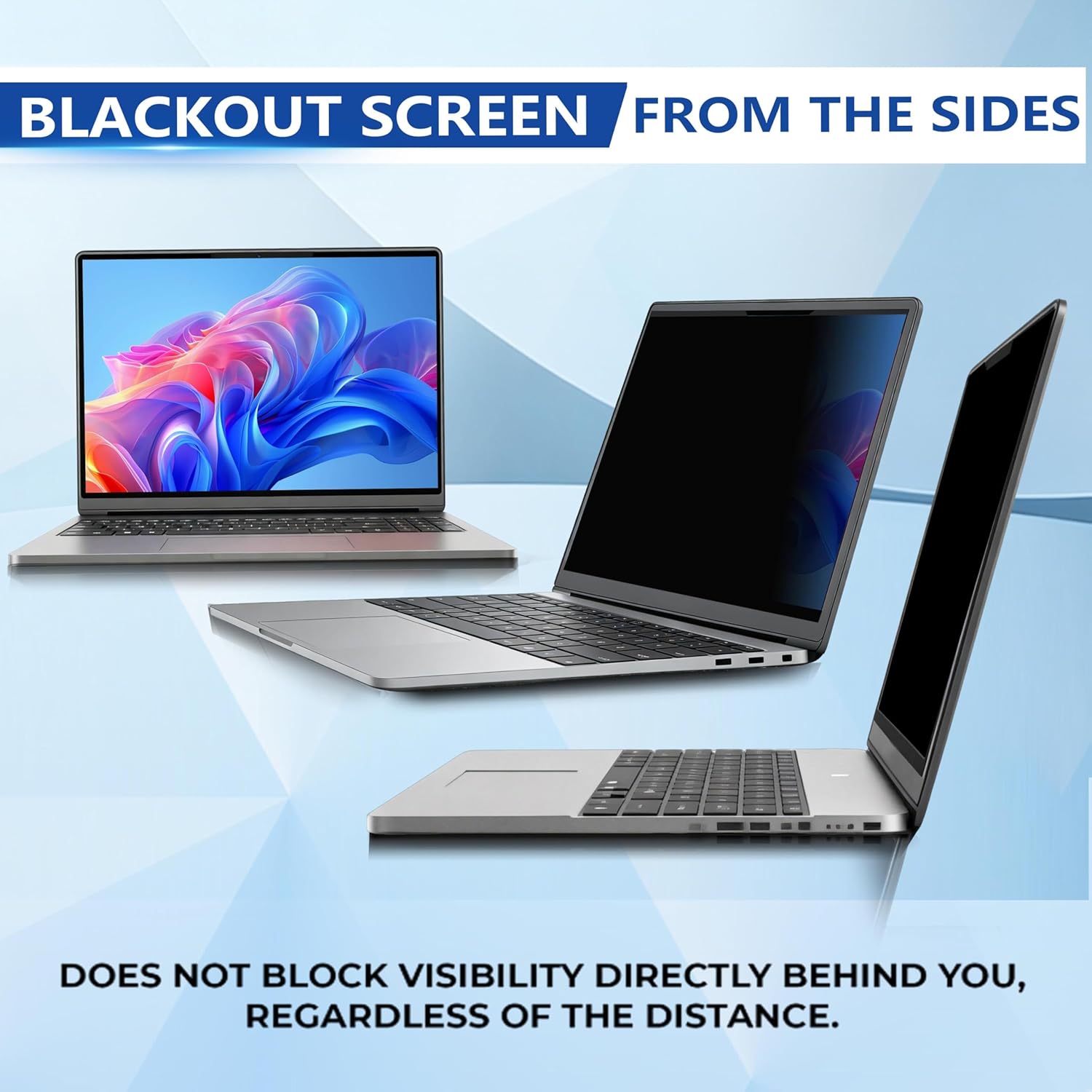
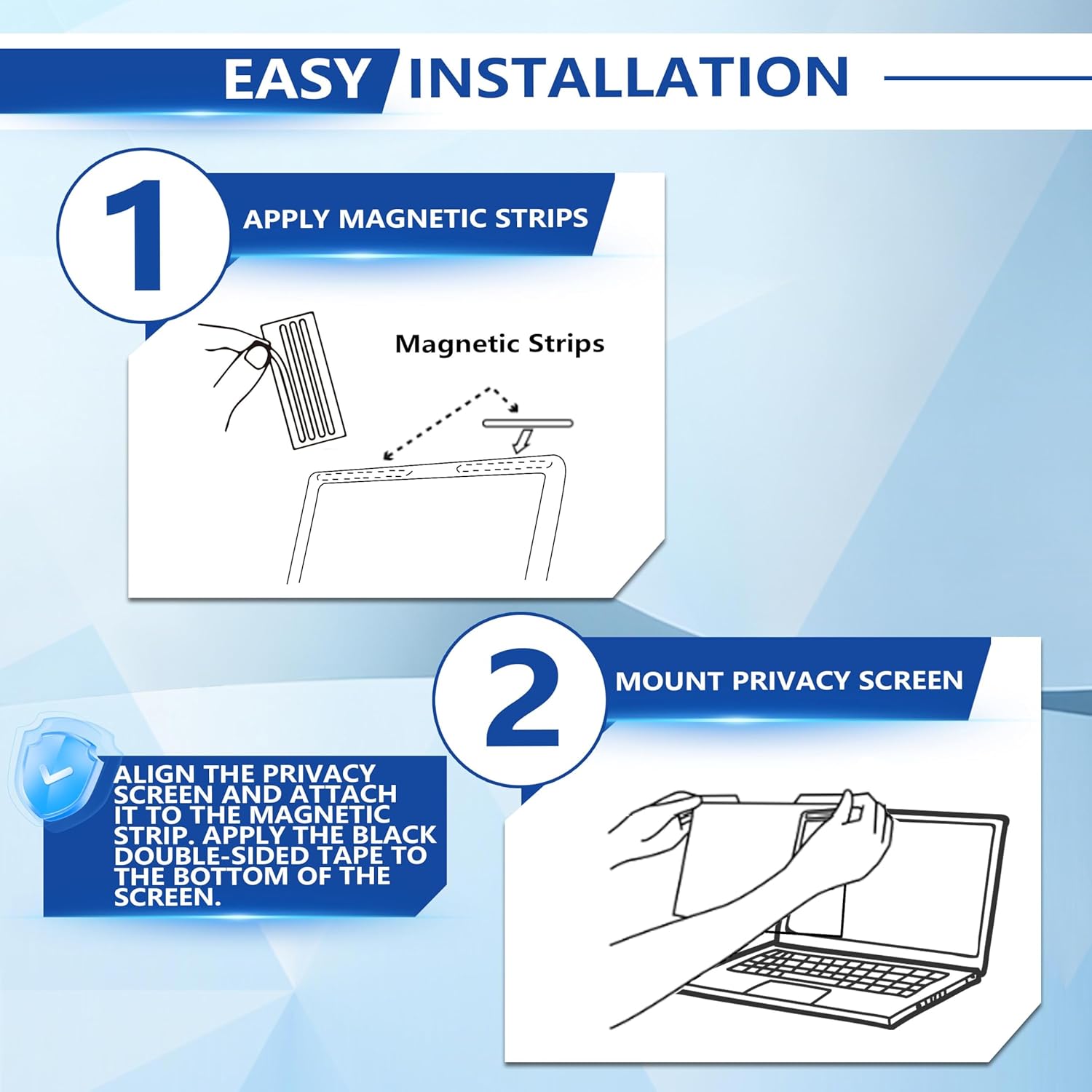
The screen uses a layered film to darken the image when viewed from the side, while keeping a clear, sharp view when looked at straight-on. The idea is straightforward: protect sensitive information from side angles in public or shared spaces, while reducing glare, UV exposure, and blue light for the user. Installation is simple: attach the magnetic strip at the top of your laptop, align the privacy screen, press the bottom edge to adhere with the included double-sided tape, and you’re ready to go. Removal is quick if you need to share your screen briefly or cannot use it in a particular environment.
What stands out adrift of the rest
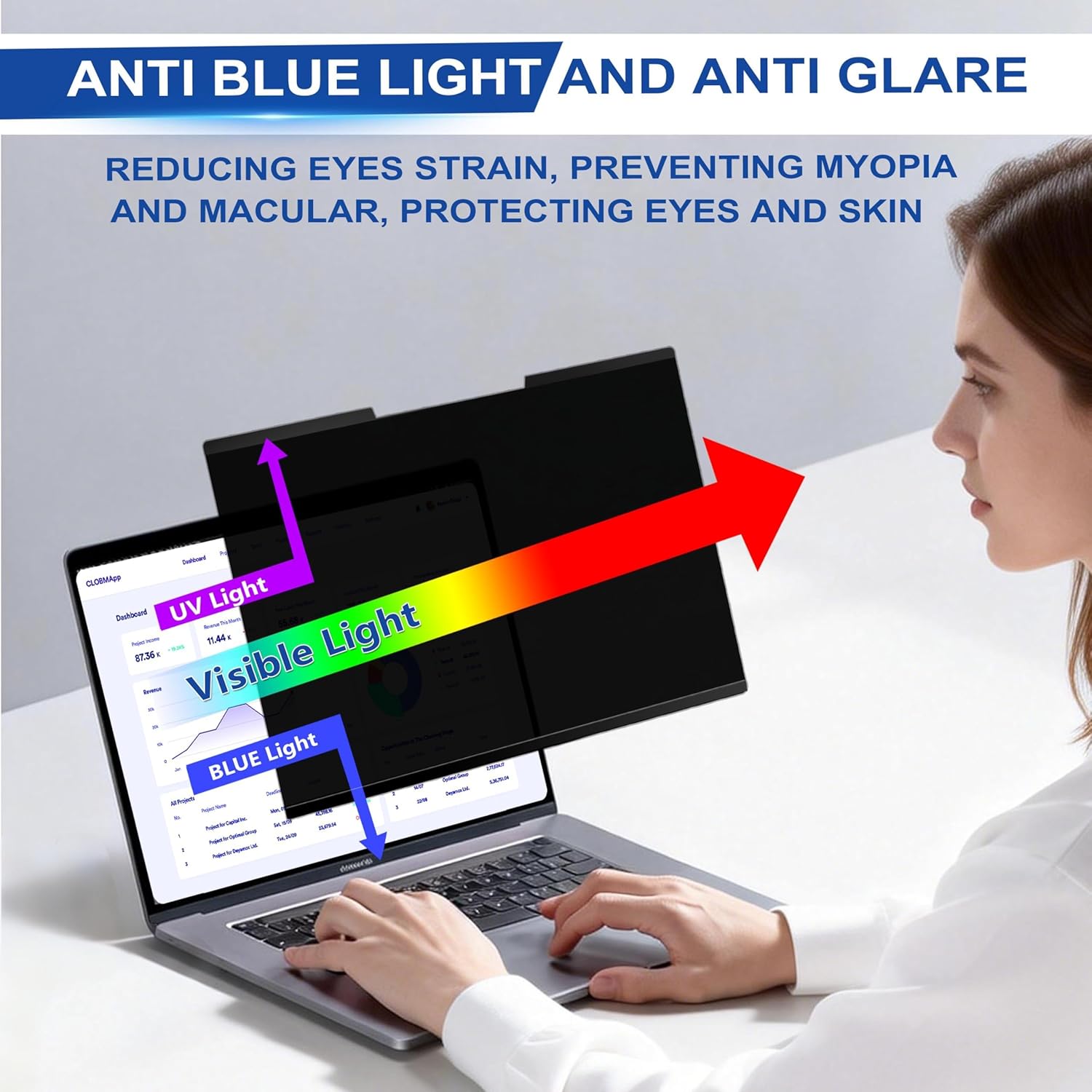
On the positive side, the magnetic design makes it easy to take on and off without leaving residue or needing tools. The filter aims to block side viewing effectively, which can help when you’re working in transit or in a busy office. It also claims to tame glare and protect eyes from blue light. A practical note: it does not block visibility directly behind you, regardless of distance, so it’s not a full-blind replacement for situational awareness.
Fit and compatibility
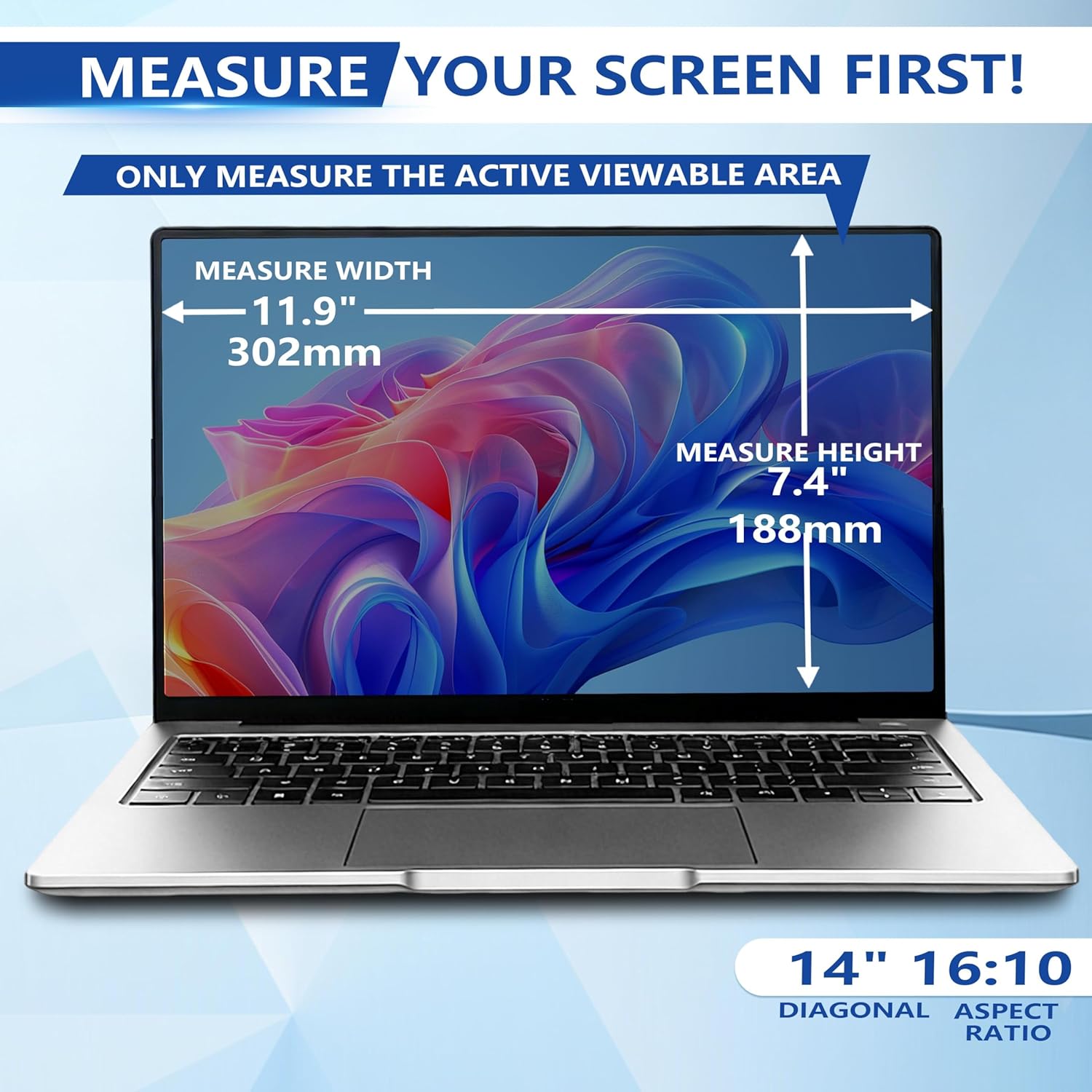
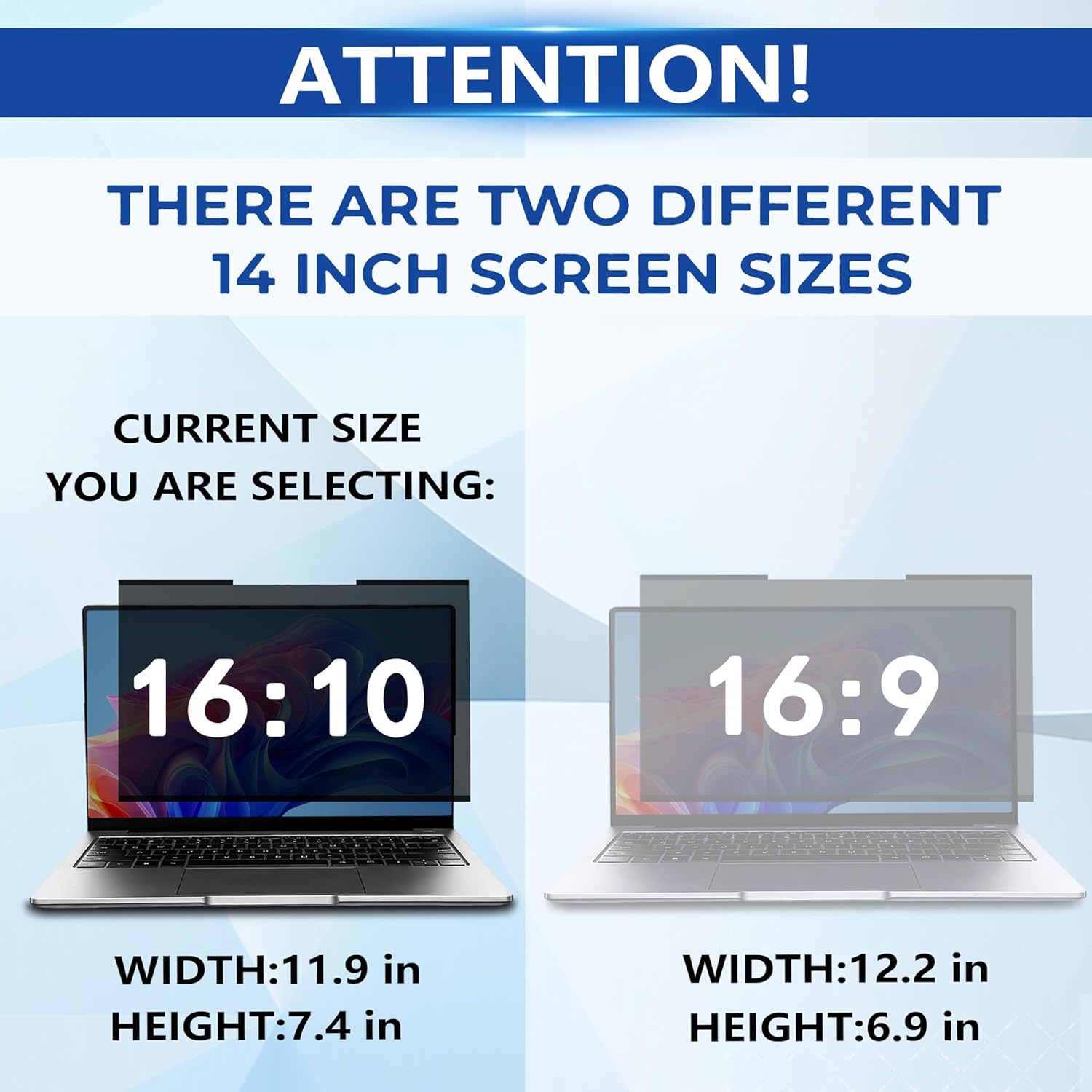
Dimensionally, the filter is specified for a 14" screen with 16:10 ratio, measuring 11.9" (302 mm) wide and 7.4" (188 mm) high (358.1 mm diagonal). This means you should verify width and height measurements of your display before purchasing, rather than relying only on diagonal size. It’s marketed as compatible with many laptop brands, but not all models will fit. If you own a MacBook or a non-standard bezel, double-check fitment.
Practical use cases
For professionals who travel or work in public spaces—healthcare workers, remote workers, students, business travellers—the screen offers peace of mind about sensitive data when you can’t guarantee privacy. The removable feature is useful for moments when privacy isn’t necessary, such as in a quiet, private office or at home. In busy environments like airports or trains, it helps to limit onlookers’ ability to read passwords or confidential notes from the side.
What to watch for before buying
- Measure your display: width and height must align with the stated 11.9" x 7.4" to ensure proper fit.
- It’s not compatible with MacBook models, so if you own one, this solution won’t apply.
- The protection is directional (privacy from the sides) and does not completely obscure what’s behind you, so stay mindful of your surroundings.
- The shield adds a slight thickness to the top and bottom edge and relies on magnetic attachment, if your laptop has unusual thickness or unusual lid geometry, verify that it won’t clash with hinges or accessories.
How it compares to broader privacy approaches
If you’re choosing between a privacy screen and alternatives, a removable magnetic filter can offer better flexibility and resale value than a permanent, non-removable filter. It’s likely to appeal to those who value being able to use privacy features in transit and remove them for shared spaces or home use. It won’t replace a dedicated privacy solution built into higher-end displays, but it’s a pragmatic option for everyday privacy on the go.
FAQ (practical answers)
- Is it easy to install every time? Yes, the magnetic top and simple bottom adhesion make it straightforward to attach and remove.
- Will it protect against blue light and glare? It claims glare reduction and blue-light protection, which may ease eye strain during long sessions.
- Can I use it with any 14" laptop? It’s advertised as compatible with several brands, but you must confirm width and height match your screen’s dimensions.
Final decision (Is it worth it?)
If you prioritise portability, easy attachment, and the ability to shield sensitive information in public spaces, this magnetic privacy screen can be a sensible addition. It may not be the best option if you have a MacBook or an uncommon screen size, or if you require a filter designed for ultra-wide viewing angles. In everyday use, it offers a pragmatic balance between privacy, glare reduction, and eye comfort, without committing you to a permanent modification of your device.