

Logitech G RS Shifter and Handbrake with Easy Mode-Switching: Height-Adjustable Handle for G and PRO Series Wheels
Product description
What it is and what it’s for
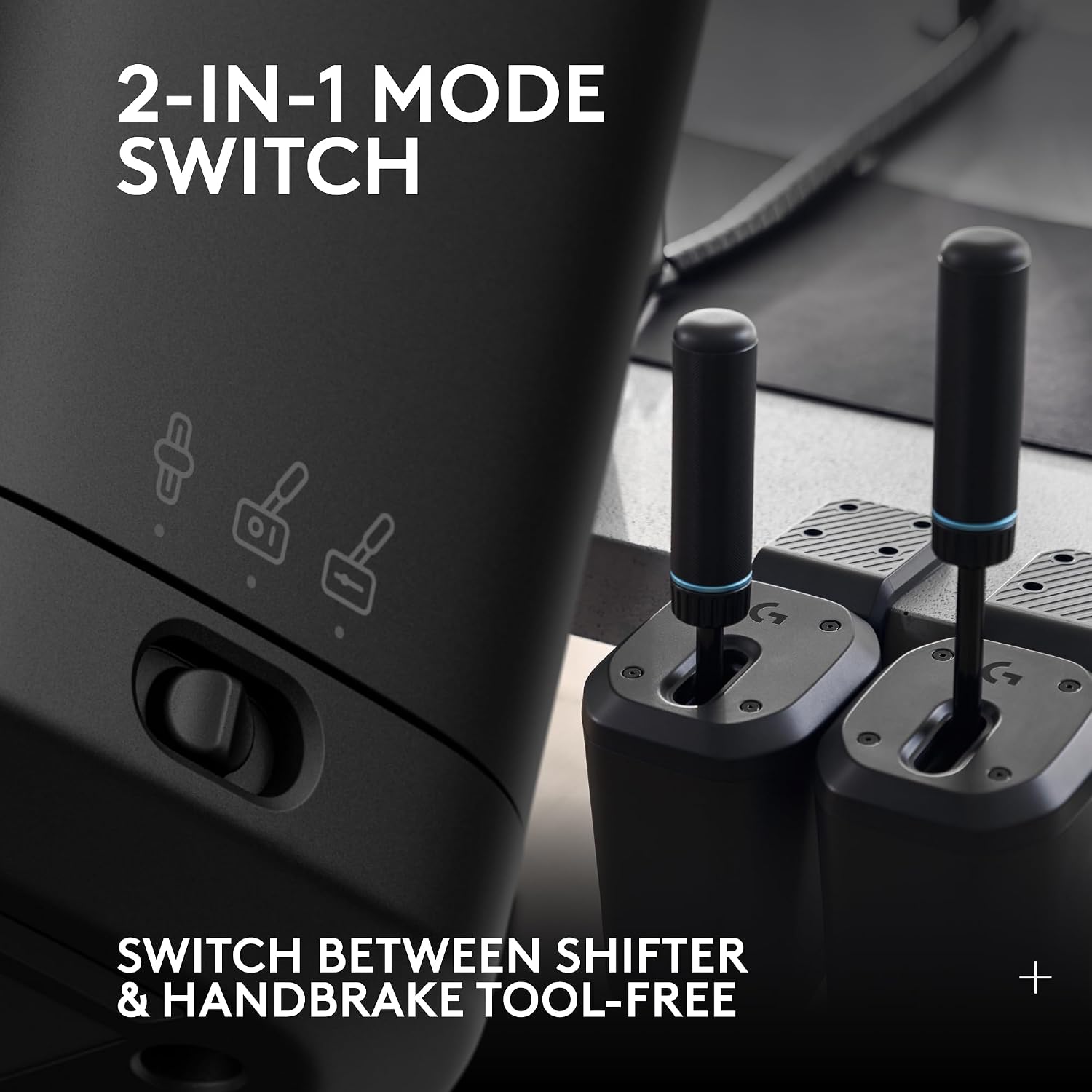
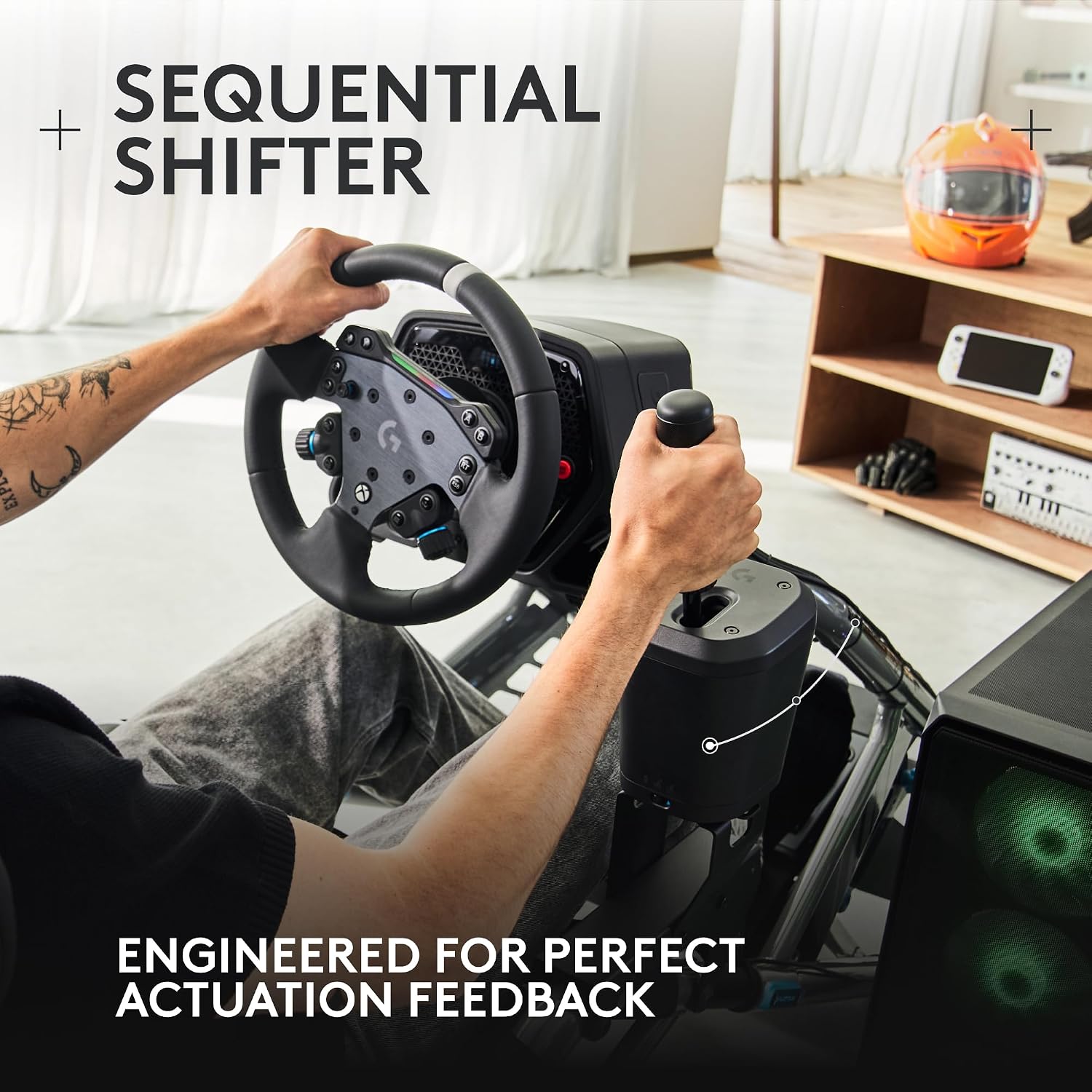
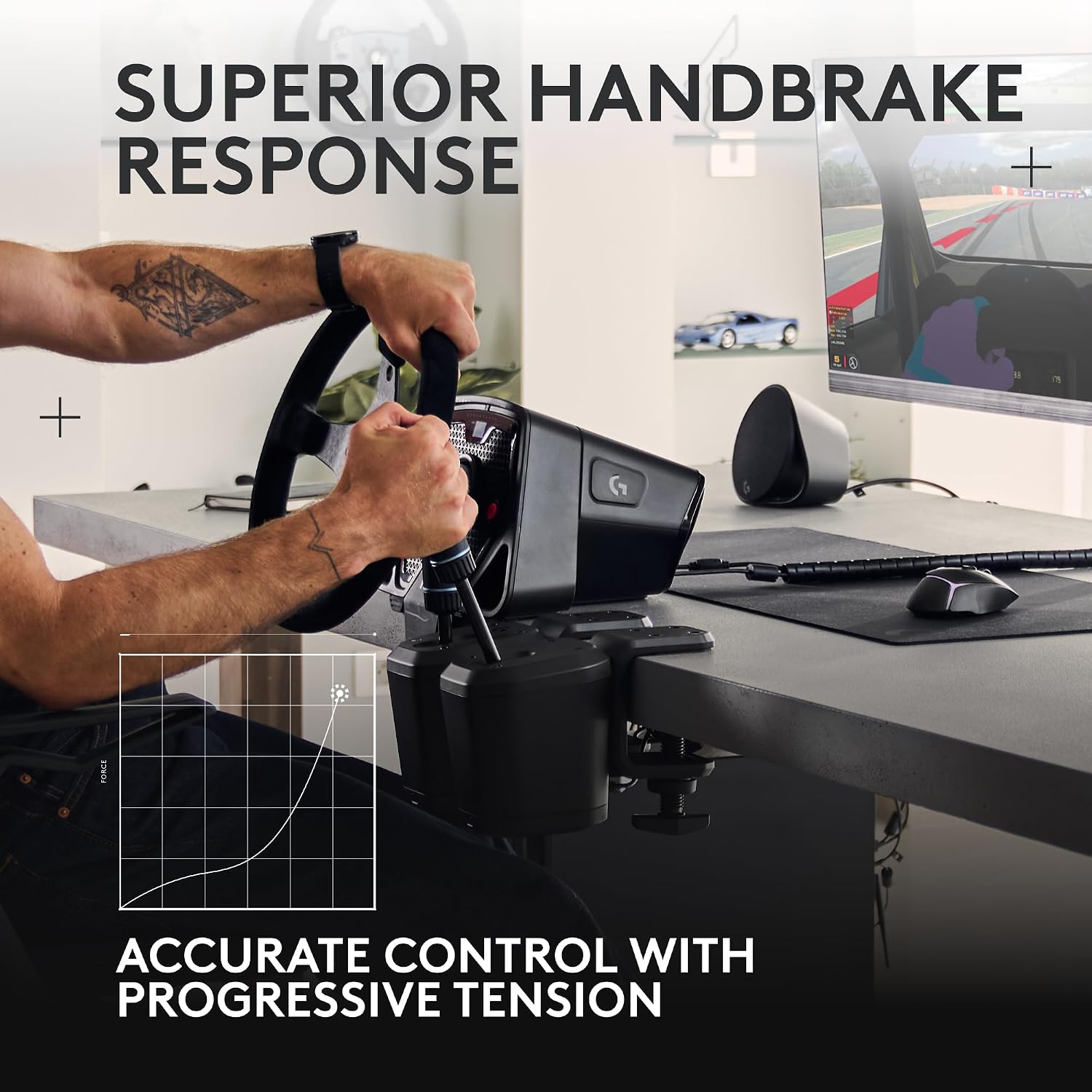
The Logitech G RS Shifter and Handbrake is a drive-style accessory designed to complement Logitech’s G and PRO series racing wheels. It combines a shifter and a handbrake in one unit, aimed at adding a more authentic feel to sim racing on PS, Xbox and PC setups. If you’re building a compact but versatile rig, this device offers a practical way to swap between mapable gears and braking without juggling different peripherals.
How it’s supposed to help you
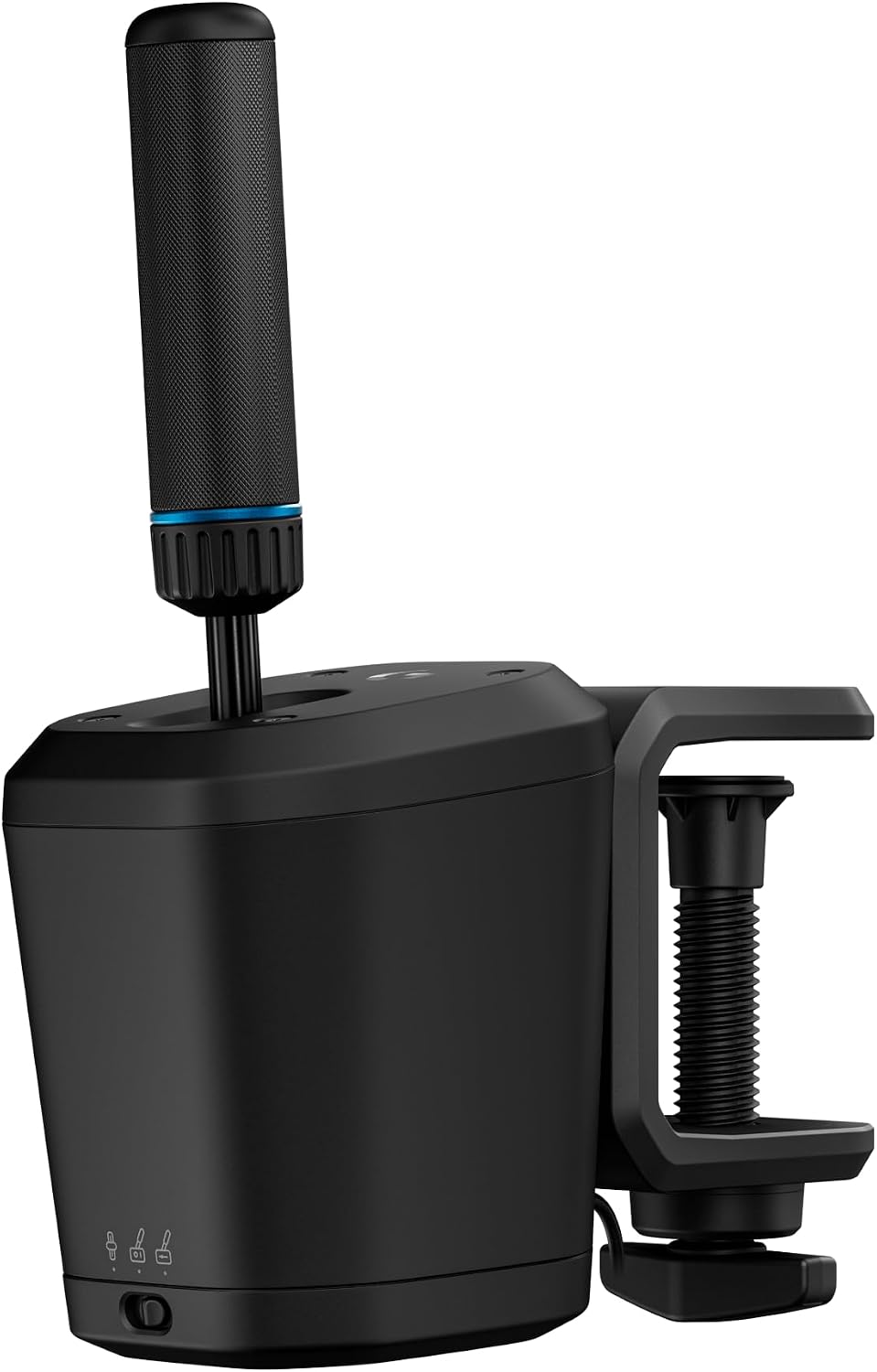
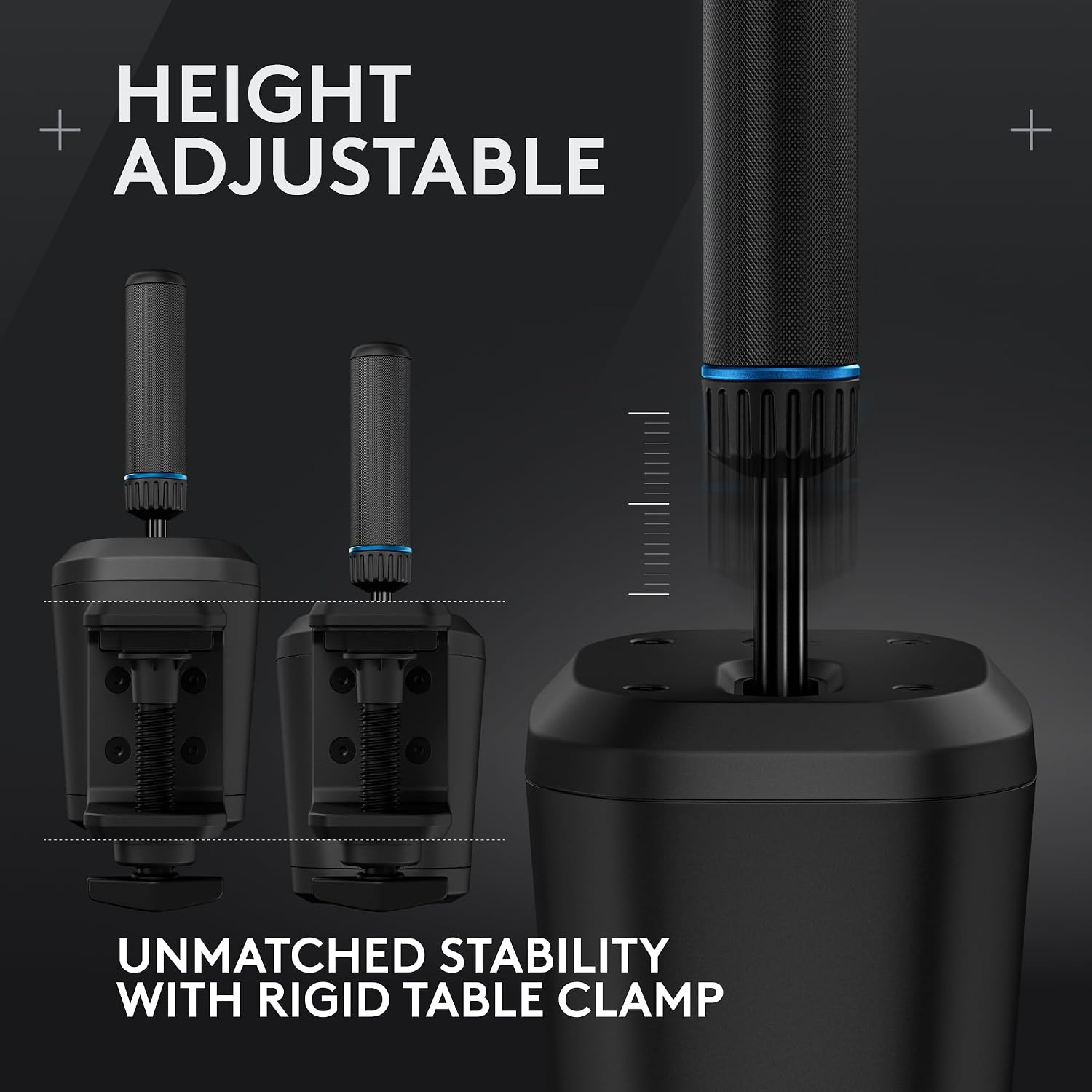
On paper, the standout features are easy mode-switching, a height-adjustable handle and a table clamp for solid attachment. The ability to switch modes without fiddling with software or additional hardware can streamline your setup and reduce time between races. The height-adjustable handle should help tailor reach to your seating position, which is useful if your cockpit is shared or you’re adjusting for comfort during long sessions.
What stands out day to day
In real use, you’ll notice that calibrating the shift and handbrake actions to your preferred throwing and braking strength can improve consistency. The clamp offers a straightforward mounting solution, so you can reposition on a desk or table without losing tension. If your current wheel setup lacks a dedicated handbrake or you want a more authentic sequential shifting feel, this unit provides a practical upgrade path.
Pros
- Combines shifter and handbrake in one compact unit, reducing desk clutter.
- Easy mode-switching can save time during sessions or between different racing titles.
- Height-adjustable handle allows some customisation to fit your seating and wheel stance.
- Table clamp offers an adaptable mounting option for desks, trays or gaming rigs.
Cons or limitations
- The description and data available don’t specify exact travel, throw distances or force metrics, so you may need to adjust expectations about precision out of the box.
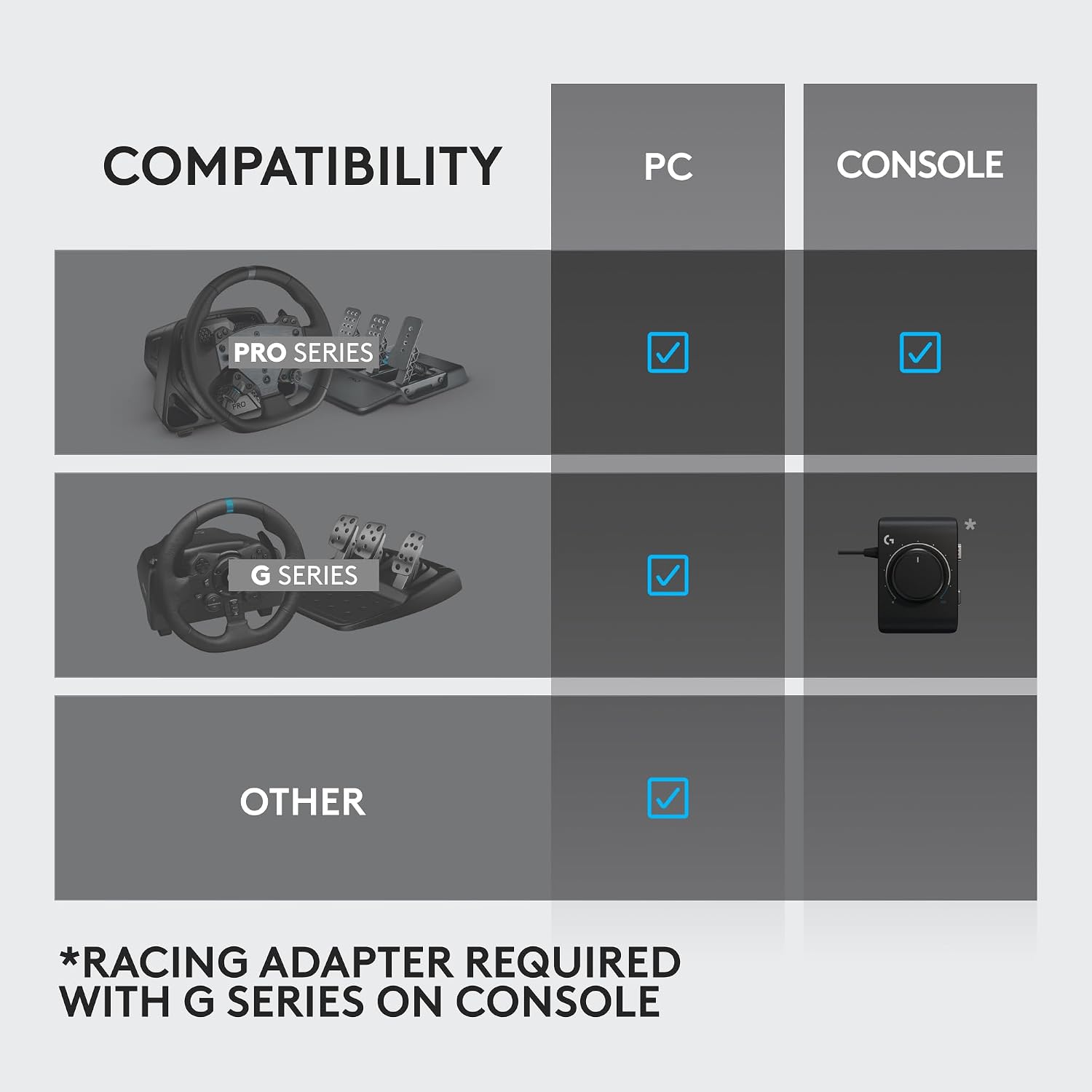
- Compatibility is limited to PS, Xbox and PC racing units in the Logitech ecosystem, if your setup uses third-party wheels or pedals, check compatibility carefully.
- If you require a more dedicated cockpit integration with a fixed, vibration-free mount, the clamp solution may feel temporary.
- The product listing focuses on form and basic features, if you prioritise advanced haptic feedback or customisable software profiles, you may find it slightly lacking.
Who it’s for
This is well-suited for casual to mid-range sim racers who want a combined shifter/handbrake solution without committing to a full, high-end dedicated cockpit. It’s a sensible choice if you’re looking to experiment with sequential shifting and brake work without buying multiple separate components. It may be attractive if you use a shared desk or need to adapt hardware quickly for different titles.
Who it isn’t ideal for
If you’re chasing ultra-precise, tournament-grade control or require extensive, programmable weighting and tuning, this unit may fall short compared with more specialised gear. It’s also worth noting that if your current setup relies heavily on third-party wheel bases outside the Logitech range, you should verify compatibility before purchase.
When does it make sense to buy
Consider this if you want to add a handbrake and gear shifter to an existing wheel setup with a relatively small footprint, and you value simple mounting and mode-switching over exhaustive configurability. It’s a pragmatic upgrade for improving immersion in wheels from the same brand family and for players who race across multiple titles with varying control schemes.
Before you buy: what to check
- Confirm the table clamp compatibility with your desk thickness and edge design.
- Check whether the easy mode-switching works as you expect across the games you play and whether any titles require additional mapping.
- Consider how the height adjustment aligns with your seating and wheel position to avoid overextension or cramped grip.
- Reflect on whether you’ll benefit from an integrated shifter/handbrake in a single unit or prefer separate devices with potentially more nuanced feedback.
Alternatives and how this fits your approach
If you already own a full racing rig with separate shifter and handbrake components, you might view this as a space-saving enhancement or a budget-friendly way to test sequential shifting. For those seeking granular control, dedicated units with customisable profiles and higher degrees of feedback could represent a different path. In short, this accessory sits between a basic add-on and a more involved upgrade: practical, not overly complex, and contingent on how much value you place on compact integration.
Decision: Is it worth it?
Is it worth it? Worth considering if your priority is to experiment with a combined shifter and handbrake in a compact setup and you’re happy with a straightforward mounting solution. Not the best choice if you demand highly precise, customisable feedback or a fixed, dedicated cockpit integration.
FAQ
- Will this work with non-Logitech wheels? Compatibility information is not detailed, verify against your specific wheel base before purchasing.
- How stable is the table clamp? The description mentions a clamp method suitable for desks and tables, but real-world stability will depend on desk edge design and clamping pressure.
- Can I use it with both PS and Xbox titles easily? The listing implies cross-console compatibility, confirm game profiles and mapping for your chosen titles to avoid surprises.