

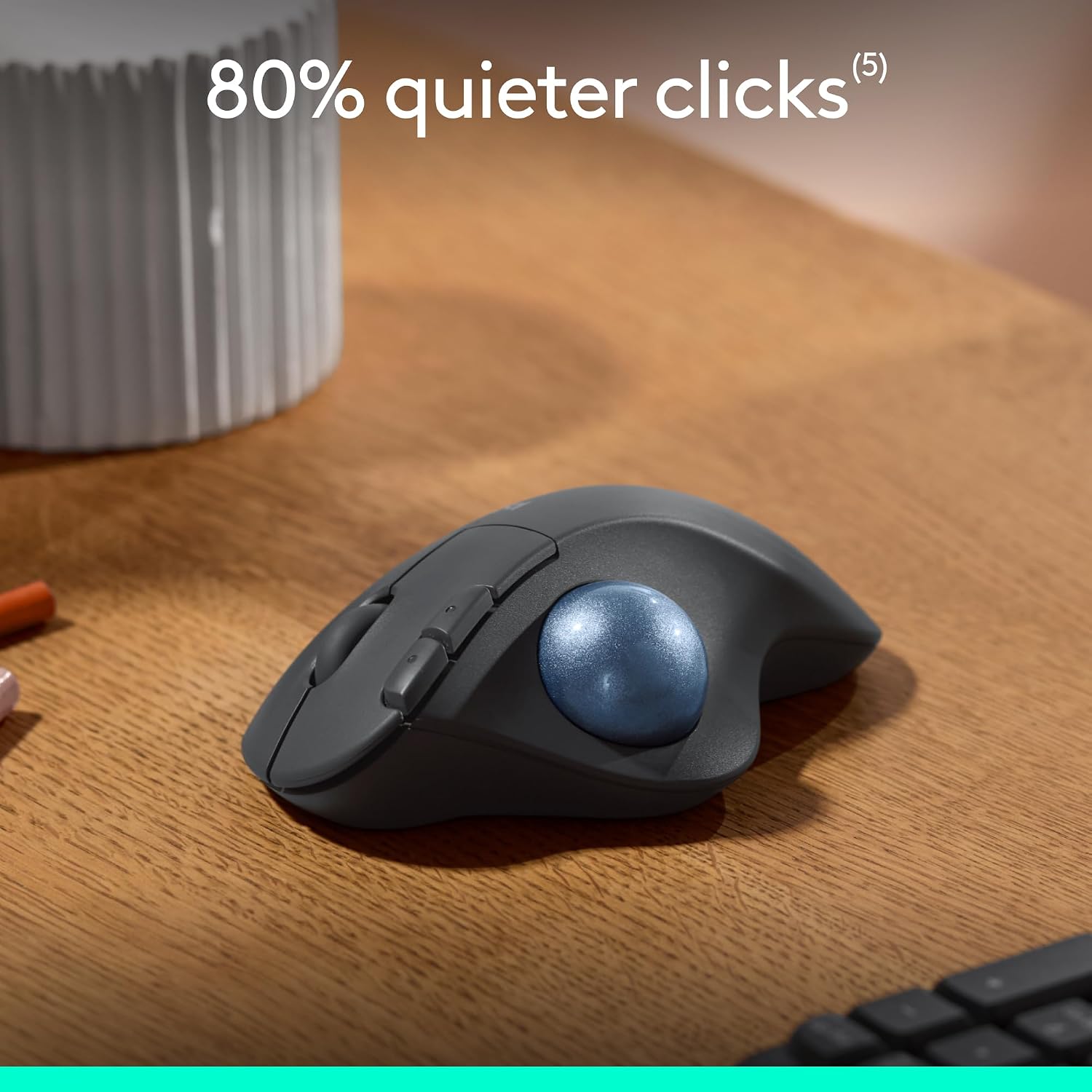
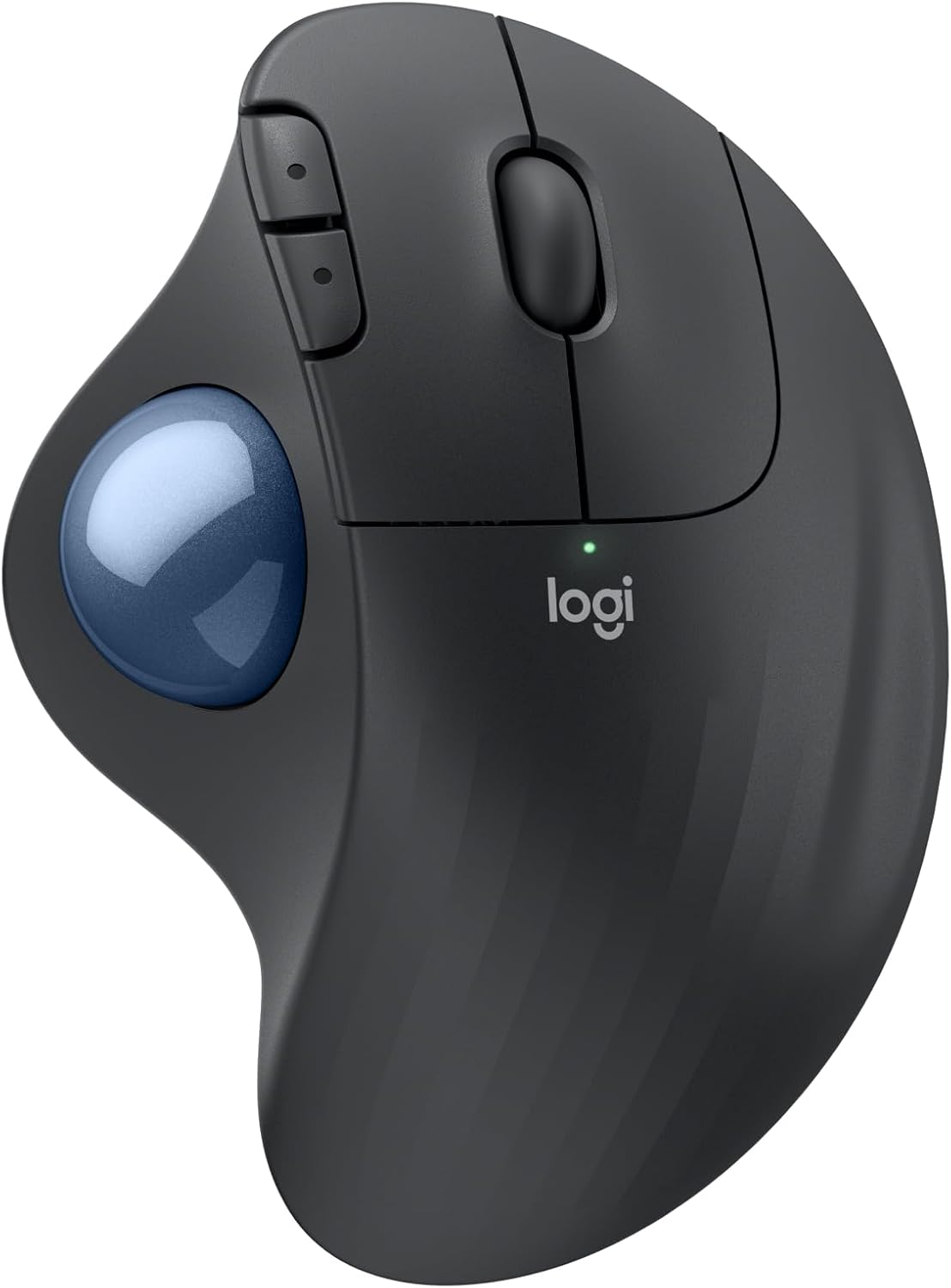
Logitech ERGO M575S Wireless Trackball Mouse (Bluetooth + encrypted dongle) – Graphite
Reviews
Price
Product description
If you spend hours at a desk, the Logitech ERGO M575S is designed around one simple idea: fewer reaching movements can mean a more comfortable day. It’s an ergonomic wireless trackball mouse with thumb control, built to keep your hand in a more natural position while you steer the cursor.
That “trackball instead of a moving mouse” approach is the headline here, but there’s also a lot of care put into the shape, plus the option to tailor controls using the Logi Options+ app. It won’t feel right for everyone (trackballs can be an adjustment), yet for people who want smoother control with less arm movement, it’s a compelling one to consider.
Key takeaways
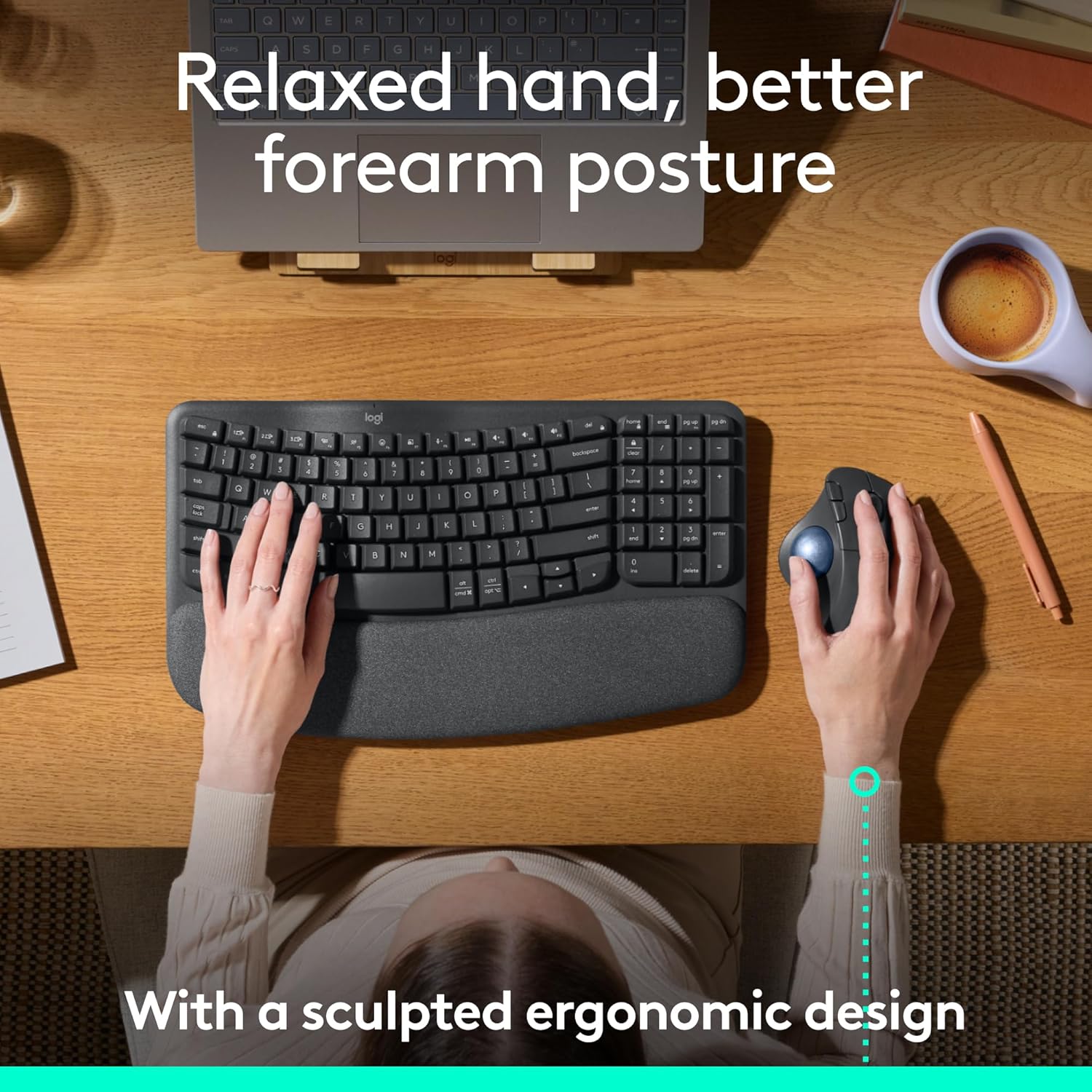
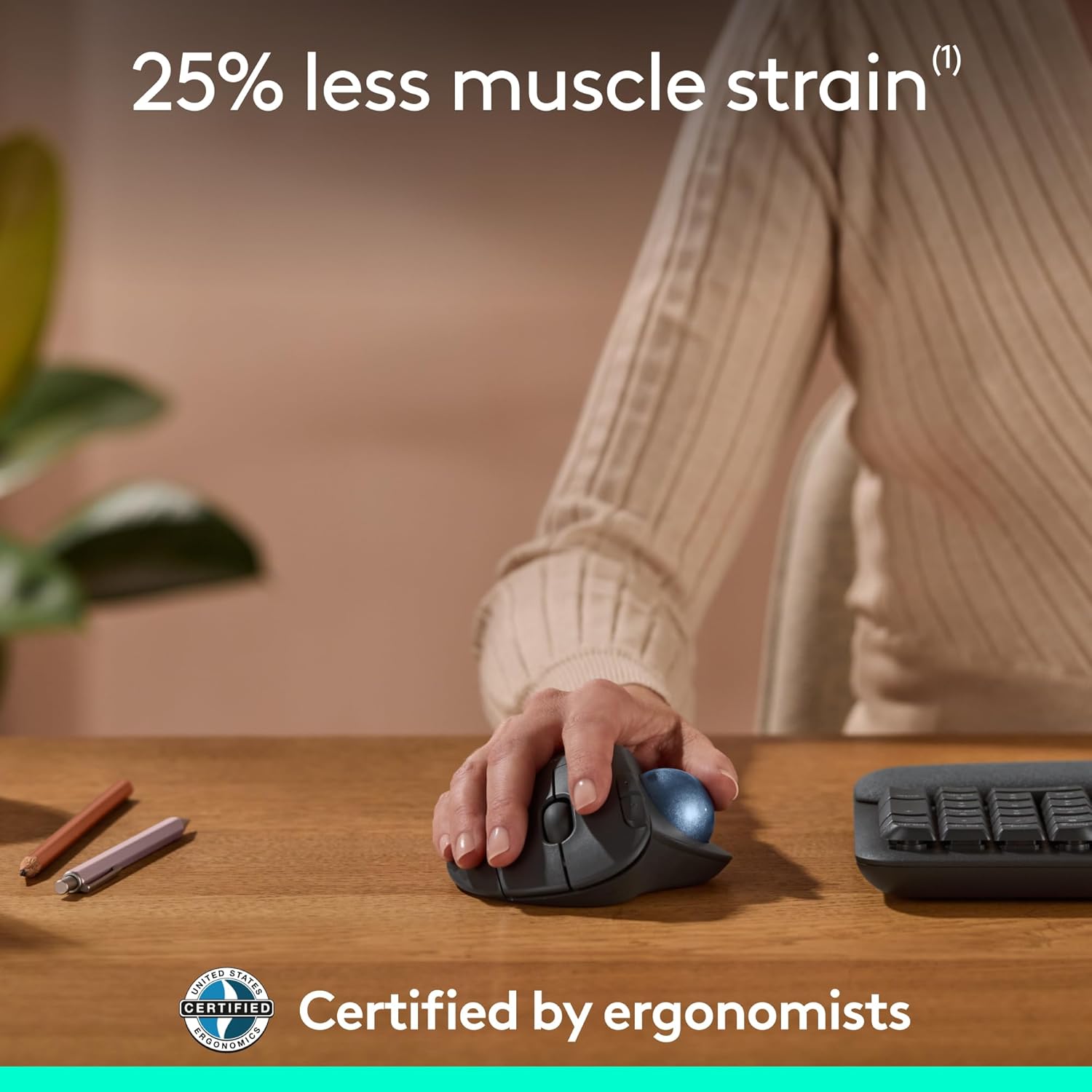
The ERGO M575S is a thumb-operated wireless trackball mouse aimed at longer sessions where comfort matters. Its contoured ergonomic design is made to help support the hand and improve forearm posture through the day, and Logitech also claims it can reduce muscle tension in the forearm during use.
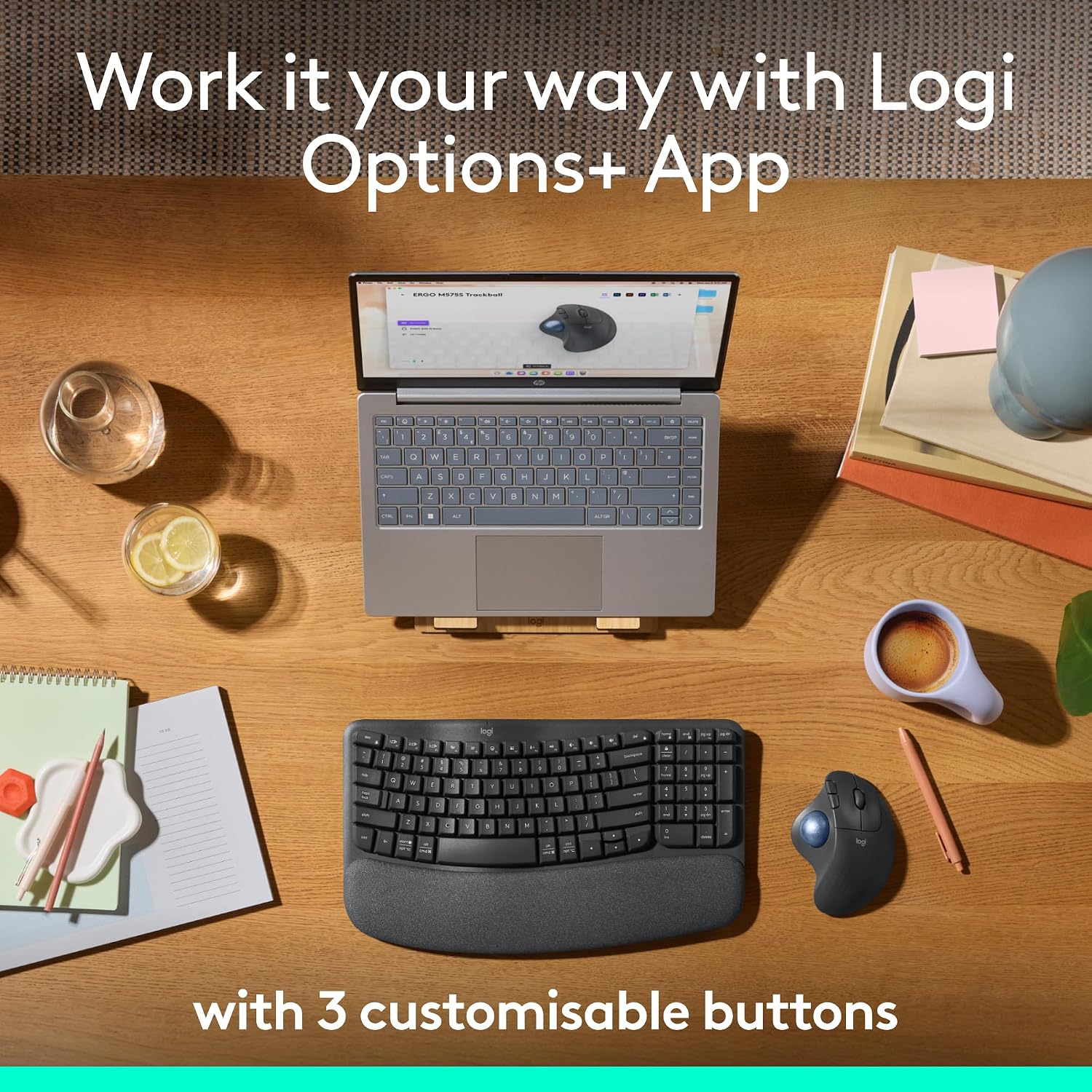
You get three customisable buttons, plus “Smart Actions” and cursor-speed adjustment via Logi Options+. And because the cursor is moved without moving your whole hand, it’s particularly suited to smaller or tighter desks.
The big limitation to bear in mind: as a trackball, it’s a different control style from a standard mouse, so if you’re used to glide-and-go aiming, there may be a learning curve.
What matters most for daily use
A good ergonomic mouse should fade into the background—in practice, it means your wrist, forearm and hand don’t feel like they’re doing extra work. The ERGO M575S is shaped to keep the hand relaxed while you track smoothly and precisely using the thumb.
Logitech’s emphasis here is on posture: the ergonomic form is meant to support the hand and realign the forearm for a better position across the day. It’s also described as being suitable for “practically any hand size”, which is useful if you’re not sure how it will suit you before committing.
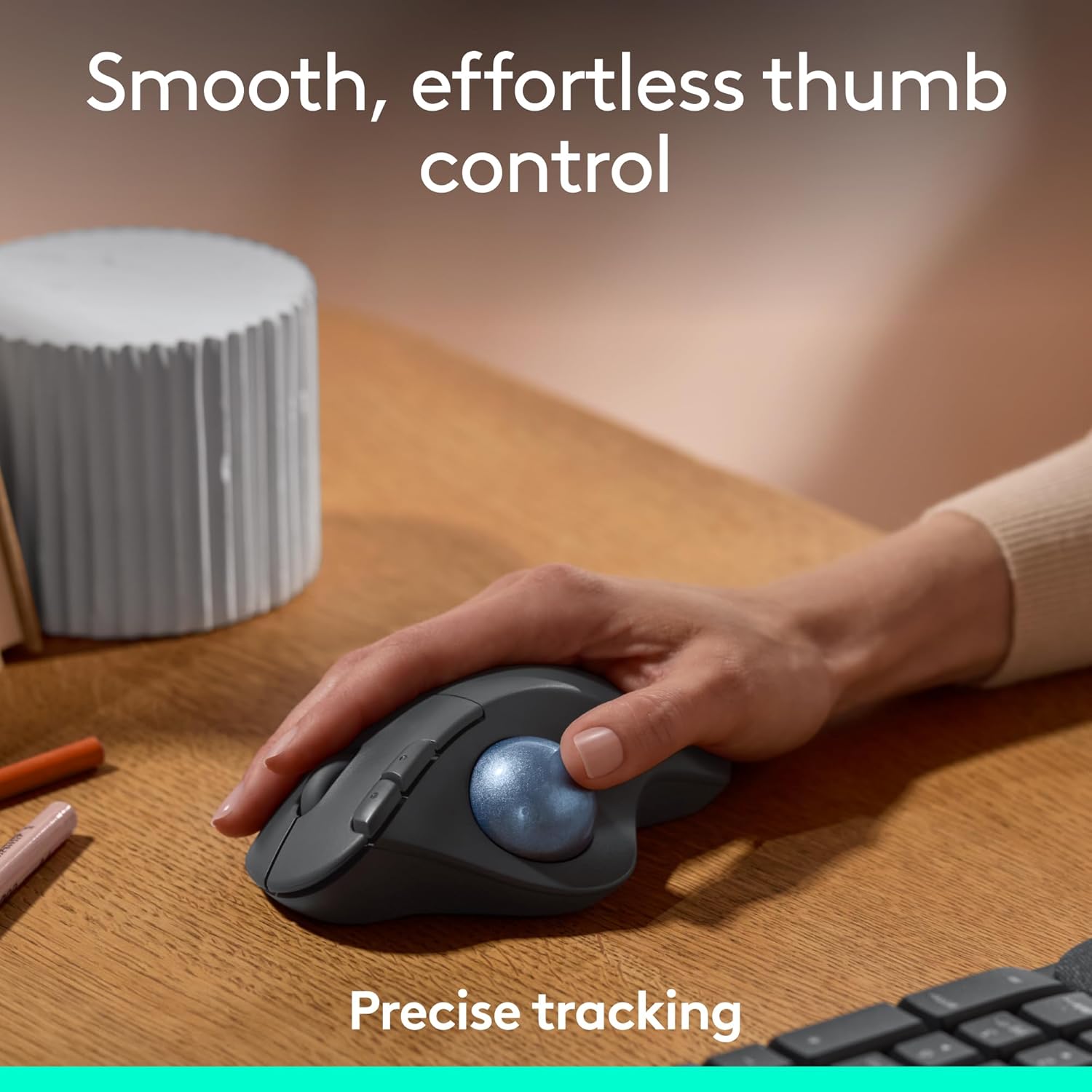
On a practical level, the thumb trackball control can be a real desk-saver. For example, if you’ve got a compact work setup where there isn’t much space for sweeping a mouse across the table, being able to move the cursor without moving your hand around can make sessions feel less cramped.
Where it shines (and when it might not)
This trackball mouse is at its best if you prioritise reduced movement, comfort during extended use, and desk-friendly control. It’s also a strong fit if you like having shortcuts and faster workflows through configurable buttons and smart actions.
It’s less convincing if your main goal is “just like a normal mouse.” Trackballs rely on a different muscle memory, and some people simply never fully gel with thumb control. Also, if you expect a straightforward plug-and-play experience without using any companion software at all, features like cursor speed tuning are tied to Logi Options+.
Worth considering if you want comfort-first design. Better avoided if you already know you dislike trackball mice.
The control setup: buttons, actions, and cursor speed
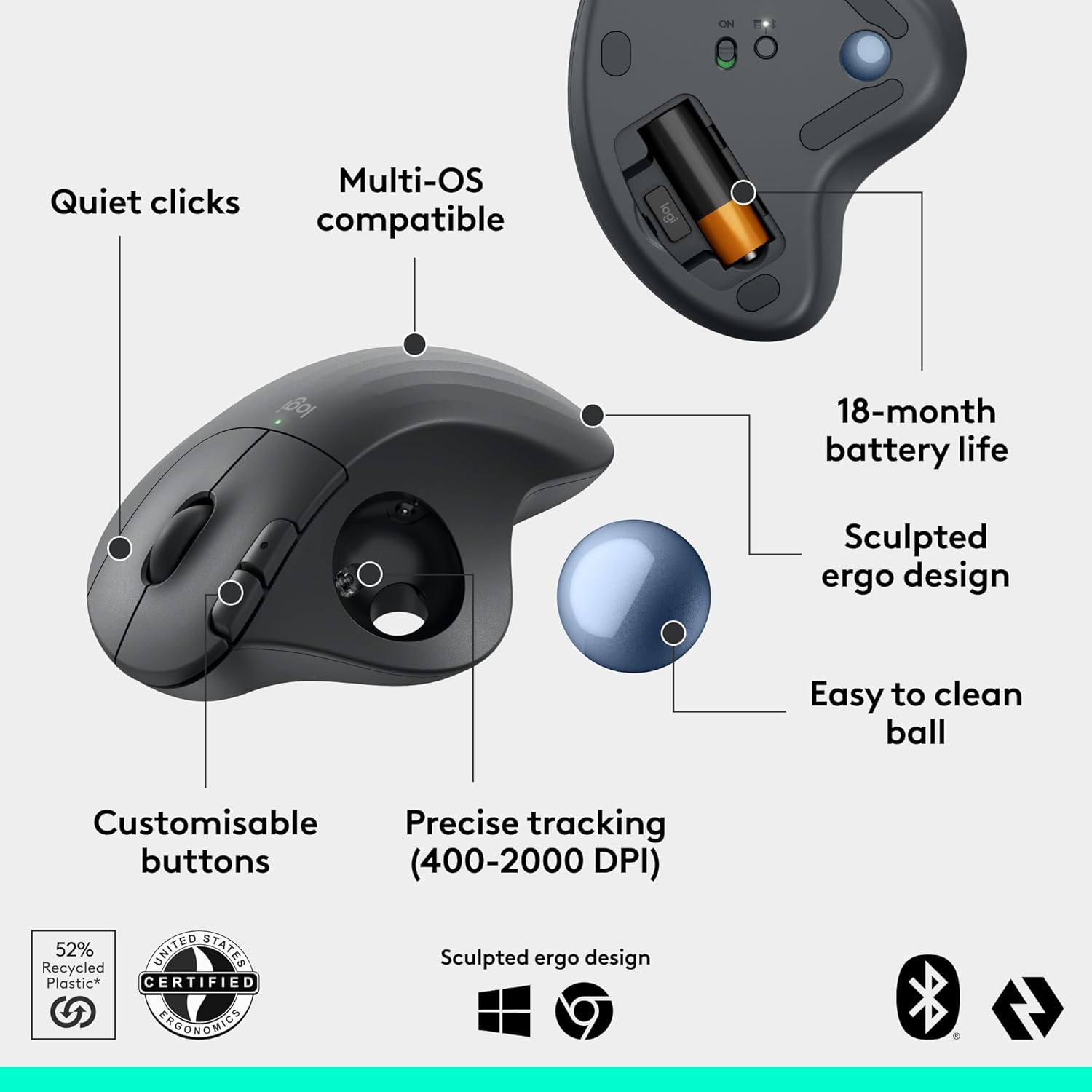
Logitech includes three customisable buttons for direct shortcuts, plus Smart Actions. The practical takeaway is that you can set the mouse up to match how you actually work—whether that’s switching between tasks, triggering repeat actions, or speeding up routine navigation.
Cursor-speed adjustment is also part of the picture via the Logi Options+ app. On paper, that combination—physical buttons plus software-tuned cursor behaviour—makes it easier to dial in a feel that suits you.
One thing to keep in mind: the more you want software-based tailoring, the more you’ll rely on Logi Options+ rather than using the mouse purely on default settings.
Compatibility and encryption approach (what to check)
The ERGO M575S is described as a wireless ergonomic trackball mouse with Bluetooth and an encrypted dongle. That suggests you can choose between wireless options depending on your setup.
What you should check before buying is whether you’ll be using Bluetooth, the dongle, or both across PC and Mac—because your day-to-day experience can depend on how easily your devices switch and connect (the exact switching behaviour isn’t detailed in the information provided).
Care & maintenance considerations
A trackball mouse is usually cleaner in everyday use (you’re not dragging a full device around the desk), but the trackball itself can collect dust over time since your thumb is doing the tracking. It’s worth being prepared for occasional cleaning so the “precise and smooth tracking” feel stays consistent.
You may also find that keeping the trackball area clear helps the thumb control feel as responsive as you expect—especially during longer work blocks.
Is it worth it?
It makes sense if you want a thumb-controlled ergonomic trackball mouse designed to support forearm posture, reduce reaching movements, and keep your hand relaxed during long sessions. If your desk space is tight, or you simply prefer moving the cursor without moving your whole arm, the ERGO M575S is a practical, comfort-led choice. The customisable buttons and Smart Actions add value if you like streamlining your workflow.
You may want to skip it if you’re set on a traditional mouse feel, dislike trackballs, or don’t want to use Logi Options+ for cursor tuning. It’s also not the best match if you expected a “no-configuration needed” experience for every feature.
Mini FAQ
Will this feel the same as a regular wireless mouse?
No—because it’s a trackball mouse controlled with your thumb. Some people settle quickly, others prefer a traditional mouse motion, so it can take a bit of adjustment.
How does the ERGO M575S help with comfort?
It’s built around an ergonomic, contoured shape intended to support the hand and improve forearm posture during the day. Logitech also claims reduced forearm muscle tension.
Can I change the cursor speed?
Yes, cursor speed can be adjusted via the Logi Options+ app (as described in the information provided).
Does it work wirelessly with more than one connection type?
It’s described as having Bluetooth and an encrypted dongle, so it’s meant to support wireless use in that way. The details of switching between them aren’t provided here, though.