

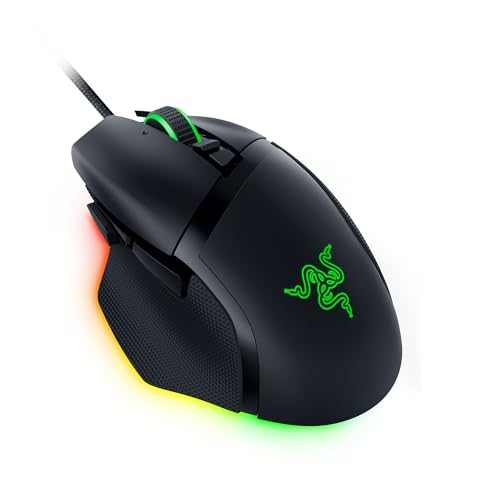
Razer Basilisk V3 Wired Customisable Gaming Mouse
Reviews
Price
Product description
What matters most
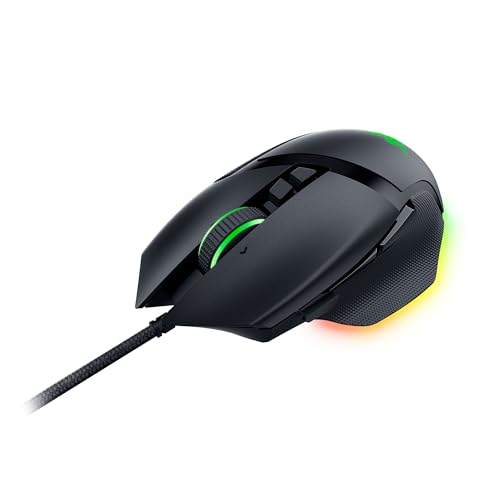
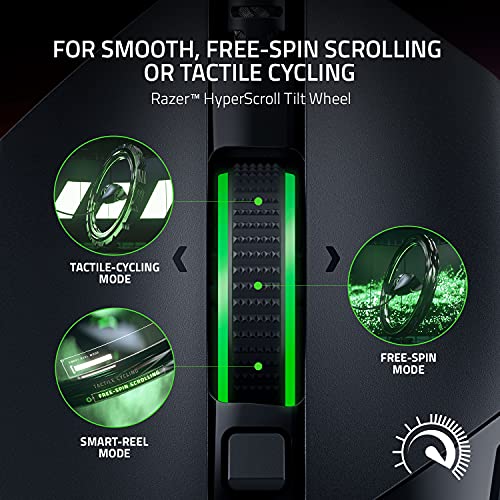
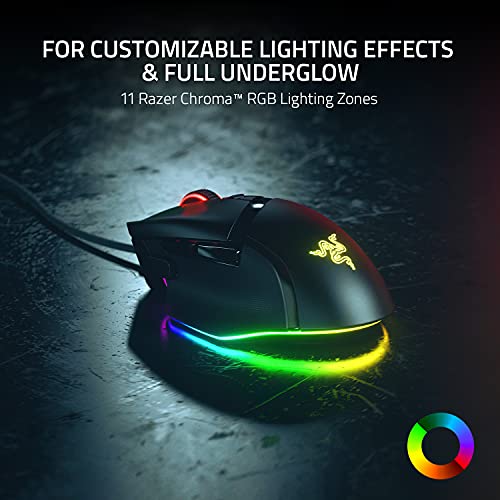
If you’re chasing a wired gaming mouse with serious customisation, the Razer Basilisk V3 sits up front. It offers 10+1 programmable buttons and a signature ergonomic shape with a thumb rest, aimed at players who want quick-action macros and fast access to situational controls. The HyperScroll Tilt Wheel gives you a choice between free-spinning for rapid content traversal or tactile cycling for precise selection, which can be handy when cycling through weapons or skills mid‑game. An 11‑zone Razer Chroma RGB setup adds personalisation and visual feedback, reacting with the game and, in many cases, other Chroma-enabled titles.
How it’s laid out
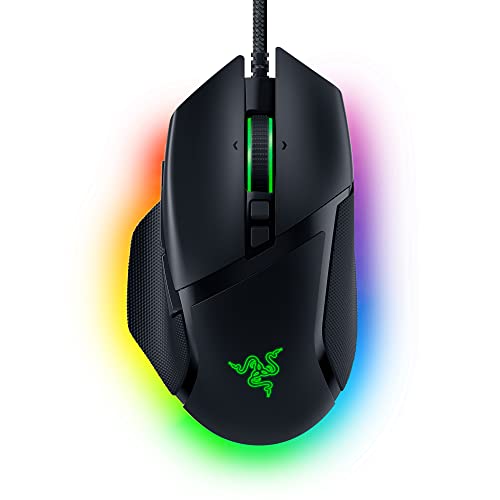
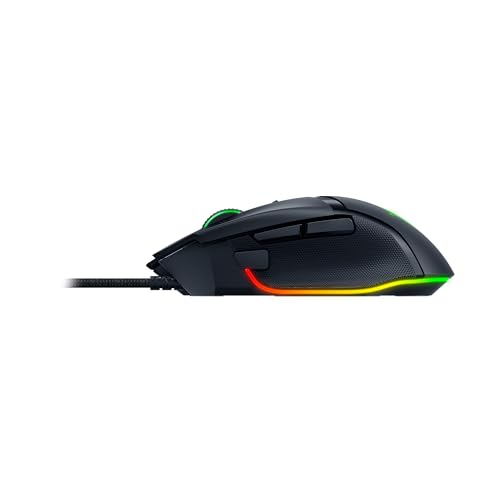
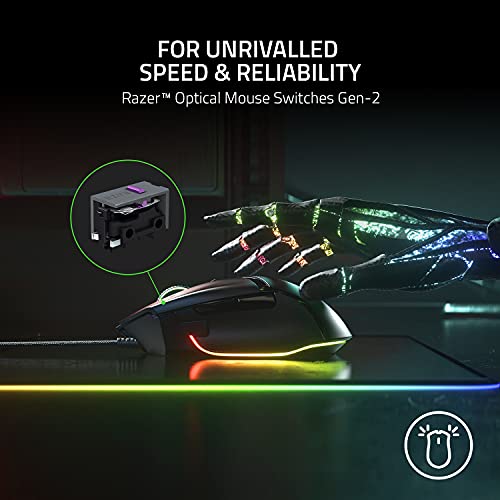
On a practical level, you’ll find a familiar right-handed silhouette with well-placed buttons for thumb access and a switched-on focus sensor. The Gen‑2 optical mouse switches are designed to deliver crisp, reliable clicks with a reported 0.2 ms actuation and durability up to 70 million clicks. This is not a lightweight gimmick, it’s built for repeated, confident actions during long sessions.
Tech specs
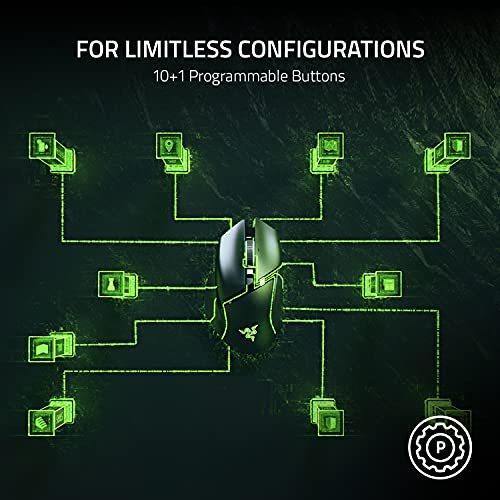
- 10+1 programmable buttons including a multi-function trigger
- Razer HyperScroll Tilt Wheel: free-spin mode or tactile cycling
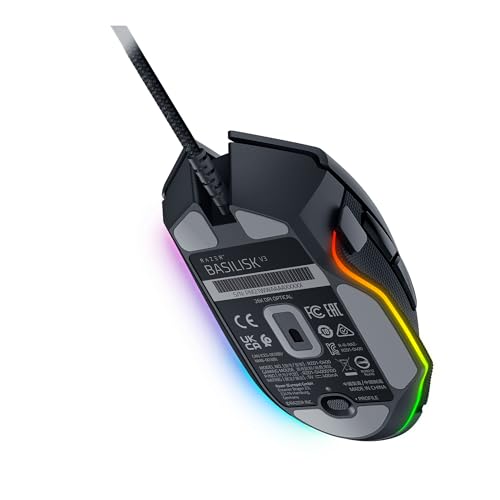
- 11 Razer Chroma RGB Lighting Zones with extensive colour options and game integrations
- Iconic ergonomic design with dedicated thumb rest
- Razer Optical Mouse Switches Gen-2
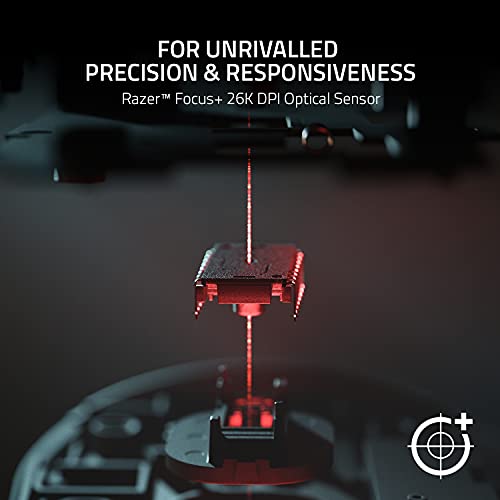
- Focus+ 26K DPI optical sensor
- Wired connectivity for zero-latency response
What stands out in use
The Basilisk V3 balances comfort with high configurability. If you prioritise macro-heavy builds or need fast, on‑the‑fly access to actions, the 11 programmable zones can reduce keystrokes and muscle memory play. The combination of the tilt wheel and the extra buttons means you can tailor your setup to the game you’re playing, from shooters to MOBAs. Yet, it’s not a miracle cure for every genre, for casual browsing or light productivity, the feature set can feel excessive rather than essential.
Where it might fall short
If you’re after a minimal mouse or prefer a compact form factor, this model’s sizeable profile and extensive feature set might feel overkill. Likewise, the focus on customisation requires time to set up and experiment with macros and lighting, which isn’t ideal if you want a plug‑and‑play option from day one. The reliance on a wired connection means you lose the freedom of wireless, which can matter if you move your setup around a lot.
Who it’s for
This mouse suits gamers who value deep configurability, precise control, and a proven ergonomic layout. It’s a solid option for players who run multiple binds, rely on quick PTT or ping actions, and want a vibrant, customisable lighting profile that reacts to in‑game events.
Who it’s not for
If you favour a lightweight, compact mouse, or you don’t need many programmable buttons, you may be better served by a simpler model. If you mainly play casual games or work mostly in productivity apps, the Basilisk V3’s extra features might feel superfluous.
Before you buy: what to check

- Decide how much you value the 10+1 programmable buttons versus a simpler layout.
- Consider whether you’ll actually use the HyperScroll Tilt Wheel’s two modes in practice.
- Think about the lighting ecosystem: do you have other Chroma devices that would benefit from synchronized effects?
- Confirm that you’re happy with a wired connection and the overall size for your grip style.
Alternatives in context
In the grand scheme, this mouse sits between entry‑level configurable mice and higher‑end competition models. If you’re after simple macro capability and a comfortable daily driver, a less feature‑dense option may save money and keep things straightforward. If you want intense customisation and a robust, well‑tested sensor, Basilisk V3 earns its keep.
Buying decision
Is it worth it?
It’s worth considering if you prioritise customisation, ergonomic comfort, and a feature-rich wheel with strong build quality. If those elements align with your needs, the Basilisk V3 is a sensible option rather than a flashy splash of extras.
Quick FAQ
- How many programmable buttons does it have? 10+1 programmable buttons, including a multi‑function trigger.
- What’s the sensor resolution? Focus+ 26K DPI optical sensor.
- How durable are the switches? Razer Optical Mouse Switches Gen-2 rated up to 70 million clicks.