

Logitech G PRO Mechanical Gaming Keyboard (Tenkeyless) with GX Blue Clicky Switches & LIGHTSYNC RGB – QWERTY UK, Black
Product description
At a glance
This Logitech G PRO mechanical gaming keyboard is built around a compact tenkeyless (no number pad) layout, so you get more room for mouse movement without feeling cramped. It’s aimed at people who care about consistent, responsive keypresses, and it leans into a classic “clicky” feel thanks to GX Blue switches.
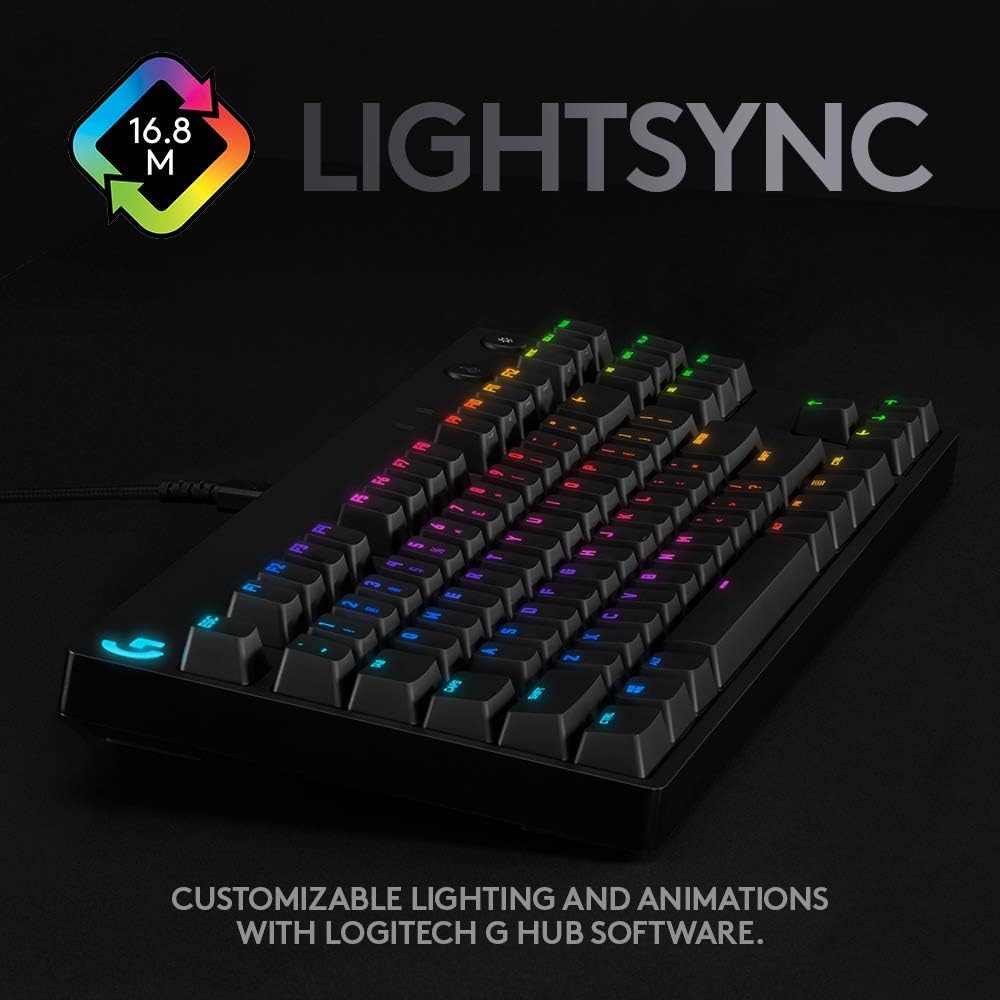
On top of that, there’s LIGHTSYNC RGB backlighting for highlighting keys and running custom animations. If you play competitive games, the tenkeyless format plus a detachable cable design is the sort of practical setup you’ll notice day to day, especially when you pack up for sessions away from home.
It’s not trying to be the quietest or most discreet option—clicky switches are pretty much the point—so it’s worth thinking about whether you prefer an audible, tactile response or something more muted.
Key features
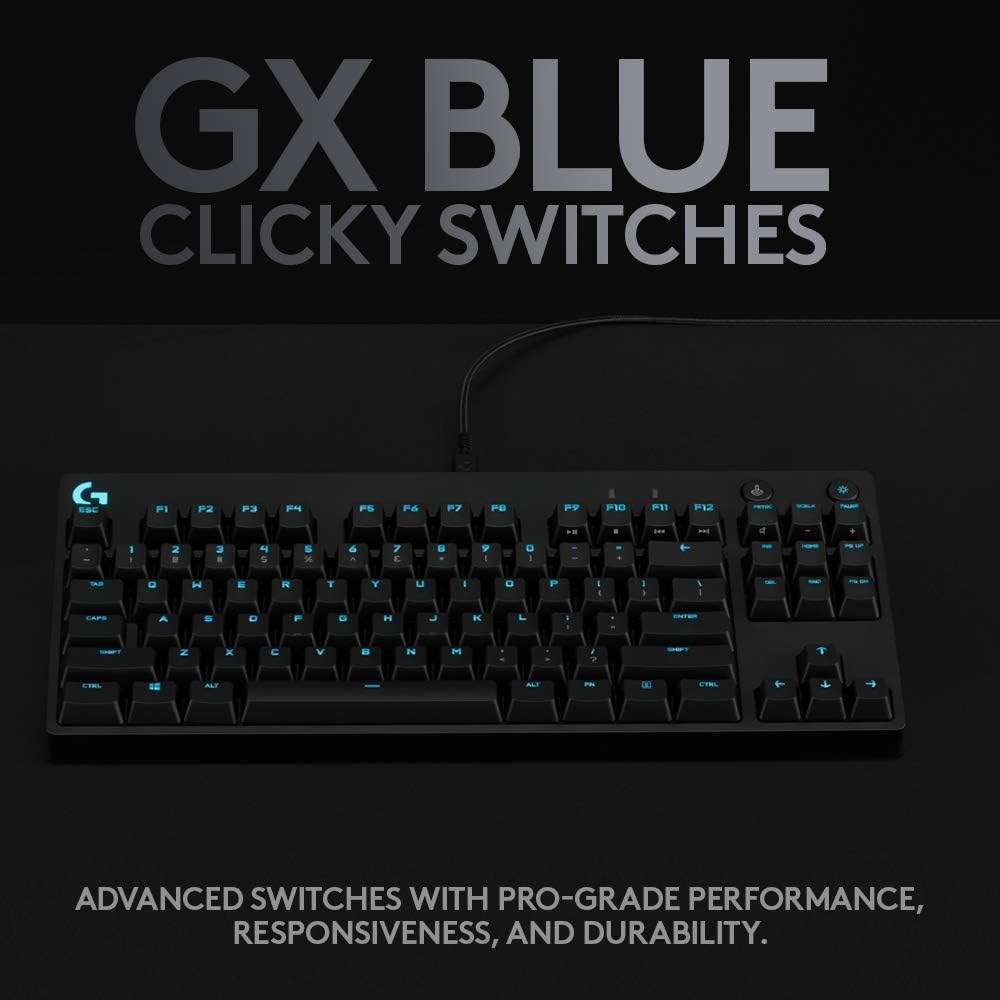
The core of this keyboard is its responsive GX Blue mechanical clicky switches. On paper, that means an audible and tactile click for a keypress you can feel and hear, which can help with confidence when you’re typing fast or executing repeat actions in games.
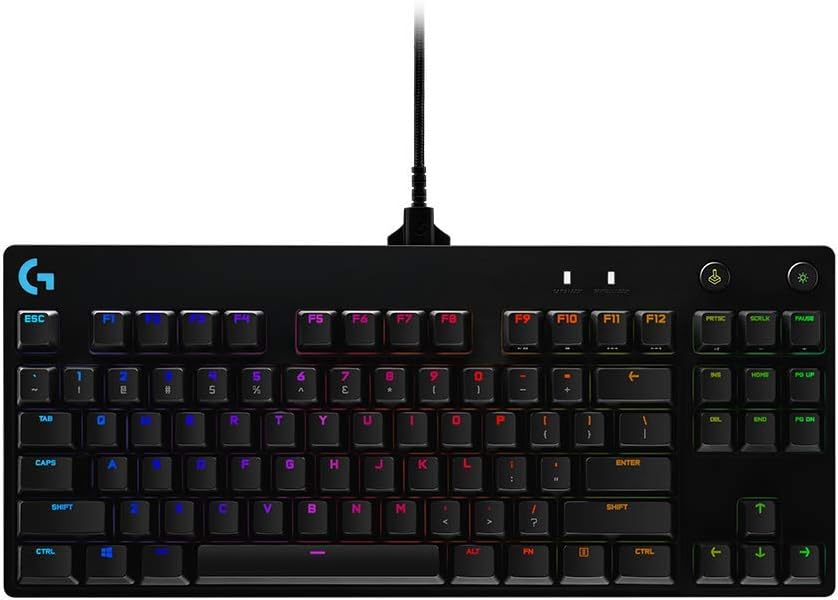
It also includes LIGHTSYNC RGB backlit keys, with the ability to customise animations. A useful detail for tournament-style setups is that you can program static lighting patterns and store them in onboard memory for systems where Logitech G HUB can’t be installed.
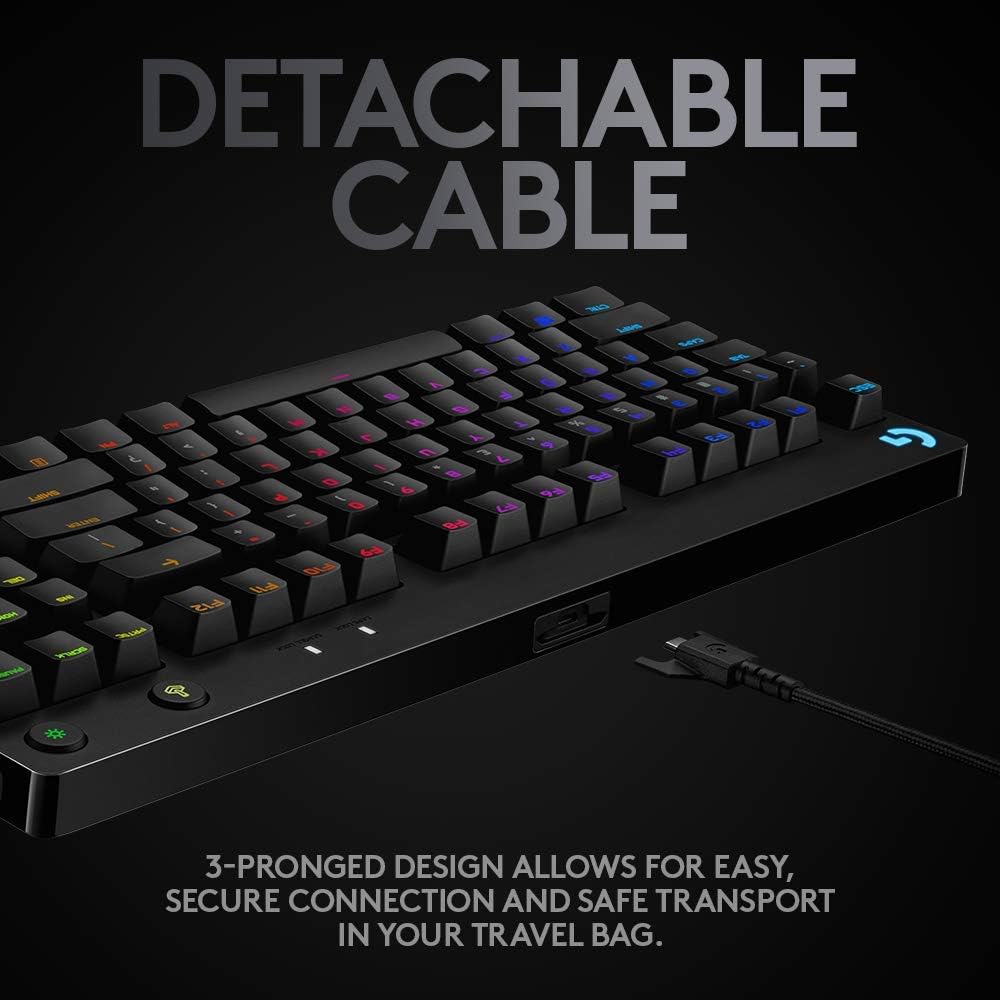
For transport, the detachable Micro USB cable matters more than it sounds. When the cable comes off, it’s easier to pack neatly and safer to transport than a fixed lead that’s constantly being bent or tugged.
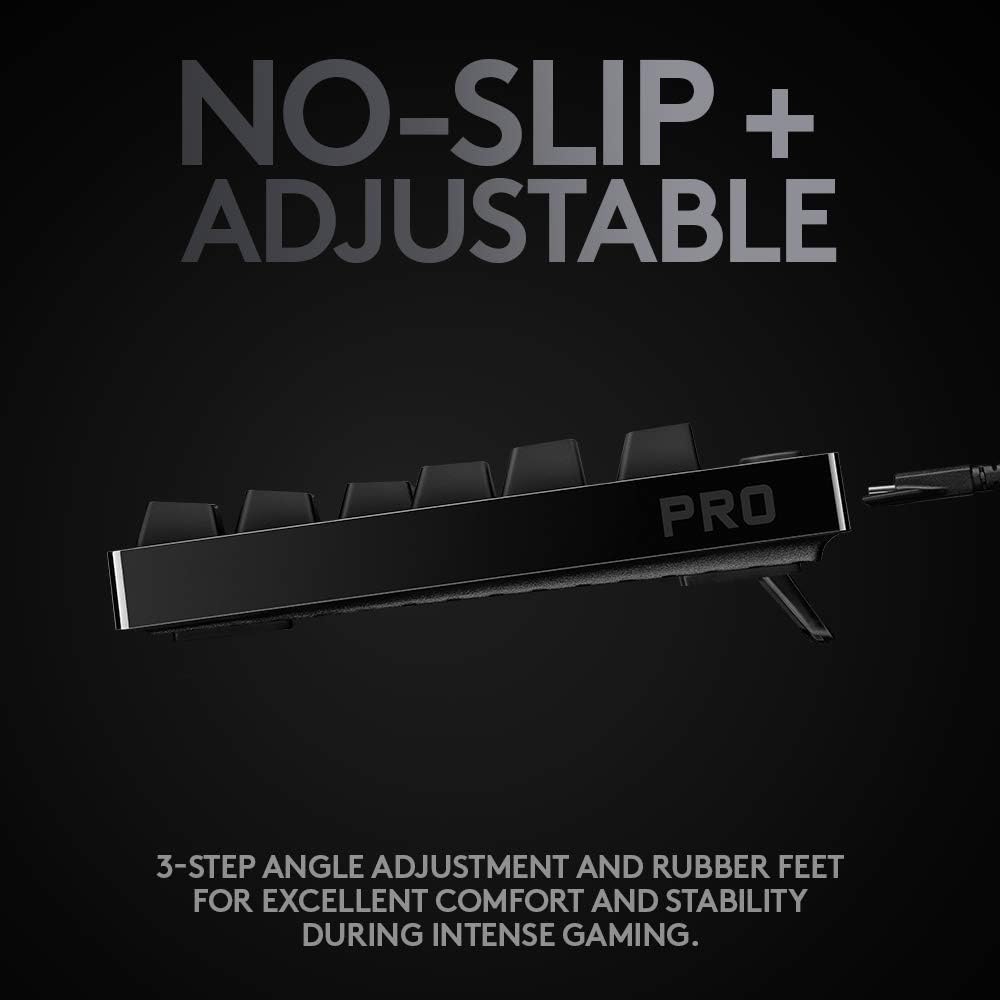
Comfort and stability are covered too: there’s a three-step angle adjustment and non-slip rubber feet intended to keep the keyboard steady during intense play.
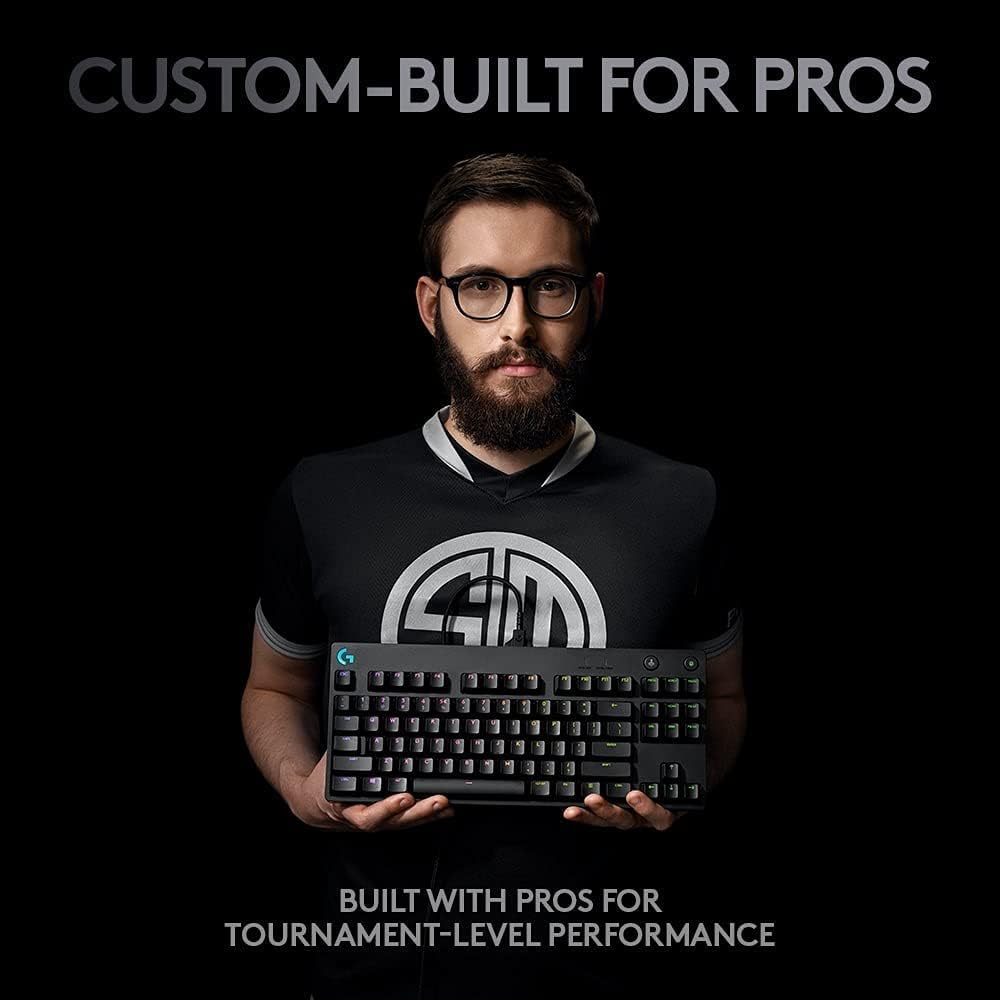
Finally, the F-keys can be programmed with macros for complex commands or timed actions using Logitech G HUB software—useful if you want certain game actions (or workflow shortcuts) on quick triggers.
What to know before buying
The biggest decision point here is the switch type. GX Blue clicky switches will give you that distinct sound and tactile “click” when pressed. If you share a room, stream with a microphone, or simply prefer a quieter typing experience, this may not be the best match.
The tenkeyless design is another practical consideration. It’s great for desk space and fast mouse movement, but if you rely on the number pad for spreadsheets or certain productivity tasks, you’ll likely end up missing those keys.
Also, note how the macro and lighting workflow fits your setup. Macros are described as programmable using Logitech G HUB software, so if you’re aiming for plug-and-play only, you may feel a little limited compared with simpler keyboards.
Everyday use: where it feels right
In a typical gaming routine, a clicky tenkeyless layout can make a difference to your confidence and rhythm. For example, imagine you’re running a match and switching between combat and utility—those audible tactile cues can make it easier to keep track of rapid key presses.
For tournament travel, the detachable Micro USB cable and compact size are the practical wins: fewer awkward cables to manage and a smaller footprint that’s easier to fit into a bag. The onboard memory lighting note is particularly relevant if you’ve ever joined an event where software installs aren’t allowed.
Who it’s for (and who should skip it)
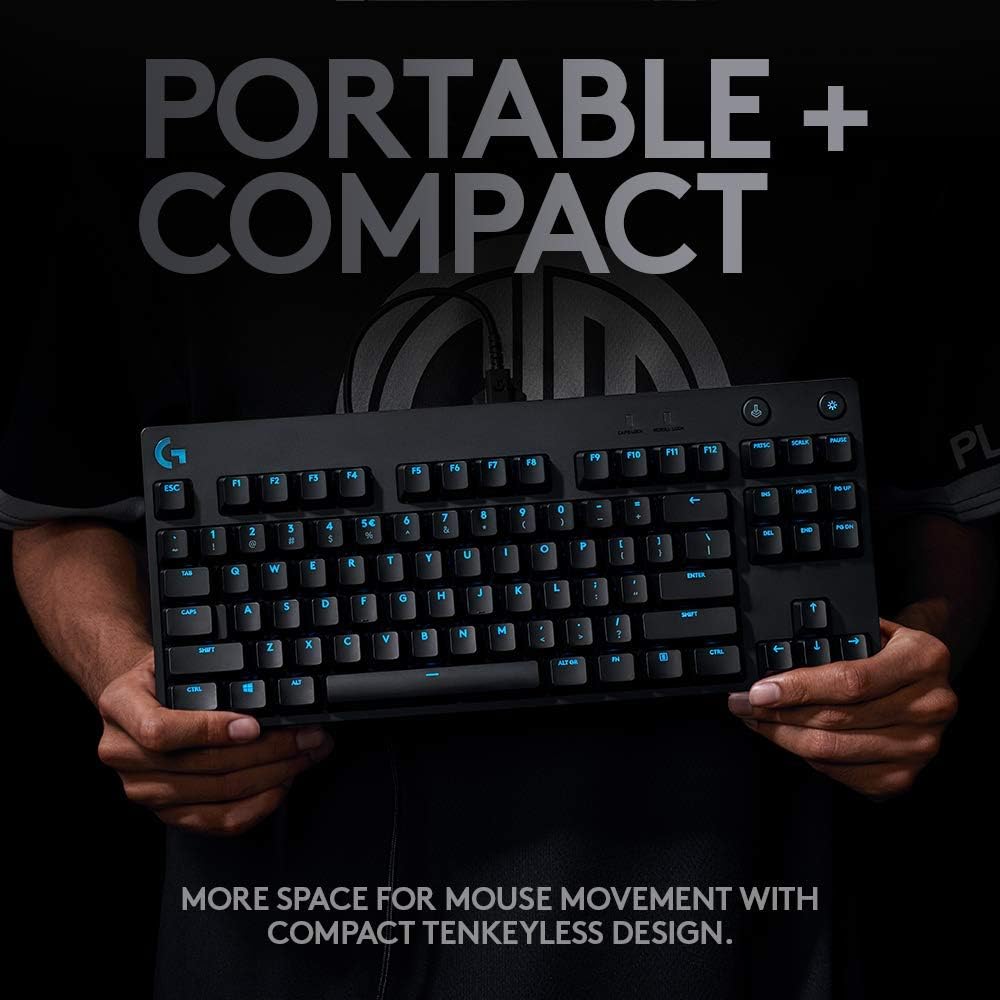
It’s a good fit if you want a competition-style tenkeyless keyboard, value tactile feedback, and like the idea of programmable F-keys and LIGHTSYNC RGB. If you take your keyboard to different venues and you don’t always control the software environment, the onboard memory lighting angle is a sensible touch.
It might not suit you if you prefer quieter switches, you heavily rely on a number pad, or you want a purely minimal, no-software setup.
Worth considering if you’re after a gaming keyboard that sits in the “proper mechanical” category rather than the basic end, but don’t expect it to be subtle in a shared space.
Tech specs
- Type: Mechanical gaming keyboard (tenkeyless design)
- Layout: QWERTY UK (no number pad)
- Switches: Advanced GX Blue Clicky Switches (audible and tactile click)
- Backlighting: LIGHTSYNC RGB backlit keys
- Cable: Detachable Micro USB cable
- Macros: Programmable F-keys (via Logitech G HUB)
Is it worth it?
Buy it if your priority is a compact tenkeyless mechanical keyboard with GX Blue clicky switches, plus RGB lighting and programmable F-key macros for gaming or timed actions. It also makes sense if you regularly travel or attend events where keeping the setup consistent matters.
Skip it if you need a quieter keyboard, you specifically want a full-size layout with a number pad, or you prefer not to rely on Logitech G HUB for macro programming.
A sensible final check before ordering: confirm you’re comfortable with the clicky, audible feel, and be sure the tenkeyless layout lines up with how you work and play.
Mini FAQ
FAQ
Does it include onboard lighting memory?
Yes—static lighting patterns can be programmed and stored in onboard memory for systems that don’t allow Logitech G HUB installations.
Can you detach the cable?
Yes, it uses a detachable Micro USB cable for easier transport and a more secure wired connection on the go.
Are the macros usable without software?
The information provided states that F-keys can be programmed with macros using Logitech G HUB software, so the macro setup process depends on that.
Is it QWERTY UK?
Yes, the keyboard is listed as QWERTY UK.
Is the sound part of the appeal?
With GX Blue clicky switches, the design emphasises an audible and tactile click, so it’s expected to be noticeable rather than quiet.