

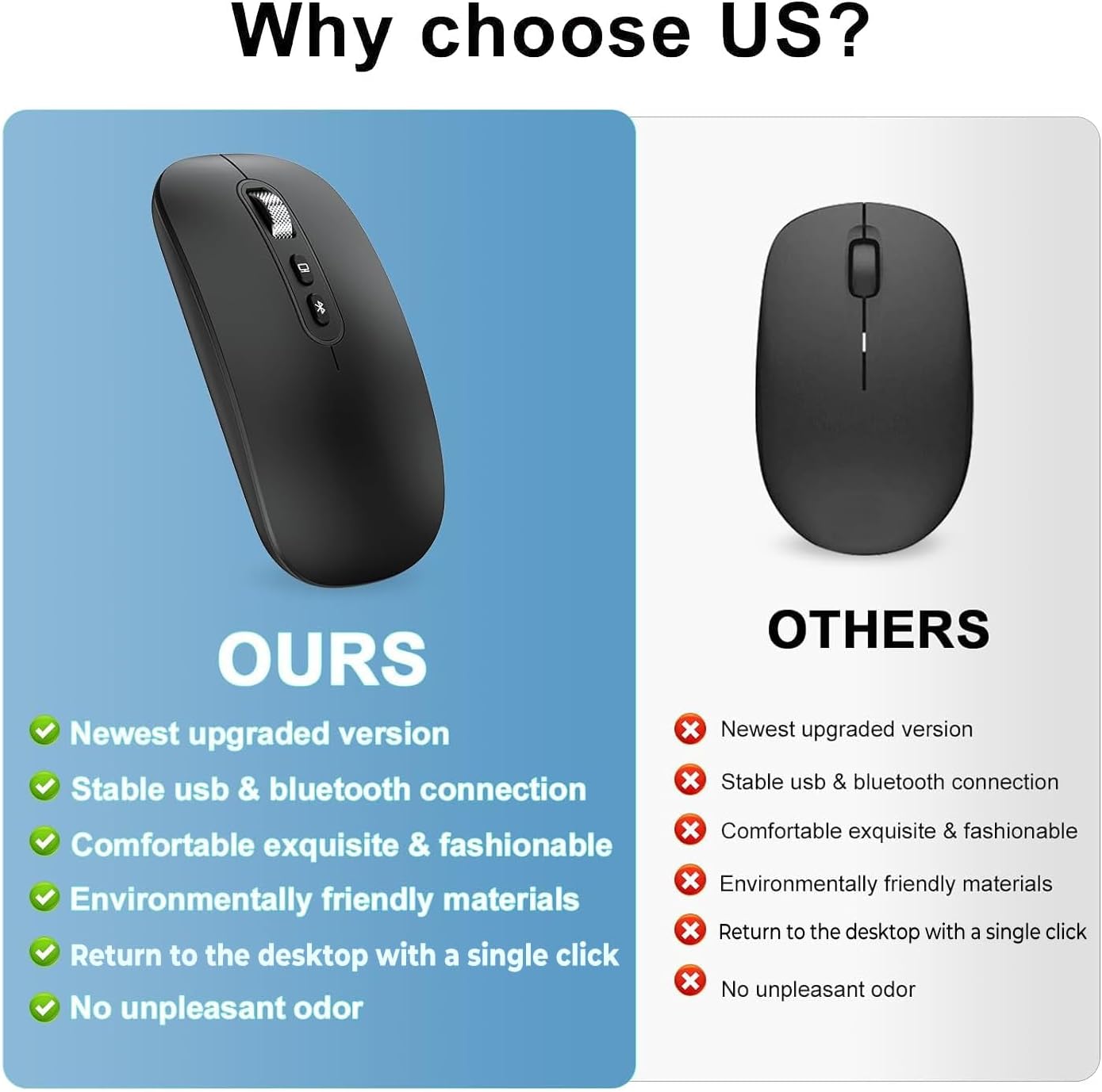
cimetech Wireless Bluetooth Mouse (BT5.1 + 2.4G) – Type-C Rechargeable Silent Mouse, Ultra-Slim Ergonomic (Black)
Product description
The essentials
If you want a portable mouse that doesn’t hassle you with constant Bluetooth pairing or battery faff, cimetech’s Wireless Bluetooth Mouse is built around a simple idea: double connection. It can switch between Bluetooth (listed as compatible with Bluetooth 5.1/5.0/4.0/3.0/2.0) and a 2.4G USB receiver, so you’re not stuck choosing one system for every device. On paper, that’s exactly the sort of thing that matters for business travel, library days, and office/home use where you might bounce between a laptop and a tablet.
The other big theme here is quiet clicking. The mouse is marketed as a “silent mouse”, with the manufacturer claiming up to 95% noise reduction for clicks and a quieter wheel action. If you’ve ever used a loud mouse in an office or shared study space, you’ll understand why that might be worth paying attention to.
What you’ll notice day to day
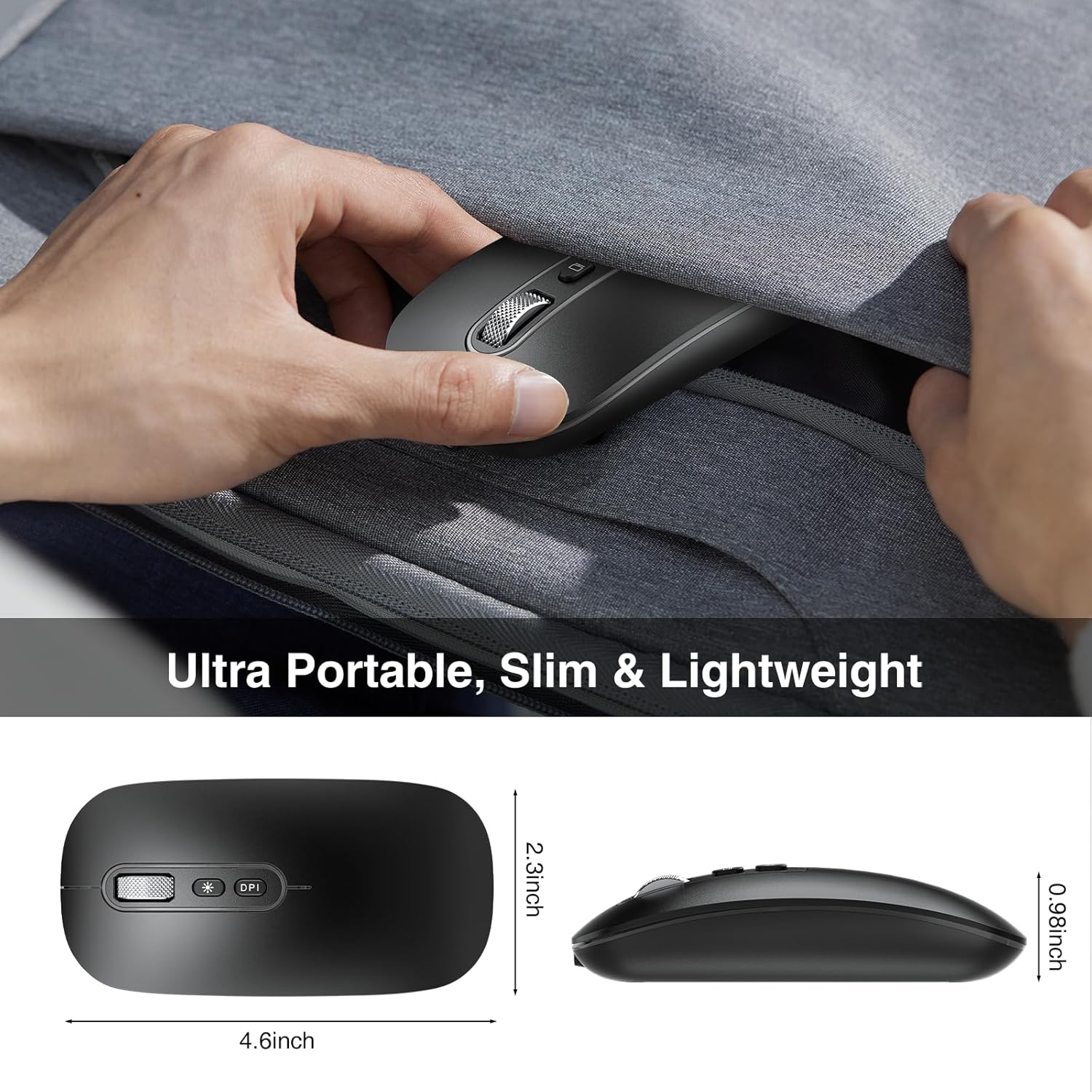
A slim, lightweight form is the obvious practical win. This model is described as ultra-slim and easy to carry in a laptop bag or even a pocket, which makes it more realistic to take with you than bulkier mice.
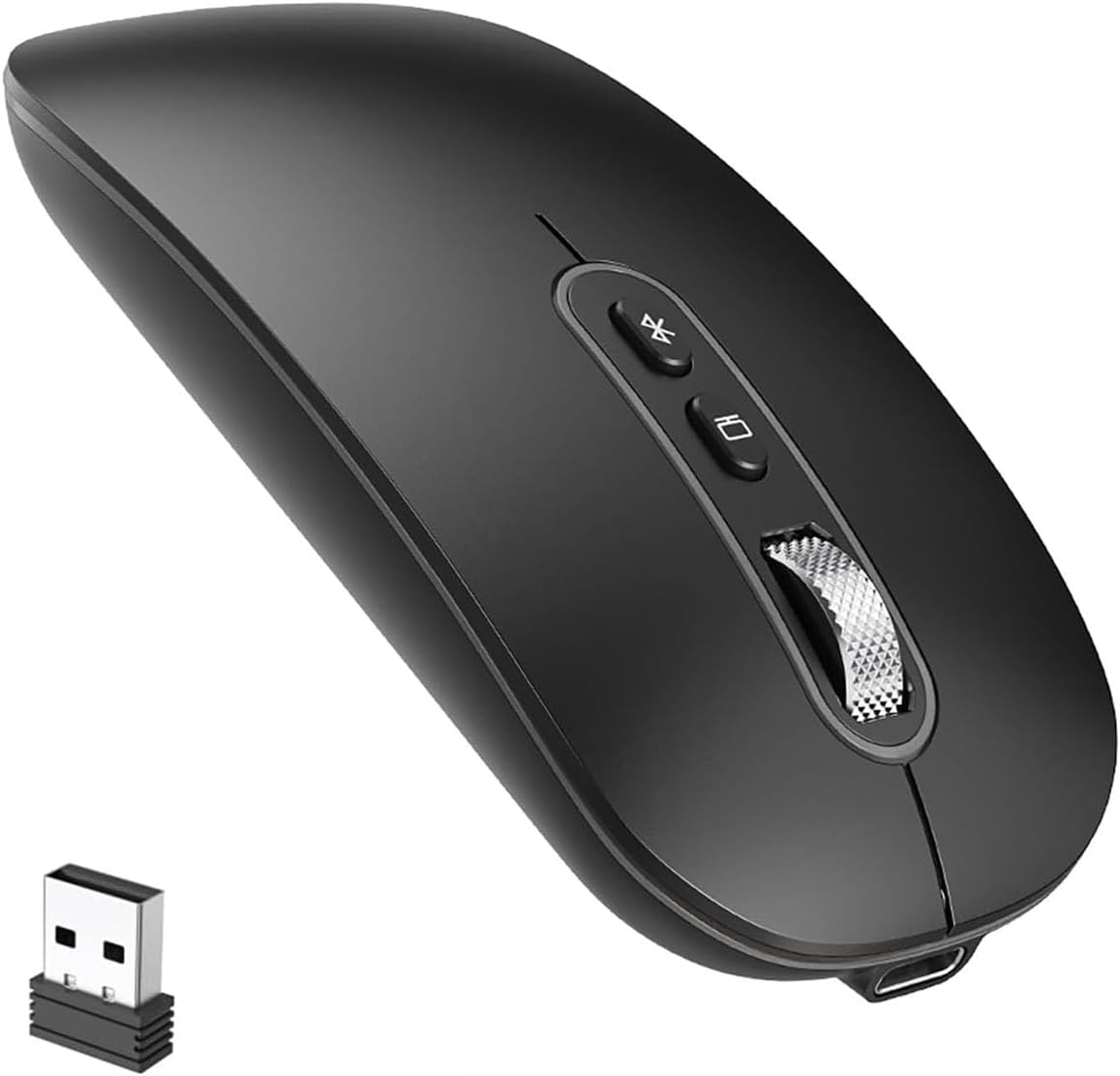
Controls are designed to be straightforward: there are adjustable DPI levels (up to a maximum of 1600 DPI) to tune how fast the pointer moves. You don’t get the sensation of fine-grained precision tools here (nothing is stated about sensor details), but for everyday navigation, spreadsheets, and general browsing, adjustable DPI is usually enough to avoid feeling “too slow” or “too jumpy”.
There’s also an ergonomic, comfortable grip mentioned, with a surface coating intended to feel soft and not sticky even if you sweat a bit. That’s one of those details that’s hard to judge from a listing alone, but it’s a good sign if your hands run warm during longer work sessions.
Dual connection: Bluetooth plus 2.4G
The headline feature is the double connection method: Bluetooth for direct pairing and a 2.4G USB receiver for reliable connection. In practice, that gives you more freedom across devices.
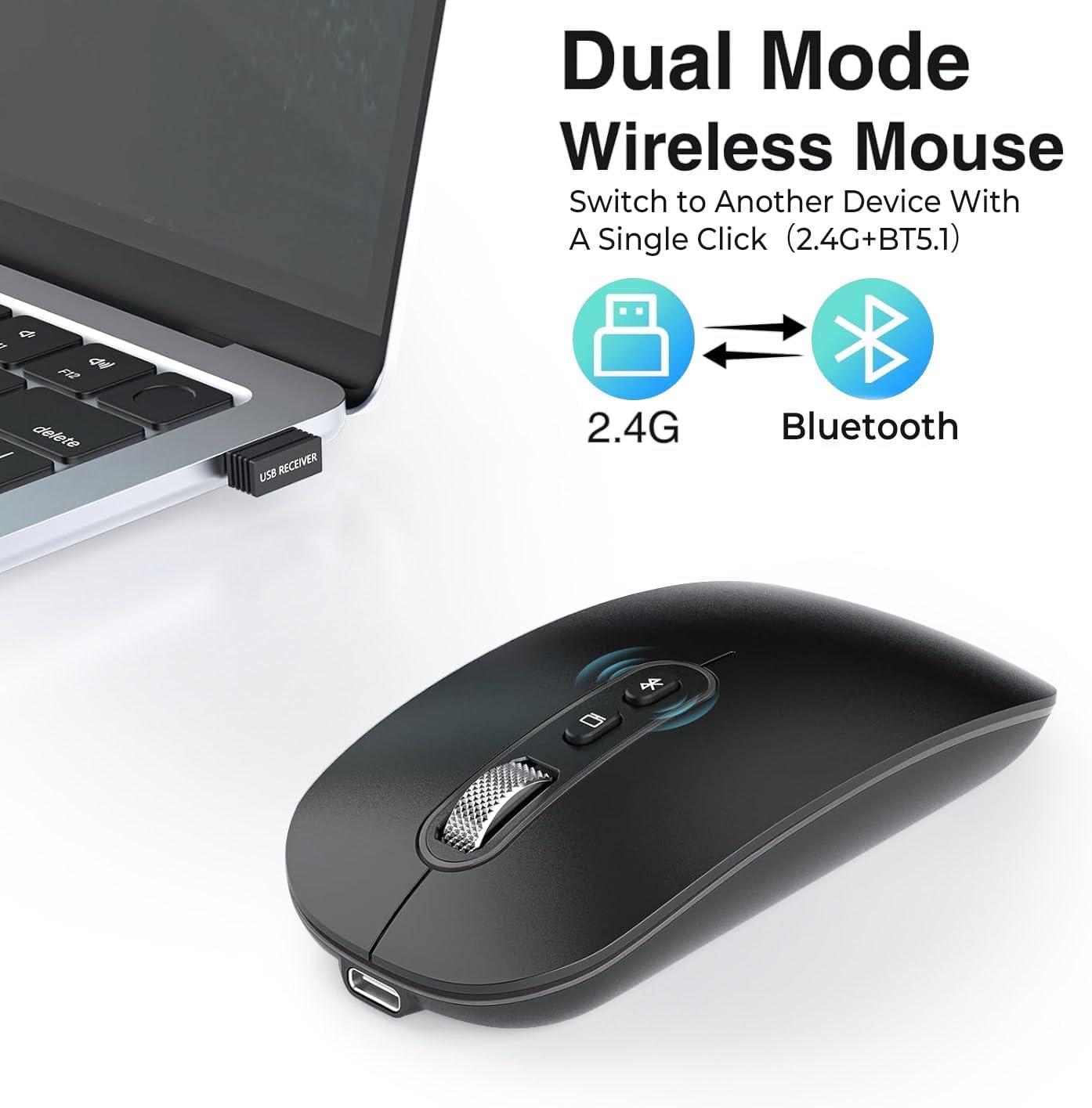
One limitation to keep in mind: the “Bluetooth auto connection” behaviour is described as happening when you turn on your computer, but Bluetooth performance and stability can still depend on your device, operating system, and current radio environment. So while the idea is solid, it’s not a guaranteed experience for every setup.
The package also includes notes for connecting to Mac: you’re instructed to open Bluetooth, press and hold the mouse “conncet” button, click on the Mac with the mouse, then click OK without entering a PIN. The wording is a bit off in the original notes, but the process sounds direct.
Silent clicks and daily comfort
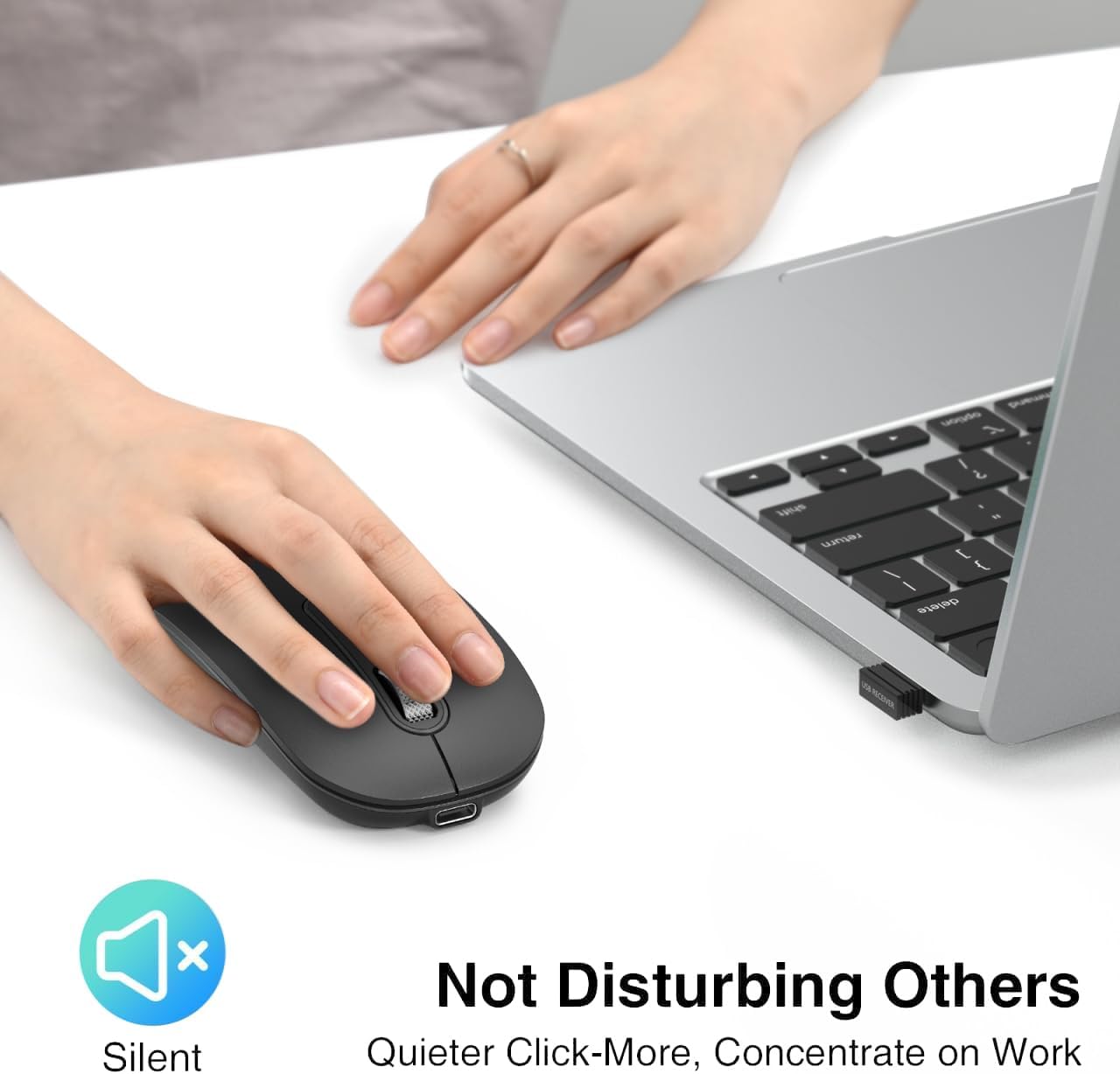
Quiet operation is the selling point you’ll feel immediately—especially if you work near other people. The listing claims silent clicks and that the wheel is quiet as well. This is the sort of feature that can make a mouse feel more “civilised” in shared spaces.
Ergonomics are covered too: the shape is said to suit both left-handed and right-handed users. That’s a nice touch on paper, although hand comfort is still personal. If you have strong preferences for a particular grip style, it’s worth considering whether a slim portable shape will match you over long sessions.
Tech overview (and the numbers that matter)
Tech specs
- Connection: Bluetooth + 2.4G wireless (USB receiver)
- Bluetooth compatibility listed: Bluetooth 5.1/5.0/4.0/3.0/2.0
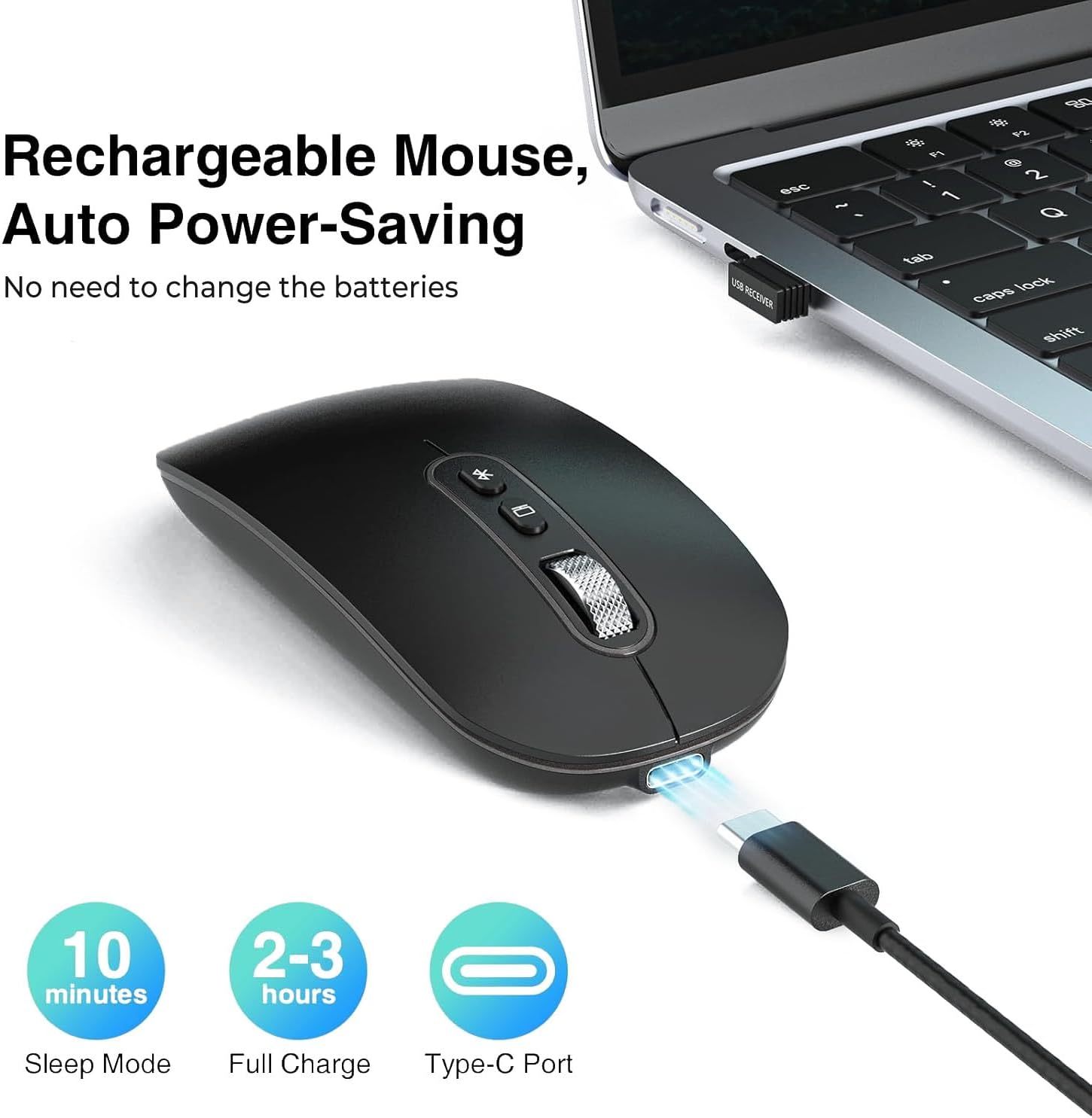
- Rechargeable: Type-C rechargeable battery with included Type-C cable
- Charging while in use: cable can be used while charging
- DPI: 3 adjustable levels, up to 1600 DPI
- Battery behaviour noted: when battery is nearly out, cursor may become inexact and Bluetooth can disconnect
- Quiet operation claim: up to 95% noise reduction for clicks (as stated)
Usage tips for best results
If you’re using it on multiple devices, the dual connection method is where this mouse earns its keep. For example, you might use 2.4G on your work laptop where you want consistent responsiveness, then switch to Bluetooth when you move to a tablet/iPad setup.
For charging, the listing says you can charge using the Type-C cable and even use it while charging. That’s handy when you forget to top up until late in the day.
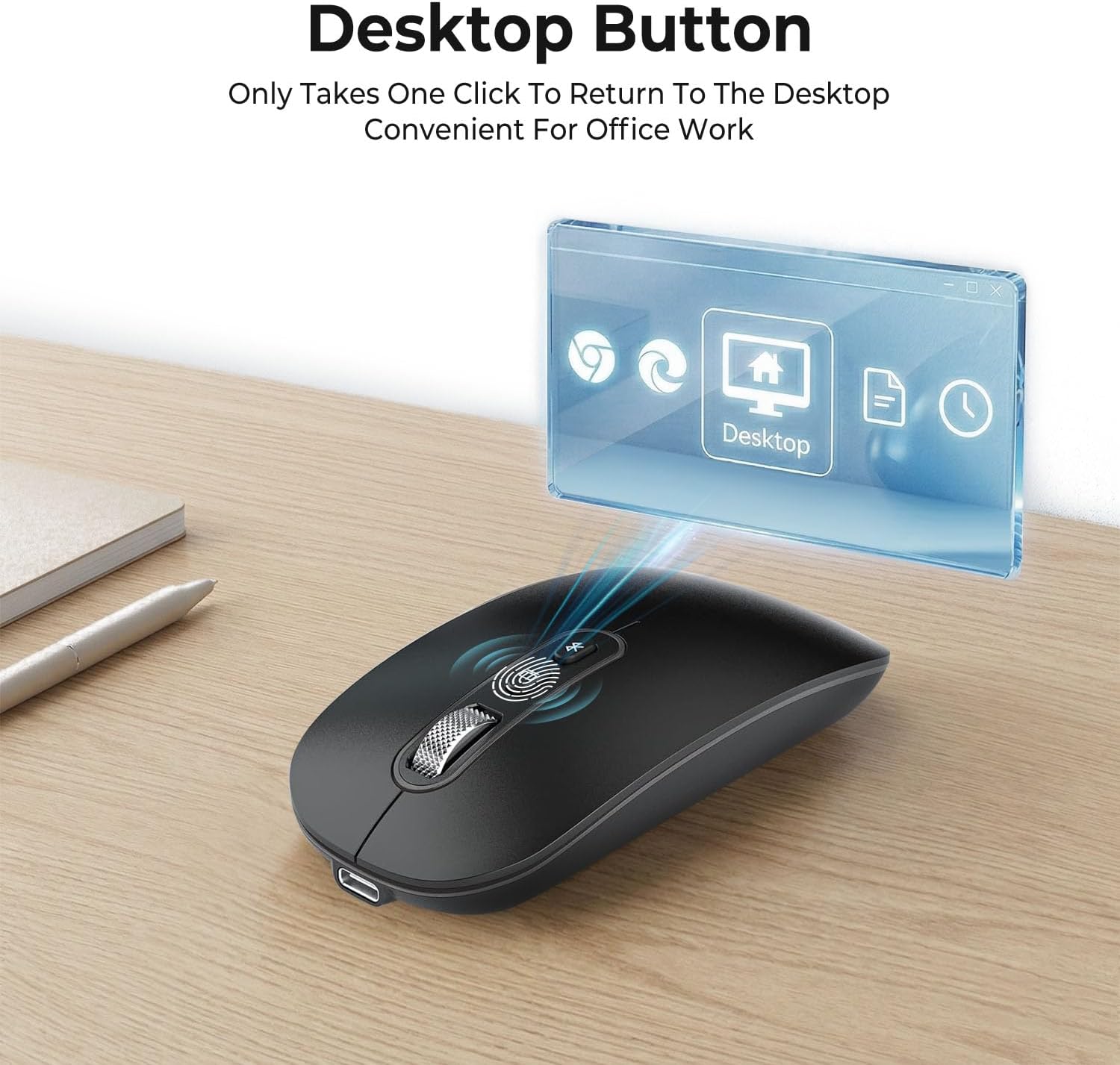
One practical note: the mouse is described as having an automatic standby function when it isn’t in use. That should help with battery life, but it also means your device may not wake instantly if you’re expecting a “wake on movement” behaviour—so give it a quick click if it feels unresponsive.
Buying verdict
It’s a good fit if you want a portable, ultra-slim mouse with both Bluetooth and 2.4G options, plus quiet clicking for office, library, or home use. The rechargeable Type-C approach also removes the “buy batteries / remember to swap them” annoyance.
You may want to skip it if you’re after the most advanced precision performance for demanding creative work, or if you strongly prefer a specific ergonomic contour for long desk sessions—this model is positioned more as an everyday, travel-friendly mouse than a specialist tool. Also consider whether your devices will suit the Bluetooth pairing process described for Mac, since the steps are slightly fiddly compared with simpler pairing experiences.
Mini FAQ
Is it really silent for clicking?
The manufacturer claims up to 95% noise reduction for clicks and a quiet wheel. That’s the intention, especially for shared spaces, but exact results can vary by environment and your own expectations.
Can I use it while it charges?
Yes, the cable is stated to be usable while charging.
Does it work across different device types?
It’s described as compatible with Windows, Linux, Chrome OS, and Mac, and suitable for use with iPad/tablet setups via Bluetooth.
What happens when the battery is low?
The listing notes that the cursor can become inexact and Bluetooth may disconnect when the battery is nearly depleted.
How many DPI levels does it have?
It has 3 adjustable DPI levels with a maximum of 1600 DPI.
Is it worth it?
If your day-to-day involves moving between laptop/tablet setups and you value quiet clicks, cimetech’s wireless dual-mode mouse makes a lot of sense on paper. Just be realistic: it’s an everyday, portable choice, not a “tweak-every-detail” performance mouse—so if you’re aiming for top-tier precision, you may find more specialist options better suited.