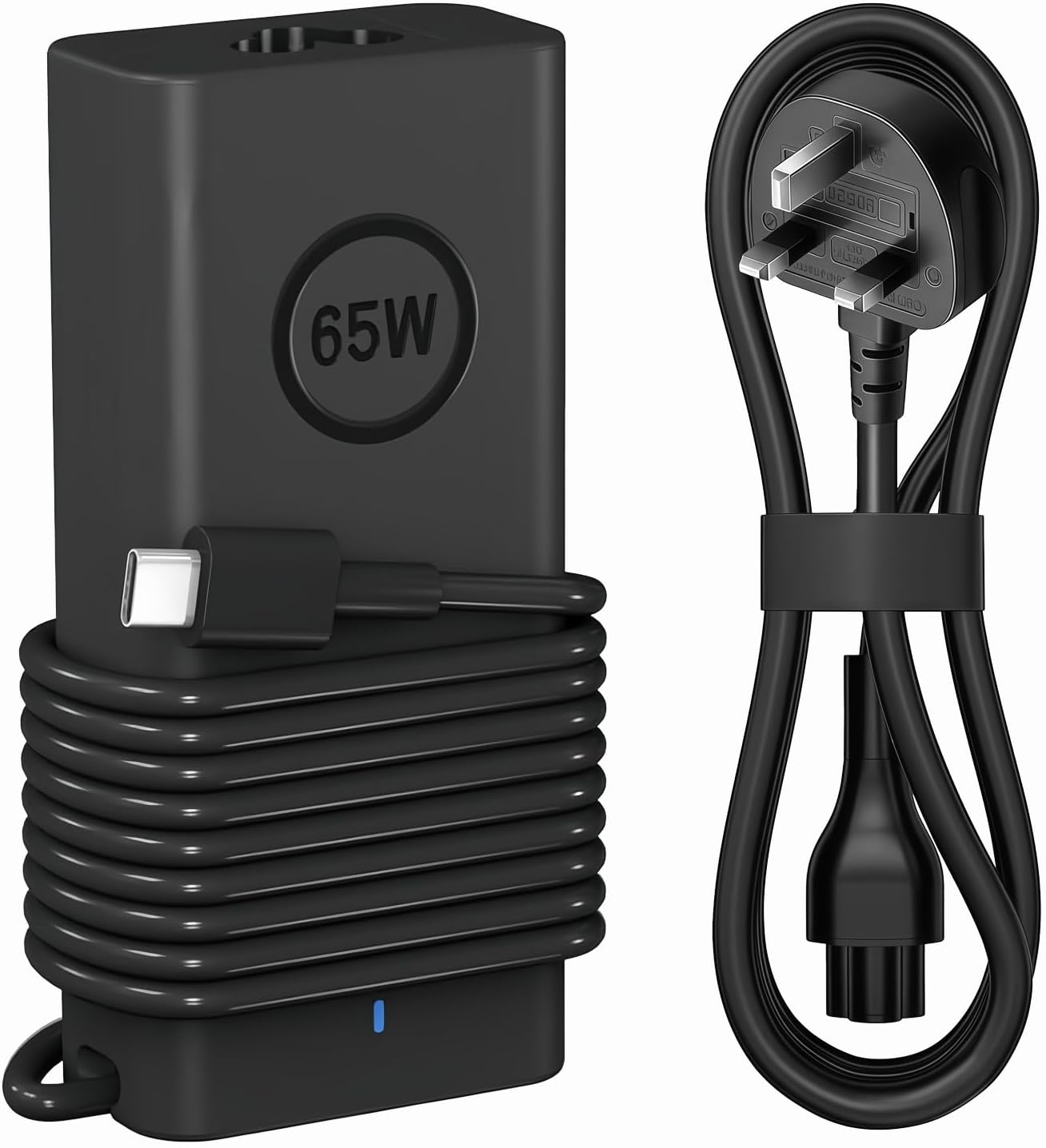
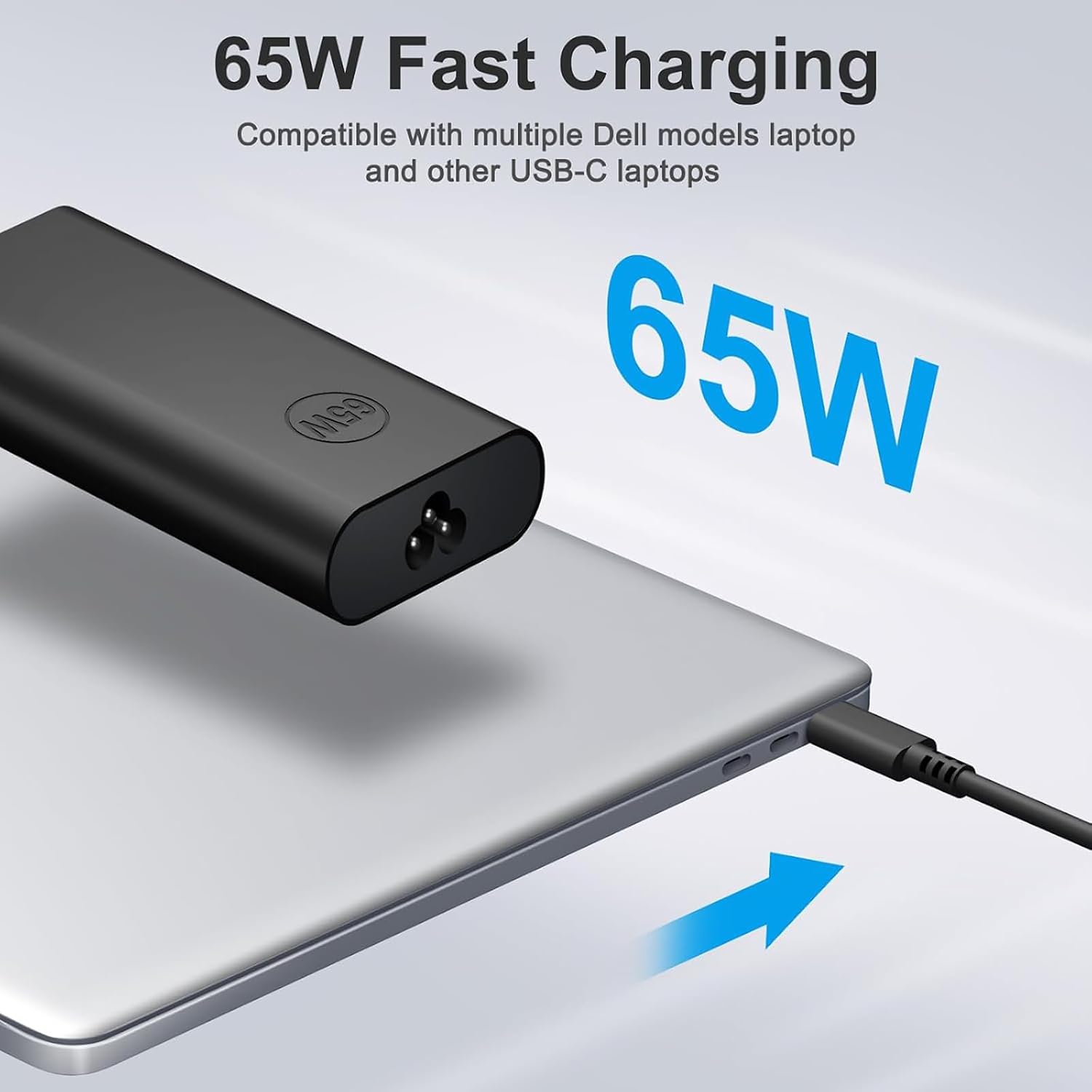
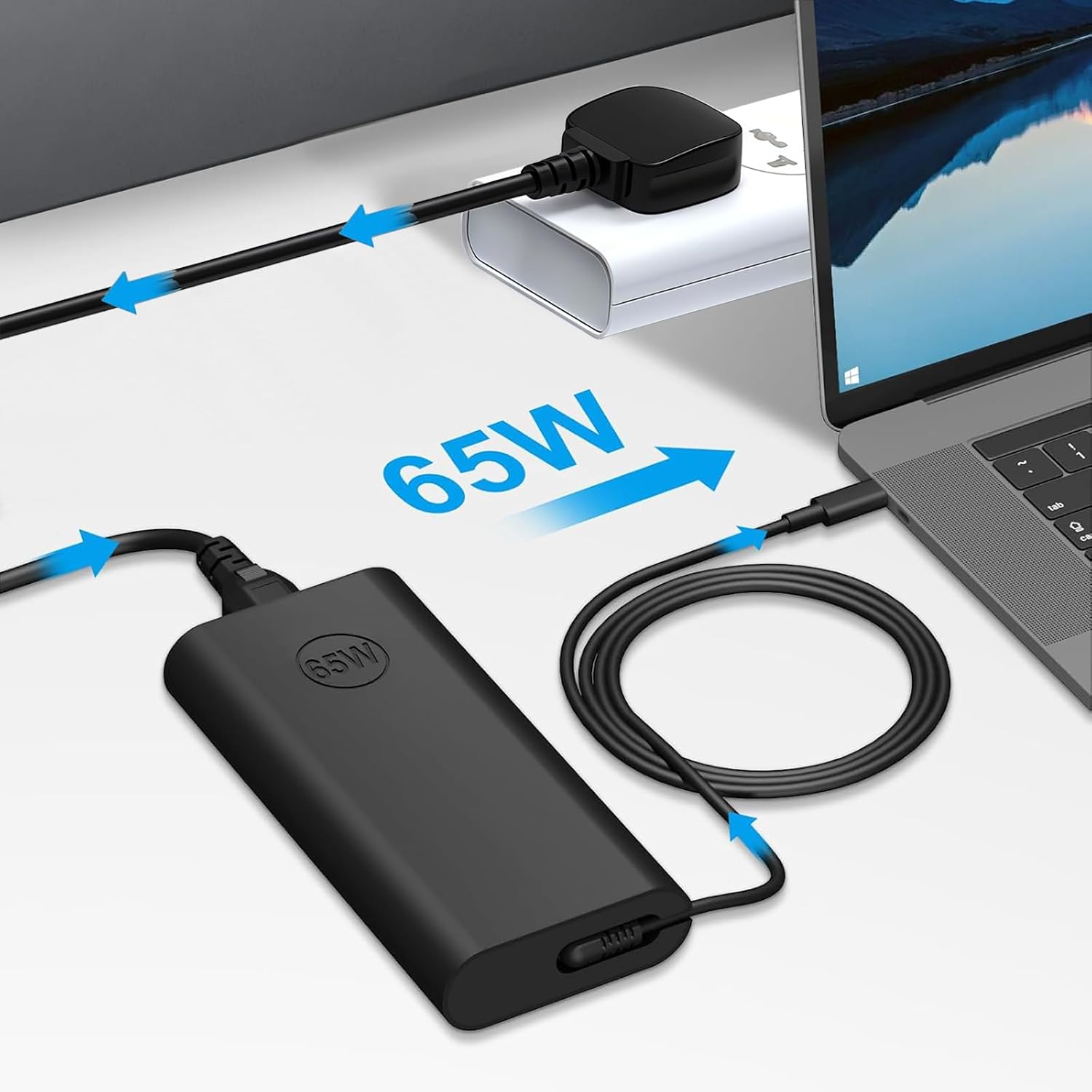
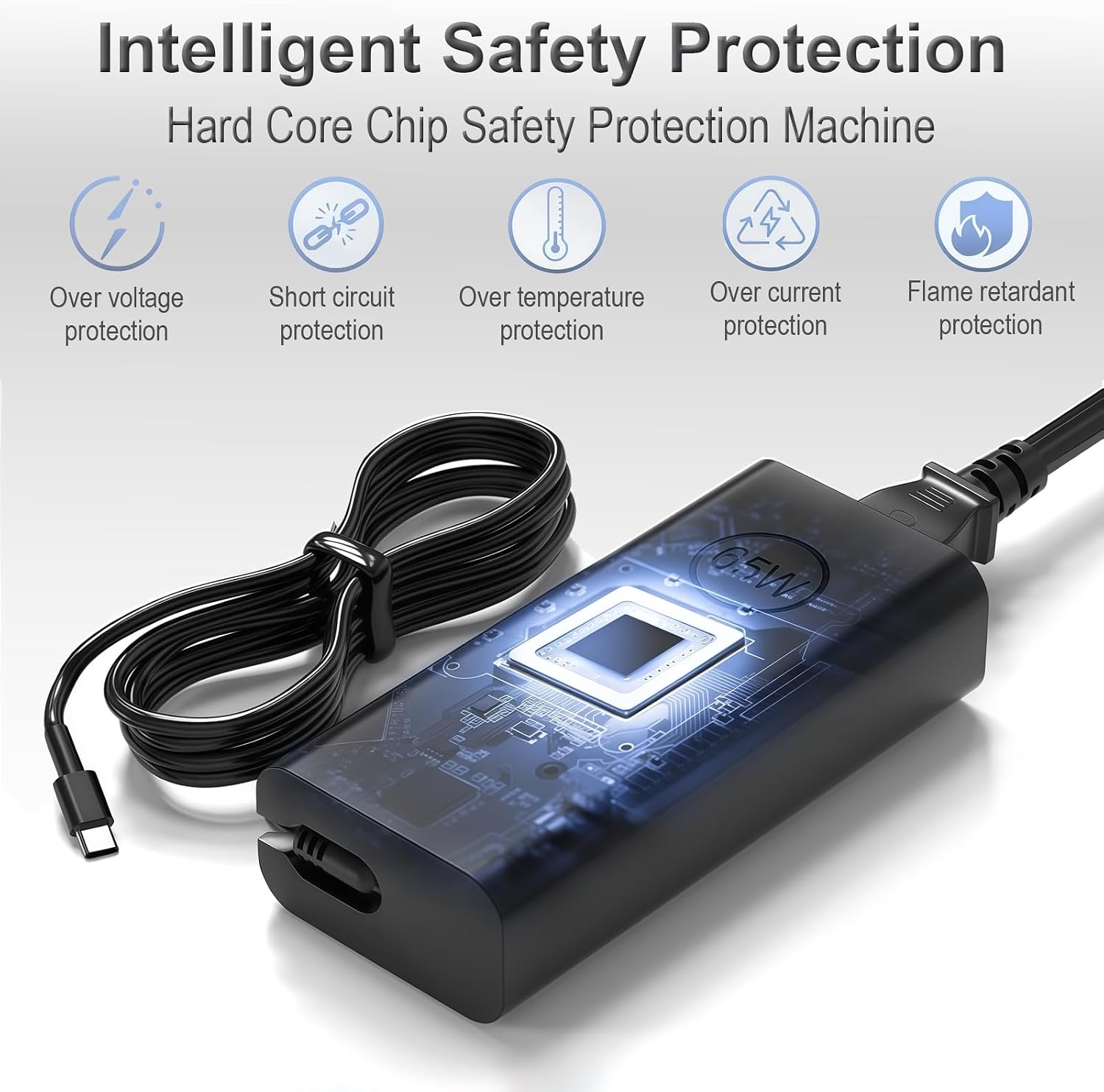
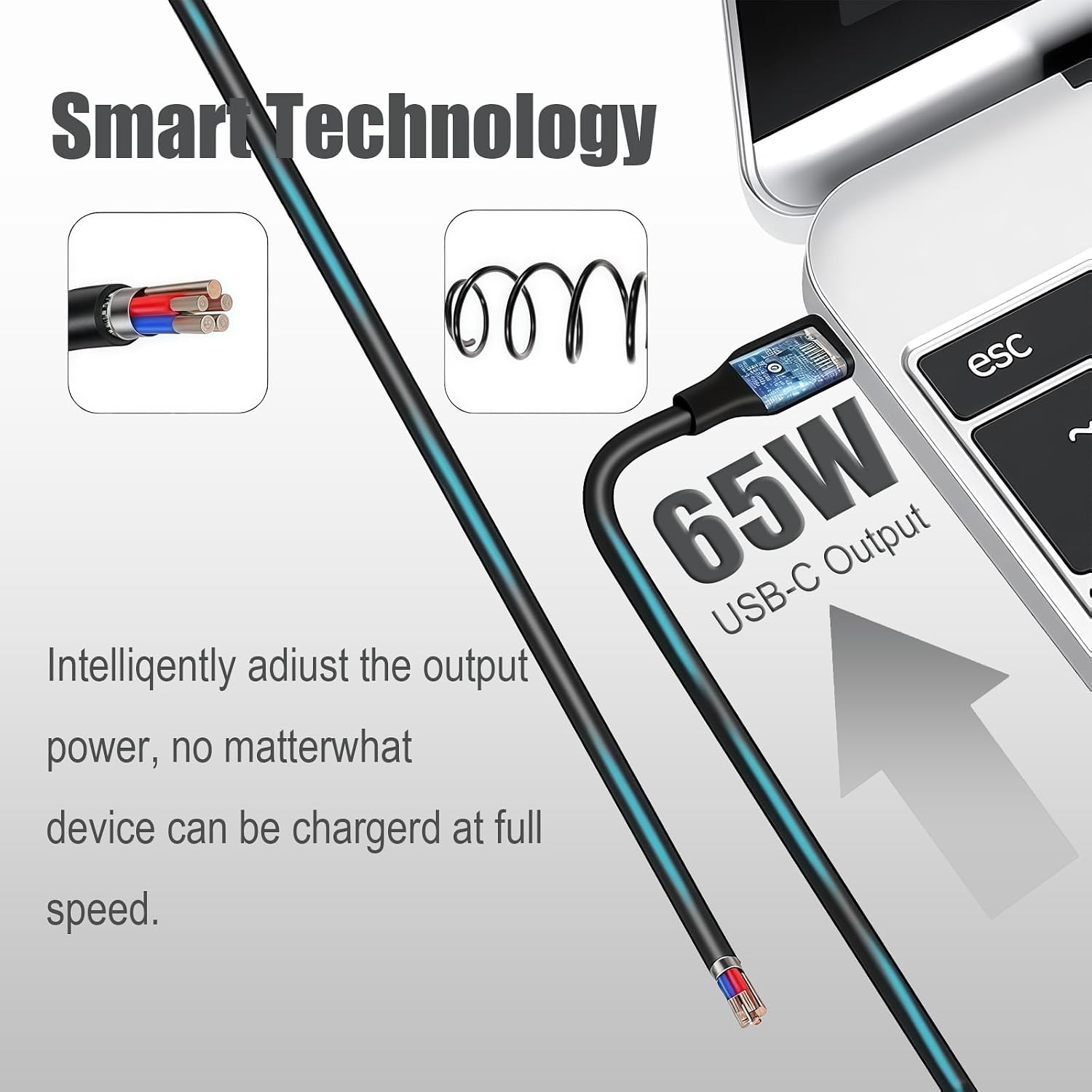
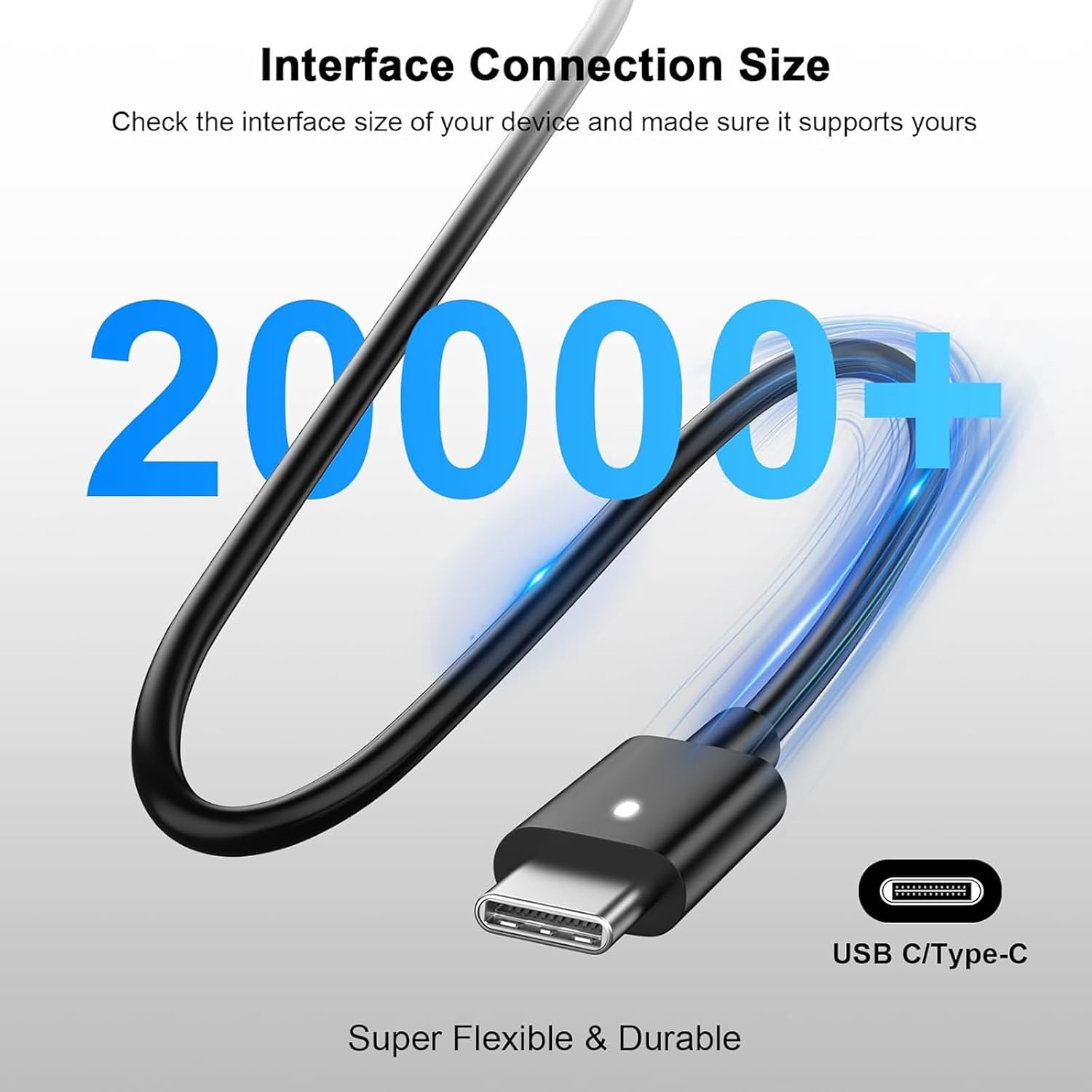
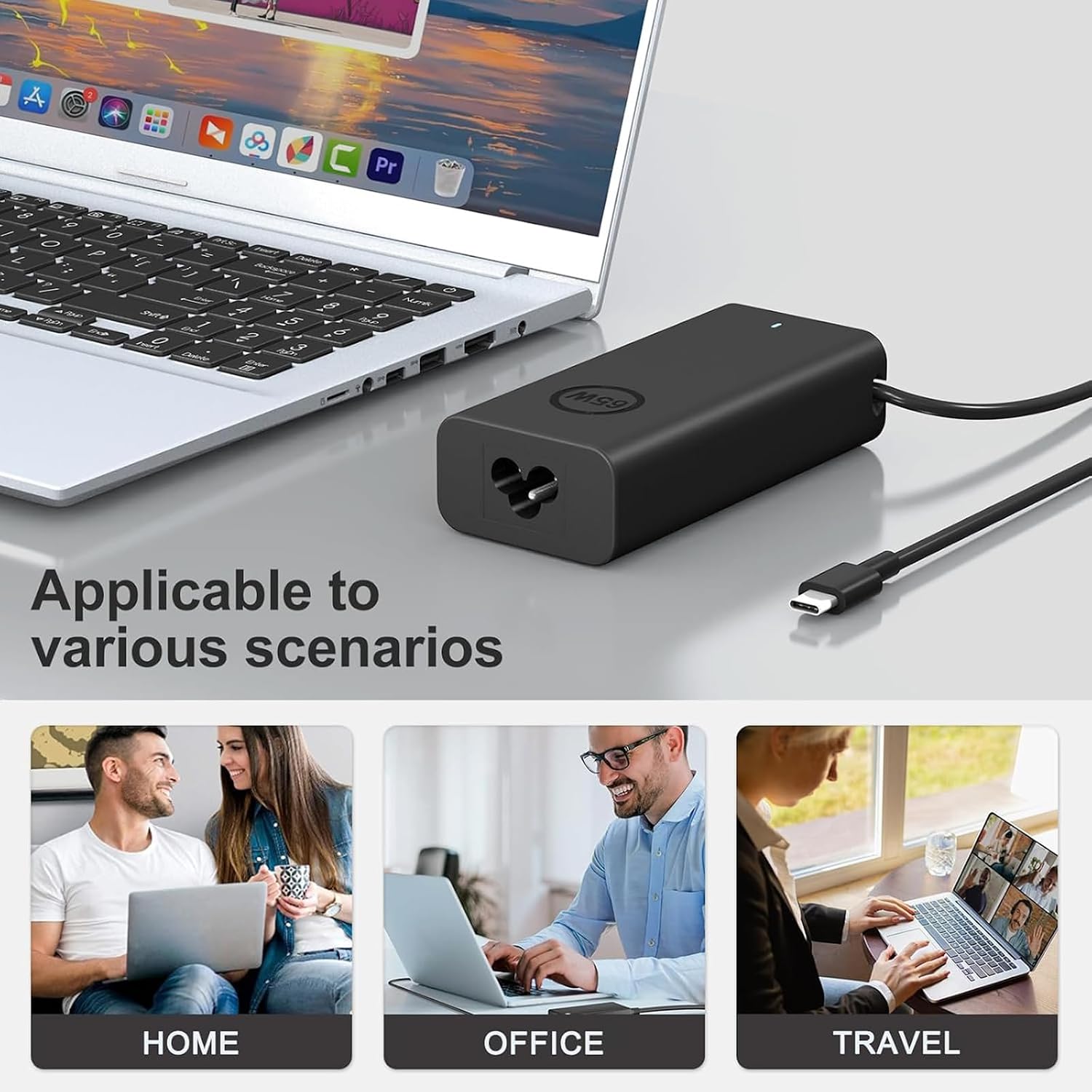
What this is and what it’s for\nThe COOYA 65W USB C Power Adapter is a compact, USB-C power brick designed to replace or supplement a Dell laptop charger. On paper, it supports a 65W output with multiple voltage options (5V, 9V, 12V, 15V, 20V) and a peak of 3.25A, which is typical for lightweight to mid-range Dell laptops and certain Dell 2-in-1s. The USB-C connection is convenient for modern Dell devices, and the brick claims broad compatibility with many Latitude models, XPS 13, and a variety of Chromebooks and 2-in-1s in the Dell family. If you prioritise portability and a single charger for several devices, this model may fit that need.\n\n## Design, portability and build notes\nOn the surface, this charger aims to be lighter and smaller than a traditional 65W brick. The smaller footprint can be a real benefit for travellers or students who want to free up bag space. However, the description does not provide exact dimensions or weight, so it’s sensible to consider that “smaller” can still mean a sizeable brick depending on your current charger. The USB-C output is the one that matters most here, promising 65W across compatible devices, which is adequate for many ultrabooks and mid-range laptops.\n\n## How it performs in practice\nIf you live in a mixed-usage environment—work laptop at a desk and occasional use with a Chrome OS or a 2-in-1 tablet—the adapter can serve as a practical, shared charger. The multiple input compatibility (AC 100V-240V, 50-60Hz) is useful for travel, but it’s important to verify that your region’s plugs fit without adapters. The real-world performance will hinge on whether your Dell device pulls exactly 65W or less, some Dell models may negotiate lower power levels depending on battery state and device power management.\n\n## What stands out\n- USB-C compatibility aligns with newer Dell devices and many other USB-C powered laptops, offering a single-cable charging solution.\n- The 65W rating is enough for many Dell Latitude/2-in-1 models and for Chromebooks that accept USB-C power, providing a straightforward replacement option if your stock charger fails or is misplaced.\n- Built-in protections (short circuit, over-current, over-voltage, over-heating, and over-charging safeguards) are a sensible inclusion for budget chargers, reducing the risk of damage to devices when charging becomes complicated in transit or at a busy desk.\n\n## Limitations and when it might not be the best fit\n- The description lacks exact connector dimensions or a precise list of compatible Dell models beyond the broad model numbers. If you own a newer, higher-wattage Dell or a device that negotiates power differently, you may need to confirm compatibility before purchase.\n- The “smaller size” claim is helpful, but without concrete measurements, it’s hard to gauge whether it will truly fit in tight travel bags or alongside other bulky gear.\n- For power-hungry setups (for example, devices that routinely demand close to 65W while gaming or running intensive software), the charger may run warm or deliver slower top-end performance depending on cable quality and device negotiation.\n\n## Who it’s for\nThis charger is well-suited for:\n- Dell Latitude owners seeking a compact, travel-friendly 65W USB-C charger as a replacement or spare.\n- Users with Dell XPS 13 or 2-in-1s who want a single charger usable with other USB-C laptops or tablets (including some Chromebooks).\n- Anyone prioritising a lightweight option for commuting, classes, or office use, where carrying one charger for multiple devices is convenient.\n\n## Who should think twice\n- If your setup includes devices that require more than 65W or negotiate power in a way that demands precise wattage, this charger may not be ideal. If you tend to push devices hard during peak workloads, a higher-wattery option could offer headroom.\n- If you need exact model-to-model compatibility, or a charger that ships with country-specific plugs, this listing may require extra verification or an alternative.\n\n## What to check before buying\n- Confirm the exact Dell model you’ll charge and compare whether it typically requests up to 65W or less.\n- Consider whether you will frequently travel with the charger, if yes, size and weight become more important, so seek dimensions or user reviews that mention real-world portability.\n- Ensure you have a suitable USB-C power cable that can negotiate the 65W rating and supports the device you intend to charge.\n\n## How this compares to other approaches\nIf you already own a regional Dell charger, this can be a convenient, cost-effective replacement. For users regularly working with devices outside the Dell ecosystem or those needing higher wattage for demanding tasks, a higher-capacity USB-C charger could be worth considering. This option tends to sit in the mid-range of portability and performance, offering decent compatibility without promising premium power headroom.\n\n## FAQ – quick practical guidance\n- Is it safe for my Dell Latitude 5320? If the device negotiates power around or below 65W, yes, but verify model-specific power needs.\n- Will it charge a Chromebook 3100? The listing claims compatibility with ChromeBook 3100, so it should work where USB-C charging is supported.\n- Does it come with a USB-C to USB-C cable? The base description mentions a USB Type-C connector but does not specify included cables, check in-box contents before purchase.\n\n## Is it worth it?\nShould you buy it? If you value a compact 65W USB-C charger that can potentially cover multiple Dell devices and some Chromebooks, and you don’t require higher wattage headroom, this is a reasonable option to keep as a spare or travel charger. It may not be the best choice if you routinely push your laptop to its thermal limits or need precise, device-specific power guarantees.