

Laptok Android 15 Kids Tablet (10 inch) with Parental Control, Face ID, WiFi 6, Purple
Product description
The essentials first
A kids tablet only works if it’s easy to use and parents feel comfortable with what’s happening on screen. This Laptok Android 15 Kids Tablet is aimed squarely at that: it pairs a 10.1-inch display and kid-friendly interface with a parental control system and Face ID unlocking. On paper, it’s designed for learning, video watching and light multitasking rather than heavy, grown-up tablet use.
The package also leans towards “day to day practicality”: you get a protective case, dual cameras (5MP front + 8MP rear) for simple photo/video tasks, WiFi 6 and BT 5.3 for wireless connections, and a 5000mAh battery with fast charging. It’s not pitched as a premium flagship spec sheet, but it does look like a thoughtful entry-to-mid range option for families who want a dedicated device for children.
Key features that matter for parents and kids
What stands out most here is the combination of learning-focused software and safety controls.
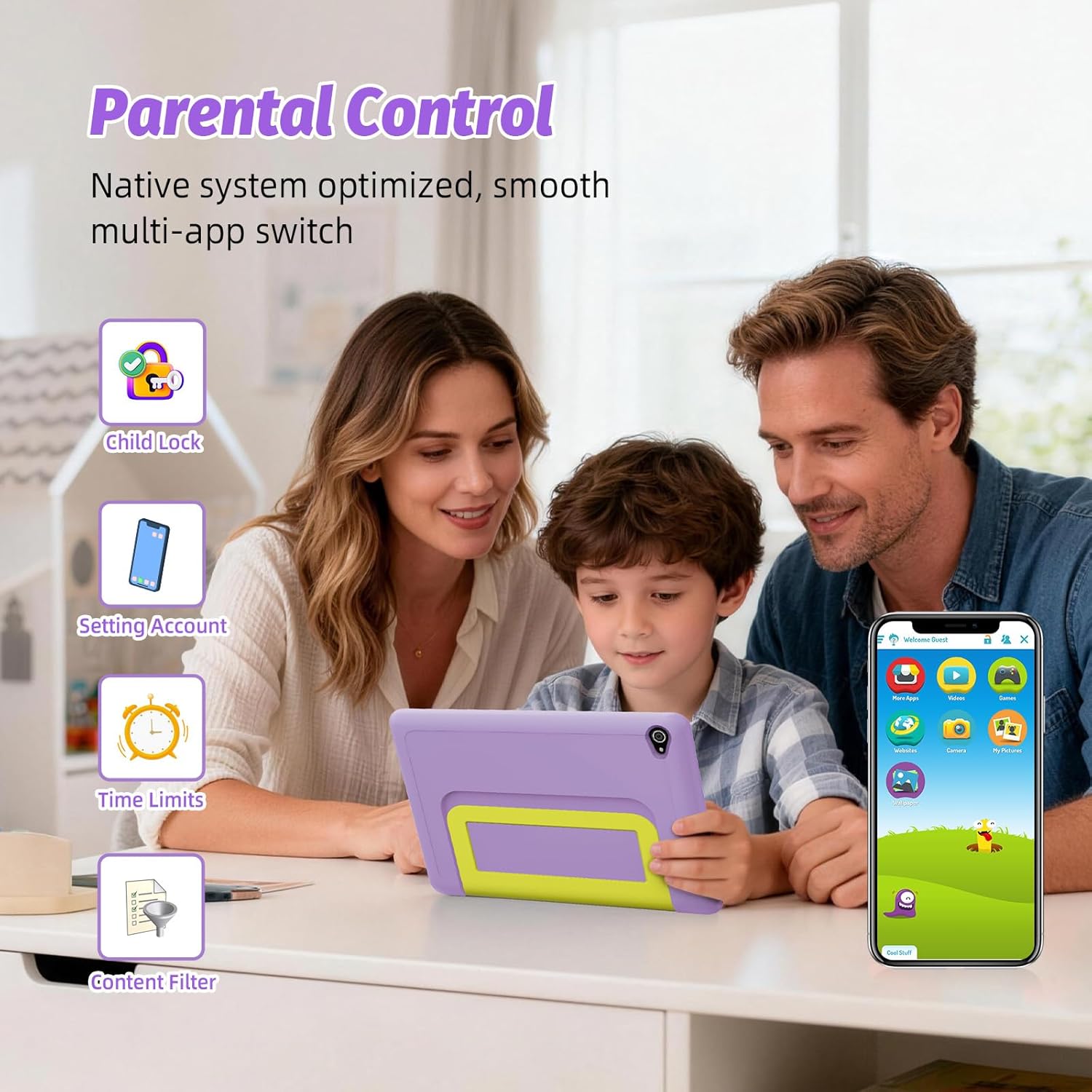
- Parental control system: described as allowing screen time management, filtering inappropriate content and monitoring learning progress.
- Face ID: enables quick and safer unlocking for children.
- Android 15 kids tablet approach: the interface is described as simplified and intuitive so children can navigate independently.
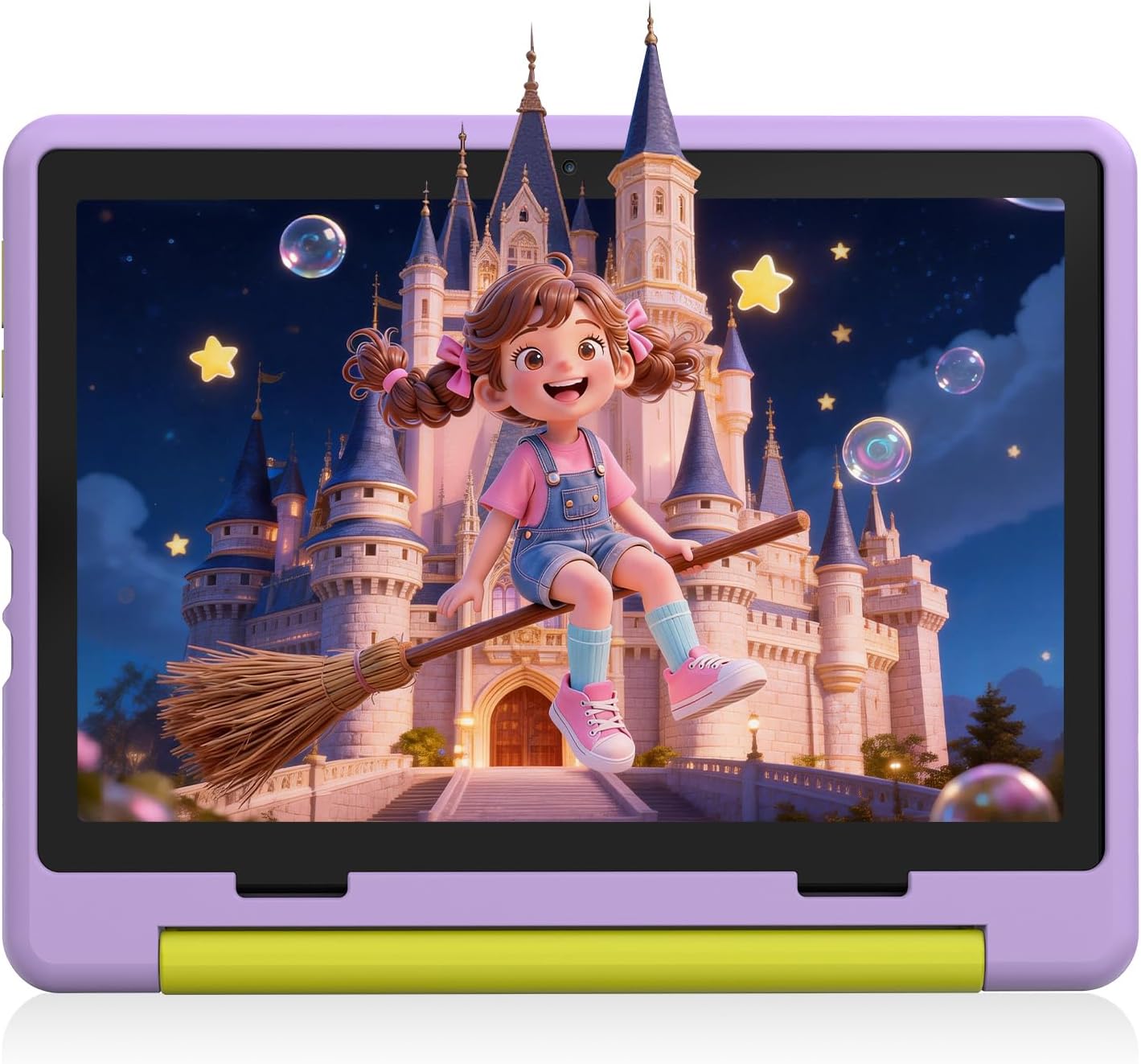
It’s worth noting that the tablet claims to include a simplified experience “kid-tailored” for independent navigation. If your child is younger or not yet confident with gestures and apps, that’s a positive. But if you prefer tightly managed use with frequent supervision rather than independence, you may want to spend a little time setting parental rules from the start.
Display and media: built for coursework and cartoons
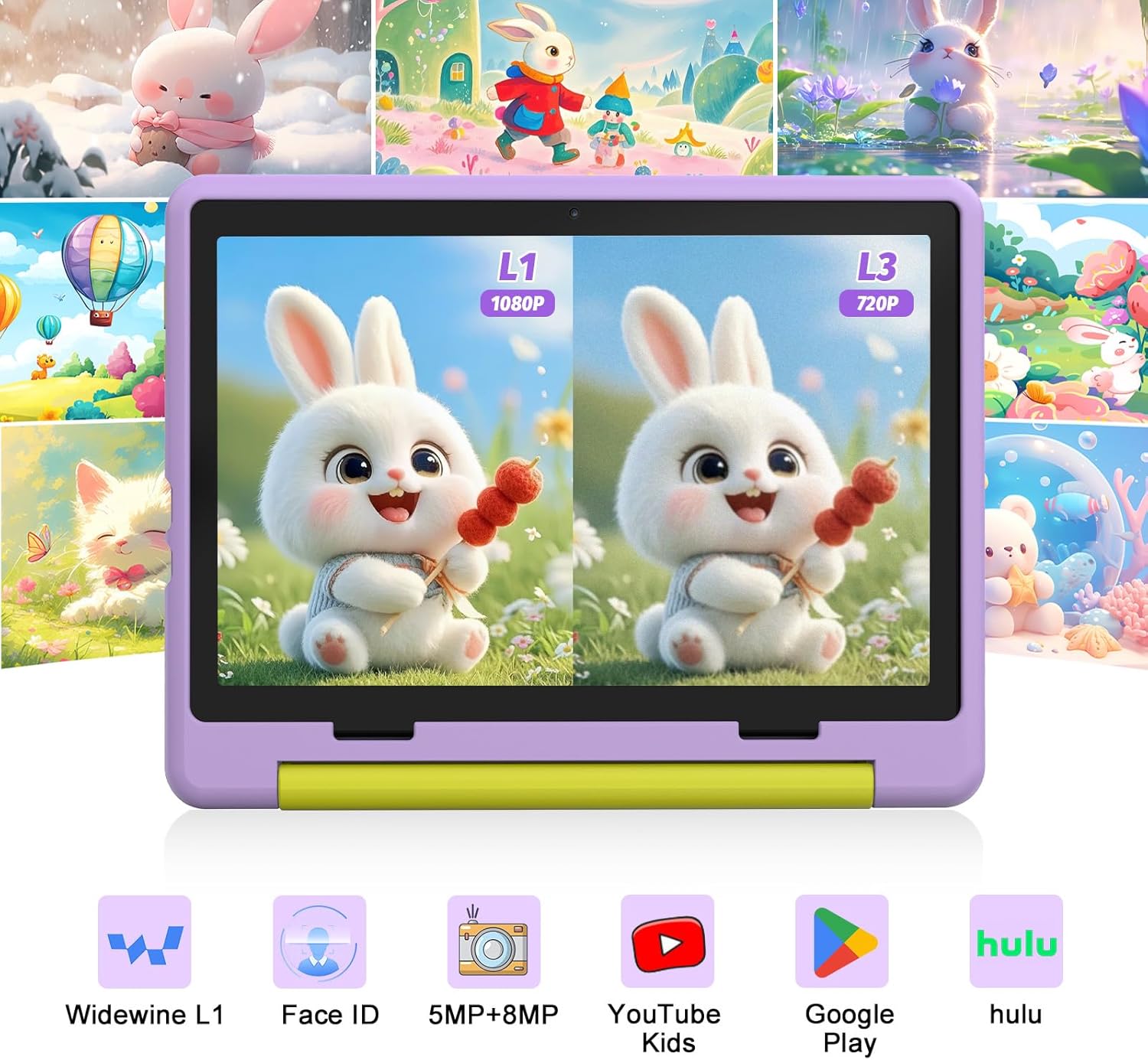
The 10.1-inch screen is paired with an anti-blue light display and a stated 1280×800 resolution. The anti-blue light positioning is specifically framed around easing eye fatigue during longer use—useful if you’re choosing a tablet for online classes and extended viewing.
It also mentions Widevine L1 certification, with support for HD/4K streaming on mainstream platforms. That’s the sort of detail that can make a difference when the tablet is meant for video-based learning and everyday entertainment.
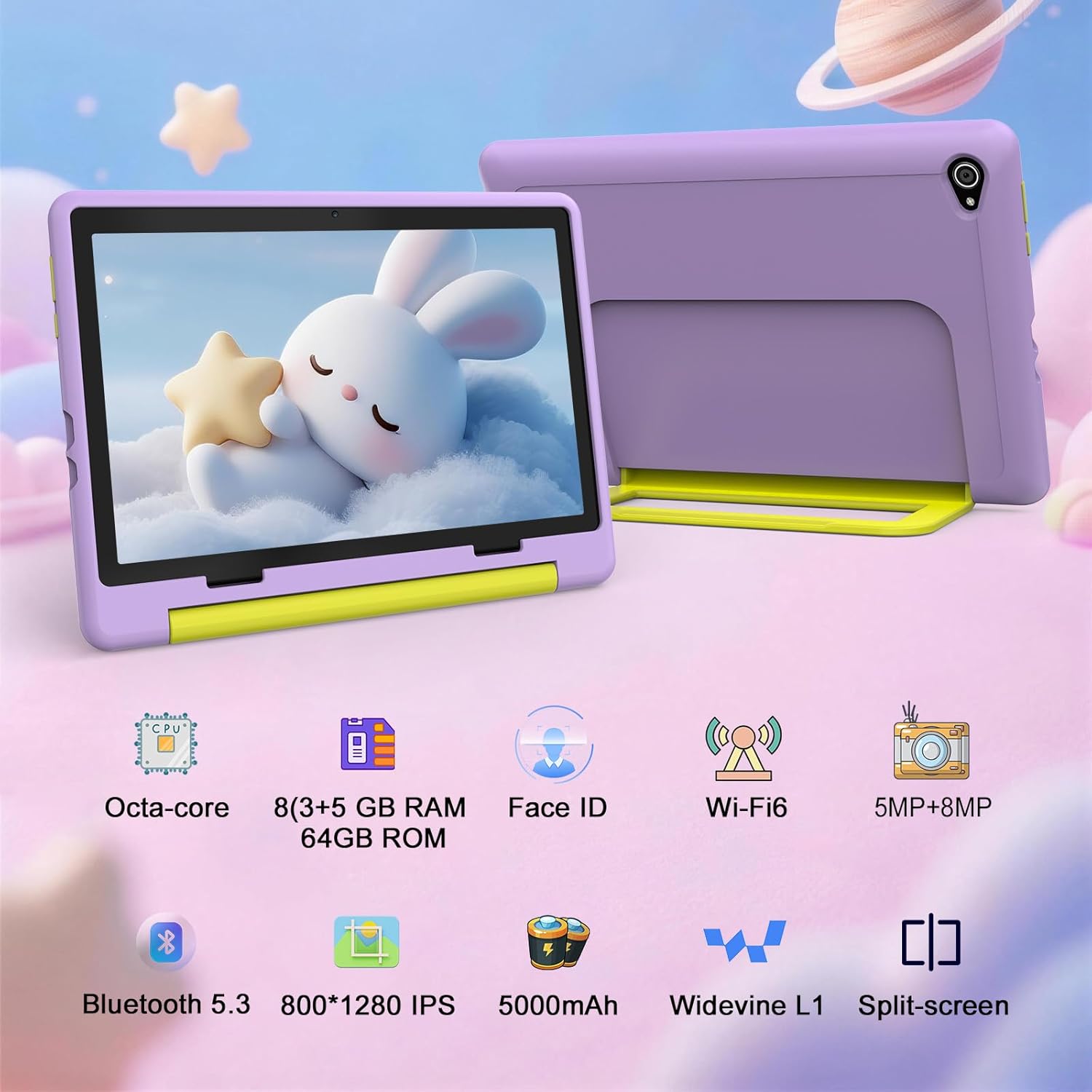
On a practical level, you’re probably choosing this kind of screen for reading class materials comfortably and watching videos without squinting. For split-screen learning, the tablet is described as supporting that style of use too, which could help when children switch between tasks.
Storage and educational apps: where the value lives
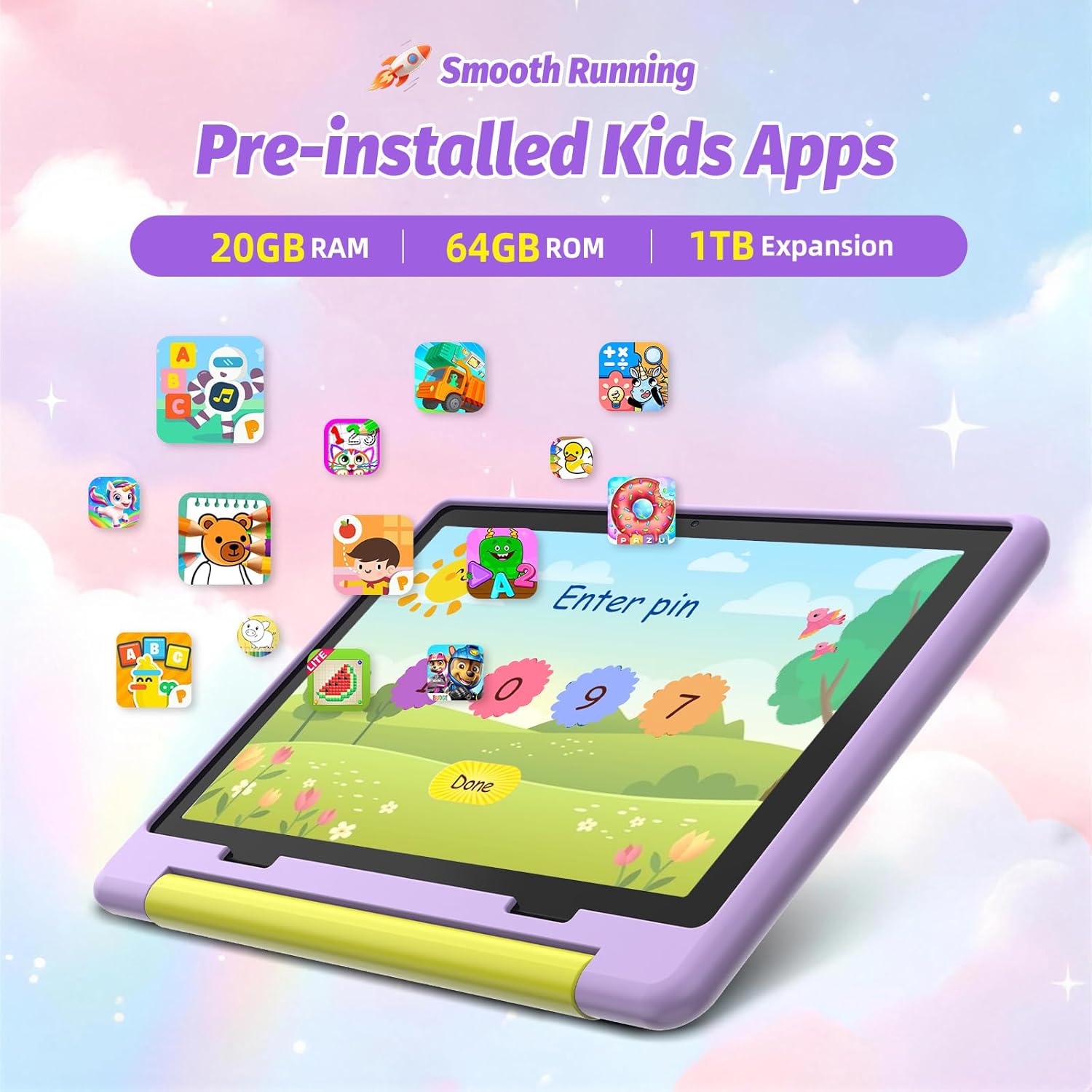
Storage is one area where this tablet tries to look more future-proof than the typical “just enough” kids device. It’s described as having a combination of 20GB (3+17), 64GB and 1TB expand storage, intended to hold courseware, cartoons, photos and learning documents.
It also states that there are over 20 multidisciplinary educational applications pre-installed. That’s helpful because it reduces the setup friction—less hunting for apps right after unboxing.
One caution: the listing references “GMS certification” for compatibility with mainstream children’s applications, but it’s still sensible to check that the specific learning or video apps you rely on are available in your region and work as expected for your child’s needs.
Performance and day-to-day feel
The tablet is described around an octa-core processor and Android 15, with claims aimed at reducing lag and background crashes that can show up on older systems. It also mentions upgraded ultra-sensitive and precise touch response.
This is exactly the kind of thing you’ll notice in daily use: whether the device feels responsive when a child taps through lessons, opens learning content quickly, and doesn’t get bogged down when multiple apps are in the mix.
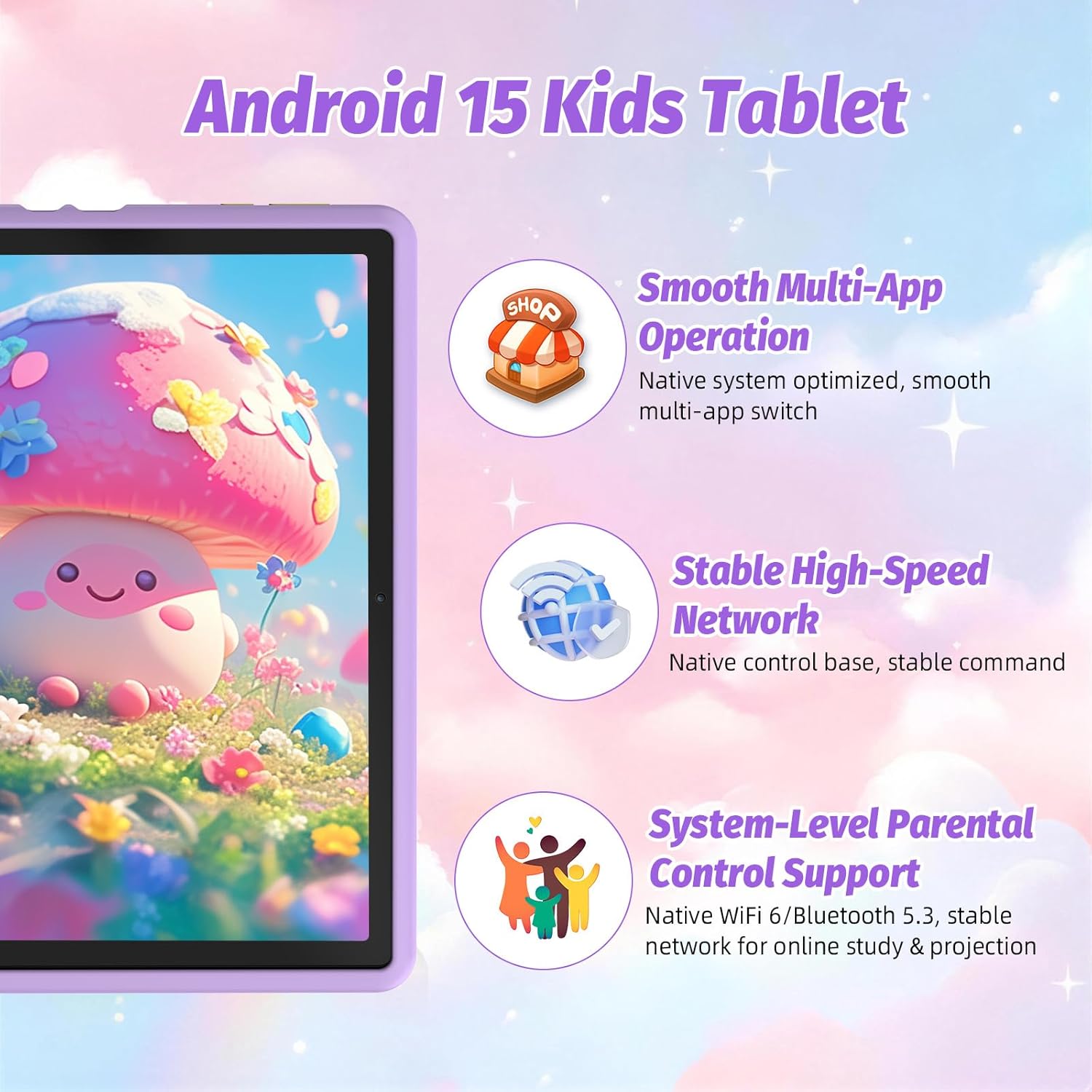
Still, keep expectations grounded: “smooth” here is about stability and responsiveness compared to older systems, not a promise of ultra-high performance for demanding games.
Connectivity, charging, and cameras for homework moments
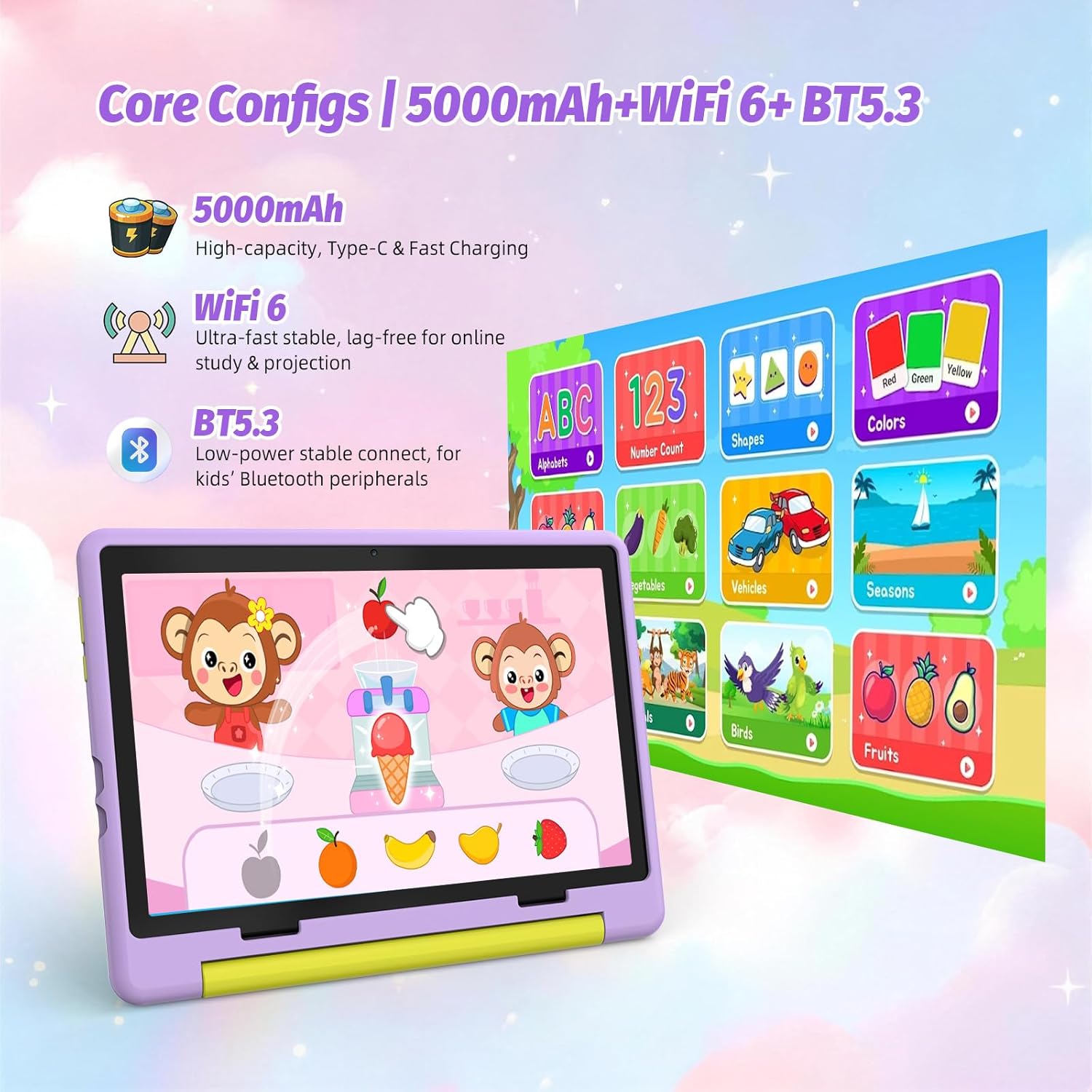
WiFi 6 and BT 5.3 are included for faster, more stable wireless connections and pairing with accessories like children’s headphones. That matters if you’re trying to keep streaming and online learning reliable at home.
For power, it uses a 5000mAh battery with Type-C fast charging. If you’ve ever had a kids tablet die at the worst possible time—right before homework content or a lesson—fast charging is a sensible feature to look for.
The camera setup is also fairly child-focused: 5MP front and 8MP rear cameras for capturing clear photos and videos for homework submission and recording moments. It’s not positioned as a creator tool, but for scanning tasks, filming a response or taking quick family shots, it should fit the brief.
What’s in the box and how it’s protected
The listing specifically mentions a protective, 180° foldable shock-absorbing case. That’s the kind of practical add-on many parents end up prioritising, because kids tablets spend more time surviving drops and bumps than sitting neatly on a desk.
If you’re planning to hand it to a child for independent use, having a case ready from the start is one of those small choices that can prevent a lot of stress later.
Who it suits (and who should be cautious)
It’s a good fit if you want a dedicated kids tablet that combines parental controls, Face ID unlocking, and a learning-friendly Android 15 setup. It suits families looking for a 10.1-inch screen for reading courseware and watching videos, plus extra storage options (including expansion) for school documents and media.
It may not suit you if you’re expecting a tablet that’s built for heavy, power-user tasks or complex productivity workflows. Also, while the interface is described as simplified for children, your child may still need a short onboarding period so they learn what to open and how to navigate without constantly exiting learning apps.
Is it worth it?
This Laptok Android 15 Kids Tablet looks worth considering if you’re buying around learning and entertainment with an emphasis on parental control, safer unlocking and a kid-friendly experience. The anti-blue light screen, Widevine L1 streaming support, WiFi 6/BT 5.3 connectivity and practical case all point towards everyday family use rather than “spec bragging”.
You may want to skip it if your priority is maximum performance for demanding apps or if you want a tablet that’s primarily geared towards advanced, adult-style tasks. As with any kids tablet, it’s smart to double-check that the apps your family depends on are available and behave as expected with the included controls.
Mini FAQ
Does it include parental control features?
Yes. The listing describes a parental control system for screen time, content filtering and monitoring learning progress.
Is Face ID used for unlocking?
It does mention Face ID, described as helping children unlock the tablet quickly and safely.
How big is the screen?
It’s a 10.1-inch kids tablet.
What storage options are mentioned?
The listing states a combination including 20GB (3+17), 64GB and 1TB expand storage.
What connectivity does it support?
It includes WiFi 6 and BT 5.3 for wireless connectivity and accessories.