

Jungle Leopard KF420E CPU Cooler with LCD Temperature Display and ARGB Fan
Product description
What this is and what it solves
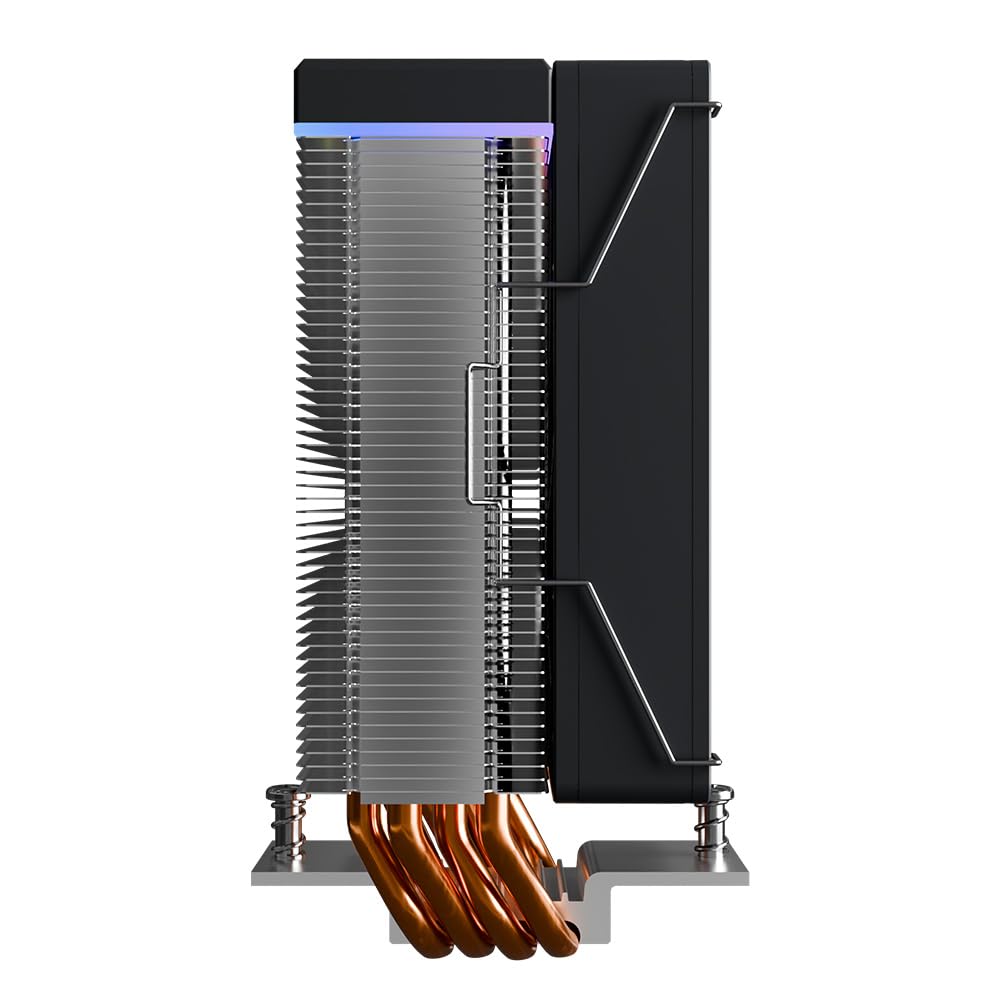
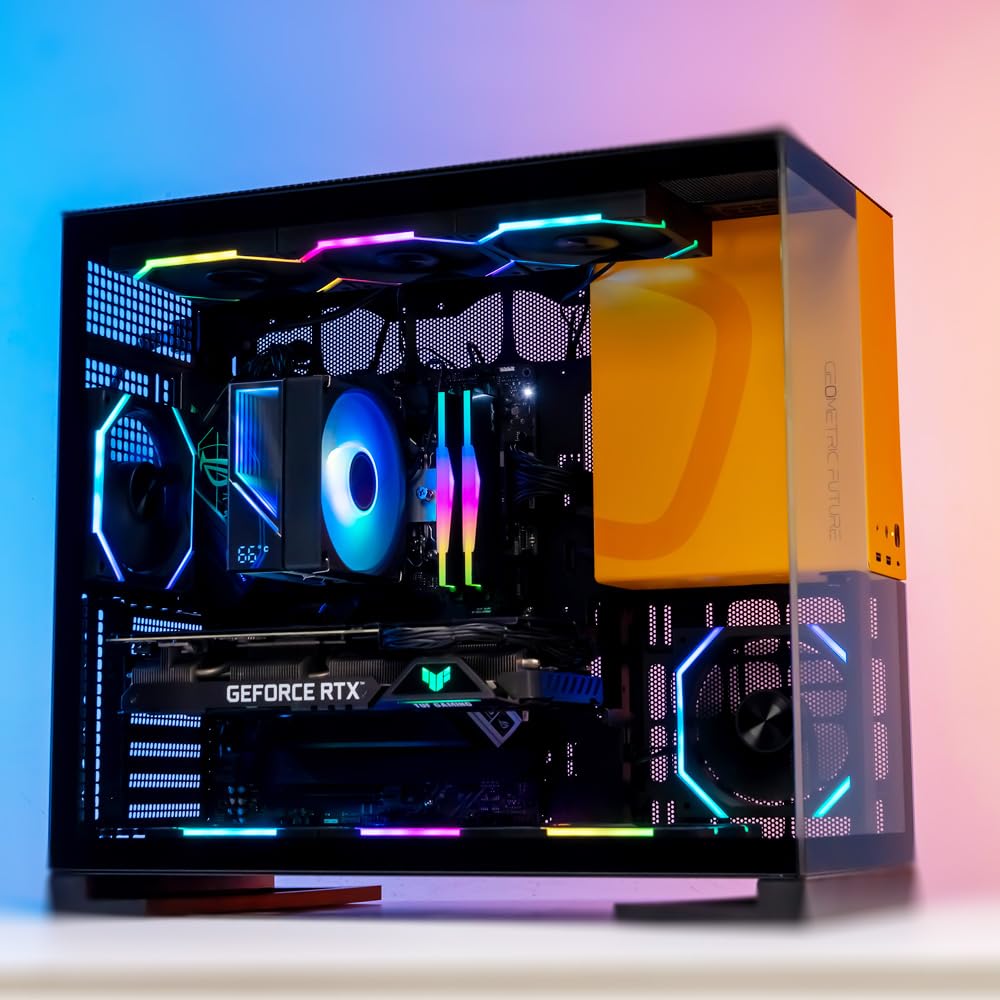
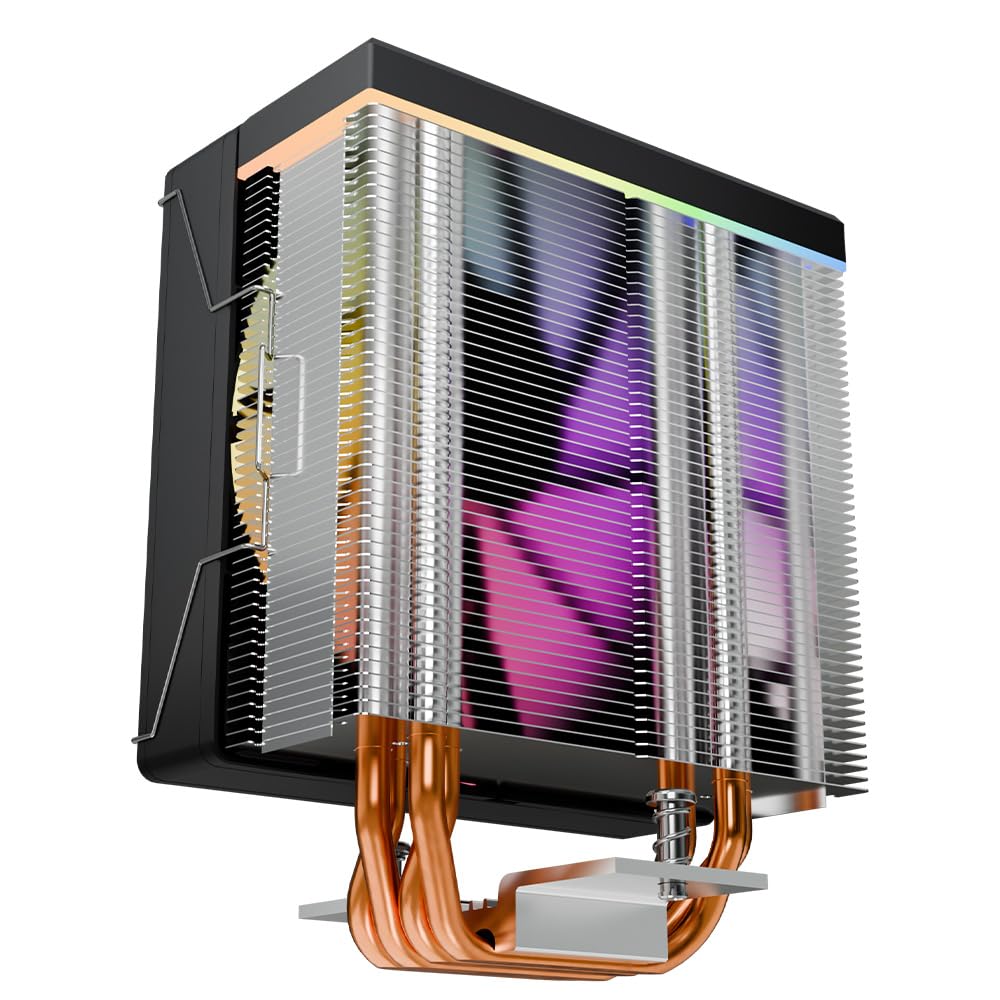
The Jungle Leopard KF420E is a low‑to‑mid height CPU cooler designed to blend cooling performance with a visible temperature readout. With a compact 155mm overall height, four heat pipes and a 120x120x25mm PWM fan spinning up to 1800 RPM, it aims to keep mainstream CPUs within reasonable temperatures while allowing space for mid‑tower builds. The digital lid displays CPU temperature via Jungle Leopard software, giving you a quick visual reference without opening the case.
How it performs on paper
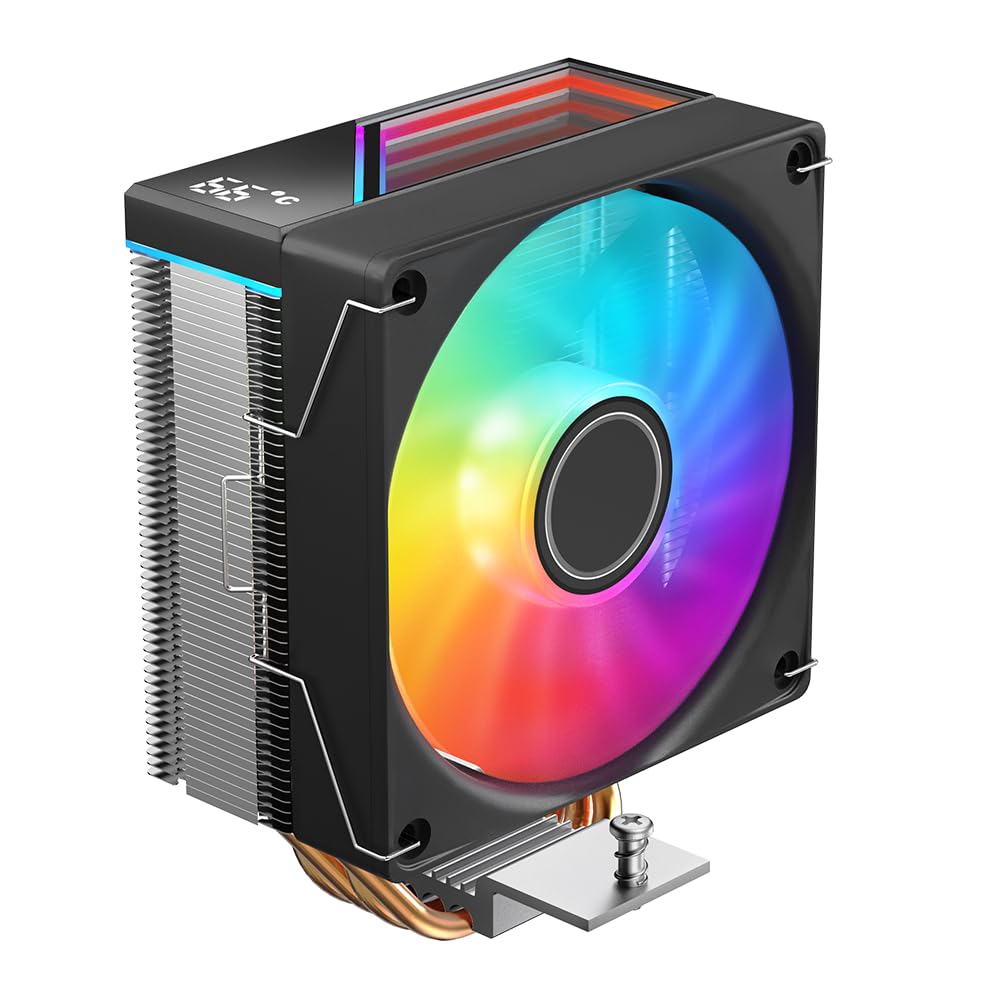
On paper, the cooler uses aluminium construction with four heat pipes to spread heat and a high‑speed fan to move air. The fan delivers around 69 CFM and a static pressure of about 1.9 mm H2O, with claimed noise under 37 dB(A). The kit includes mounting hardware and supports a wide range of Intel sockets (LGA 115X/1200/1700/1366/2011/1851) and AMD AM4/AM5, which covers most modern builds. The 155mm height helps compatibility with many cases without compromising cooling.
What stands out
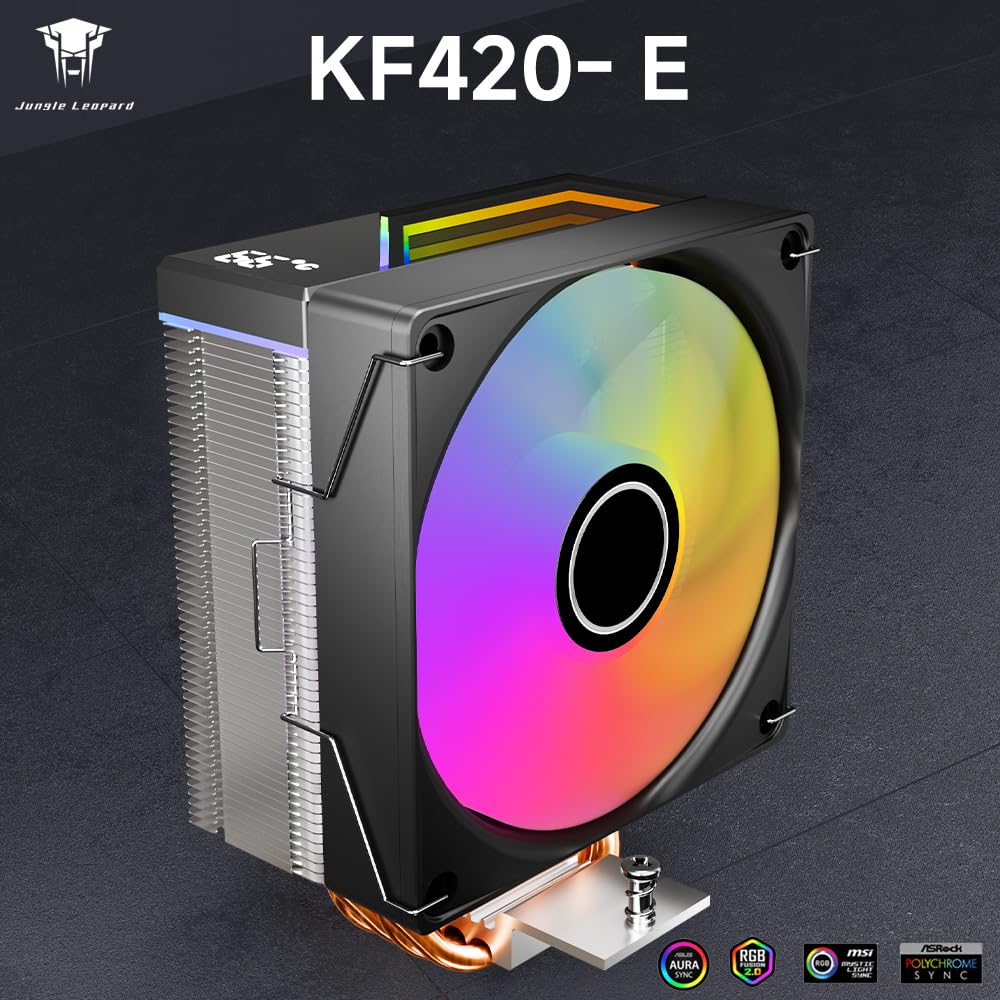
The digital temperature display on the lid is a notable visual feature, merging function with aesthetics as the CPU heats up. ARGB PWM fan syncing with 5V 3pin headers offers visual effects alongside cooling, which can be appealing for builds where lighting matters. The dual‑platform mounting through Intel and AMD sockets provides flexibility for users upgrading over multiple generations.
Potential limitations
If you prioritise ultra‑quiet operation, the ≤37 dB(A) spec may still be perceptible under full load, especially in small or acoustically sensitive rooms. The 155mm height, while compact, still requires checking your case clearance and RAM height to ensure full compatibility. As with any air cooler, performance depends on case airflow and ambient temperatures, so expectations should be tempered if cooling demands are very high.
Who it’s for
This cooler suits builders seeking a balance of decent cooling, a visible temperature readout, and a touch of ARGB flair without stepping up to more aggressive or larger air coolers. It’s a pragmatic option for mid‑range systems, home/office setups, or budget gaming rigs where a simple temperature readout and light show add value.
Who it isn’t ideal for
If you’re chasing absolute silence or you’re building a compact Mini‑ITX rig with tight clearances, this unit may not be the best match. Users planning to overclock aggressively or run high‑thermal workloads may prefer a cooler with higher thermal headroom or a larger radiator/heat sink setup.
When it makes sense to buy
Consider this cooler if you want a straightforward upgrade over stock cooling with a temperature display, reliable ARGB lighting, and broad motherboard socket support. It’s a sensible pick for users looking for an entry‑level to mid‑range cooling solution that also adds some visual appeal to the build.
What to check before buying
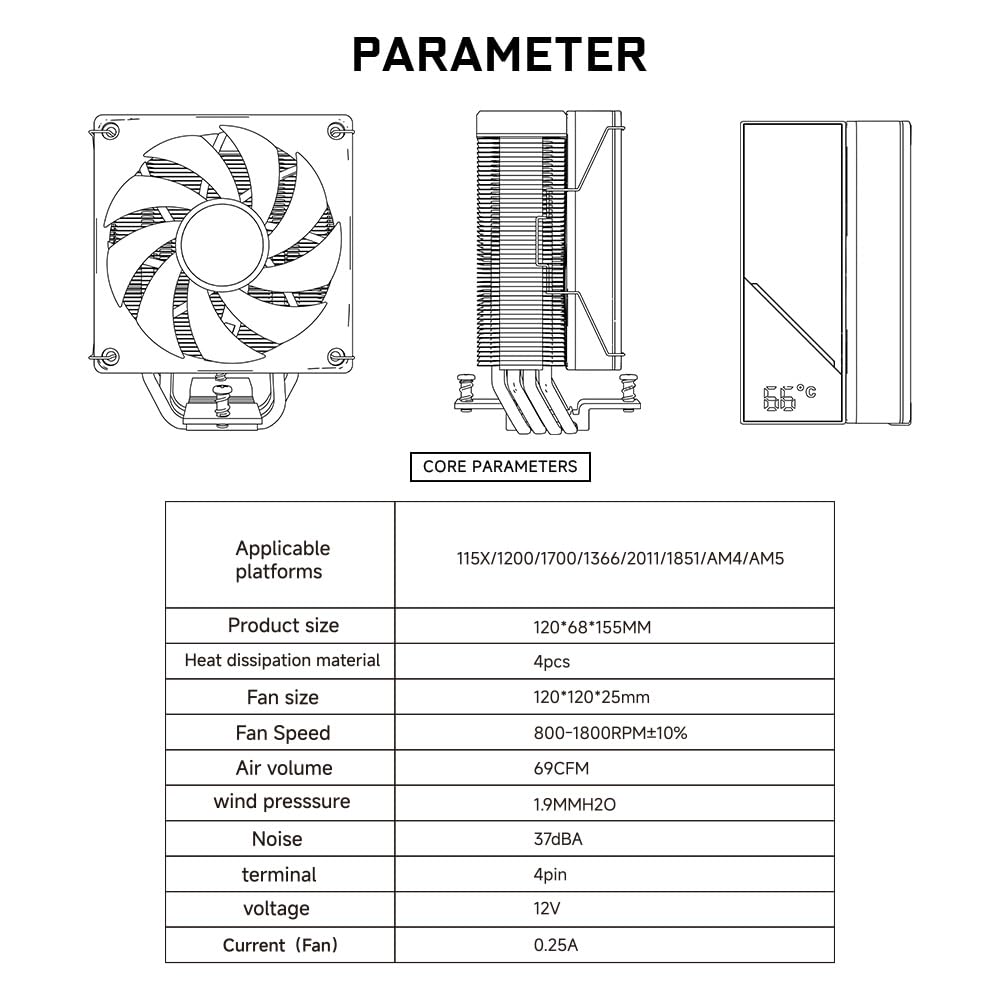
- Confirm case clearance for a 155mm tall cooler in your chassis.
- Check RAM clearance to avoid interference with the cooler’s height and fan placement.
- Ensure your motherboard has a 5V 3pin ARGB header if you want lighting sync, or be prepared for static lighting if not.
- Verify AMD or Intel socket compatibility and the need for the motherboard’s backplate if required.
Practical use example
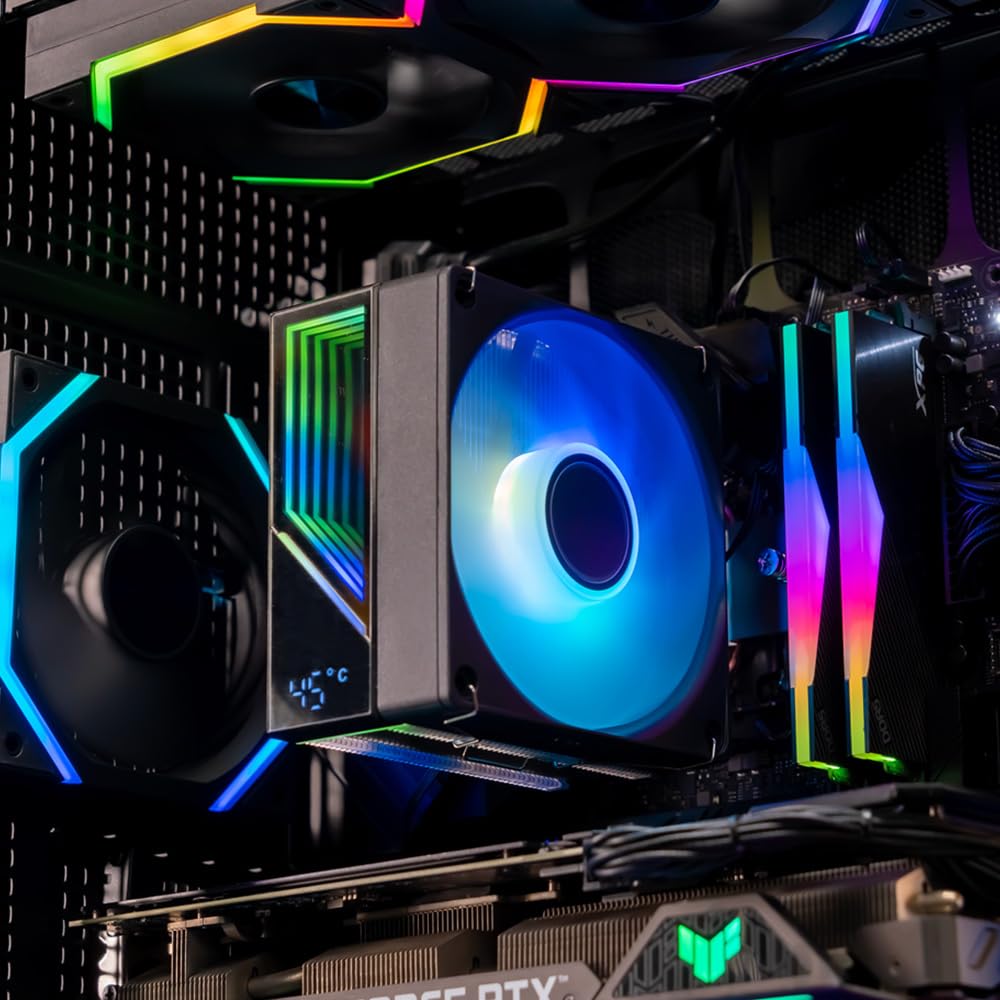
Imagine building a mid‑range gaming PC with a modern Ryzen CPU. The KF420E sits beside tall memory modules, with the LCD lid showing the CPU temperature as the game loads. The ARGB effect responds to the system’s lighting, adding a personalised touch without extra cables or complexity. In everyday use, you’ll be able to glance at the temperature during long sessions and adjust fan curves through the BIOS or software as needed.
FAQ
- Does the cooler support the latest Intel sockets? Yes, it lists compatibility with LGA 115X/1200/1700, among others.
- Is the temperature display software Linux compatible? The product mentions Jungle Leopard software but does not specify OS support, check the vendor site for compatibility.
- Can I mounting on AMD AM4/AM5 without backplate? AMD mounting requires the motherboard’s original backboard according to the notes.
Decision time
Is it worth it?
Worth considering if you want a visually engaging cooler with a temperature display and broad socket support at a sensible price. It may not be the best choice if you prioritise silence or maximum cooling headroom for heavy overclocking.
Final verdict
For many mainstream builds, the KF420E offers a pragmatic mix of cooling, visibility, and aesthetics. If you prioritise a compact form factor, temperature awareness, and ARGB lighting without stepping up to high‑end solutions, this cooler is a reasonable option to consider.