

Jumper 15.6-inch Laptop with Office 365 — 4GB RAM, 128GB Storage, 1080p Display
Product description
What it is and what it aims to solve
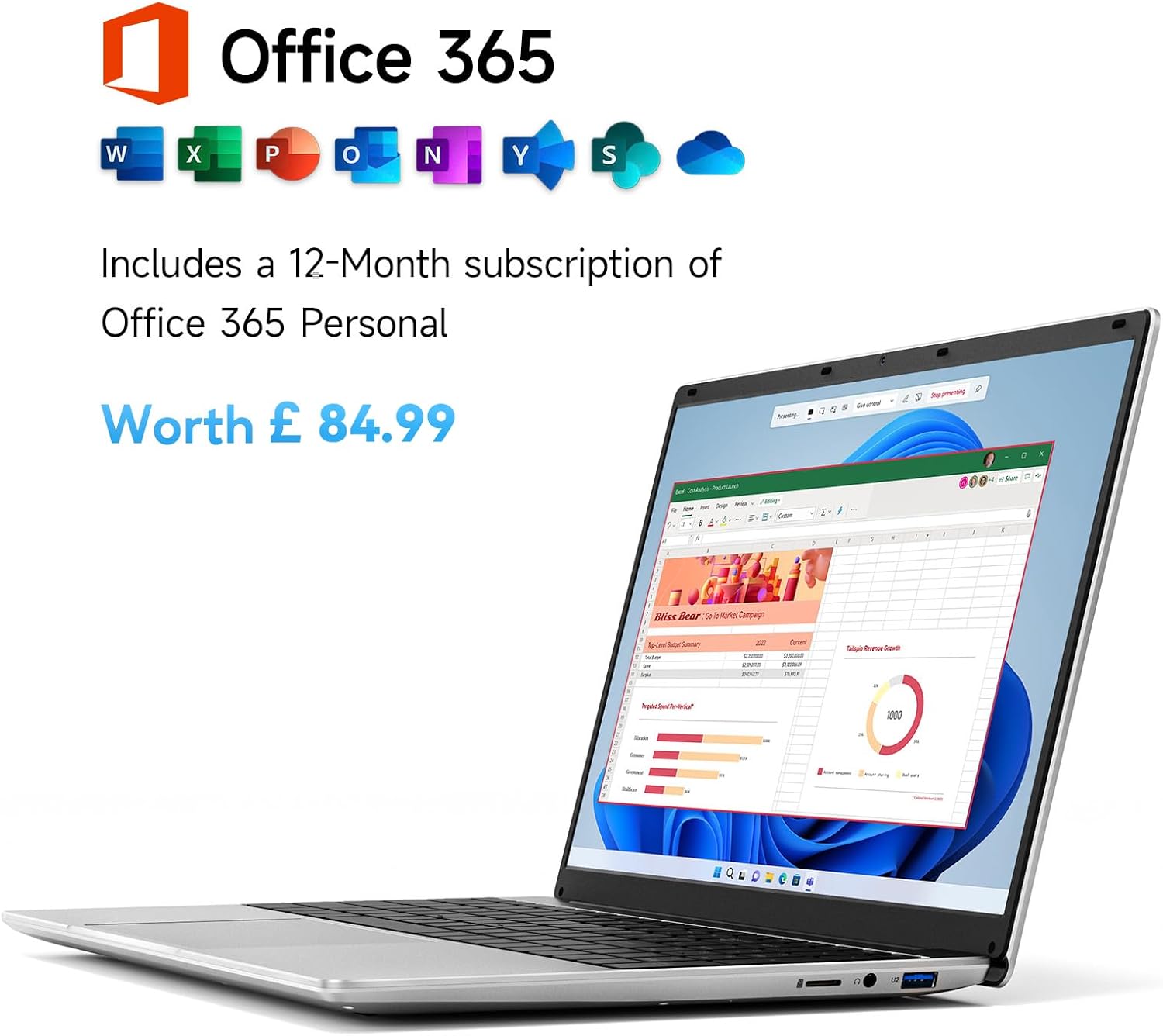
The Jumper 15.6-inch laptop is a compact, everyday computer designed for light office tasks, schoolwork and daily work-from-home use. With a 15.6-inch screen and a straightforward setup, it aims to cover essentials like document editing, browsing and streaming without the heft or price tag of higher-end models. It promises a ready-to-go package via a one-year Office 365 subscription, so you can hit Word, Excel and Outlook from day one.
What to know before you buy
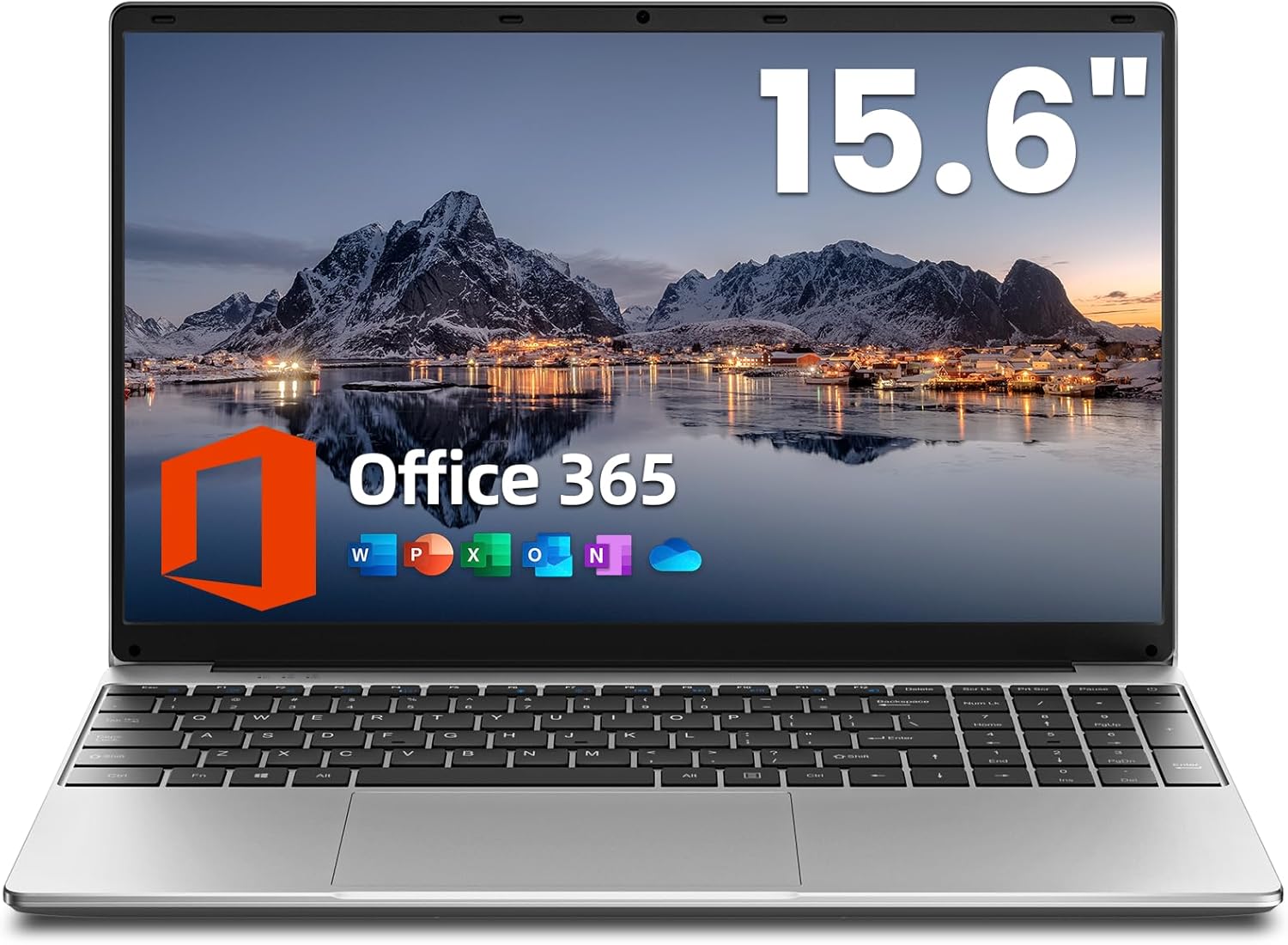
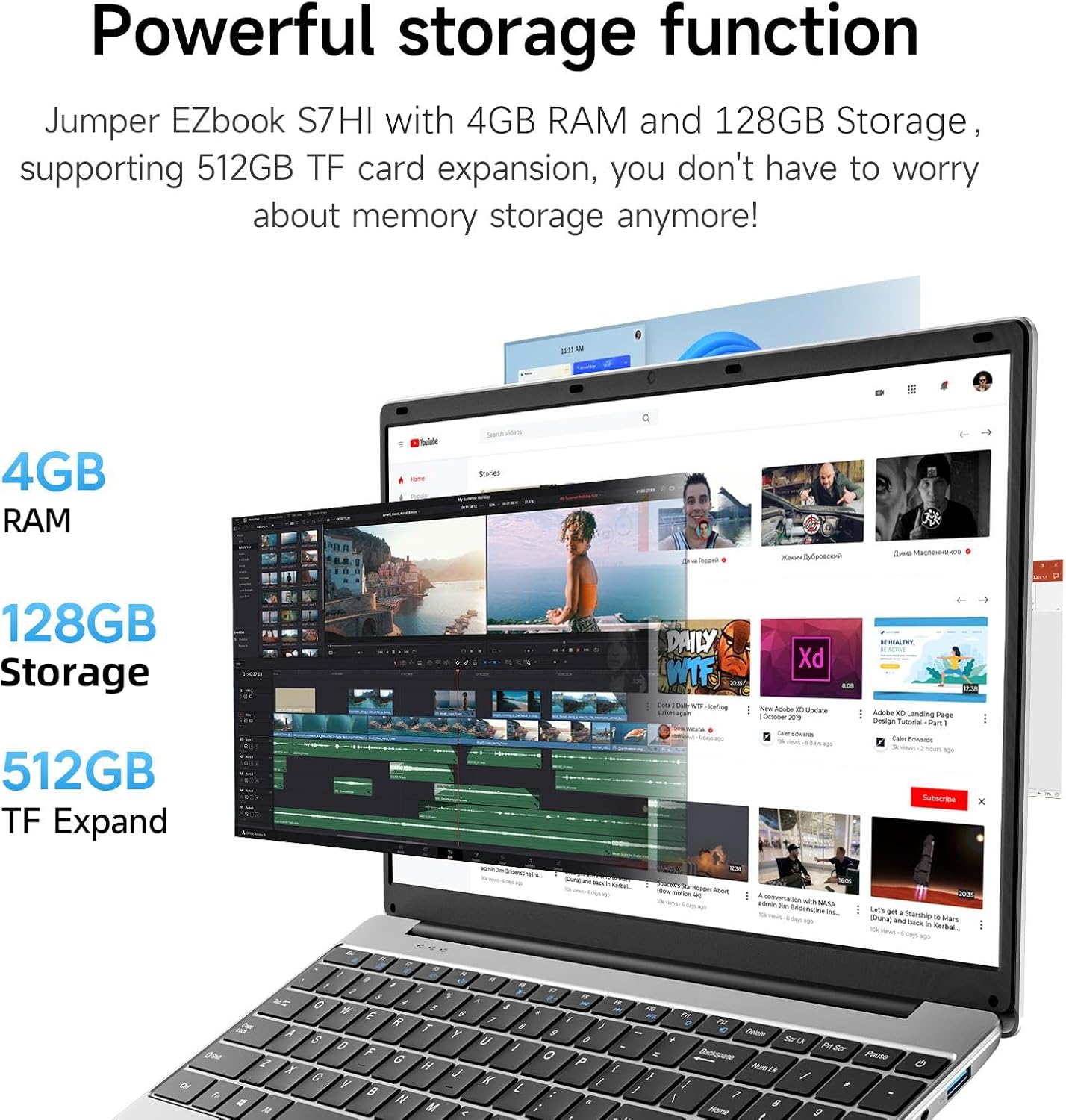
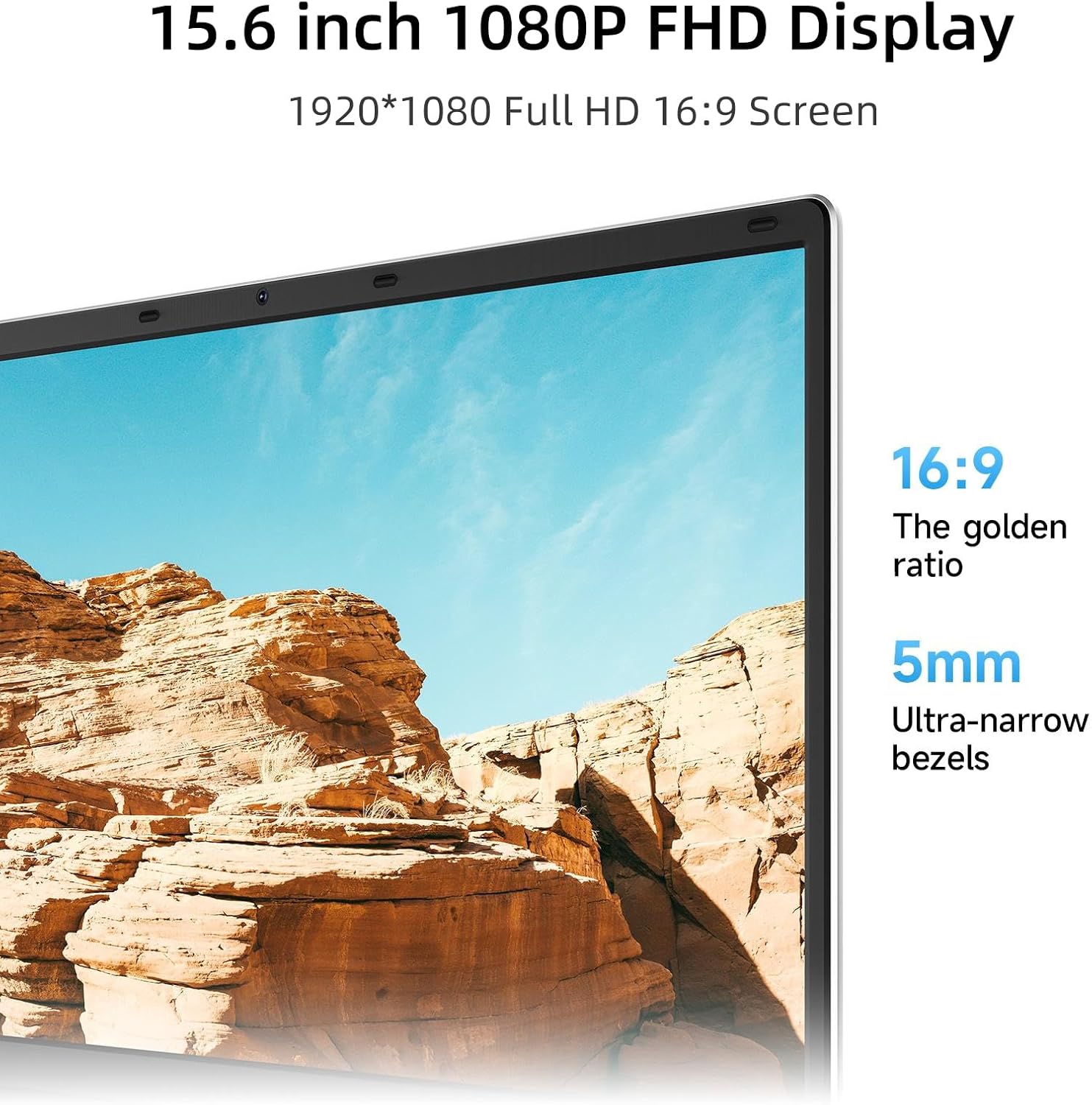
On paper, this device is entry-level in terms of processor, memory and storage. With 4GB of RAM and 128GB of internal storage (plus a 512GB TF card expansion option), it’s meant for light multitasking and storing documents, photos or small apps. The inclusion of Office 365 can be a practical perk for students or adults who need licensed productivity software without a separate purchase. The 15.6-inch display offers a full HD 1080p visual experience, which should be adequate for most everyday tasks and casual media consumption.
How it performs in daily use
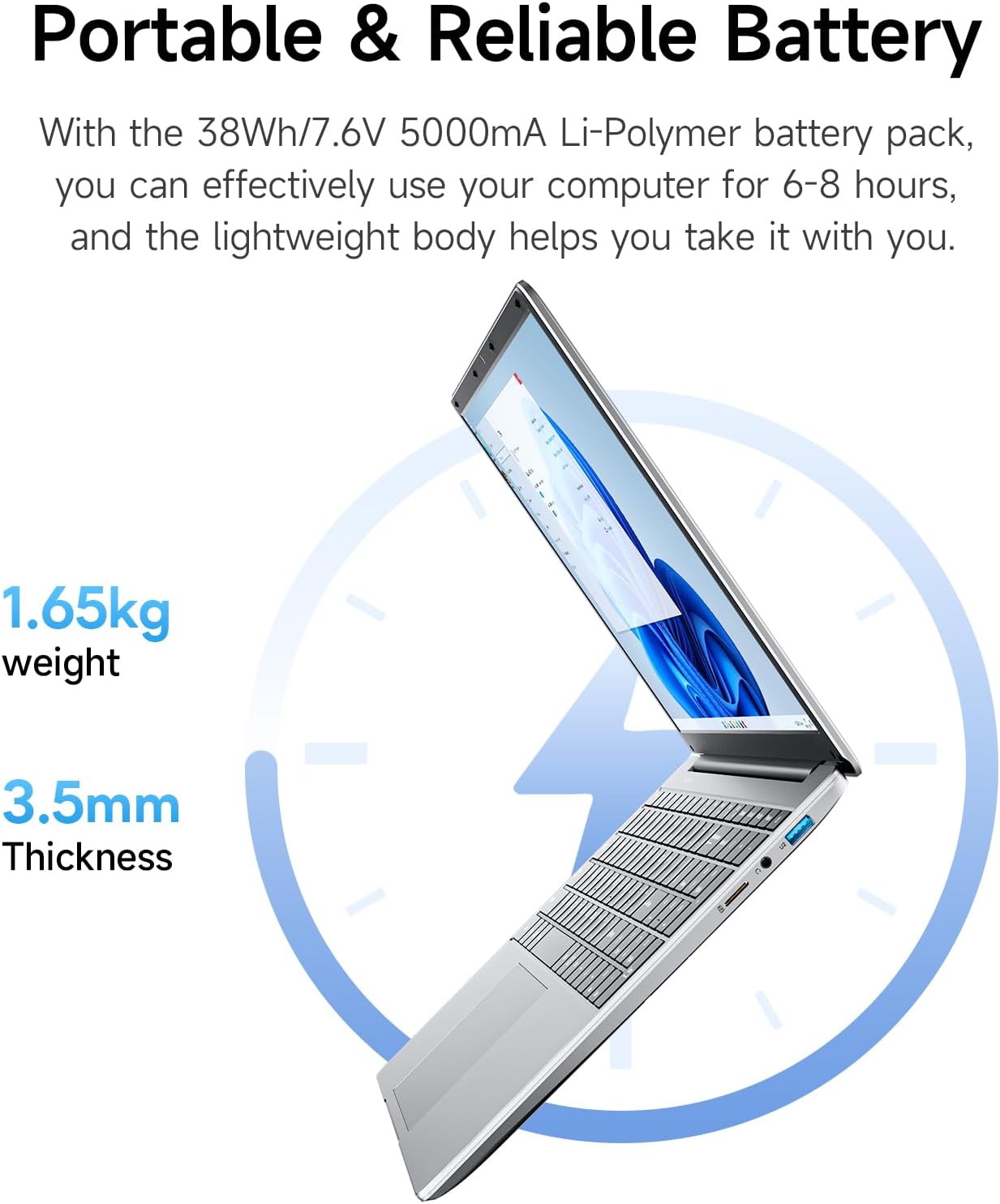
The machine is designed to be portable and affordable. At about 3.6 lbs, it’s easy to carry between classrooms, home and the office. The battery is rated to deliver several hours of use between charges, making it reasonable for shorter work sessions or classes away from a plug. That said, with only 4GB of RAM, you may encounter slower performance if you try to run many programmes at once or more demanding applications. If your day involves multiple browser tabs, word processing and occasional media streaming, this configuration should cope, but it’s not aimed at heavy computing or advanced software.

What stands out
- The 15.6-inch, full HD display provides clear visuals for documents and presentations.
- A one-year Office 365 licence provides access to familiar productivity apps without an additional cost.
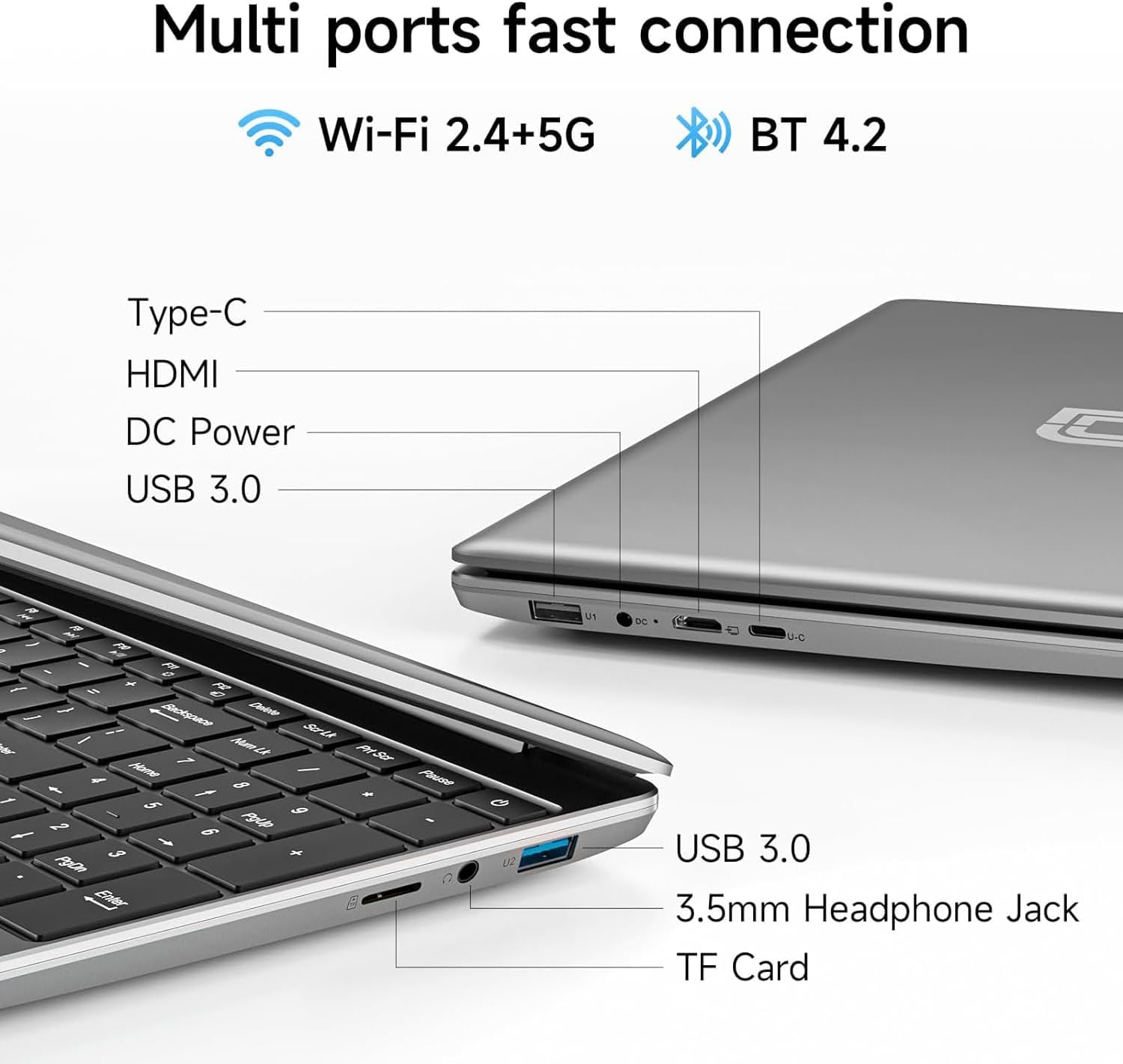
- The device includes a reasonable range of ports for everyday use: USB 3.0, Type-C, HDMI, 3.5mm audio and a Micro TF slot, which helps with peripherals and light data expansion.
- The ultra-thin form keeps the footprint compact for travel, with a lightweight build that suits students and commuters.
The balance: strengths vs limitations
On the positive side, the combination of a sizeable screen, pre-installed Office software and expandability options makes it a pragmatic option for students and light-duty professionals who prioritise value for money and portability. The trade-off is clear: 4GB RAM and a modest storage base, which can feel limiting if you juggle multiple apps or large files. It may fall short for those who need snappy performance or enterprise-grade multitasking. If you prioritise speed and future-proofing, you might prefer more RAM or a larger SSD. If you’re after basic tasks at a sensible price, this jumper offers a realistic fit.
Who it’s for
This laptop suits students, writers, researchers and professionals who mainly use office software, web browsing and streaming on a budget. It’s a practical fit for light-day use in education settings or as a secondary device for travel and remote work. It’s less ideal for heavy content creation, gaming or data-intensive workloads.
Who it isn’t ideal for
If your workflows involve large databases, design software, video editing or virtual machines, the 4GB RAM configuration will likely become a bottleneck. It’s also worth noting that the base storage is modest, you may want to rely on cloud storage or a microSD/TF expansion for additional space.
When does it make sense to buy
Consider this jumper when you need an affordable, portable laptop with a ready-made productivity suite and you don’t require heavy multitasking. It’s a sensible option for starting your day with document creation, coursework, email and light web use, and for those who value the convenience of a bundled Office 365 licence.
What to check before purchasing
- Confirm the exact RAM/storage configuration and whether there is any regional variation.
- Check your anticipated number of open tasks simultaneously, plan for additional storage if you expect larger files.
- Consider whether the 1-year Office 365 licence covers the apps you rely on and whether renewal options suit you.
- Assess the perceived build quality and keyboard comfort if you’ll type a lot, the compact chassis may feel different to larger machines.
- Think about the port needs for peripherals you use regularly, such as external drives or displays.
Practical use example
Imagine a student drafting essays, compiling notes in spreadsheets and presenting a seminar from a single device. You’d connect to a projector via HDMI, pop in a micro TF card for quick media access, and use Word or Excel to assemble coursework while saving work to the internal SSD. The lightweight chassis makes it easy to carry between lectures, libraries and study spaces.
Tech specs (at a glance)
- Name: jumper 15.6 inch Laptop with Office 365
- Type: Laptop
- Size: 15.6 inch
- Memory: 4GB RAM
- Capacity: 128GB Storage
- Display: 1080 HD
- Resolution: 1920 x 1080
- Processor: 5205U
- Weight: 3.6 lbs
- Battery: 38Wh
- Ports: Type-C x1, USB 3.0 x2, HDMI x1, 3.5mm audio jack x1, Micro TF slot x1, Quick Charger DC port
- Included software: Office 365 licence (1 year)
Final verdict
Is it worth it? It is a practical no-frills option for users who want a portable laptop with a ready-made productivity suite and modest storage. If you prioritise cost, portability and a familiar software environment for everyday tasks, this jumper can be a reasonable choice. If your needs include heavy multitasking or more storage, you may want to explore models with more RAM and larger SSDs.
FAQ
- Does the device include Office 365 for a year? Yes, a one-year pre-installed Office 365 licence is included.
- Can I expand storage beyond 128GB? The device offers a Micro TF slot for expansion, subject to capacity and compatibility.
- What performance should I expect with 4GB RAM? For light office tasks and basic browsing, it should perform adequately, heavy multitasking or large files may require more RAM.