

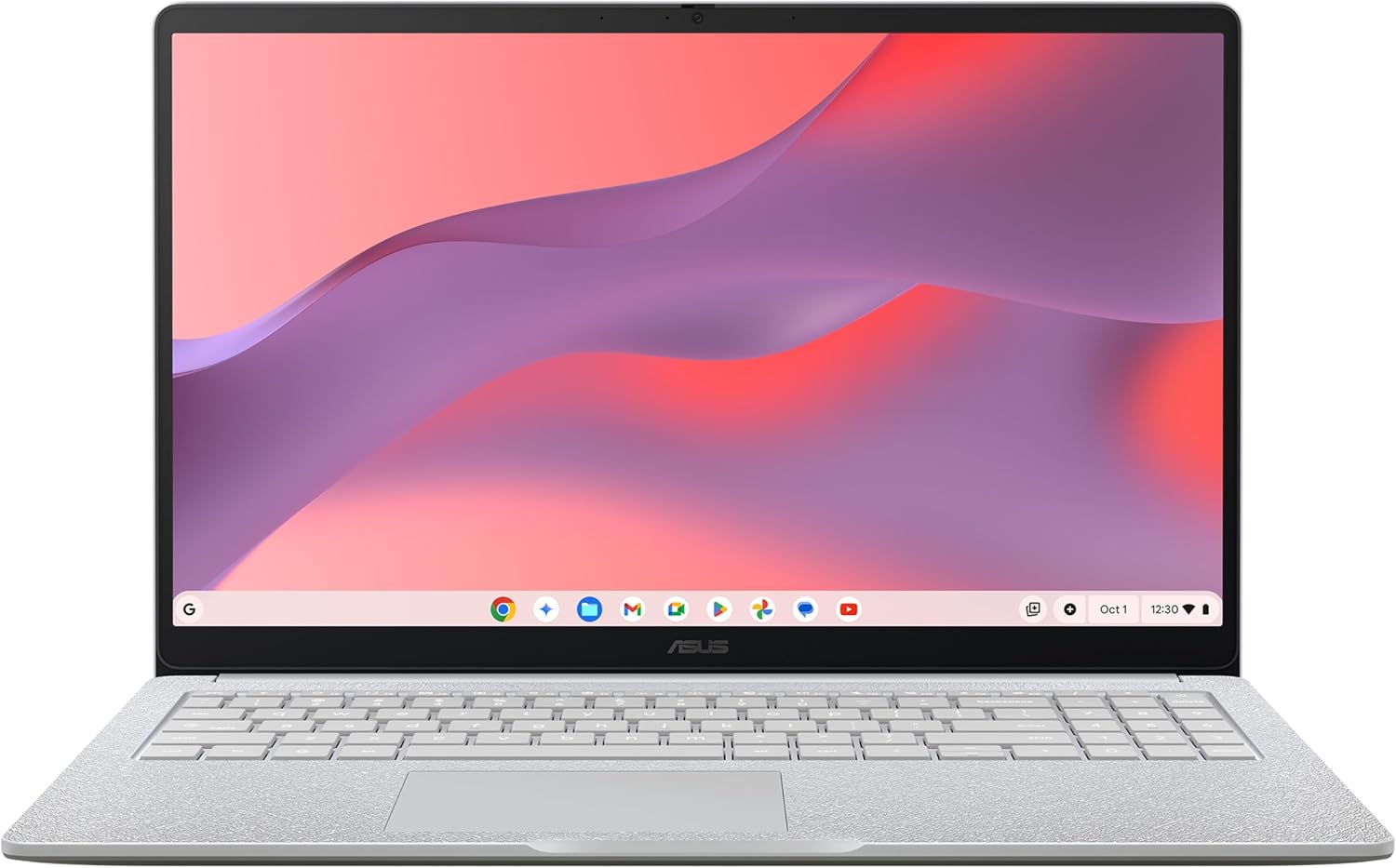
ASUS Chromebook 14 CX1405CTA laptop
Product description
What it is
The ASUS Chromebook 14 CX1405CTA is a compact, 14-inch laptop powered by Chrome OS. Designed for everyday tasks on the go, it aims to balance basic productivity with lightweight portability. It runs on an Intel Celeron N50 processor with 4GB of RAM and 64GB of eMMC storage, offering a responsive experience for web-based work and streaming.
Who it’s for
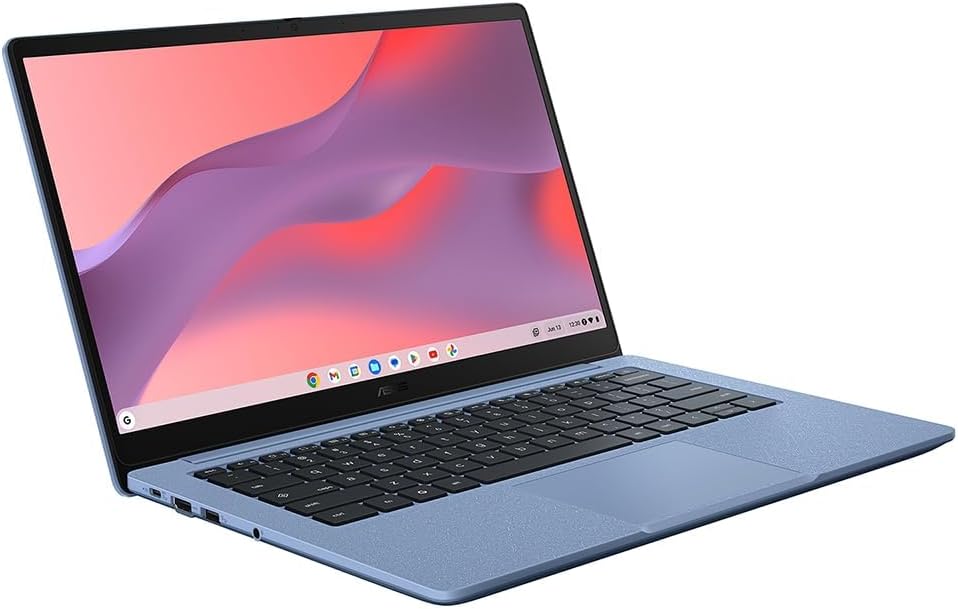
This device is well suited to students, casual browser users, and professionals who mainly use Google Workspace apps or web-based tools. If you prioritise simplicity, automatic updates, and straightforward use, it can cover the essentials without the complexity of a traditional desktop OS.
Performance and software
Chrome OS is central to the experience, prioritising speed, security, and cloud integration. Sign in with your Google account to access built-in Google Workspace apps like Docs and Sheets. For Microsoft 365 use, you can access Word, Excel, and PowerPoint via the browser, though desktop-style installations aren’t available. This means you’ll be operating primarily in the cloud, with USB storage or cloud backups as reliable fallbacks.
Storage and longevity
With 64GB of eMMC storage, local capacity is modest. If you keep most work in the cloud, the device remains lightweight and fast to boot. Consider additional cloud storage or external drives for larger files or offline access settings.
Display and usability
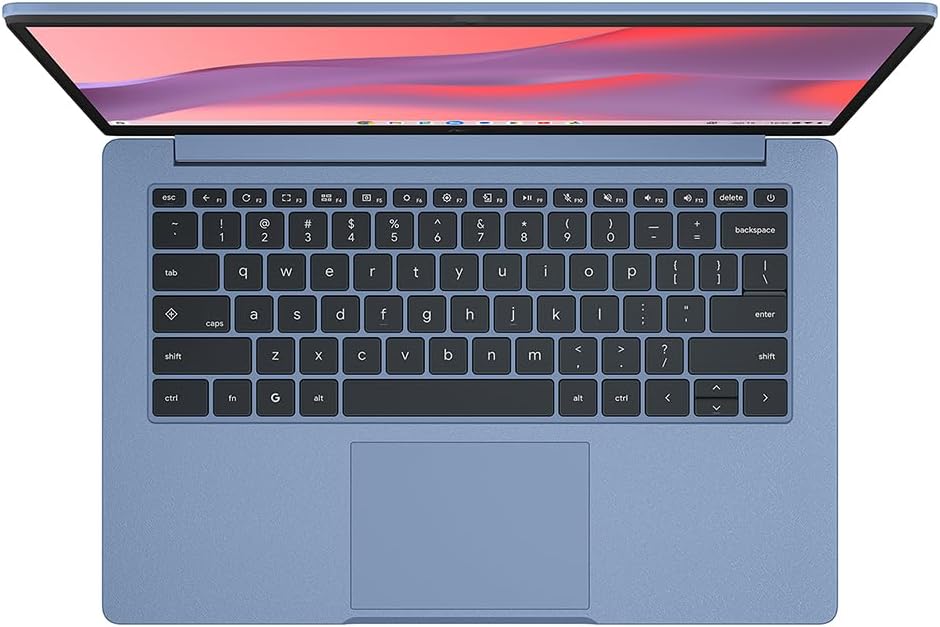
The 14.0-inch Full HD screen offers a clear, sharp picture for productivity and media consumption. While a 60Hz refresh rate is standard here, it’s adequate for everyday tasks and video streaming. The keyboard and chassis design prioritise portability, it’s not the heaviest option, but it’s not a luxury ultraportable either.
What stands out
- Native Chrome OS integration with Google services can speed up day-to-day tasks for cloud-first workflows.
- The form factor is balanced for work on public transport or between meetings, with a price point that suits budget-conscious buyers.

What may not convince
- Local storage is limited, for heavy offline work, you’ll rely on cloud access or extra storage.
- If your workflow depends on desktop Windows or macOS apps, you’ll need to operate through web versions, which may feel slower or less familiar for advanced tasks.
- Gaming or processing-heavy tasks are not the focus here, it’s built for light, web-focused use.
How to decide if it fits you
If your daily routine involves document editing, email, web research, and occasional video streaming, the CX1405CTA can be a sensible, low-frustration choice. It’s a practical option for students or professionals who value value-for-money and simplicity over raw power. If you frequently work offline, or run demanding software, you might want to explore models with more local storage or a more robust processor.
Practical usage example
Imagine preparing a presentation on the move: you sign into your Google account, create slides in Google Slides, and share the link with colleagues. Files stay mostly in Google Drive, reducing the need for大量 local storage. When you’re on a train without Wi‑Fi, you can still access saved files offline if you’ve chosen offline modes for essential documents.

What to check before buying
- Ensure your expected cloud storage is sufficient or plan for external/cloud backups.
- Verify whether the included RAM and CPU meet your typical browser workload, especially with multiple tabs.
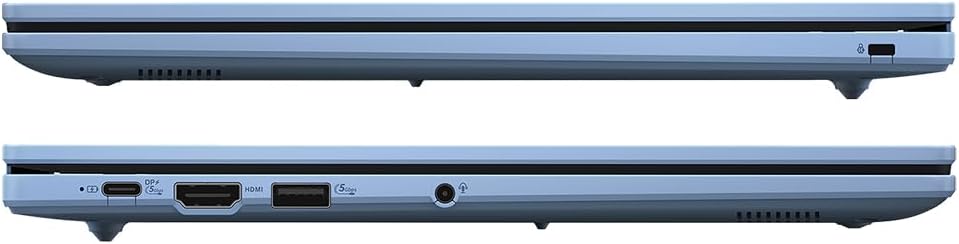
- Consider how you’ll connect peripherals and whether you need additional USB or SD card options for your workflow.
Alternatives and context
In this category, you’re choosing among lightweight Chrome OS laptops and budget Windows/macOS options with similar screen sizes. This ASUS model is best when you want a straightforward, affordable path to online productivity without the heft of more powerful laptops. If you need full desktop software or more local storage, a different approach may serve you better.
Is it worth it?
The decision hinges on your reliance on cloud apps and Google Workspace. For light, daily productivity with a quiet, compact package, it offers clear value. If you prioritise offline capability and more powerful local apps, you may want to look elsewhere.
FAQ
- Will this run Google Workspace smoothly? Yes, it integrates well with Docs, Sheets, and other Google apps.
- can I install Windows programs? Not as desktop applications, you’ll use browser-based access where possible.
- How much offline storage do I actually have? 64GB eMMC is modest, plan for cloud storage or external options if you store many files locally.