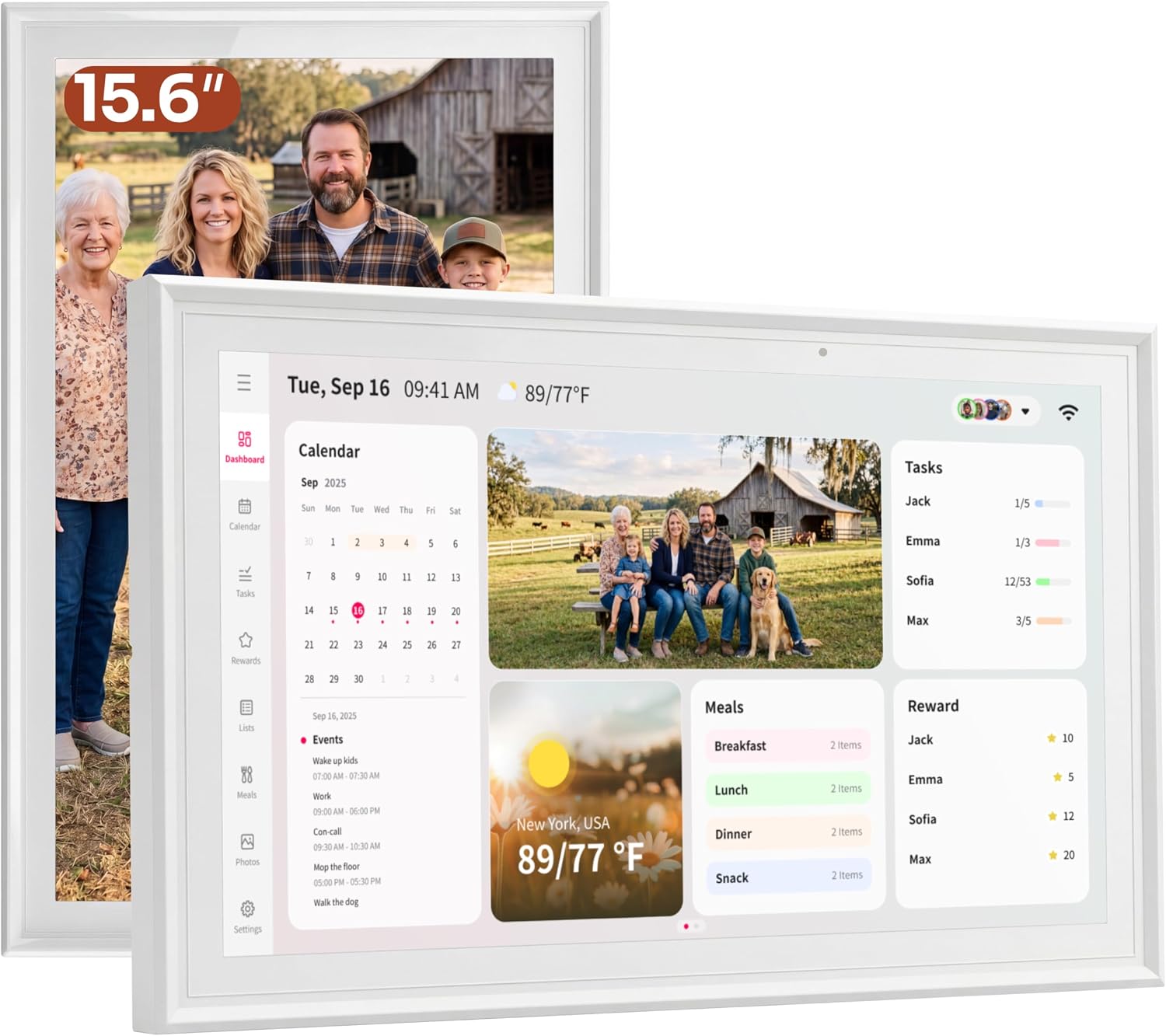
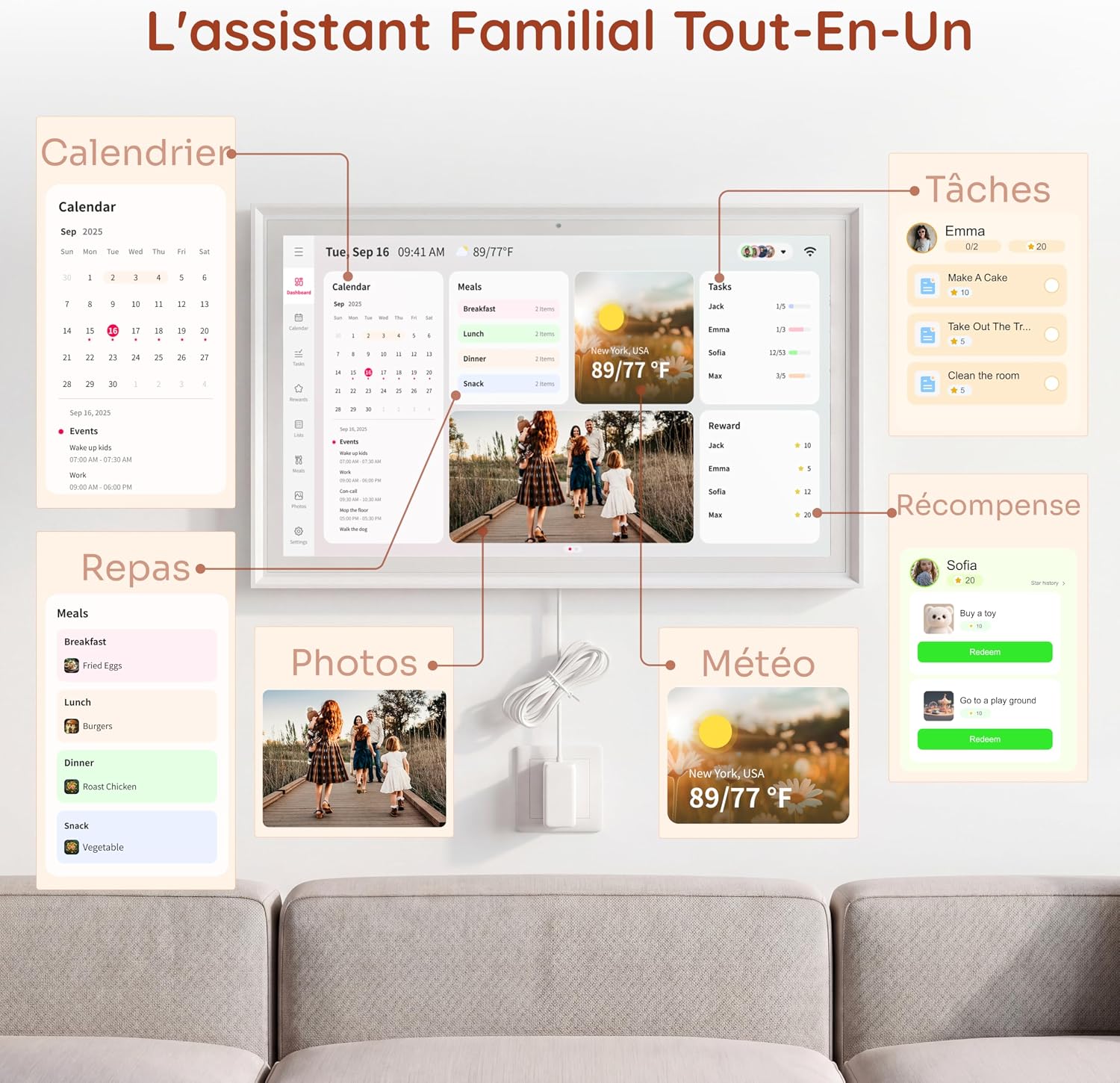
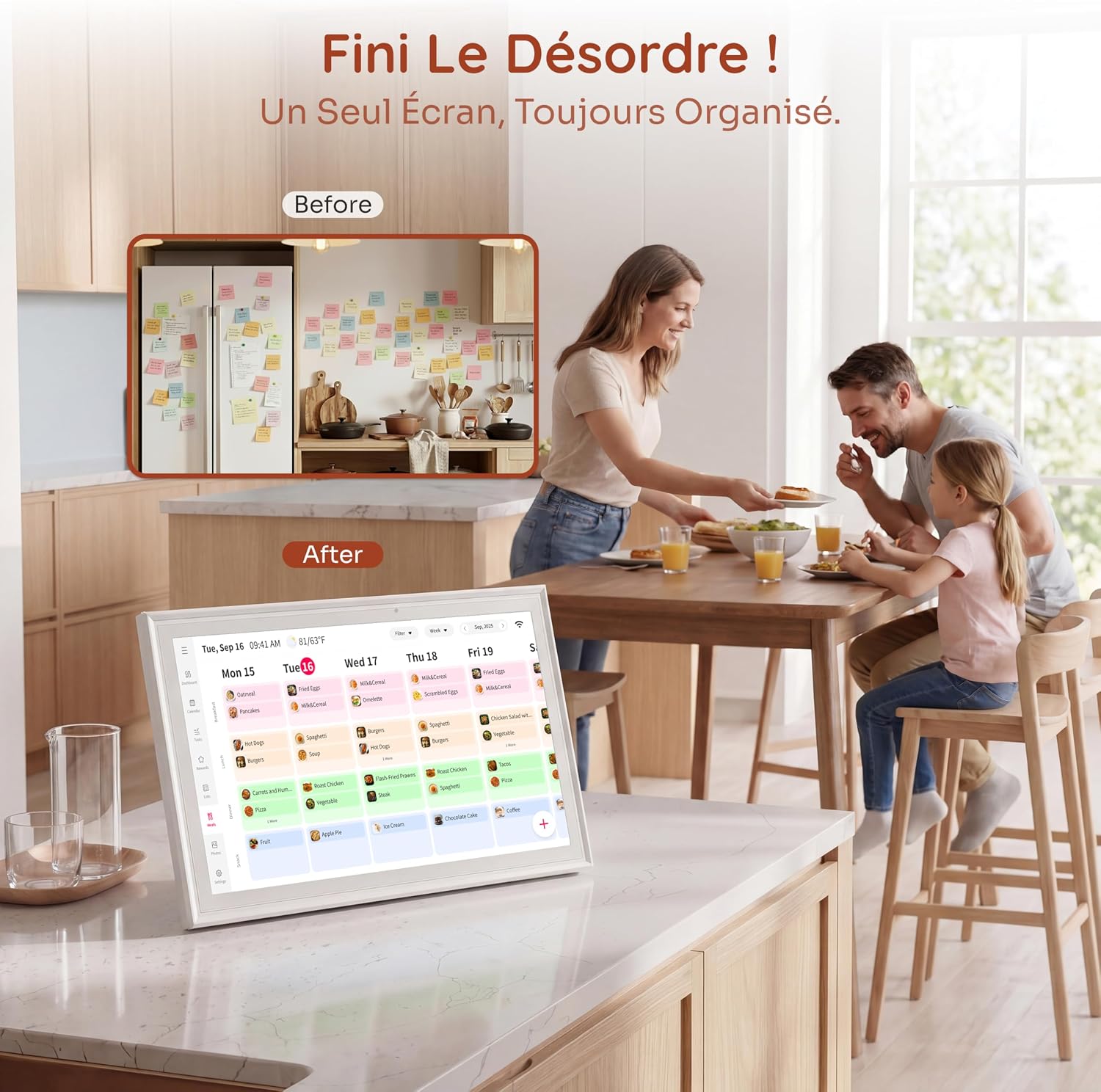
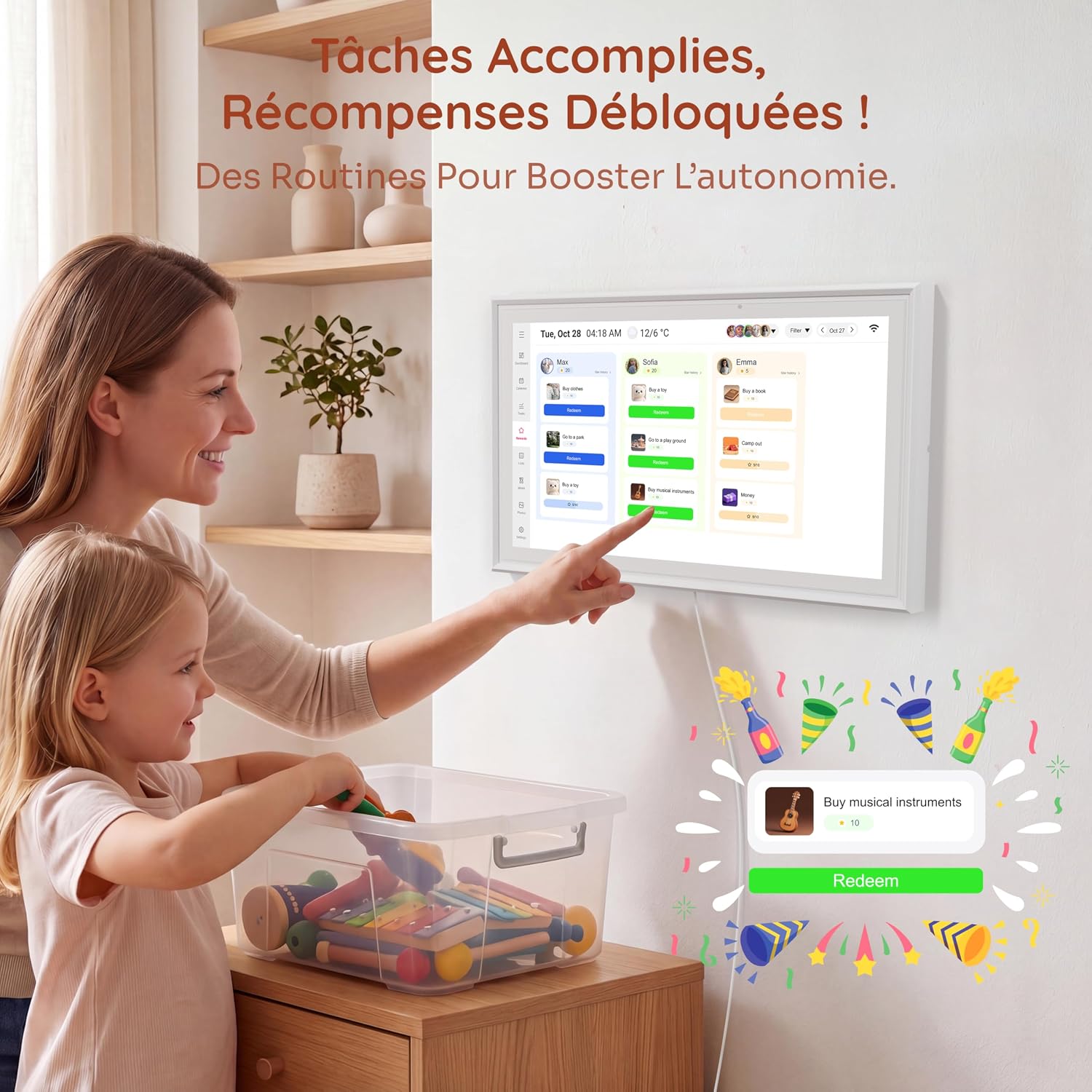
What it is and what it solves\nThe Ingnok 15.6in Pro Digital Calendar is a wall and desk calendar with a full 15.6-inch touchscreen designed for family use. It combines a digital planner, chore chart and meal planner in one device, helping households organise schedules, school runs, meals and shopping lists without the need for a separate subscription. On the surface, it acts as a central hub for reminders and routines, but on the practical side it aims to reduce double-entry and miscommunication by syncing changes across devices in real time.\n\n## How it works on paper\nTwo-way synchronisation with Google, iCloud and Outlook lets family members add or edit events from the touchscreen or a connected mobile app. Everything updates automatically on the home display, so you see the latest changes whether you’re at home or out and about. Importantly, all included features come without a subscription, which is a sensible consideration if you’re looking for ongoing cost control.\n\n## What stands out in day-to-day use\nThe device doubles as a smart chore chart and meal planner, letting you assign tasks, plan weekly meals and share shopping lists. Daily reminders can be shown on the wall planner, so busy mornings are a little less fraught. The 32 GB of storage is enough for family photos and personalised displays, and you can upload images over Wi‑Fi to create a personalised family frame.\n\n## Display and setup details\nThe 15.6-inch FHD touchscreen (1920 × 1080) uses IPS for wide viewing angles (178°). Font sizes are adjustable, and there’s a Sleep Mode to help with energy use. The unit ships with a metal stand for desk placement and supports VESA mounting for wall installation. A UK adapter is included, which is convenient if you’re starting from a standard UK outlet.\n\n## Where it fits best\nIf your home operates with a shared calendar, this device can function as a centralised, non-subscription alternative to multiple single-purpose apps. It’s particularly apt for households that value a visible, at-a-glance planning tool and want to reduce back-and-forth between devices.\n\n## What to watch out for\nIt may not be the best fit if you rely on niche calendars not supported by Google, iCloud or Outlook, or if you need advanced project management features beyond scheduling and housekeeping tasks. Also, the 32 GB storage, while adequate for photos and reminders, isn’t expandable through the device itself, so consider your photo needs before loading a large library.\n\n## Before you buy: quick checks\n- Confirm your primary calendar providers (Google, iCloud, Outlook) are already in use in your household.\n- Decide whether a wall display or desk placement works best for your space.\n- Think about your photo display needs and whether 32 GB will cover your anticipated content.\n\n## Practical usage example\nImagine a typical school week: you add morning drop-offs, after-school activities and a weekly family meal plan from your phone, and the changes instantly appear on the wall display. The chore lists can be updated as jobs are completed, providing a visible sense of progress for both kids and adults.\n\n## FAQ\n- Can multiple family members edit the calendar at once? Yes, via the touchscreen or connected mobile app with changes synchronised to the display.\n- Is there a subscription required for features? No, all included features are available without a subscription.\n- Can I adjust the display to show only essential information? Yes, font sizes are adjustable and you can customise the screen layout to suit your needs.\n\n## Final thoughts\nIf you prioritise a practical, family-focused organiser with a visible central hub, the Ingnok 15.6in Pro Digital Calendar offers a straightforward solution that emphasises no-subscription access and real-time syncing. It may be less compelling if you need highly specialised scheduling tools or abundant local storage for media, but for daily family rhythm and shared planning, it provides a tangible focal point in the home.\n## Is it worth it?\nWorth considering if you want a non-subscription family calendar with centralised reminders, simple task management and a digital photo frame.