

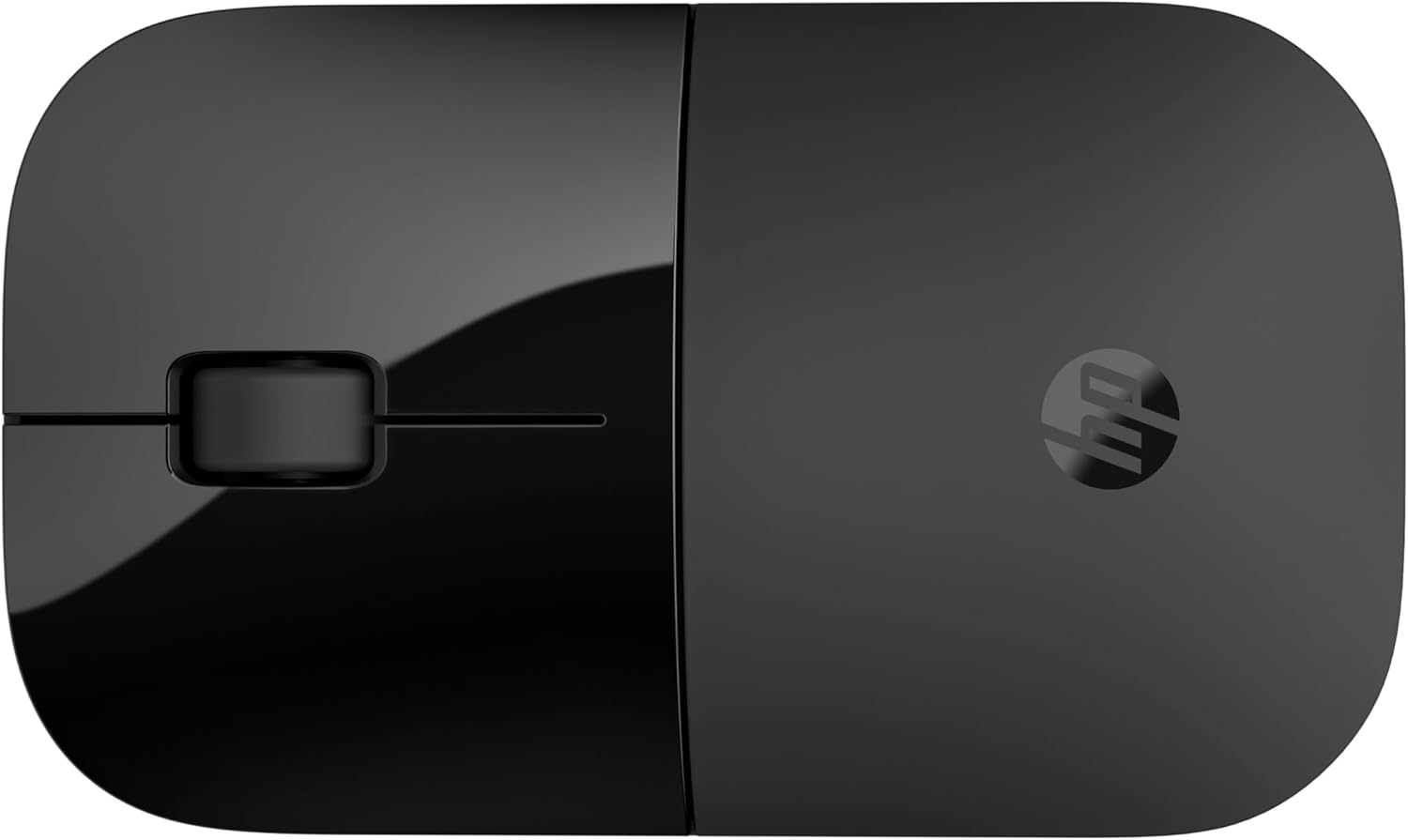
HP Z3700 Dual Black Wireless Mouse: Bluetooth 5.0 and 2.4GHz USB-A Dongle, 1600 DPI
Product description
What it is and who it’s for
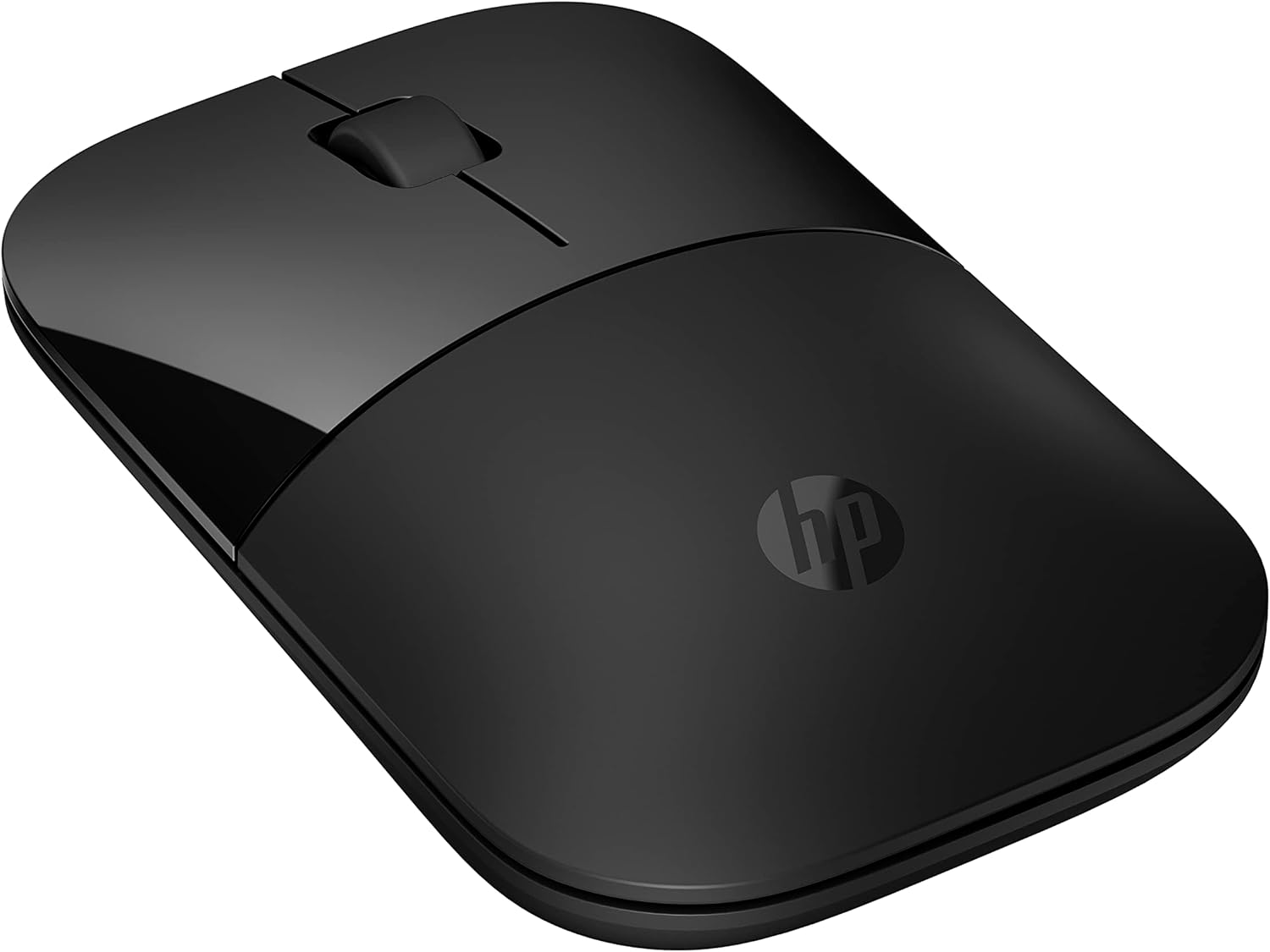
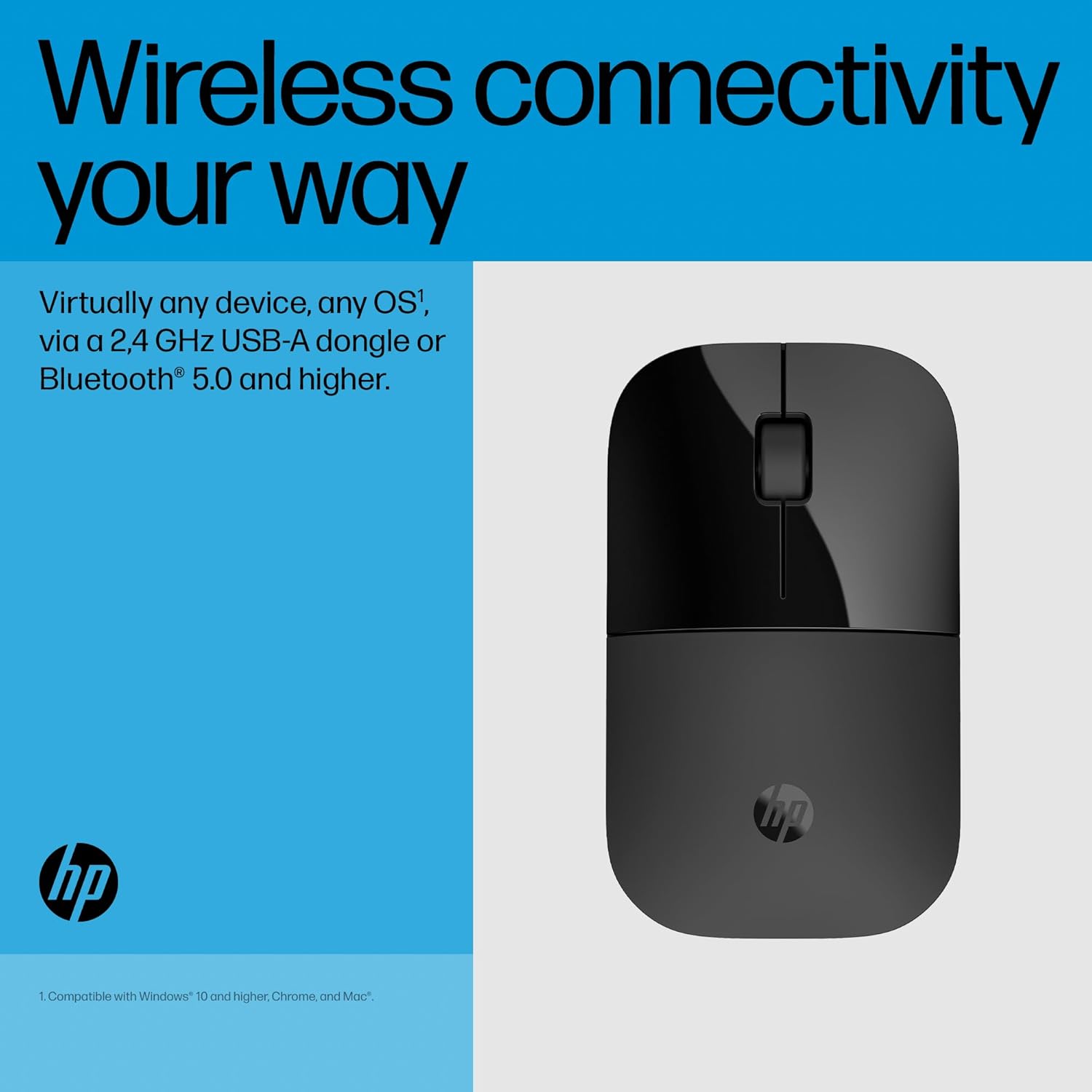
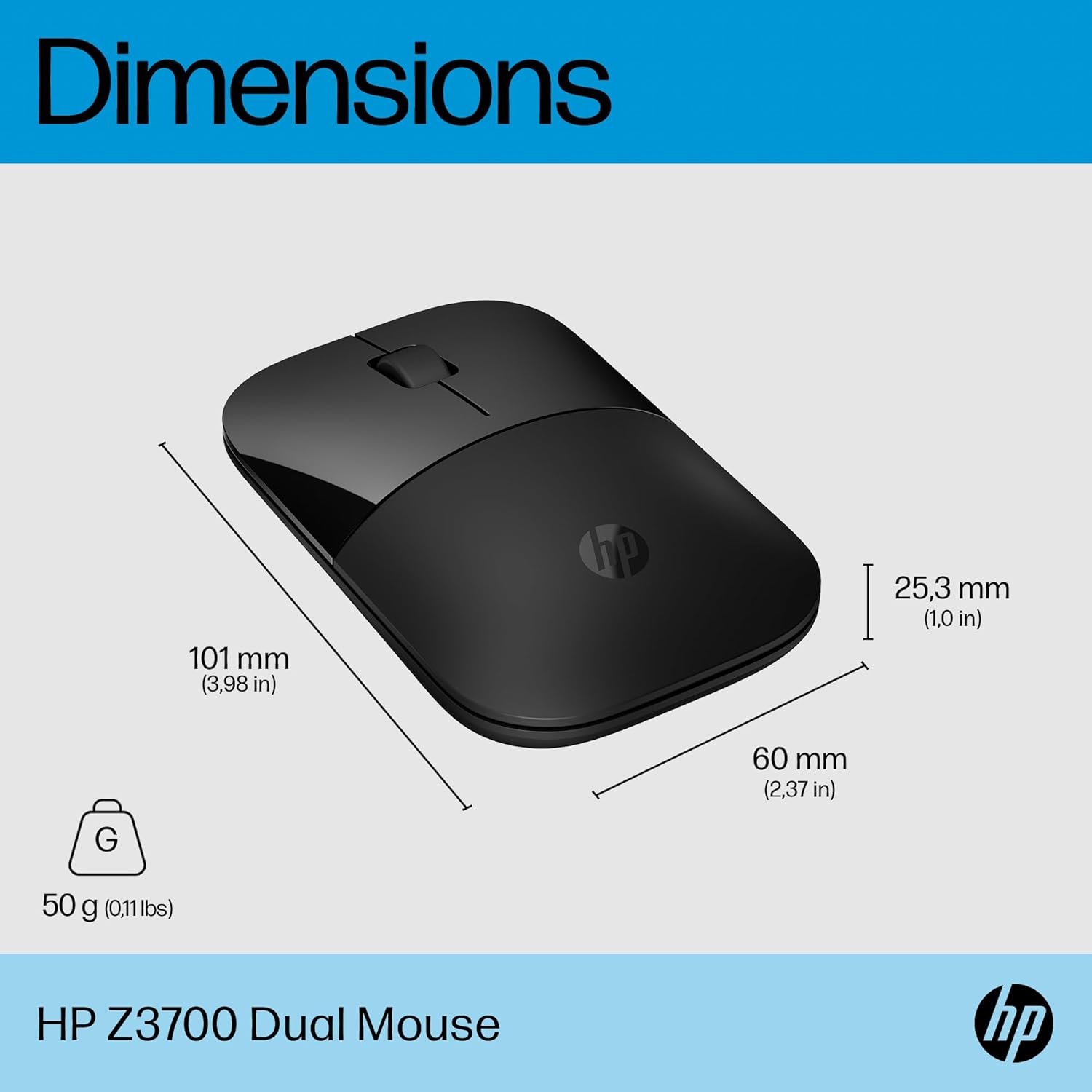
The HP Z3700 Dual Black Wireless Mouse is a compact, ambidextrous mouse designed for everyday computing across Windows, macOS and Chrome OS. It supports Bluetooth 5.0 connectivity and can be paired via a USB-A 2.4 GHz dongle, making it a practical option for laptops, desktops and shared workspaces. If you prioritise a simple setup with reliable connectivity and long battery life, this mouse aims to tick those boxes without fuss.
How it connects and what that means in practice
With Bluetooth 5.0 you can connect the mouse directly to devices that support Bluetooth, which simplifies pairing and reduces clutter. The included USB-A dongle offers a familiar wireless option for devices that rely on a dongle rather than built‑in Bluetooth. For many users, that means you can switch between work and home setups without swapping hardware or reconfiguring software.
Precision and surface performance
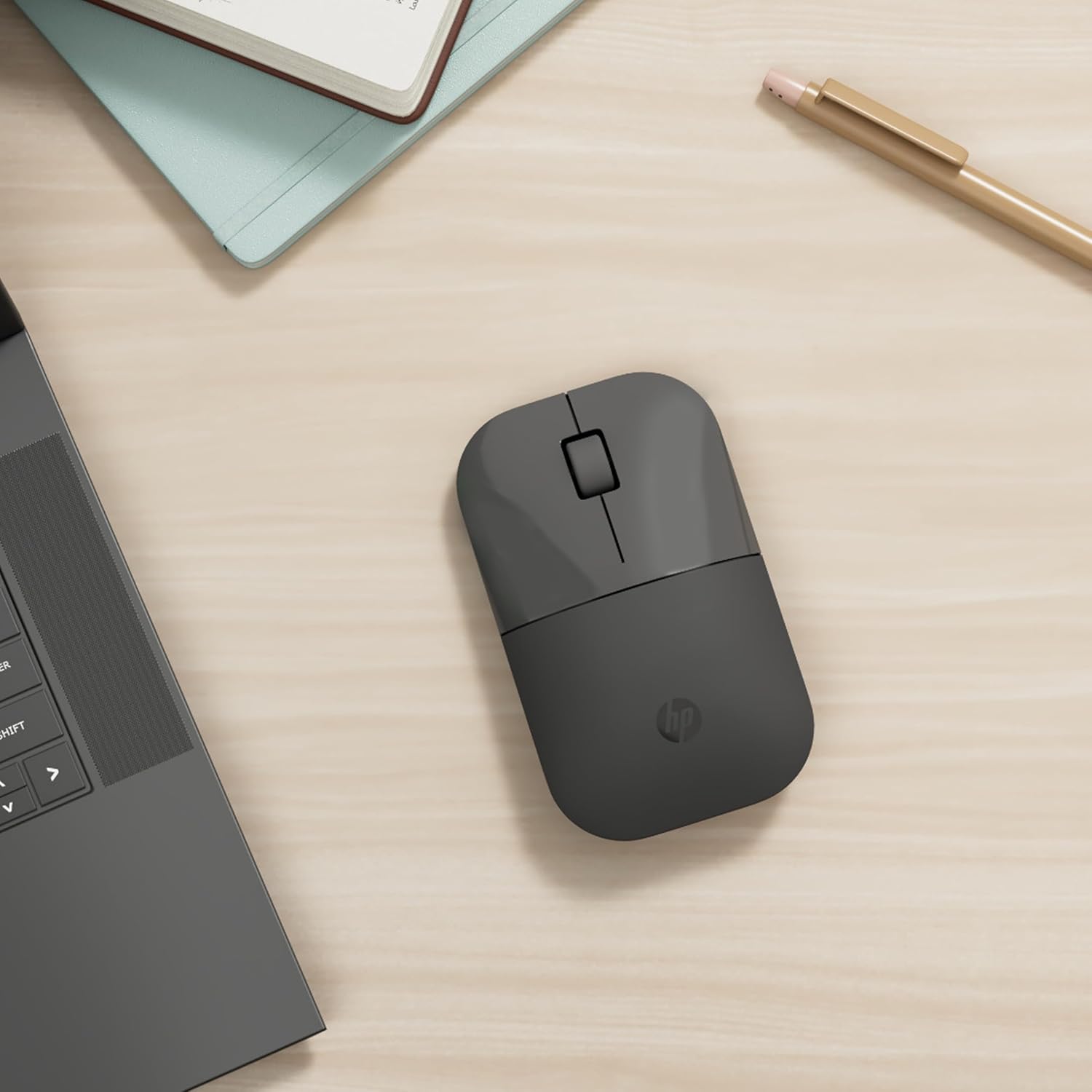
The Z3700 uses a 1600 DPI optical sensor, offering precise tracking across a variety of surfaces. If you work on smooth laptops or desk mats, you’ll likely notice accurate cursor movement for day-to-day tasks. It’s not a gaming-grade sensor, but for productivity and navigation, the precision should be adequate for most common tasks.
Ergonomics and design notes
The design is straightforward and, in typical HP fashion, aims to look understated while fitting alongside other HP devices. It’s described as ambidextrous, which can be a plus for left-handed users or those who value symmetry. Don’t expect a radical ergonomic overhaul, think comfortable, compact, and quiet enough for shared spaces or libraries.
Battery life and maintenance
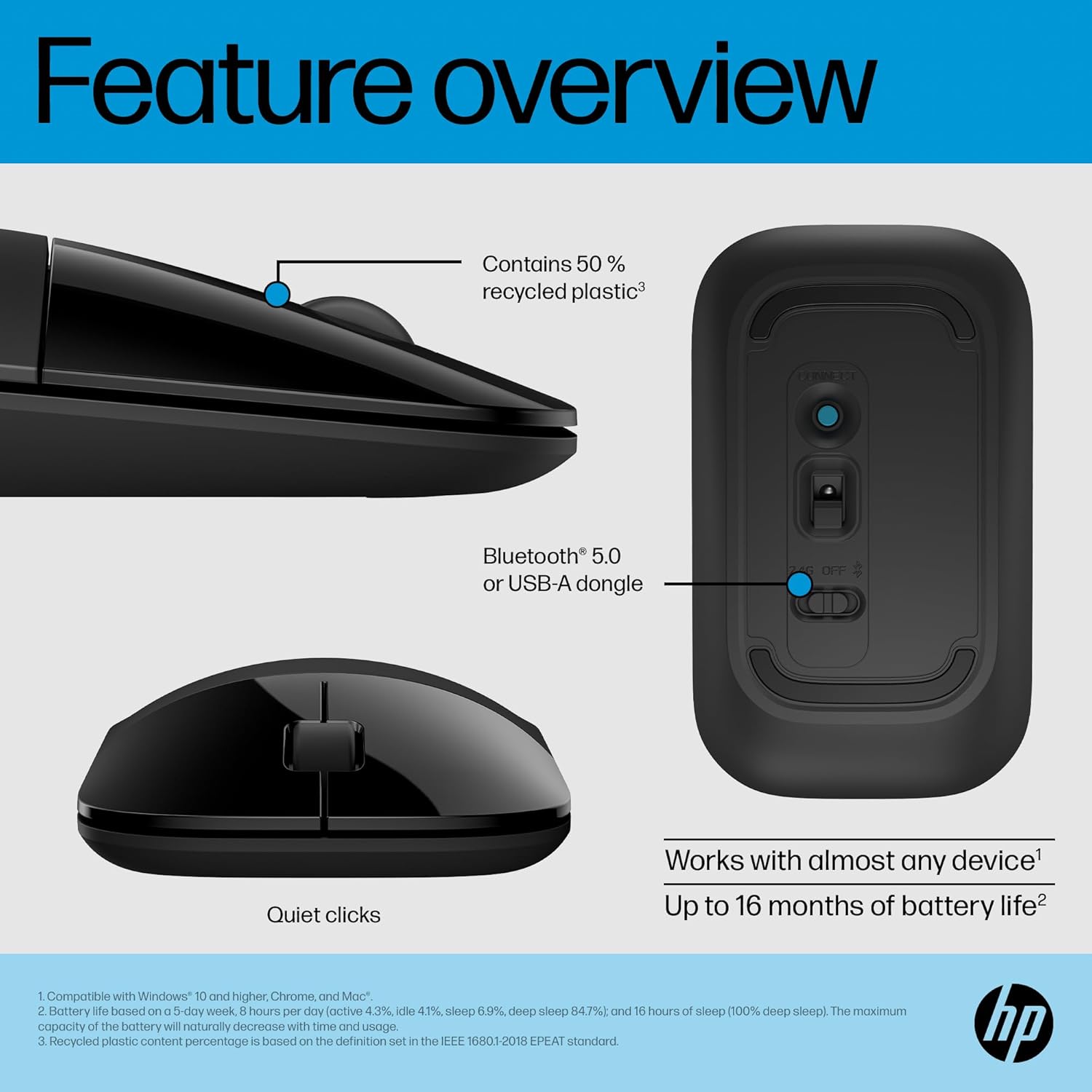
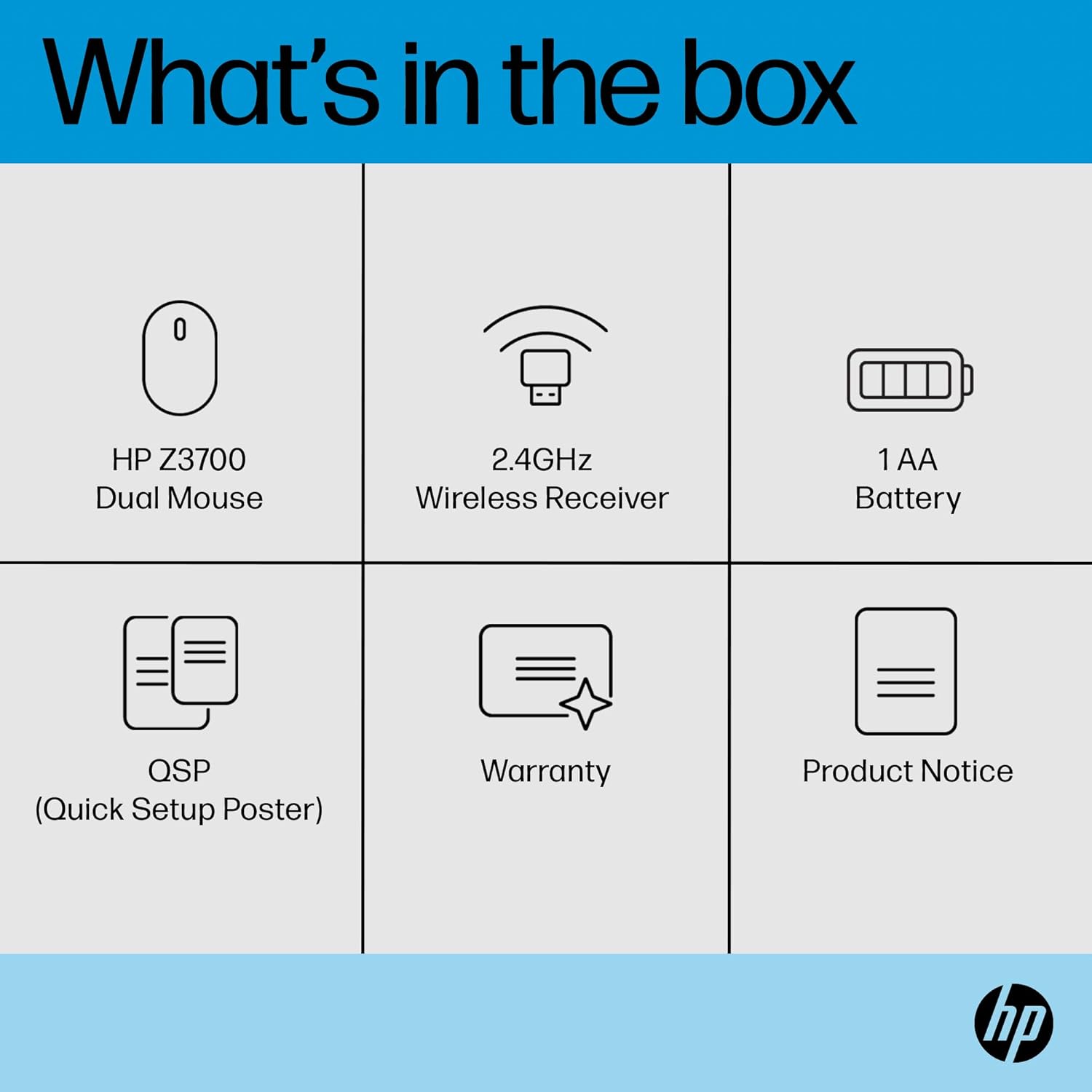
Powered by a single AA battery, the Z3700 advertises up to 16 months of autonomy under typical use. Real-world endurance will vary with brightness of backlighting (if used), polling rate, and how often you click. If you’re someone who dislikes frequent battery changes, this long life is a meaningful advantage.
What it’s best for—and where it may fall short
This mouse suits casual and office use, travel between devices, and scenarios where you want to avoid wires and dongles clutter. It may fall short for high-precision tasks or gaming that demands a more advanced sensor, higher DPI reach, or customisable buttons. If you rely on a dedicated ergonomic grip or heavy, extended sessions, you might look for something specifically built for long hours of use.
Quick checks before you buy
- Confirm your devices support Bluetooth 5.0 or have a USB-A port for the dongle.
- Consider whether you will frequently switch devices, the dual connectivity makes that more seamless.
- Remember that performance is tied to the sensor and your surface—a glass desk or glossy surface can impact accuracy without a suitable mat.
Practical example of use
In a typical home/office workflow, you might pair the mouse with a laptop via Bluetooth for a neat, cable-free setup. At the desk, the dongle option can provide stable connectivity to a workstation or desktop PC without relying on Bluetooth states that occasionally dip in busy environments.
Buying verdict
Is it worth it?
Worth considering if you want a straightforward, low-maintenance wireless mouse with flexible connectivity and long battery life, suitable for everyday tasks across multiple operating systems. If you expect high-precision gaming or a highly ergonomic grip, you may prefer alternatives tuned for those needs.
FAQ
- Will it work with my Chromebook? Yes, via Bluetooth 5.0 or the USB-A dongle.
- Can I use it left-handed? The design is ambidextrous, which is helped by the symmetrical shape.
- How long will the battery last in daily use? HP quotes up to 16 months on a single AA battery, but real-life longevity depends on usage patterns.