

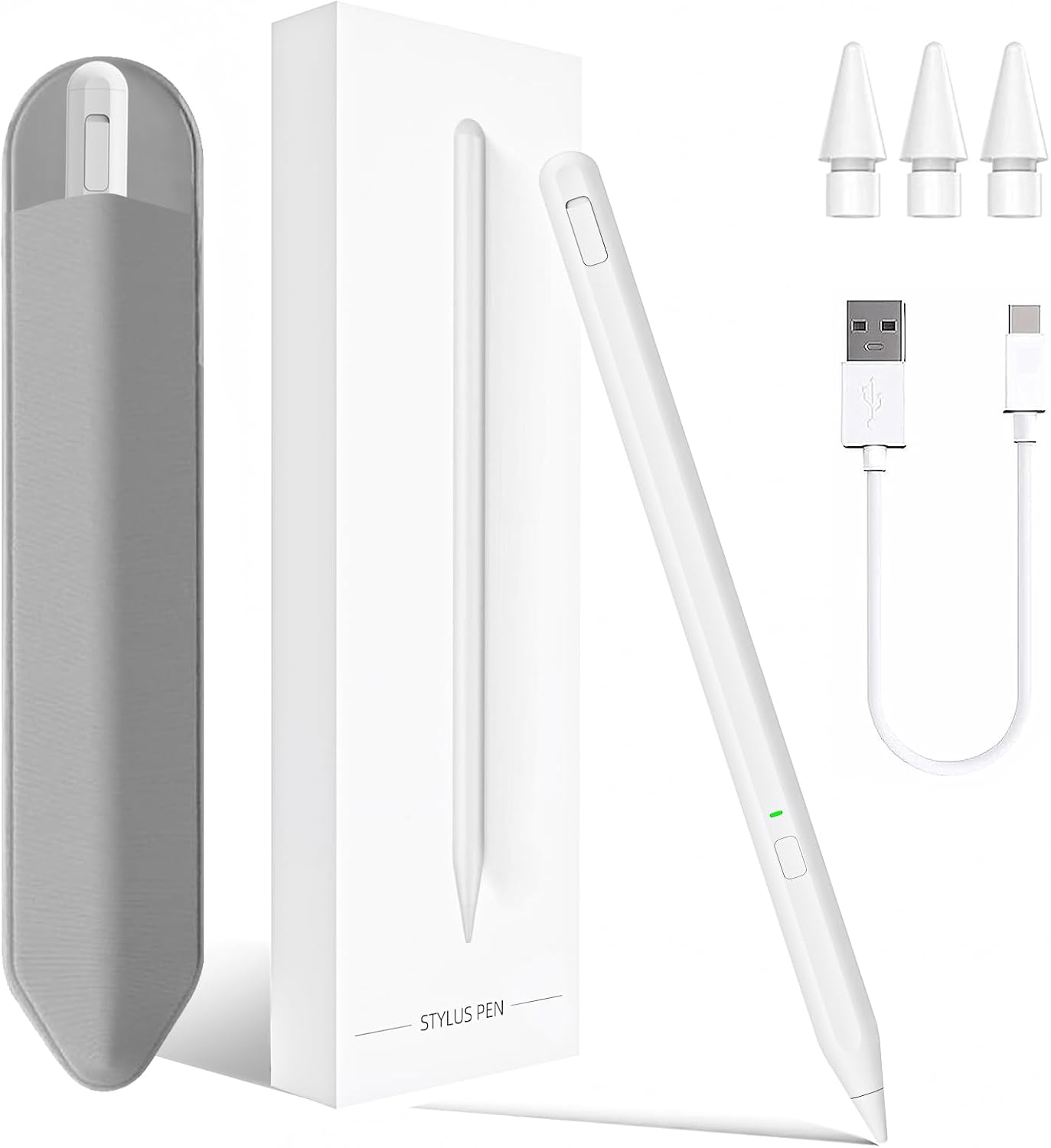
iPad stylus pen 0.9mm tip for 2018-2025
Product description
For accurate writing and smoother sketching on an iPad, this stylus pen is built to feel responsive from the first touch. It is designed for iPad models across 2018 to 2025, and it pairs precision with everyday practicality such as palm rejection and a convenient pencil holder. If you want a straightforward alternative to a more expensive stylus setup, this Milikilo stylus pen is worth a close look.
Key features
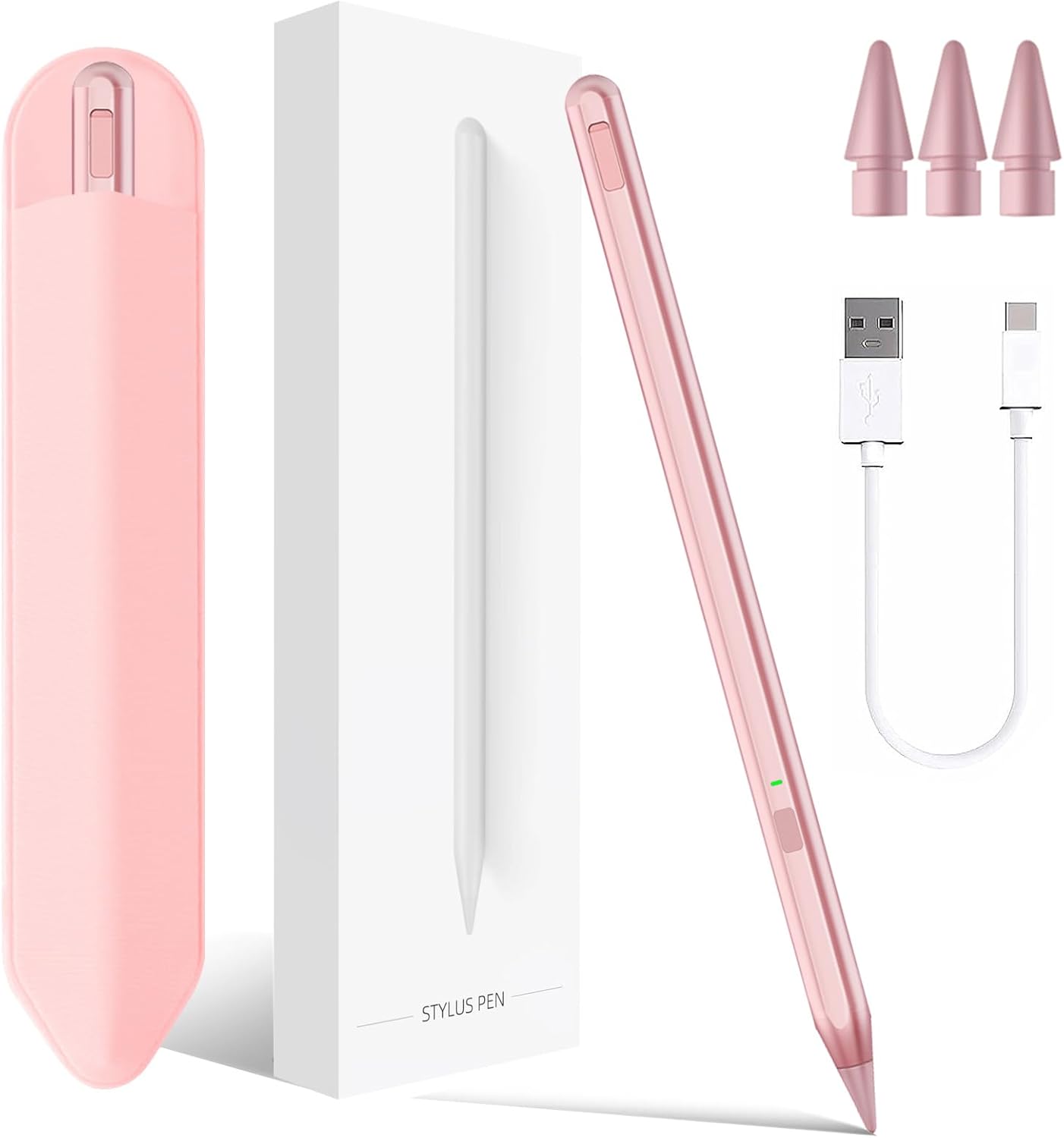
The Milikilo stylus pen for iPad is designed around a 0.9mm upgraded POM tip, described by the manufacturer as more sensitive and precise for drawing and handwriting. The aim is to reduce issues like lag, skipping, and scratching, so your lines stay consistent while you work. Tilt technology is included, which helps create different stroke thickness and depth when you move the pen at different angles. 🎨
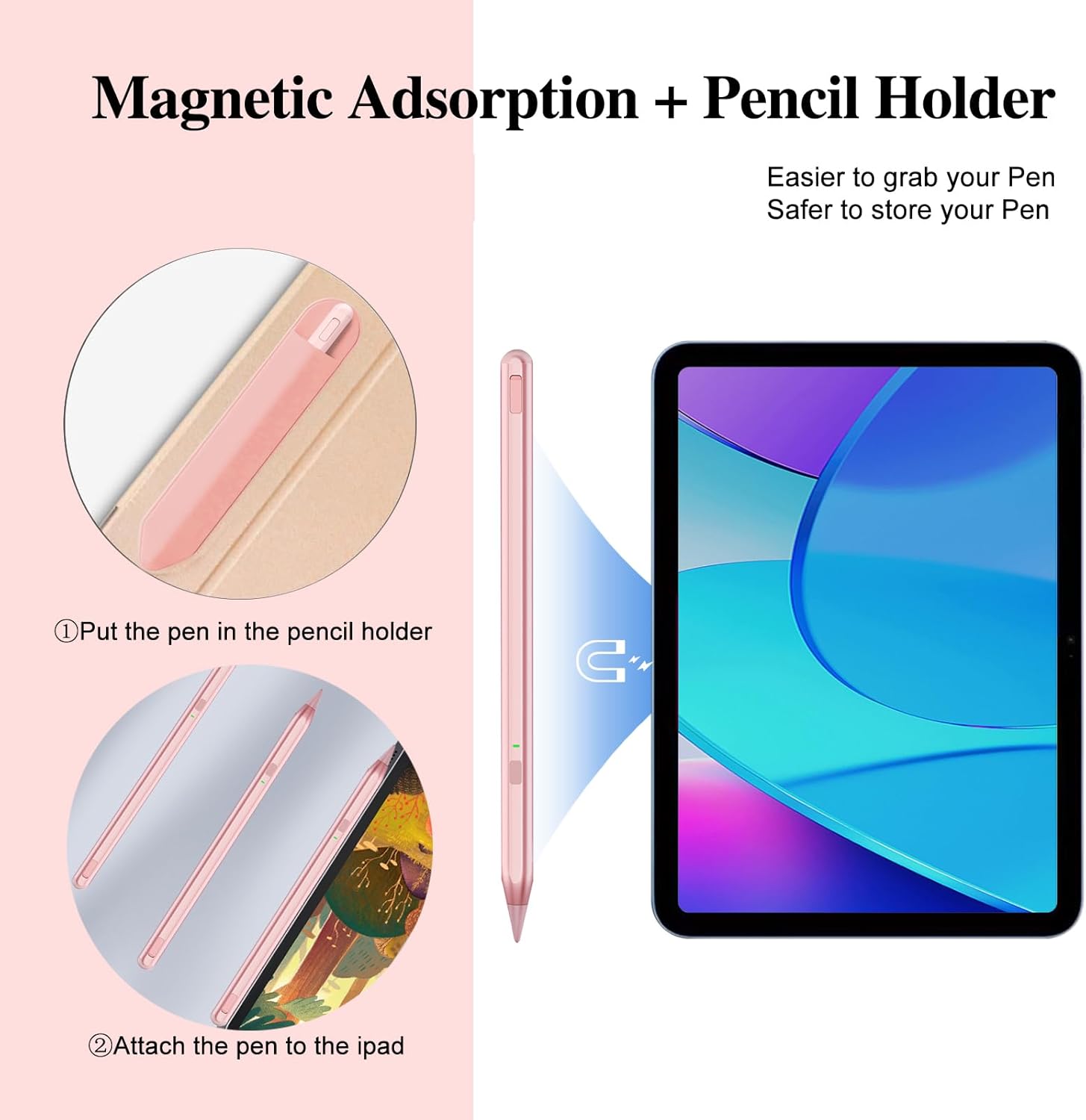
Using it is intended to be simple too. There is no app required, and turning the pen on or off is done by pressing a button, without needing Bluetooth pairing. For storage and day to day handling, the pen comes with a pencil holder, held in place with strong adhesive so it can be grabbed or put away quickly. 🖊️
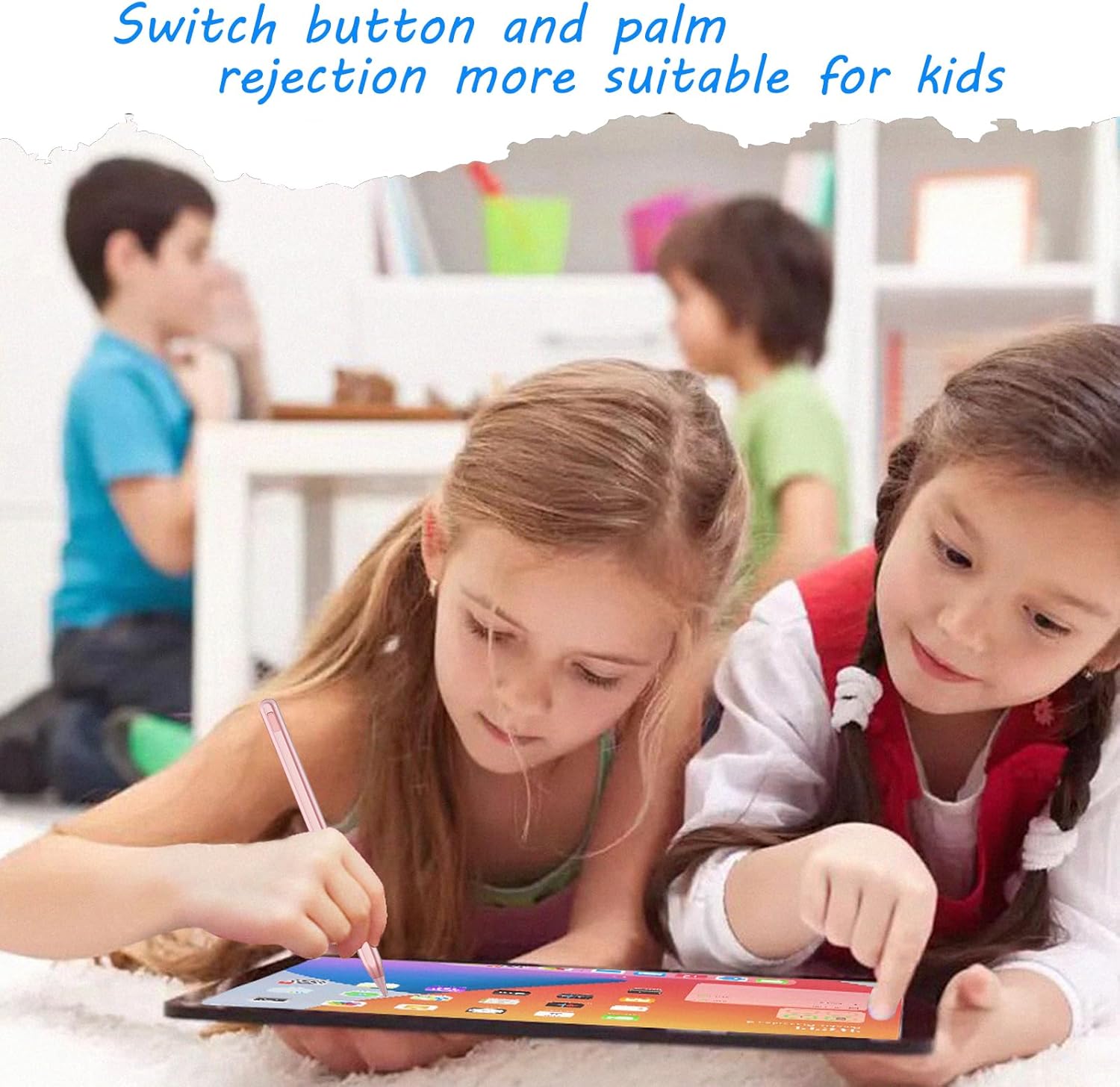
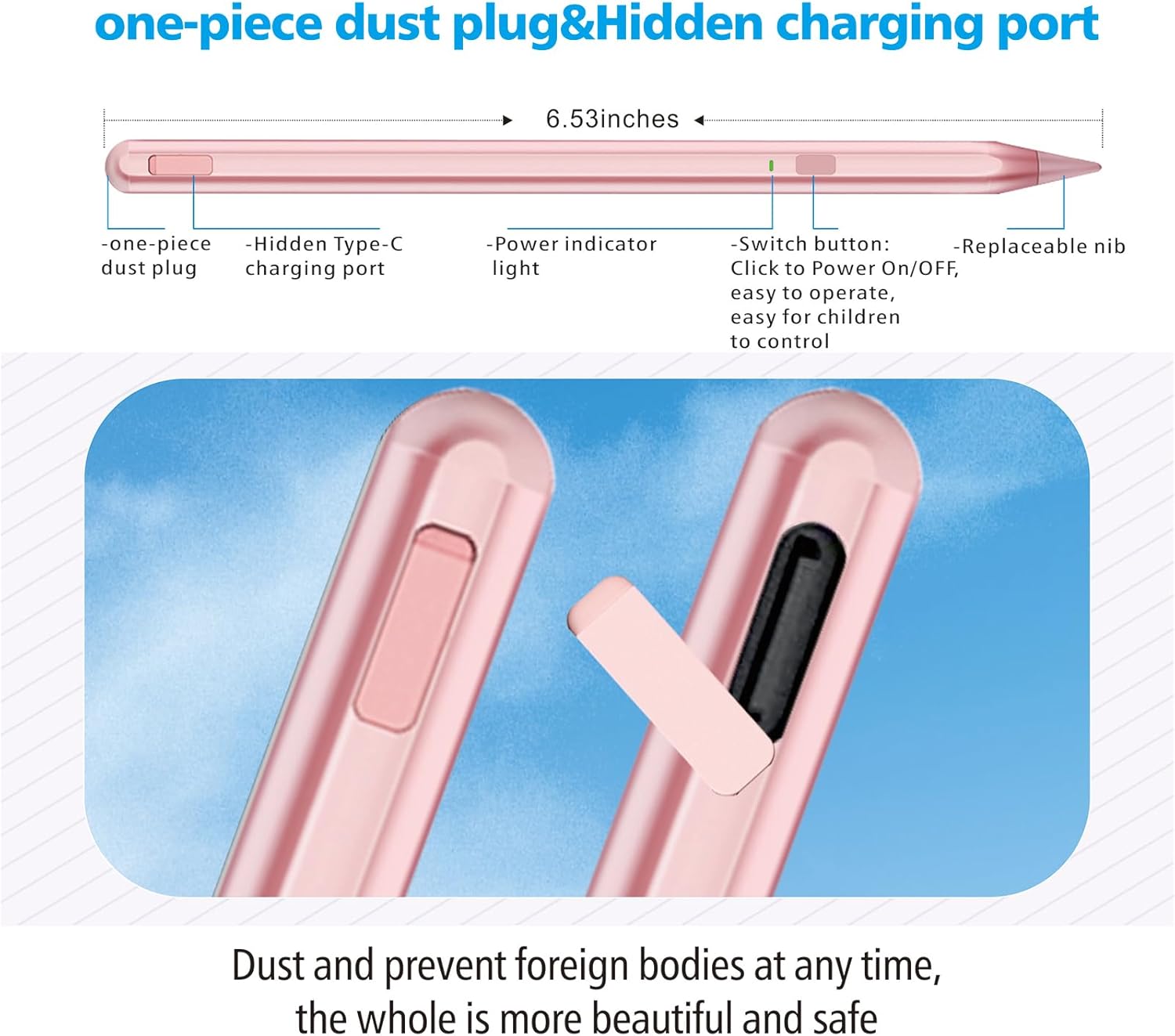
Another practical detail is the one piece dust plug design, made to help prevent the small accessory from being easy to lose after removal, which can be an issue with older designs. The pen also includes palm rejection, which is meant to account for the way hands rest on the screen during writing or sketching. That balance between tilt sensitivity and palm rejection is especially useful if you do longer note taking sessions.
There are also built in charging and status indicators. The fast Type C charging port and LED indicators give clear visual cues while charging and during use. When you are charging, the red light is steady, and when fully charged the indicator switches off as described. The manufacturer also notes no automatic shutdown within 1 hour, helping you stay in flow during a task.
Tech specs
- Type: Stylus pen for iPad
- Tip size: 0.9mm POM tip
- Charging port: Type C
- Charging time: Fully charged in 40 minutes
- Working time: Up to 10 hours
- Weight: 0.42 ounce
- Indicators: LED indicator with green and red light states
What you’ll notice day to day
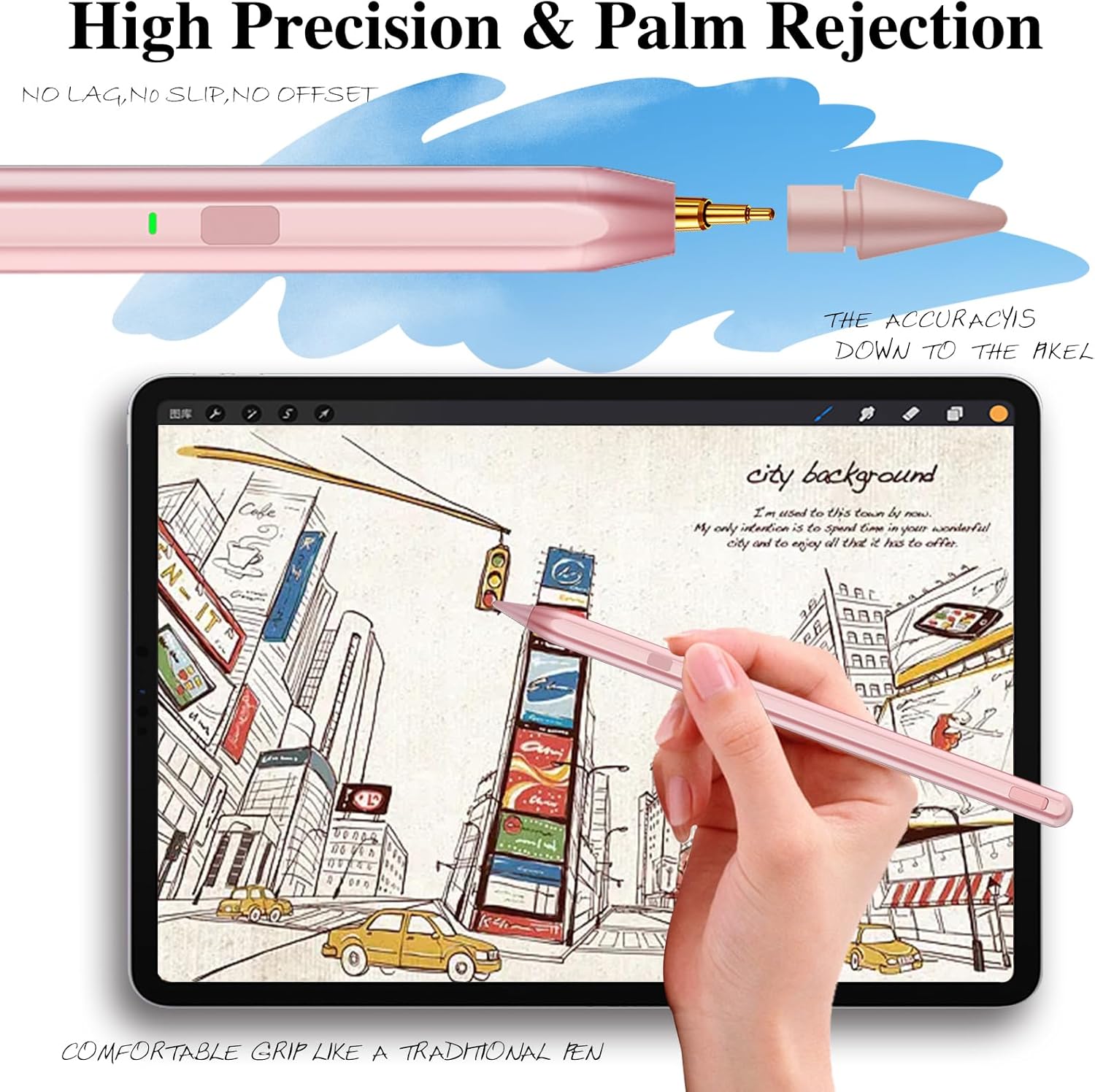
In day to day use, the combination of tilt sensitivity and palm rejection is the biggest difference between a casual stylus and something that supports actual writing habits. When palm rejection is working as intended, you can rest your hand while you draw, rather than hovering or adjusting your grip every time you move. Tilt technology, meanwhile, is meant to make it easier to vary stroke weight and depth, which suits sketching, shading, and more expressive notes. ✍️
There is also a practical workflow element here. Since the pen does not require an app or Bluetooth connection as described, you can pick it up and start quickly. The pencil holder and its adhesive backing help keep the pen where you expect it, reducing the little frustrations of misplaced accessories around home or study spaces. For anyone who keeps a stylus near the tablet for frequent note taking, this matters more than it sounds.
The charging and indicator behaviour is another detail you will likely notice over time. The manufacturer states the pen can reach a full charge in about 40 minutes and then provide up to 10 hours of working time. LED feedback can make it easier to see when it is in use, when it is charging, and when it is ready again. It is a solid option if you want a reliable routine rather than a constant charge anxiety.
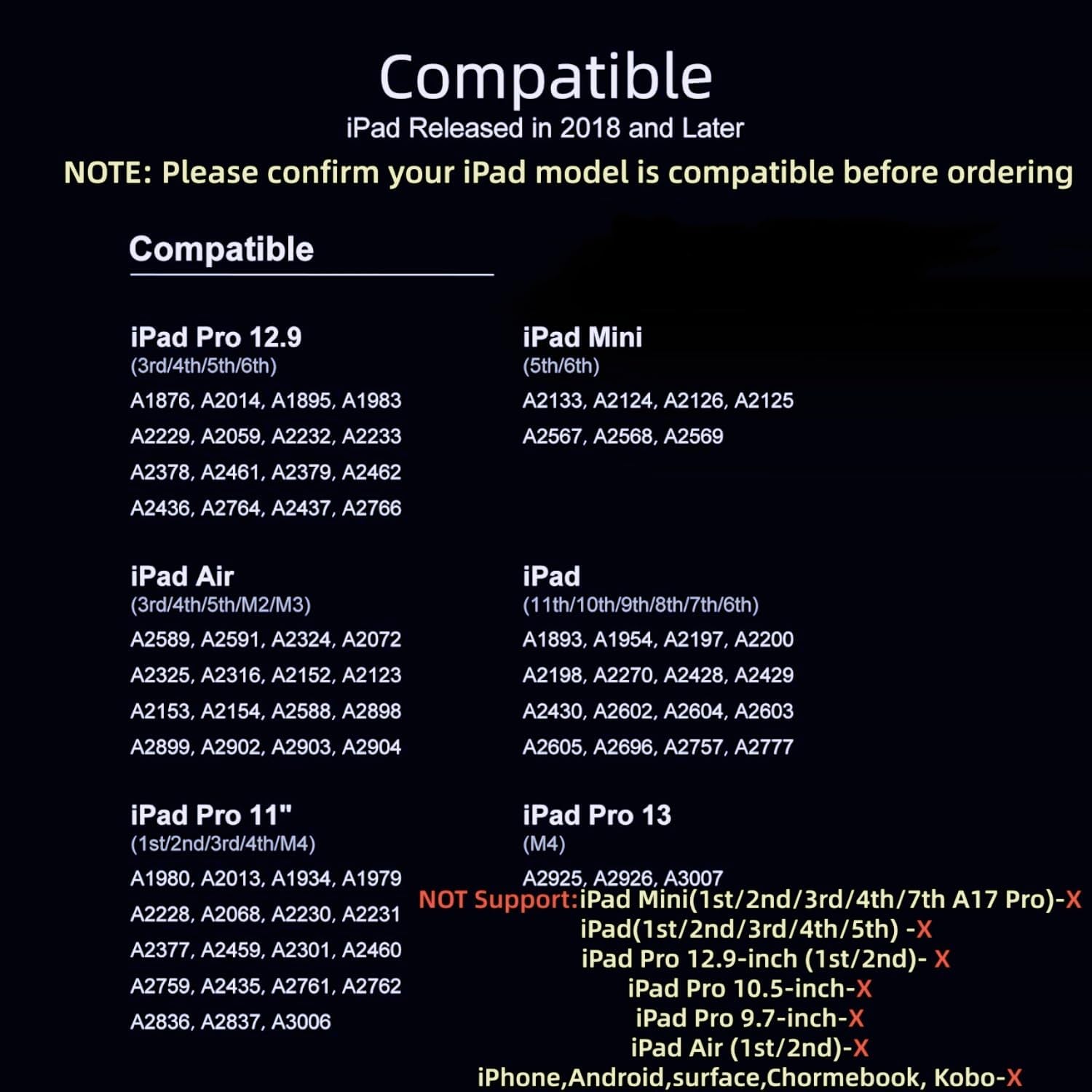
It is worth noting one small limitation on compatibility clarity. The product description covers many iPad generations and sizes, but you should still double check your exact iPad model before purchase to avoid mismatches. The listing references iPad models including iPad 2018 to 2025, plus multiple iPad Air and iPad Pro sizes, and it is also mentioned for iPad 6th to 10th and iPad Air 3, 4, and 5 in Rose Gold. If your tablet matches those ranges, the set up is described as app free with button based on off control.
Who it’s for
It’s a good fit if you use your iPad for writing, drawing, or taking notes and you want a stylus pen with palm rejection and tilt sensitivity working together. You’ll like it if you prefer a simple, no app setup with on off control that does not rely on Bluetooth pairing. It makes sense if you want a pen that is easier to store thanks to the included pencil holder, so you can keep a consistent place for it at home or in a study area. It may not suit you if you are only looking for a specific accessory size and your iPad model falls outside the generations mentioned in the product description.