

Logitech Lift Left Vertical Ergonomic Mouse (Left-handed) – Wireless Bluetooth or Logi Bolt, Graphite
Product description
The essentials
If you spend your day clicking, scrolling and reaching for shortcuts, a vertical mouse can be a surprisingly practical upgrade. The Logitech Lift Left Vertical Ergonomic Mouse is built specifically for left-handed users, with an upright, vertical shape and a thumb rest designed to feel natural in the left hand.
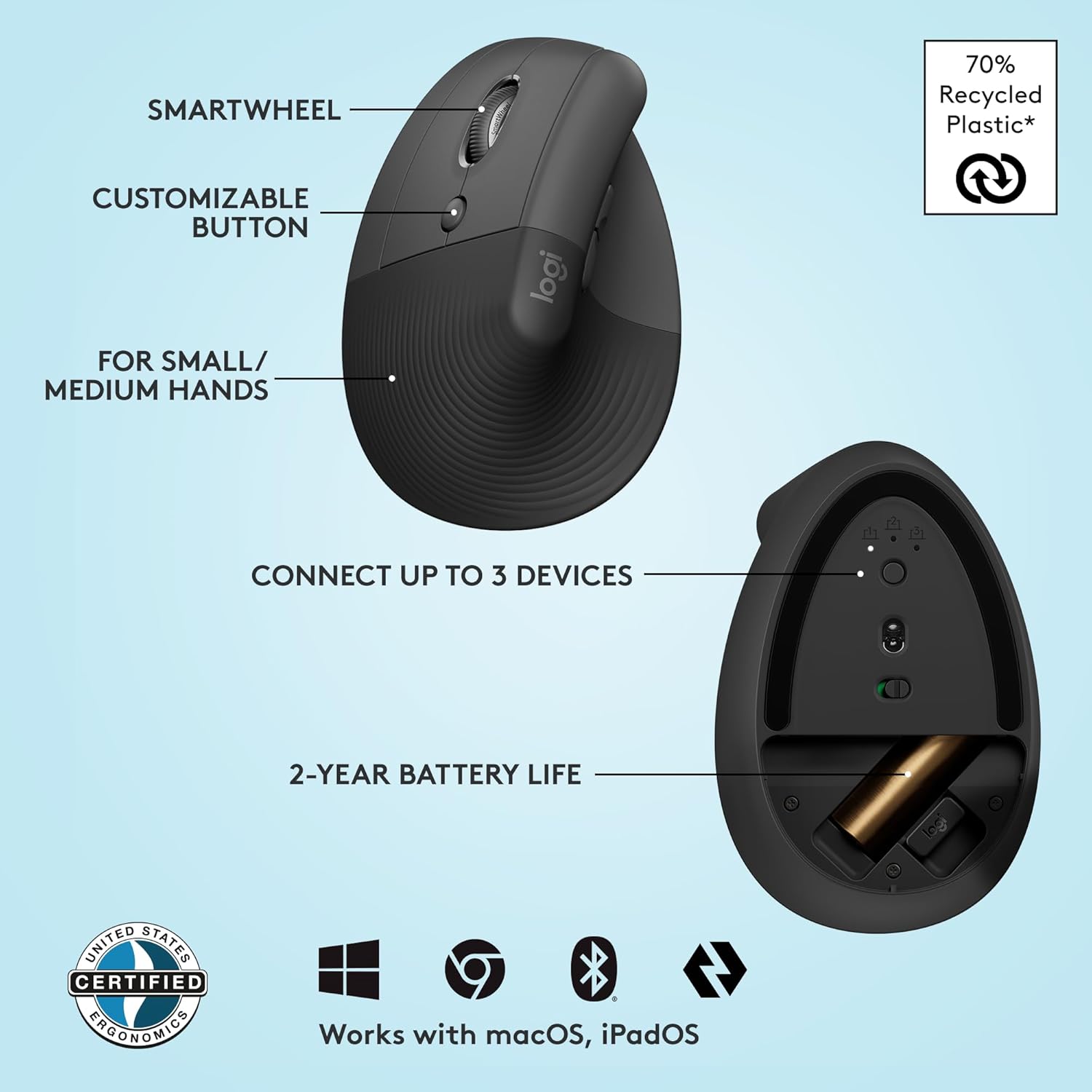
On paper, it leans towards day-long comfort more than flashy performance: whisper-quiet clicks, a SmartWheel for smooth scrolling and just four buttons to keep things simple. It’s also a wireless mouse with two connection routes (Bluetooth Low Energy or Logi Bolt USB), so it fits both home and office setups without the usual “which device can it pair with?” hassle.
That said, it’s not for everyone. If you prefer a low-profile, traditional flat mouse feel, the vertical design will take a bit of getting used to.
What it’s like to use day to day
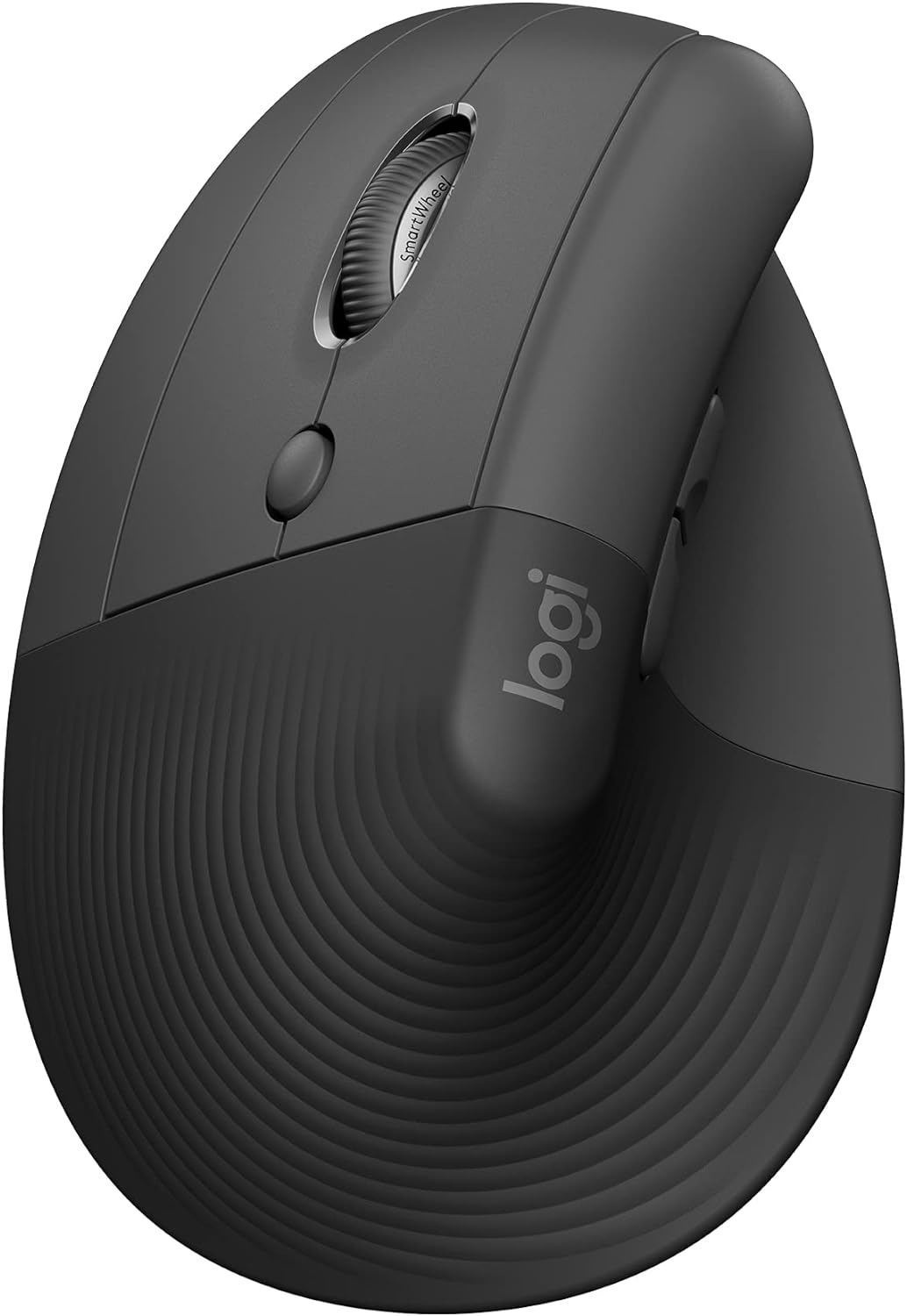
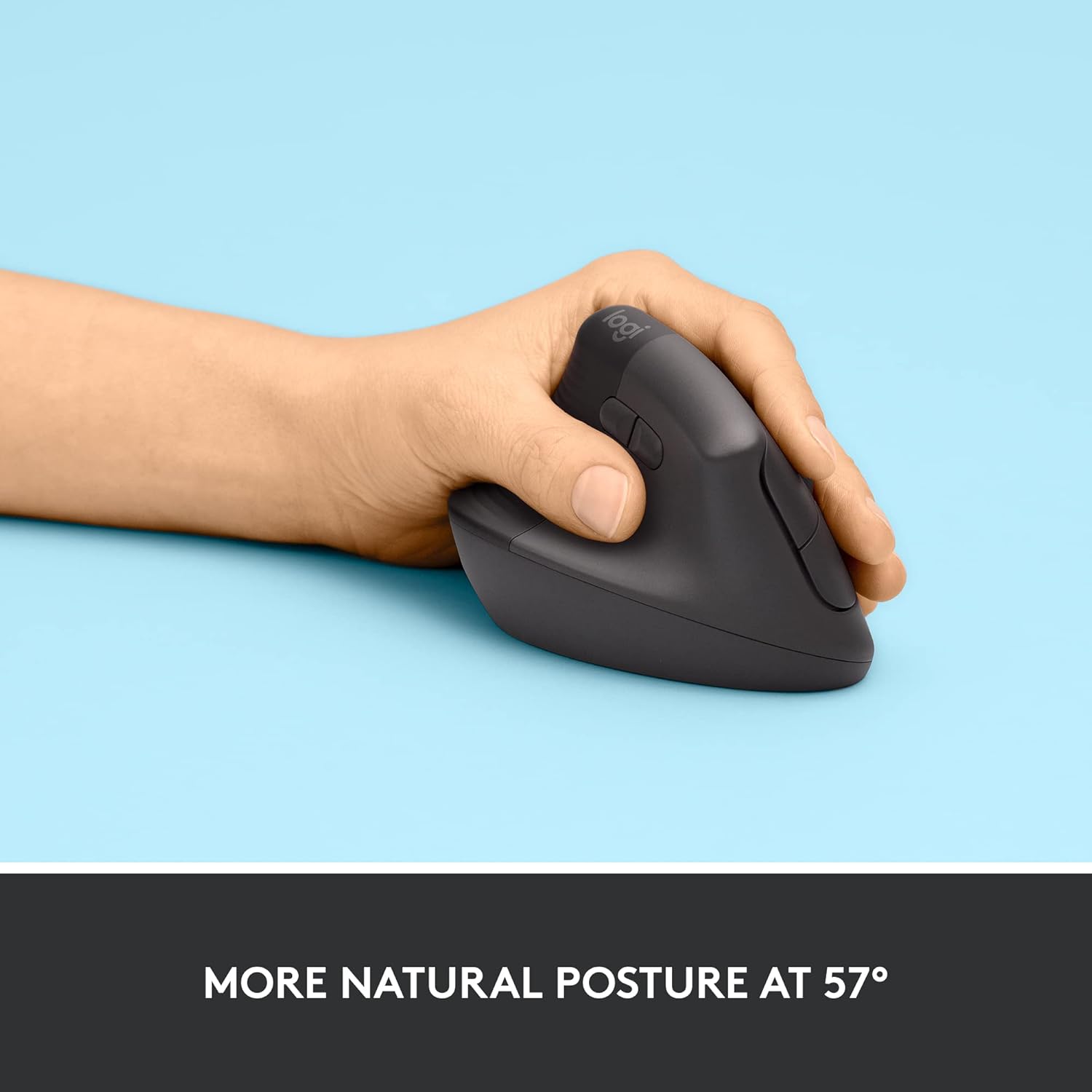
The big selling point here is the vertical posture. Lift yourself up—literally in the sense that your wrist doesn’t have to twist into the same angle as with many standard mice. The mouse’s upright form is described as helping wrists feel more relaxed and encouraging a more natural forearm position for sustained work.
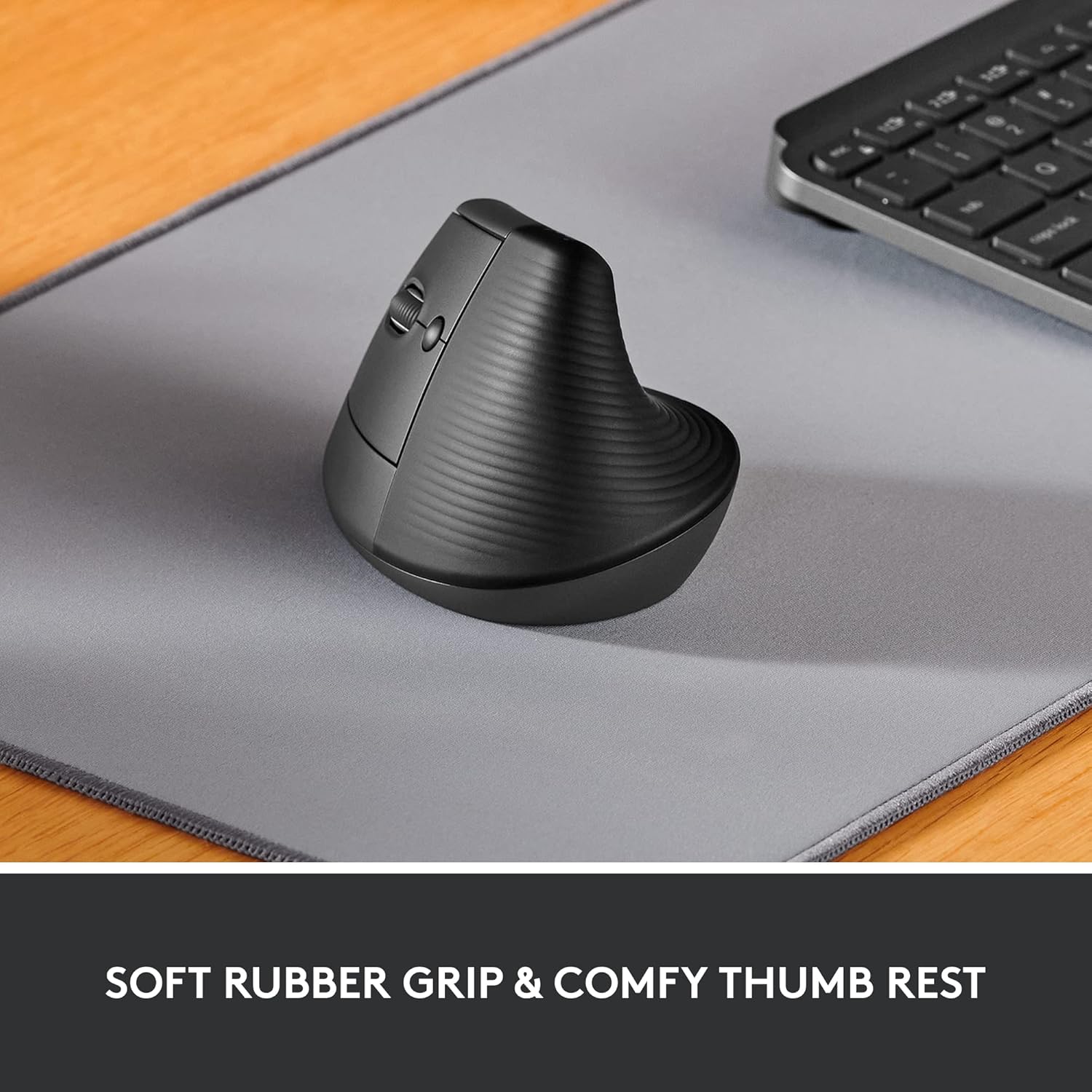
In practical terms, it’s the kind of move you’d notice after a few hours: fewer “micro adjustments” as you find a comfortable grip, and more consistency during long stretches (for example, writing, spreadsheets, or browsing with lots of scrolling). The softly textured grip and snug thumb rest are sculpted for left hands, which should make daily control less of a compromise.
The clicks are described as whisper-quiet, so if you work in a shared space or you simply don’t love loud clicking, that’s a real quality-of-life detail.
Connectivity and compatibility
This model offers two wireless connection options: - Bluetooth Low Energy, or - Logi Bolt USB.
It’s stated as compatible with Windows, macOS, iPadOS, and also broader support including Chrome OS and Linux. That matters if you switch between a work laptop and a personal machine, or if you use a tablet setup.
One minor limitation to bear in mind: it’s a left-handed vertical mouse. If you’re buying for someone right-handed, or you’re undecided and might swap hands, it can be an awkward purchase because the ergonomic intent is quite specific.
Key features that matter (and where they help)
The Lift is designed around keeping you in a comfortable working posture. Beyond the vertical shape, there are a few details that support that goal:
- Quiet clicks: useful for open-plan offices, quiet rooms, or just keeping distractions down.
- Four buttons: fewer controls can mean less learning curve—especially if you want the basics without menu diving.
- SmartWheel scrolling: described as smooth and seamless, which tends to feel better for long browsing sessions.
- Ergonomist-led approach: it’s stated to be designed, developed, tested and approved according to criteria set out by leading ergonomists.
Battery life is also listed as up to 2 years, which is the sort of figure that helps you forget about the mouse and focus on work rather than charging schedules.
Tech specs
- Name: Logitech Lift Left Vertical Ergonomic Mouse
- Type: Wireless vertical ergonomic mouse (left-handed)
- Colour: Graphite
- Buttons: 4
- Clicks: Whisper-quiet clicks
- Connectivity: Bluetooth Low Energy or Logi Bolt USB
- Compatibility: Windows, macOS, iPadOS, Chrome OS, Linux
- Battery life: Up to 2 years
- Ergonomics: 57 degrees vertical shape (as described)
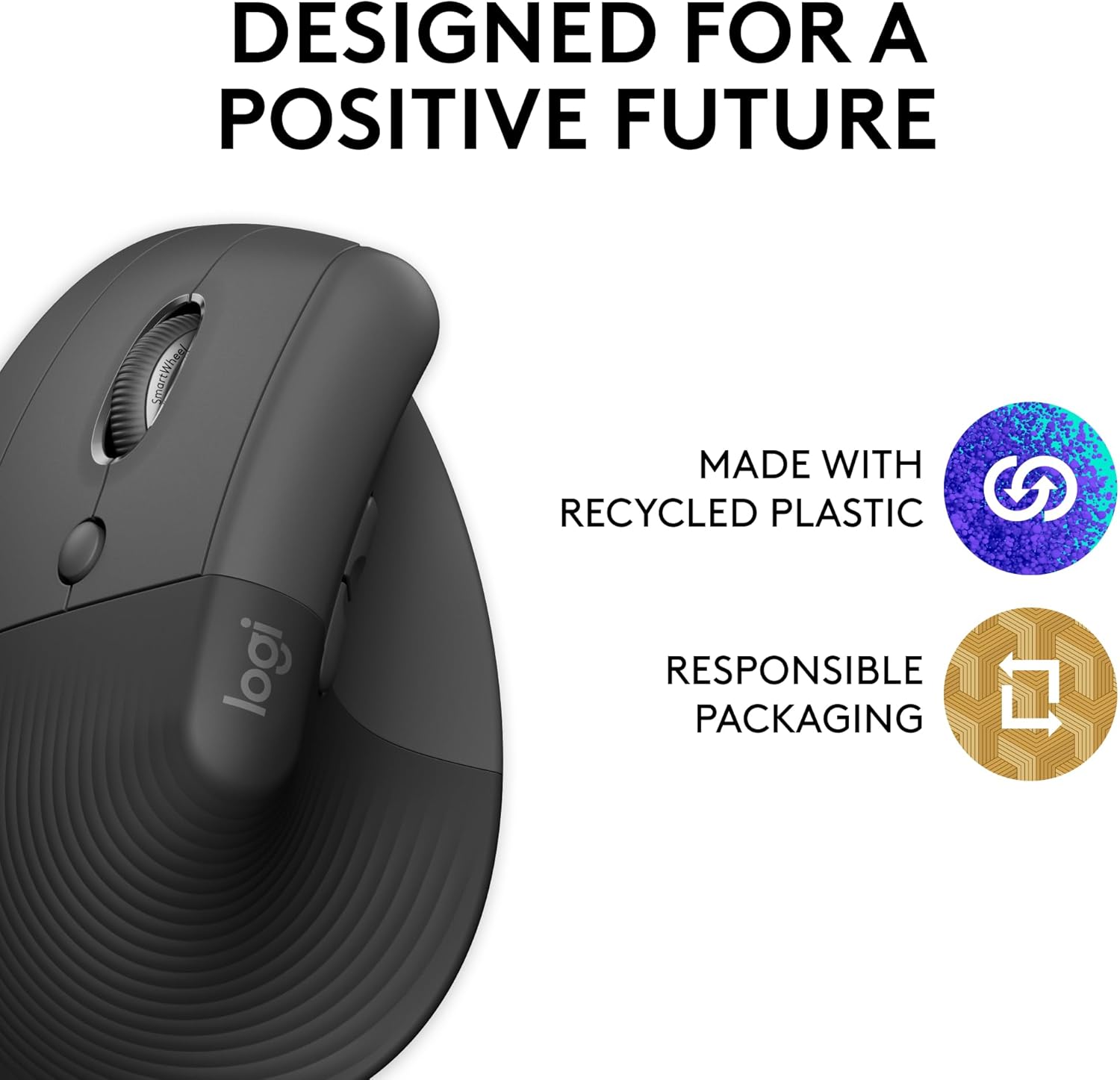
- Materials: Plastic parts include certified post-consumer recycled plastic (Graphite: 70%(6))

What to check before you buy
This is where it either clicks—or doesn’t.
It’s not perfect for everyone, mainly because it’s an ergonomic, vertical design and left-handed by intent. You should check the mouse’s shape will suit you if: - You strongly prefer a traditional flat mouse silhouette. - You want something ambidextrous (this one is sculpted for left use). - Your desk setup is very particular and you’re worried about reaching—vertical shapes can change how your hand naturally rests.
If you’re dealing with discomfort from your current mouse setup, a vertical design is often the route people take to improve wrist posture—but it can’t fix every problem. It’s best considered a “comfort-focused upgrade” rather than a medical device.
In the box / getting started
The description confirms the wireless options (Bluetooth Low Energy or Logi Bolt USB), so the most sensible first step is deciding which connection type you’ll use most. If you move between devices often, you might find it helpful to choose the method that matches your typical setup.
A common routine might look like this: pair via Bluetooth for your laptop at home, then use Logi Bolt when you’re at a desk with a dedicated USB slot—keeping your workflow smooth without constant re-pairing.

Is it worth it?
It’s worth buying the Logitech Lift Left Vertical Ergonomic Mouse if you’re a left-handed user who wants a more upright mouse posture, quieter clicking and a simple four-button layout for everyday work. The Bluetooth Low Energy or Logi Bolt USB support also makes it a practical choice if you’re using multiple devices.
You may want to skip it if you’re used to (and really prefer) a traditional flat mouse feel, or if you’re buying for someone who doesn’t specifically need a left-handed ergonomic design. In that case, the vertical shape could feel like more adjustment than it’s worth.
Quick answers
Is this mouse left-handed only?
It’s described as a left-handed ergonomic mouse with a thumb rest sculpted for left hands, so it’s clearly aimed at left-handed use.
Does it work with iPadOS?
Yes, iPadOS is listed as compatible.
Does it use Bluetooth or a USB dongle?
Both options are supported: Bluetooth Low Energy or Logi Bolt USB.
Are the clicks loud?
The description states whisper-quiet clicks, which should suit quieter environments.