

Razer BlackWidow V4 Pro 75% Wireless Hot-Swappable Gaming Keyboard (OLED, Command Dial) - US ISO, Black
Reviews
Price
Product description
What it is and why people buy the BlackWidow V4 Pro
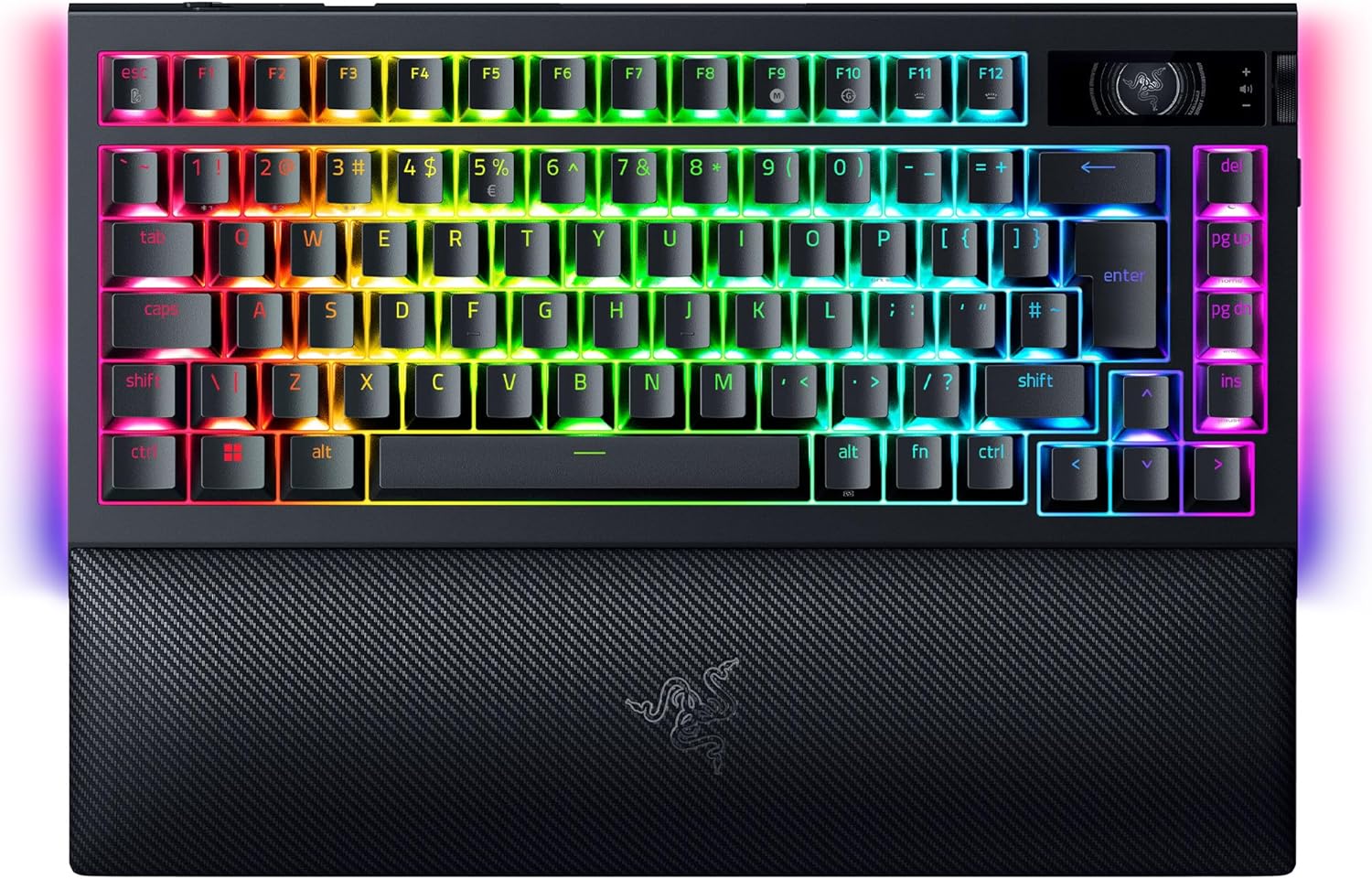
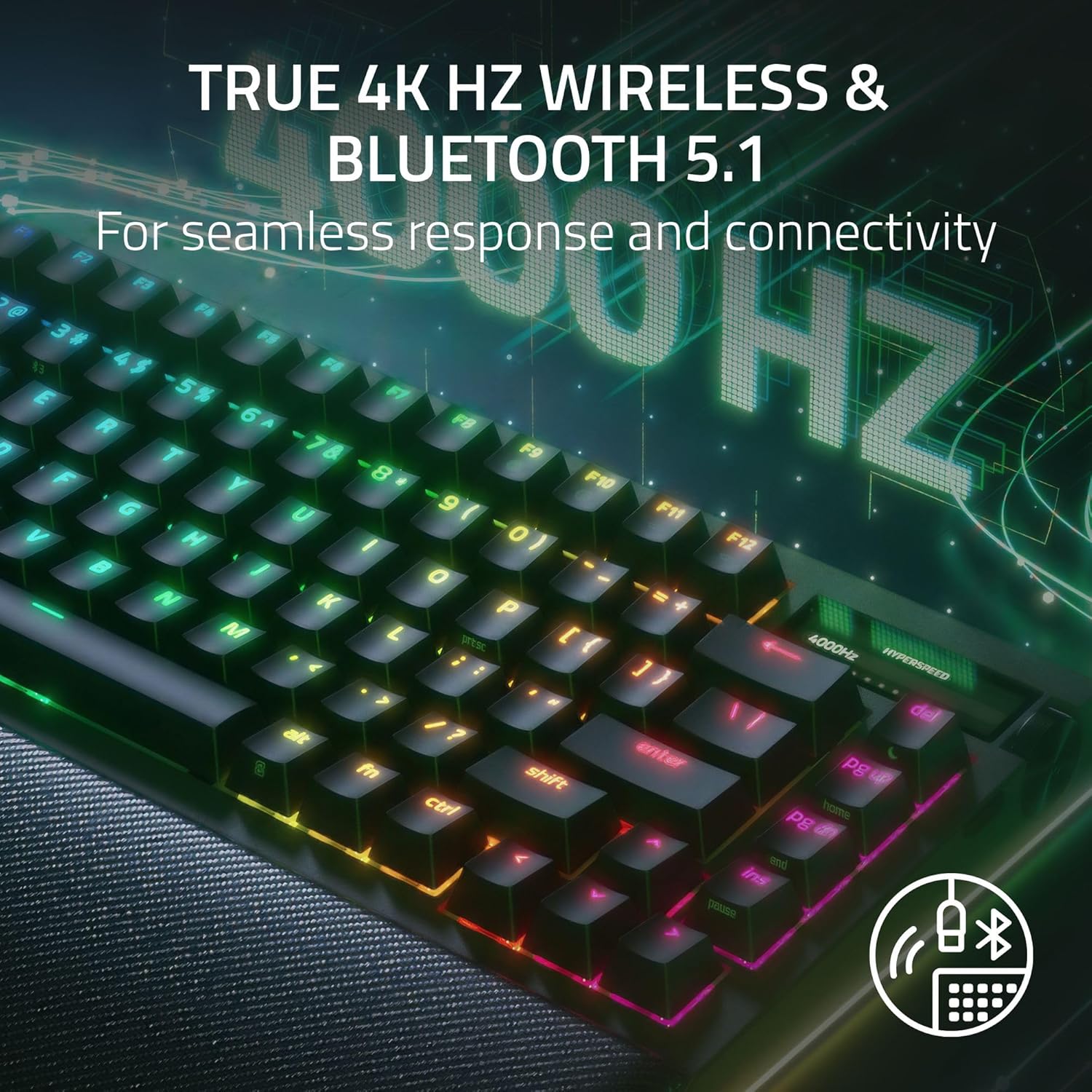
The Razer BlackWidow V4 Pro 75% is a wireless, hot-swappable gaming keyboard aimed at people who want compact desk space without giving up the “tune it your way” side of mechanical keyboards. It pairs a 75% layout with a built-in OLED display and a Razer Command Dial, plus wireless options that include Bluetooth (and the brand’s 4K Hz “HyperPolling” approach for low-latency gaming).
On paper, it ticks a lot of boxes: you can swap switches via a hot-swap PCB, you get underglow lighting, and you can switch between up to three Bluetooth devices. It’s not trying to be a simple office keyboard, it’s more the kind of board you buy when you care about input feel, setup customisation and living on a gaming-focused desk.
Key takeaways
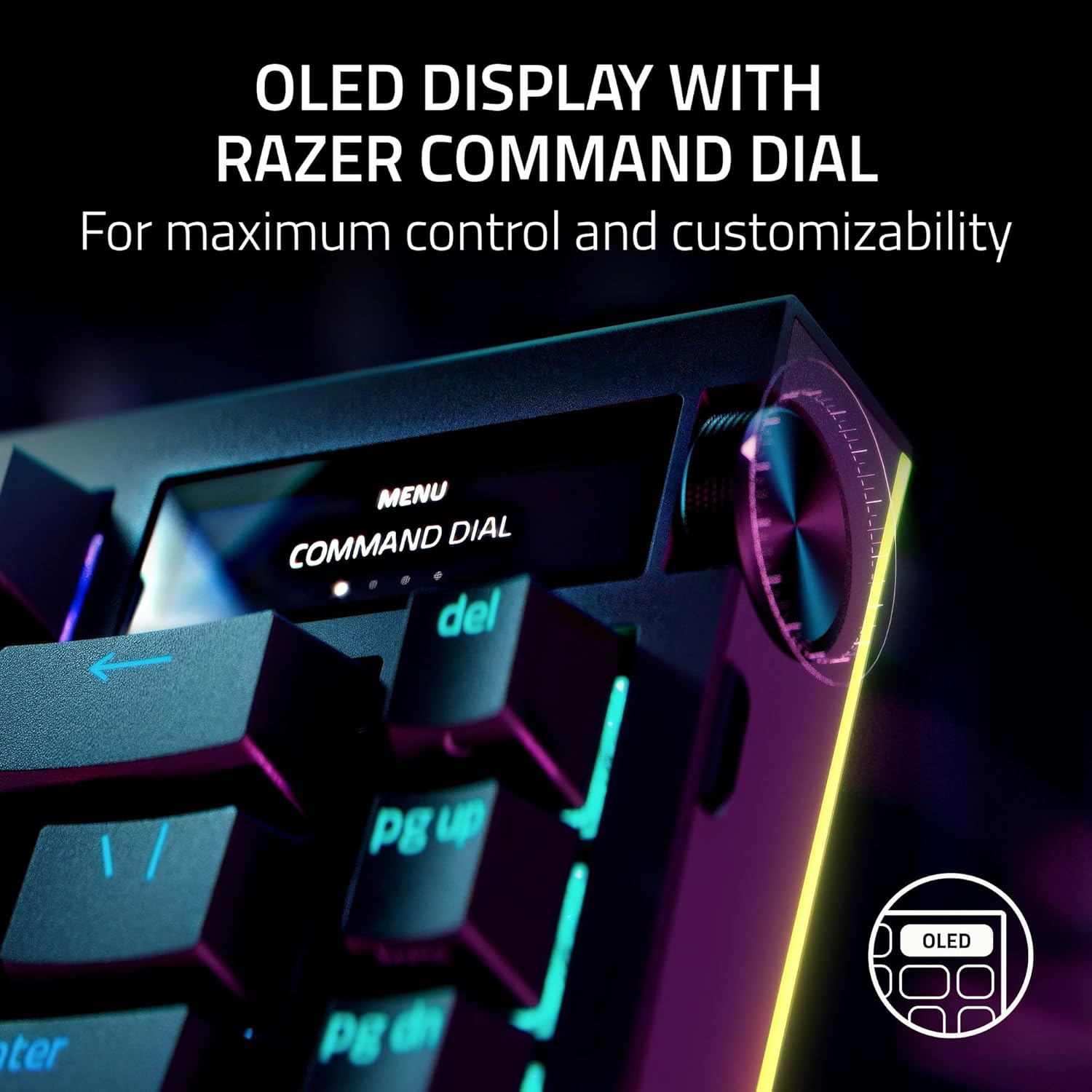
What stands out most here is the mix of practical and “gamer” features. The OLED and Command Dial are genuinely useful if you like having system info or custom content right in front of you. Hot-swapping is another big deal, because it means you’re not locked into one switch choice forever.
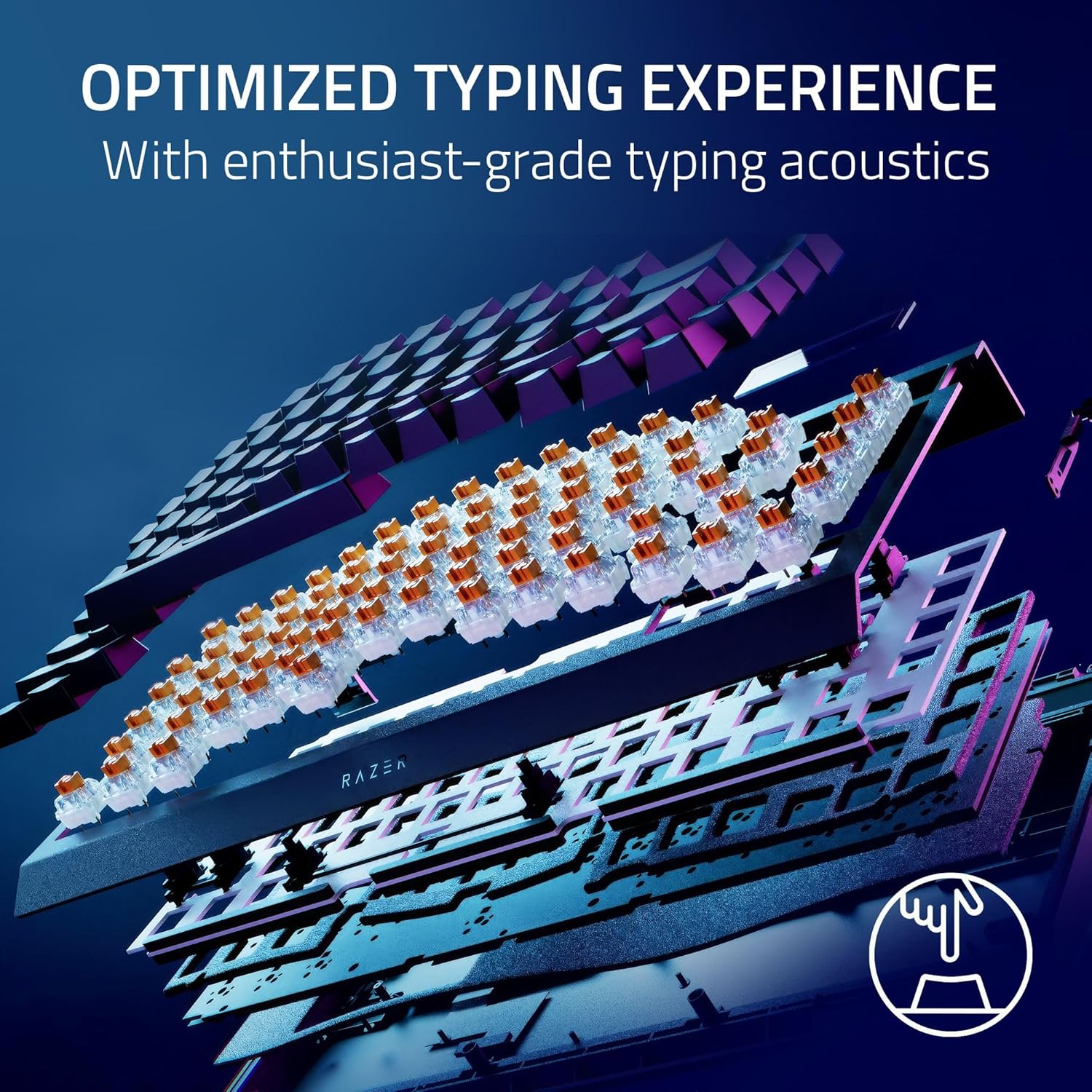
There are also a few details that suggest Razer has targeted both sound and daily usability: the keyboard uses a sealed FR4 desk-mat style surface, a circuit plate and lubricated, screwed-in stabilisers, plus two layers of foam designed to absorb sound. The result, in everyday terms, should be a cleaner, more controlled typing sound than many less-considered builds—though of course “clean” depends a bit on the switches you end up using.
Key features that affect real use
The wireless angle is split into two things: HyperSpeed/HyperPolling for low-latency wireless gaming, and Bluetooth for convenience and device switching. If you often bounce between PC and something else, the ability to move between three Bluetooth devices without reconfiguring everything can be a major time-saver.
The 75% format is also part of the pitch. You lose some keys compared with full-size boards, but you keep the core navigation and function workflow people typically want for gaming setups.
OLED display and Razer Command Dial

The OLED display plus the Command Dial gives you more than just “a screen for show”. The dial supports over 100 customisable modes, which can include performance data for your PC, or displaying customised GIFs (as described). This is the kind of feature that might be overkill if you only care about plain key presses, but it’s hard to ignore once it becomes part of your workflow.
Hot-swappable switches (and what that really means)
This keyboard includes preinstalled Razer Orange switches (3rd generation tactile), and it’s hot-swappable by design. The PCB supports switches with either 3 or 5 poles, which means you can swap in options that match that pin layout—rather than having to commit to one switch choice from day one.
One limitation to be aware of: hot-swap boards are great for experimentation, but the sound and feel you get will vary as you change switches. If you’re hoping for a single fixed “set-and-forget” experience, you may find the upgrade path adds decision-making.
Sound tuning and build choices
Razer mentions an approach that combines a specially sealed FR4 mat, an adhered circuit board, lubricated and screwed stabilisers, and two layers of foam to reduce wobble and improve clarity. In practical terms, this is aimed at making typing sound more consistent—less rattle, less “loose” feeling around the larger keys—rather than purely chasing maximum loudness.
Lighting and comfort: where you’ll notice it
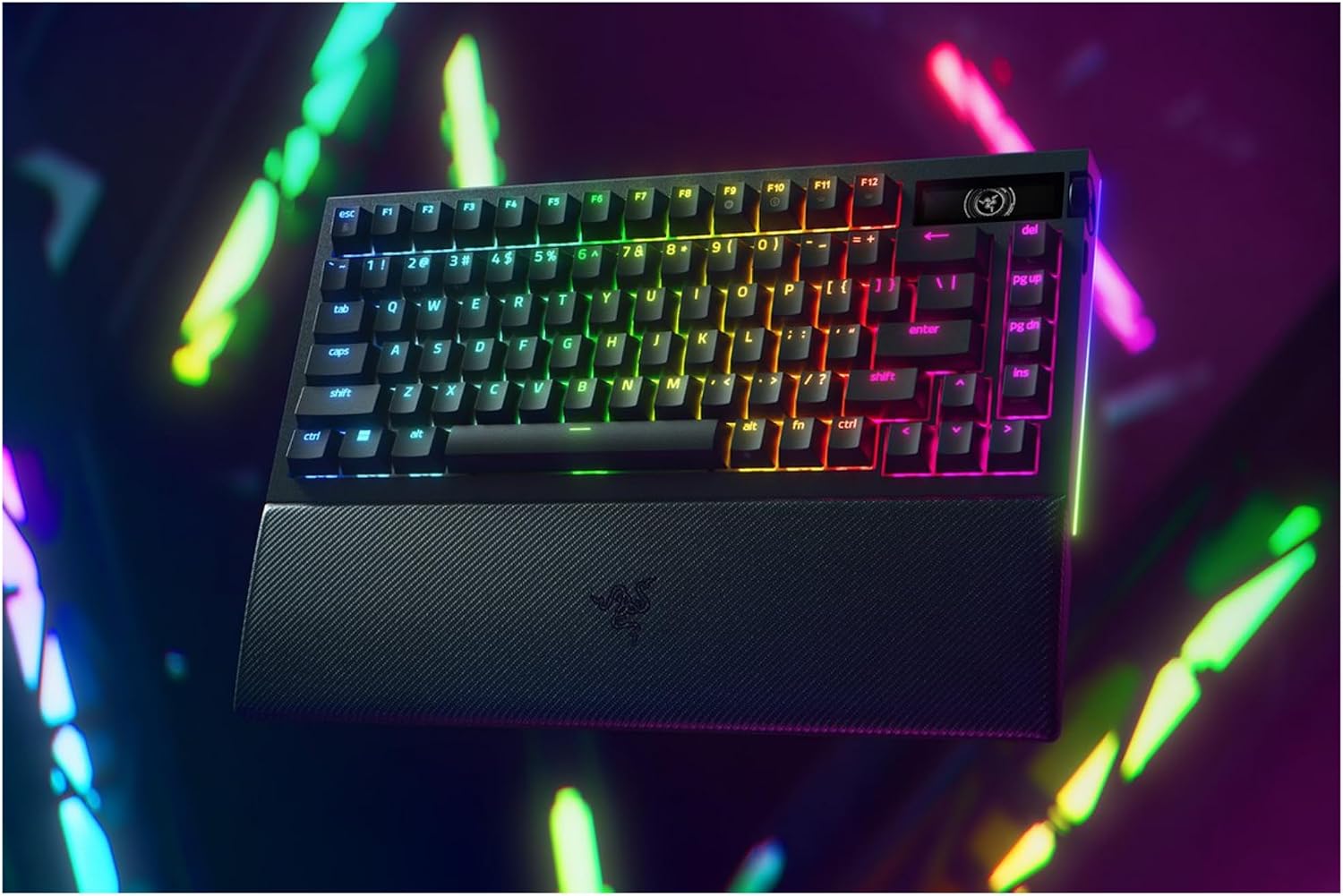
The board uses Razer Chroma RGB with single-key backlighting and underglow on two sides of the body. If you already care about synced desk lighting, this kind of setup tends to feel cohesive in a “battle station” environment.
Comfort-wise, there’s a magnetic, padded leatherette palm rest. It’s designed to clip firmly to the keyboard, which helps keep your hand position consistent across long sessions. Still, palm rests are personal—if you prefer floating hands or you type with a lower wrist angle, you may or may not love it.
Tech notes you should double-check before buying
A couple of details are worth reading carefully so there are no surprises:
- Razer Snap Tap is included as a feature that prioritises the latest key press between two selected keys for faster responsiveness in direction changes in FPS (it’s noted as requiring the latest firmware update). If you’re the type who keeps firmware current, that’s fine, if you’re wary of updates, you may want to confirm how important this is to you.
- Layout and compatibility assumptions: you’re looking at a US Layout ISO unit in the listing details. If your key legends, regional layout, or physical key placement matters for you, it’s worth verifying it matches what you expect.
Who it suits (and who should look elsewhere)
It makes sense if you want a compact 75% gaming keyboard with wireless convenience, a switch-swappable platform, and an OLED/Command Dial setup that can show system info or custom content. It’s also a good fit if you like tweaking your desk feel over time—starting with the included tactile switches, then exploring other 3- or 5-pole options later.
You may want to skip it if your main goal is a straightforward, minimal keyboard for general typing. The dial/screen and RGB are great when you’ll use them, if you won’t, they can feel like features you paid for but never touch. It may also be a heavier “commitment” choice than simpler hot-swap boards if you’re not planning to experiment with switches.

Final verdict
Is it worth it?
The Razer BlackWidow V4 Pro 75% is a persuasive buy for people who want a wireless, hot-swappable 75% keyboard with an OLED and Command Dial that genuinely adds control—not just decoration. Its switch experimentability and the sound-focused construction details are the parts that feel most “future-proof” for day-to-day ownership.
That said, it’s not the best pick if you want a purely utilitarian keyboard. Features like the OLED/GIF modes, Chroma lighting, and the Snap Tap firmware-dependent behaviour will only feel worthwhile if you’re the sort of user who’ll lean into them.
If you’re choosing between “simple and clean” boards and a more feature-rich gaming-oriented layout, this one clearly sits in the second camp: it’s more about personalisation and responsiveness than quiet minimalism.
Mini FAQ
Does the OLED and Command Dial replace anything important?
Not necessarily. It’s an extra layer for visual feedback and custom modes—useful for system info or GIFs, but it’s optional if you prefer to keep your setup distraction-free.
Is it actually hot-swappable, or just “switch-friendly”?
Based on the description, it’s a true hot-swap setup: the hot-swap PCB supports switches with 3 or 5 poles, so you can swap the preinstalled switches for ones you choose.
Can it connect to more than one device?
Yes, it’s described as supporting Bluetooth connectivity with control to switch between 3 devices.
What’s the catch with Razer Snap Tap?
The feature is stated as requiring the latest firmware update. If you’re not comfortable updating, you may not be able to use it as intended.
Will the sound be quiet?
It’s designed to reduce wobble and improve clarity with specific build components and foam layers, but it won’t be silent. Switch choice still matters a lot.