

Holy Stone HS290 Foldable Drone (1080P HD) with Optical Flow, APP Control and Tap Fly – Blue
Product description
If you’re looking at the Holy Stone HS290, you’re probably aiming for a beginner-friendly foldable drone that doesn’t make you feel like you need a pilot licence first. On paper, it ticks several boxes for first flights: a 1080P HD camera, optical flow positioning to help stability, and app features like Tap Fly.
That said, it’s still a toy-grade learning drone. It’s designed to be approachable for beginners and kids, not to compete with more advanced systems where you’d expect sharper detail, longer range, or more “precision” flying. So the question really becomes: does the HS290 match your expectations for what you want to film and how you plan to fly?
Key takeaways
The HS290 is a lightweight, foldable RC quadcopter aimed at getting you flying and filming quickly. It pairs a 1080P HD WiFi camera (with a 90° electrically adjustable lens) with optical flow positioning, and it offers simple controls such as altitude hold, one-key takeoff/landing and emergency stop.
For many first-time users, the appeal is the “less thinking, more flying” approach. Tap Fly lets you draw a path on your phone screen and follow it, while gesture and voice control are included for basic photo/video capture and hands-free commands.
Still, you should treat the 1080P footage as “family memories” territory rather than something you’ll frame like a professional camera. If you’re hoping for ultra-smooth cinema-style results or demanding manoeuvres, you may find the feature set a bit more limited than higher-end options.
What matters most in everyday use
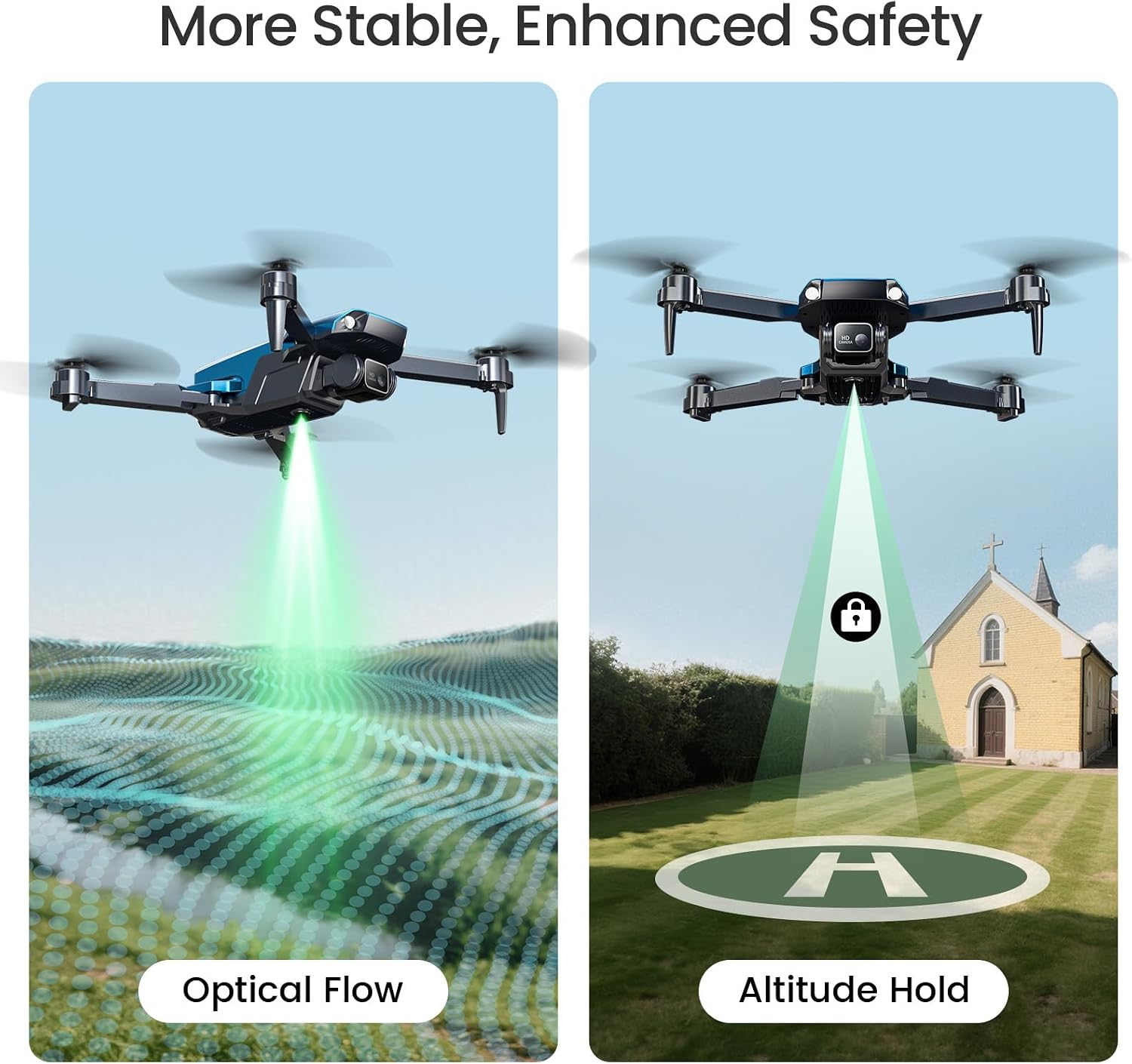
The HS290 focuses on stability and ease. Optical flow positioning is there to help keep flights steadier, which can make a big difference when you’re learning how throttle and control sticks behave.
In practice, a good first session looks like this: take off with one key, keep altitude with altitude hold, then use Tap Fly by drawing a simple straight or curved path on your phone. It’s a straightforward way to get footage without constantly fighting the controls. Add the 90° adjustable lens if you want to tilt the camera for a slightly different angle during the same flight.
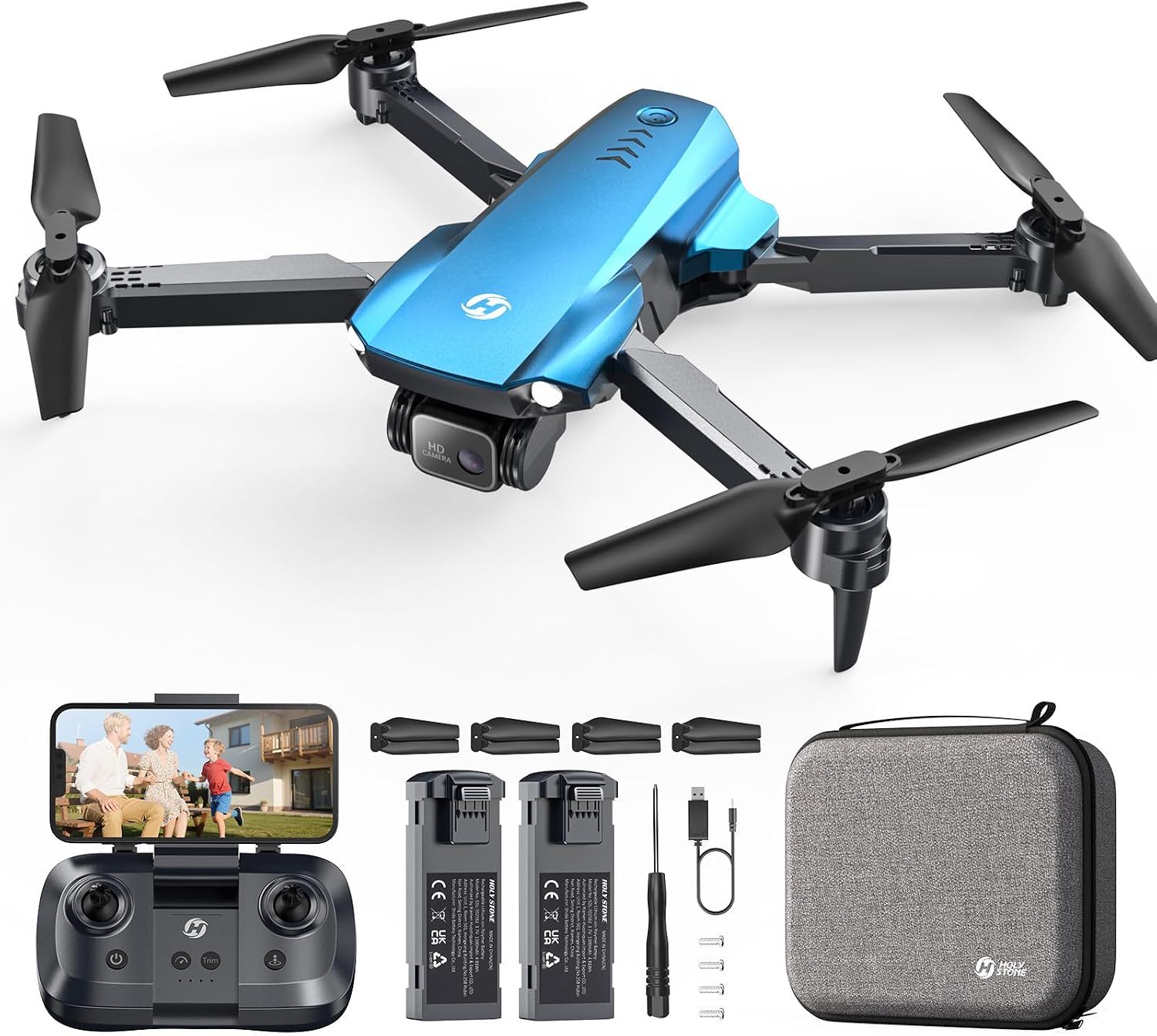
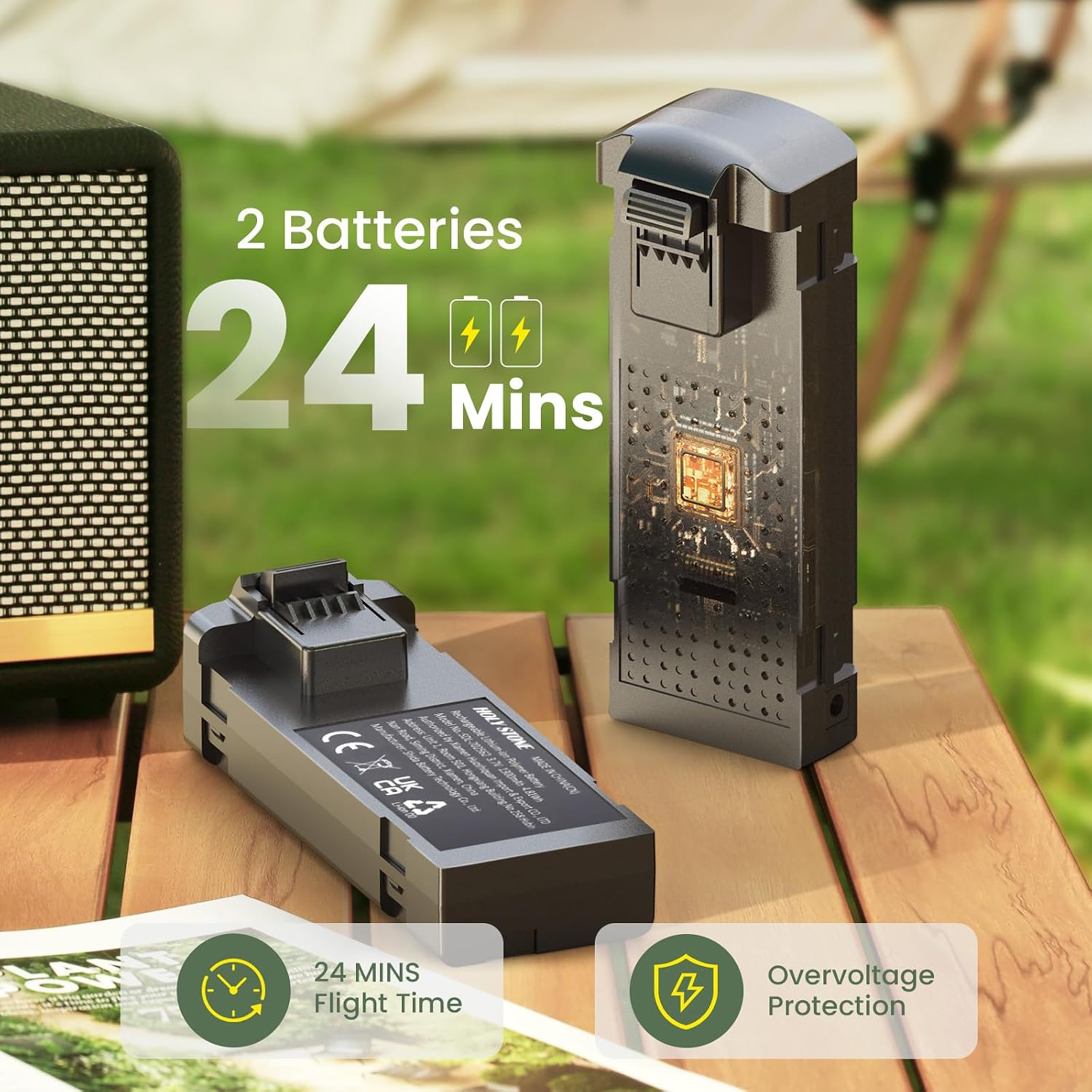
You also get two modular rechargeable batteries for extra attempts—useful when you’re teaching someone else or practising a few short clips back-to-back. The stated total flight time is up to 24 minutes across both batteries.
Camera and footage: what you can realistically expect
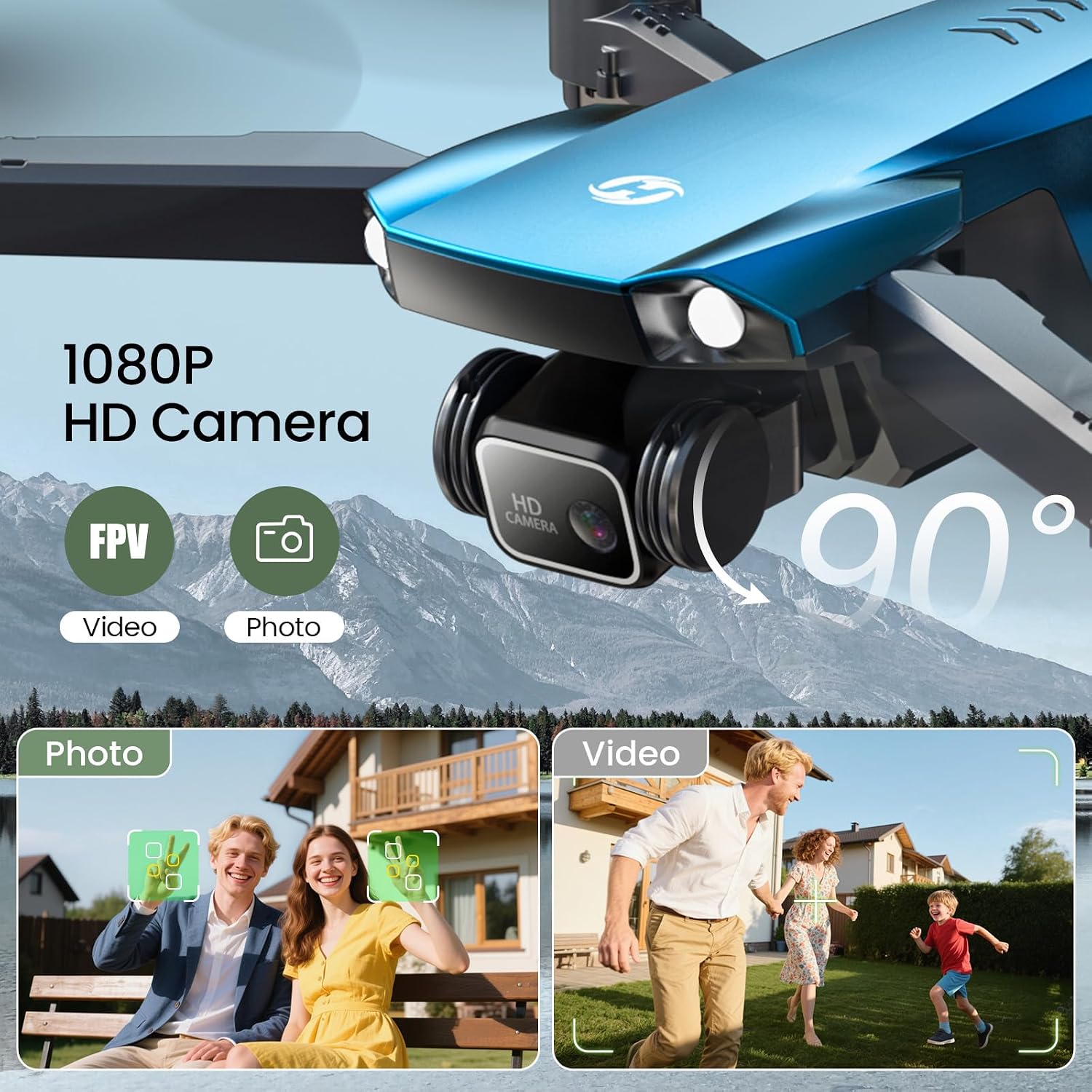
The 1080P HD WiFi camera is the headline feature, and the lens can be adjusted electrically up to a 90° range. That combination is mainly about convenience: being able to reframe without landing and manually changing settings.
For scenic shots, family moments, and “let’s get a clip” style filming, it should do the job. But if you’re expecting consistently crisp detail at distance or heavily graded, high-dynamic-range footage, you may feel it comes up a bit short—especially compared with more serious drone camera setups.
Also, because the system leans on app control and WiFi transmission for real-time experience, performance can depend quite a lot on conditions and how you set up your phone and app.
Features beginners will actually use
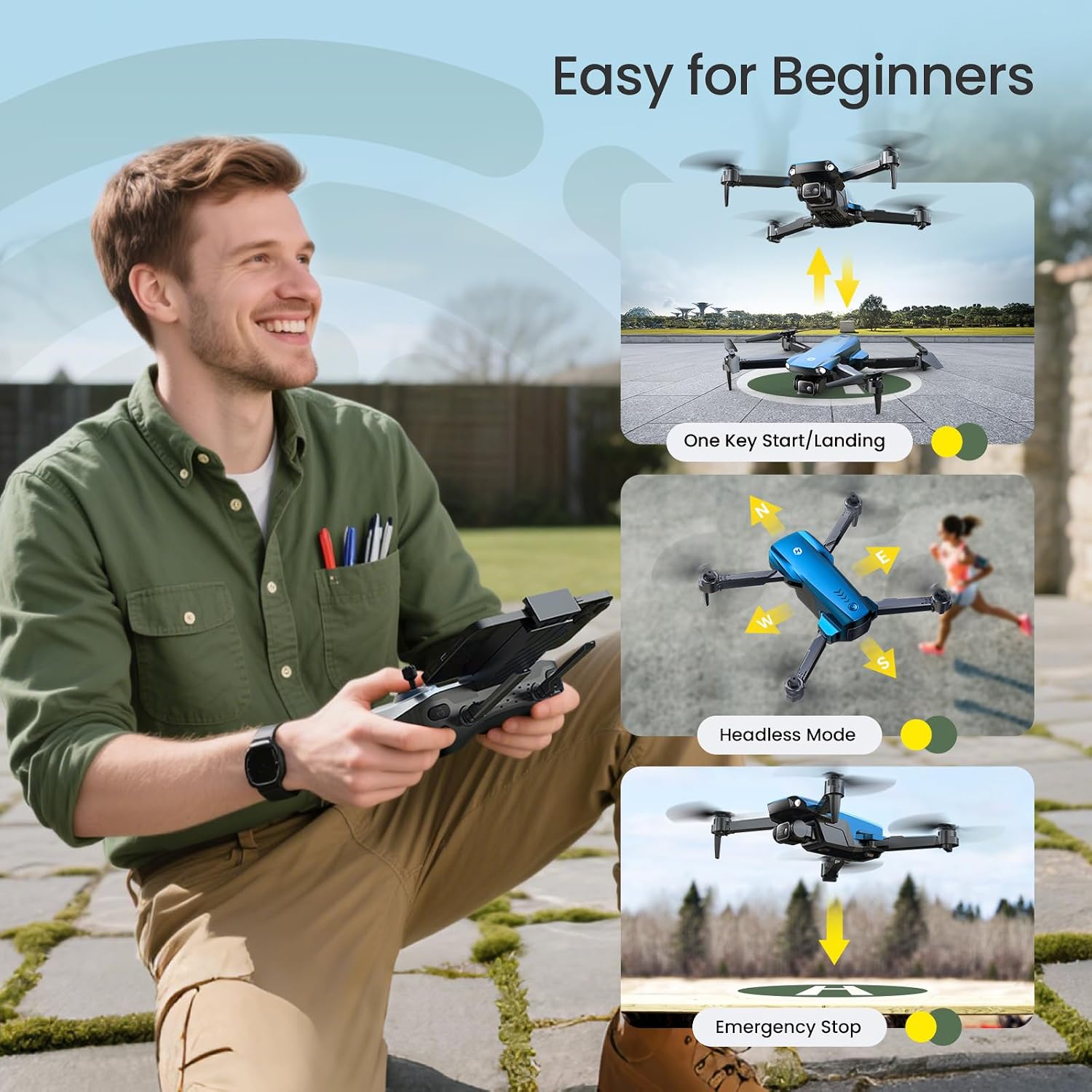
Where the HS290 earns its place is in the basics. It includes:
- One-key takeoff and one-key landing
- Emergency stop
- Altitude hold
- Headless mode
On top of that, the app control includes Tap Fly (draw a path and the drone follows it). There are also simple hand gestures for snapping photos or recording videos, plus voice control examples such as “take off” and “land”.
One note to keep in mind: gestures and voice commands can be a bit “hit and miss” depending on how noisy the surroundings are and how reliably the app interprets commands, so don’t be surprised if you still end up using the sticks more often than you expect.
Who it suits (and who should look elsewhere)
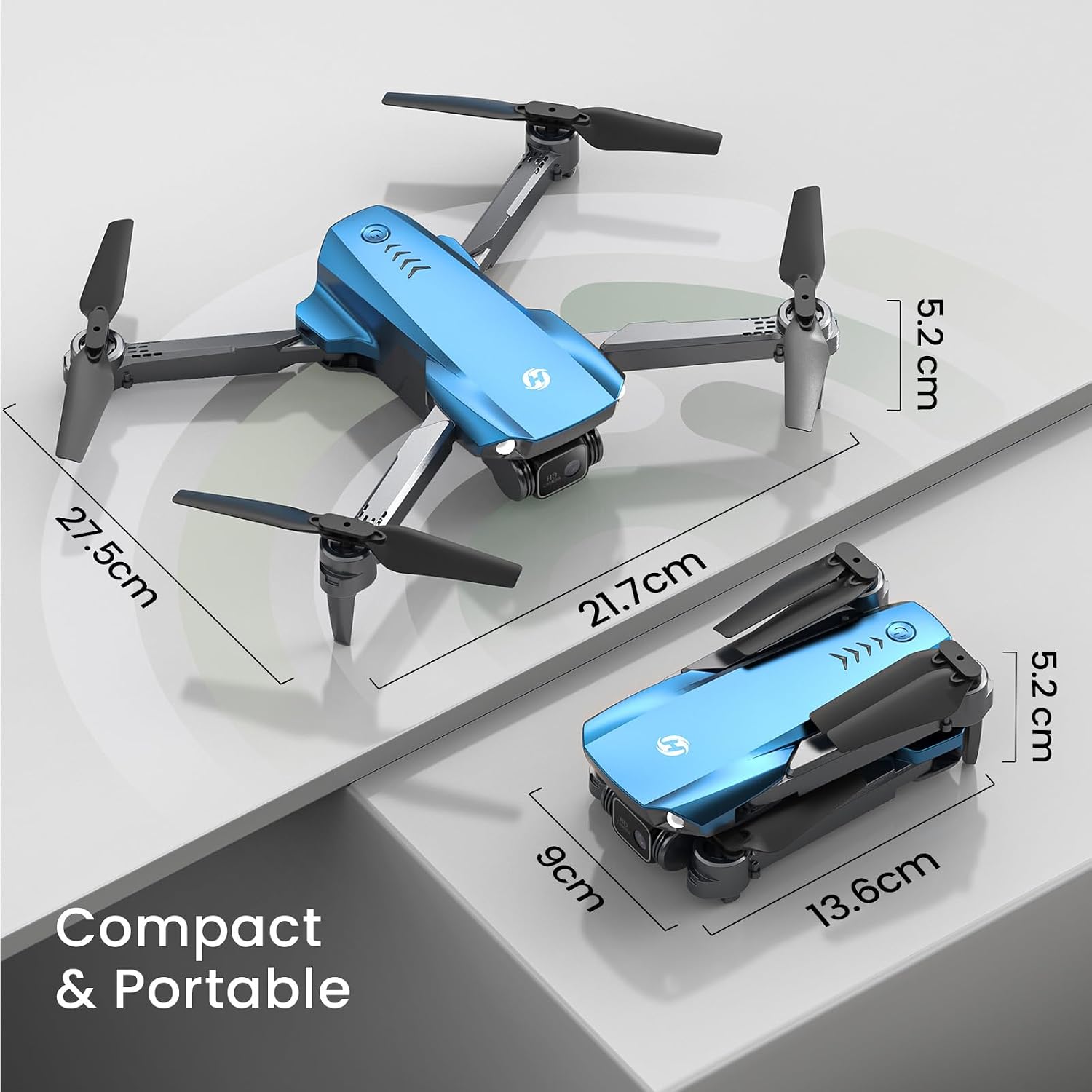
It’s a good fit if you want a compact, beginner-first foldable drone that’s light enough to bring along and has a camera for everyday memories. The 128g weight and foldable design make it feel more like a “grab-and-go” gadget than a weekend engineering project.
It may not suit you if you’re buying with the goal of building advanced flying skills at a serious level. It’s also not the best choice if you care most about long, uninterrupted sessions or you’re after the kind of camera performance you’d demand for more professional use.
Better avoided if you want something designed to “max out” on complexity. The HS290 is more of a learning and fun platform than a precision tool.
Tech specs
- Type: Foldable RC quadcopter drone
- Name: Holy Stone HS290
- Camera format: 1080P HD WiFi camera
- Lens adjustment: 90° electrically adjustable lens
- Positioning help: Optical flow
- Weight: 128g
- Flight time: Up to 24 minutes total (with 2 rechargeable batteries)
- Control modes mentioned: Altitude hold, One-key takeoff/landing, Emergency stop, Headless mode
- App control mentioned: Tap Fly, gestures, voice control
- Colour: Blue
¿Merece la pena?
If your main aim is to get comfortable flying quickly—while capturing simple 1080P clips without fiddly setup—the Holy Stone HS290 looks like it’s been designed for that exact entry point. The combination of optical flow, altitude hold, and one-key controls helps reduce the “panic moments” that often put people off early.
However, if you’re the type of buyer who expects premium camera output and consistently smooth results in challenging conditions, the HS290 may feel more like a solid starter toy than a long-term upgrade. In that case, you’d probably want to focus your search on drones with a more advanced camera and a more serious flight experience.
Mini FAQ
Is the Holy Stone HS290 good for beginners?
It’s built with beginner-friendly controls in mind, including altitude hold, one-key takeoff/landing, headless mode and emergency stop.
What’s the camera like for photos and videos?
It offers a 1080P HD WiFi camera and a 90° electrically adjustable lens, which should be useful for quick reframing and basic photo/video capture.
How long can I fly?
The listing states up to 24 minutes of total flight time across the two rechargeable batteries.
Does it support app control?
Yes. The HS290 includes app control features such as Tap Fly, plus gesture and voice control examples like “take off” and “land”.
Is it easy to carry around?
Yes. It’s described as lightweight (128g) and foldable, which makes it more travel-ready than heavier drones.