

Camcorder Video Camera 1080P 48MP 18X zoom
Product description
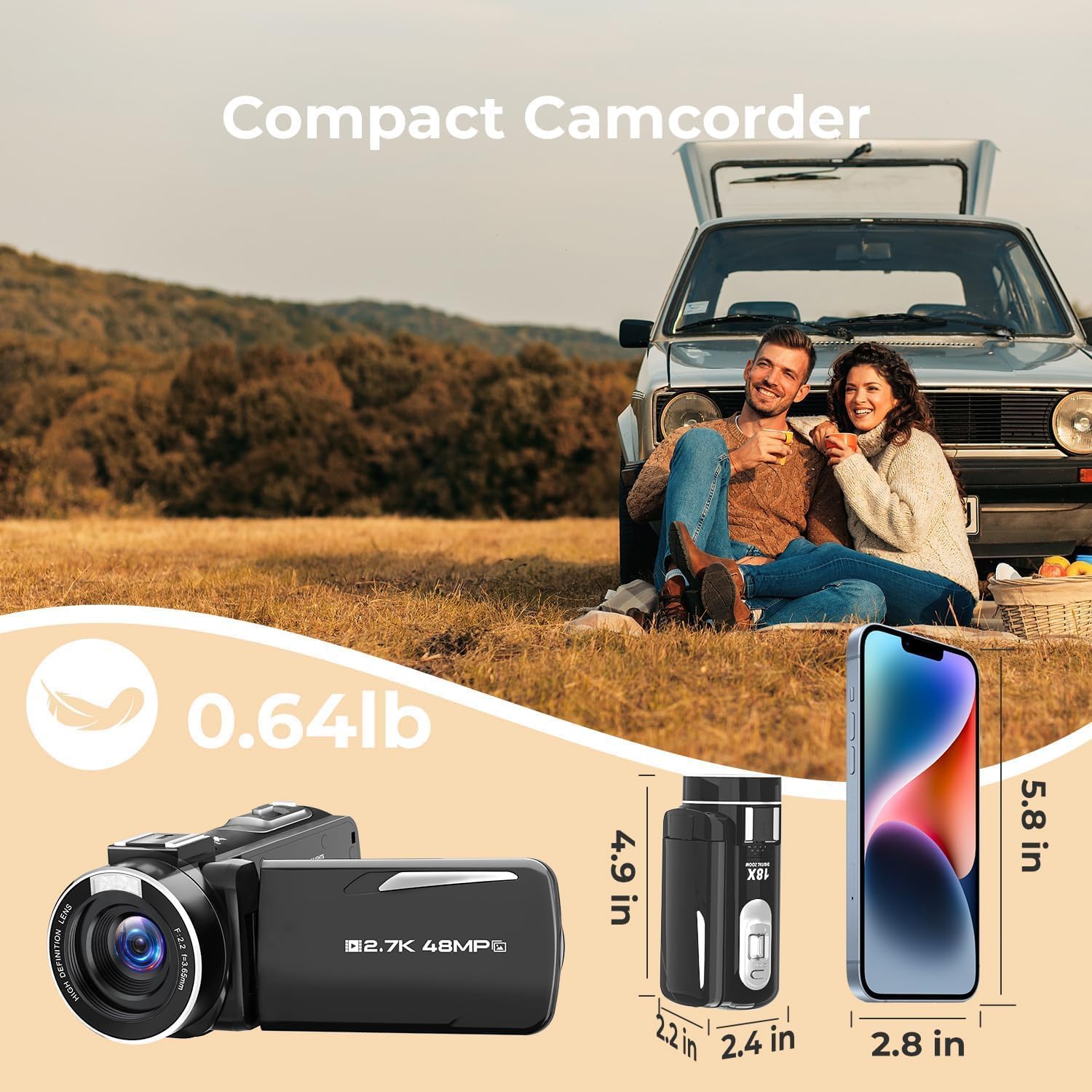
This compact camcorder brings simple vlogging to everyday use, offering a lightweight way to record trips, family moments and content for social channels. As a vlogging camera for beginners it combines a 3.0 inch 270° rotatable screen with easy operation and basic in-camera lighting to make framing and recording straightforward.
Key Points
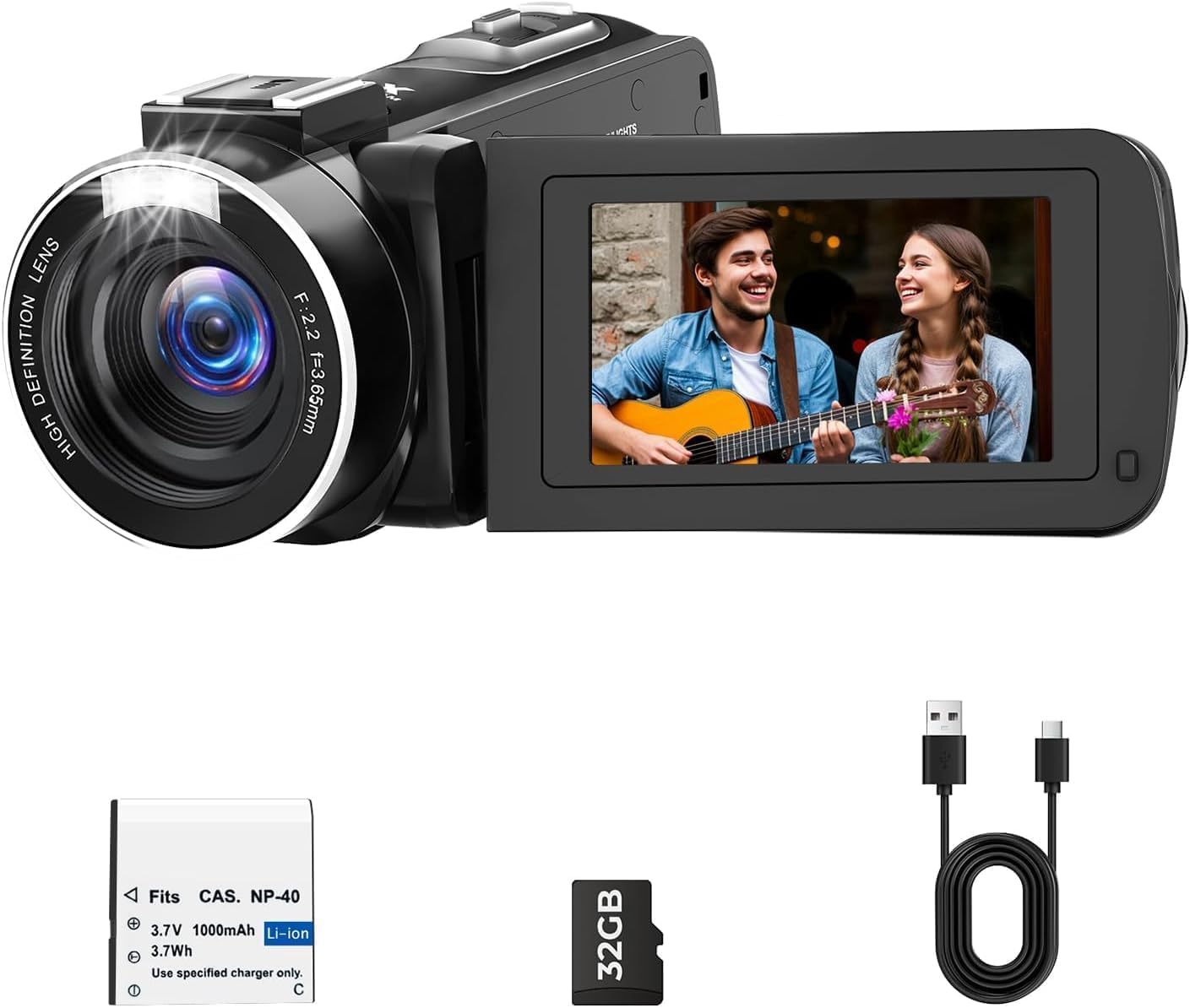
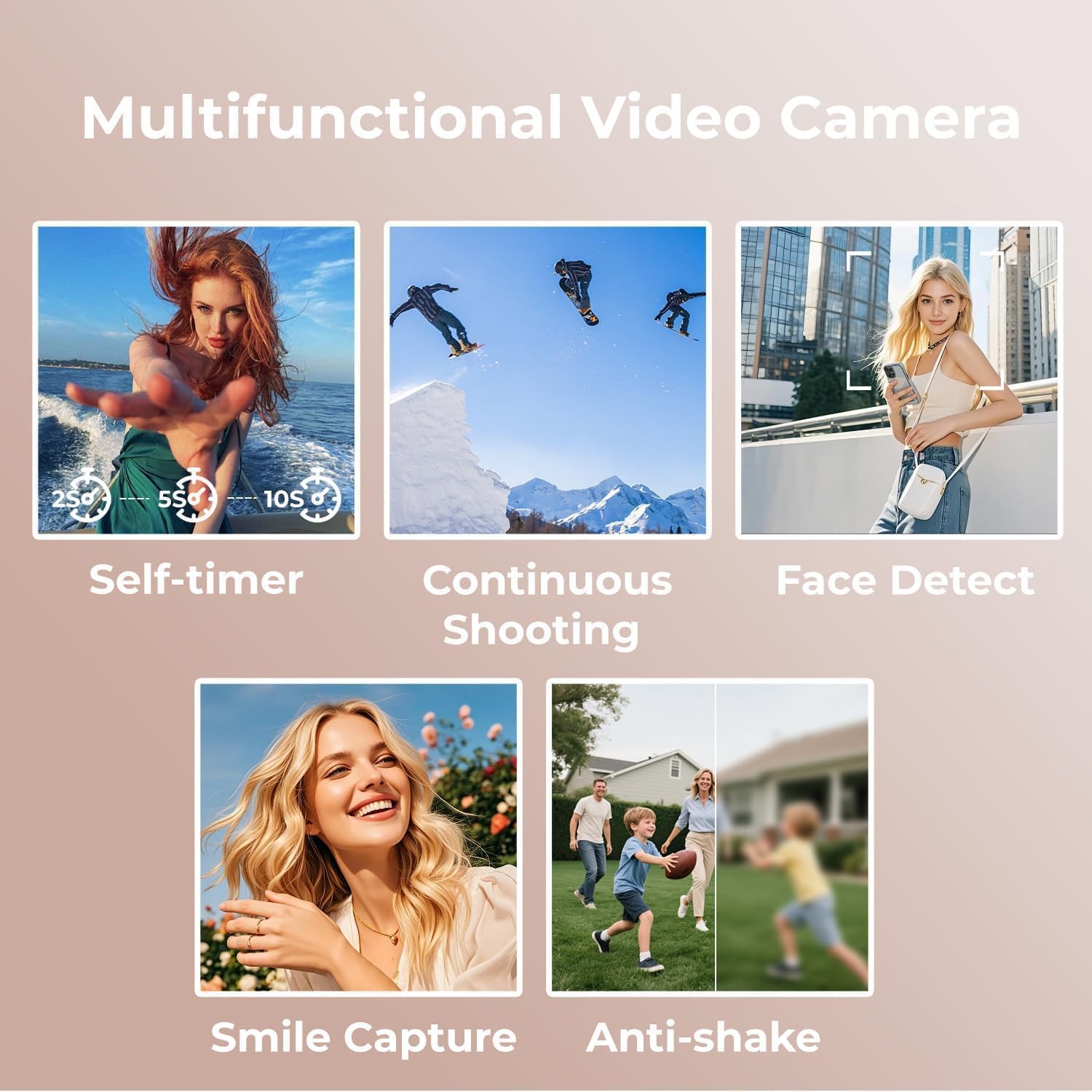
This camcorder powers on when you open the flip screen, making quick start-ups easy for on-the-go shooting. The built-in fill light helps in low light, though results may vary depending on ambient conditions, and the device supports face detection and smile capture for easier portrait shooting. 😊
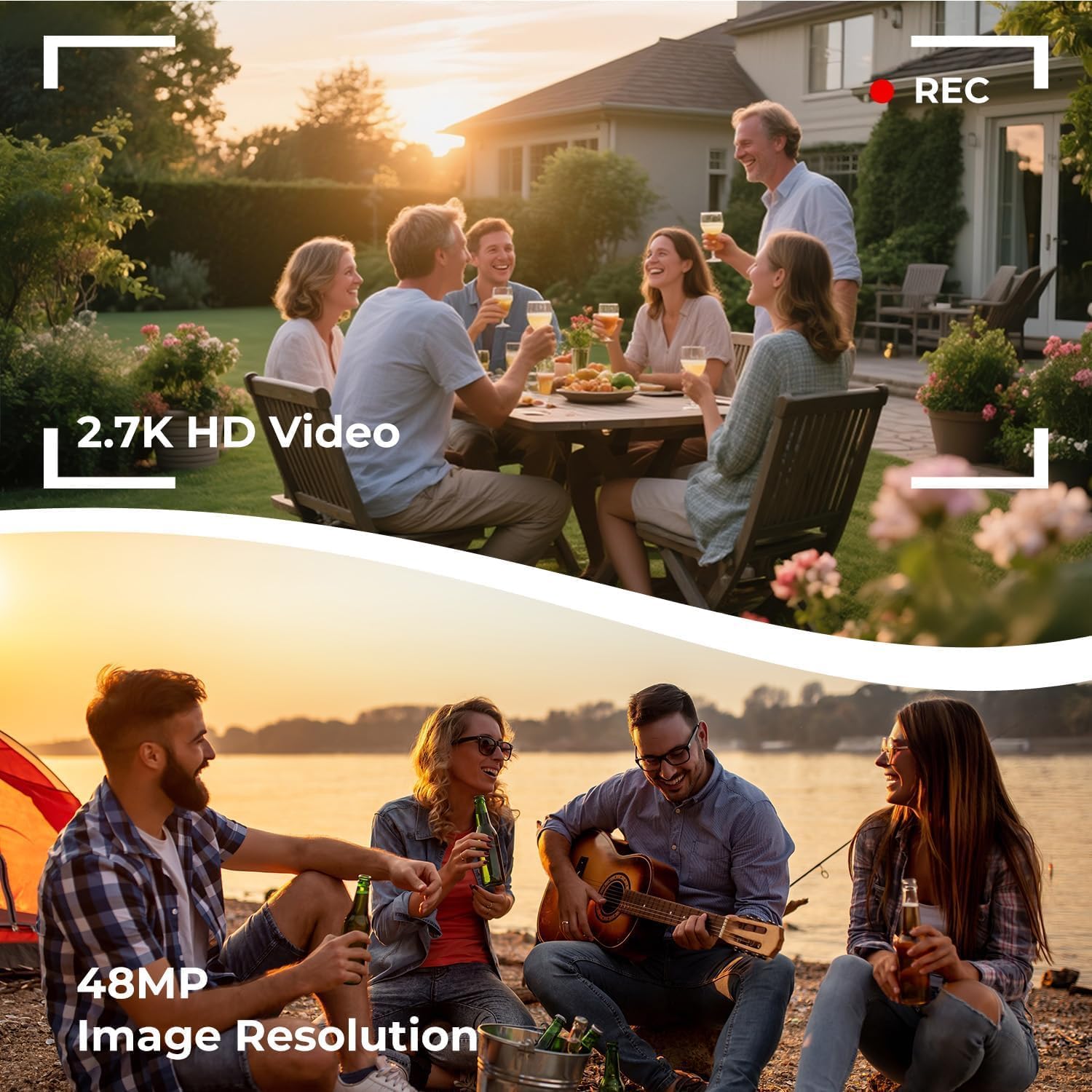
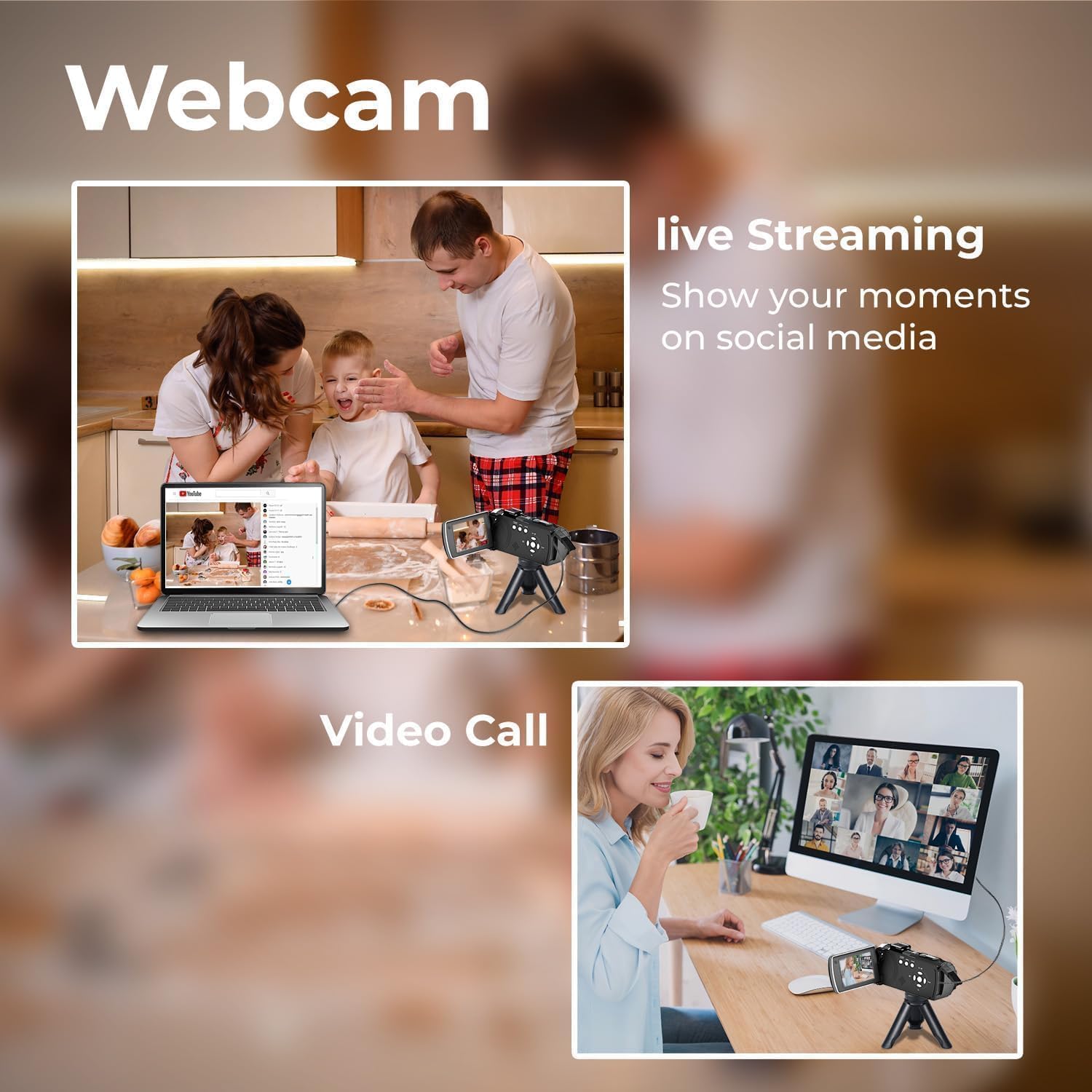
It can double as a webcam when connected via USB, so live chats or remote recordings are possible without a separate webcam. The recorder accepts a standard 1/4 inch tripod mount and external LED lights can be attached for more controlled illumination, although these accessories are not included.
For creators who need continuous recording the unit supports pause during recording and allows recording while charging, which reduces interruptions from a depleted battery. Consider that advanced low-light performance will not match larger sensor cameras according to the manufacturer.
Technical Specifications
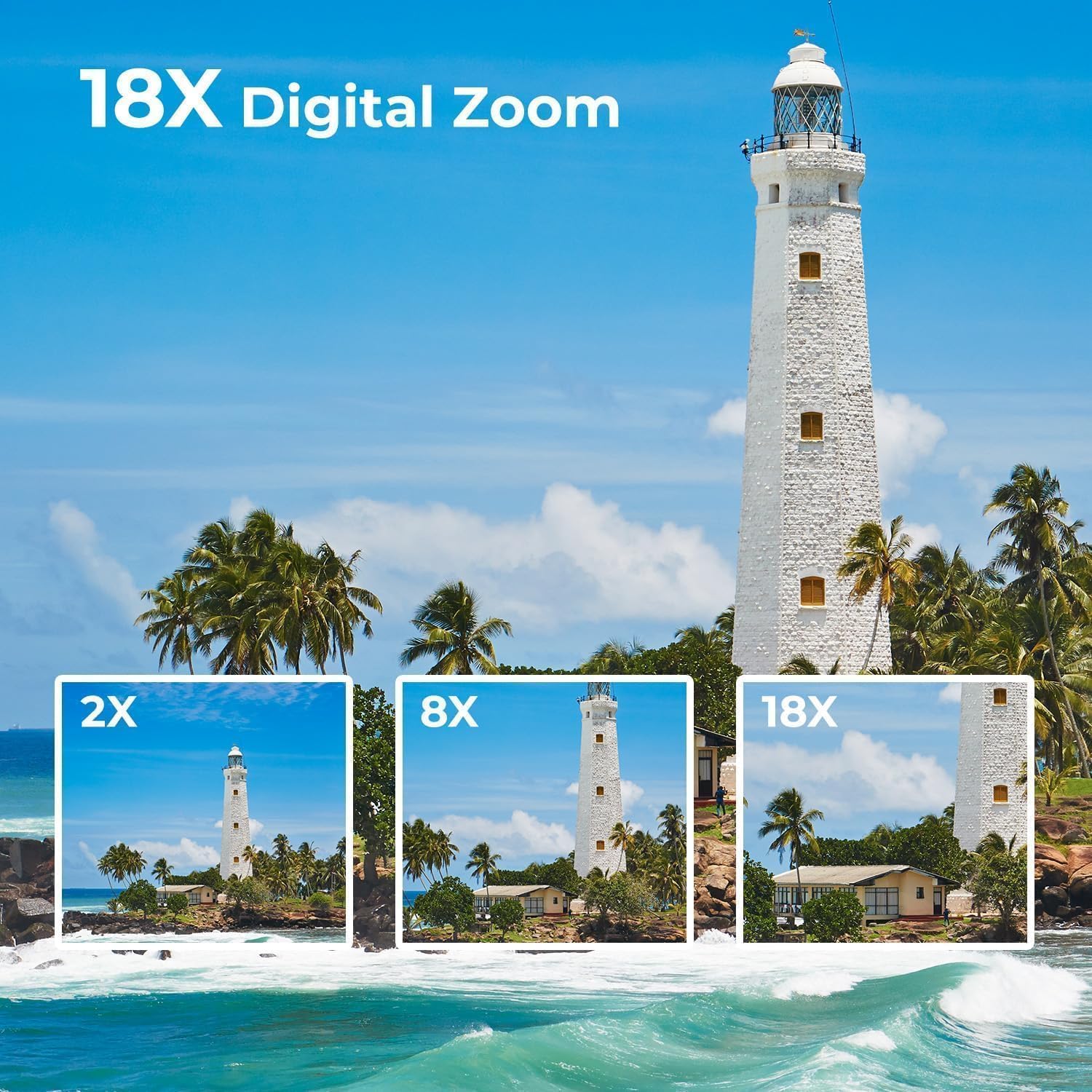
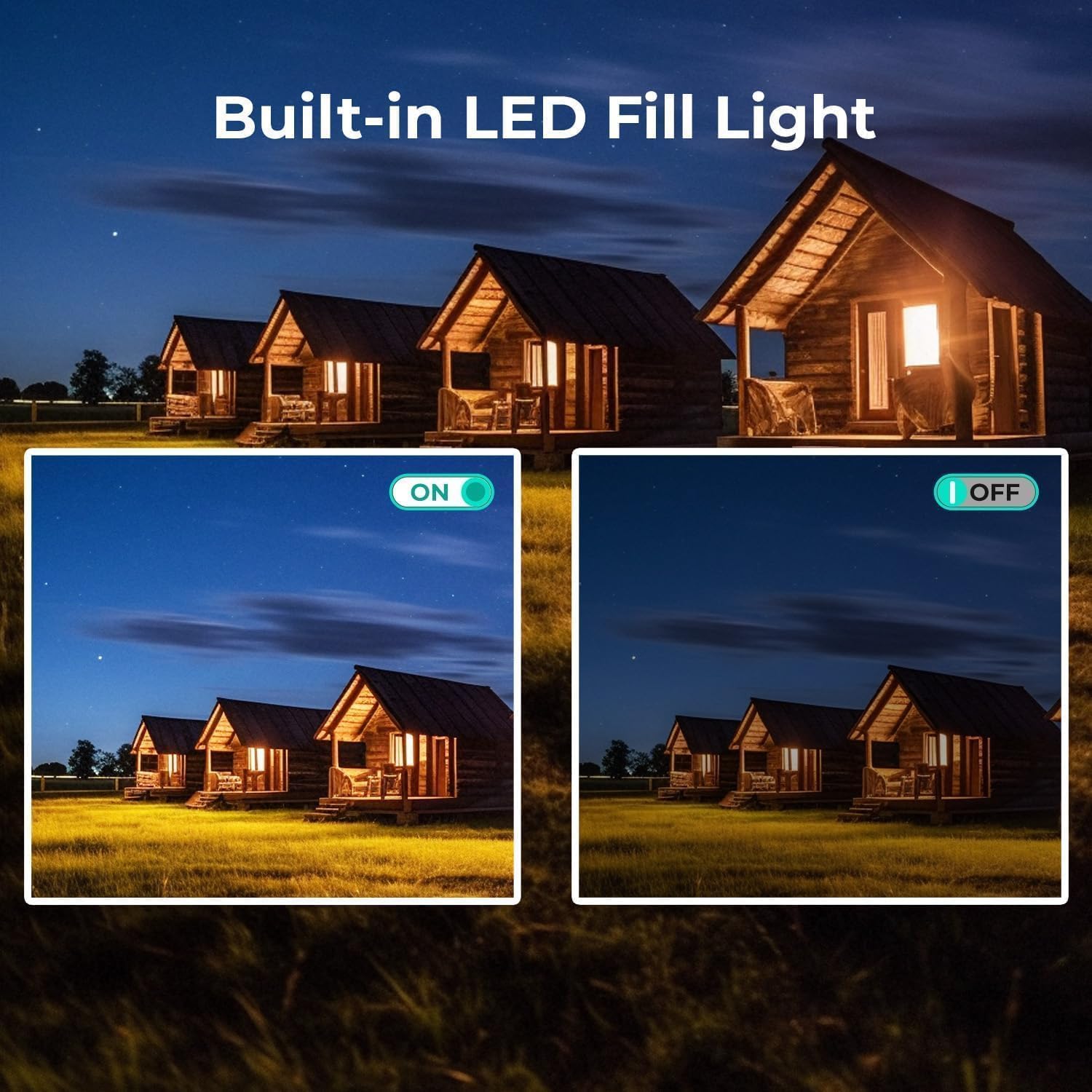
- Name: CAMWORLD Camcorder Video Camera 1080P
- Video resolution: 1080P AVI
- Image resolution: 48MP
- Optical/digital zoom: 18X digital zoom
- Screen: 3.0" IPS, 270° rotation
- Included storage: 32GB SD card
- Battery: rechargeable, supports recording while charging
Usage Recommendations
Use the flip screen for selfies and vlogging so you can see framing clearly when recording solo. For travel and casual shooting, keep the spare battery and the included 32GB card handy to avoid running out of storage or power during long sessions. 🎒
When ambient light is low, try the built-in fill light first and then add an external LED if you need stronger illumination. For desktop streaming connect the camcorder to your computer with the USB cable and select it as the webcam source in your streaming app. For best results set the picture mode and white balance before recording a critical scene, because post-editing may be limited by the recorded bitrate and format.