

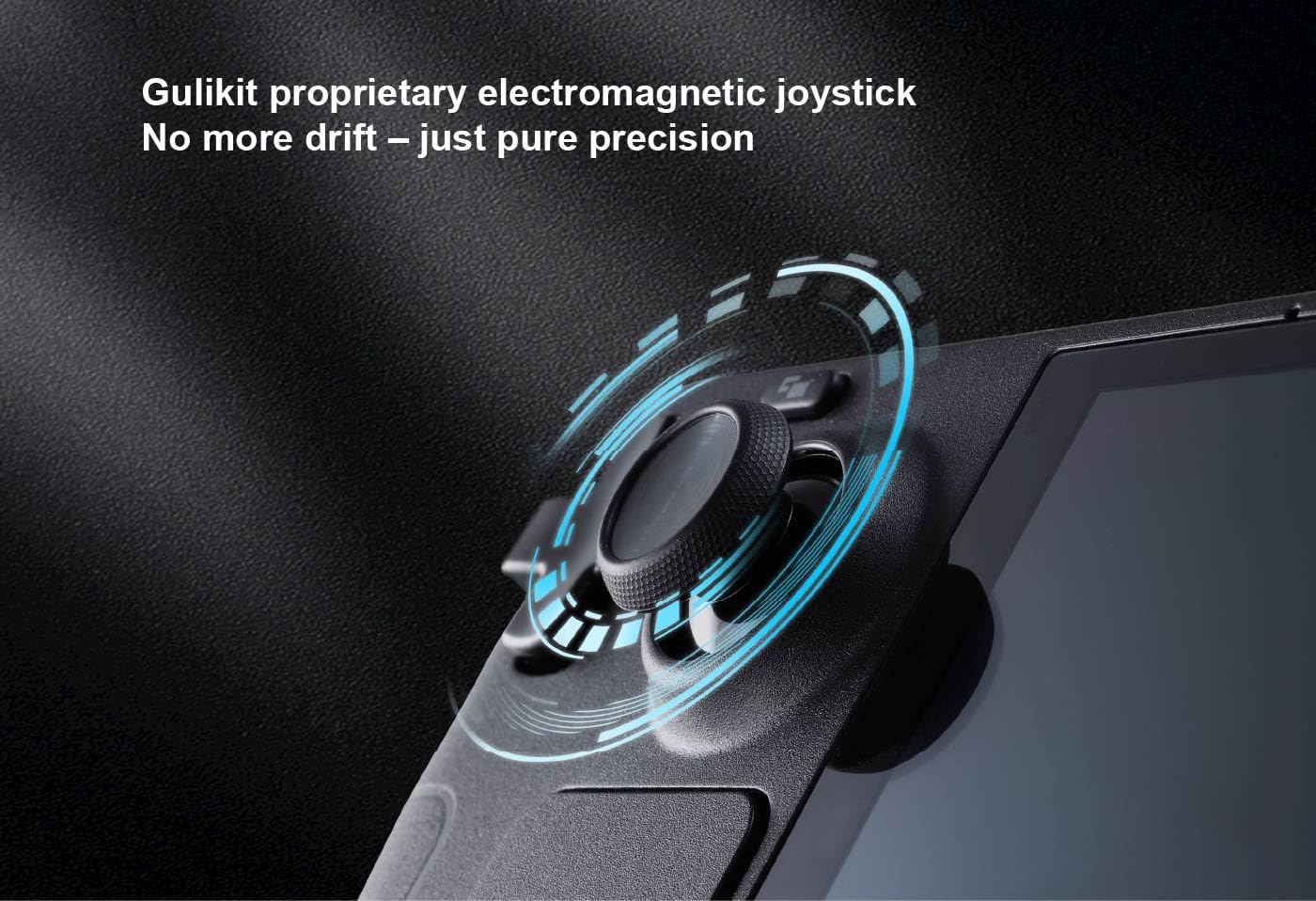
GuliKit OLED Thumbsticks (SD05) for Steam Deck OLED – Hall-effect replacement with touch sensing and one-key calibration
Product description
If your Steam Deck OLED thumbsticks feel a bit off, you don’t always need a whole new controller. The GuliKit OLED Thumbsticks (SD05) are built as a repair-style replacement designed to match the original thumbstick dimensions, while bringing Hall-effect sensing, smoother movement, and improved anti-drift characteristics.
The essentials
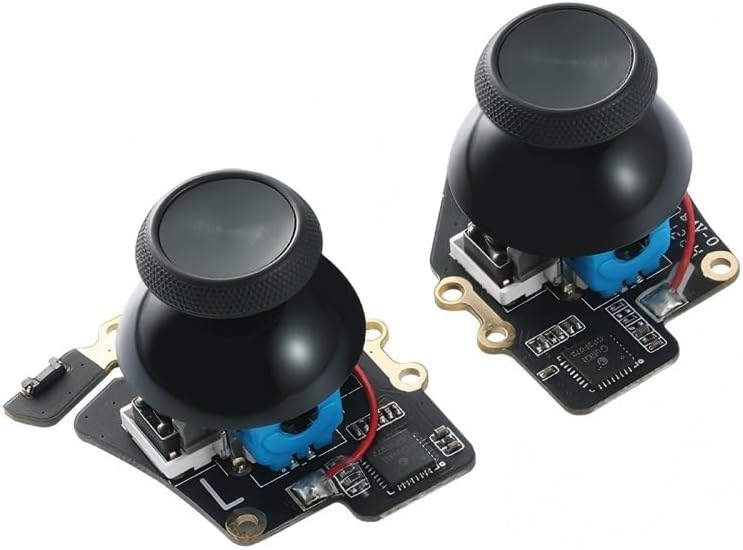
These are electromagnetic/Hall-effect joystick replacements for Steam Deck OLED, positioned as a drop-in fix rather than a DIY soldering project. On paper, you’re getting more than just “new sticks”: Hall-effect sensing is meant to reduce drift over time, and the setup also includes touch sensing functionality so you can keep the behaviour you expect from the OLED model.
It also comes with a one-key calibration process. That’s useful when you want the sticks to return to the central position more reliably, especially if your current setup has begun to feel inconsistent.
What stands out in everyday use
The biggest practical difference you’ll notice—assuming your current sticks have started to drift or feel imprecise—is control feel. The replacement is designed to work with smoother operation and anti-drift capability, which can translate into steadier aiming and cleaner movement in games.
There’s also a “reduce dead zone” angle. Instead of relying only on default factory dead zones, the idea is that you can minimise dead zones via controller configuration, potentially getting closer to a near-zero dead zone. That can make inputs feel tighter, but it’s worth remembering that results depend on your in-game/controller settings and what you consider “comfortable”.
A micro example: say you play a shooter where micro-adjustments matter. With larger dead zones, you may feel like small stick movements don’t register until you push further. With this approach, you’re effectively trying to make those small inputs register sooner by reducing dead zone settings—then letting the improved stick sensing do its part.
Installation without soldering (and the trade-offs)
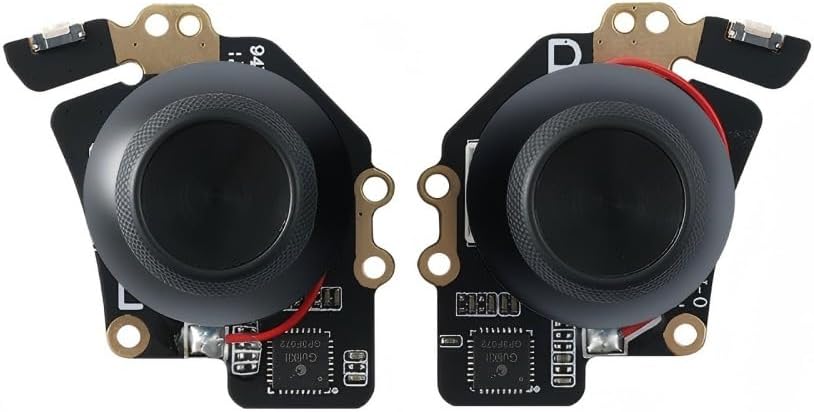
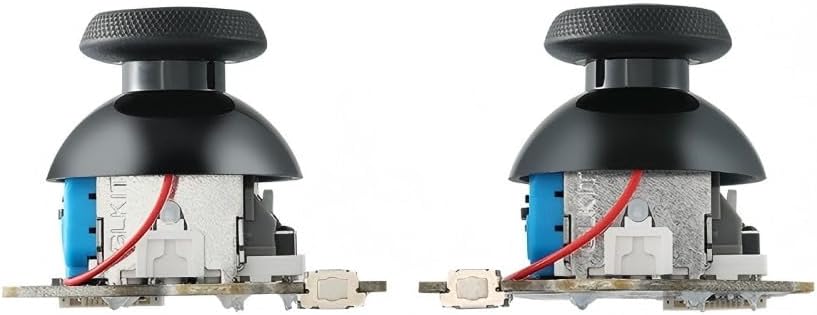
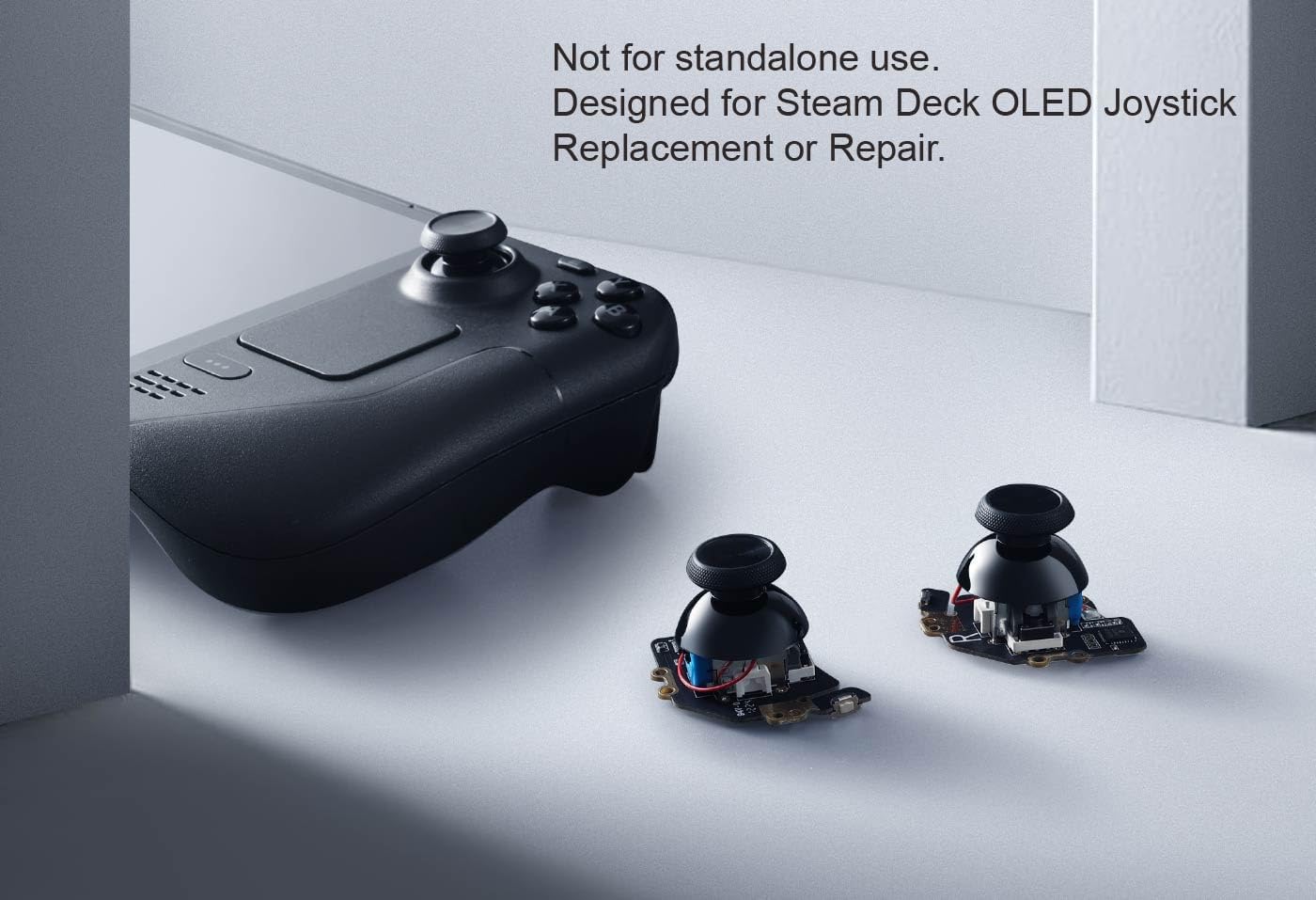
GuliKit keeps the installation simple: no soldering is required. The replacement is described as keeping the same size and interface as the original parts, with installation caps to preserve the touch sensing functionality of Steam Deck OLED.
In practice, that means you’re aligning and tightening the screws to secure it. It’s the kind of job that’s usually manageable if you’re comfortable opening the device, but it’s still something to take your time with. One thing to note from the guidance: you need to recalibrate before you secure the back cover.
There’s also a shipping-related caveat: if the preinstalled joystick cap loosens during shipping, the suggestion is to press the cap vertically back into place.
Calibration with one button: simple, but follow the steps
The included calibration method is refreshingly straightforward: move the joystick to the symmetric central point, press the small calibration button on the board (marked in the product images), release the joystick, and then check that it returns to the centre.
Do keep expectations realistic: the instructions mention it’s normal if the joystick doesn’t always return to centre in the “dead zone free” mode. That’s not necessarily a fault with the replacement itself—it’s a behaviour tied to how the mode affects centring and input handling.
Key specifications
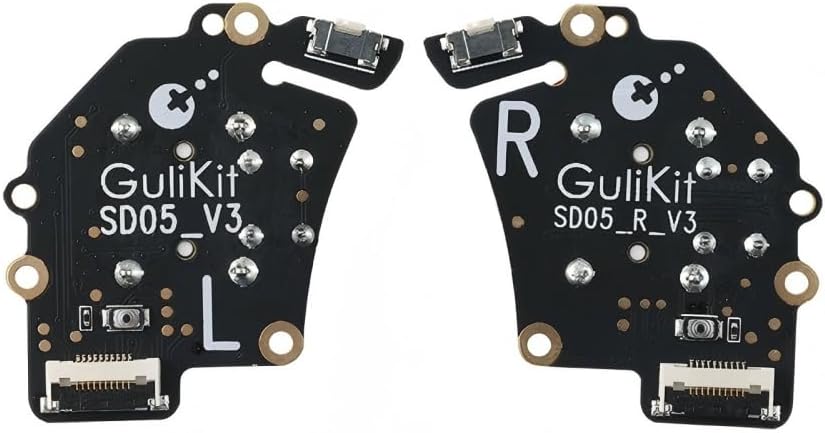
- Type: OLED thumbstick replacement for Steam Deck OLED
- Sensing approach: Hall-effect (anti-drift oriented)
- Touch sensing: included/preserved via installation caps
- Calibration: one-key calibration button on the board
- Soldering required: no
- Stated compatibility note: not for LCD
Who it suits (and who should look elsewhere)
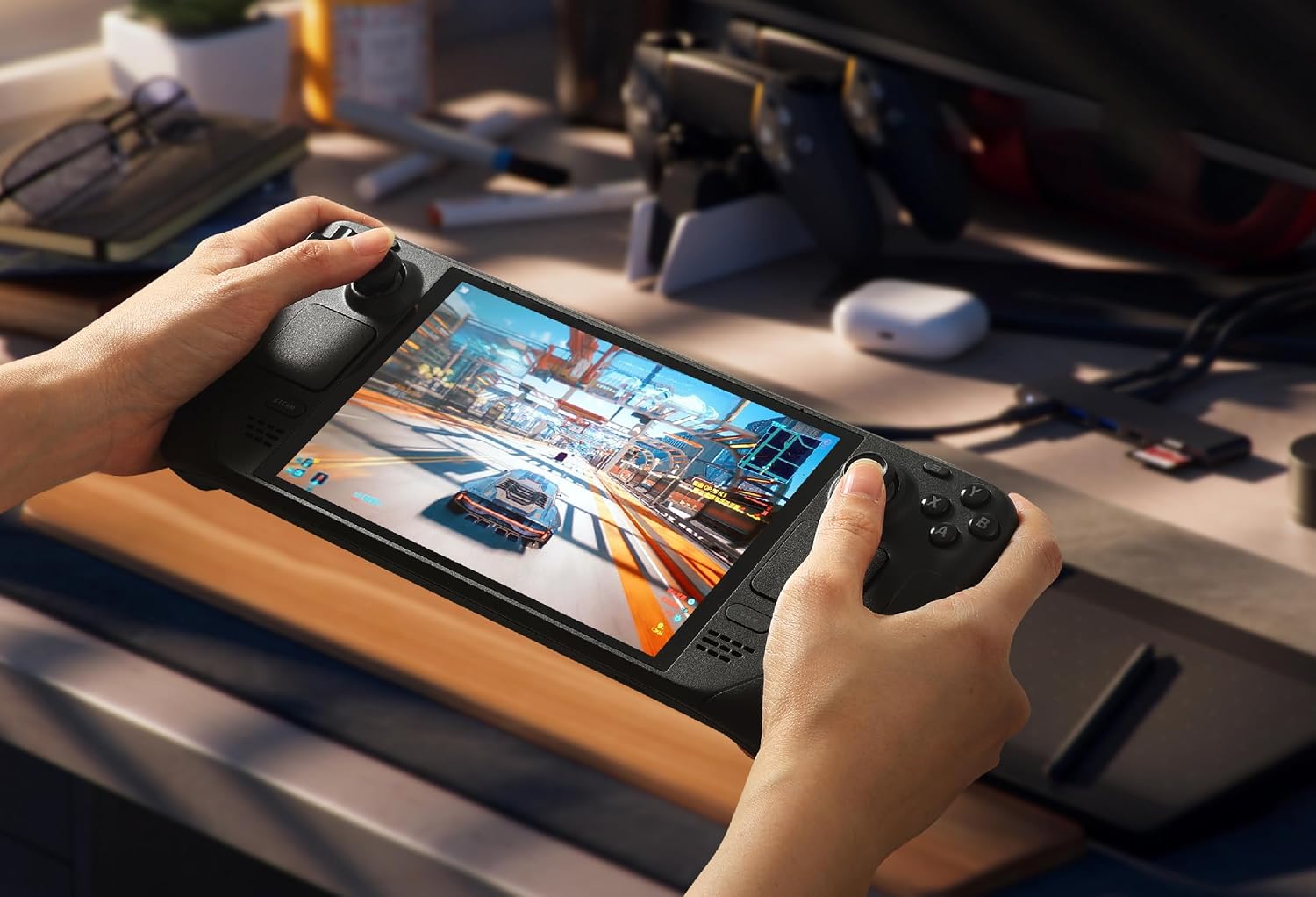
It makes sense if you’ve got a Steam Deck OLED and you want to address joystick drift and imprecision without going down the soldering route. If your priority is better long-term stick reliability plus the ability to keep touch sensing, this replacement is designed for that repair-style goal.
It may not be the best match if you’re using the LCD model—this is explicitly described as not for LCD. Also, if you’re expecting instant “dead zone zero” behaviour just by fitting the sticks, it’s worth being cautious: the product guidance points you toward adjusting dead zone settings, so software configuration still matters.
Should you buy it?
Worth considering if you want a no-solder replacement thumbstick set for Steam Deck OLED with Hall-effect anti-drift intent, preserved touch sensing, and a simple calibration button process. If you’re willing to recalibrate before closing the back cover, it fits the kind of repair job that can meaningfully improve control feel.
Better avoided if you need something for the Steam Deck LCD, or if you don’t want to adjust controller dead zones and test settings after the swap. Like any precision input upgrade, the payoff depends on your current symptoms and how you tune your controls afterwards.
Mini FAQ
Do these sticks require soldering?
No—installation is described as no soldering, using the same size/interface approach and standard screw fastening.
Will I need calibration after installing?
The guidance says you need to recalibrate before securing the back cover.
Is this compatible with Steam Deck LCD?
No. The product is stated as not for LCD.
Does it guarantee dead zone zero?
The approach aims to minimise dead zones via configuration, but it depends on settings and normal behaviour in dead zone free mode.
What if the joystick cap comes loose in the post?
The instructions mention it can loosen during shipping, and suggest pressing the cap vertically down to fix it.