

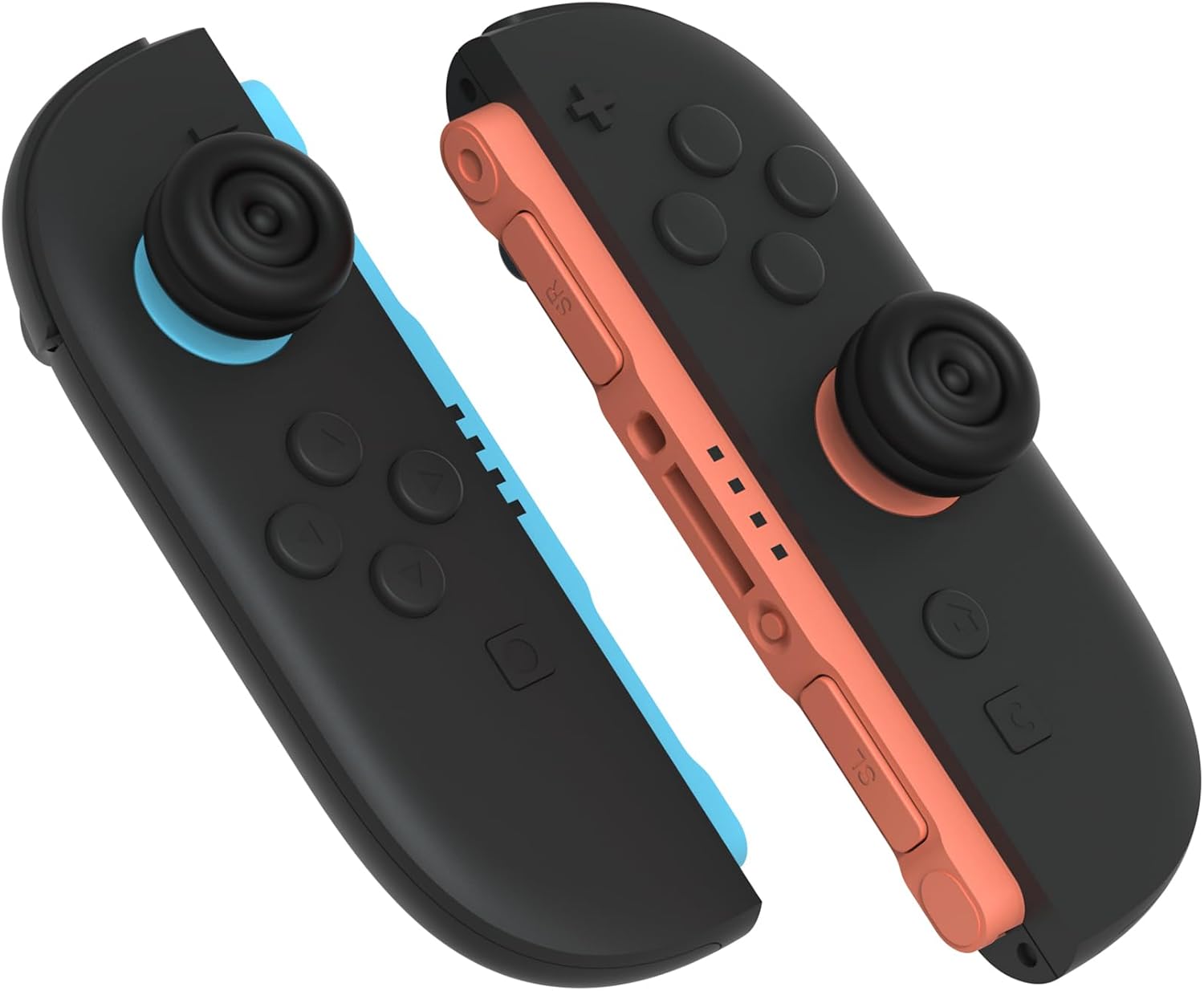
playvital Thumb Cushion Caps for Nintendo Switch 2 Joycon 2 (Thumb Grips) – Black
Product description
The essentials
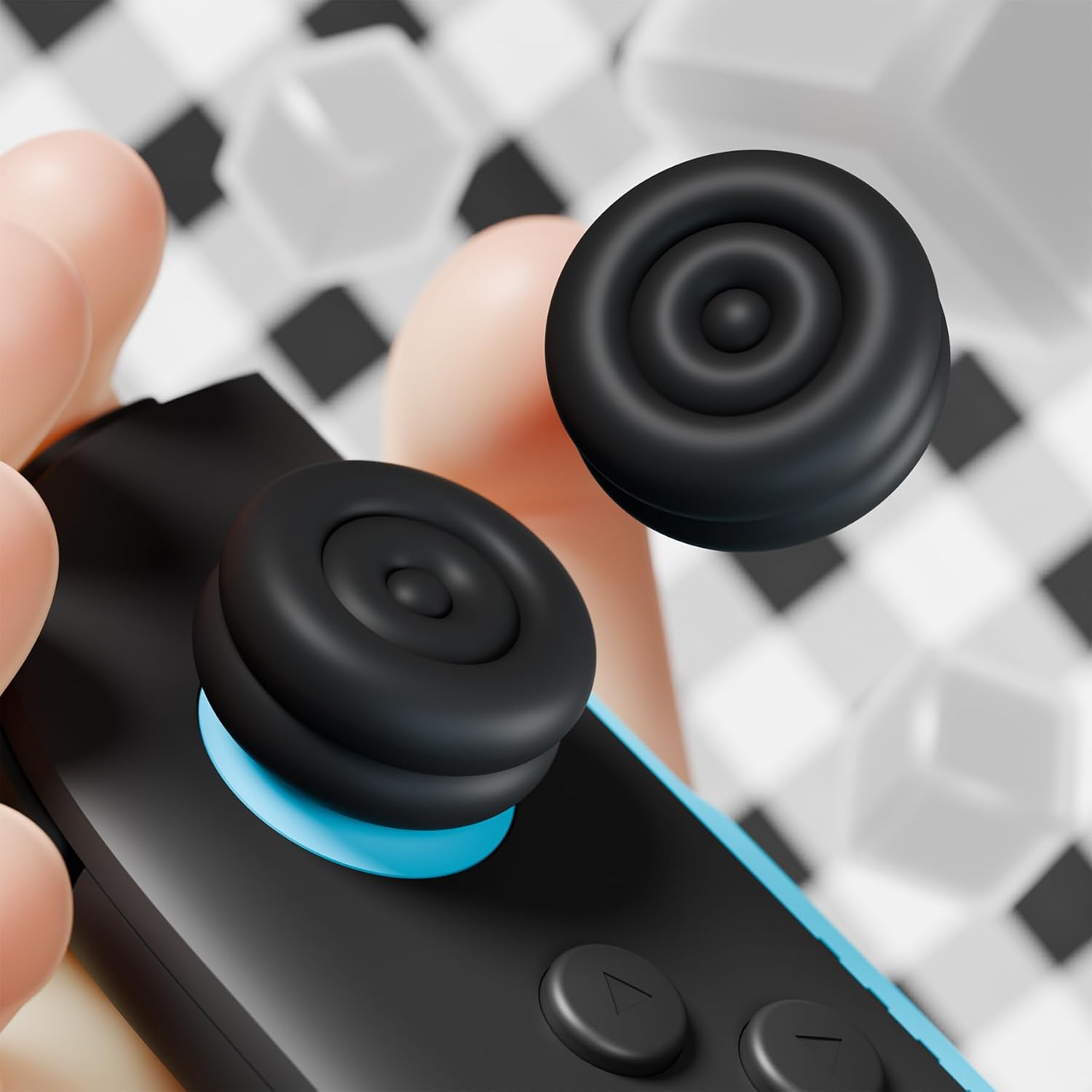
If you spend a lot of time with your Nintendo Switch 2, thumbstick comfort starts to matter more than most people expect. These playvital thumb grips are made to replace the look-and-feel of your Joycon 2 thumbsticks with a softer, more supportive top surface.
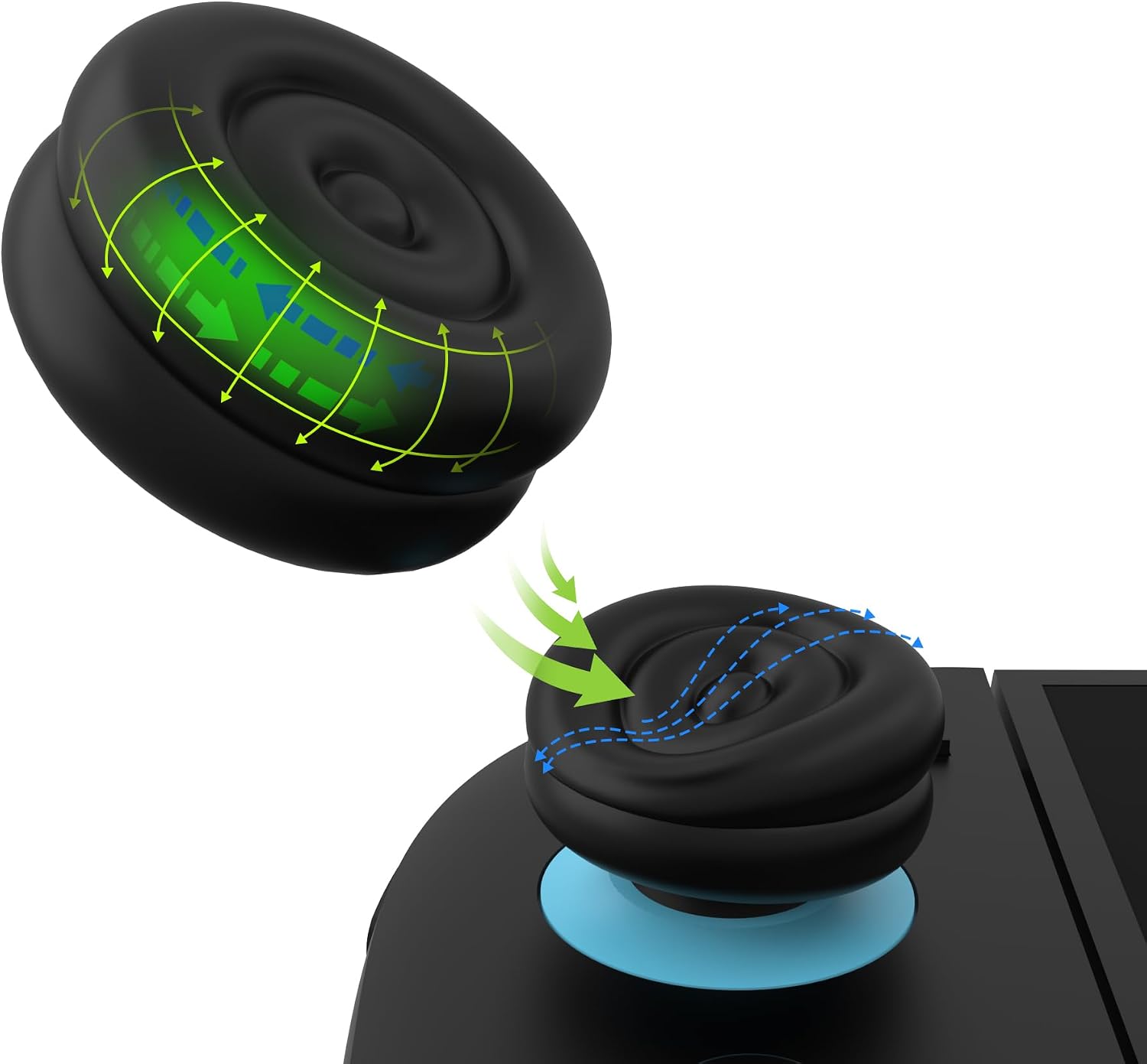
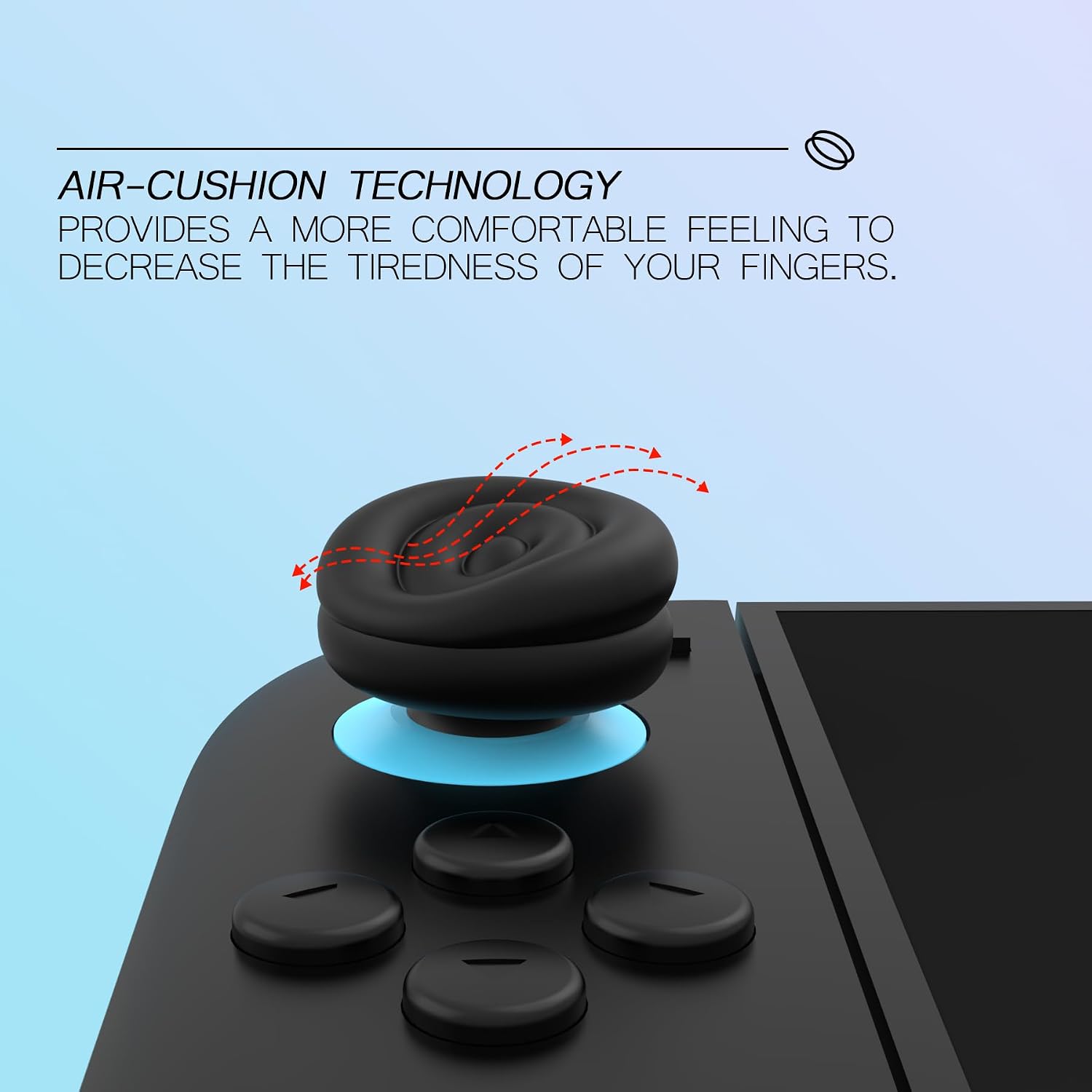
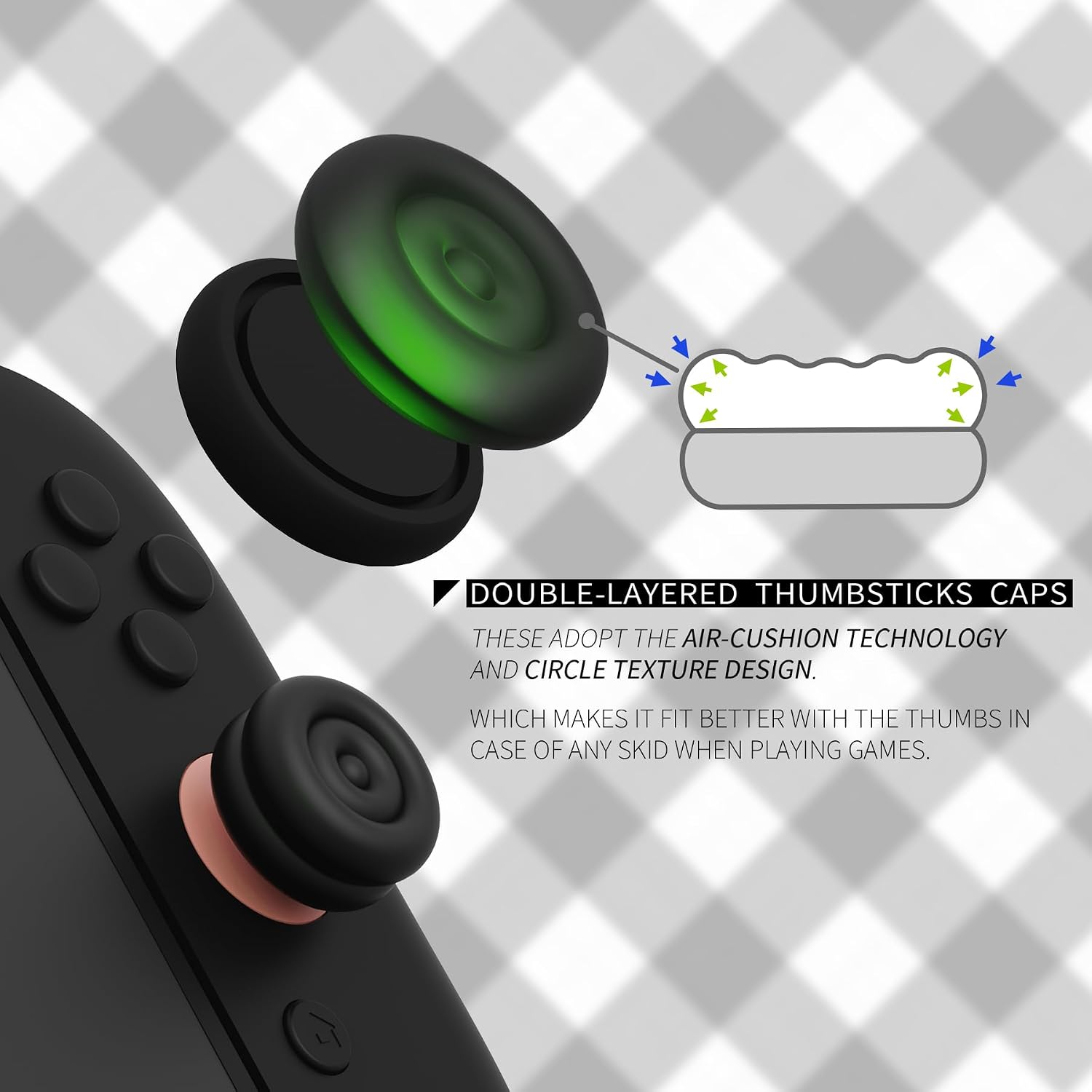
On paper, the key idea is simple: double-layer caps with an air cushion concept, plus a textured top designed to help your thumbs sit more securely. That combination is aimed at reducing some hand and thumb strain during longer sessions, and improving grip so fingers are less likely to slip when things get sweaty (or just intense).
One practical note: these are described as fitting only Nintendo Switch 2 Joycons. If you’re not on Switch 2 Joycon 2 hardware, it’s likely the wrong accessory, so it’s worth checking compatibility before you buy.
What you’ll notice day to day
The comfort improvement here isn’t about changing the thumbstick’s behaviour so much as making it nicer to use. The caps use a soft silicone topper, and there’s a circular texture on top intended to match the way your thumb naturally lands.
The texture is meant to help with control—less “wandering” and fewer micro-slips—while also keeping the normal joystick function in place (the description specifically says it shouldn’t affect standard joystick operation).
It also reads like a protection play. If your original thumbstick caps have started to rub through after heavy use, or you’re trying to avoid that kind of wear, these covers add a cushioned layer on top.
Still, it’s not a miracle fix: if your issue is a damaged or worn thumbstick mechanism itself, a grip cap can’t replace the hardware.
Installation and getting the fit right
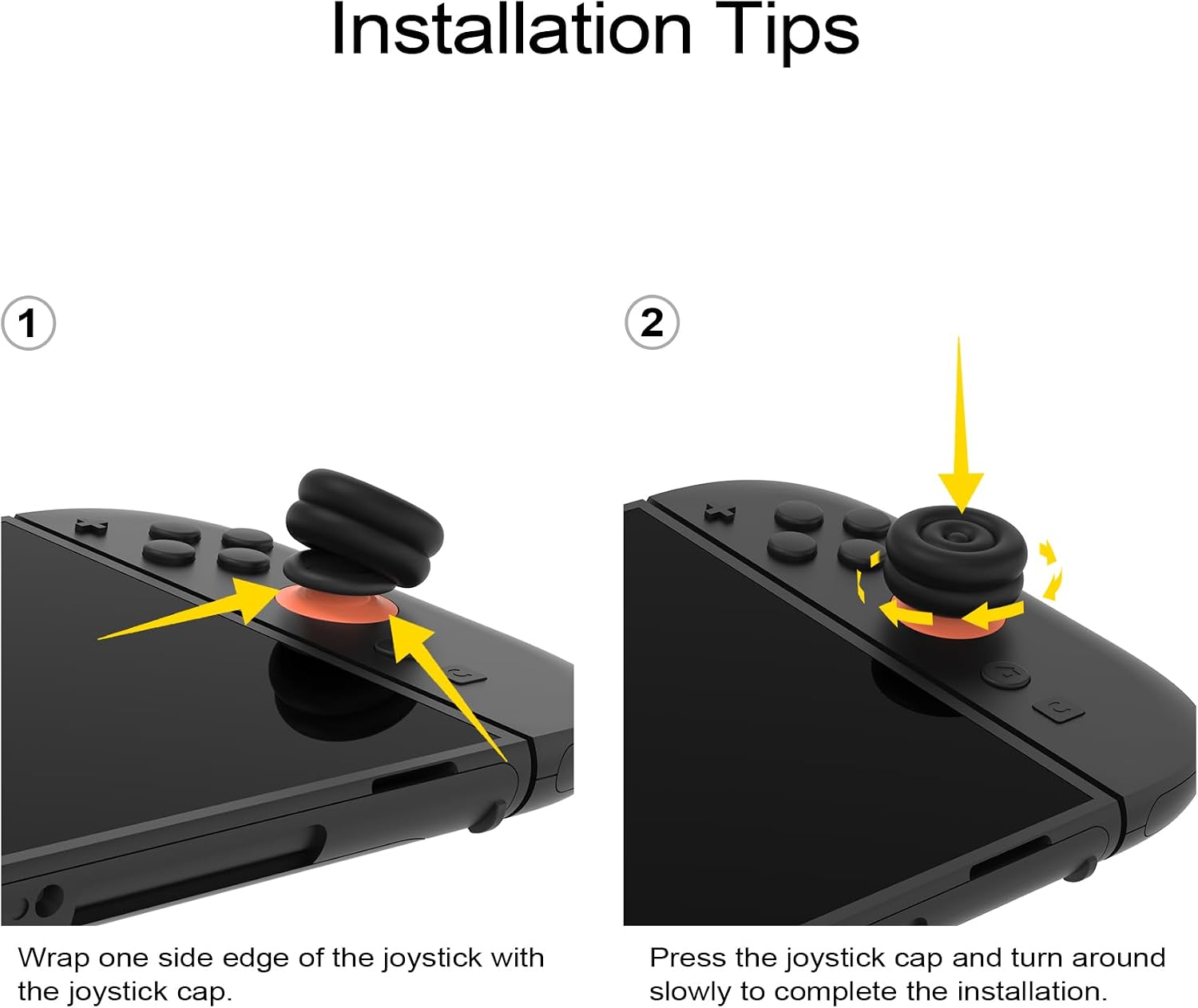
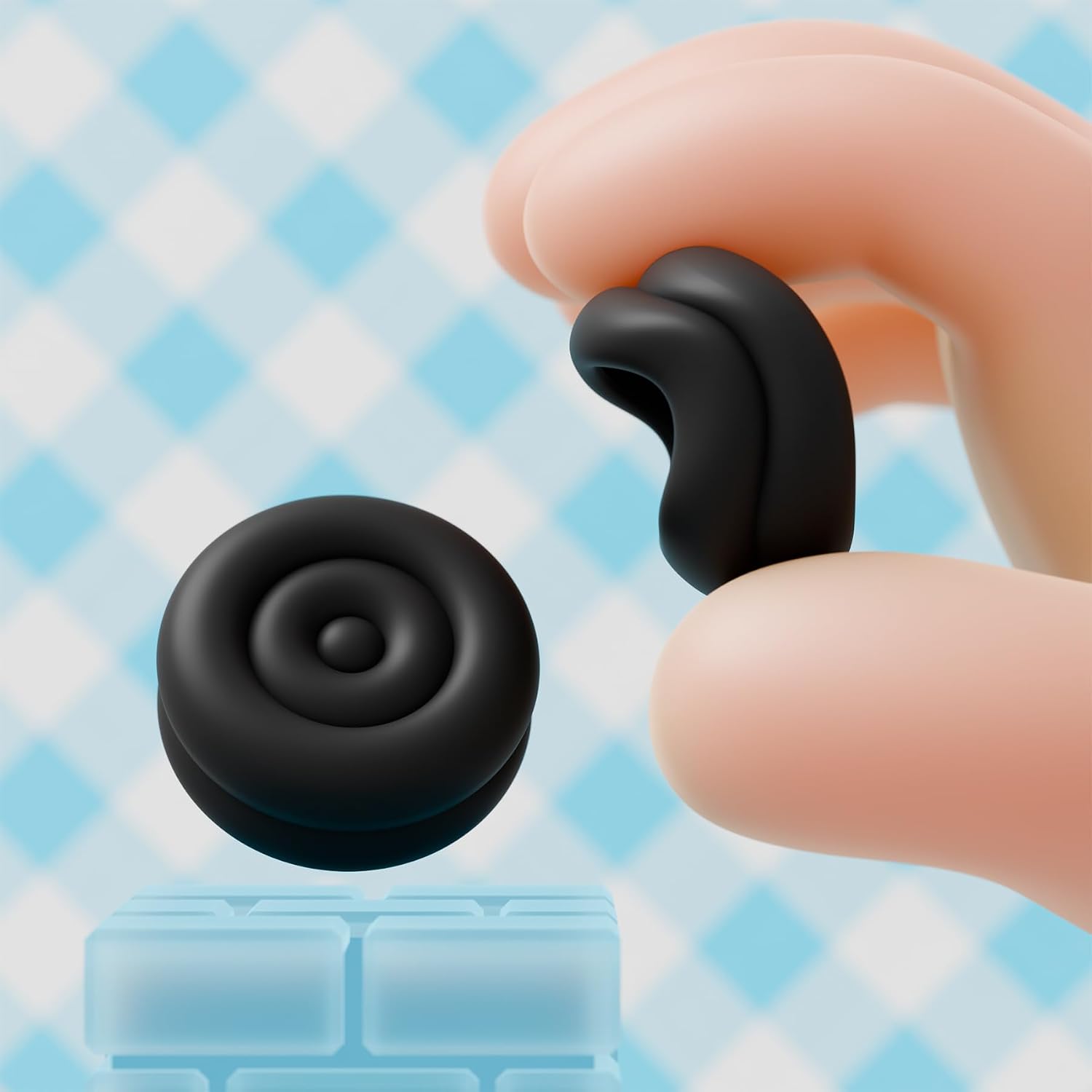
The installation process is fairly hands-on, but it’s explained clearly. You turn the thumb grip edge inside out, cover it over the original analog stick, then turn over the grip edge and rotate the grip cap so it lines up.
The part to pay attention to is the “rotate to match” step. If it’s not seated properly, texture and comfort won’t feel right, and you may find it more annoying than helpful.
Key takeaways
- Built for Nintendo Switch 2 Joycon 2 only (not for other models).
- A cushioned, double-layer approach using an air-cushion concept.
- Textured top surface to improve thumb contact and reduce slipping.
- Soft silicone cap layer designed to protect the original thumbstick caps from rub-through.
- Manual installation that relies on you seating and rotating the cap correctly.
If you’re deciding whether it’s worth it, this is best seen as a comfort-and-protection accessory rather than a performance upgrade. You’re buying the feel for longer sessions.
Who it suits (and who may want to skip it)
It makes sense if you want a more comfortable thumb experience for Switch 2 play, especially for longer games where hand and thumb fatigue creeps in. It’s also a reasonable pick if your current thumbstick caps are showing wear and you’d like an extra protective layer.
It might not suit you if you’re expecting a big change in control feel or precision through electronics—this is purely a physical grip/cap. And if you don’t have Nintendo Switch 2 Joycon 2 hardware, it’s described as incompatible, so you’d be better off looking for the right version for your exact controllers.
Small FAQ
What’s the compatibility like?
It’s stated to fit Nintendo Switch 2 Joycons only, and not any other models.
Will these affect how the thumbstick works?
The description says the circular texture is designed not to affect normal joystick function.
Are they meant for comfort or protection?
Both, in a practical way: comfort improvements via a double-layer air-cushion concept, and protection via a soft silicone topper.
Do I need to buy anything else to install them?
No extra parts are mentioned. The instructions describe a direct cover-and-rotate installation onto the original analog sticks.
Is this suitable if my thumbsticks are already damaged?
These are for covering/protecting the caps and improving grip feel. They can’t fix internal thumbstick damage—if the hardware is the problem, you’ll likely need a different solution.
Is it worth it?
Worth considering if you play Nintendo Switch 2 with Joycon 2 controllers and you want more comfort and better thumb grip for longer sessions, or you’re trying to prevent thumbstick cap wear. You’re essentially buying a softer, textured top layer plus a protective cover.
You may want to skip it if you need compatibility for any other Switch model, or if you’re expecting a performance/precision upgrade rather than a comfort-and-protection accessory. Also, keep in mind that the fit depends on following the described installation steps closely—especially the “rotate to make it match” part—so it sits the way it’s meant to.