

Benazcap Docking Station for Steam Deck OLED (2023) / Steam Deck (2021) – 4K@60Hz HDMI, Gigabit Ethernet & USB-A 3.0
Reviews
Price
Product description
What this docking station is for
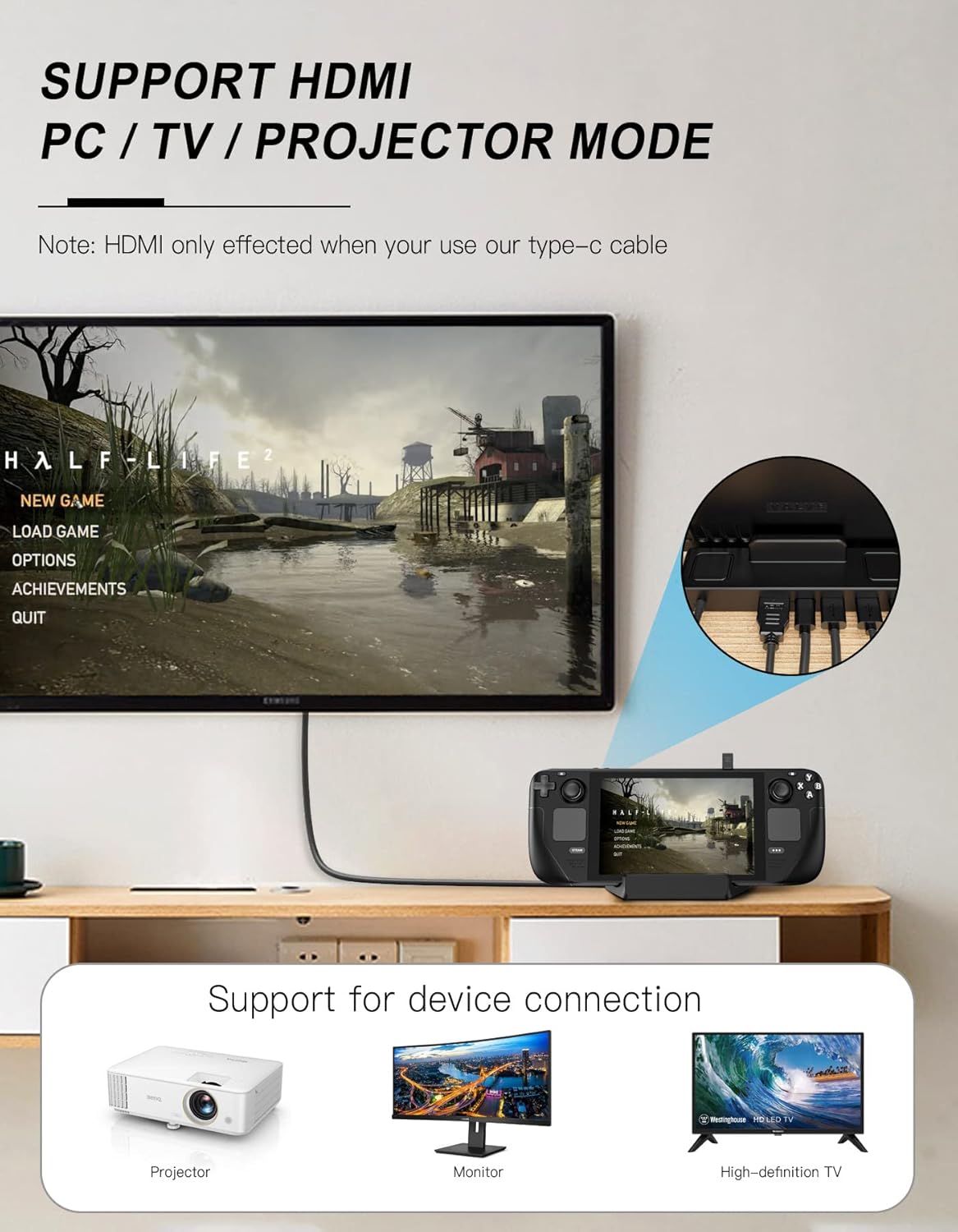
If you’re using your Steam Deck as a “couch to desktop” device, a docking station is the bit that makes it feel more like a proper home setup. The Benazcap Docking Station is built specifically around the Steam Deck (including the Steam Deck OLED 2023 model) and it also aims to work with some iPads and Android phones that have a USB-C port.
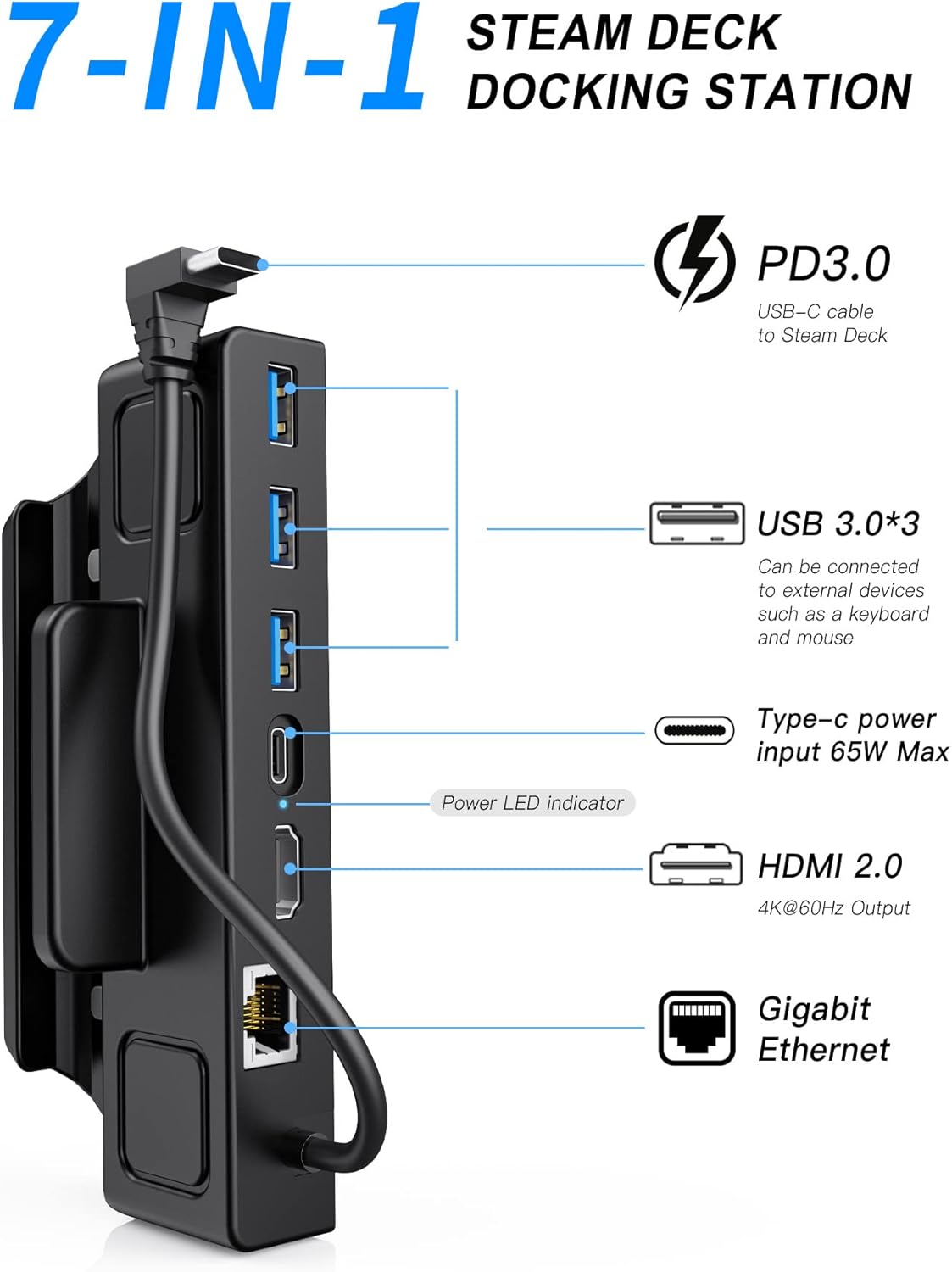
On the output side, it’s positioned as a straightforward high-definition dock: HDMI 2.0 with support up to 4K@60Hz, plus a Gigabit Ethernet port for steadier online play or downloads. It also includes three USB-A 3.0 data ports (rated up to 5Gbps), which is useful if you want to plug in things like keyboards, mice, or other USB peripherals without constantly re-pairing or hunting for adapters.
Key features that actually matter
The most “day-to-day” part here is the combination: HDMI for display, Ethernet for network stability, and several USB-A ports for accessories.
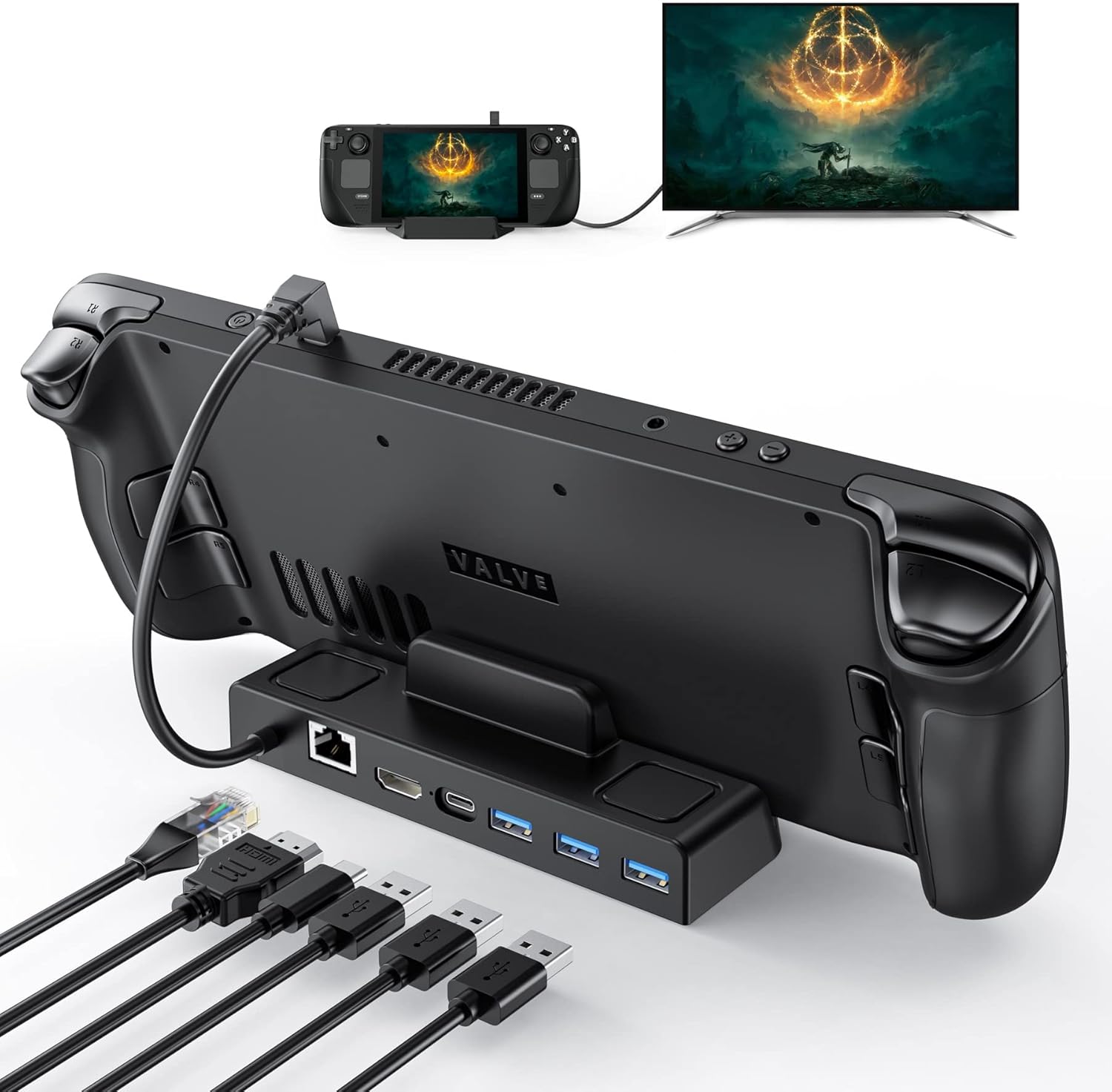
In practical terms, it’s meant to let you: - Send video from your Steam Deck to a TV/monitor via HDMI 2.0, with the dock claiming support up to 4K@60Hz. - Use Gigabit Ethernet when Wi‑Fi isn’t ideal (think busy networks, late-night downloads, or when you just want less latency variance). - Keep desk-cable clutter down by using the three USB-A 3.0 ports for peripherals.
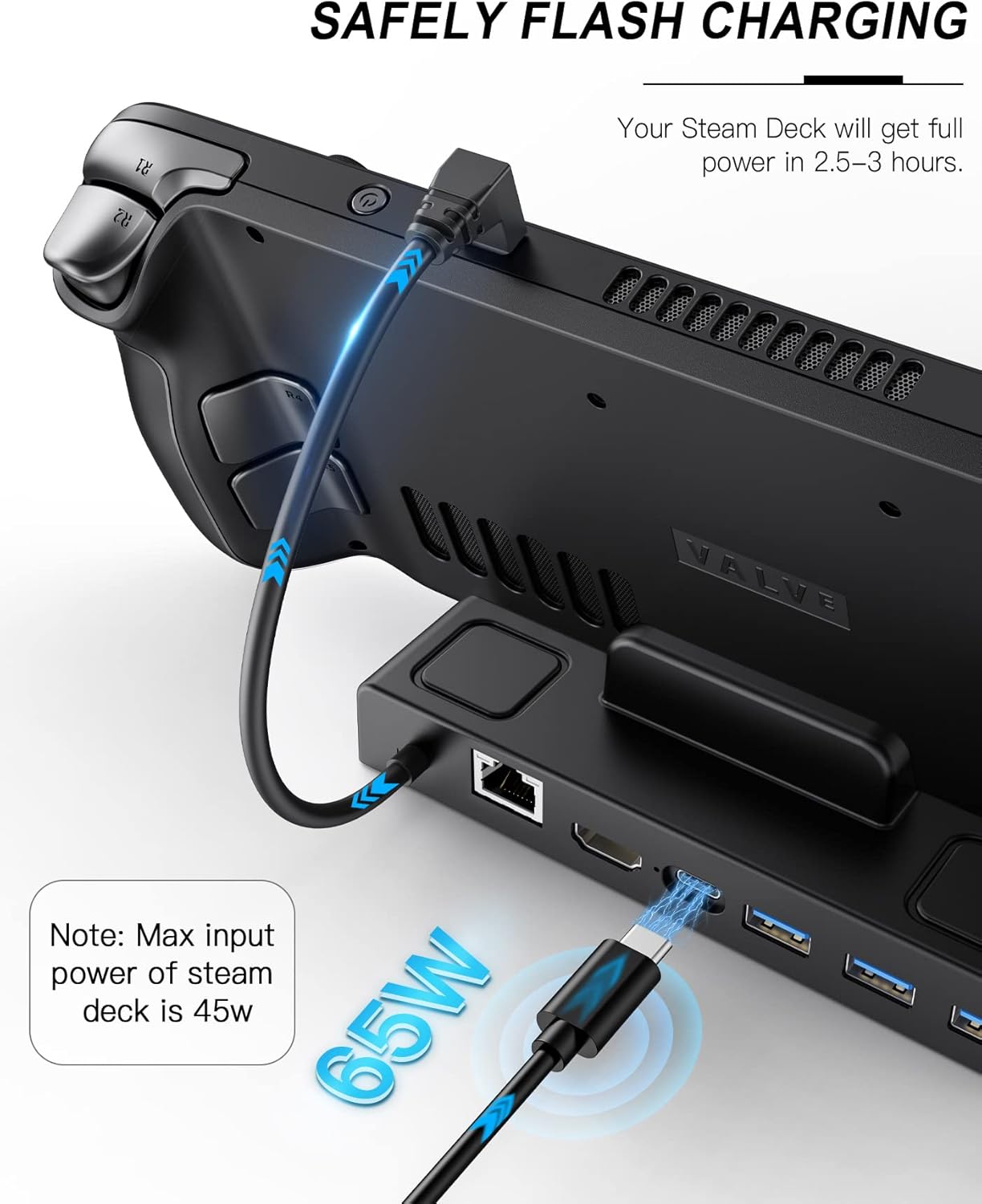
It also supports charging over Power Delivery (PD 3.0) up to 65W, which is important because a dock that can’t power the console properly can leave you juggling chargers. That said, the dock’s own wording around power suggests the exact consumption can vary depending on configuration.
What to know about power and performance
This is where it’s worth being a bit cautious and realistic. The dock supports PD 3.0 fast charging with a maximum power of 65W. The description also states that when using the HDMI/high-resolution setting, it consumes between 15 and 20 W of energy when peripherals are connected via USB. For powering the Steam Deck itself at higher needs, it recommends a 65W power supply.
That doesn’t mean it will be disappointing, but it does mean you should treat power setup as part of the purchase decision. If you’re planning to run demanding display modes while also attaching multiple USB devices, you’ll want to make sure you’re using the right 65W adapter approach.
Ports, compatibility, and where it fits
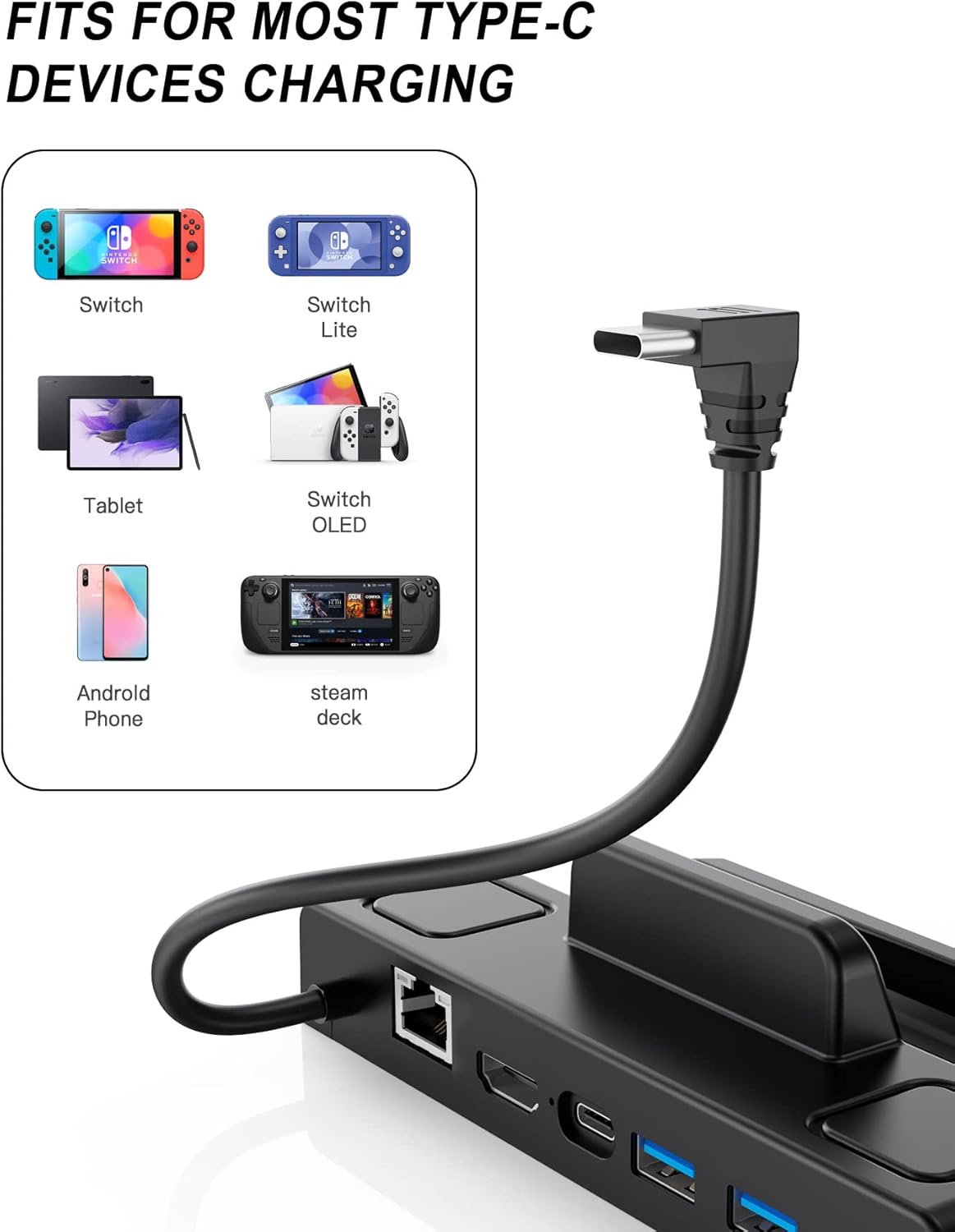
The dock is designed for the Steam Deck and is also described as compatible with iPads and Android phones that have a USB‑C port. So, if you’re buying mainly for your Steam Deck, you’re clearly in the product’s intended lane.
For the Steam Deck OLED (2023) and Steam Deck (2021) specifically, the listing is clearly aimed at those users, and that matters because docks can be picky about how they negotiate video and charging.
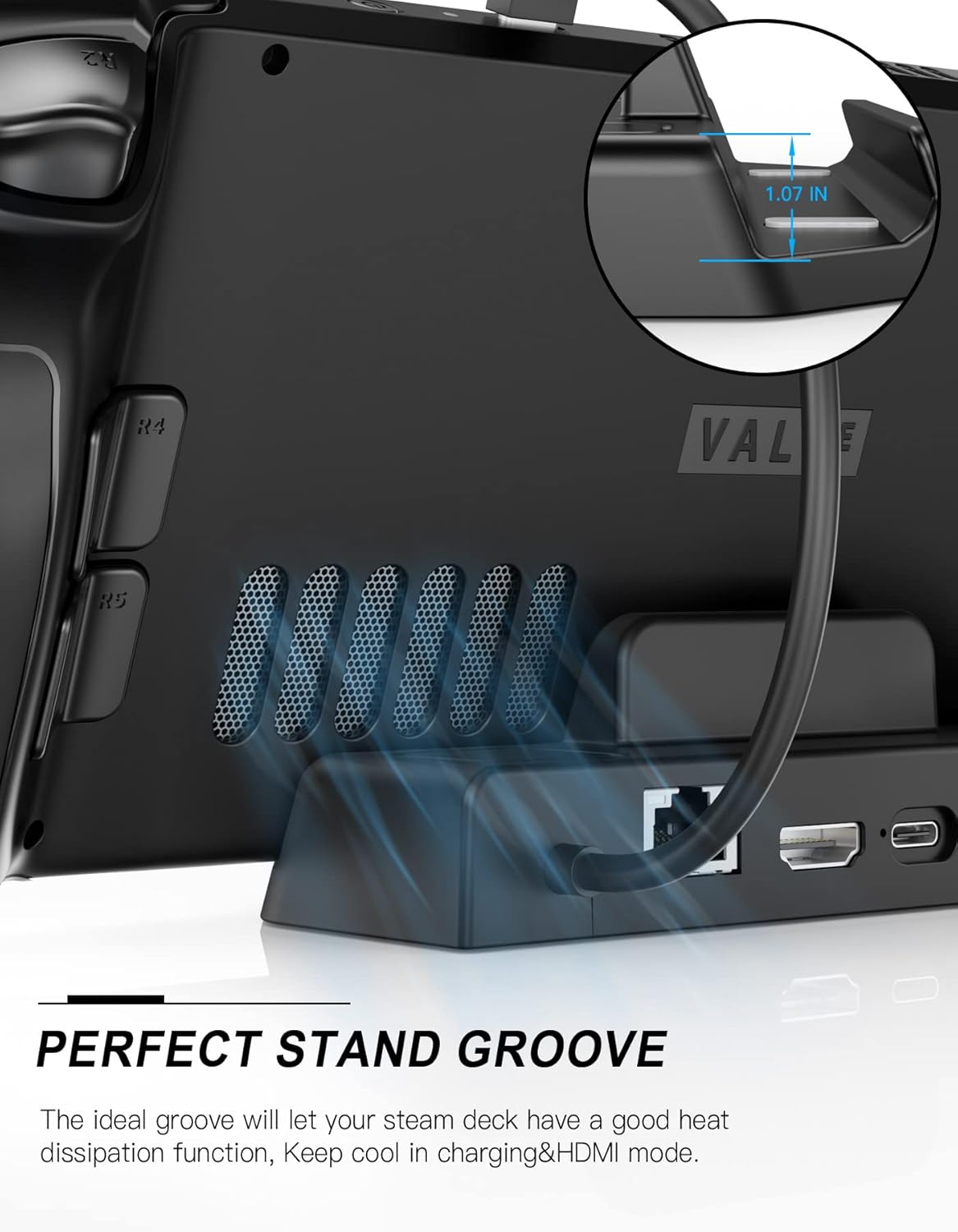
One practical limitation to factor in: the dock can be used with a protective case as long as the case is no more than 2 mm thick, and it should not block the rear air intake. That’s a useful reassurance if you already use a case, but you’ll still want to check your own case thickness before assuming it will “just fit”.
What’s included (and what isn’t)
The dock itself is included, but the charging adapter is not. The listing explicitly says the power adapter is not included. If you don’t already have a suitable 65W power supply to hand, this can change how much value you get from the purchase.
Also, since the dock is aimed at high-definition output (up to 4K@60Hz via HDMI 2.0), it’s worth checking that you have an appropriate HDMI cable and display input that can handle the mode you’re after.
Pros and likely drawbacks
Pros you’ll probably appreciate - HDMI 2.0 support up to 4K@60Hz, giving you options for a better living-room setup. - Gigabit Ethernet port for faster, more consistent networking when Wi‑Fi is unreliable. - Three USB-A 3.0 (5Gbps) ports for peripherals without extra hubs. - PD 3.0 charging up to 65W, which reduces charger juggling. - Compatibility note for protective cases up to 2 mm, plus no blocking of rear airflow.
Where it may not be the perfect match - You’ll need to plan for power: a recommended 65W power supply and the dock’s power usage can vary depending on what’s connected and what resolution setting you’re using. - If your case is thicker than 2 mm, it may not sit properly or may stop the “no blocking” benefit. - If you only need basic video output, the extra USB ports and emphasis on Ethernet may be more than you actually need.
Everyday use example
Picture this: you finish a session on your Steam Deck and want the same game on a TV in the living room. You dock it, connect HDMI to your TV, plug in a wired controller or keyboard/mouse using the USB-A 3.0 ports, and switch to Gigabit Ethernet for steadier online play or faster downloads. When you’re done, you undock and go—this is the kind of setup the Benazcap dock is clearly built to support.
The “feel” of it depends on your cables and power adapter, but the feature set is designed around that real-world handoff.
Mini FAQ
Is it compatible with the Steam Deck OLED and Steam Deck 2021?
Yes. The listing calls out compatibility with the Steam Deck OLED 2023 and the Steam Deck 2021, alongside the general Steam Deck line.
Does it support USB peripherals?
Yes. It has three USB-A 3.0 data ports, rated up to 5Gbps.
What display quality does it support?
The dock’s HDMI 2.0 output is stated as supporting up to 4K@60Hz.
Is it good for online gaming?
It includes a Gigabit Ethernet port, which is generally the stronger choice when you want more predictable networking than Wi‑Fi.
Do I get a power adapter in the box?
No. The listing says the charging adapter is not included, so you’ll want to source a suitable one (the description recommends 65W for powering the console).
Final verdict
Worth considering if you want a Steam Deck-focused dock that covers the basics properly: HDMI up to 4K@60Hz, Gigabit Ethernet, and multiple USB-A 3.0 ports, with PD charging up to 65W.
It may not be the best choice if you don’t have (or don’t want to buy) a suitable power adapter, or if you rely on a protective case thicker than 2 mm and don’t want to risk fit/airflow issues.
Is it worth it? It makes sense when you’re setting up a home “dock and play” routine and you care about having Ethernet plus enough USB ports for your usual peripherals—just don’t ignore the power-adapter point, because that’s where value can swing.