

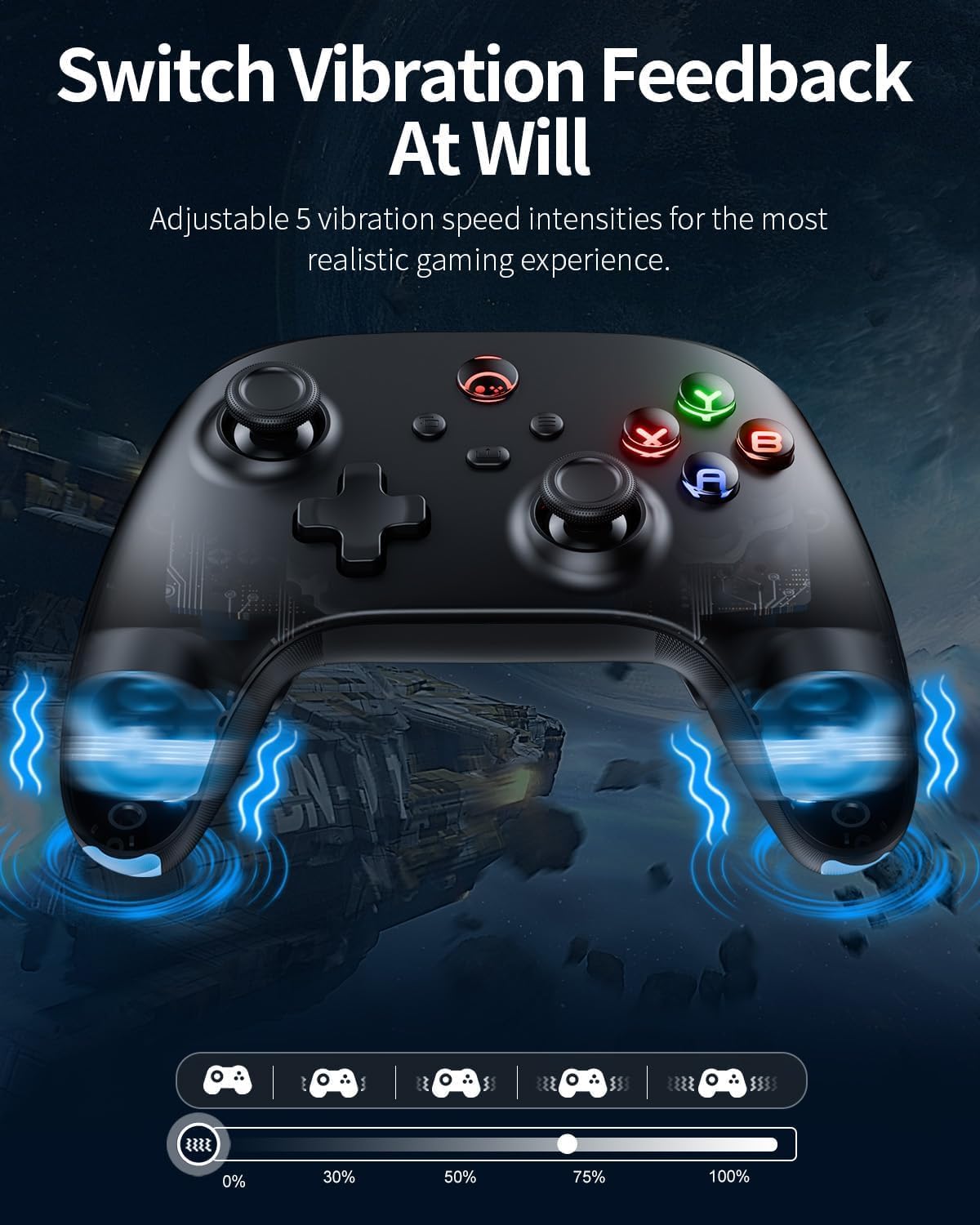
PC Controller Wireless with Hall Effect, 2.4G Dongle & Bluetooth – Paddles Back Buttons for Windows, Steam Deck, Switch 2 Pro
Product description
What you’re really buying
This wireless PC game controller is aimed at players who want more precise analogue control than you’d typically get from older-style sticks. On paper, the big selling point is its Hall Effect joysticks and triggers, paired with dead zone calibration. That combination is designed to help with the two issues people usually complain about over time: drift and “not quite centred” aiming.
It’s also a practical multi-platform controller. You can switch between a 2.4G dongle connection, Bluetooth, and a USB-C mode, which should suit mixed setups (PC at home, handheld on the sofa, or mobile when you fancy it). The ABXY button illumination is another detail that’s more about ambience than performance, but it’s the kind of thing you’ll notice day to day if you game in the dark.
Still, it’s worth being a bit cautious: without knowing the exact button mapping options, firmware behaviour, or how well it integrates with every app/game, the “multi-platform support” claim is something you should sanity-check for your specific library.
Key features that matter in use
The controller focuses on responsiveness and control feel rather than gimmicks.
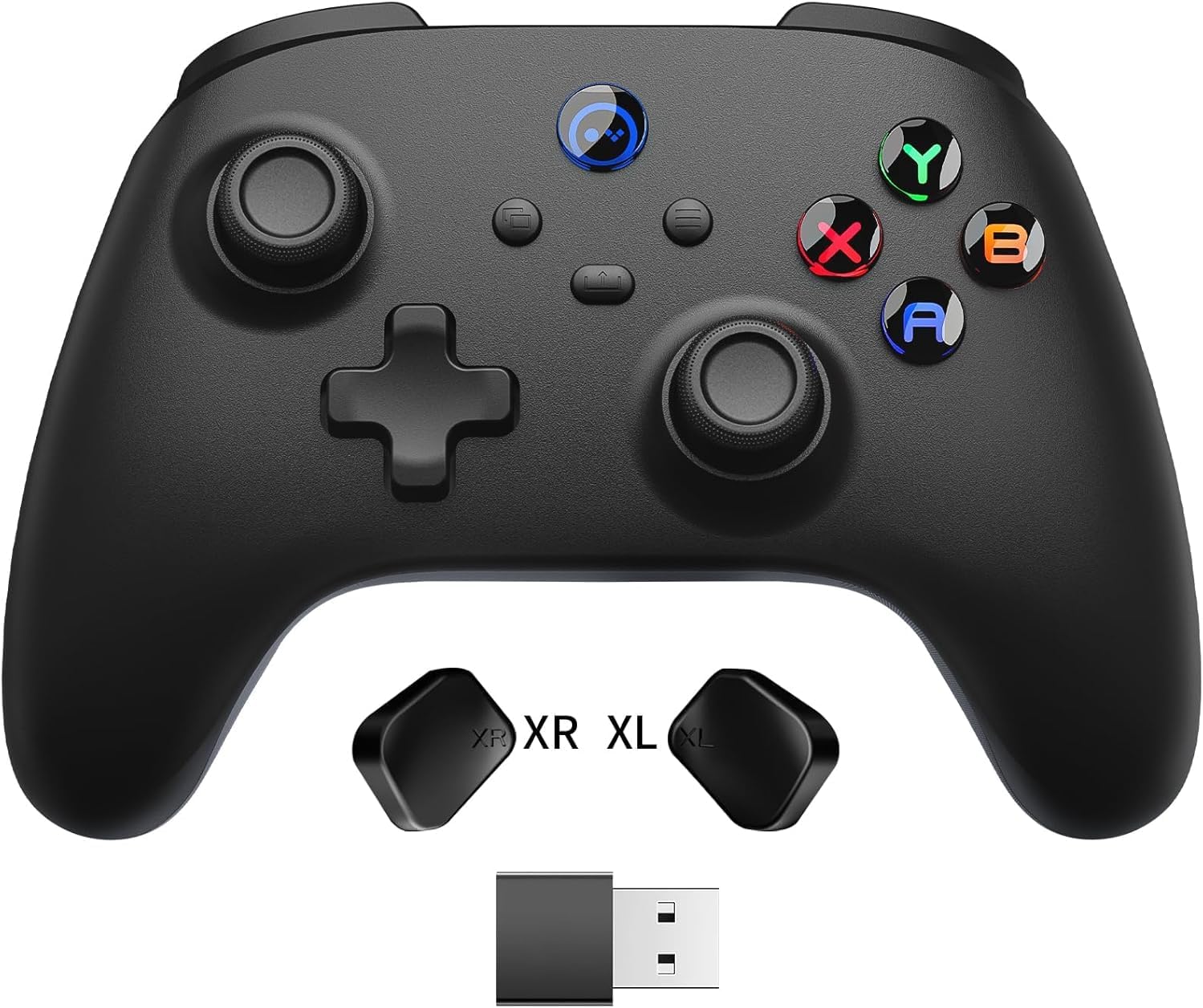
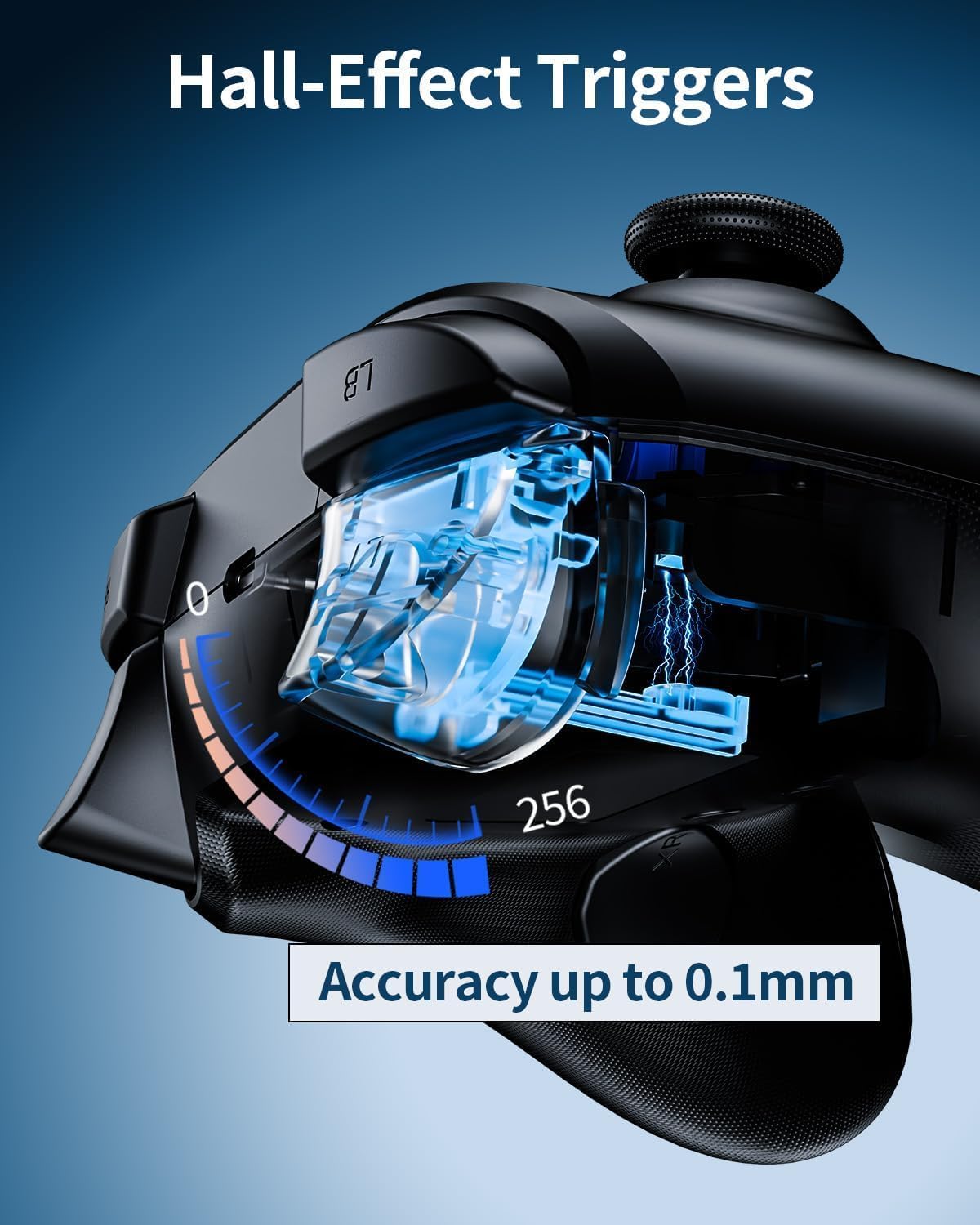
Hall Effect joysticks and triggers are the cornerstone here. In real terms, that’s meant to reduce drift and keep inputs consistent for longer. If you play FPS games where tiny stick movements decide whether you hit or miss, this is exactly where you’d expect the benefit to show up.
You also get joystick dead zone calibration with 4 adjustable dead zones (0°/2°/4°/6°). If you prefer instant response, a smaller dead zone may feel snappier. If your thumbs tend to rest slightly off-centre, a larger dead zone can make movement more controlled. It’s a small setting, but it can be the difference between “why is my aim wandering?” and a steadier feel.
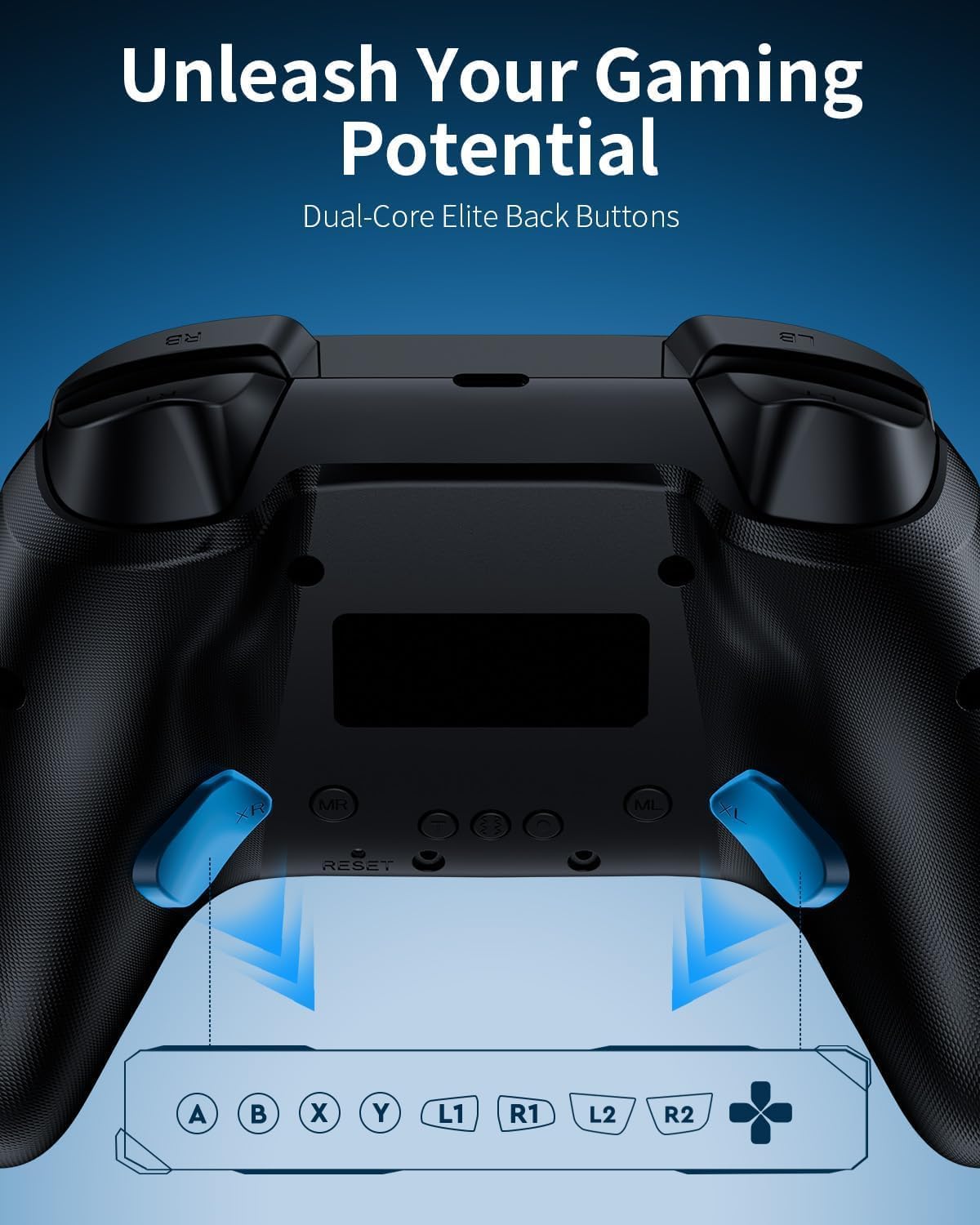
For competitive or fast-paced play, the two programmable back buttons are a big deal. They’re intended for macros, multi-button combos, or more complex commands. The practical upside is that you can keep your thumbs on the sticks and face buttons while still firing, reloading, dodging, or using abilities.
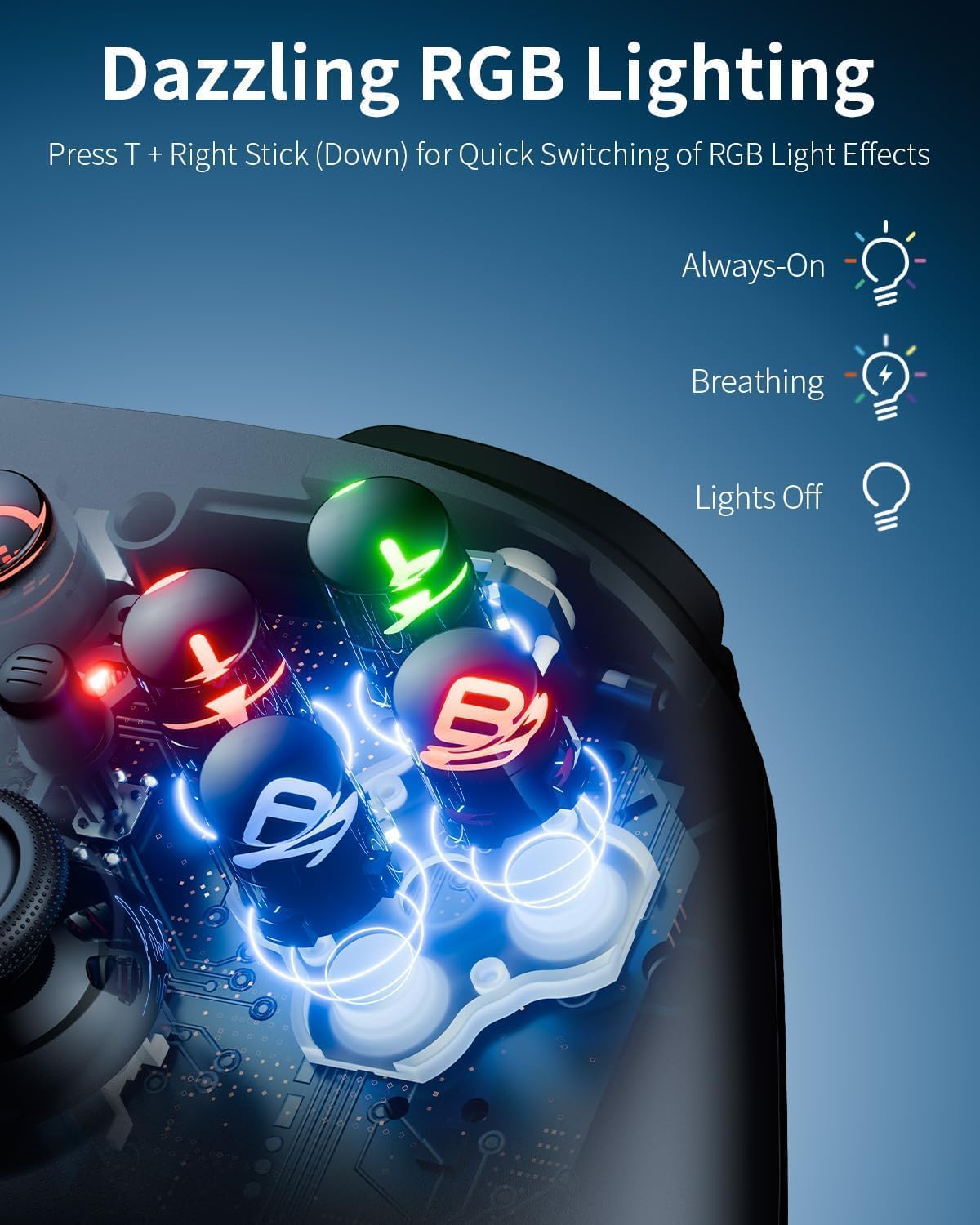
And yes, there’s RGB lighting—ABXY button illumination with 3 modes (static, breathing, off). That’s aimed at setup looks, it won’t make you better at aiming, but it lets you match your desk/room lighting.
Connectivity: 2.4G, Bluetooth, or USB-C
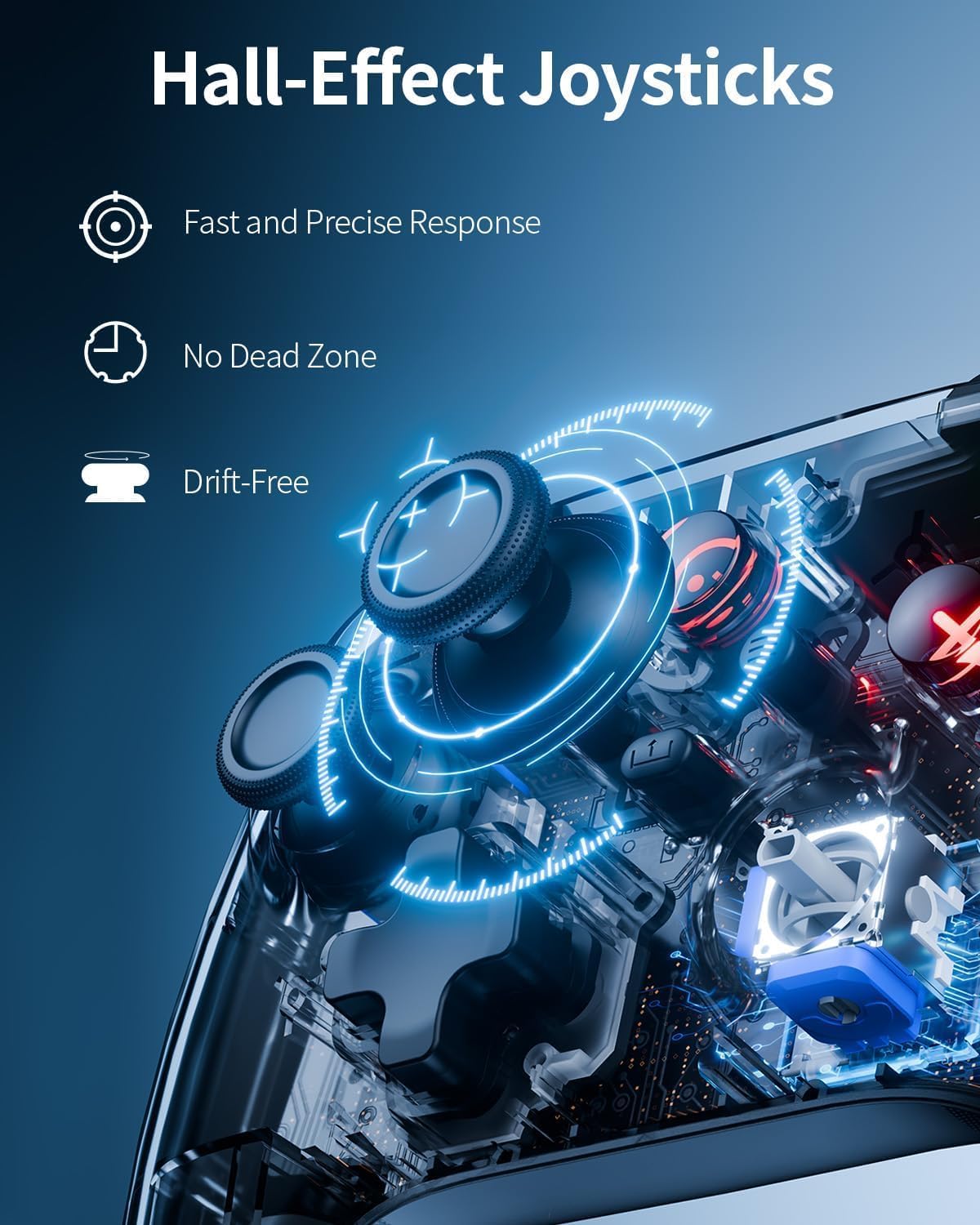
Three connection modes are often what separates a controller that stays on one device from one that actually follows you around.
- 2.4G dongle mode targets low-latency wireless use on supported devices.
- Bluetooth mode helps when you want a simpler wireless link.
- USB-C mode gives you a wired fallback, which can be useful if you’re troubleshooting latency or want a consistent setup.
The multi-platform angle mentions Windows PC, Switch, Steam Deck, Android, and iOS. That range is appealing, especially if your household doesn’t all game on the same device. It also suggests you shouldn’t need a separate controller per screen.
One limitation to keep in mind: “supported” doesn’t always mean “identical setup experience”. Depending on the device and game, you may still need to check how button layouts and back-button assignments carry over.
Key takeaways: where it shines (and where it may fall short)
Worth considering if: - You’re specifically looking for Hall Effect sticks and triggers, and you’re tired of drift becoming a problem. - You play genres where dead zone tuning helps (FPS for precision, racing for smoother control). - You want programmable back buttons for quicker actions without taking your thumbs off core controls. - Your setup is mixed—PC plus a handheld—and you’d rather switch one controller across them.
Not the best choice if: - You only play on one platform and you’re mostly chasing convenience over features. A simpler controller can sometimes be easier to configure. - You’re the type of player who needs guaranteed “it just maps perfectly” behaviour across every game/app on Android/iOS. Without more detail, you’ll want to confirm compatibility and mapping for your titles.
It’s positioned as a more “serious gaming” controller, but that doesn’t automatically mean it’s a full step-up across every scenario—sometimes software/compatibility details decide the outcome.
Tech specs (the parts you should look for)
- Type: Wireless game controller
- Name: PC Controller Wireless for Windows/Steam Deck/Switch 2 Pro
- Material: Matte faceplate (as described)
- Colour: Black
- Display: ABXY button illumination (RGB lighting)
- Processor: Not stated
- Memory: Not stated
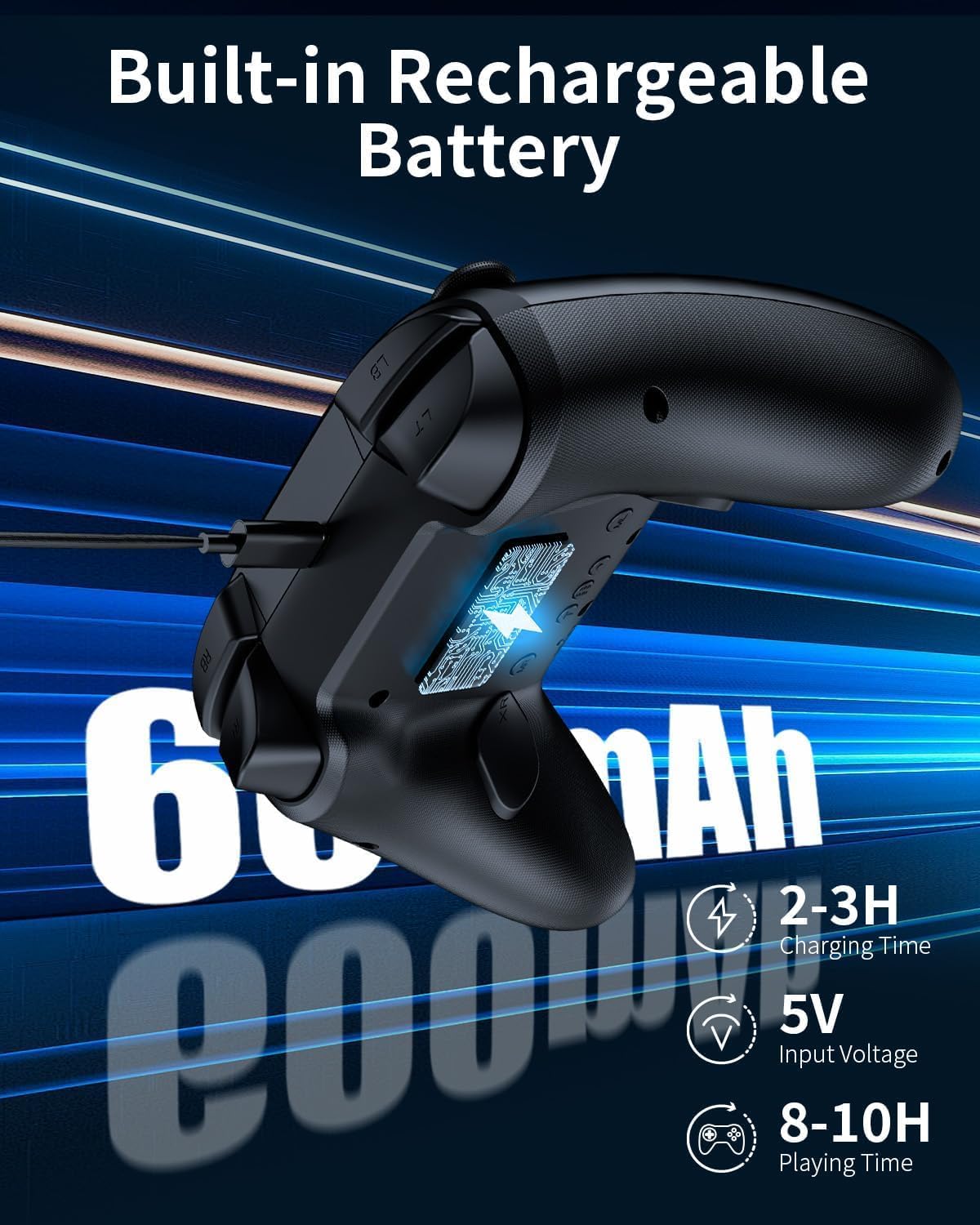
Note: The description focuses on Hall Effect precision, dead zone calibration, and connectivity modes (2.4G dongle, Bluetooth, USB-C), but it doesn’t provide deeper technical detail like response timings, battery capacity, or sensor dimensions—so you may want to check the listing for those if battery life is a deal-breaker.
Everyday use: a realistic example
Imagine you’re playing an FPS on your Windows PC. You set the dead zone to 0° or 2° if you like immediate stick response. If you notice micro-movement when you’re aiming at targets, you can bump it up to 4° to stabilise the feel.
Then you assign one back button to something like a crouch/slide action and the other to reload or a key ability. With that setup, you don’t have to stretch your hands away from the sticks and face buttons mid-fight. Over time, the Hall Effect sticks and triggers are intended to keep that control consistent instead of gradually getting “off”.
What to check before you buy
Before committing, it’s sensible to confirm three practical areas:
1) Your preferred connection mode: if you mostly play on the go, Bluetooth may be your main route, if you’re at home at a desk, the 2.4G dongle might be the one you’ll rely on.
2) Back button assignment: the controller offers two programmable back buttons, but the exact way you set macros/combos can vary by platform. If you care about specific inputs, double-check that you can map them the way you want.
3) Dead zone behaviour in your games: the controller provides 4 dead zone options, which is great in theory. In practice, some games handle dead zones differently. It’s still worth expecting a bit of tweaking.
Final verdict
If you want a wireless controller that’s built around Hall Effect joysticks and triggers, plus configurable dead zones and two programmable back buttons, this is the kind of setup that suits competitive play and long sessions where drift would normally become a nuisance.
It may not be the smoothest “plug in and forget” pick for every game across Windows, Steam Deck, Switch, Android, and iOS—because mapping and behaviour can differ. But if you’re willing to spend a few minutes dialling in dead zone settings and back-button assignments, it looks like a genuinely practical controller for mixed-platform gaming.
Mini FAQ
Does it connect using both a dongle and Bluetooth?
Yes. The controller supports a 2.4G wireless dongle and Bluetooth, with an additional USB-C mode mentioned for switching connection options.
What’s the point of dead zone calibration?
It lets you adjust how much input movement is ignored near the centre. That can help reduce unwanted drift-like movement and improve aiming stability, especially in FPS or racing-style control.
Can I turn off the RGB lighting?
Yes. The lighting offers 3 modes (static, breathing, off), so you can disable it.
Are the back buttons programmable?
They are described as programmable, with support for macros, multi-button combos, or complex commands.
Will it work on Android and iPhone?
The description states support for Android and iOS, alongside Windows, Switch, and Steam Deck. As always with mobile input, it’s worth checking that your specific games/controllers behave how you expect after setup.