


Guermok USB 3.0 Video Capture Card with PD 100W (HDMI to USB-A/C) for 1080p 60fps streaming
Reviews
Price
Product description
What this capture card is for
If you want to bring HDMI video into your computer or streaming setup, a capture card like this Guermok model is the kind of tool that makes life easier. It’s designed to take an HDMI input and deliver a USB capture feed so you can use it with common streaming and recording workflows (for example OBS Studio is mentioned as compatible in the description).
On paper, the standout point is the combination of 1080p output up to 60fps and a low-latency, uncompressed approach (YUY2/MJPEG mentioned). That mix is usually what people look for when they’re streaming gameplay, recording a camera feed, or running a live meeting workflow where delays feel distracting.
There’s also a PD 100W charging feature on the device, aimed at keeping certain USB-C powered setups supplied while you’re capturing for longer sessions. It’s genuinely useful when it matches your power setup, but it does come with a limitation (it won’t work for charging via the USB-A connection).
The essentials (resolution, frame rate, and formats)
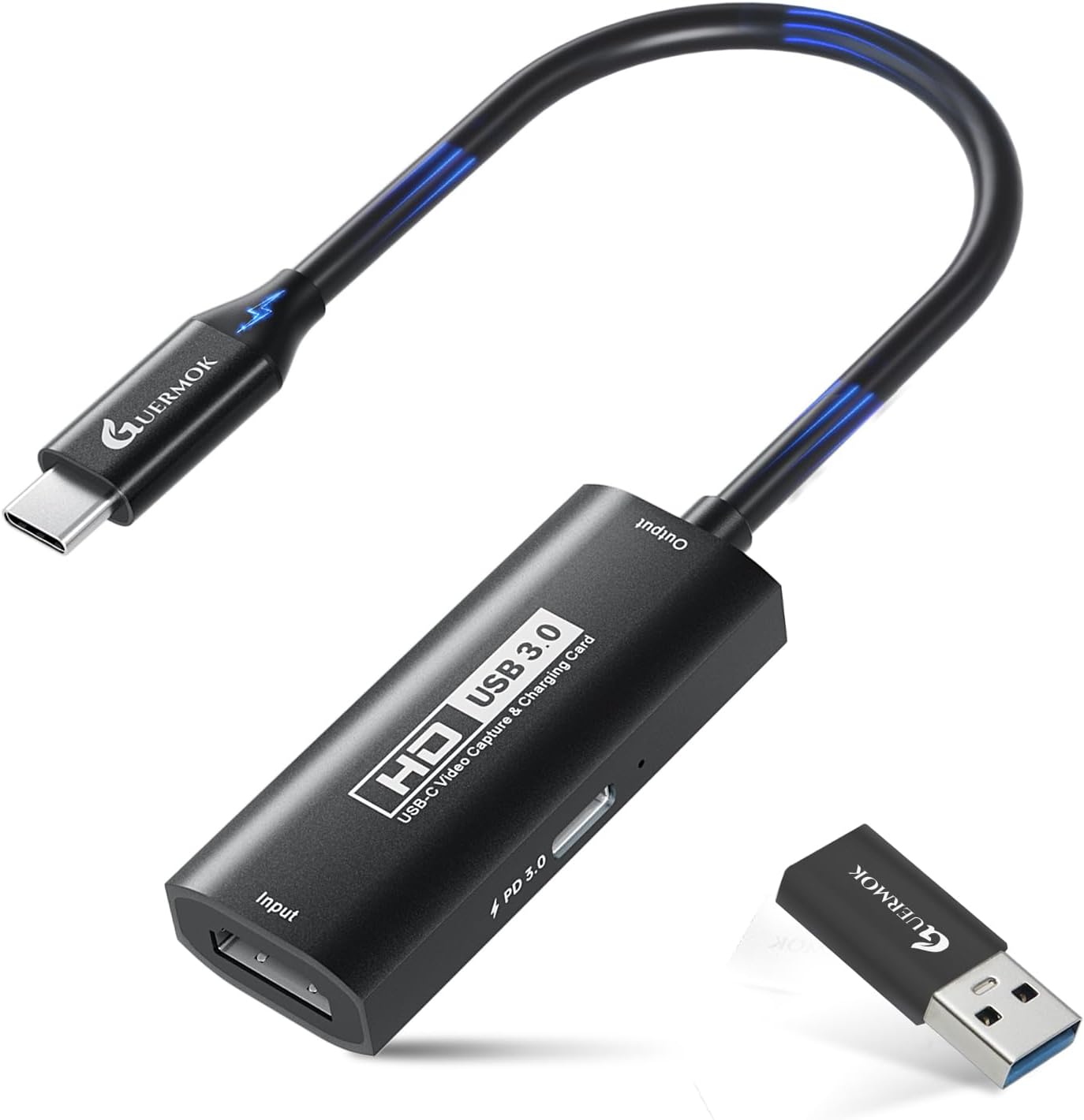
The device is positioned as an HDMI capture card with USB 3.0 connectivity. The input is supported up to 4K at 30Hz, while the output reaches 1920×1080 at up to 60Hz. In practical terms, that means:
- If you’re targeting smooth live motion (like console gameplay), 1080p at up to 60fps is the figure you’ll care about.
- If you’re trying to feed a higher-resolution HDMI signal, you’ll want to pay attention to the input cap stated: it supports up to 4K at 30Hz.
For the capture data handling, the description specifically mentions formats YUY2 and MJPEG, described as preserving the original video quality, and also mentions ultra-low latency without compression. The exact benefits depend on your software pipeline, but the intention is clear: fewer processing compromises and a more responsive feel.
One thing to keep in mind: if your goal is 4K/60fps-grade capture, this card may not be the match, because the stated output support is 1080p up to 60Hz and the stated 4K input is up to 30Hz.
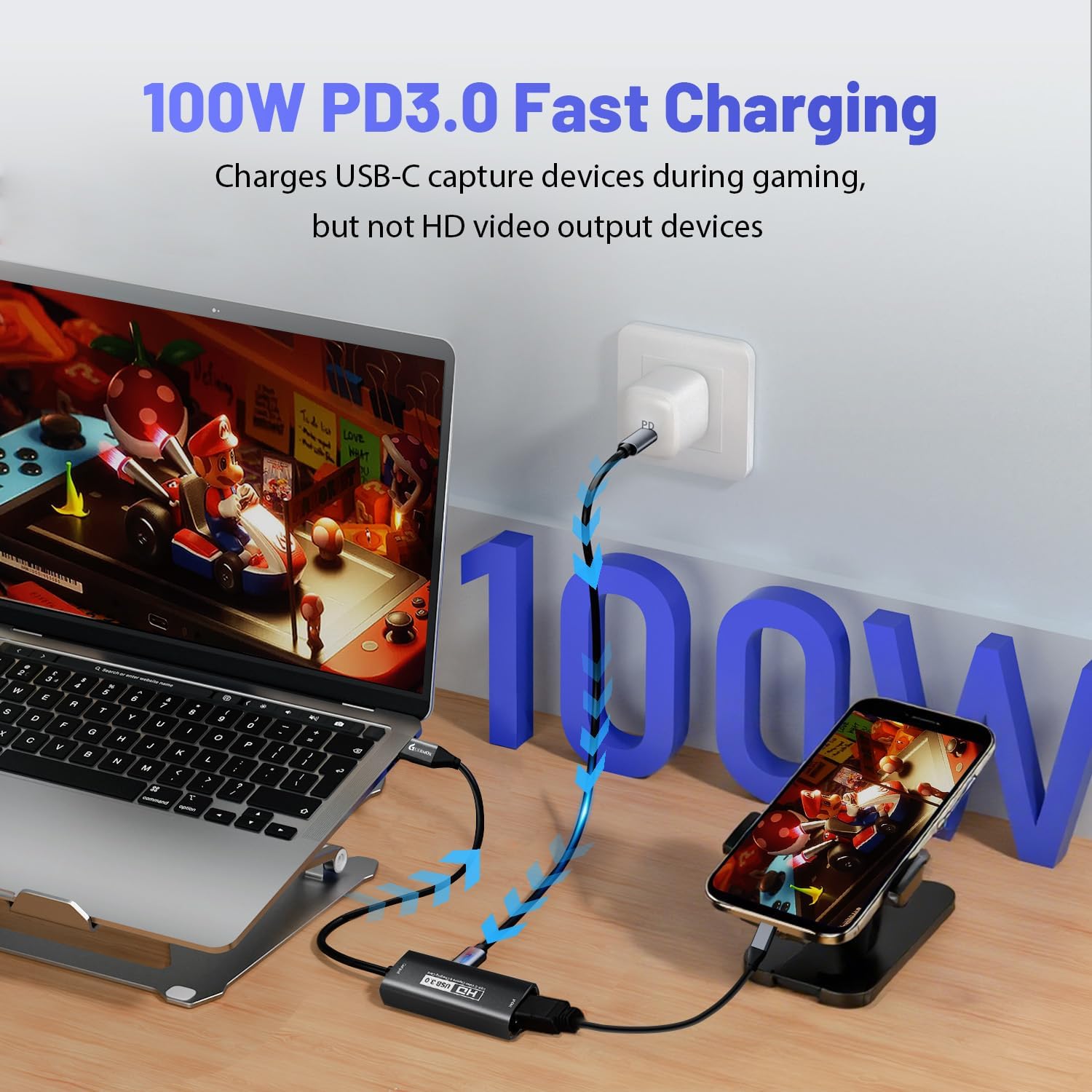
USB-A/C connectivity and the PD 100W charging nuance
This model is sold with both Type-C and USB connectivity (it includes a Type C adapter mentioned in the name). That matters because not all computers and capture setups are wired the same way.
The charging feature is a nice “extra” if you’re planning a portable live setup. It’s described as PD 3.0 100W and plug-and-play for fast capture, with stable power for USB-C devices during longer recordings or streams.
However, take note of the limitation included in the description: charging is not compatible with the USB-A adapter, and charging can only be done on USB-C ports that support charging. It also says you need a 100W charger to achieve the same fast charging speed. So, if your plan is “USB-A cable in and charging on regardless”, you may end up disappointed.
There’s also a small realism check: it can warm up slightly during charging, which is described as normal.
What you’ll notice day to day (latency and portability)
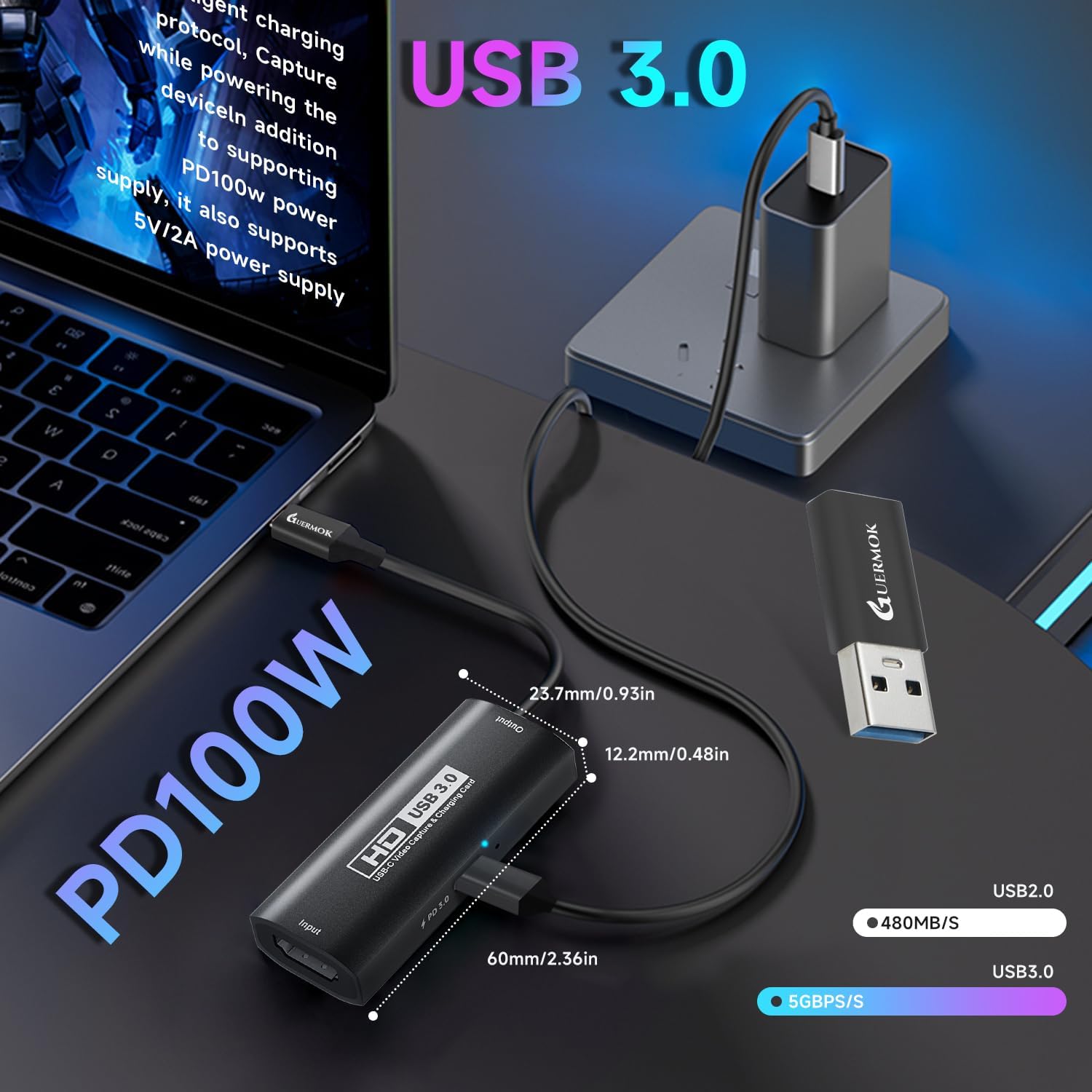
Capture cards succeed or fail on how they behave in real use. Here, the low-latency, uncompressed capture positioning is the practical selling point. In day-to-day terms, that tends to translate to less of that annoying “video arriving late compared to what you’re doing” feeling.
For a micro example: say you’re streaming gameplay from a console into OBS Studio. You’d connect HDMI to the capture card, plug the USB into your laptop (USB-A or USB-C depending on your port), and use your streaming software to preview and record. The stated 1080p@60Hz output and low-latency approach are meant to keep the preview and capture feeling responsive.
Portability is another easy win. The card is described as compact, with an aluminium alloy housing that provides heat dissipation, and it doesn’t require extra drivers or an external power supply. That’s convenient for people moving between rooms, desks, or setup locations.
It’s worth noting, though, that “doesn’t require drivers” doesn’t always mean “no configuration at all”. Your software still needs the correct input selected, and different systems may behave differently.
Compatibility and where it fits best
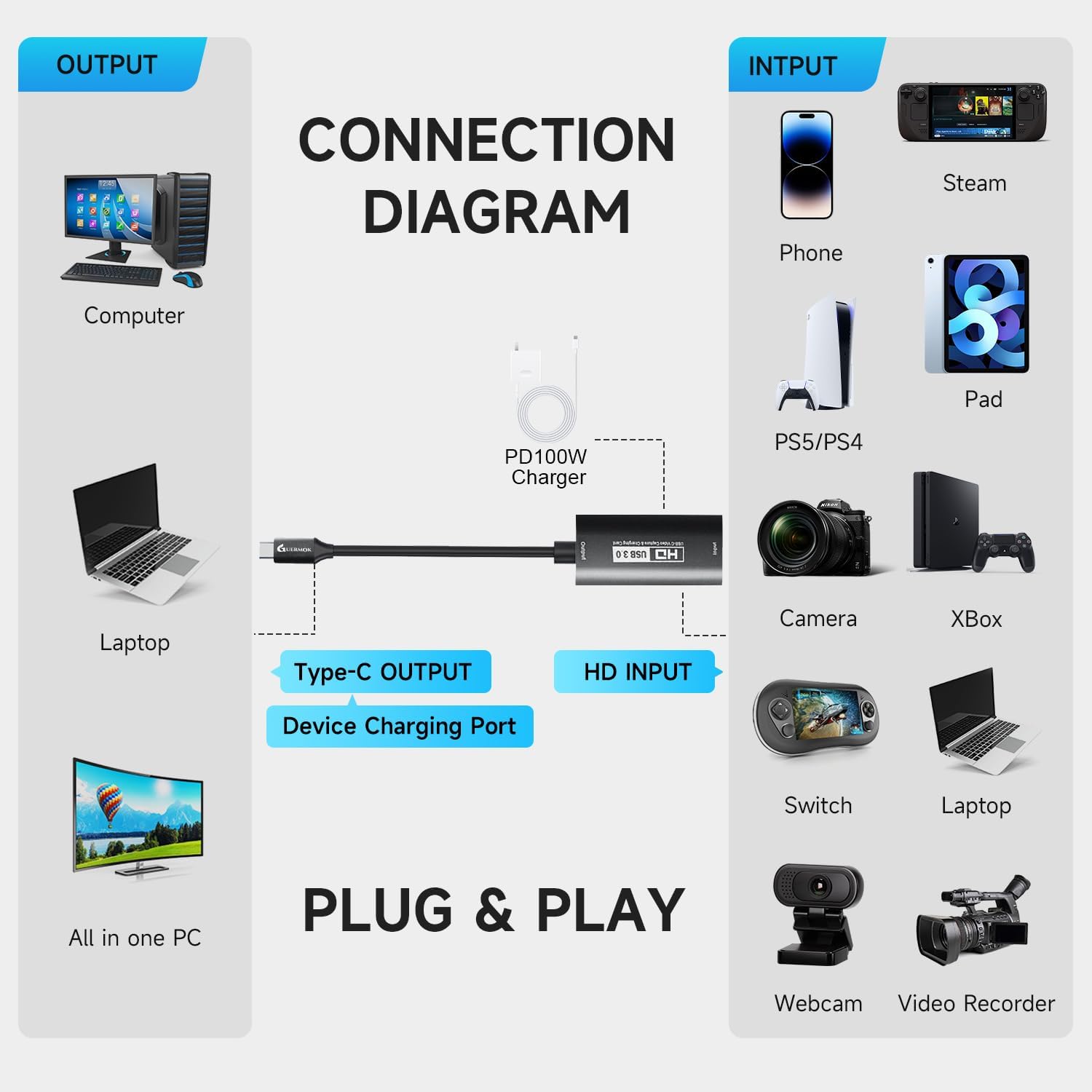
The description claims broad compatibility across a range of systems, including Windows 7/8/10/11, macOS, Android (5.0+), Linux, and it also references various devices and workflows like Oculus/Quest 3, iPad, MacOS, Switch, PS4/PS5, and mentions Xbox One, PS3/PS4/PS5. It also lists examples of capture software such as OBS Studio, Potplayer, VLC, and Vmix.
That breadth suggests it’s aimed at people who want one capture card that can be moved between a few setups rather than a card that only works neatly in one ecosystem.
It’s also marketed as suitable for streaming, real-time recording, editing and video transfer in HD.
Still, this is where you should be cautious: the compatibility list is long, but the description doesn’t provide details about which specific inputs/outputs are guaranteed to work with which device in every scenario. If you’re relying on a particular console-to-app-to-laptop chain, it’s wise to check that your exact software recognises the capture feed once connected.
Tech specs (as stated by the listing)
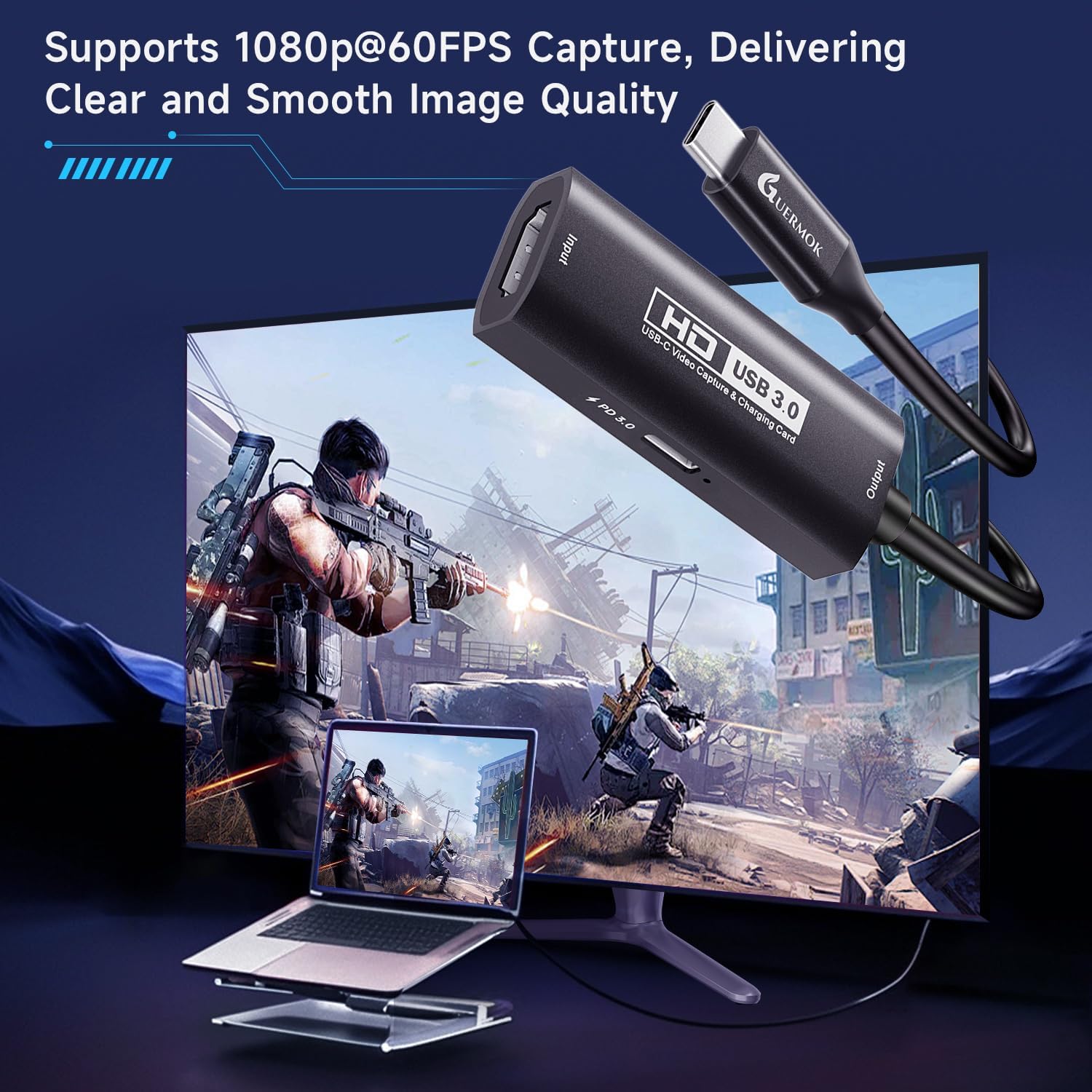
- Type: HDMI to USB video capture card (USB 3.0)
- Input support: up to 4K @ 30Hz (HDMI input)
- Output support: up to 1920×1080 @ 60Hz
- Video formats mentioned: YUY2, MJPEG
- Connectivity: HDMI to USB-A/USB-C (Type C adapter included)
- Charging feature: PD 3.0, up to 100W (charging via USB-C ports that support charging only)
- Heat/power: aluminium alloy housing for heat dissipation, no external power supply required (per description)
Pros, cons, and who should choose it
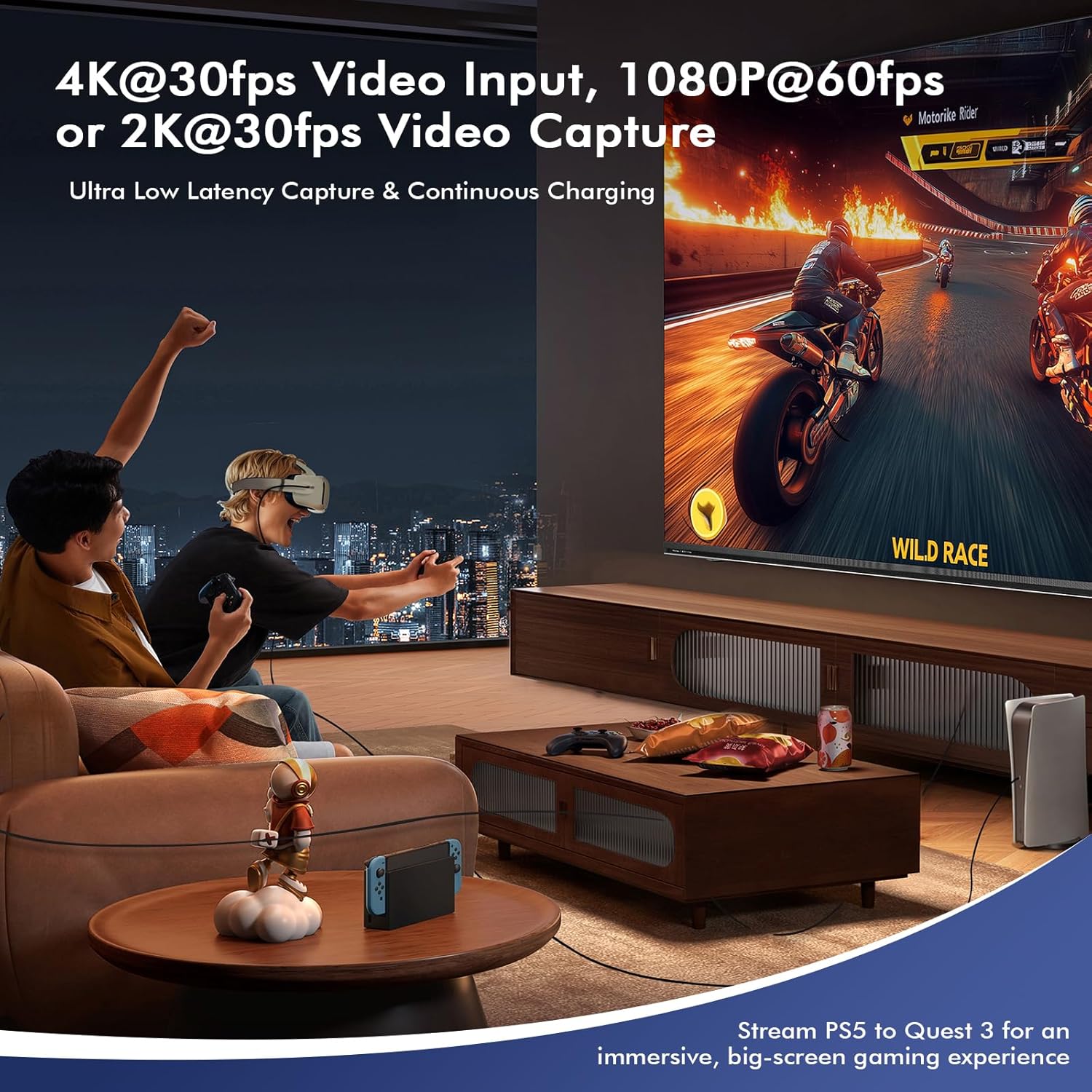
On the upside, this Guermok capture card looks well matched to people who care about smooth 1080p60 capture and responsive live preview. The stated low-latency angle and the mention of uncompressed capture (YUY2/MJPEG) make it more convincing than a basic “it captures, but you’ll notice delays” approach.
Portability and convenience also stand out. The aluminium housing for heat dissipation and the plug-and-play framing make it feel more like a practical tool than a delicate gadget.
On the downside, there are two limitations you should not ignore. First, the listed 4K capability is input-limited to 30Hz, and the output target is 1080p up to 60Hz—so it may feel more like a 1080p streaming workhorse than a high-end 4K/60 capture solution. Second, PD 100W charging only applies on USB-C ports that support charging, it’s not a universal “charge anything via USB-A” feature.
It makes sense if you: - mainly stream or record in 1080p60 - want a simple HDMI-to-USB workflow for OBS-style setups - need portability for occasional live use - have a USB-C power plan where PD charging will genuinely help
You may want to skip it if you: - need 4K capture at higher frame rates (the listing points to 4K @ 30Hz input) - plan to rely on charging over USB-A - are expecting fully hands-off compatibility with every device/software combination without any setup
In the box and getting started
The listing mentions a Type C adapter, and it frames the card as plug-and-play without an external power supply. What you’ll still need is straightforward: an HDMI source (console, camera, etc.), your computer or supported device, and the right USB connection type.
If you’re setting up quickly for a stream, the practical order is: connect HDMI first, then connect USB to your computer, then open your capture software and select the capture device/input. That’s usually where people trip up—wrong input selected rather than an issue with the card itself.
Is it worth it?
This Guermok USB 3.0 HDMI capture card is worth considering if your goal is 1080p up to 60Hz capture for live streaming or recording, and you like the idea of low-latency capture with YUY2/MJPEG. Its portability and broad system/software mentions make it a sensible “one card for multiple setups” purchase.
Don’t rush into buying it if you’re chasing 4K/60fps-style capture, because the stated 4K support is limited to 30Hz on the input side and the output focus is 1080p60. Also, if your setup uses USB-A only, be aware the PD 100W charging feature won’t apply in the way you might hope.
If you’re the kind of user who just wants a dependable HDMI-to-USB feed that performs well for real-time viewing, this should fit the bill—just check that your power ports support USB-C PD charging if that feature is part of your plan.