

GIGASTONE 32GB DDR4 SODIMM Kit (2x16GB) – 3200MHz Laptop RAM
Product description
What this is
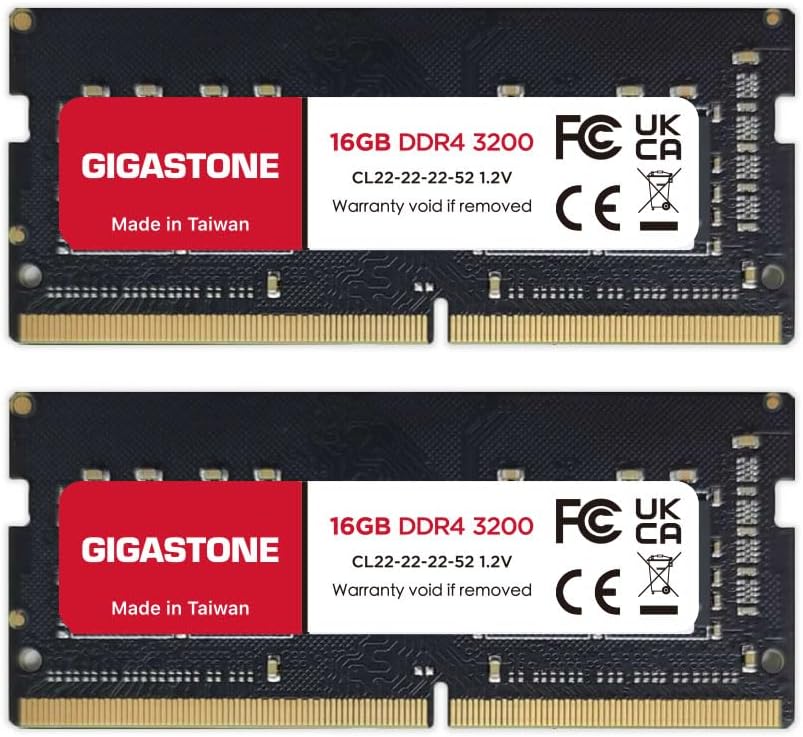
This is a 32GB kit consisting of two 16GB DDR4 SODIMM modules designed for laptops, notebooks and all-in-one computers. It operates at DDR4 3200MHz with a CL of 22 and 1.2V, and uses a 260-pin unbuffered form factor. The kit is non-ECC, so it’s positioned for consumer and mainstream systems that prioritise solid, stable performance in everyday tasks and multitasking.
What it resolves
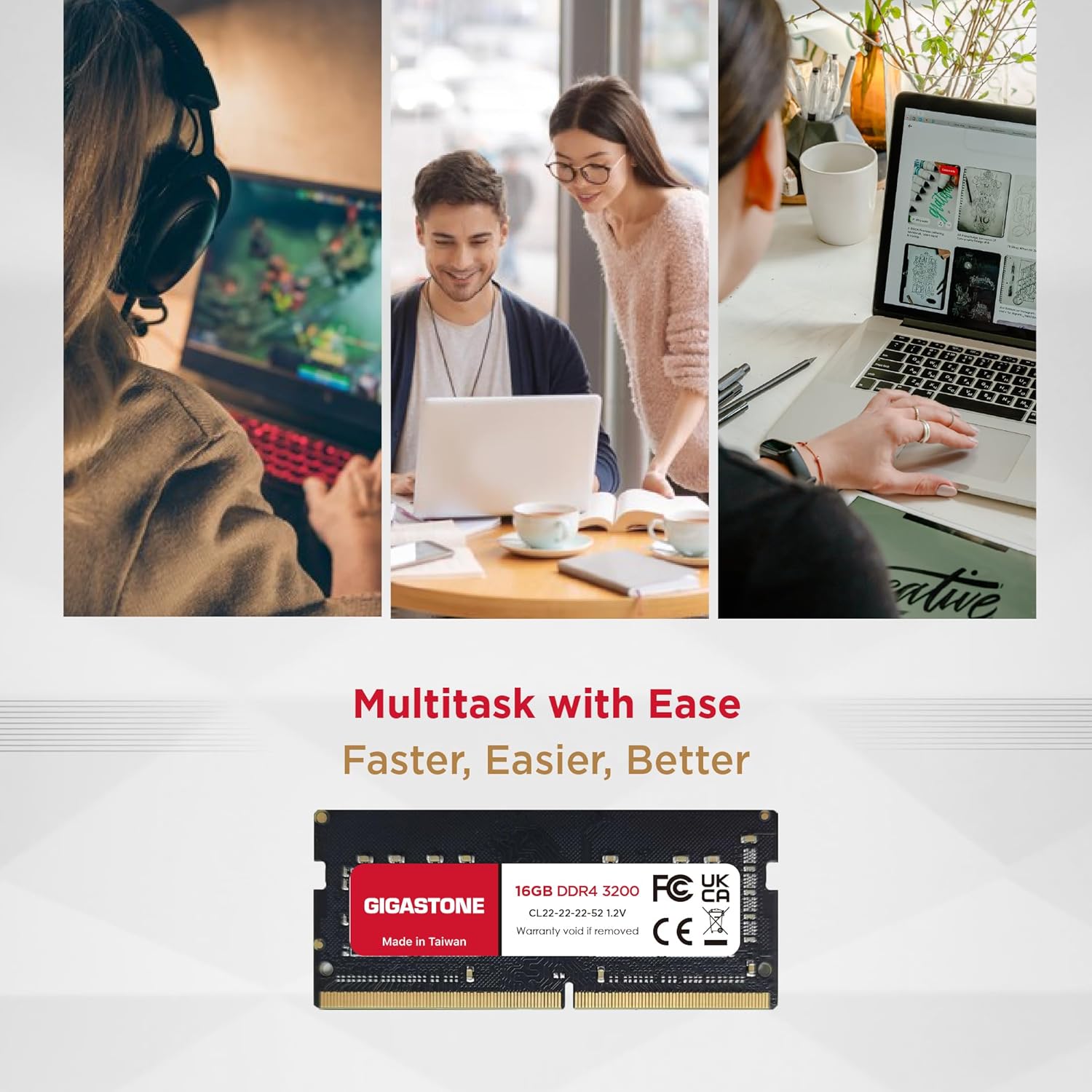
If your notebook is limited by memory or you’re looking to boost multi‑tasking capability, this kit offers a straightforward upgrade path. With 32GB total, it can help with memory-hungry workloads like light content creation, photo editing, virtual machines, or simply smoother day‑to‑day operation when several applications are open simultaneously. On paper, the 3200MHz speed should provide a notable improvement over lower‑speed DDR4 memories, subject to the laptop’s own memory controller and BIOS limits.
Who it’s for
This RAM kit is suited to users upgrading laptops or AIO devices that accept SODIMM DDR4 memory and support 260‑pin modules. It may appeal to those who want more headroom for open browser tabs, office suites, or moderate media tasks without jumping to higher‑spec components. If your system is already constrained by CPU or storage bottlenecks, increasing RAM can help, but it won’t compensate for other weaker parts.

What stands out
On the surface, the kit offers a straightforward increase to memory capacity with a familiar DDR4 3200MHz specification. The absence of ECC makes it compatible with most consumer laptops, and the 1.2V operation aligns with standard notebook memory. Its dual‑rank, 2×16GB configuration ensures both capacity and potential bandwidth benefits, assuming the laptop supports 3200MHz operation and does not downclock to a lower speed.
What could be less convincing
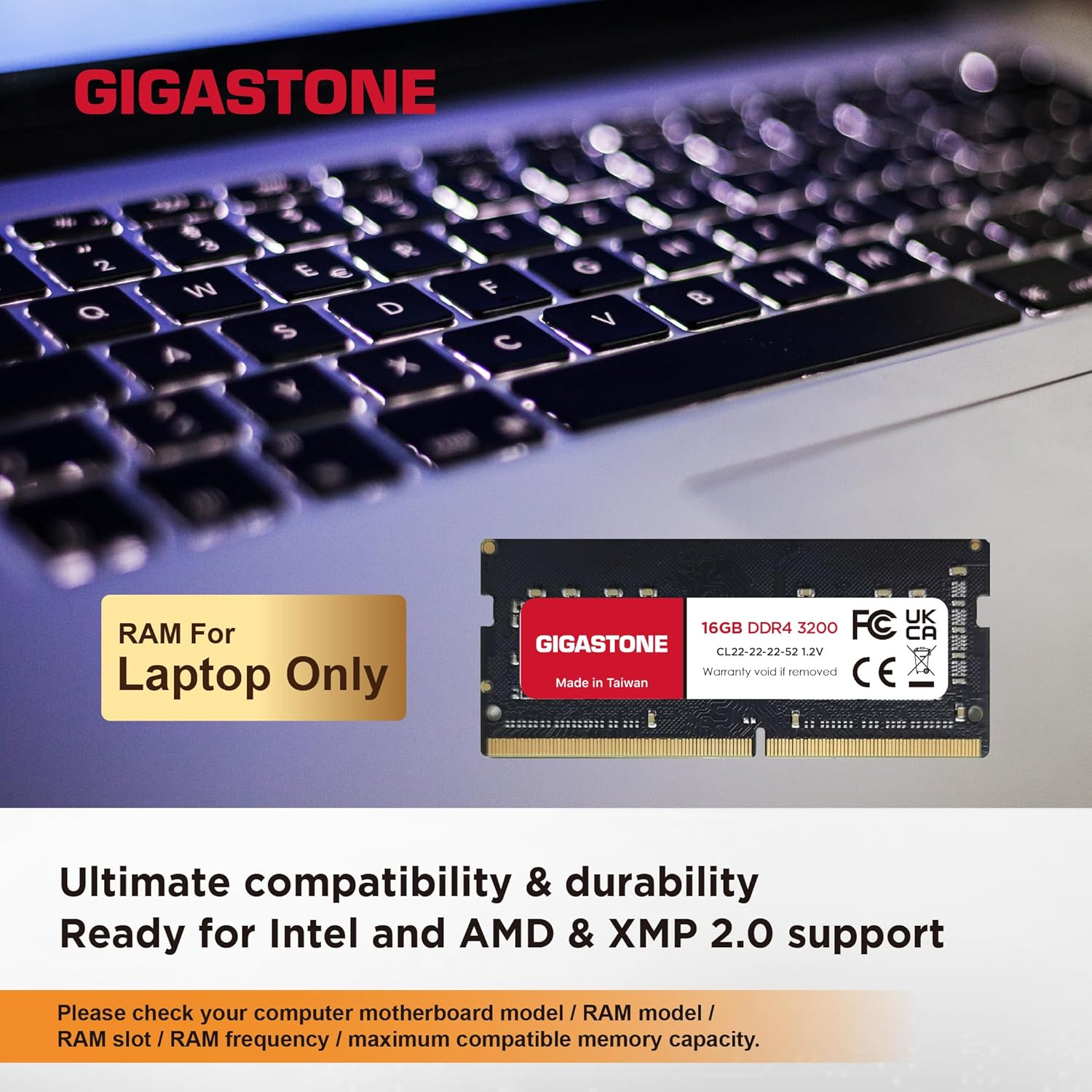
Not all laptops will stabilise at 3200MHz, some models may downclock to 2666MHz or 2933MHz depending on the motherboard, BIOS settings, and power profile. If your device’s maximum supported memory speed is lower or it relies on stricter memory configurations, you might not gain the full 3200MHz benefit. Additionally, if your use is heavily GPU‑bound or CPU‑limited, the impact of more RAM could be less perceptible.
When to buy this kit
Considering a memory upgrade makes sense if you find your current RAM capacity insufficient for your multitasking needs or if a system upgrade is simpler or cheaper than a new device. This kit is a sensible option when your laptop accepts two 16GB SODIMMs and can run at DDR4 3200MHz, subject to compatible BIOS settings.

What to check before buying
- Confirm your laptop supports 260‑pin DDR4 SODIMM and can operate at 3200MHz, otherwise speed may downclock.
- Verify the system’s BIOS and RAM compatibility list, as some devices prioritise specific memory configurations.
- Ensure you have available RAM slots to accommodate a 2×16GB kit, some ultrabooks may have soldered memory or a single slot only.
- Check power and thermal envelopes, higher capacity kits can affect heat and power under load, though this kit is standard for many mainstream devices.
How it compares in practice

For users weighing options, this kit sits between modest upgrades and high‑end memory choices. If you’re choosing between larger capacity and faster or more aggressive timings, consider your real‑world needs: for heavy multitasking with many browser tabs, 32GB often proves more valuable than a marginal speed bump. If your workload is light, 16GB might be sufficient and the benefit of upgrading to 32GB could be marginal in the short term.
What you’ll notice in daily use
Expect smoother transitions between applications, quicker task switching, and fewer pauses when returning to busy workloads after background tasks. A practical scenario is editing photos while streaming, running a few browser tabs, and drafting documents—all without memory constraints forcing swap activity.

Final verdict
Is it worth it? Worth considering if your notebook supports 260‑pin DDR4 SODIMM and you regularly push memory usage beyond 16GB. It’s a sensible, value‑oriented upgrade for those seeking a straightforward capacity increase without changing the rest of the system. If your device is already balanced and you don’t routinely run memory‑heavy tasks, the upgrade may not unlock dramatic improvements.
FAQ
- Can this RAM run at 3200MHz in my laptop? It depends on the laptop’s memory controller and BIOS, check compatibility lists and BIOS support for 3200MHz on your model.
- Do I need to match timings exactly? For best compatibility, use a kit designed as a matched pair, mismatched timings can cause stability issues in some systems.
- Will this upgrade change battery life? In general, moving to more RAM has a marginal impact on power, the voltage is standard 1.2V for DDR4 notebook memory.
Decision section
Final verdict You’ll like it if your notebook supports two 16GB DDR4 SODIMMs and you’re looking to push multitasking headroom. It makes sense for users who need noticeable capacity without a full system refresh. Better avoided if your device is already RAM‑bound in a way that another speed increase would be more impactful, or if compatibility confirms a lower supported speed.