

WityEye Mini CarPlay & Android Auto Wireless Adapter (2026 Advanced) – V5.3 Bluetooth, WiFi 6 Dual Band
Product description
What it is and the need it meets
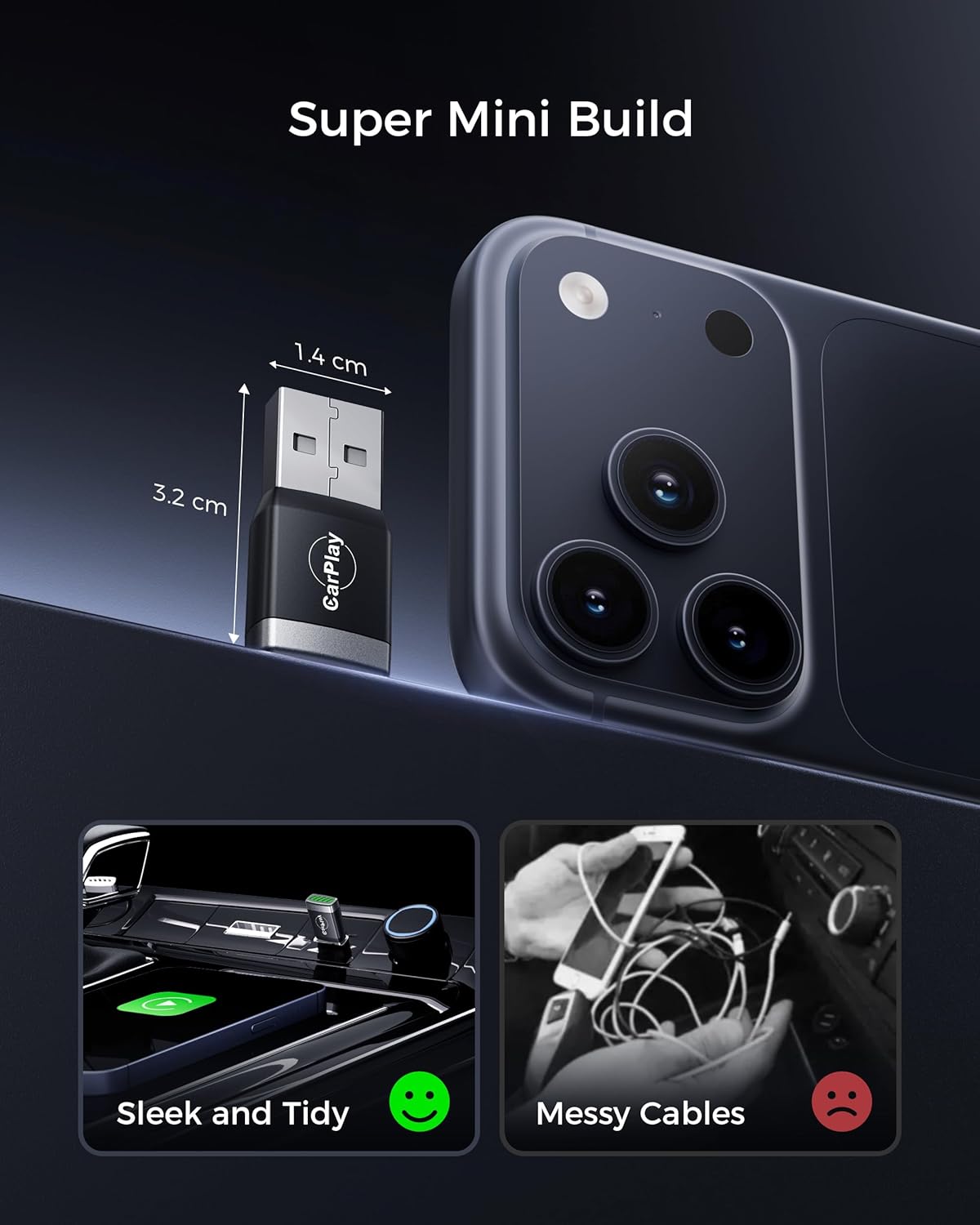
The WityEye Mini is a compact wireless adapter designed to convert wired CarPlay and Android Auto into a complete wireless experience. If you want to free your phone from the car’s USB cable and keep original controls, this device offers a practical path to tidier interiors and simpler setups.
How it performs on paper
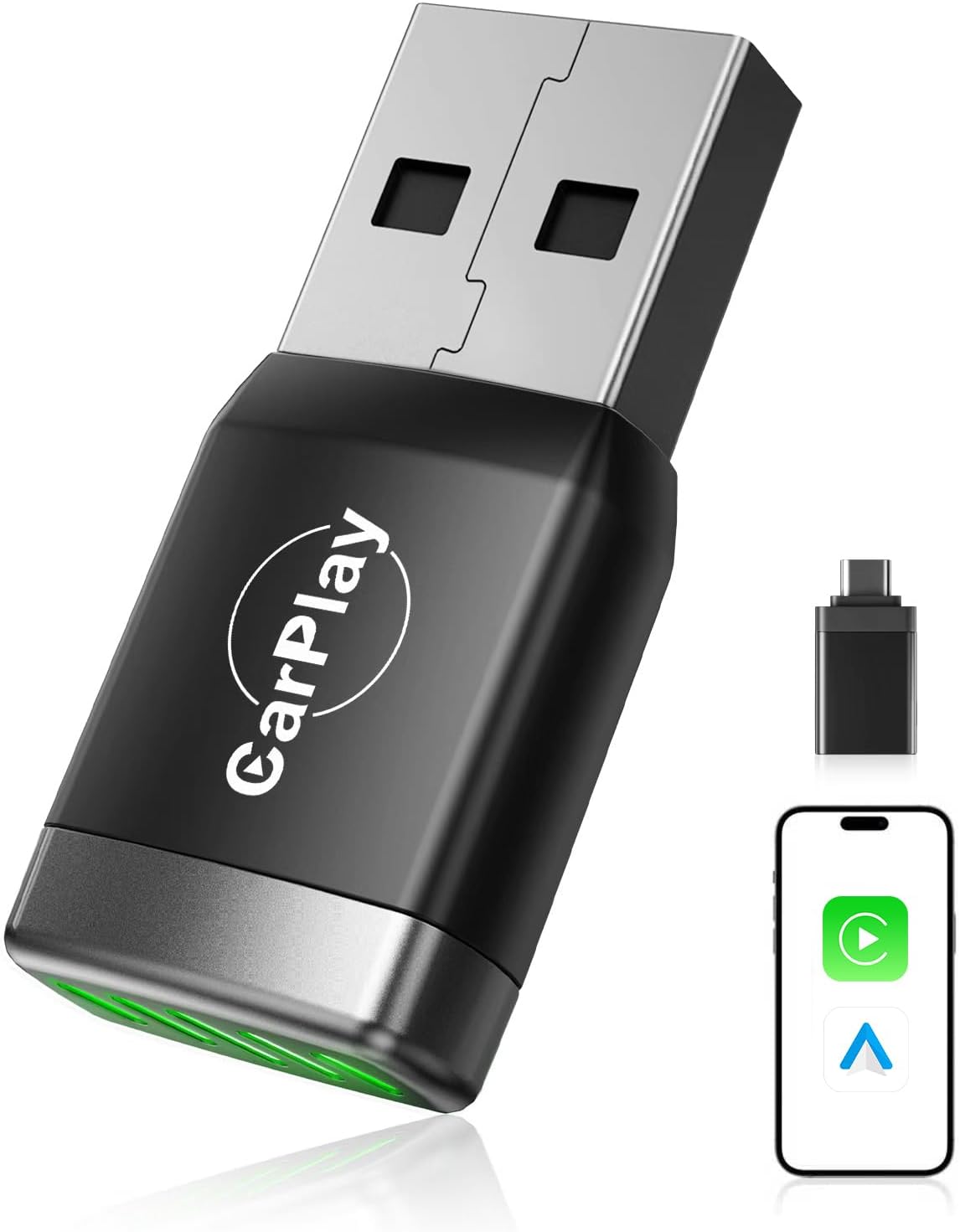
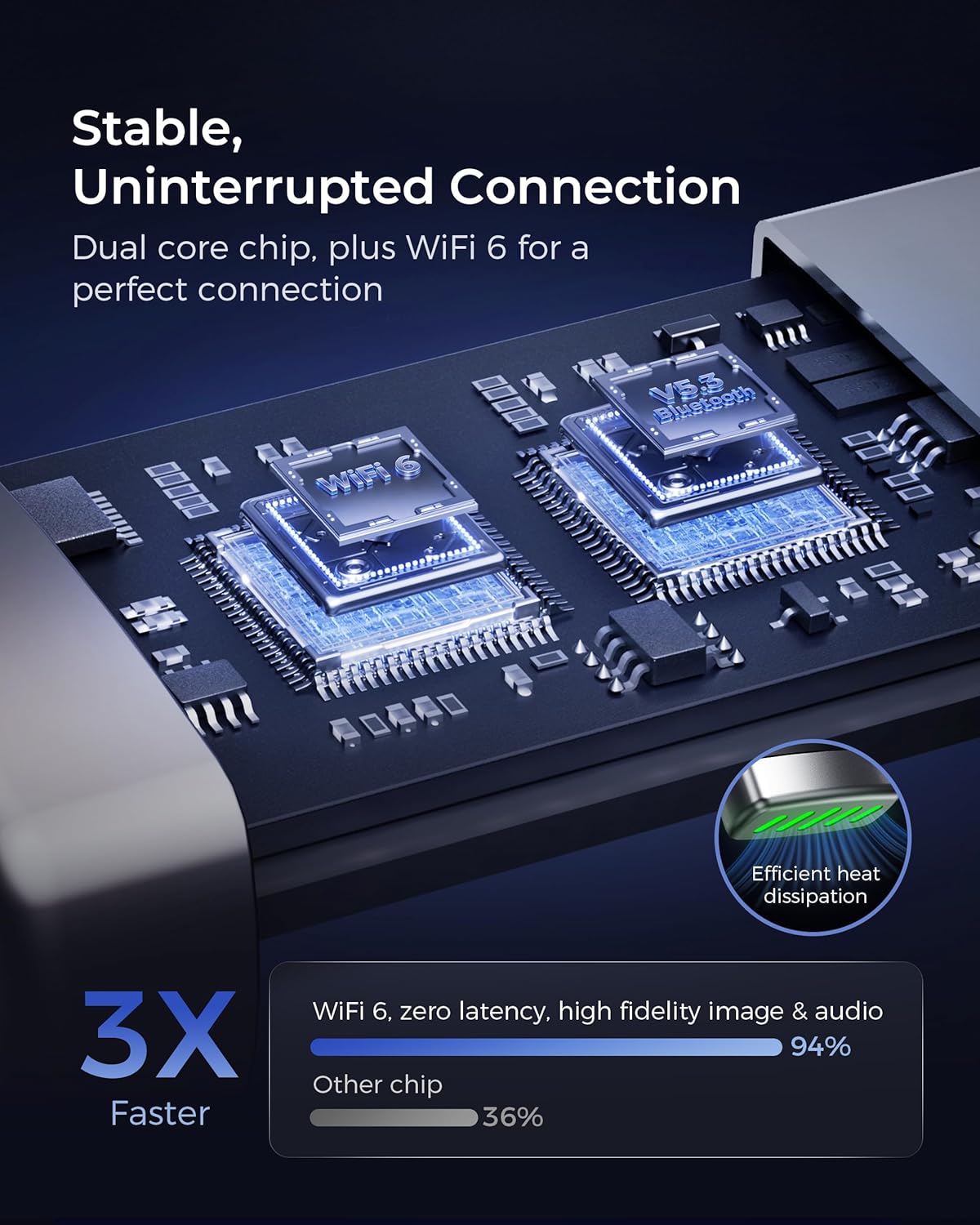
The 2026 Advanced model uses a fifth-generation dual‑core chipset, Bluetooth 5.3 and dual-band WiFi 6 (2.4–5.8 GHz) to deliver faster and more stable connections. Setup is advertised as a quick 30‑second process: plug into the car’s USB data port (or CarPlay‑only USB port), pair Bluetooth and WiFi, and you’re ready. Afterwards, it is claimed to reconnect in around 5 seconds when the car starts again.
What stands out in daily use
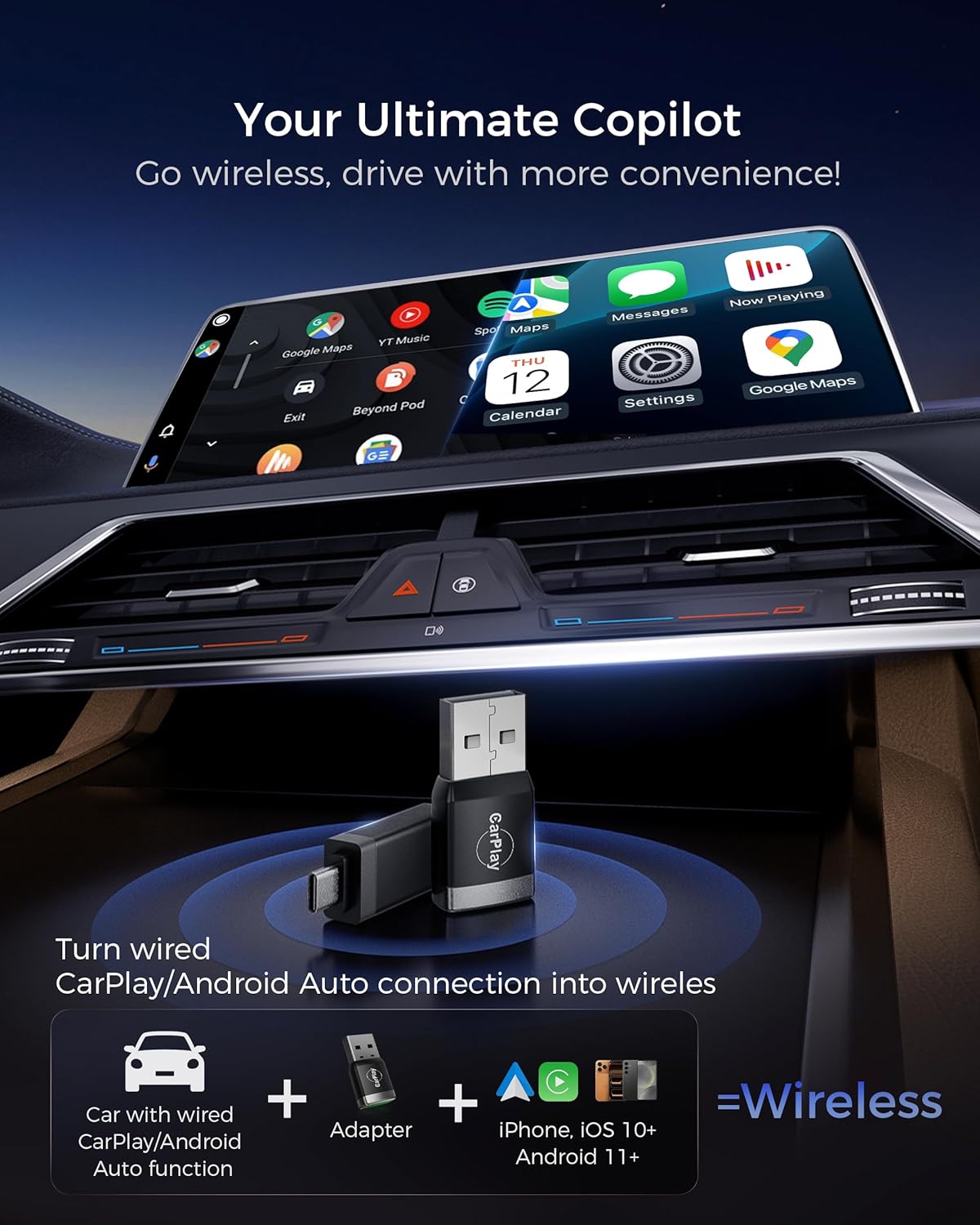
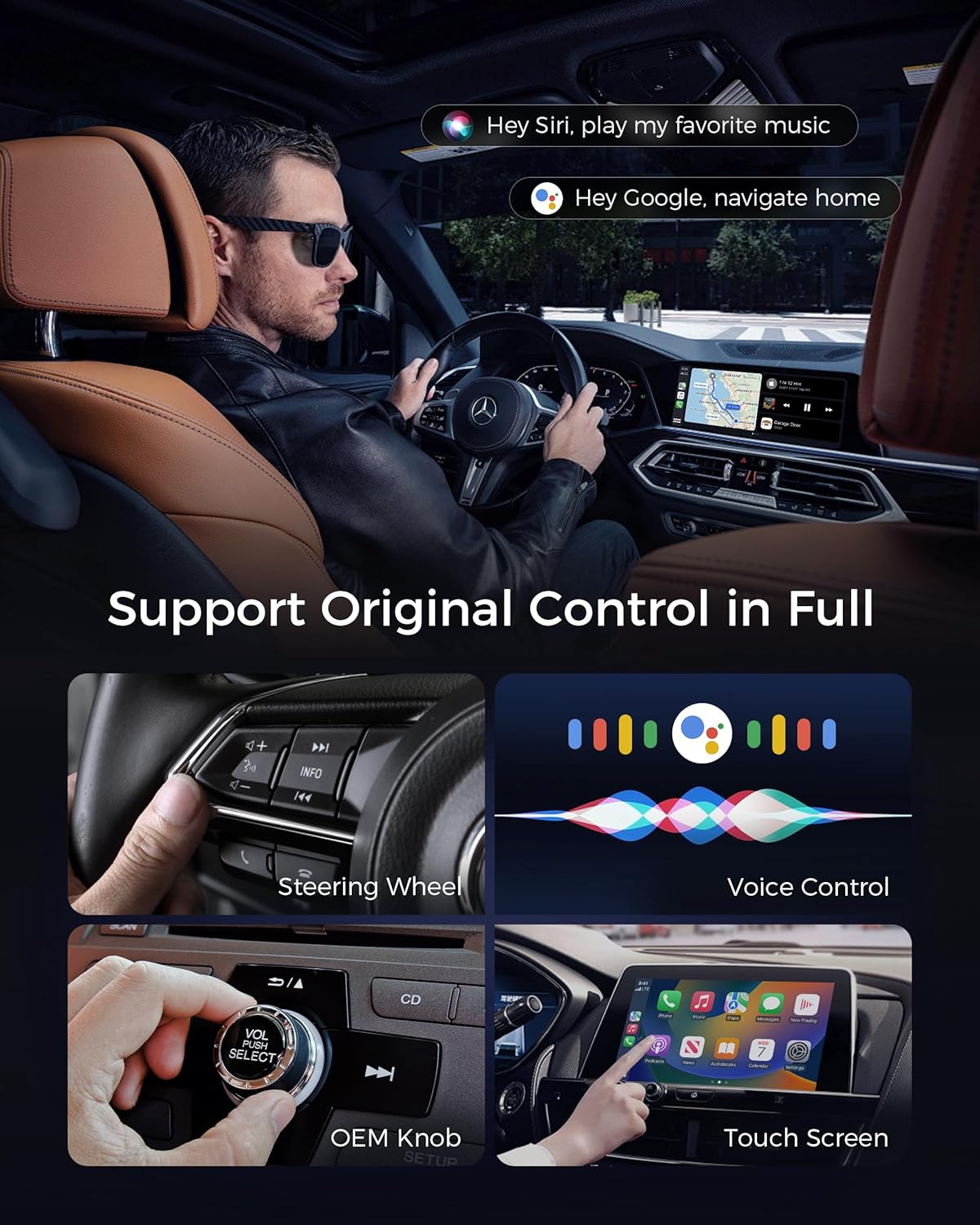
On the surface, you get a seamless hands‑free experience with access to CarPlay/Android Auto apps for music, navigation and messages, all while retaining the vehicle’s original controls, voice assistant, touchscreen, OEM knobs and steering wheel integrations. In practice, that means familiar interfaces and compatible apps without wrestling with tangled cables.
Potential limitations or caveats
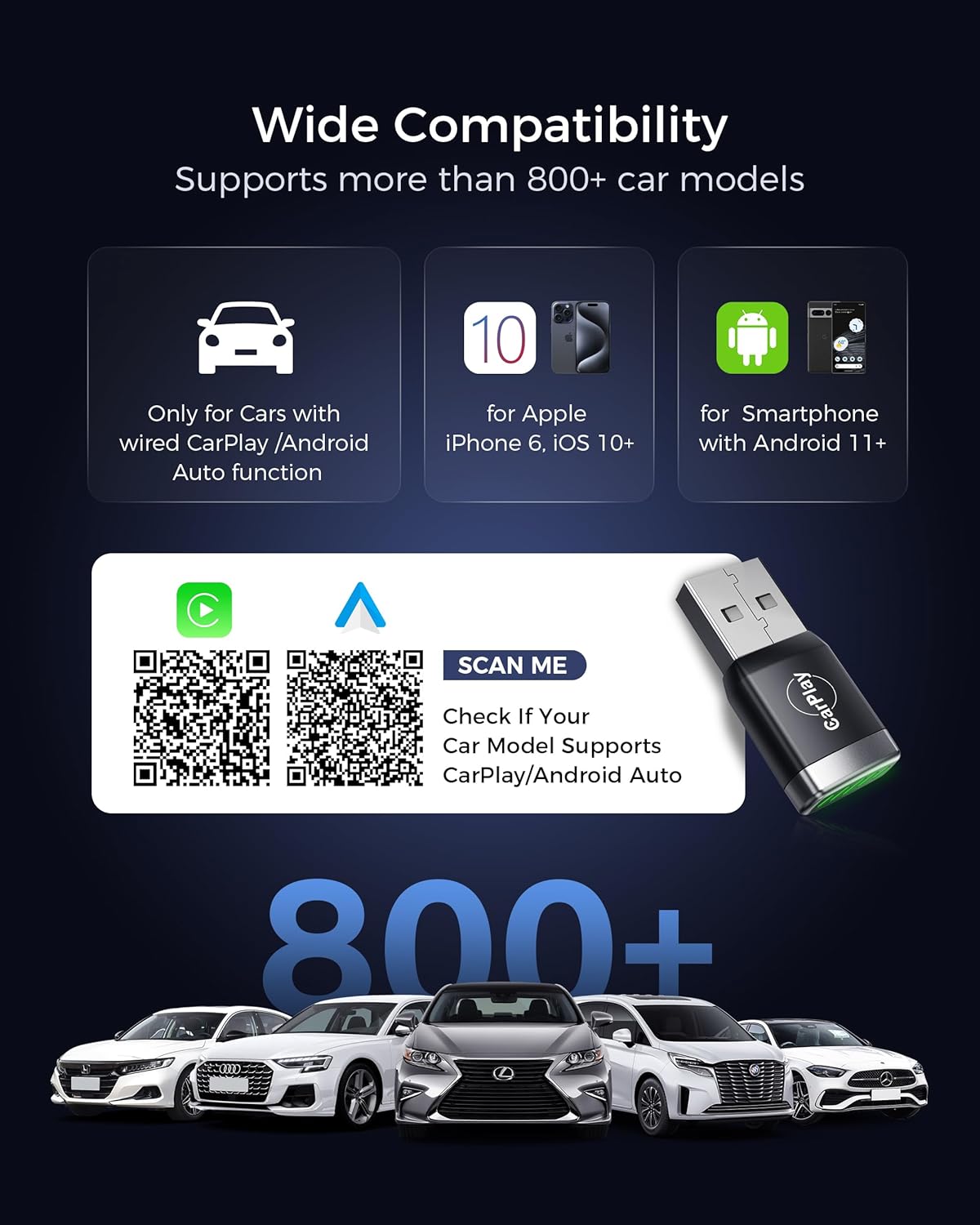
The description notes compatibility with iPhone devices from iOS 10+ and Android devices from Android 11, and claims support for up to 800 vehicle models since 2016. Yet, real-world performance can still depend on your car’s exact factory system, the phone model, and the home WiFi environment. If you prioritise the fastest possible handover between vehicles or live in areas with inconsistent WiFi signals, you may notice occasional hiccups that aren’t purely related to the adapter.
Who it’s for
This is well suited to drivers who want a tidy, cable-free in-car experience and who value retaining OEM controls while using CarPlay/Android Auto wirelessly. It’s likely most appealing if you drive a modern car with wired CarPlay/Android Auto and want a straightforward upgrade path rather than a dedicated head unit replacement.
Who it isn’t the best fit for
If your car’s existing system already does wireless CarPlay/Android Auto without any extra hardware, this adapter may offer marginal gains. It might not be ideal for those who require the absolute lowest latency for real-time gaming or high‑speed video streaming, as wireless connections can still introduce tiny delays under certain conditions.
When it makes sense to buy
If a cleaner cabin is a priority and you want quick, trouble-free re-connections after starting the car, this model could be worth considering. It’s a practical choice for everyday commuting, family use and setting up a secondary car where a full head unit replacement would be overkill.
What to check before buying
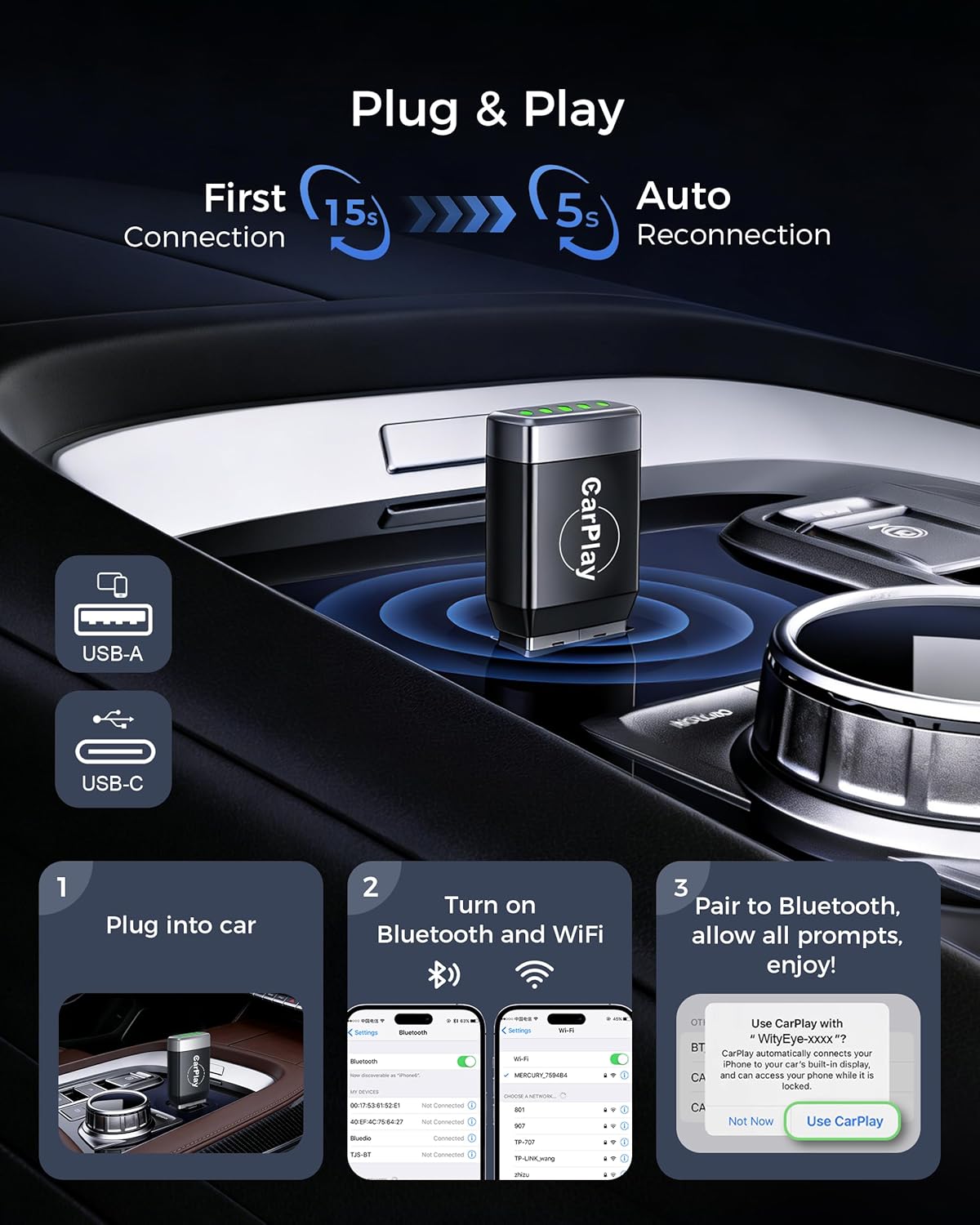
Confirm your car’s USB port type and whether it supports CarPlay/Android Auto via that port. Be mindful of the stated compatibility ranges, if your device or car is at the edge of those ranges, the wireless experience may differ from the description. Also consider your home WiFi stability, as dual-band WiFi 6 relies on a solid signal for best performance.
In-practice comparison: alternatives and approach
Compared with a wired setup or a different wireless adapter, this option prioritises ease of use and maintenance of existing controls. If you need the most polished, high‑end wireless experience with minimal setup, you might explore other solutions, if you want a sensible, lower‑friction upgrade that keeps the car interior neat, this sits in that pragmatic middle ground.
Is it worth it?
Final verdict
Worth considering if you value cable-free convenience, retain OEM controls and want a straightforward setup that reconnects quickly. It isn’t without caveats—latency and stability can depend on external factors—but for everyday use, it offers a measured improvement over wired connections in many cars.
Quick FAQ
- How long does setup take? Approximately 30 seconds to pair Bluetooth and WiFi.
- Will it keep steering wheel controls working? Yes, it aims to retain OEM controls and voice assistant integration.
- What devices are supported? iPhone with iOS 10+ and Android devices running Android 11+.
- Does it work in all cars? It claims compatibility with up to 800 vehicle models manufactured since 2016, but real-world results may vary by model and system.