


Fikwot FX991 4TB M.2 2280 NVMe SSD (PCIe Gen4x4) for gaming and fast laptop/PC storage
Product description
The essentials
The Fikwot FX991 is an internal M.2 2280 NVMe SSD aimed at people who want snappy load times and smoother day-to-day responsiveness, especially in gaming PCs and performance-focused laptops. On paper, it’s built around NVMe over PCIe Gen4x4, with headline speeds quoted up to 7300MB/s read and 6300MB/s write. That makes it the sort of SSD you’d consider if your current drive feels laggy, your games take ages to load, or you simply want faster app and system behaviour.
It also isn’t just about speed figures. The FX991 is described with thermal management features (including auto-adaptive temperature/power management) and a heatsink with high-conductivity graphite. For laptops in particular, that matters because sustained workloads can push temperatures up, and heat can throttle performance on some setups.
One thing to be clear about: the stated top speeds are “up to” figures. Real-world results depend quite a lot on your device, motherboard/laptop support, and cooling—so treat those numbers as aspirational rather than guaranteed.
What you’ll notice day to day
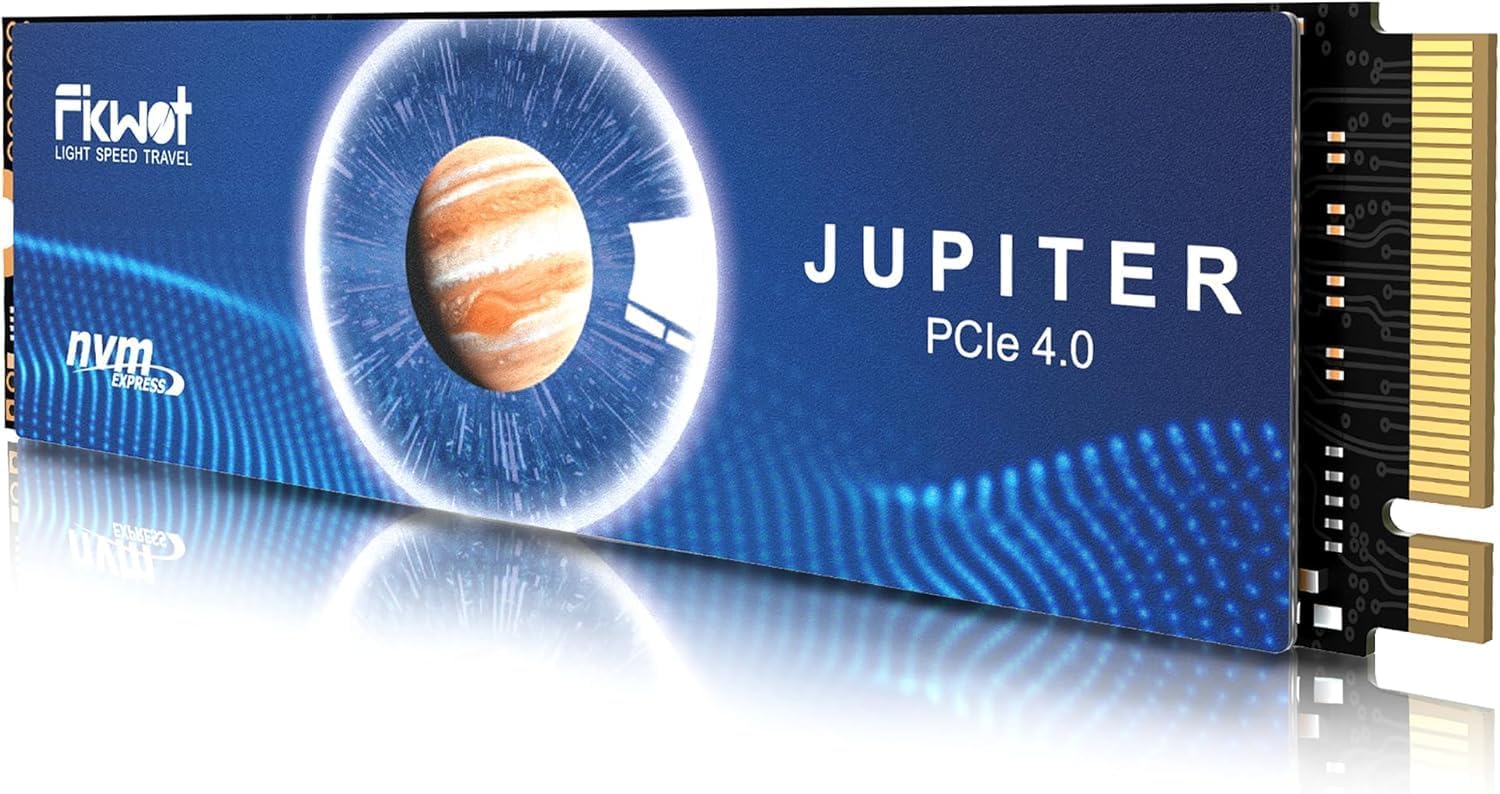
If you’re mainly using your machine for games, large installs, or multitasking, this SSD is positioned to help with faster resource reading and quicker transitions between tasks. The listing specifically mentions improvements to startup, multitasking, and game resource transfer/reading, which is where many people actually feel the difference between an SSD and slower storage.
It also includes Host Memory Buffer (HMB) and a smart SLC cache approach. In practical terms, those technologies can help the drive behave more responsively under typical workloads, particularly when lots of small reads/writes are happening. If you’re loading assets repeatedly (common in games) or running multiple applications at once, that’s where the “feel” tends to matter.
Here’s a concrete example: you install a new AAA game, then jump back and forth between gameplay and the desktop. A drive like this is designed to reduce waiting around—so you spend less time watching progress bars and more time actually playing.
Key takeaways

- PCIe Gen4x4 NVMe performance focus: designed for fast storage on compatible systems.
- Thermal and power management with heatsink: aims to keep performance closer to peak under high load.
- HMB and smart SLC cache: intended to improve responsiveness for startup, multitasking, and game reads.
- Supports common drive features: listing mentions TRIM, S.M.A.R.T and AES-256 encryption.
- High-capacity 4TB approach: suited to users who need room for libraries rather than constant deletions.
Worth noting, though: the listing doesn’t provide model-specific compatibility details (for example, exact laptop support notes). So before buying, you’ll want to confirm your device has an M.2 2280 slot that supports NVMe and PCIe Gen4x4.
Where it shines (and where it doesn’t)
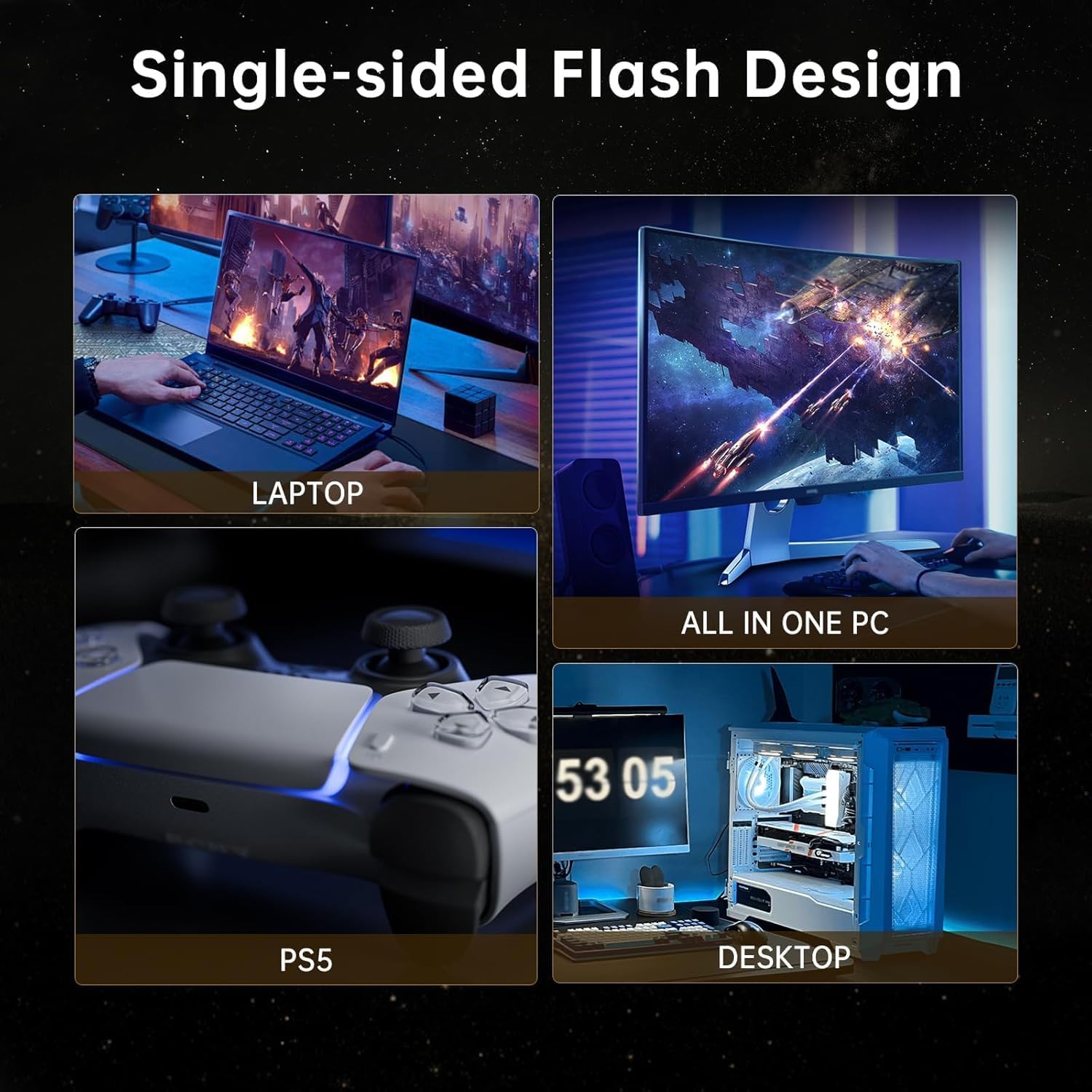
This FX991 makes the most sense if you want a high-capacity NVMe SSD for a laptop or desktop that can take advantage of PCIe Gen4. It’s especially relevant for gamers who want quicker game asset loading, or anyone who works with big files and benefits from faster storage access.
It may not suit you as well if your system is limited to older PCIe generations or SATA-only expectations. In that scenario, you could end up paying for features your hardware can’t fully leverage. Also, if you’re buying purely for occasional document storage and basic web use, you may not feel the performance benefits that this drive is designed to deliver.
Tech specs
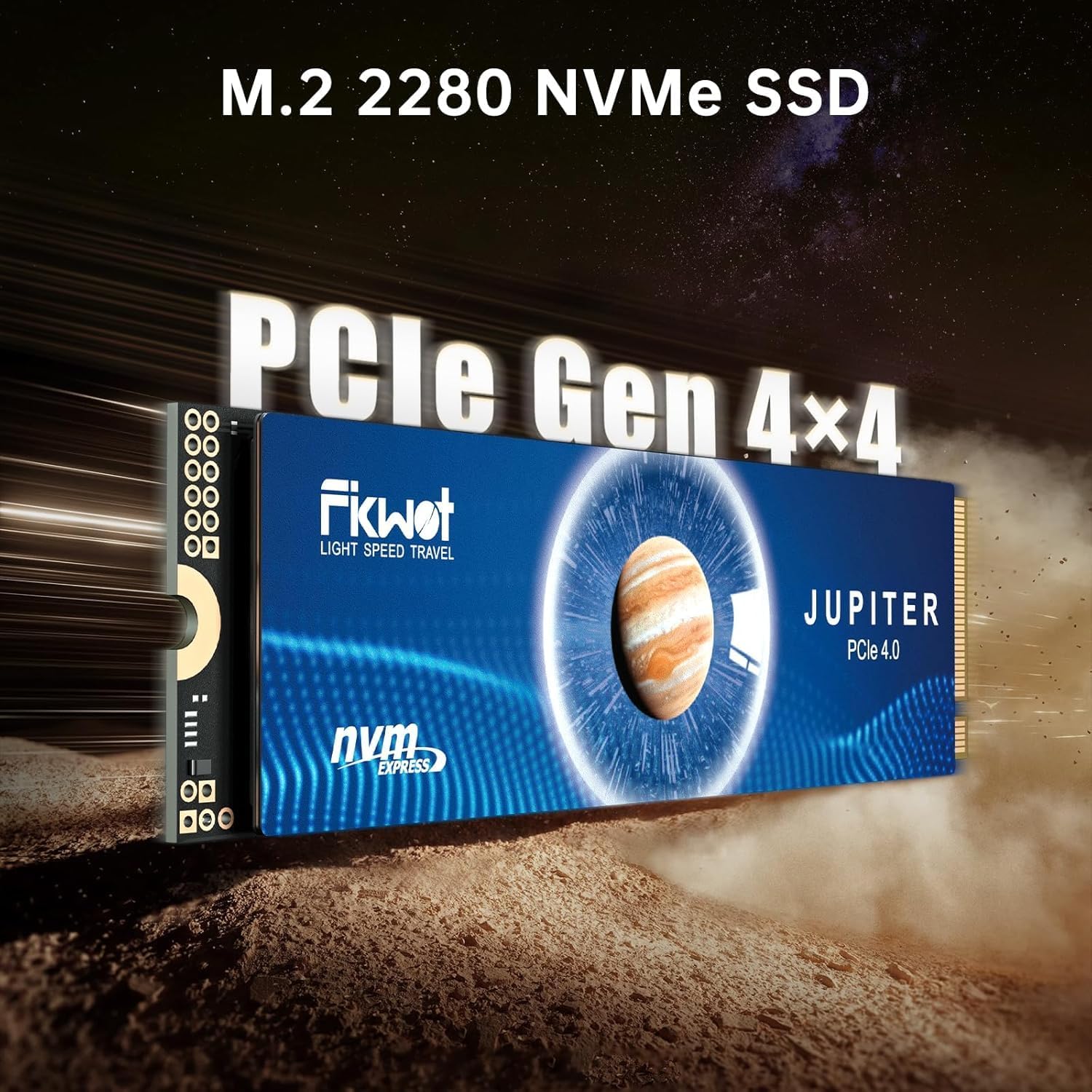
- Type: M.2 2280 NVMe SSD
- Interface: PCIe Gen4x4
- Capacity: 4TB
- Maximum read speed: up to 7300MB/s
- Maximum write speed: up to 6300MB/s
- Endurance: 2400TBW (as stated)
- Encryption: AES-256 (as stated)
- Additional features: HMB and smart SLC cache, TRIM, S.M.A.R.T, graphite heatsink, auto-adaptive temperature/power management (all as stated)
Compatibility & requirements
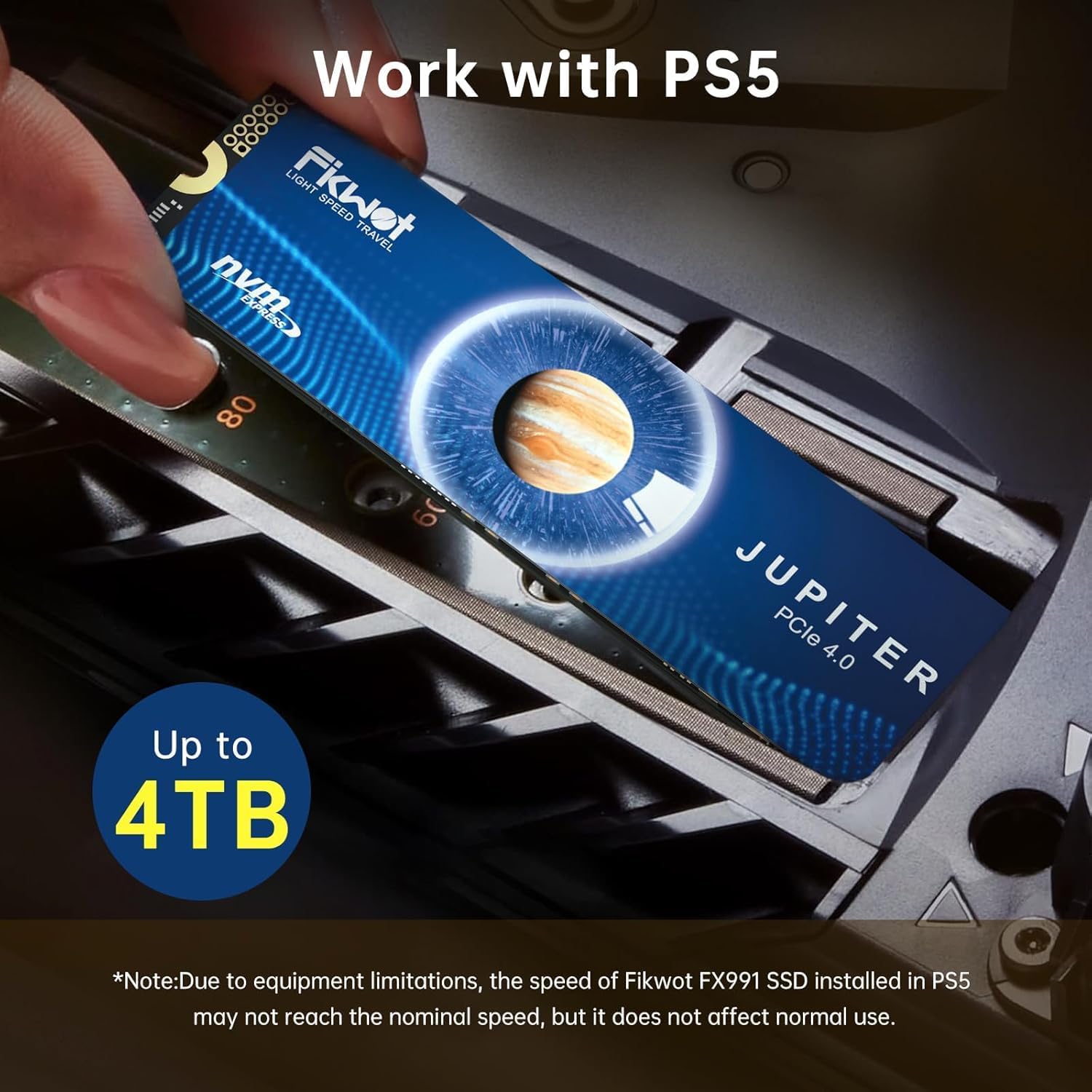
The listing is fairly broad: it’s described as compatible with laptops, desktops, and even game consoles such as PS5, plus it mentions using the 4TB drive as a PS5 storage expansion. However, console and laptop support can be picky in practice, so you should double-check your device’s exact M.2 NVMe requirements and length support (it’s specifically an M.2 2280 form factor here).

If you’re installing it in a PC, also make sure your motherboard’s M.2 slot supports NVMe and, ideally, PCIe Gen4 so you actually get the intended performance.
In the box (what to double-check)
The product information you’ve provided focuses on the SSD itself and its key technologies, but it doesn’t list packaging contents such as mounting hardware. Before ordering, it’s sensible to check whether you’ll need a heatsink situation already covered by your device, or any additional parts for your particular system.
Should you buy it?
It’s a strong candidate if you’re building or upgrading a Gen4-capable laptop or desktop and you want a 4TB NVMe SSD aimed at faster gaming loads, quicker app/system responsiveness, and better handling under sustained load (thanks to the stated thermal management and heatsink).
It might be better to skip or at least temper expectations if you’re on older PCIe/SATA hardware, because the “up to” speed numbers won’t translate into the same experience. And if you don’t actually need 4TB, the capacity could be more than you require, even if it’s appealing for storing a large library.
When it makes sense: upgrading a storage-limited gaming setup, improving multitasking responsiveness, or adding a spacious drive for big installs.
When not: if your device can’t use NVMe in an M.2 2280 slot, or if your use is so light that the extra performance and capacity won’t be felt.
Quick FAQ
Does the FX991 guarantee the 7300MB/s speed?
No—those figures are described as maximum “up to” speeds, so real results depend on your hardware and setup.
Is it only for gaming?
It’s clearly marketed with gaming use in mind, but the listing also points to improved startup and multitasking, so it can be useful for general performance too.
What temperature and power features does it have?
The listing mentions auto-adaptive temperature adjustment and power efficiency management, plus a high-conductivity graphite heatsink.
Does it support encryption and drive health features?
According to the listing, it supports AES-256 encryption, along with TRIM and S.M.A.R.T.
Will it work in a PS5?
The listing states compatibility for PS5 storage expansion, but you should still verify your console’s exact M.2 NVMe requirements before buying.