

ASUS ROG Strix B550-A Gaming (ASUS WAVE) – B550 motherboard for PCIe 4.0-ready gaming connectivity
Product description
Quick overview
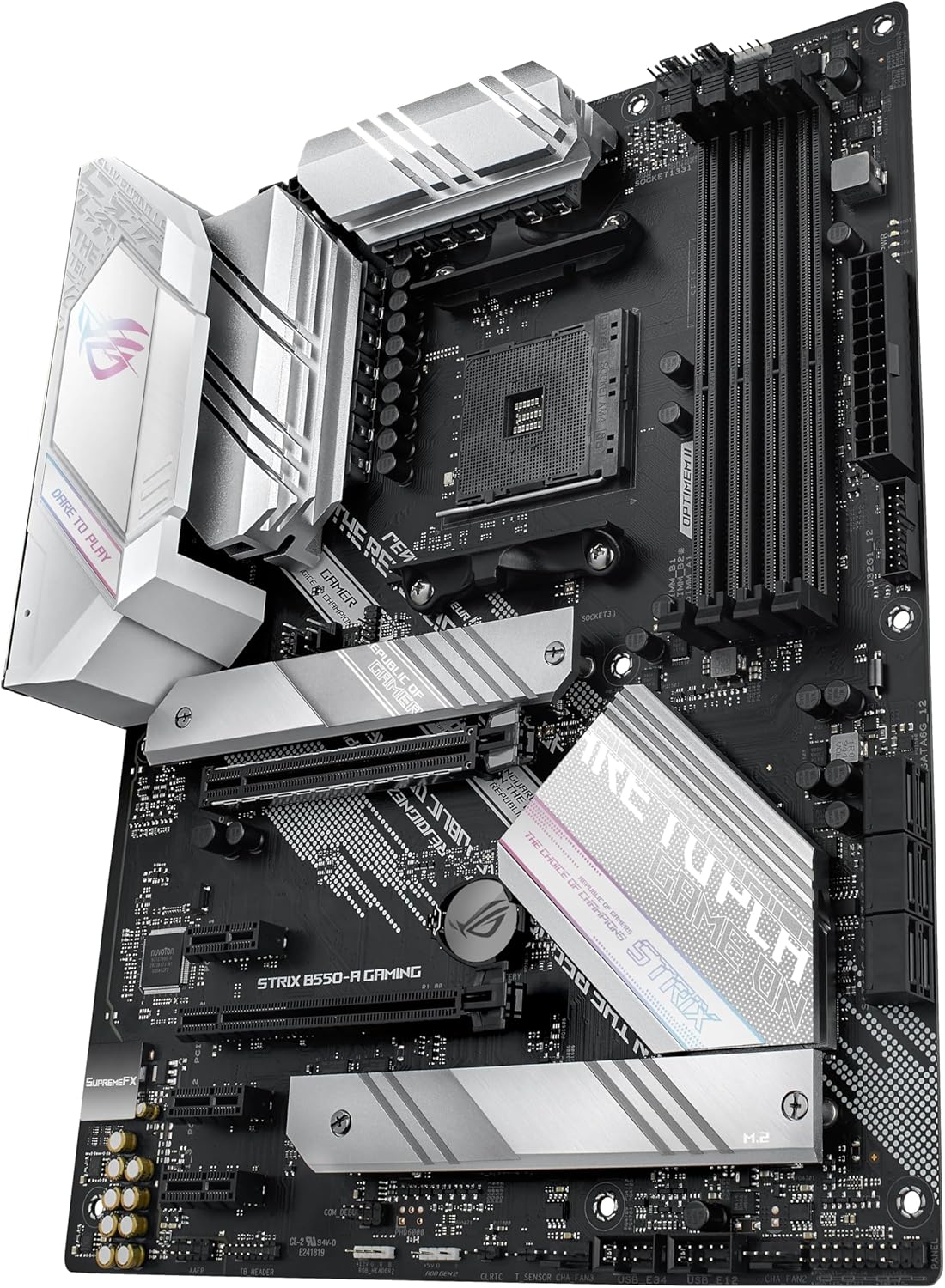
The ASUS WAVE – ROG STRIX B550-A GAMING B550 is a B550 motherboard that leans into the kind of “connectivity first” upgrades people actually notice in day-to-day gaming PCs: faster storage support on paper (PCIe 4.0-ready), dual M.2 for drives, and a modern mix of ports. It’s also positioned around practical resilience features on the networking and power side, rather than just flashy styling.
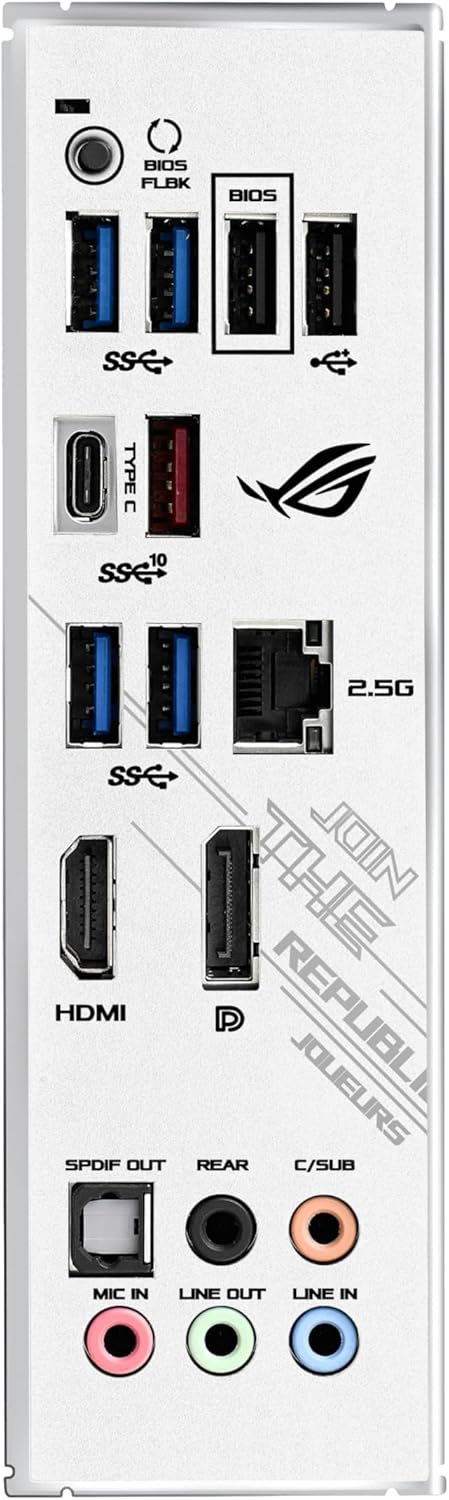
On the connectivity front, the headline points are fairly clear: PCIe 4.0-ready support, dual M.2, and USB 3.2 Gen 2 Type-C, alongside video outputs that include HDMI 2.1 and DisplayPort 1.2. For networking, it includes Intel 2.5Gb Ethernet with ASUS LANGuard. And for build confidence, there’s a robust power solution described with teamed power stages and a ProCool power connector, plus alloy chokes and durable capacitors.
That’s a lot to like if you’re planning a mid-range gaming rig where storage speed and stable everyday reliability matter. Just keep in mind that the spec focus here is on connectivity and platform readiness, whether this board is the “best fit” depends heavily on which CPU and expansion plans you have, and on whether you’ll fully benefit from dual M.2 and PCIe 4.0-ready storage in your build.
The essentials: what you’re really buying
This motherboard is designed for people who want modern ports and room for storage expansion without jumping to a higher-tier platform. The core idea is simple: make it easier to build a gaming PC that feels current.
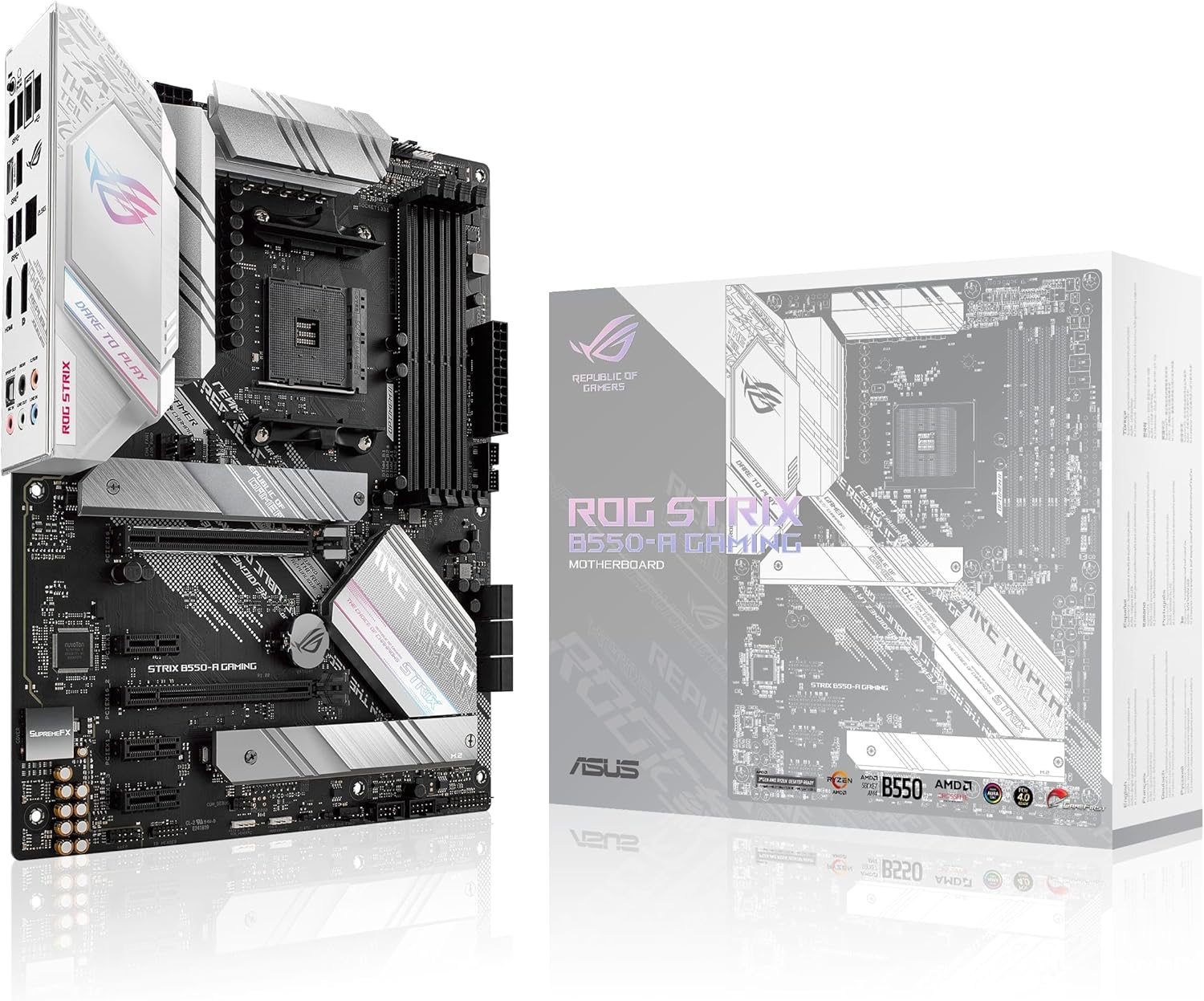
- If your current PC build is limited by older connectivity (slower USB, dated Ethernet, or only one usable M.2 slot), this kind of B550 board can help clean that up.
- The inclusion of both HDMI 2.1 and DisplayPort 1.2 suggests it’s meant to stay flexible for display setups, depending on your overall system build.
- Dual M.2 support is the practical win if you want a boot drive plus a game library drive, or you like keeping workloads organised.
And on the “it should last” side, the robust power language is aimed at stability: teamed power stages, ProCool power connector, alloy chokes and durable capacitors. It’s not the same as a warranty, but it does indicate the board is built with longevity in mind rather than being a purely budget-first option.
Still, one limitation to be aware of: the provided information doesn’t detail your exact storage slot configuration, speed routing, or any specific features beyond the connectivity highlights listed. So if you’re shopping for something very specific—like a particular type of high-speed storage layout—you’ll want to double-check the layout and how it matches your planned drives.
Where it shines for gaming builds
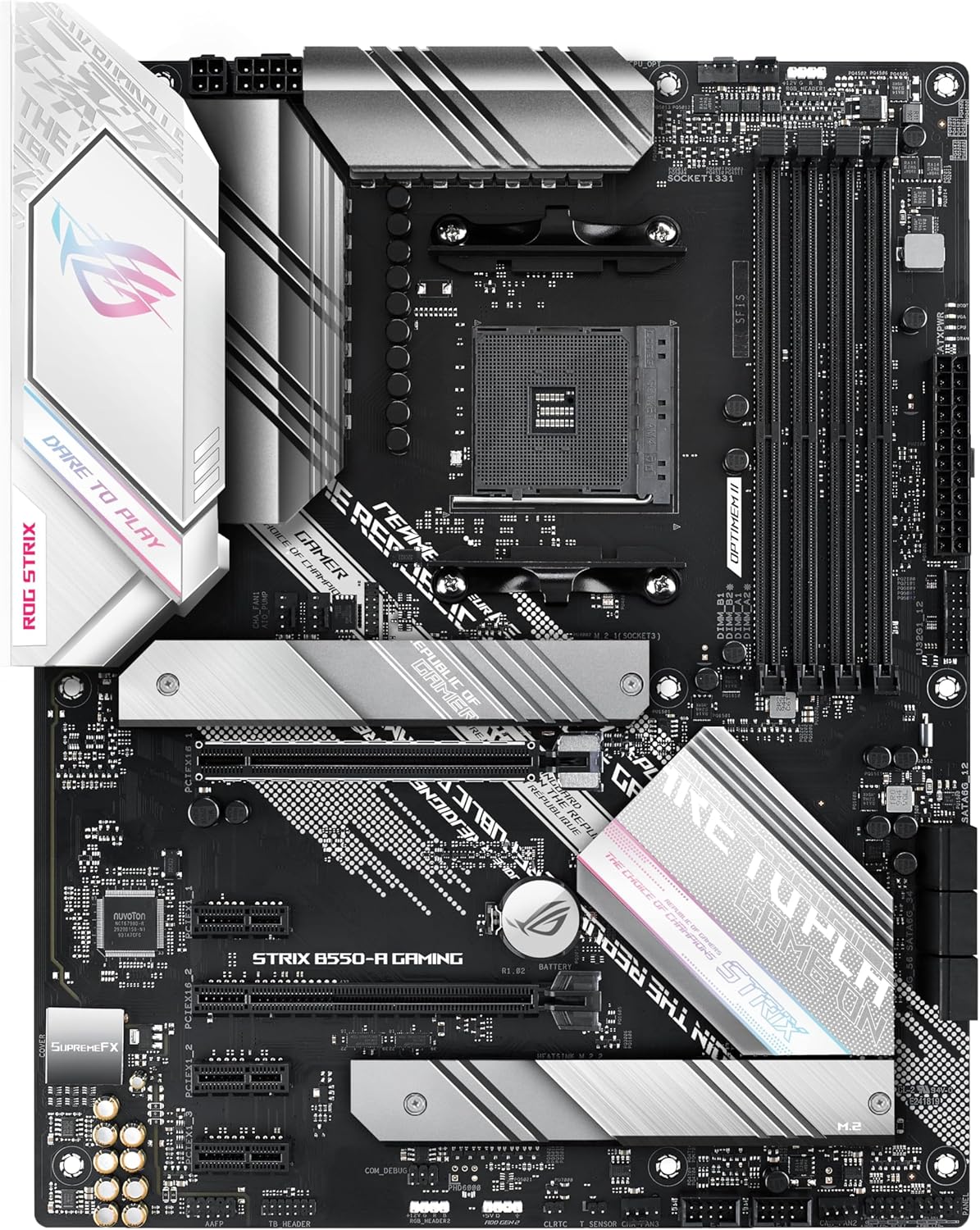
Where this ASUS ROG Strix B550-A Gaming approach tends to make sense is in a build that prioritises day-to-day performance cues: faster storage access paths, modern high-bandwidth USB for peripherals, and network that doesn’t feel like a bottleneck.
Example use case
Say you’re putting together a gaming PC that uses one SSD for Windows and another for games. Dual M.2 support helps keep that setup neat: you’re not forced into one-size-fits-all drive choices. Pair that with Intel 2.5Gb Ethernet if you have a suitable router/switch at home, and you’re giving online gaming and downloads a more comfortable ceiling than standard gigabit.
The ports that matter
USB 3.2 Gen 2 Type-C is one of those features that can quietly improve the build. If you regularly plug in a fast external drive, a VR headset accessory, or even just want quicker transfers for backups, it’s the kind of detail you’ll appreciate more than you expect.
And the video outputs (HDMI 2.1 plus DisplayPort 1.2 output support) are useful if you want flexibility for troubleshooting or multi-display setups.
What to know about networking and power
This board’s networking and power sections aren’t just marketing fluff on paper.
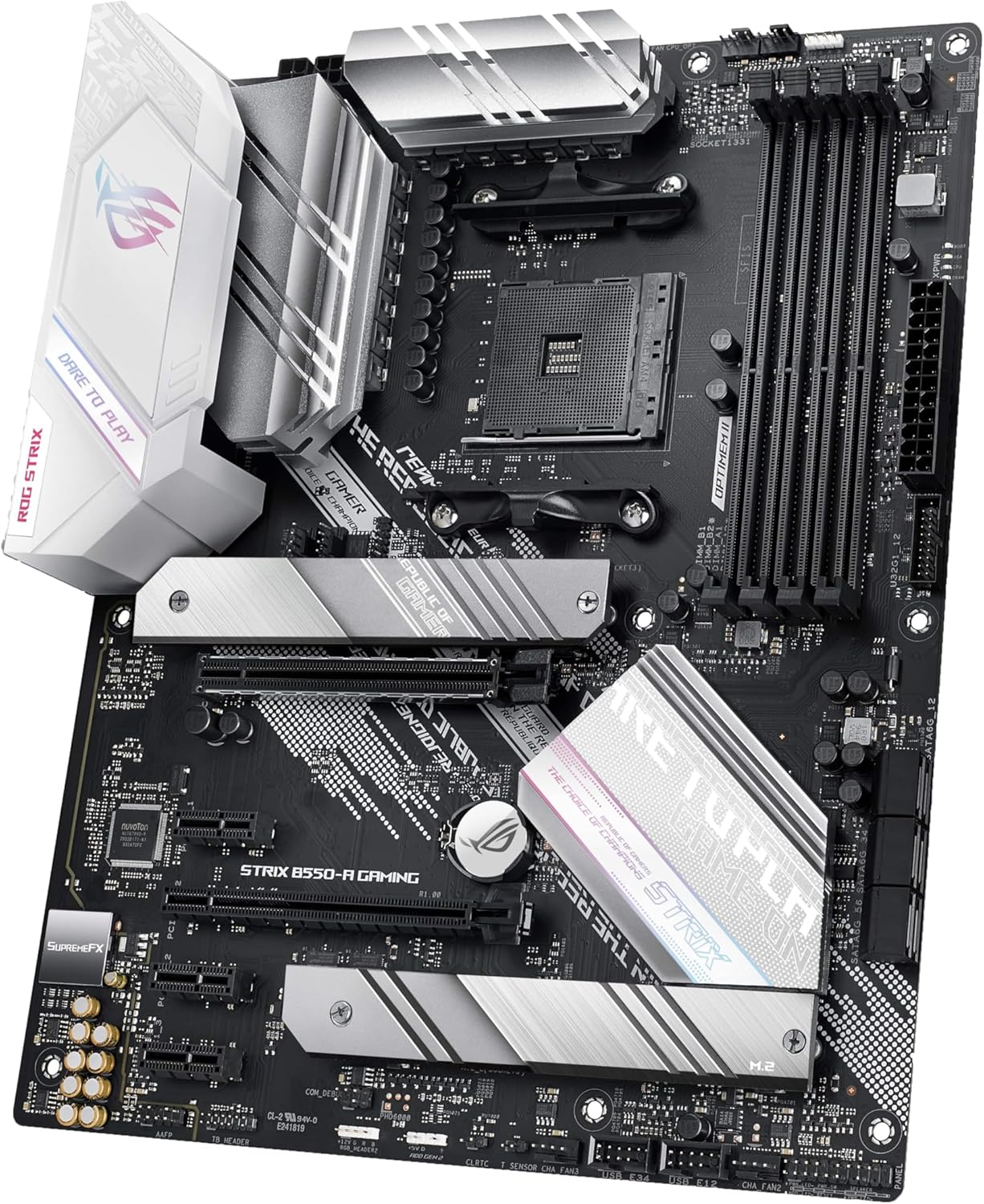
Intel 2.5Gb Ethernet with ASUS LANGuard is a sensible combo if you care about stability and want more headroom than basic gigabit. “2.5Gb” doesn’t automatically make every online experience faster—your router, cables, and the service itself still matter—but it does reduce the likelihood that your network is the first limiting factor.
On power, the description points to a more durable power delivery approach: teamed power stages with a ProCool power connector, plus alloy chokes and durable capacitors. That’s the sort of foundation you tend to feel over time when you’re running a gaming PC regularly and don’t want to think about hardware fragility.
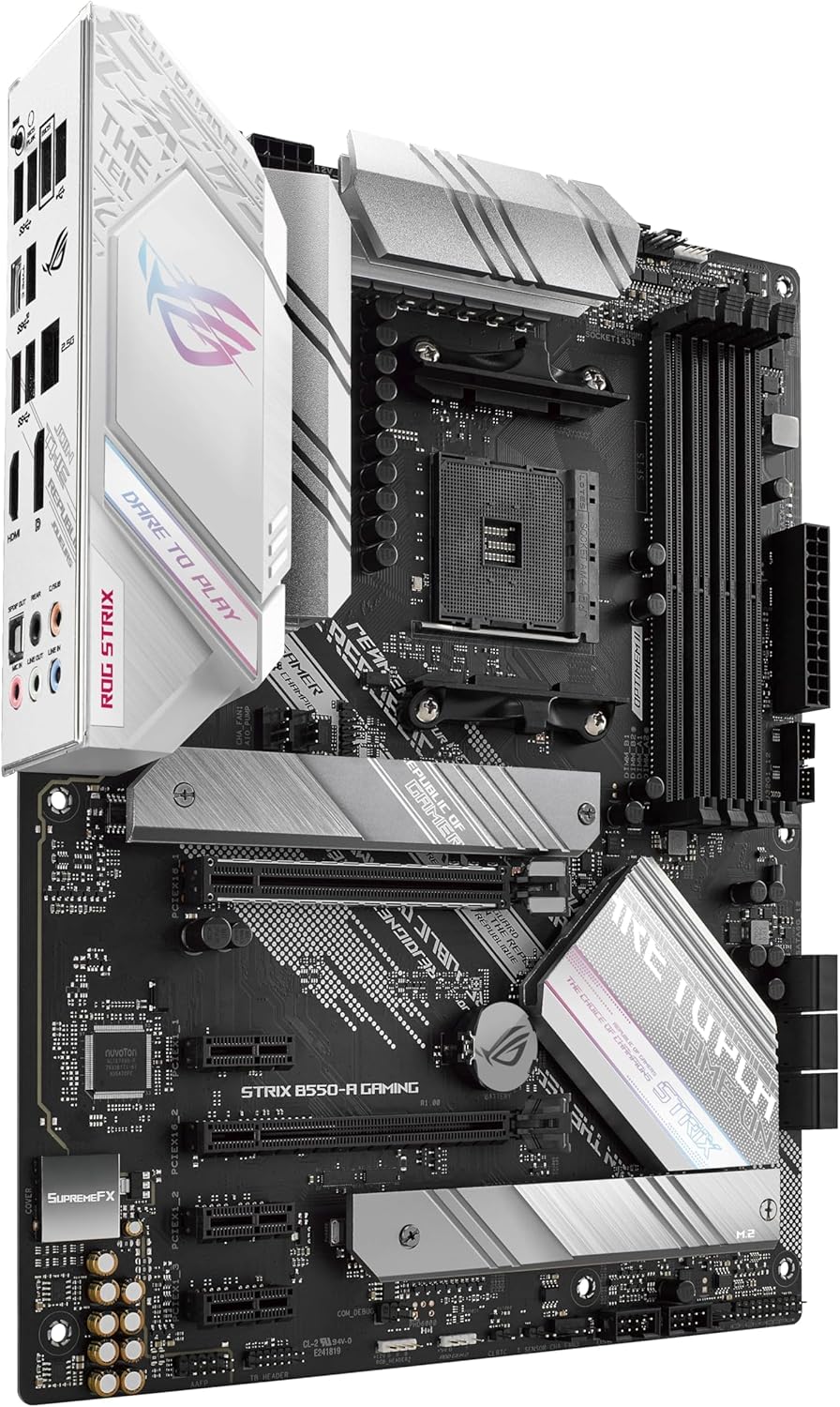
Worth noting: if you’re chasing the absolute maximum overclocking features, or if you’re building for a very specific high-end configuration, you should verify the exact power design and any related capabilities in the full spec details. With the information provided, the board reads as “solid for gaming and connectivity,” but it’s not guaranteed to suit every enthusiast niche.
Tech specs at a glance
Here’s what’s clearly stated in the product information, and why it matters:
- Type: Motherboard (B550)
- PCIe: PCIe 4.0-ready support
- Expansion/storage: Dual M.2 support
- USB: USB 3.2 Gen 2 Type-C
- Video outputs: HDMI 2.1 and DisplayPort 1.2 output support
- Networking: Intel 2.5Gb Ethernet with ASUS LANGuard
- Power solution: Teamed power stages with ProCool power connector, alloy chokes and durable capacitors
Who it’s for (and who should skip it)
It’s a good fit if you want a gaming motherboard that’s focused on practical connectivity upgrades: PCIe 4.0-ready storage support, dual M.2, modern USB, and stronger-than-standard networking.
It makes sense if your build plan includes multiple storage drives and you’d benefit from having both Type-C USB 3.2 Gen 2 and contemporary video output support available in your chassis.
You may want to skip it if your priority is something not covered here—like very specific expansion requirements, a particular storage layout at maximum speed, or feature depth beyond the listed connectivity and power/network highlights. Also, if your plan doesn’t use dual M.2 or you don’t have any realistic use for 2.5Gb Ethernet, this could end up paying for features you won’t actually exploit.
Final verdict
If you’re building a B550 gaming PC and care about the “right ports and the right foundations” more than anything else, the ASUS WAVE – ROG STRIX B550-A Gaming is worth a serious look. The combination of PCIe 4.0-ready support, dual M.2, USB 3.2 Gen 2 Type-C, and Intel 2.5Gb Ethernet gives it a modern backbone for everyday gaming, while the described power and durability choices fit the idea of a board you’ll keep running.
Should you buy it? Yes, if your setup benefits from dual M.2 storage, modern USB connectivity, and 2.5Gb networking in your home environment. It might not be the best choice if you’re chasing a very specific enthusiast configuration that needs details beyond what’s provided here, or if your current plan doesn’t make use of the connectivity and storage expansion the board is built around.
FAQ
Does this motherboard focus more on connectivity or performance features?
Based on the information provided, it focuses heavily on connectivity: PCIe 4.0-ready support, dual M.2, USB 3.2 Gen 2 Type-C, and modern video outputs, alongside Intel 2.5Gb Ethernet.
Is Intel 2.5Gb Ethernet likely to improve gaming?
It can help, mainly by giving more network headroom than standard gigabit, but your real-world benefit depends on your router/switch setup and the service you’re connecting to.
What’s the point of dual M.2 here?
Dual M.2 makes it easier to run multiple SSDs in one system—for example, separating your OS and game library—without relying on slower or less convenient alternatives.
Should I choose this if I don’t need Type-C USB?
If you won’t use USB Type-C (or your peripherals don’t require it), you might feel the value is reduced. In that case, it’s worth comparing against boards that better match your exact port needs.
Where should I be cautious before buying?
Check your planned storage and expansion configuration against the board’s confirmed layout and how the listed PCIe 4.0-ready and dual M.2 support will apply to your drives. The provided info highlights the capability, but doesn’t cover every practical limitation or arrangement.