

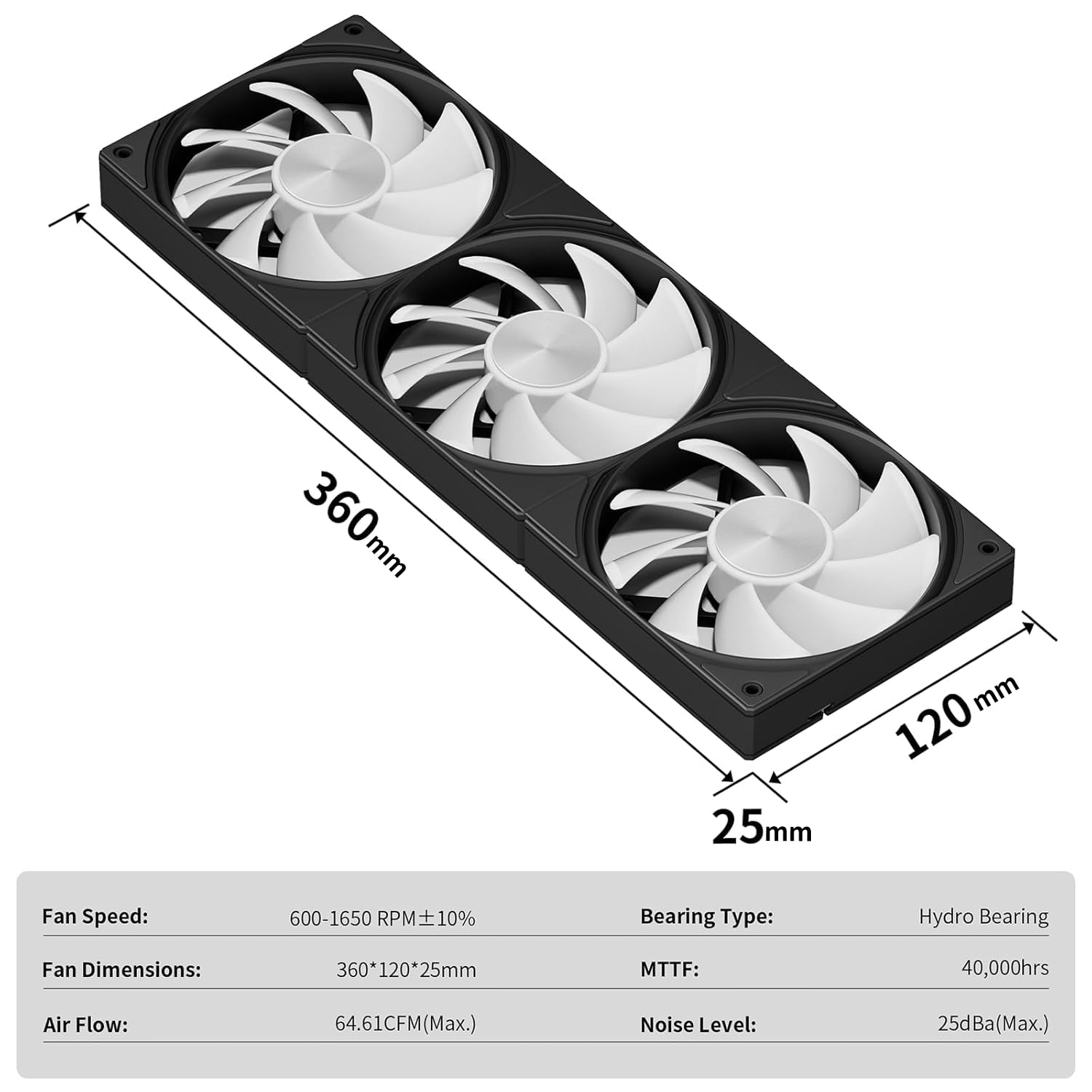
upHere Gaming U3KC3 ARGB All-in-One PC Fan – a compact triple‑unit cooling solution
Product description
What it is and what it aims to solve
The upHere Gaming U3KC3 ARGB is an all‑in‑one 3×120mm case fan that merges three fans into a single unit. Designed to simplify installation, it uses one 4-pin PWM header and one 5V ARGB connector, reducing cable clutter inside the chassis. If you’re looking to improve airflow for your case or CPU cooling without juggling multiple fans and cables, this unit promises a neater build while offering controllable illumination.
How it performs on paper
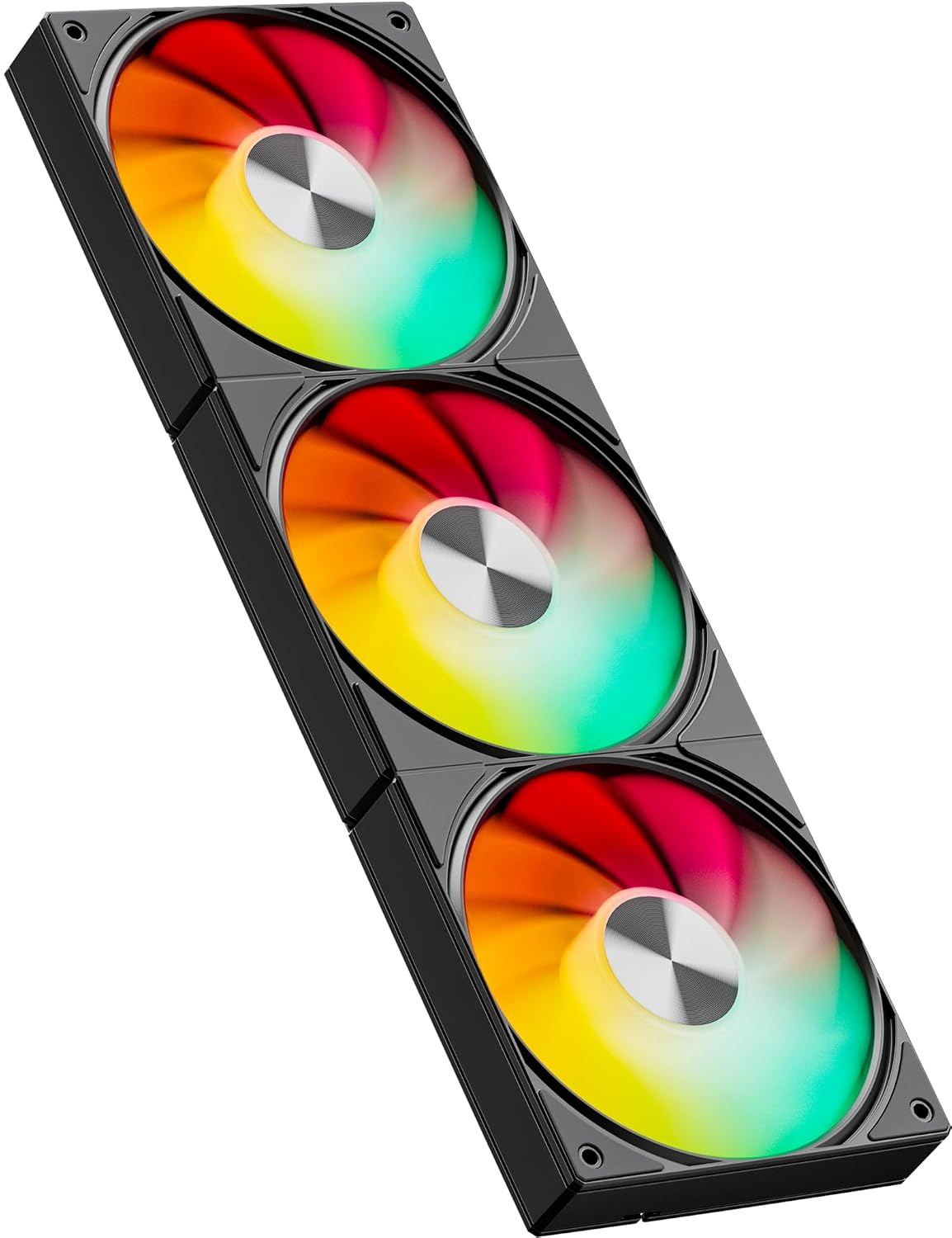
In theory, the U3KC3 delivers up to 64.61 CFM of airflow, which is respectable for a triple‑fan assembly on a typical mid‑tower build. The speed range is 600–1650 RPM with a tolerance of ±10%, giving options from quieter idle operation to more aggressive cooling when the system is under load. The motor uses a hydraulic bearing, which is generally praised for smoother operation and durability over long runtimes. Noise is advertised at up to 25 dB(A) at full tilt, in practice, actual sound will depend on enclosure acoustics and fan curve settings.
How easy it is to install and wire up
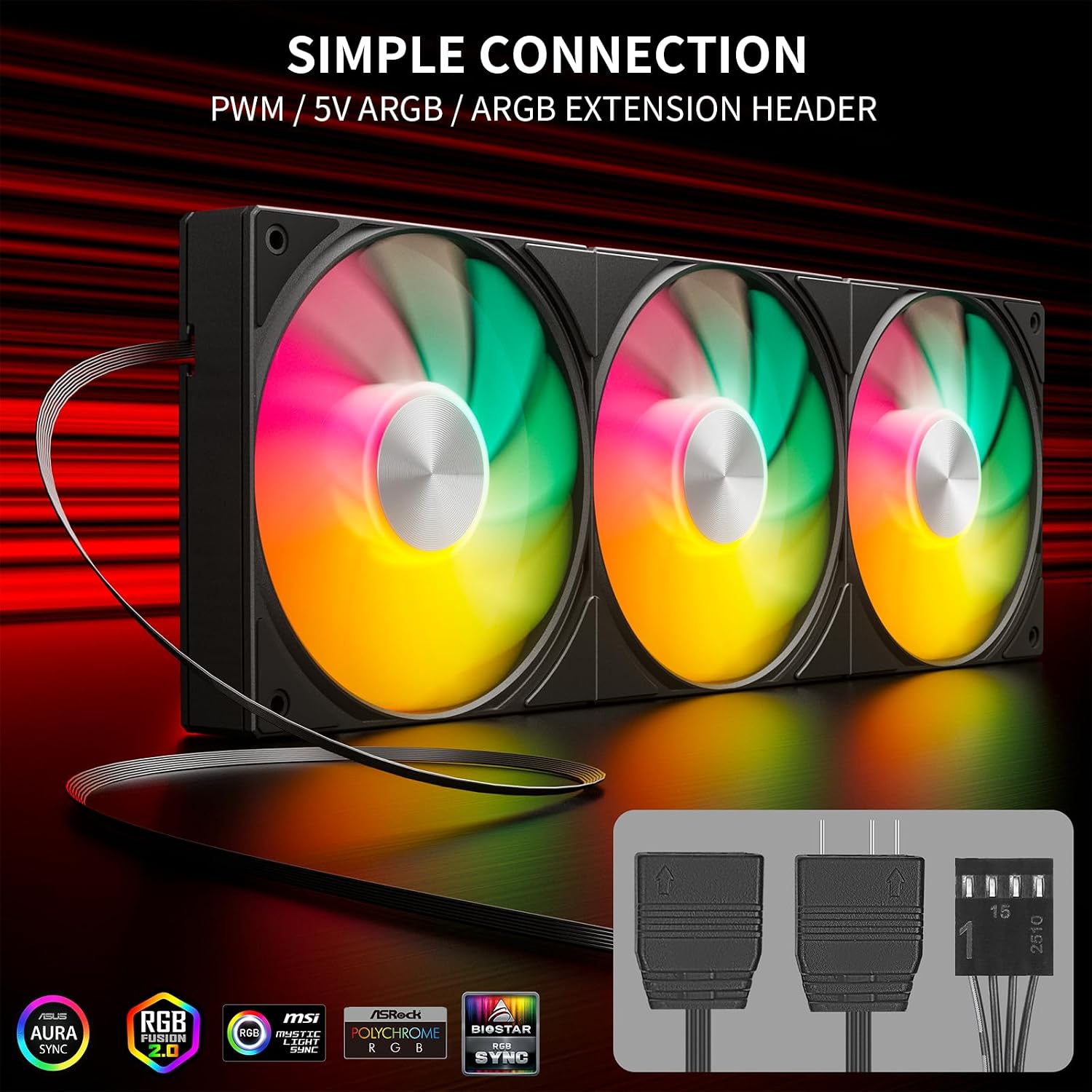
Simplicity is the headline here. With a single 4‑pin PWM connection and a single 5V ARGB header, you avoid the tangle of three separate fans and their respective cables. That makes the U3KC3 appealing for builders who value clean builds or who want to upgrade cooling without a big wiring project. If your ITX or ATX case relies on modular cable routing, this unit could be a real time‑saver.
What stands out in day‑to‑day use
The integrated ARGB lighting is a practical touch, giving you visible, customisable lighting effects through the motherboard’s ARGB header. It’s handy for users who enjoy a little personality in their build, and it complements bright cases or RGB‑friendly components. On the cooling side, you get a balanced solution that should handle general case cooling and modest CPU cooling scenarios in a mid‑range build. The triple 120mm configuration can provide more uniform airflow than a single fan, which may help keep hot spots in check.
Pros and what might give you pause

Pros: - Simplified installation with one fan header and one ARGB connection. - Decent airflow for a compact triple‑fan unit, potential for solid case cooling. - Quiet operation expected at lower speeds thanks to hydraulic bearing. - ARGB lighting adds style without extra controllers if your board supports it.

Cons / caveats: - The stated 64.61 CFM is an upper bound, real‑world performance depends on case geometry and fan curve. - 25 dB(A) is a maximum spec, in practice, it may be more audible depending on ambient noise and proximity. - ARGB requires motherboard compatibility, if your board lacks ARGB headers or proper software, you may not realise the lighting features.
Who this is best for
If you’re building a mid‑range or budget gaming PC and want a neater cooling upgrade that reduces cable clutter while providing good airflow, the U3KC3 is worth considering. It can suit users who prefer a look with RGB lighting and who are comfortable configuring PWM speeds in the BIOS or via software. It’s especially sensible when you’re aiming for better overall case ventilation with minimal wiring.
Who should probably look elsewhere
If you have a high‑end overclocking setup demanding aggressive cooling across multiple components, or if your case requires very high static pressure fans for radiators or restrictive intakes, you might want to compare individual high‑flow 120mm fans or different ARGB kits. Also, if your motherboard lacks ARGB headers and you don’t want to invest in extra controllers, the lighting feature could be underutilised.

When it makes sense to buy
Purchase makes sense when you want a tidy build with simpler installation, you’re comfortable using PWM to tune fan speed, and you value integrated ARGB lighting as part of your case aesthetics. It suits builds where three 120mm fans are appropriate for airflow without needing separate fan controllers.
Before you buy – quick checks
- Ensure your case has room for a triple 120mm arrangement and does not obstruct memory clearance.
- Confirm the motherboard supports ARGB and PWM control for the lighting and speed features.
- Think about your target noise level and tune the fan curve accordingly to balance cooling and quiet operation.
A practical use scenario
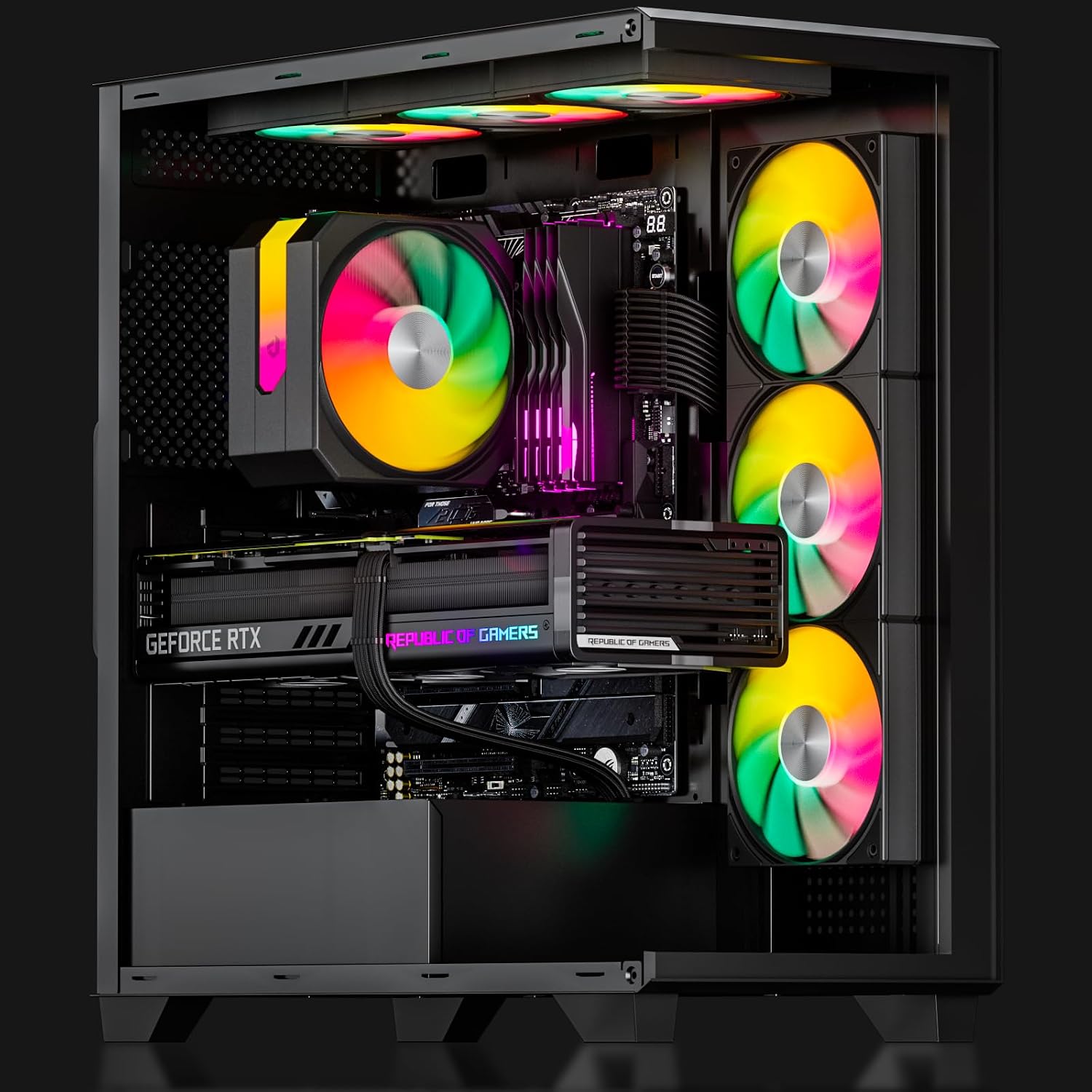
Imagine you’re assembing a mid‑range gaming rig with a compact case. You fit the U3KC3 at the front as intake, connect the PWM line to the motherboard for dynamic speed control, and link the ARGB to the ARGB header. When you’re idling, the system stays quiet, during gaming or rendering, the fans ramp up to manage heat without creating a whiney background hum. The result is a cleaner build with robust airflow and a dash of RGB glow.
FAQ (3–5 concise questions)
- Do I need multiple cables for this fan trio? No. It uses a single 4‑pin PWM header and one 5V ARGB connection.
- Will it fit in all cases? It’s designed for compatibility with most cases that accommodate 120mm fans, check your clearance to be sure.
- Can I control the lighting and speed separately? Lighting is controlled via ARGB header, speed is controlled via PWM. If your motherboard supports both, you’ll have independent control.
- Is the noise level noticeable at full load? At 25 dB(A) maximum, it should remain relatively quiet, but perceived noise depends on case acoustics and fan speed.
- What about reliability? Hydraulic bearings are chosen for smooth operation, but long‑term reliability also depends on overall system cooling and build quality.