

FIEHDUW ManbaOne interactive gaming controller (Hall Effect, LED, mapping buttons) for PC, Switch, iOS & Android
Product description
If you’re trying to cut down on controller “tweaks” and still get reliable inputs, the FIEHDUW ManbaOne is aimed squarely at people who care about stick feel and longevity. On paper it combines Hall Effect joysticks, an on-screen settings view, and button mapping—without needing an app or driver.
That said, it’s not a one-controller-for-everything situation. The notes around Switch 2 waking behaviour and the lack of Xbox/PS5 support are the kind of limitations you’ll want to be comfortable with before buying.
Quick overview
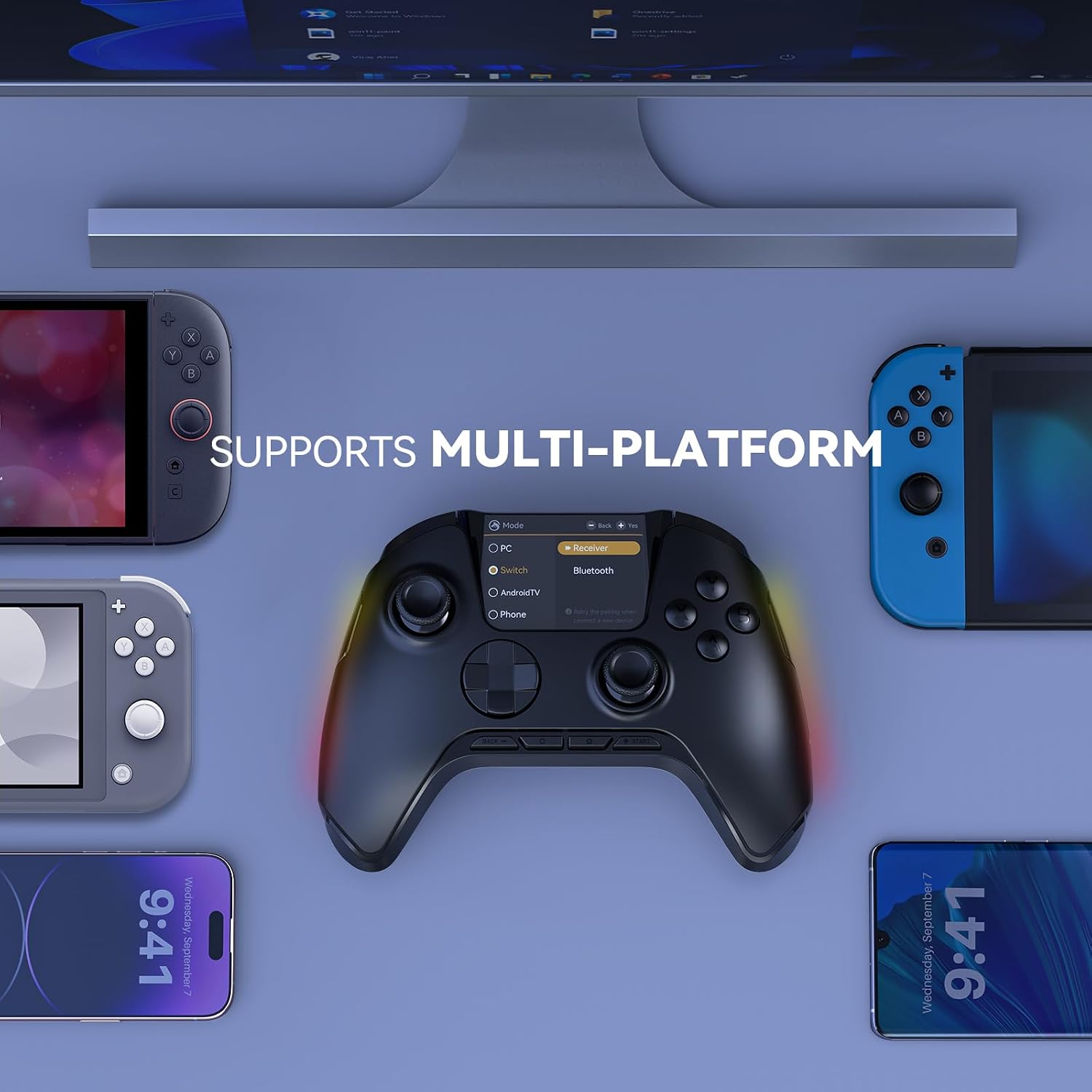
The ManbaOne is a wireless interactive gaming controller designed to work across multiple platforms, including Switch / Switch 2, iOS, Android, Steam Deck, and Windows PC. For PC use, the setup is described as requiring a Bluetooth receiver and/or a USB cable.
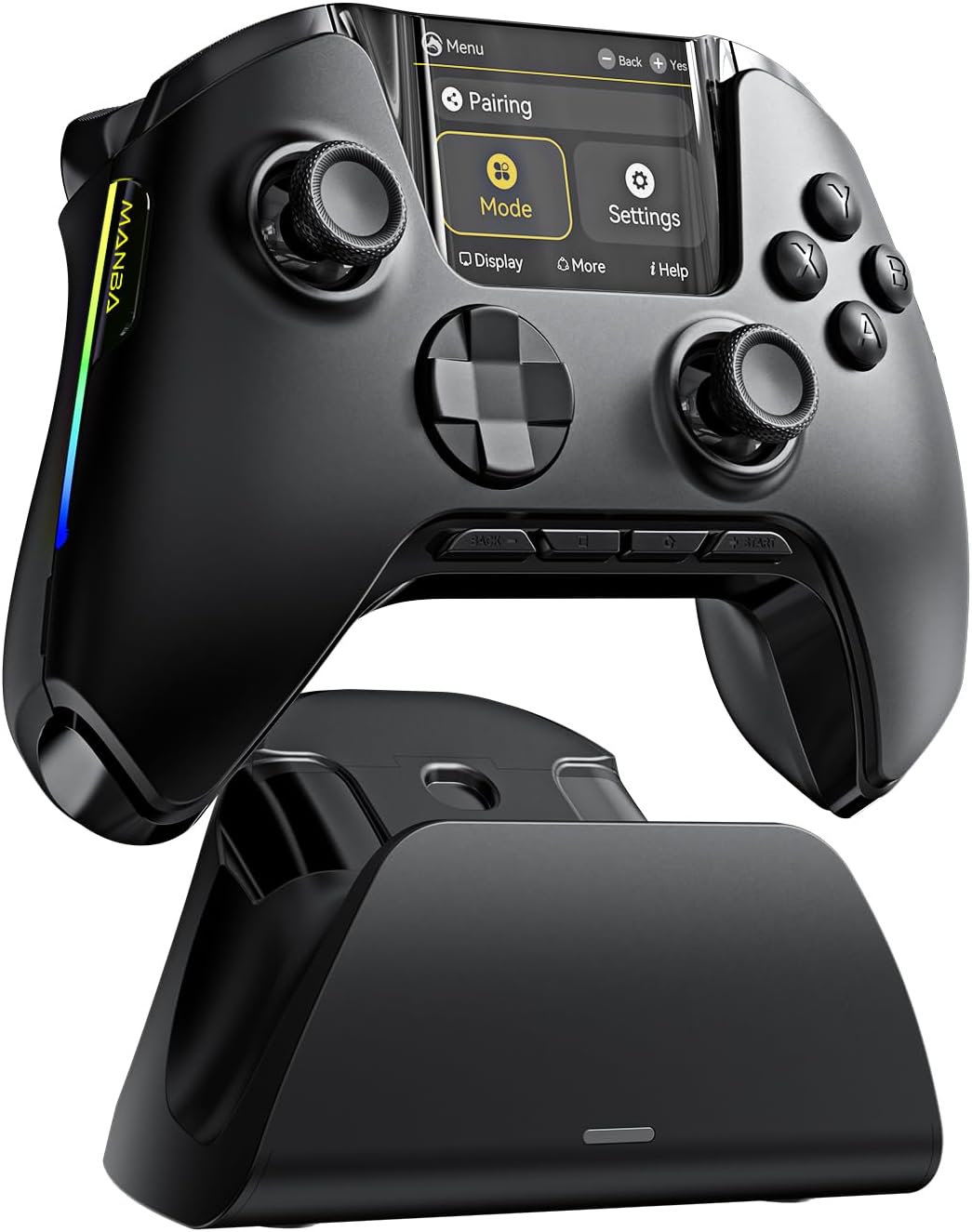
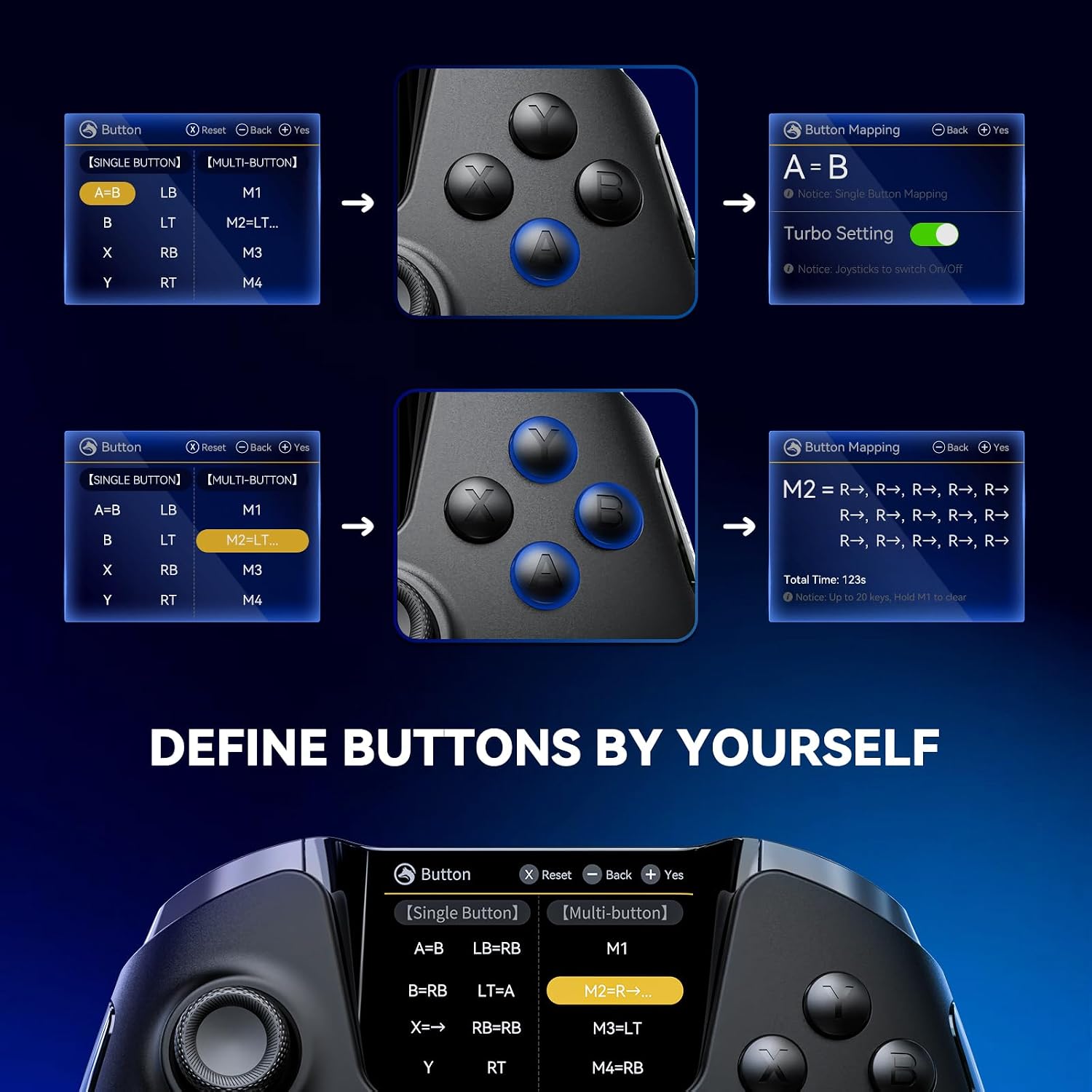
A standout idea here is the “visual settings in screen” approach: you can view settings clearly on the controller’s screen, including platform switching, button mapping, vibration adjustment, joystick settings, brightness, languages, and LED options. That’s a practical alternative to hunting for drivers or a dedicated app.
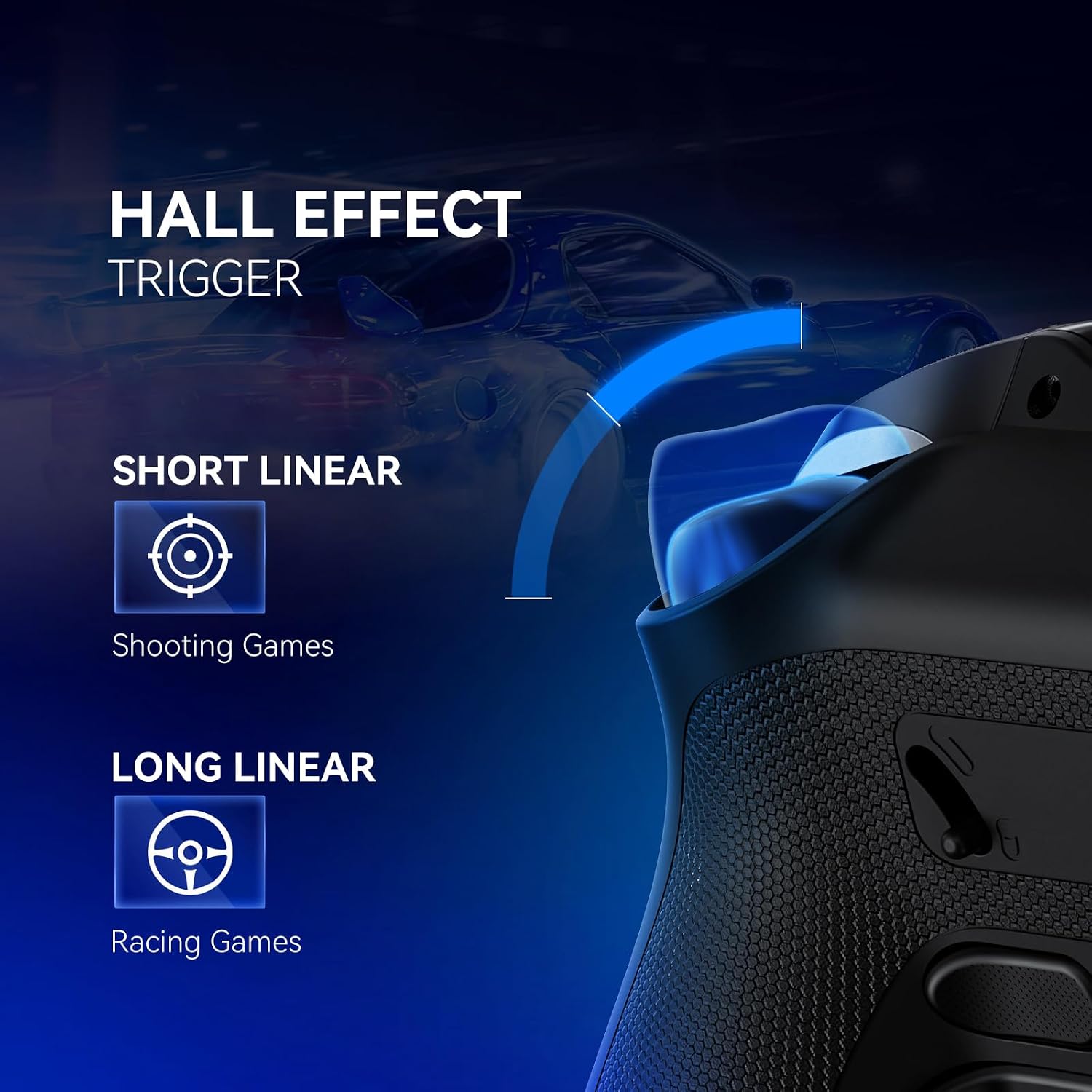
In terms of controls, it uses non-contact magnetic sensing Hall Effect joysticks aimed at reducing drift. It also includes adjustable triggers (a two-stage trigger key stroke adjustment, described for precision and smoother feel) and support for mapping buttons to different layouts and combinations, including back keys.
What you’ll notice in everyday play
The most “real world” benefit, if you play titles where stick accuracy matters, is the Hall Effect approach. You’re essentially looking at magnetic sensing rather than contact-based wear, with the goal of extending joystick life and preventing drift.
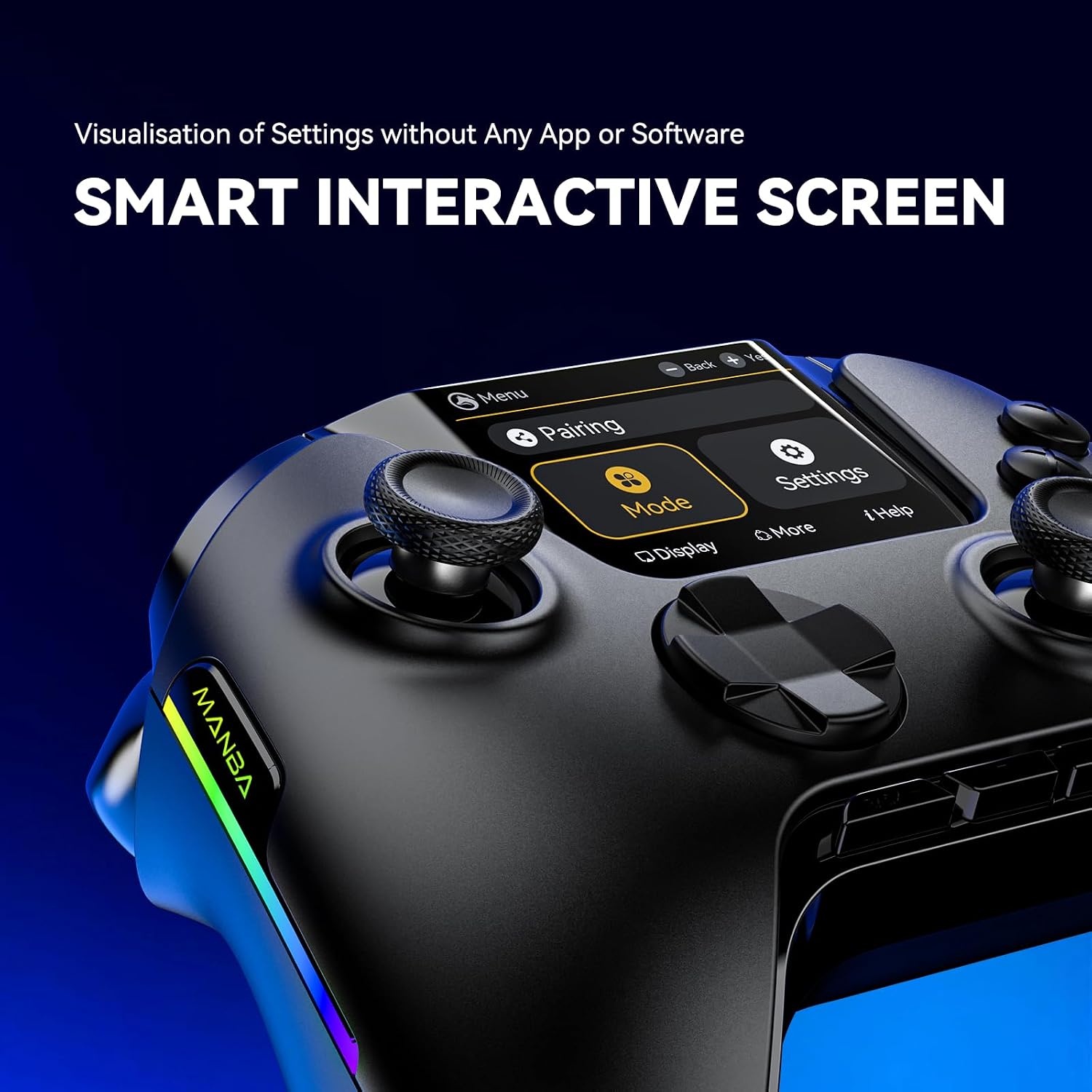
The controller also offers a dead zone adjustment (0%–100%). That’s useful if you like a tighter response for certain games. The manufacturer specifically mentions that 0 dead zone is designed for FPS games, but also cautions that 0 dead zone can cause drift problems in other games—so you may need to experiment rather than assuming the lowest value always feels best.
For control feel, the two-stage trigger adjustment is positioned for shooting and racing-style inputs. If your main focus is responsiveness under pressure, this kind of granularity can be the difference between “close enough” and genuinely controllable.
Mini-example: imagine you’re jumping between an FPS round and a driving session. With the on-screen settings view, you can (in theory) switch platform and tweak joystick and trigger behaviour without relying on an external app, then save configurations so the next session starts closer to your preferred setup.
Key points for setup and compatibility
Compatibility is broad, but there are a couple of important boundaries.
- The controller is stated to be compatible with Switch / Switch 2, iOS, Android, Steam Deck, and Windows PC.
- For PC, it may require a Bluetooth receiver and/or a USB cable to connect.
- It does not support Xbox or PS5 at the time of writing.
- There’s also a specific note that it cannot wake up Switch 2.
If your household includes multiple consoles and you’d like one controller that seamlessly wakes everything up, this may frustrate you a bit. If you mainly want cross-platform convenience between PC, Switch, and mobile, it looks more aligned.
Tech details
- Hall Effect joysticks intended to prevent drift via non-contact magnetic sensor
- Dead zone adjustable from 0% to 100%
- Two-stage trigger key stroke adjustment for precision and smoother feel
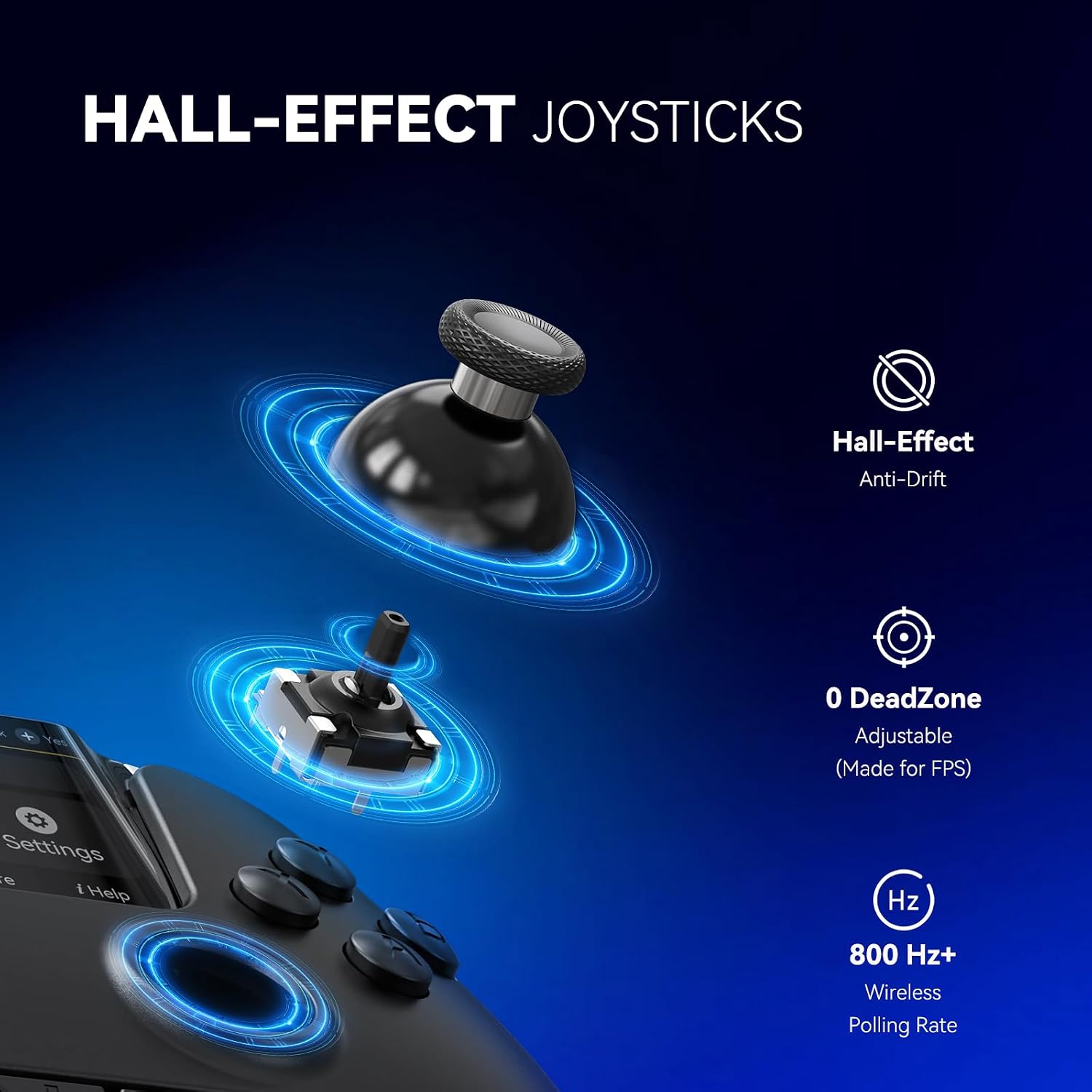
- Button mapping with single/multiple mapping, including back keys (up to 4 back keys)
- Screen-based settings view (platform switching, button mapping, vibration, joystick adjustment, brightness, languages, LED)
- Battery capacity: 1800mAh
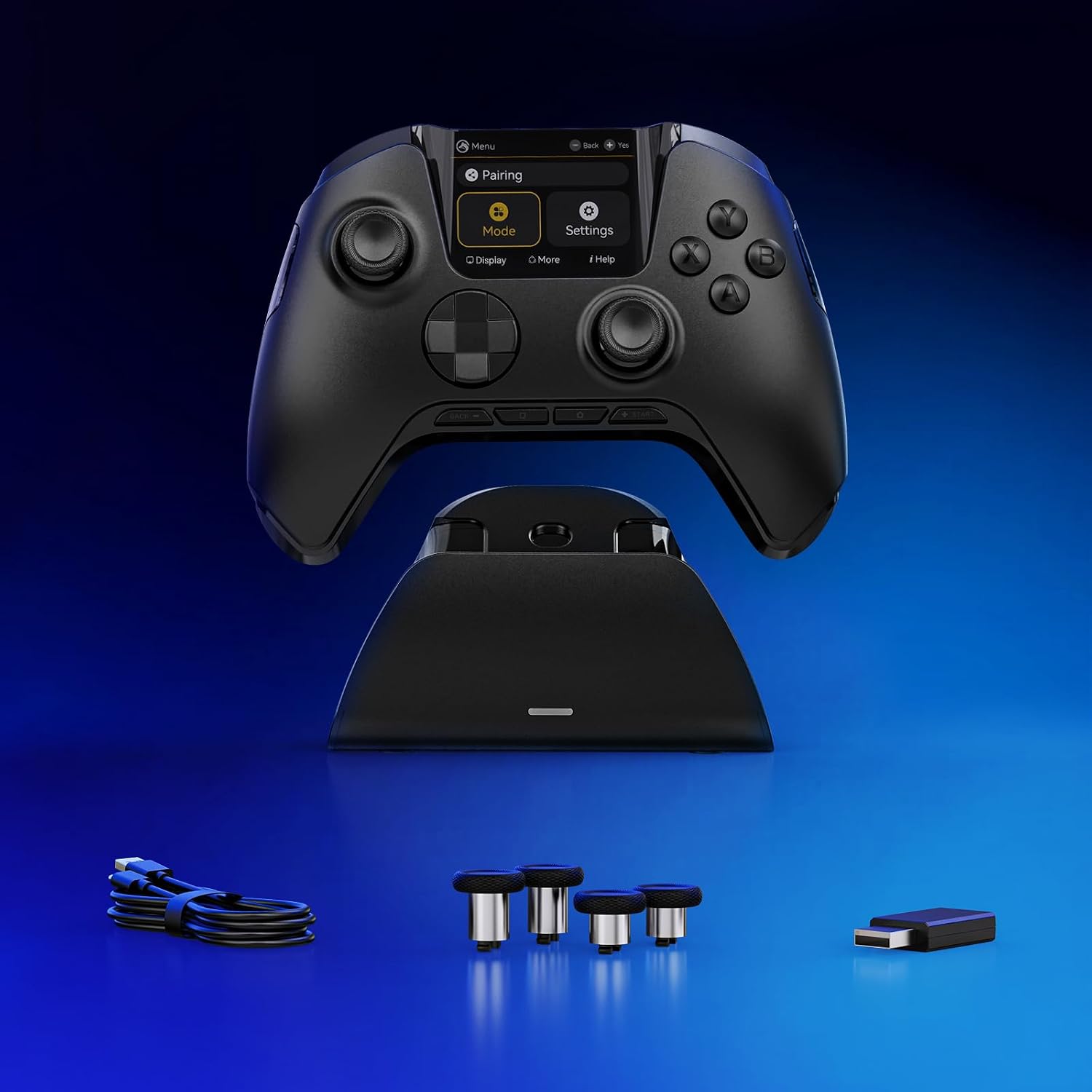
- Package includes: wireless game controller, magnetic charging station, Type-C cable, Bluetooth receiver, 2 interchangeable joysticks, and user manual
Where it shines, and where it may fall short
Where it makes sense is for players who want:
- drift-focused joystick design (Hall Effect) rather than hoping software tweaks alone will fix wear
- adjustable dead zone and trigger behaviour for different game styles
- on-controller screen settings, so you’re not dependent on a specific app/driver
- mapping options that let you shape controls across platforms
Where you might want to be cautious: it may not suit you if you require Xbox/PS5 compatibility, or if Switch 2 waking behaviour is a must-have in your setup. Also, the dead zone guidance includes a limitation: 0 dead zone is positioned for FPS games, and it’s explicitly noted it can cause drift issues in other games. That means you may need time to dial in settings per title.
Should you buy it?
It’s a good fit if you play across Switch (including Switch 2), PC and mobile, and you specifically care about reducing joystick drift through Hall Effect joysticks. The on-screen settings approach and mapping controls make it more practical than “plug-and-hope” controllers.
You may want to skip it if you need Xbox or PS5 support, or if you rely on the controller to wake Switch 2—because that’s stated as not supported. It might not be a great match if you hate tinkering with dead zone and trigger feel, since the guidance suggests game-by-game tuning rather than a single universal setting.
Mini FAQ
Mini FAQ
Does it need an app for settings? No app/driver is described as needed because settings are shown via the controller’s screen.
Will it work with Xbox or PS5? The provided note says it does not support Xbox or PS5.
How does it connect to a PC? The information given says it may require a Bluetooth receiver and/or a USB cable for PC connections.
What’s the deal with the 0% dead zone setting? It’s described as designed for FPS games, but the note warns that 0 dead zone can cause drift issues in other games.
Is Switch 2 waking supported? No—there’s a specific note that the controller can’t wake up Switch 2.
Final verdict
If your priority is drift resistance and control tweaking across several platforms, the FIEHDUW ManbaOne looks genuinely built for that. Just confirm you’re happy with the stated platform limits (no Xbox/PS5) and the Switch 2 waking constraint before you commit.