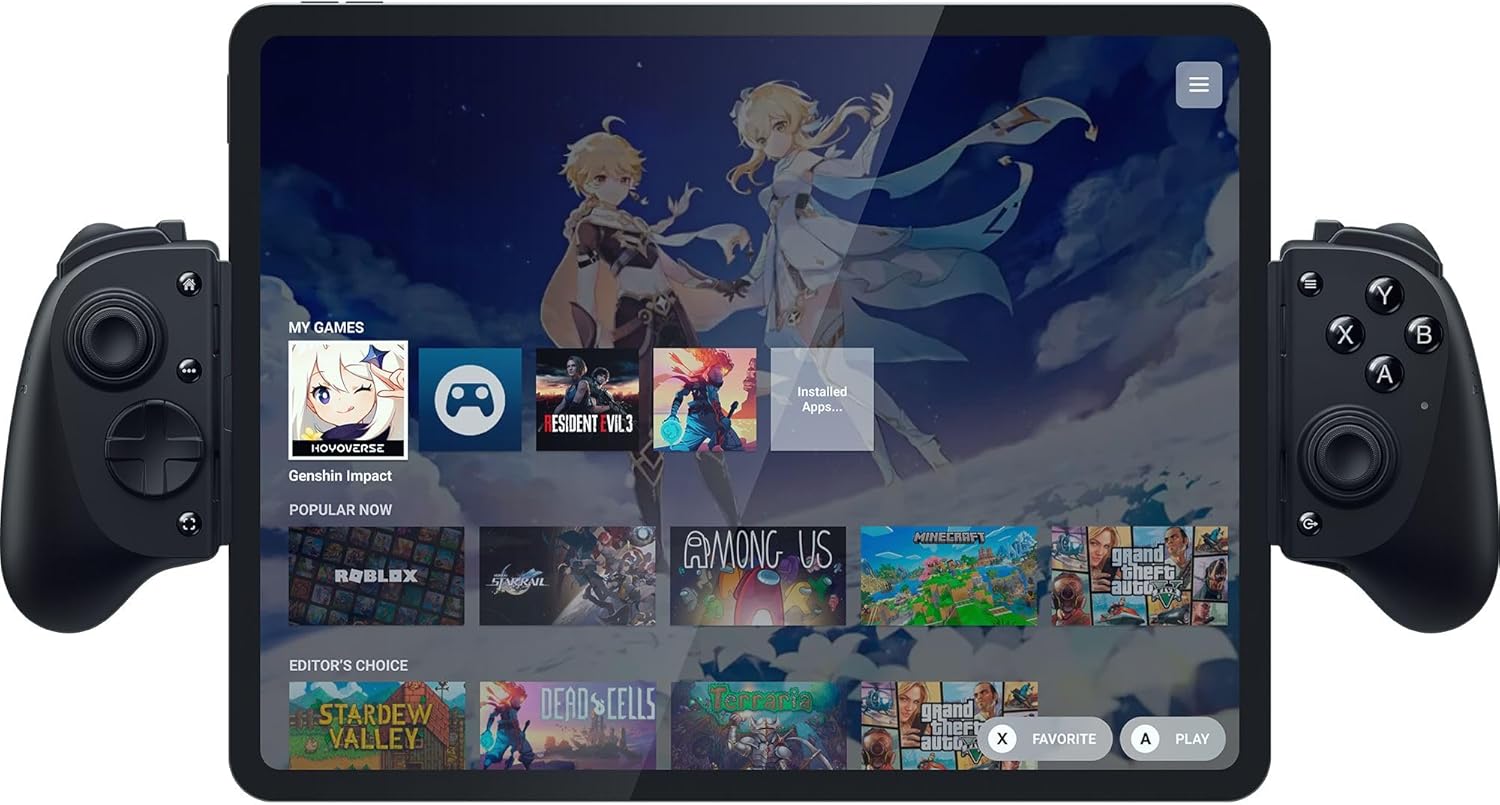
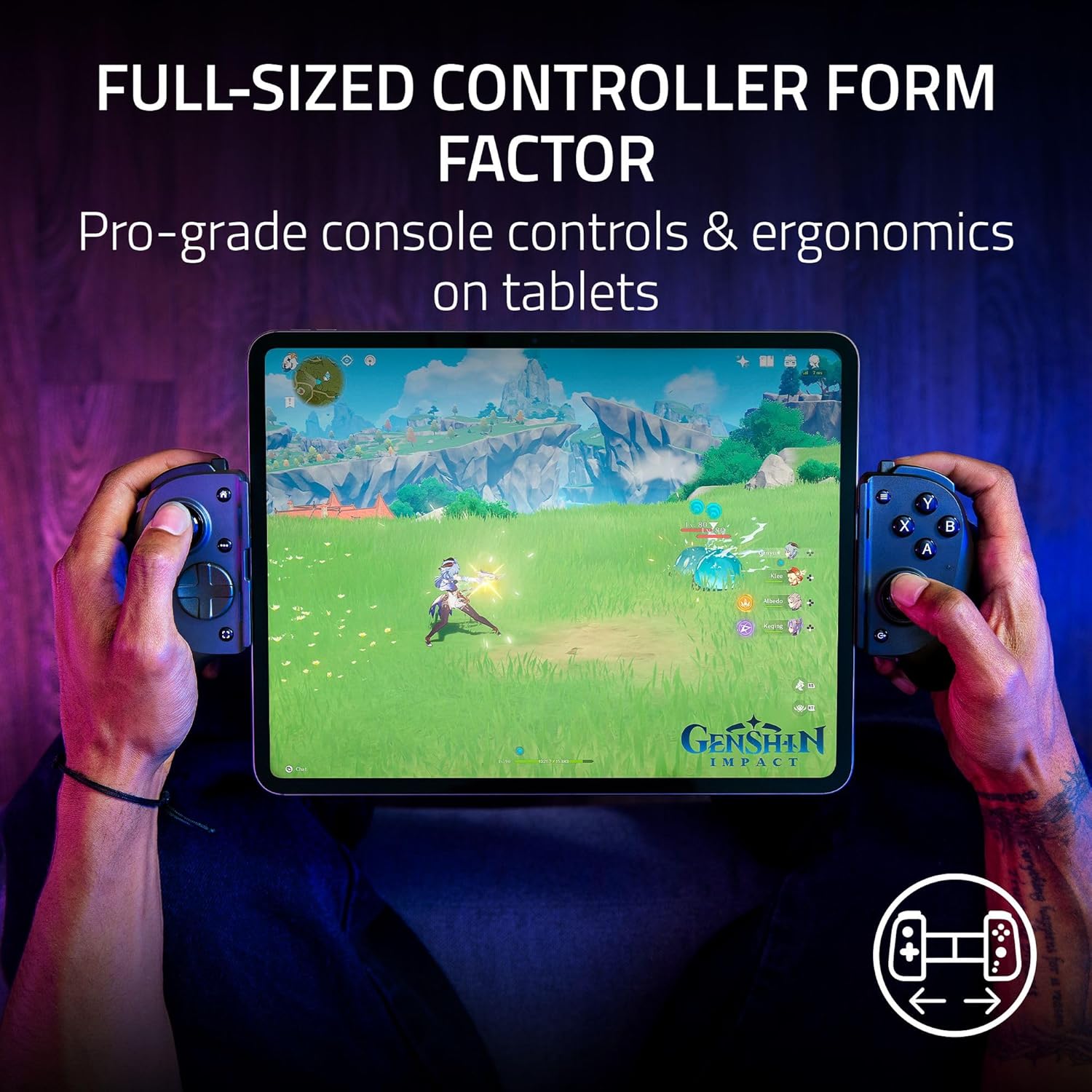
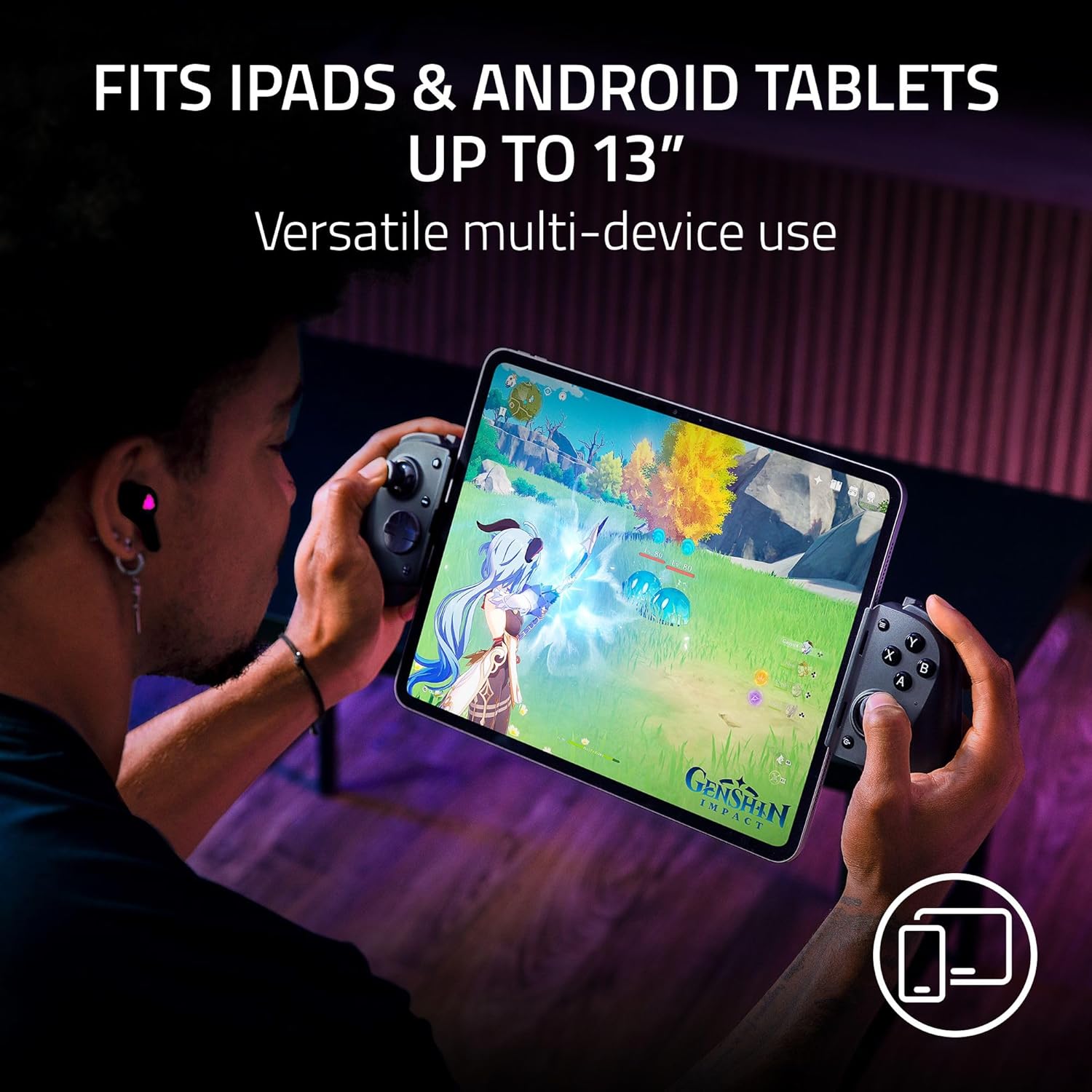
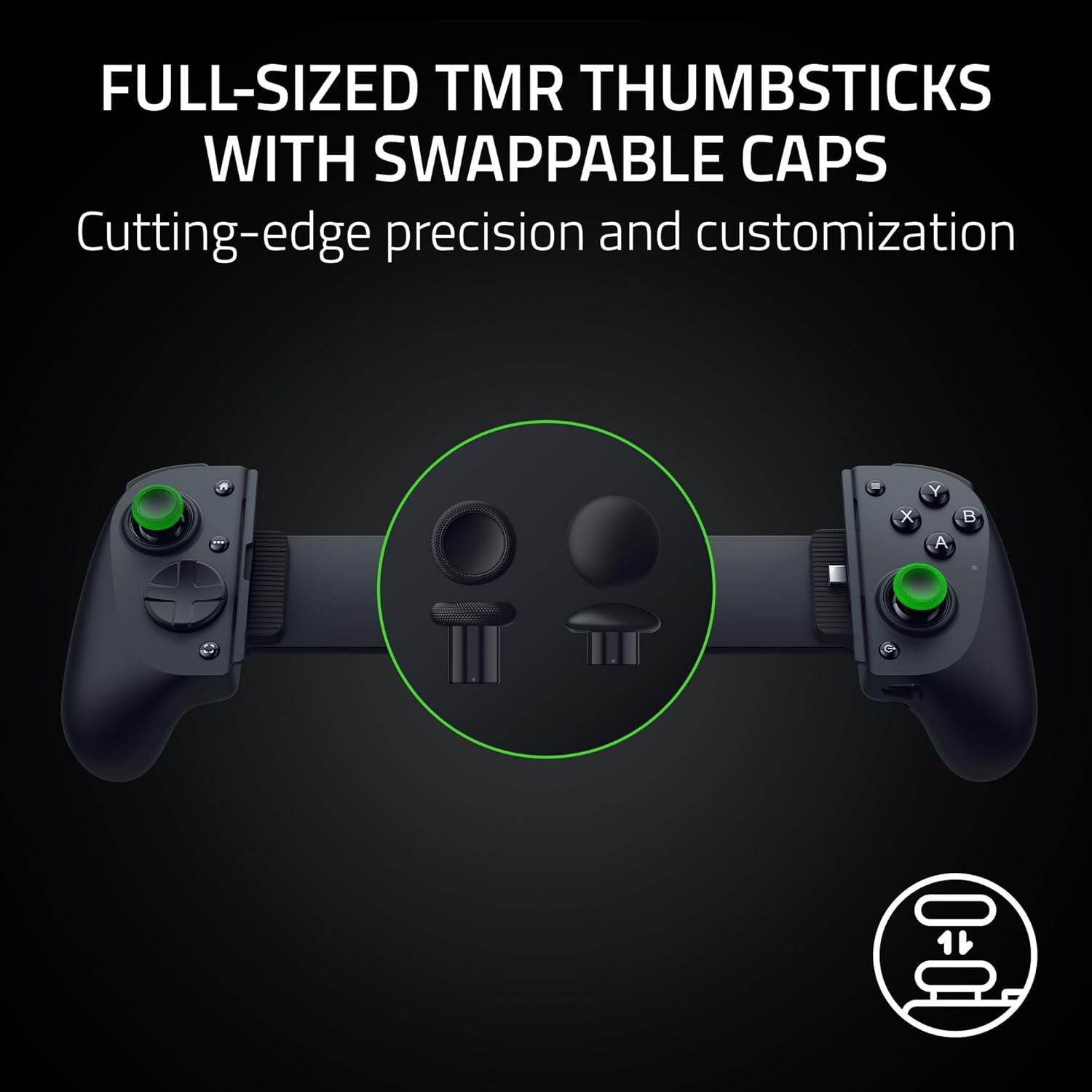
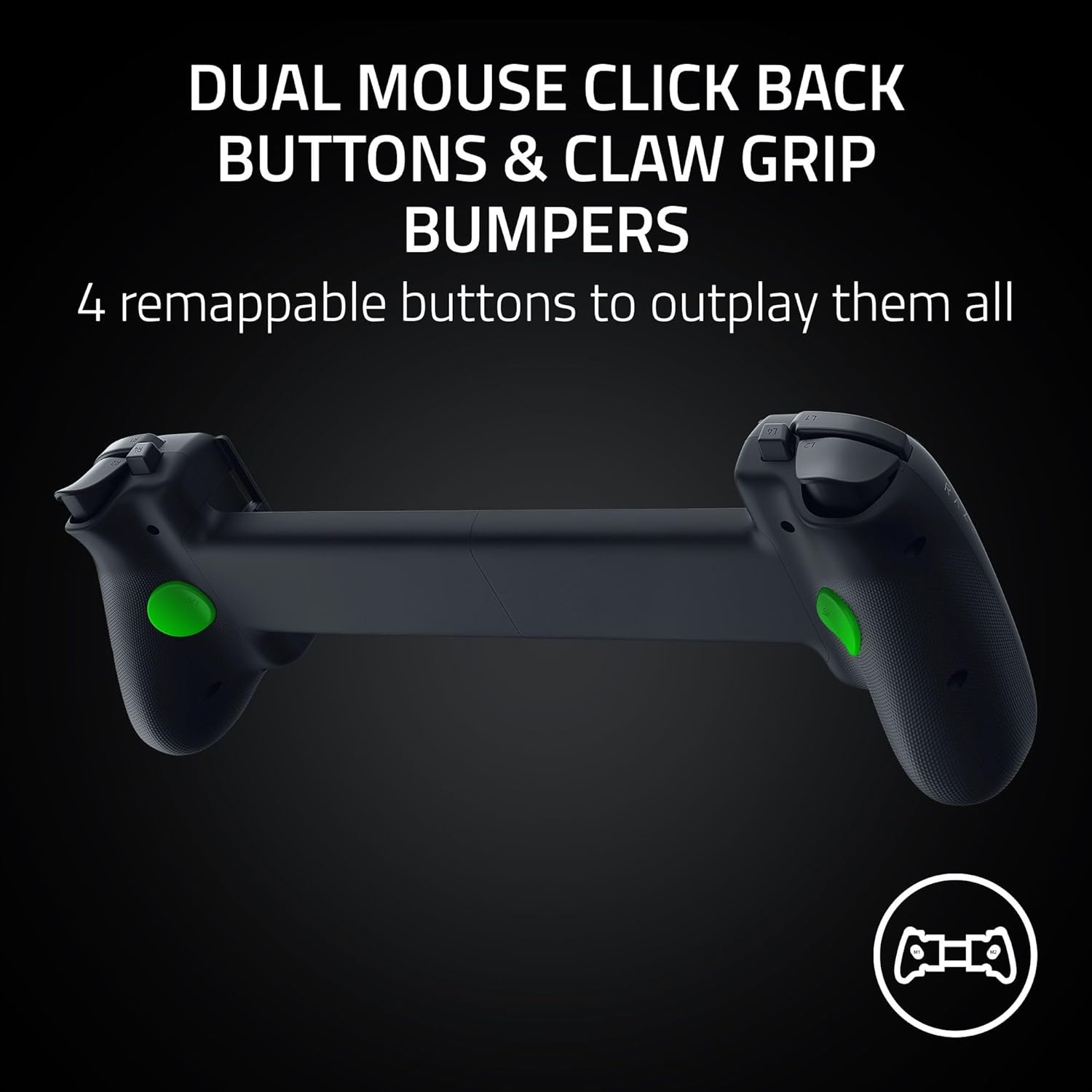
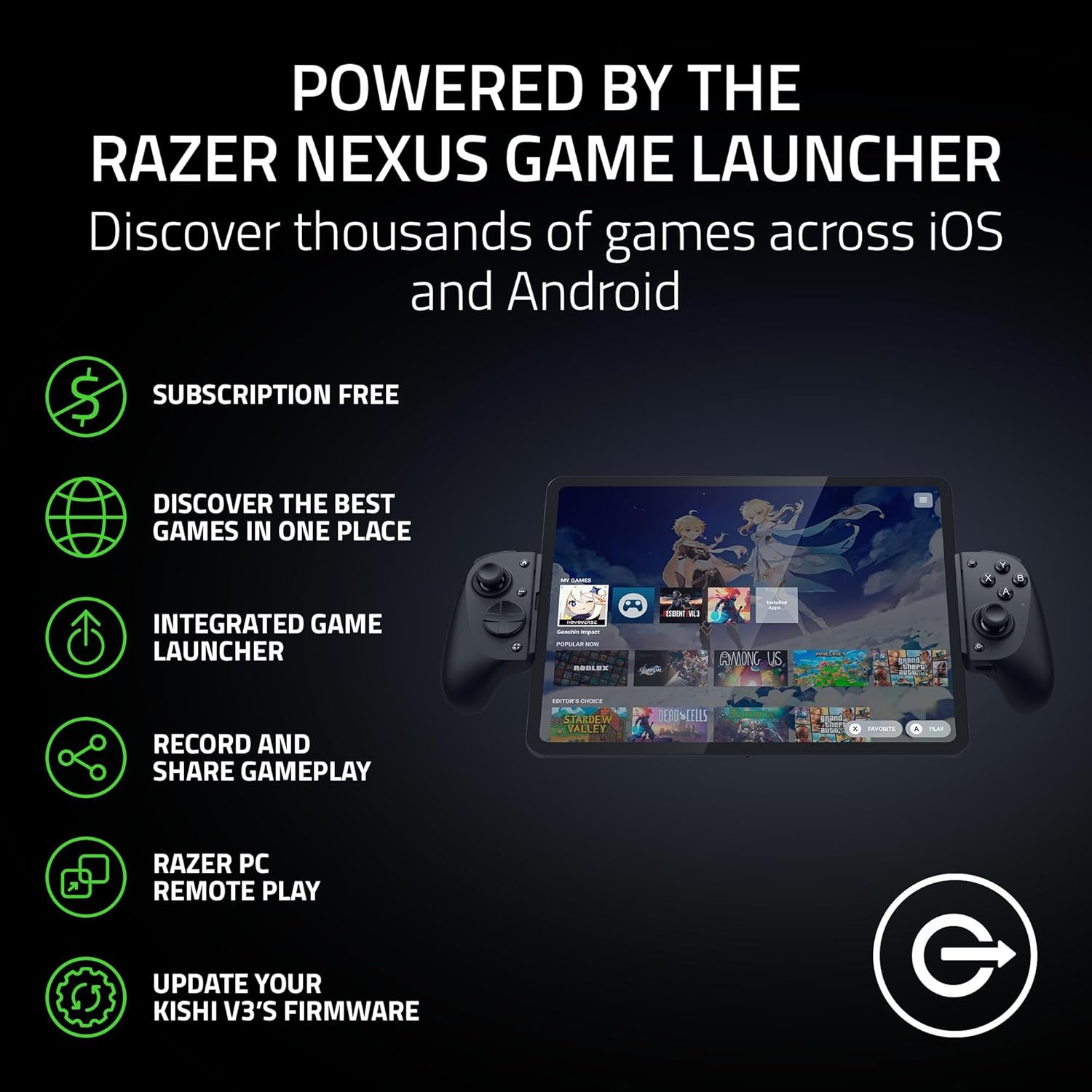
What it is and who it’s for\nThe Razer Kishi V3 Pro XL is a full-sized, USB-C gaming controller designed to bring console-style controls to iPads and Android tablets up to 13 inches. If you regularly game on a tablet and want a more ergonomic grip, longer sessions without fatigue, and precise aiming, this model aims to deliver. The extended ergonomic handles are intended to feel more natural than typical mobile controllers, and the telescopic bridge adapts to larger tablets, offering what Razer markets as a true console-like experience on a mobile screen.\n\n## What stands out in practice\nOn paper, the thumbsticks are described as full-sized with anti-drift capability and swappable caps, giving you a touch more control over speed and precision. The inclusion of two back buttons and claw grip bumpers increases remapping options, potentially improving responsiveness in fast-paced games. The control hub is powered by Razer Nexus, a launcher-style app intended to manage game settings, record gameplay, and keep firmware up to date. The device can be used wired for PC via a USB-C connection (with Nexus support) or as a remote‑play controller through compatible setups.\n\n## Real-world use and comfort\nErgonomics matter for tablet gaming, and the XL form factor is pitched as better suited for longer sessions. The design explicitly mentions compatibility with most popular iPad cases, thanks to its USB-C island design and depth clearance, which is helpful if you don’t want to remove a case every time you game. The plug‑and‑play aspect reduces setup friction, and the ability to switch between on-device controls and Nexus-enabled features offers flexibility.\n\n## Pros and potential drawbacks\nWhat to like: the larger grip and thumbstick design for accuracy, back buttons for quick actions, and the option to use it as a PC controller with low latency when connected. The Nexus app can unlock a broader ecosystem of games and settings, which is useful if you already lean into that platform.\nWhat to watch: the experience depends on tablet size and how well a case fits with the island design, some users may need to experiment with back-button remapping to find a comfortable layout. There’s no mention of wireless play, the wired path for PC requires a separate cable, which could limit portability in some setups.\n\n## Should you buy it? (Who it’s for)\nIf you prioritise an ergonomic, console-like feel for tablet gaming and value precise control with extra programmable buttons, this model could appeal. It’s likely better suited to players who game across tablets and want the option to use a wired PC connection for low latency.\nWho it isn’t ideal for: if you mainly game on smaller devices or require a fully wireless experience, or if you need a more compact travel setup, you might prefer a lighter, more portable alternative.\n\n## What to check before buying\nEnsure your tablet is within the 13" limit and assess whether your case depth allows the telescope bridge to sit flush. Consider whether you’ll use Nexus features regularly, and whether you’re ok with a wired PC option that may require an extra lead.\n\n## Practical usage example\nImagine finishing a session of a fast-paced shooter on your iPad with the back buttons delivering swift reloads while you keep a steady aim. The claw bumpers add a tactile edge for you to thumbs on panning shots without shifting grip.\n\n## The bottom line for decision-making\nIt helps if you want a larger, console-like grip on a tablet and value multi‑device versatility through Nexus, but you should factor in your typical playstyle, case setup, and whether you’re comfortable with a wired PC option when needed.\n\n## Quick FAQ\n- Will it fit my 12.9" iPad with a case? It’s designed to fit tablets up to 13" with compatibility claims for many cases, but depth and case cutouts vary, so check your specific setup.\n- Can I use it wirelessly with a PC? The PC use is described as wired via USB-C, wireless play depends on the Nexus ecosystem and supported configurations.\n- Is the anti-drift feature proven? The description notes anti-drift thumbsticks and swappable caps, but any real-world drift performance will depend on usage and calibration.\n- Does it include all accessories? The base information mentions a USB-C connection and a cable sold separately for PC use, confirm what is included with your purchase.