

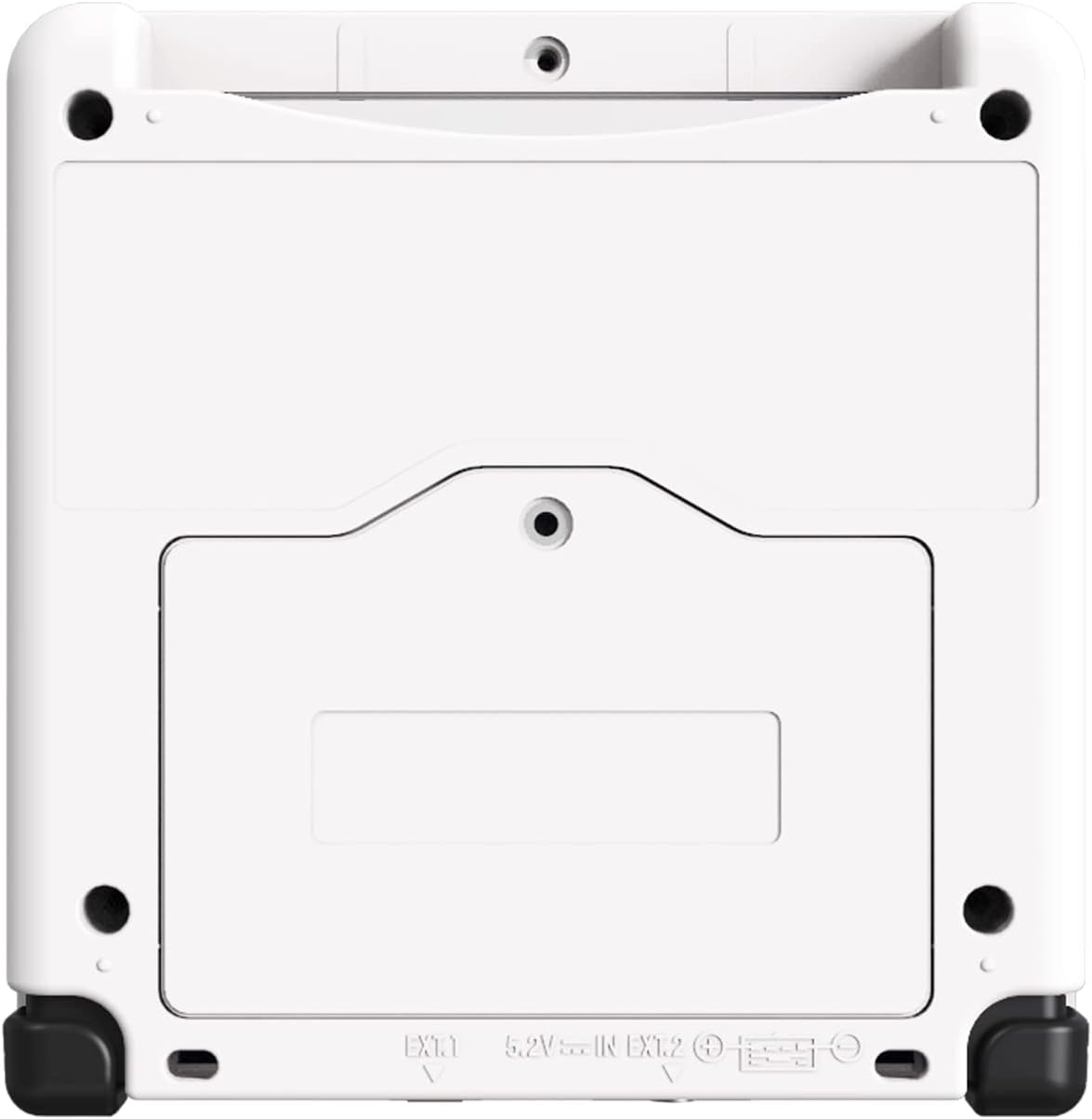
eXtremeRate Black Custom Full Set Buttons for Game Boy Advance SP (GBA SP) – Replacement Buttons
Product description
What it is
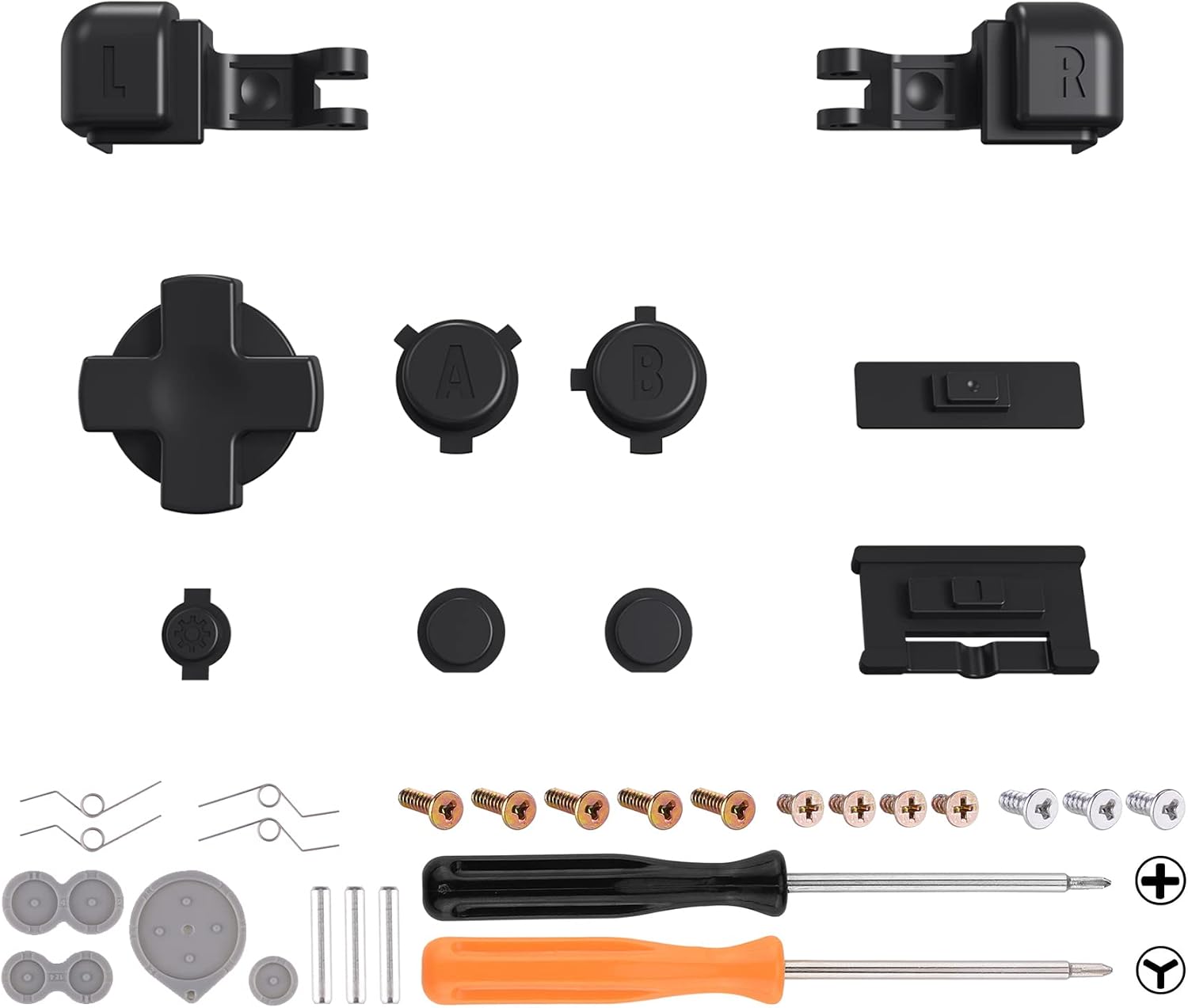
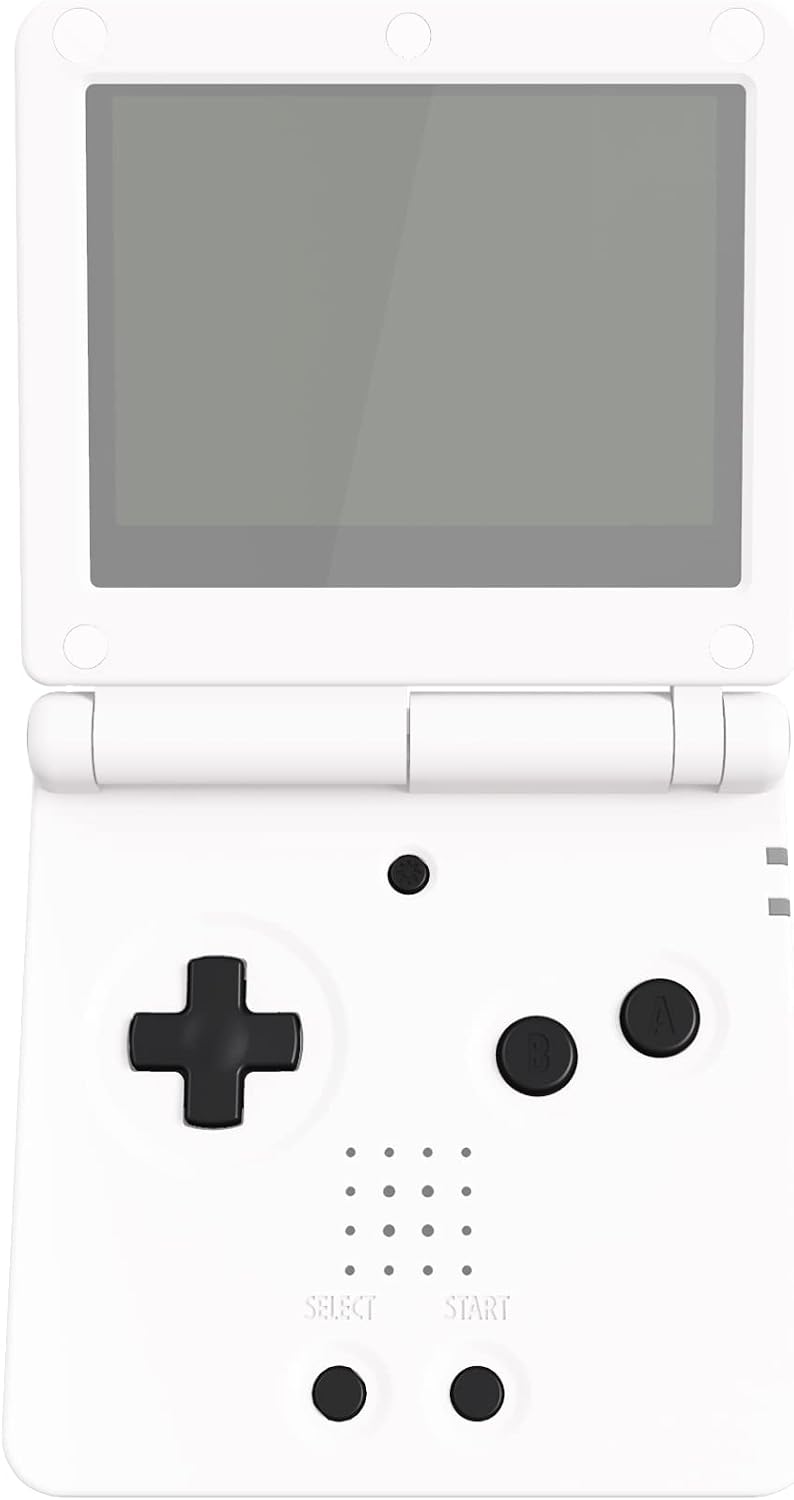
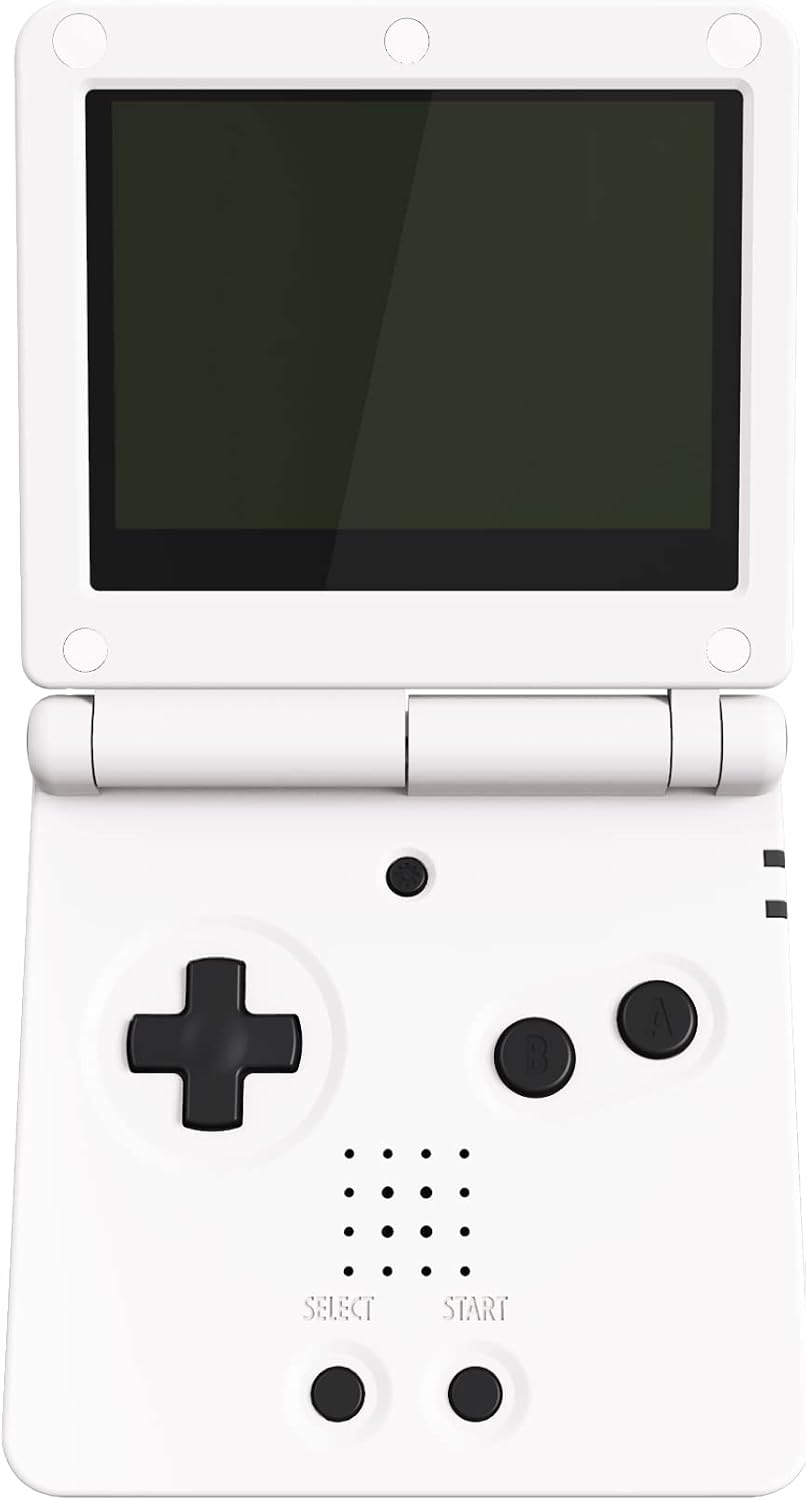
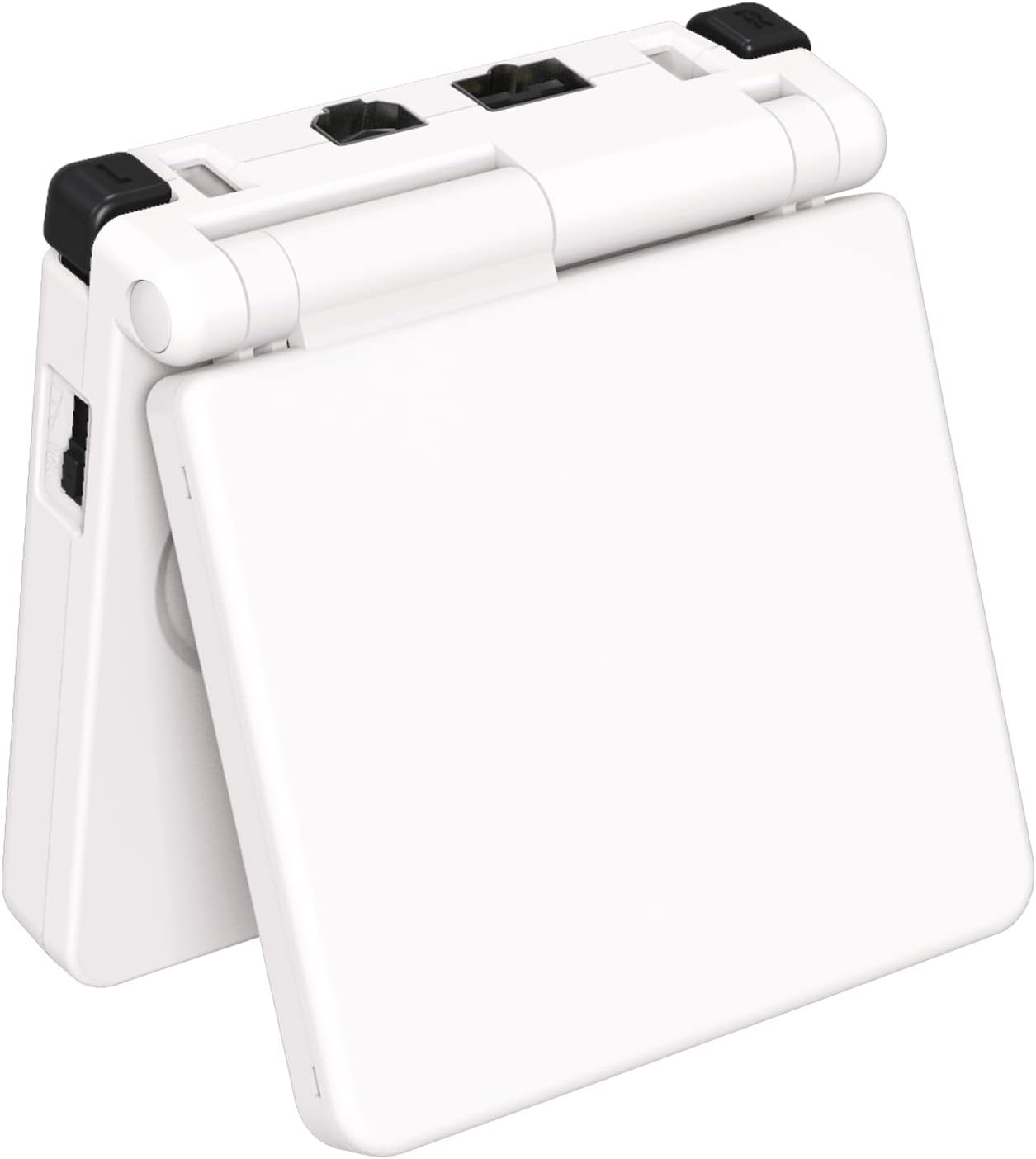
This is a replacement set of black buttons designed to fit the Game Boy Advance SP handheld console. It includes the D-pad, A B L R buttons, Select and Start, Power, On/Off and Volume buttons, plus button pads. The console itself is not included. The kit also comes with two screwdrivers and 12 spare screws for the installation, which requires taking the console apart.
How it’s designed to help
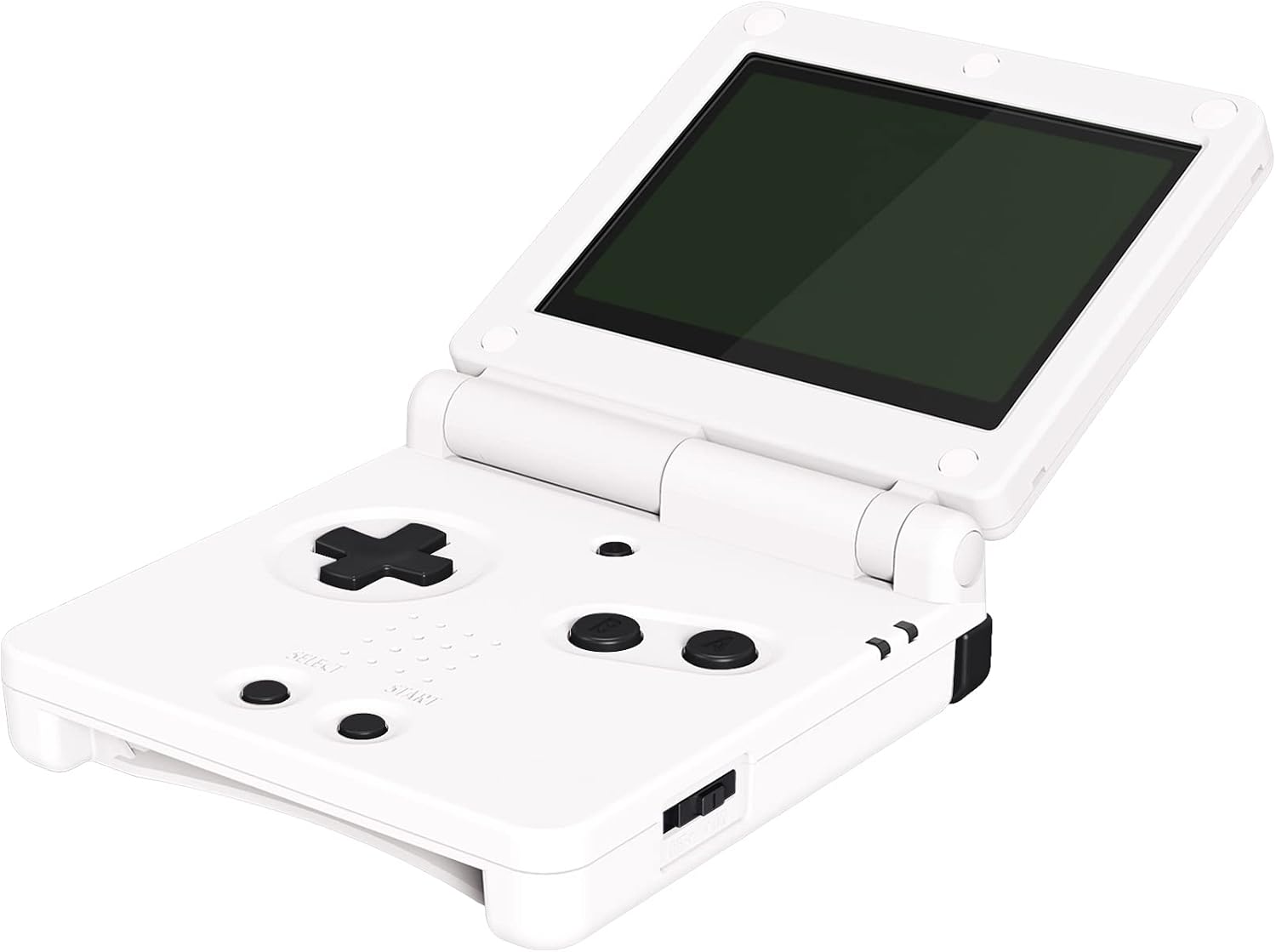
On the surface, it’s about refreshing the look and ensuring the inputs feel like the original device. The buttons are precision-cut from premium ABS material, intended to match the original dimensions and function. If you’ve got the know‑how to disassemble a GBA SP and swap components, this set provides a straightforward path to a customised black aesthetic and potentially improved tactile feel.
What stands out
The defining selling point is the all‑black, cohesive look that can make the console appear notably different from stock. The set aims to align with the feel of the original controls, rather than offering a radical redesign. The inclusion of two screwdrivers and a dozen spare screws is convenient for those who already have a basic toolkit, reducing another small barrier to installation.
Potential limitations
Installation is not plug‑and‑play, you must be comfortable opening and reassembling a handheld console. If you’re new to this kind of mod, there’s a risk of damaging the casing or misplacing tiny components. The package notes that the console itself isn’t included, so you’ll be replacing only the buttons and related hardware, not a complete shell upgrade.
Who this is for
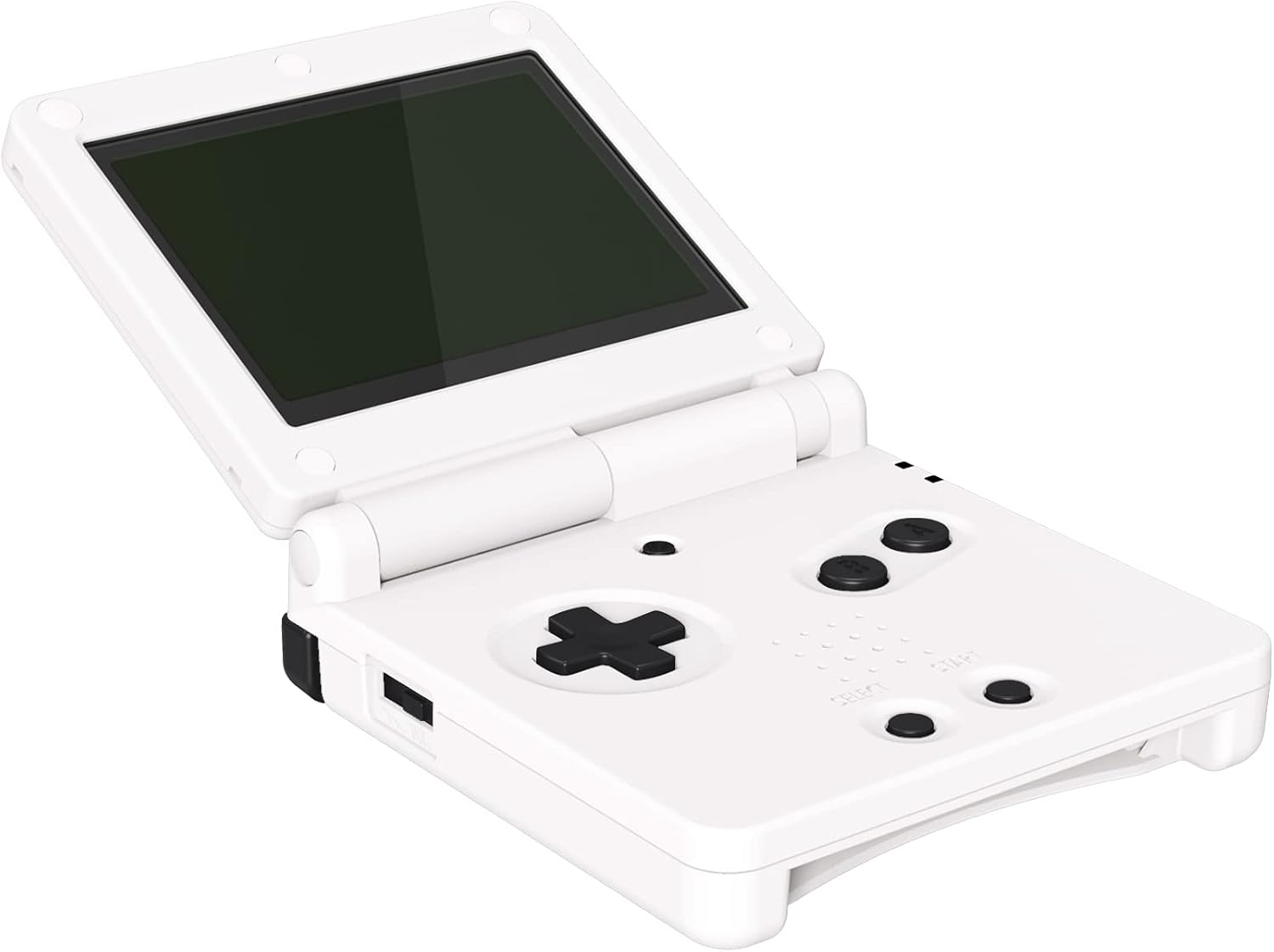
This set is likely to appeal to players who want a darker, more uniform look for their GBA SP and are comfortable with DIY repairs. It could suit collectors or those using their console regularly and seeking a fresh touch without buying a new device.
Who it’s not for
If you’re a casual user who doesn’t want to take apart the console, or you expect a guaranteed upgrade in terms of reliability rather than aesthetics, this may not be the right choice. It’s also not a complete shell replacement, so expectations should be aligned with a button‑level upgrade.
When it makes sense to buy
Consider purchasing when you’ve already decided to open up the GBA SP and you want a cohesive black button set that mirrors the original layout. It’s sensible if you’re comfortable following an installation guide or video and you value the inclusion of spare screws and screwdrivers.
Before you buy
- Check you’re prepared for disassembly and reassembly. Misplacing parts or applying excessive force can cause damage.
- Confirm you’re ordering the correct buttons for your GBA SP model and that the replacement aligns with your expected feel of the controls.
- Review the included hardware (buttons, pads, screws, screwdrivers) to ensure you have what you need for installation.
How it compares to other approaches
If you want a quick aesthetic refresh without opening the device, this set isn’t for you. For those who prioritise durability and a clean black finish, this option provides a dedicated replacement rather than fabricating a loose collection of third‑party components. It sits between a simple cosmetic shell swap and a full internal hardware upgrade, making it a pragmatic compromise for DIY enthusiasts.
Practical use example
Imagine you’ve just finished a long session of a retro platformer, the black buttons feel consistent under thumb and finger, with the D‑pad returning to neutral smoothly. You’ll notice the kit includes everything needed to reassemble, so you can complete the swap in a single session if you have a steady hand and a tidy workspace.
Final verdict
Is it worth it? Worth considering if you value a cohesive, dark aesthetic and you’re comfortable with console maintenance. It’s not a universally flawless upgrade—if you’re not confident with manual repairs, you may want to seek professional help or pass on a DIY route. This set is best for hands‑on buyers who want a durable, clean‑looking button replacement and the convenience of included tools.
FAQ
- Do I need the console to be included? No, the package explicitly states the console is not included.
- Will this improve game feel? It aims to preserve original button dimensions and function, feel is contingent on the installation quality.
- Are there any tips for first‑time installers? Watch an installation guide or the suggested YouTube video before attempting to swap parts, and take your time to avoid damaging internal components.