

FASTSNAIL Charging Dock for Nintendo Switch 2 Joypad with 9 RGB modes
Reviews
Price
Product description
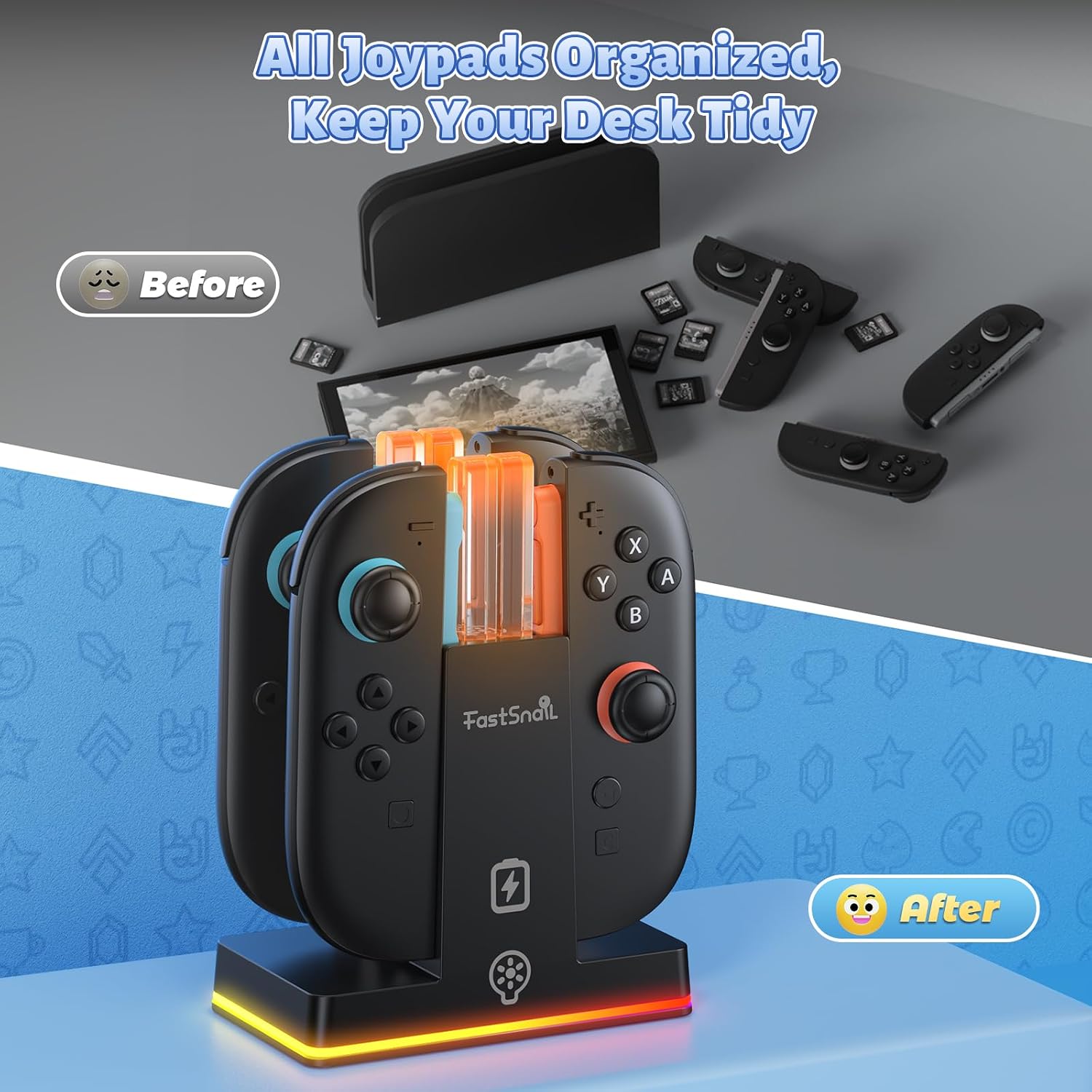
This magnetic charging dock from FASTSNAIL is made for Nintendo Switch 2 Joypads and combines simultaneous charging and neat storage to keep controllers ready for multiplayer sessions or long single-player stretches. It holds and charges up to four Joy‑Cons while using magnetic alignment to make mounting quick and avoid wear from repeated plugging.
Key Points
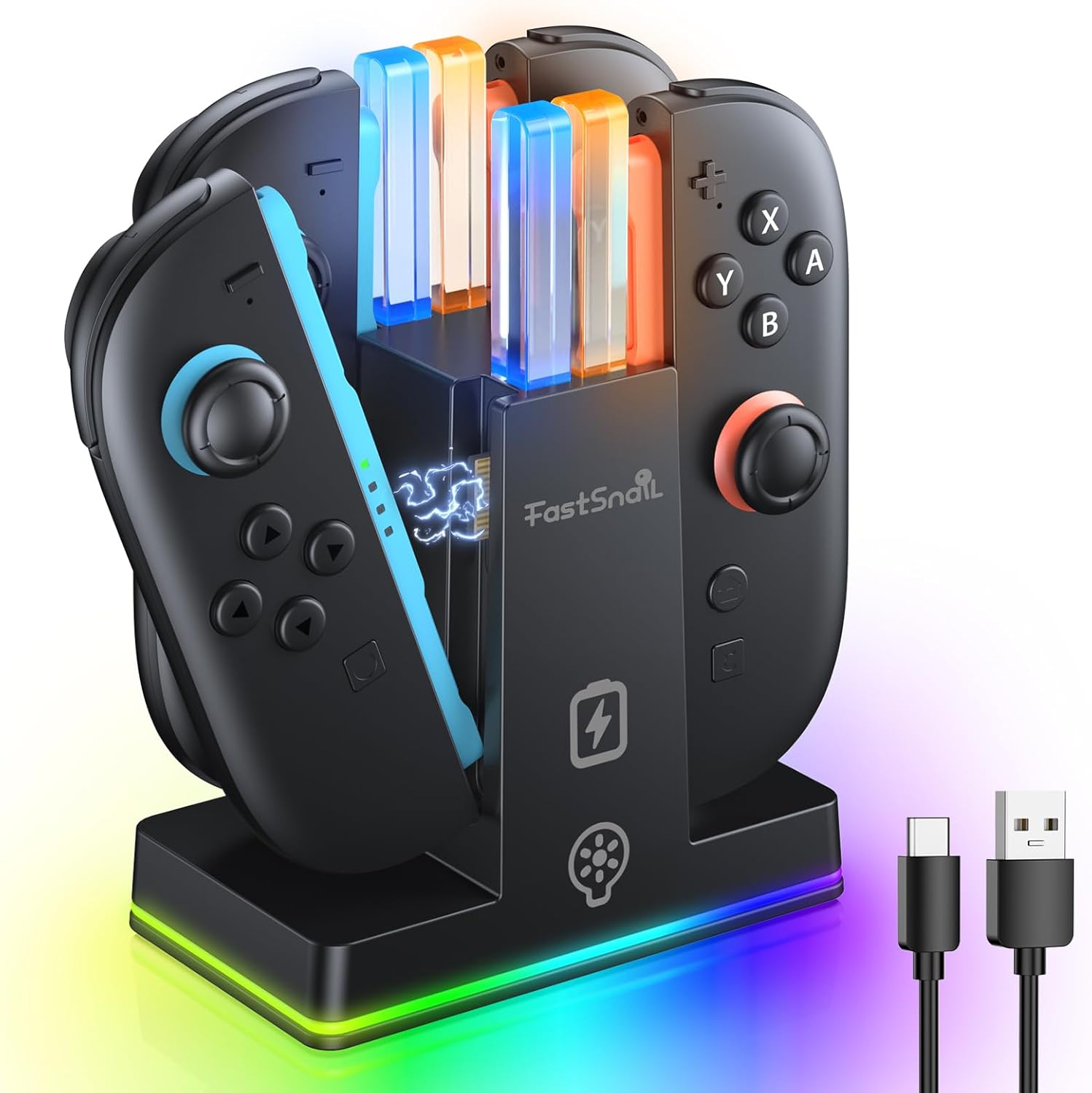
The dock secures four Switch 2 controllers and charges them at the same time, so you can rotate players rapidly during parties or competitive matches. The magnetic alignment reduces fuss when connecting controllers and helps prevent damage caused by repeated physical connectors, which is useful during intense play.
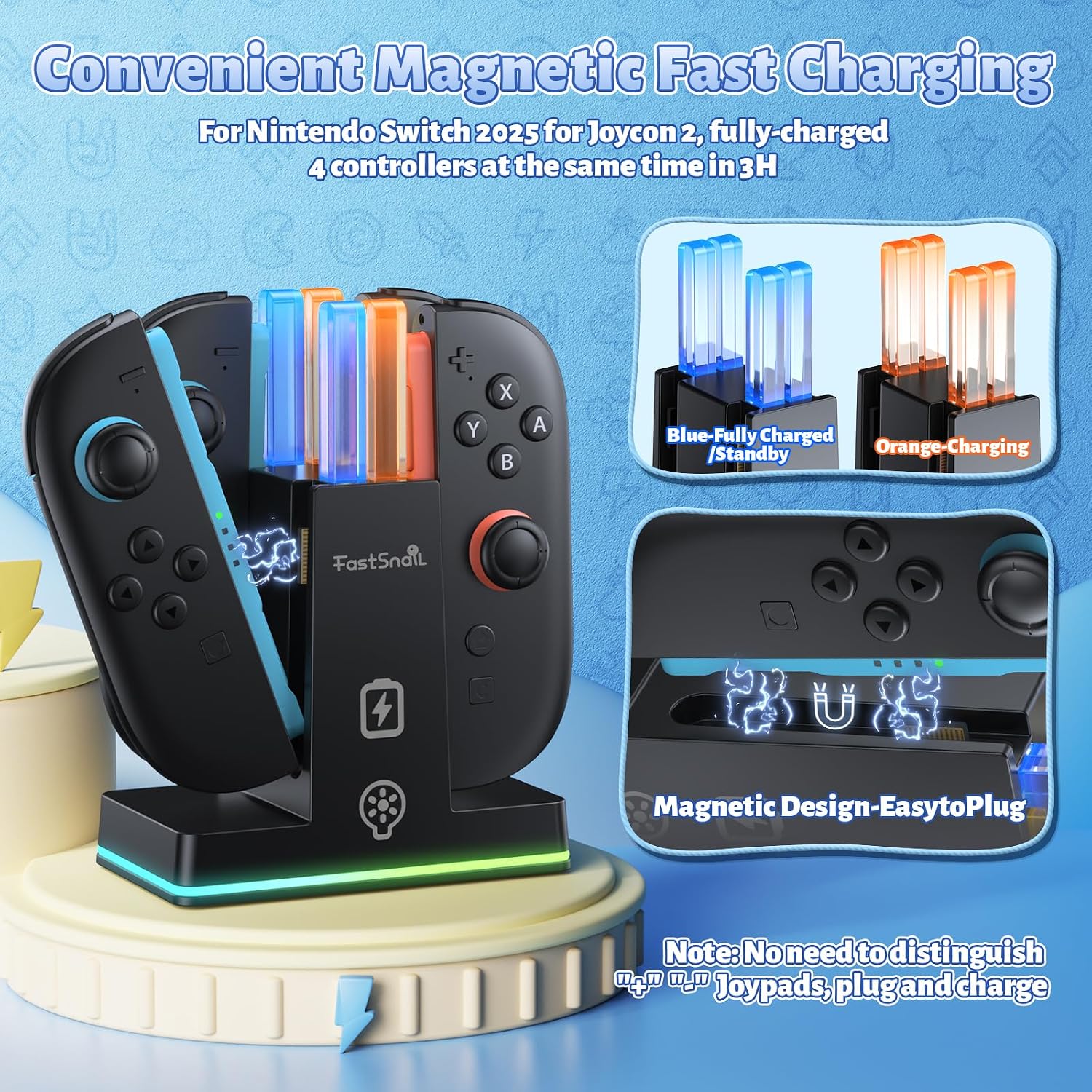
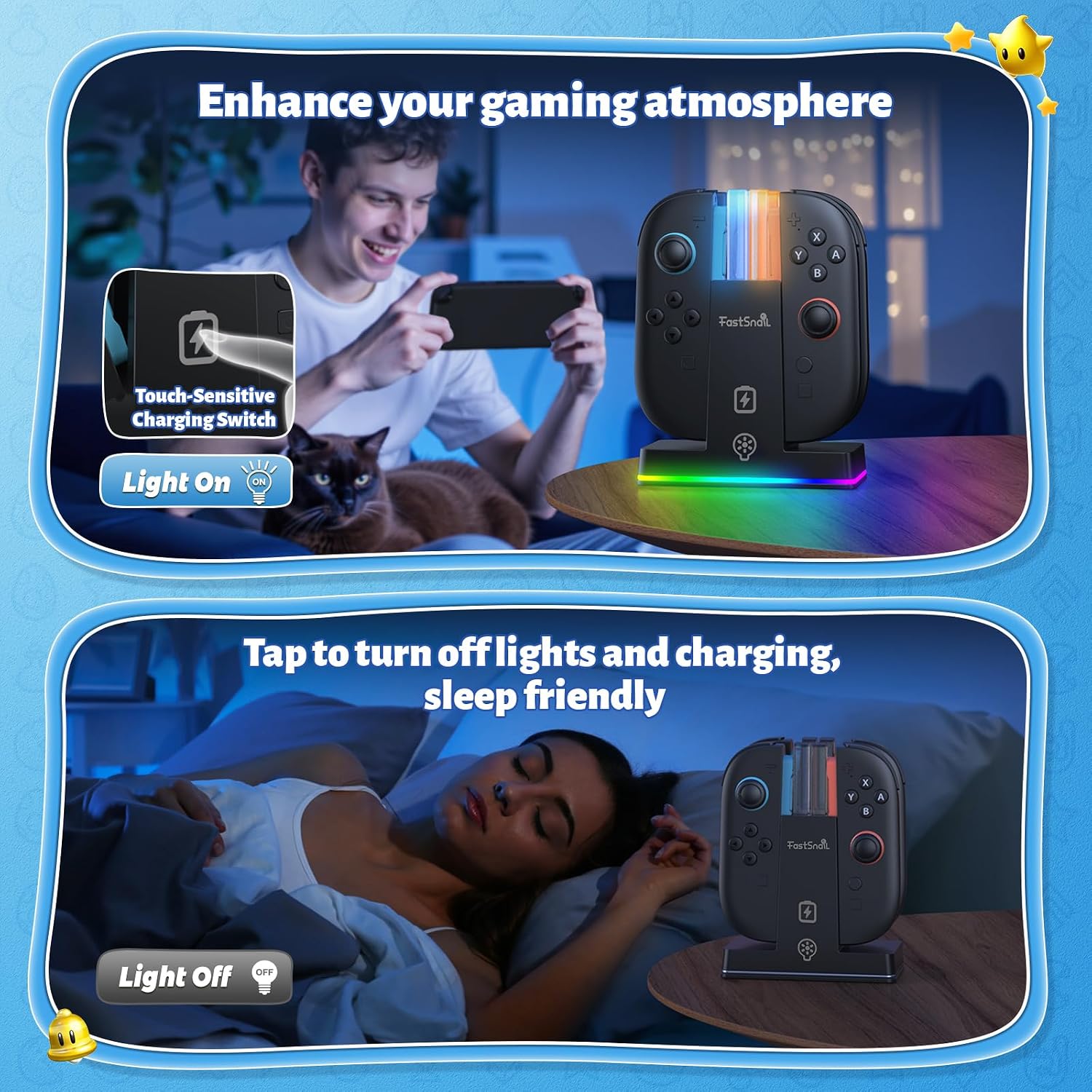
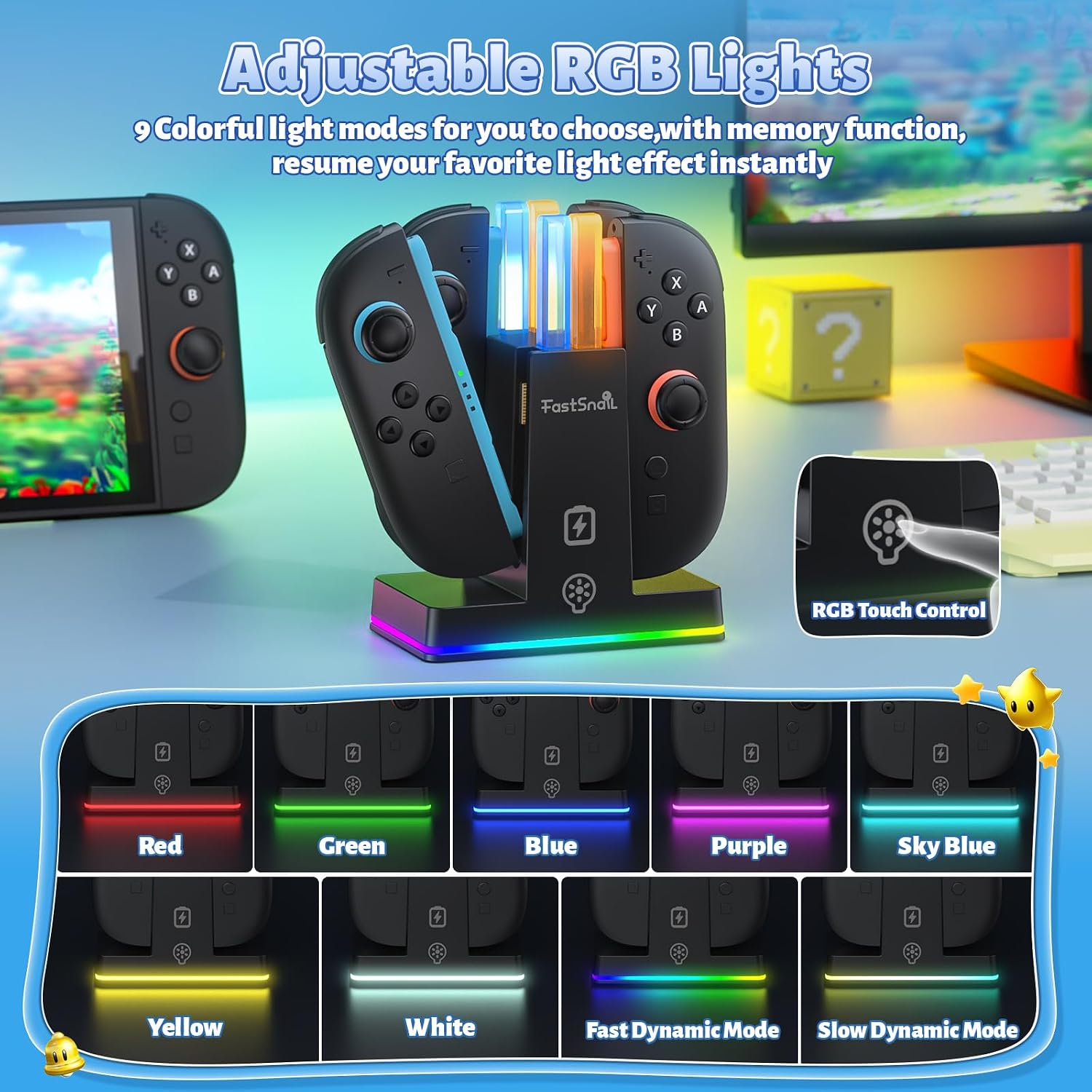
Customisable lighting adds atmosphere to your setup, with 9 RGB light modes including seven static colours and two dynamic effects. The dock remembers the last lighting choice automatically, and an independent LED button lets you switch modes on the fly or hold for a few seconds to turn the lights off. The product includes clear LED indicators that show charging status, where blue indicates ready or fully charged and orange means charging.
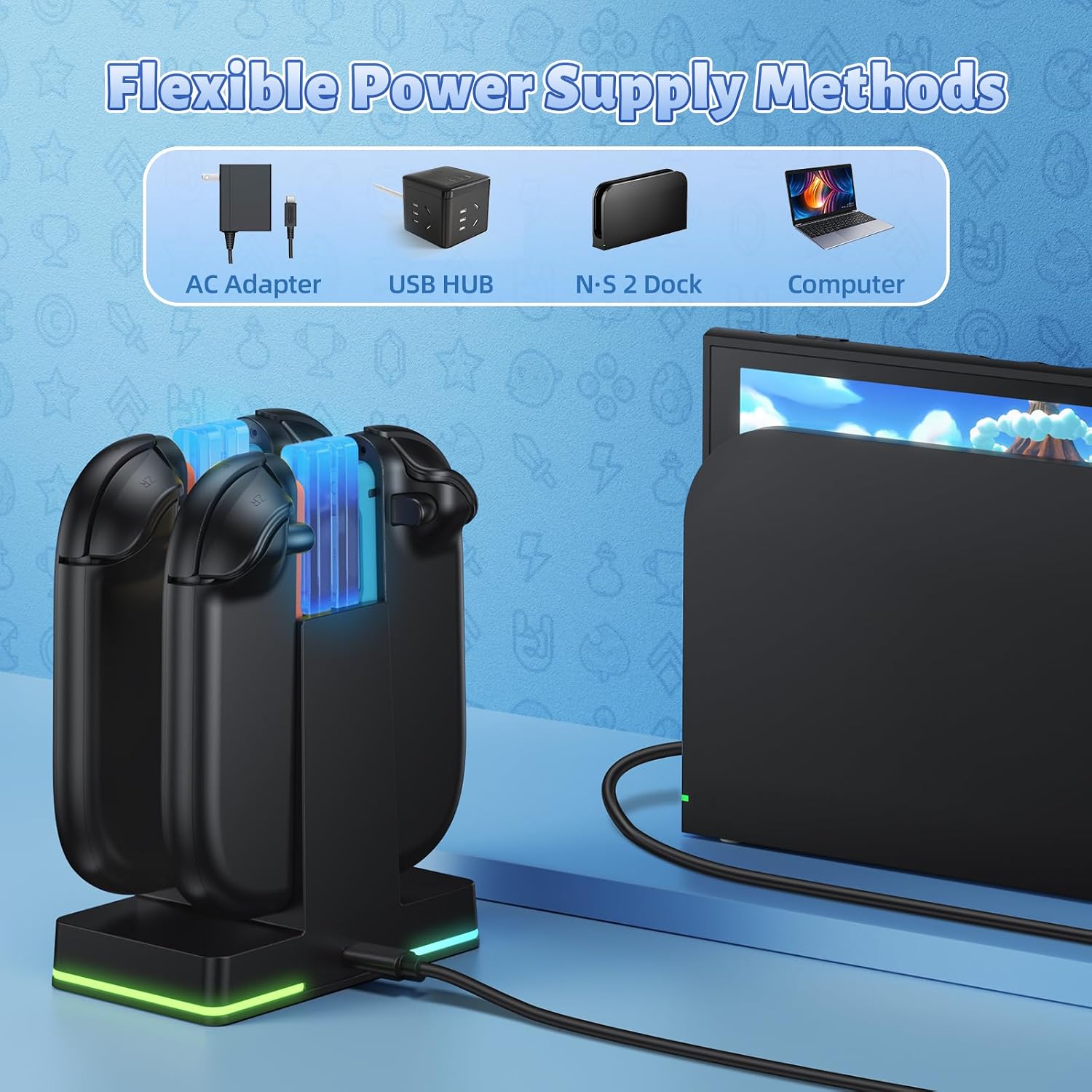
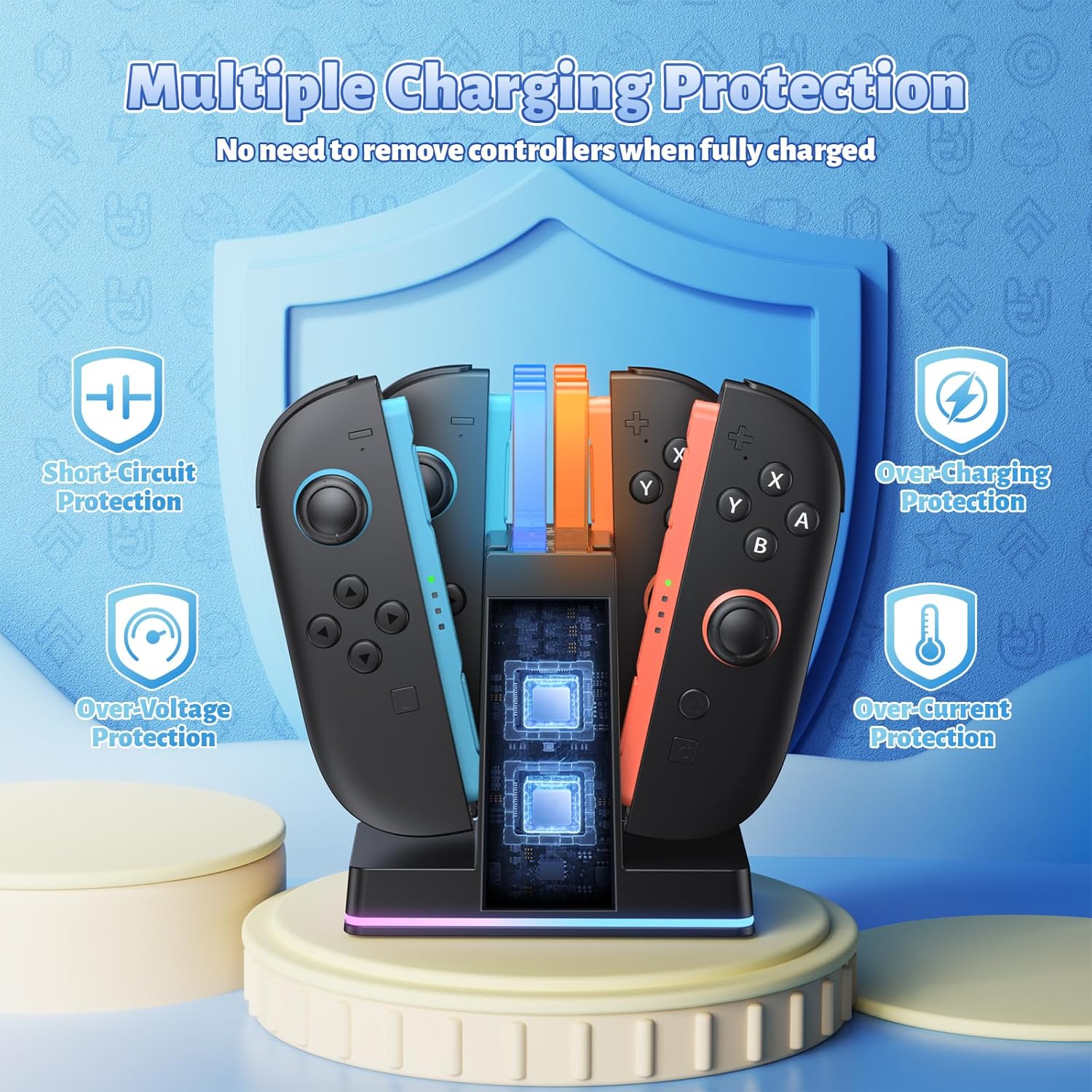
Safety features are included to protect batteries and controllers from common faults, and the unit accepts multiple power sources so you can plug it into an AC adapter, a console USB port or a computer for flexible placement. The console and controllers are not included, and users should note that charging performance depends on the power source used. 🎮✨
Technical Specifications
- Name: FASTSNAIL Charging Dock for Nintendo Switch 2 Joypad (2025)
- Capacity: 4 Joypads simultaneous charging
- Lighting: 9 RGB modes (7 static colours plus 2 dynamic effects)
- Indicators: LED charge indicators, blue = charged/standby, orange = charging
- Power options: AC adapter, console USB port, computer USB port
- Protections: overcharge, overcurrent, short circuit and overvoltage protection
Usage Recommendations
Place the dock on a stable surface close to your console or a mains outlet for the best charging speed. Align each Joy‑Con with the magnetic guide until it clicks into place, and check the LED colour to confirm charging. If you prefer a darker room while gaming or sleeping, use the touch control to switch off the LEDs or rely on the memory function so lights return to the last selected mode when powered on.
Consider that charge times may vary depending on the adapter or USB port used, and that the dock is intended to store and charge Joy‑Cons rather than act as a protective hard case. Regularly clean contact areas to maintain consistent charging and avoid applying excessive force when removing controllers.