

Wireless PC Controller with Hall Effect Joysticks, Charging Dock & 1000Hz Polling
Product description
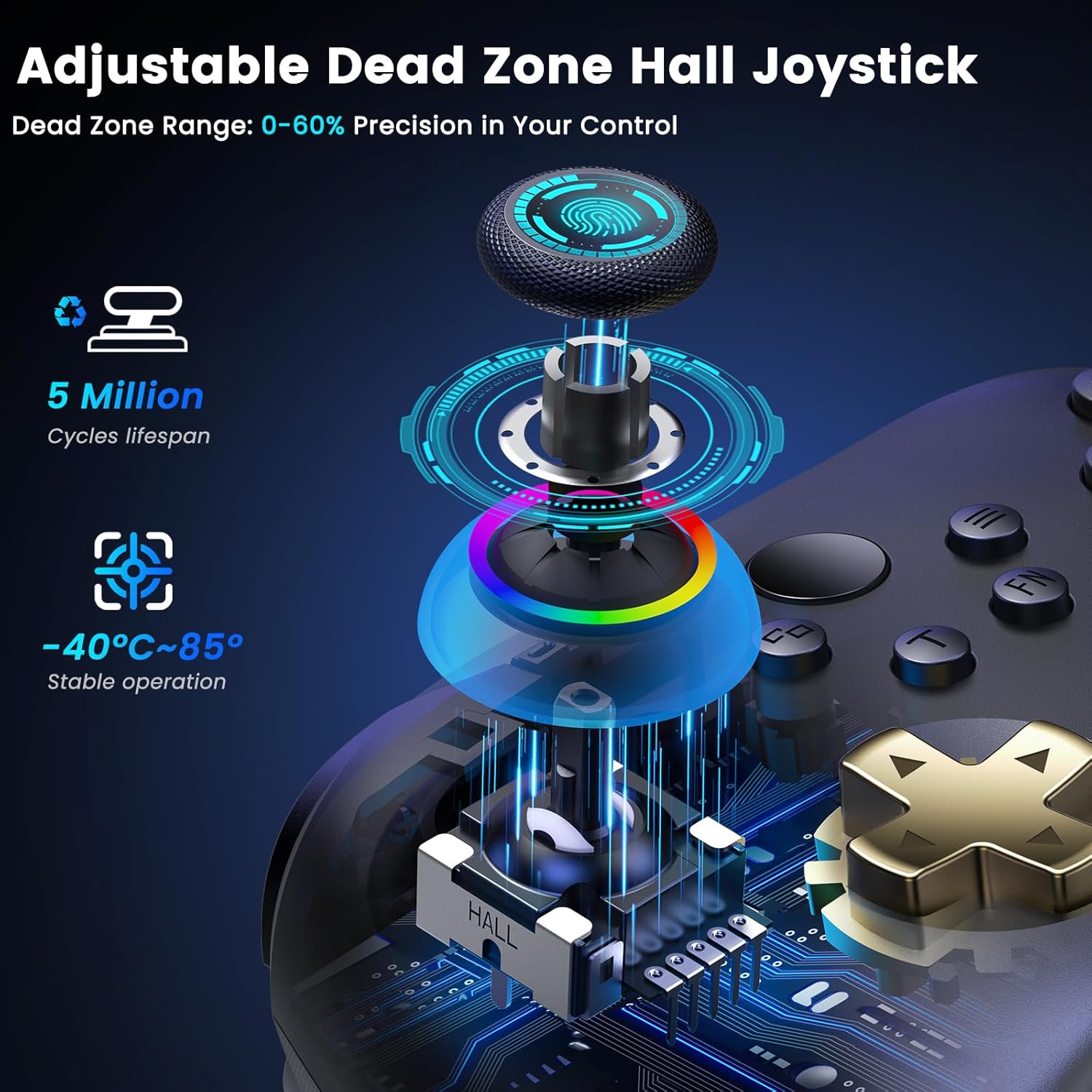
If you’re fed up with joystick drift and want something that stays consistent over time, a controller built around Hall Effect sensing is a sensible direction. This wireless PC controller leans into that idea, adding Hall Effect joysticks and Hall Effect triggers, plus a charging dock to keep things tidy.
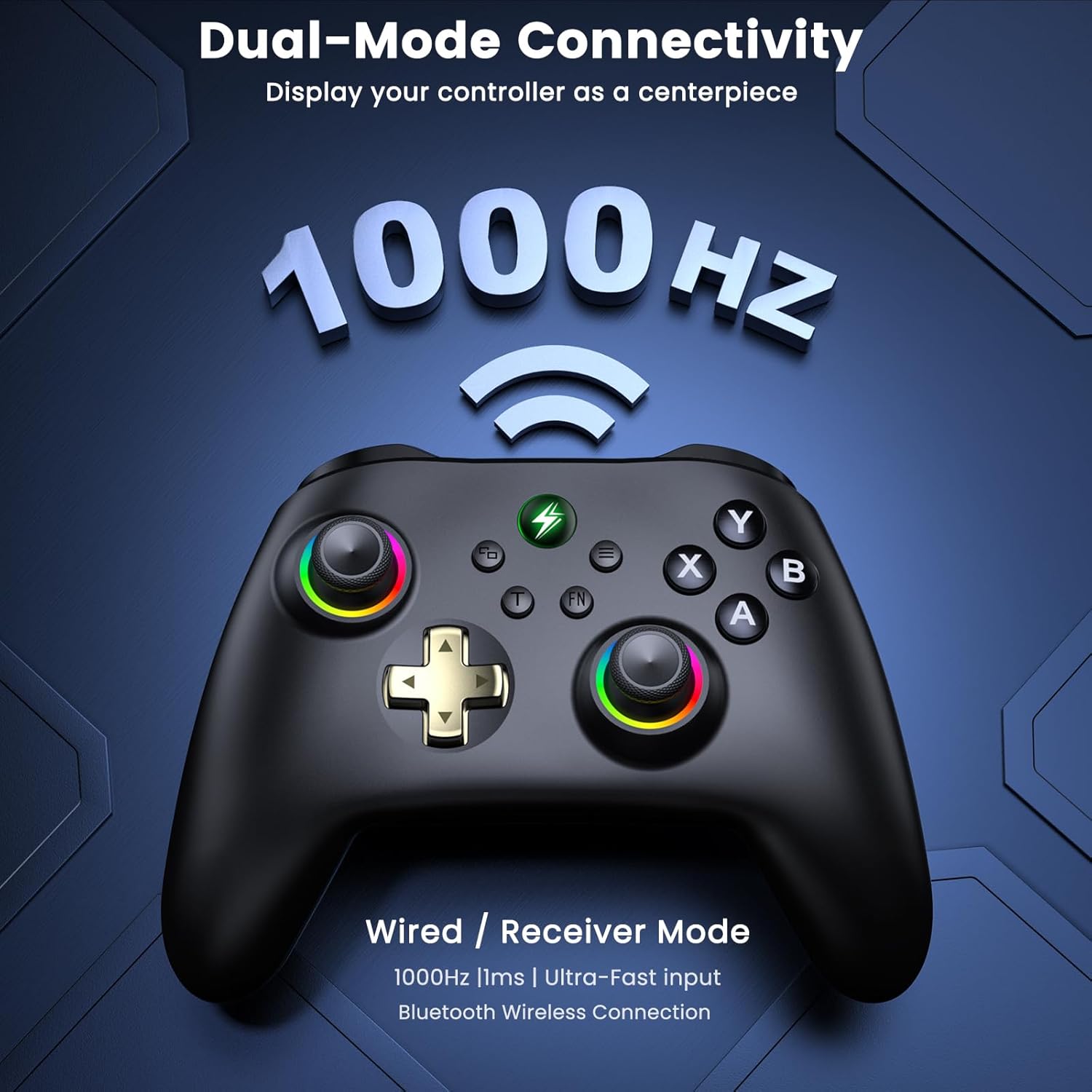
It’s also designed for fast response, with a 1000Hz polling rate in both 2.4GHz wireless (via dongle) and wired modes. That combination—less drift risk on the sticks, and low-latency input—makes it more “competitive” in feel than many basic multi-platform pads.
The essentials
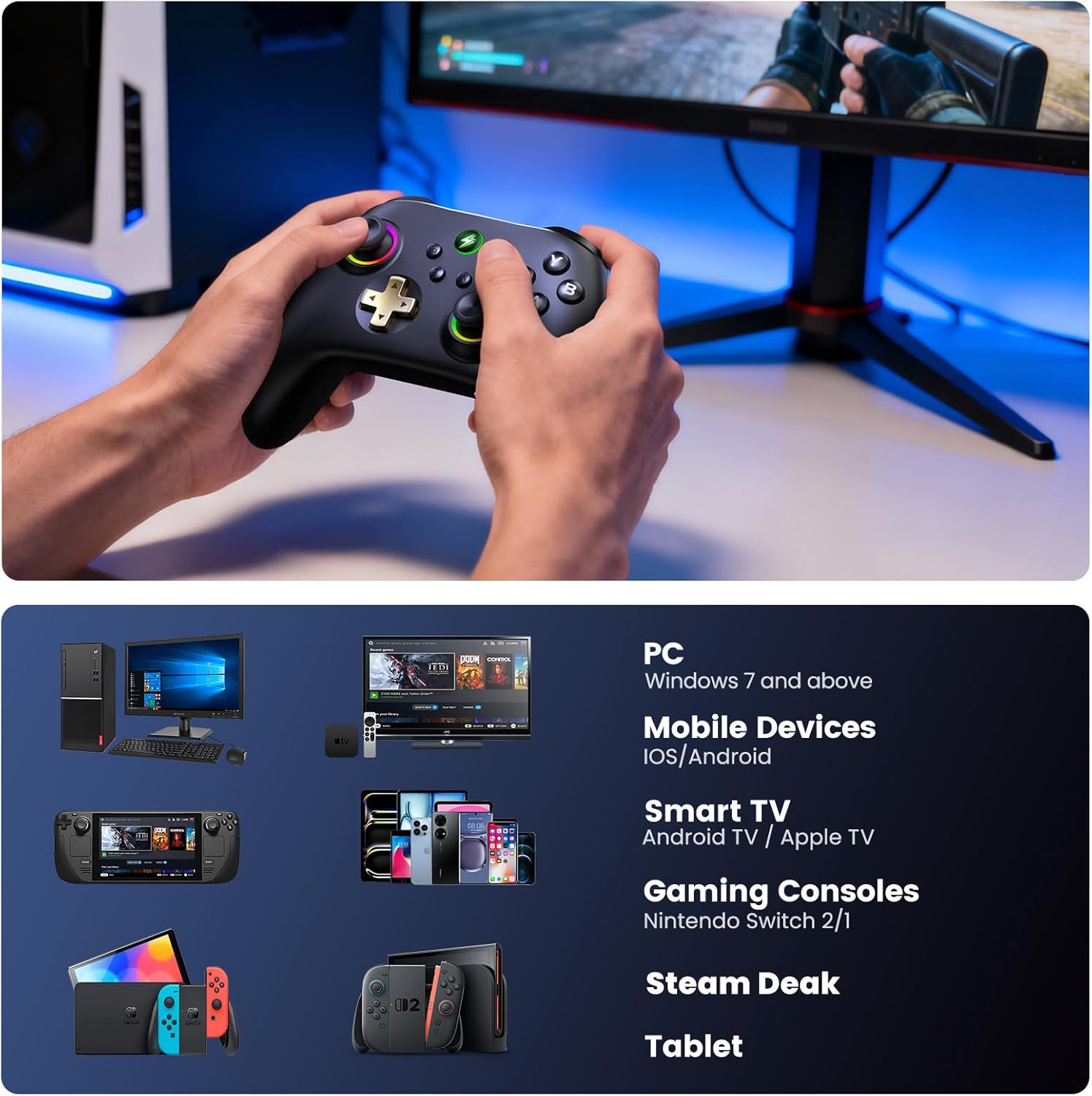
This is a wireless game controller for Windows PC, Nintendo Switch / Switch 2, and mobile devices (Android/iOS). The big selling points are Hall Effect joysticks and Hall Effect triggers to help reduce drift over the long run, plus a 1000Hz polling rate aimed at keeping inputs responsive when you’re playing something fast-paced.
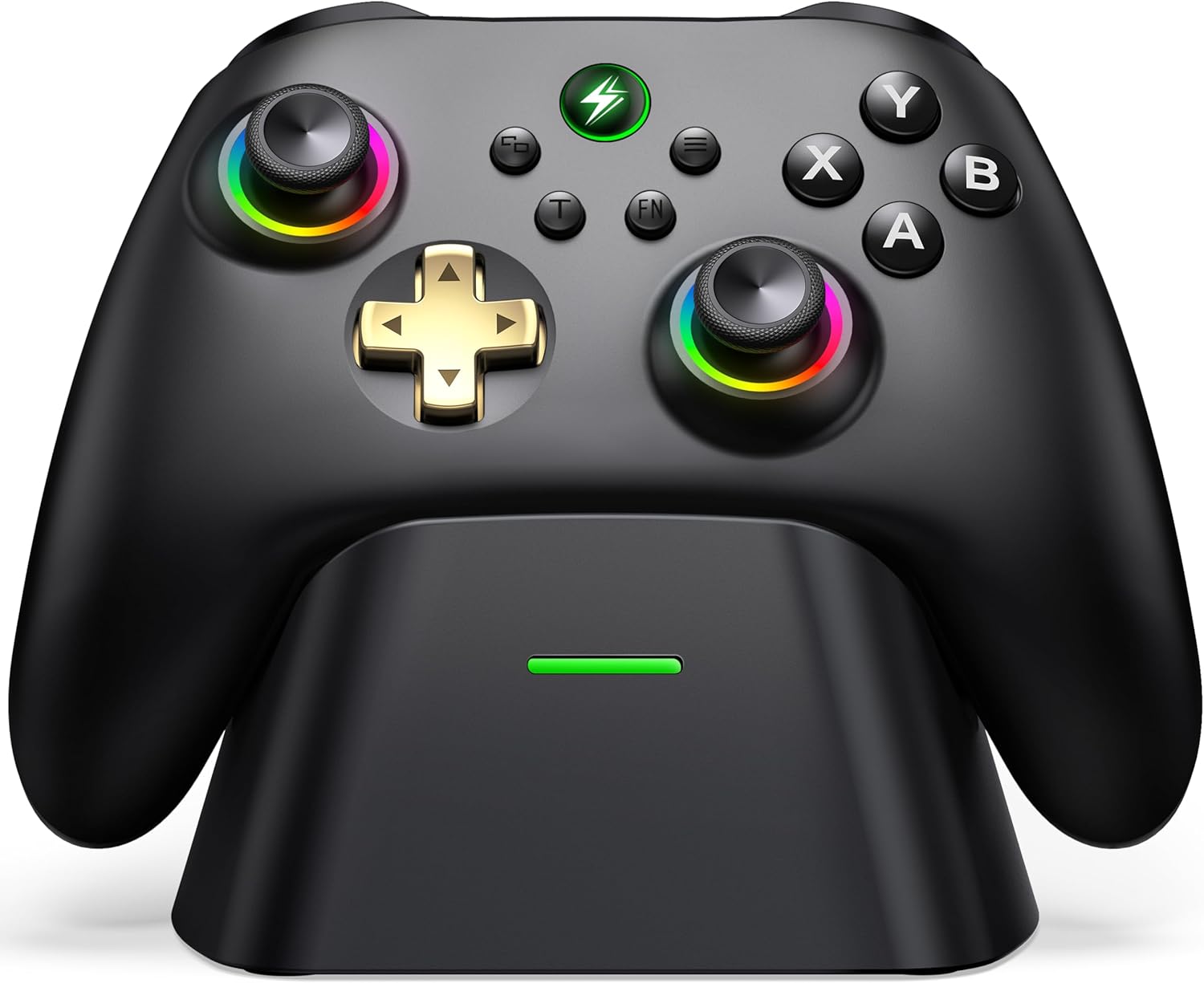
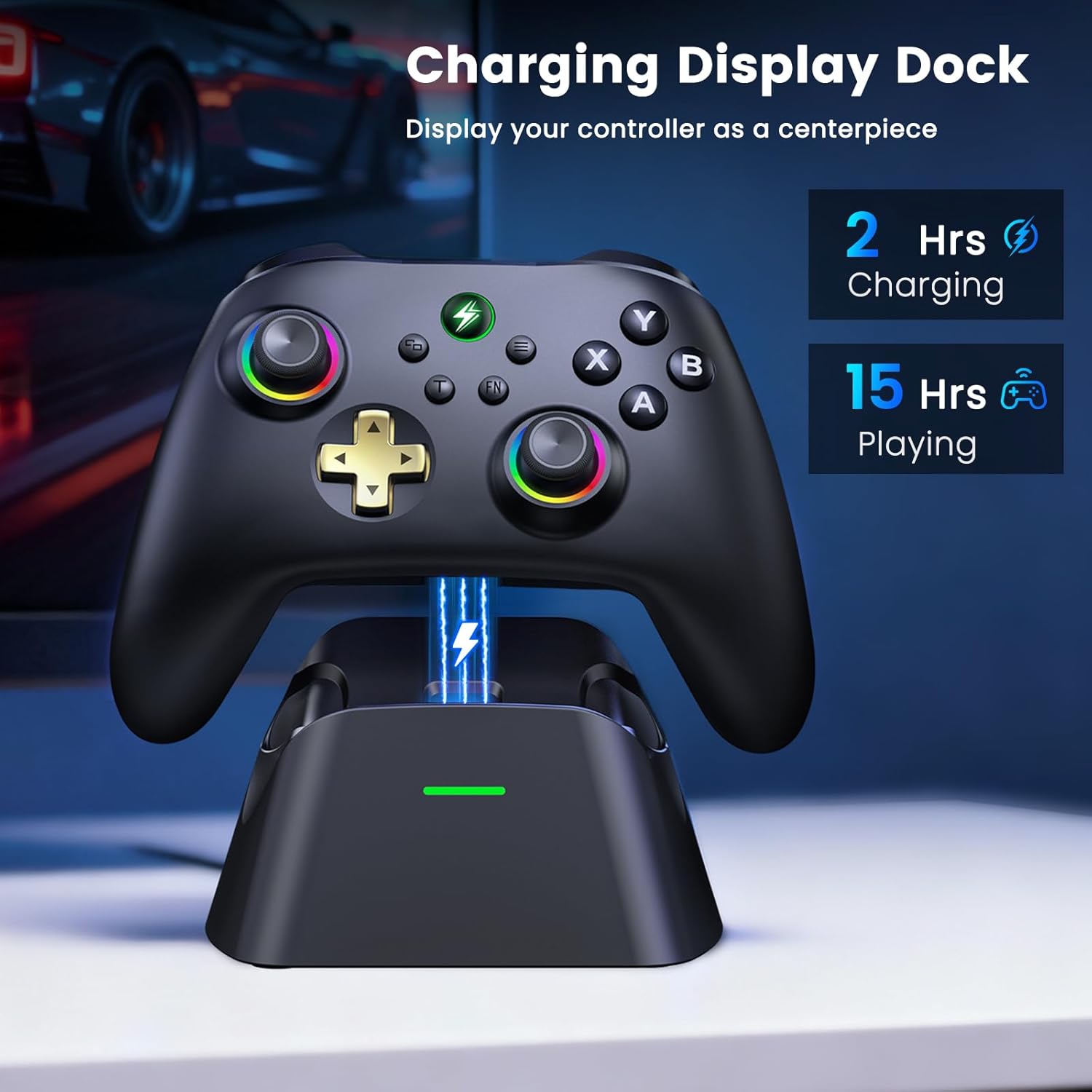
You also get a charging dock (included) with magnetic charging, along with LED indicators for charging status. Over time, that matters more than you might expect: it makes it easier to keep the controller ready rather than hunting for a cable.
What you’ll notice in everyday use
On paper, the controller’s control feel is meant to be accurate and stable thanks to Hall Effect technology in the joysticks and triggers. In practice, the value here is simple: if you’ve previously had sticks that slowly go off-centre, Hall Effect sensing is the kind of design change that targets that exact pain point.
The controller supports different connection paths depending on platform: Windows PC via 2.4G dongle or Bluetooth, Switch / Switch 2, and mobile devices. There’s also a simple toggle on the back to jump between platforms, which should reduce the hassle of re-pairing.
One other day-to-day detail: it auto-sleeps after 5 minutes of inactivity to save battery, and it can auto-reconnect when you pick it up from its dock. That’s a neat touch for a desk-based setup—pick up, go back to your last connected device, and you’re playing.
Where the performance claims fit (and where they might not)
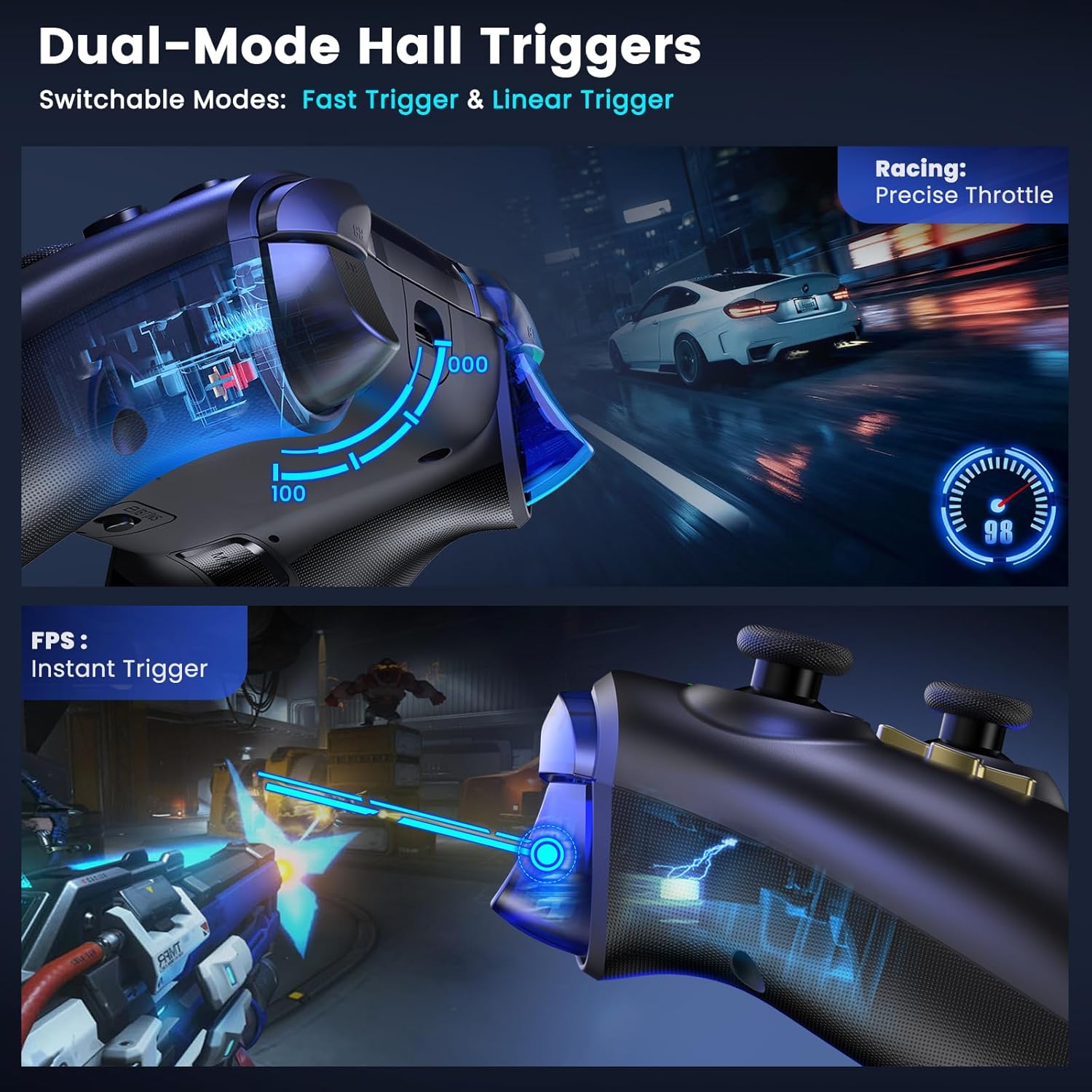
The 1000Hz polling rate is positioned as a low-latency feature for competitive shooters and racing games. It’s listed for both 2.4GHz wireless and wired modes, which is helpful if you switch between “wireless convenience” and “max responsiveness”.
That said, polling rate alone doesn’t make every game feel identical—whether it’s actually noticeable depends on your setup and the game’s own responsiveness. Still, if you’re choosing a controller with competitive intent, this is the kind of spec you’d expect to see rather than something vague.
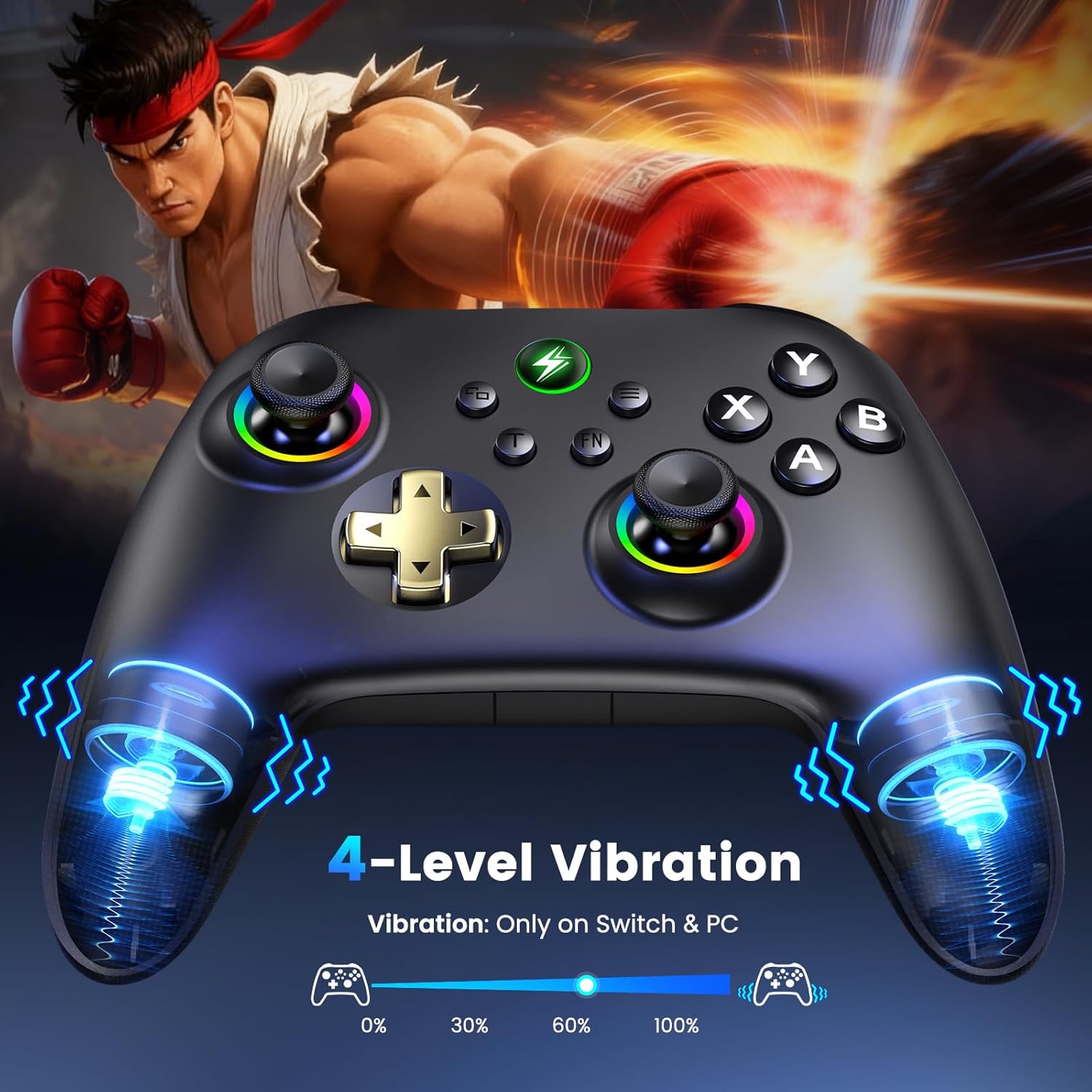
Also worth a careful note: vibration support is described for PC/Switch with 4 adjustable levels, but not for mobile devices. Motion controls are Switch-exclusive. If vibration or motion features matter a lot to your play, it’s worth aligning that with the platform you’ll use most.
Customisation: what you can actually tweak
This controller is meant to be configurable. With the KeyLinker app you can remap buttons, adjust stick sensitivity, fine-tune vibration across 4 levels, and build complex macros for the back M1/M2 buttons.
There are also options for RGB lighting control, turbo fire, and quick-trigger modes. If you like setting up a controller differently for shooters versus racing, this is the sort of flexibility that can make it feel more “yours” rather than one-size-fits-all.
But do keep expectations realistic: macros and turbo features can be great for certain playstyles, yet they won’t replace the value of good aim training and game settings. Think of it as an assist to how you already play.
Ports, motion, and platform limits
The platform story is straightforward: it’s positioned as a universal controller for Windows PC, Switch / Switch 2, and Android/iOS. A back toggle helps you switch between platforms.
However, motion controls are Switch-exclusive, and vibration doesn’t work on mobile. Those limitations aren’t deal-breakers for everyone, but they are the kind of details that decide whether the controller matches your routine.
For example, if your main use is mobile gaming and you specifically care about rumble feedback, you may want to skip this and look for a controller that covers that feature consistently on your platform.
Tech summary (quick check)
- Hall Effect joysticks and Hall Effect triggers for accuracy over time
- 1000Hz polling rate, in 2.4GHz wireless and wired modes
- 2.4G dongle or Bluetooth for Windows PC (with platform toggling on the back)
- Magnetic charging dock with LED charging indicators
- KeyLinker app for remapping, sensitivity adjustments, macros, vibration levels, and turbo/quick-trigger modes
- Auto-sleep after 5 minutes of inactivity, auto-reconnect when picked up from its dock
Is it worth it?
You should buy it if you’re looking for a wireless controller that targets joystick drift with Hall Effect sensing, and you play games where low input latency matters. The charging dock, auto-sleep, and auto-reconnect features also suit anyone who wants a controller that’s always ready without extra fiddling. Plus, the KeyLinker app gives you room to tune sensitivity, remap buttons, and set up macros for the back M1/M2 buttons.
You may want to skip it if vibration on mobile devices is essential, or if you specifically rely on motion controls outside of Switch. And if you’re only casually gaming on one platform, you might find the added features and configuration options a bit more than you need.
A practical buying rule: prioritise this if you care about stick accuracy over time and responsiveness (especially on PC via 2.4GHz or wired), and double-check which features you’ll actually use on your main platform.
Mini FAQ
Does it support Windows PC connection?
Yes. It’s described as compatible with Windows PC via a 2.4G dongle or Bluetooth.
What’s the advantage of Hall Effect joysticks?
It’s designed to reduce joystick drift by using Hall Effect magnetic sensing in both the joysticks and Hall Effect triggers.
Is vibration available on mobile devices?
No. The description says vibration works on PC/Switch, but not on mobile devices.
What can the KeyLinker app do?
It lets you remap buttons, adjust stick sensitivity, set vibration levels, create macros for the back M1/M2 buttons, and control features like RGB lighting, turbo fire, and quick-trigger modes.
Will it save battery when not in use?
Yes. It auto-sleeps after 5 minutes of inactivity and should auto-reconnect when you pick it up from its dock.