



P-ro 9-in-1 Pro Controller Charging Dock for Switch
Reviews
Price
Product description
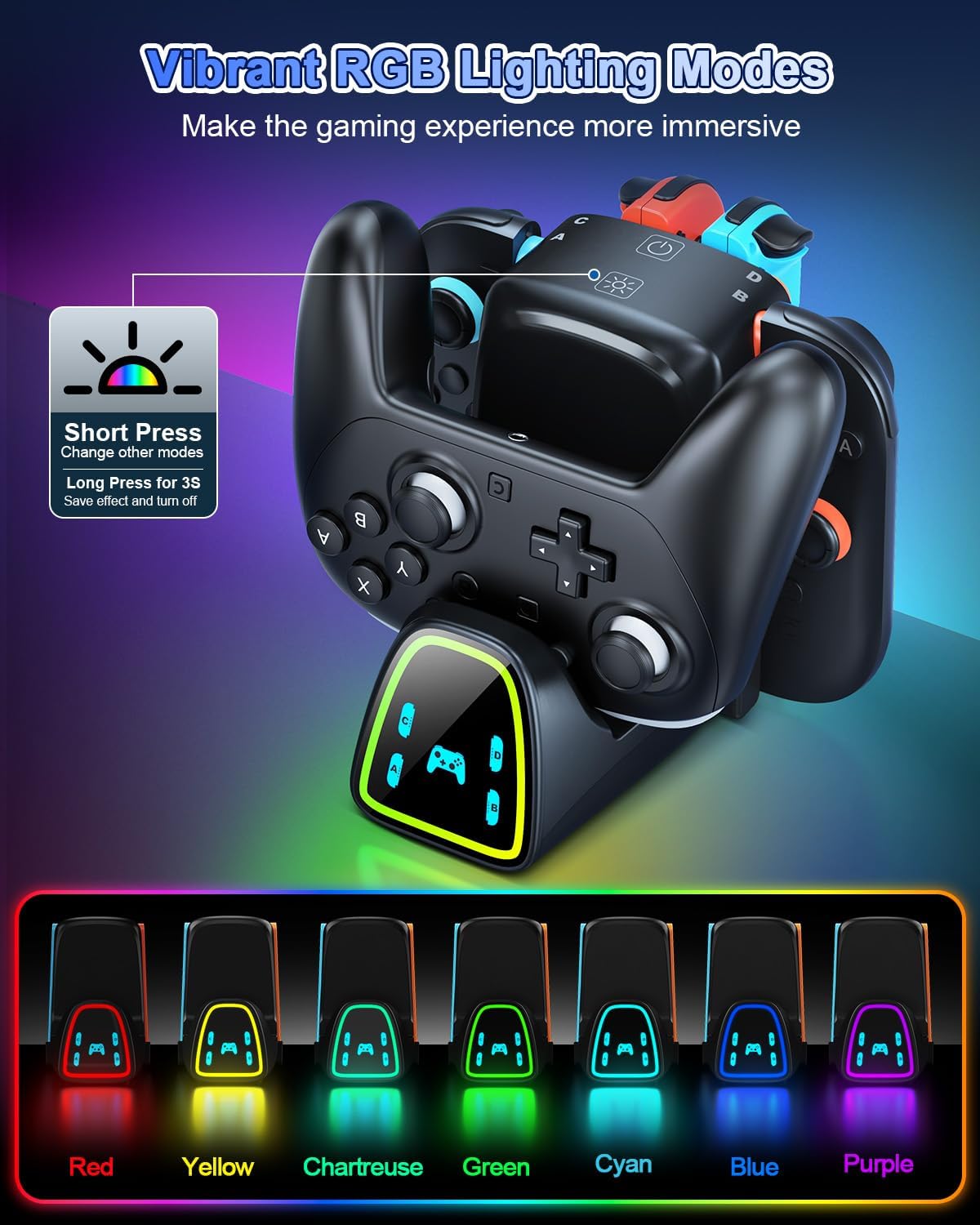
This compact charging station keeps multiple controllers organised and ready, combining rapid charging, storage and ambient lighting for Nintendo Switch systems. If you need a fast charger stand for Nintendo Switch to manage Joy‑Con pairs and a Pro controller, this WAXITY unit charges several controllers at once and adds RGB illumination for a tidier gaming area.
Key Points
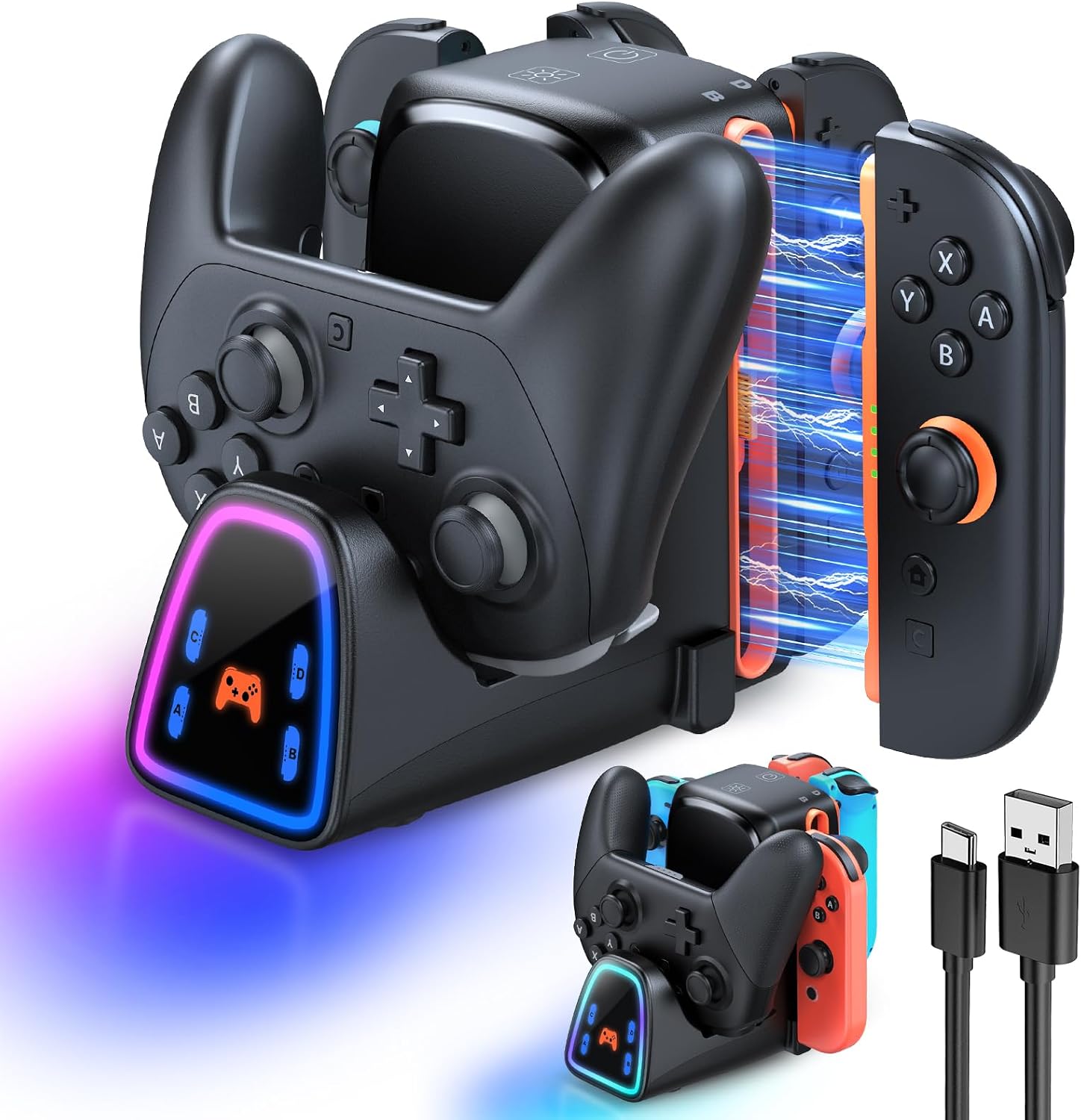
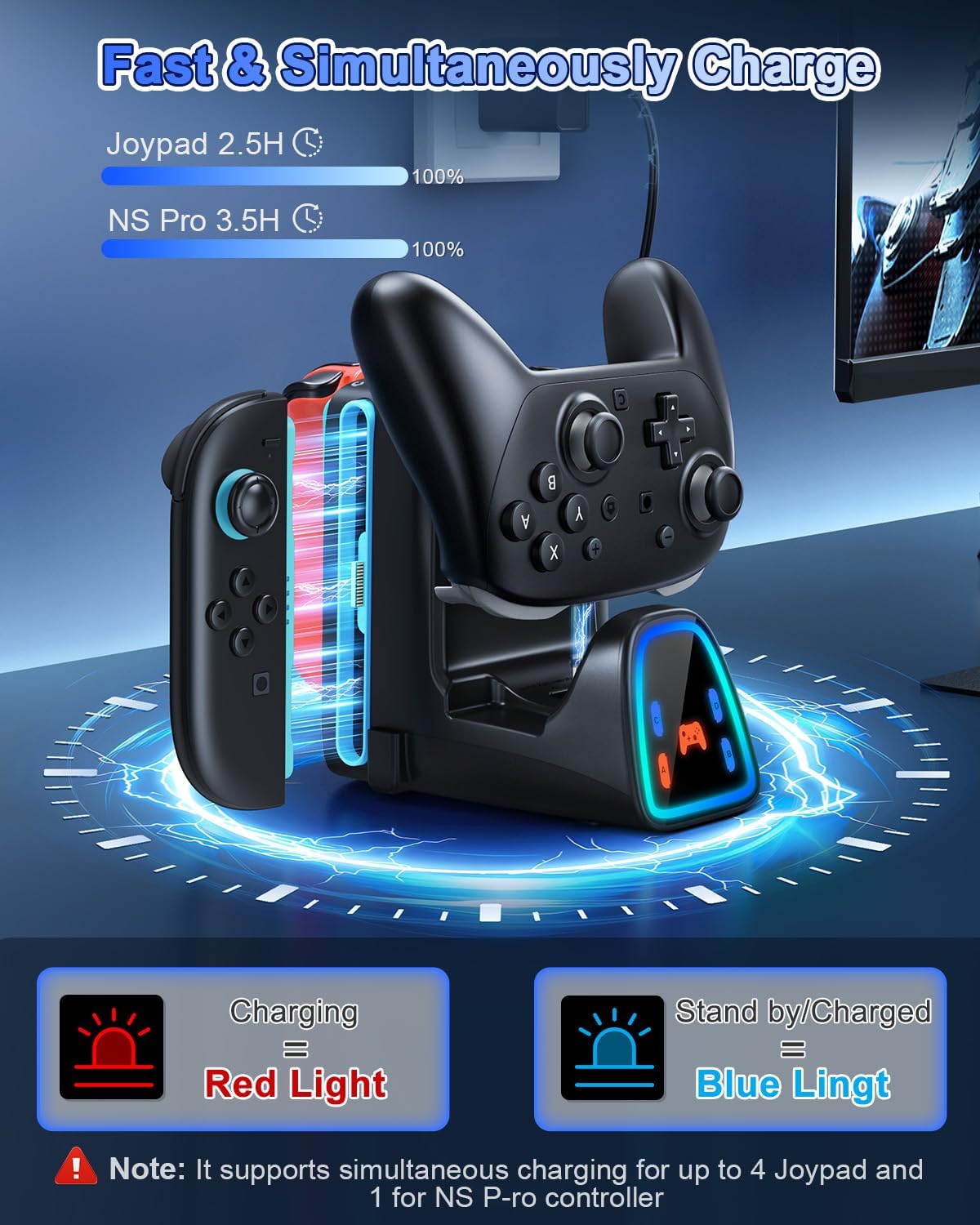
The dock supports simultaneous charging for up to four Joy‑Con controllers and one Pro controller, so spare controllers and pairs can be topped up between sessions. Charging is designed to be straightforward: Joy‑Con 2 docks magnetically while Joy‑Con 1 slides into place, and the Pro controller connects via a USB port. Compact dimensions make it simple to fit on a shelf or in a bag for travel, and the LED indicators give a clear visual status, with blue showing charged or standby and orange indicating active charging. 🎮
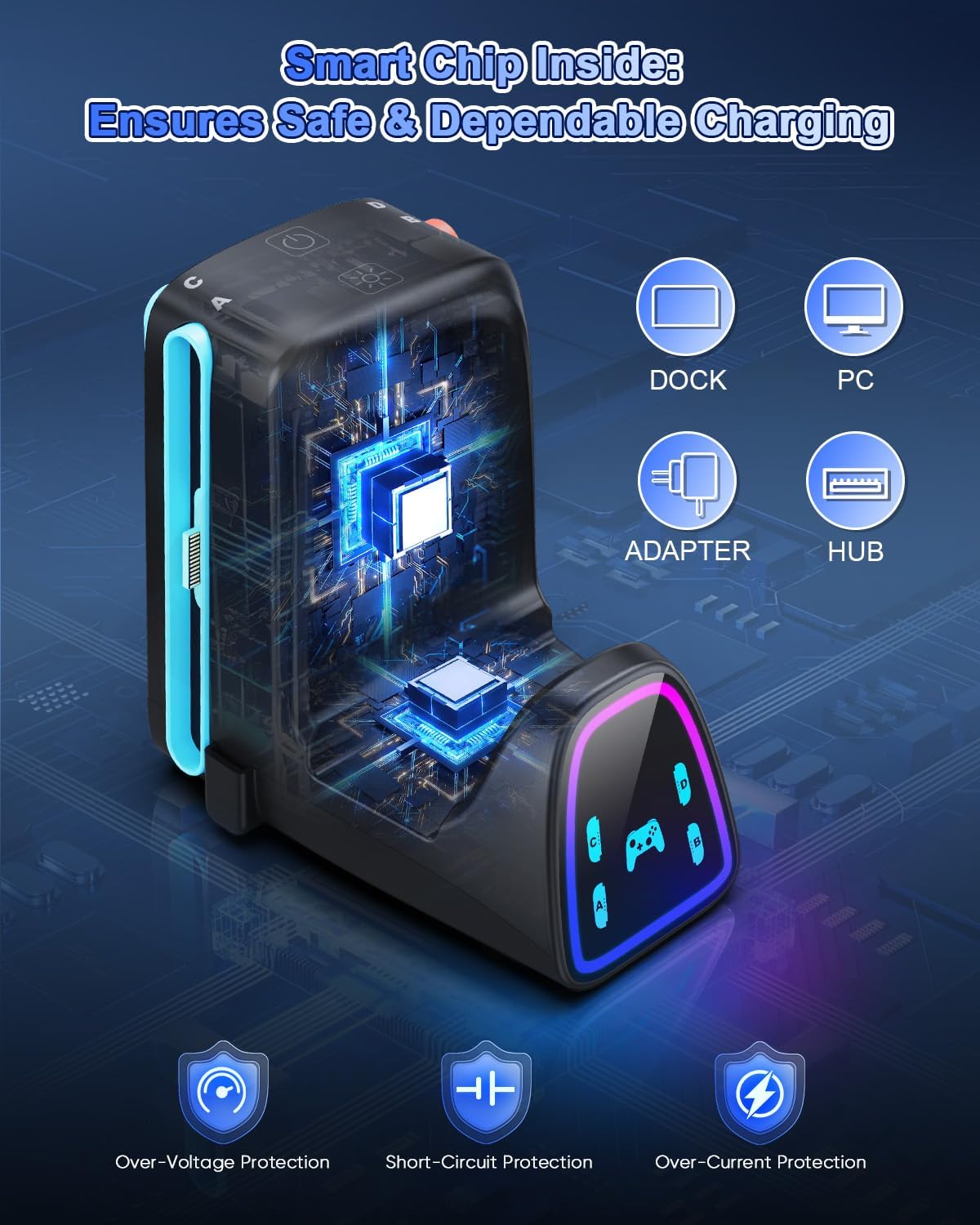
This station includes built‑in protection provided by an advanced chip to reduce the risk of overcharging, overheating and short circuits, according to the manufacturer. Charging times are stated as approximately 2.5 hours for a Joy‑Con and about 3.5 hours for a Pro controller. Consider that these figures are manufacturer guidance and actual times may vary depending on controller condition and usage. ⚡
Technical Specifications
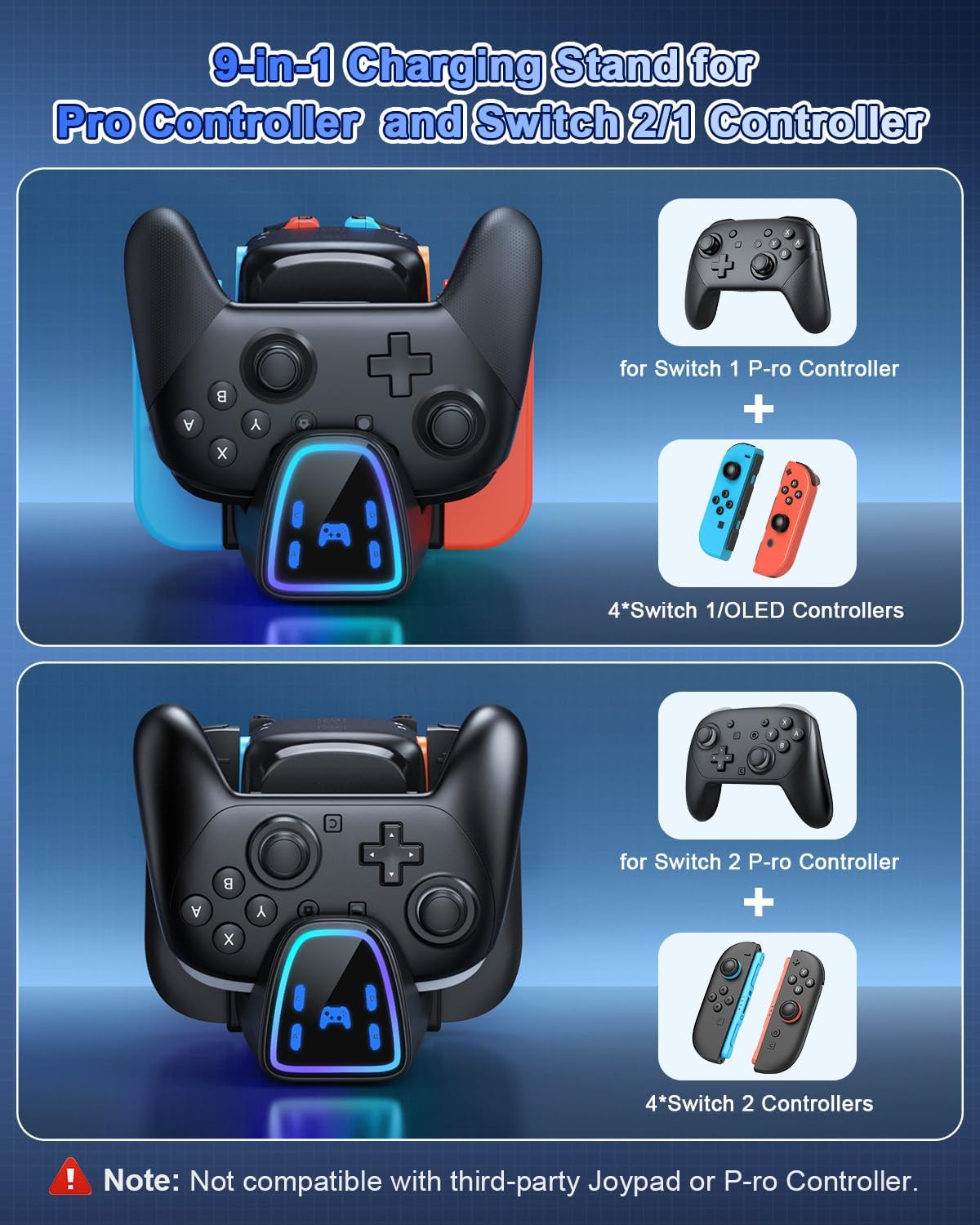
- Name: WAXITY 9‑in‑1 P‑ro Controller Charging Dock
- Compatibility: Nintendo Switch, Nintendo Switch OLED, Switch 2/1 models
- Simultaneous charging: up to 4 Joy‑Con controllers and 1 Pro controller
- Charging time: Joy‑Con ~2.5 hours, Pro controller ~3.5 hours
- Indicators: LED RGB lights (blue = charged/standby, orange = charging)
Usage Recommendations
Place the dock on a stable surface near your console or power source to keep cables tidy and controllers accessible. For the best organisation, charge Joy‑Con pairs in the magnetic slots after play and plug the Pro controller into the USB port when you know a longer session is coming. The compact footprint helps when packing for travel, though if you only use a single controller often, the size and number of bays may be more than you need.
Positive Aspects
The integrated RGB lighting offers a pleasant touch of customisation and atmosphere without being overwhelming. The product merges storage, fast charging and display into a single accessory which saves desk space and reduces cable clutter. One nuance to note is that the dock relies on the console or an external USB power source to operate, so a compatible adapter is necessary if you plan to use it away from your usual setup. The design balances convenience with a neat, organised presentation for Switch peripherals.