

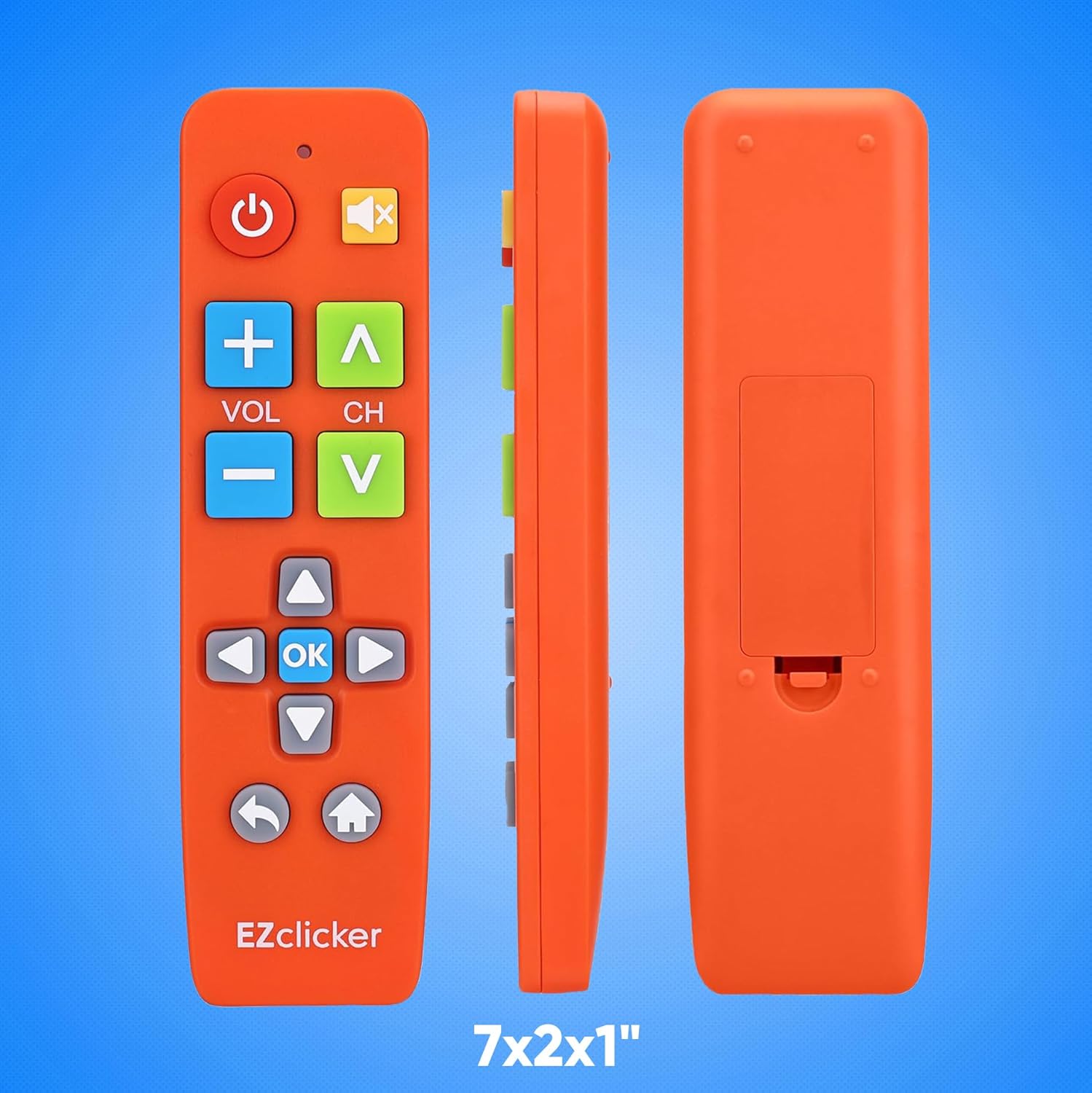
EZClicker Samsung Replacement TV Remote — Big Button, Easy to Use (Orange)
Reviews
Price
Product description
What it is and who it’s for
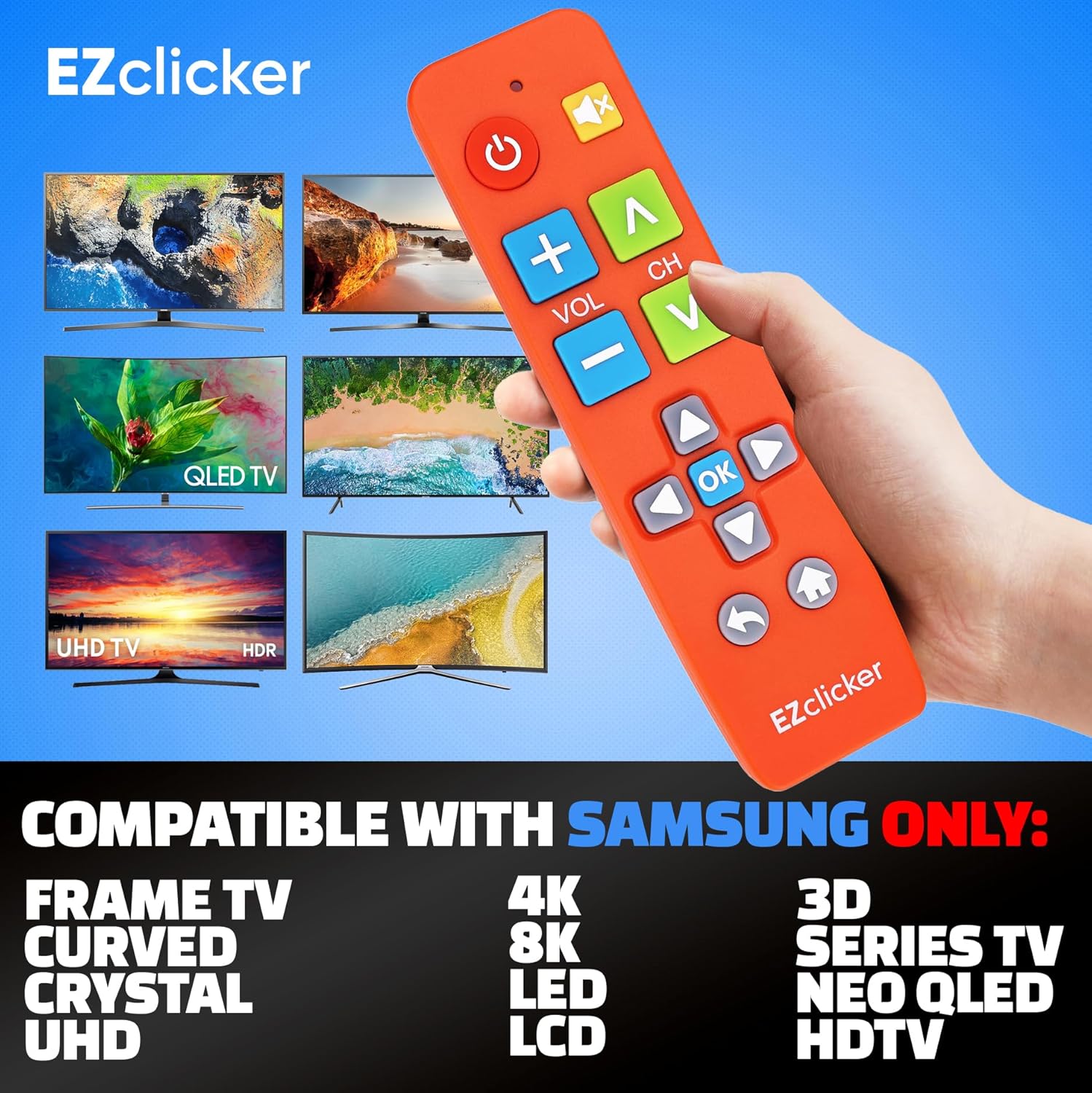
The EZClicker Samsung Replacement TV Remote is a simplified, large‑button remote designed to work with Samsung TVs. It prioritises ease of use through oversized buttons and tactile feedback, aiming to reduce the struggle for users with limited dexterity or vision. If you’re seeking a straightforward alternative to standard remotes, this model puts usability first.
Key features that matter in everyday use
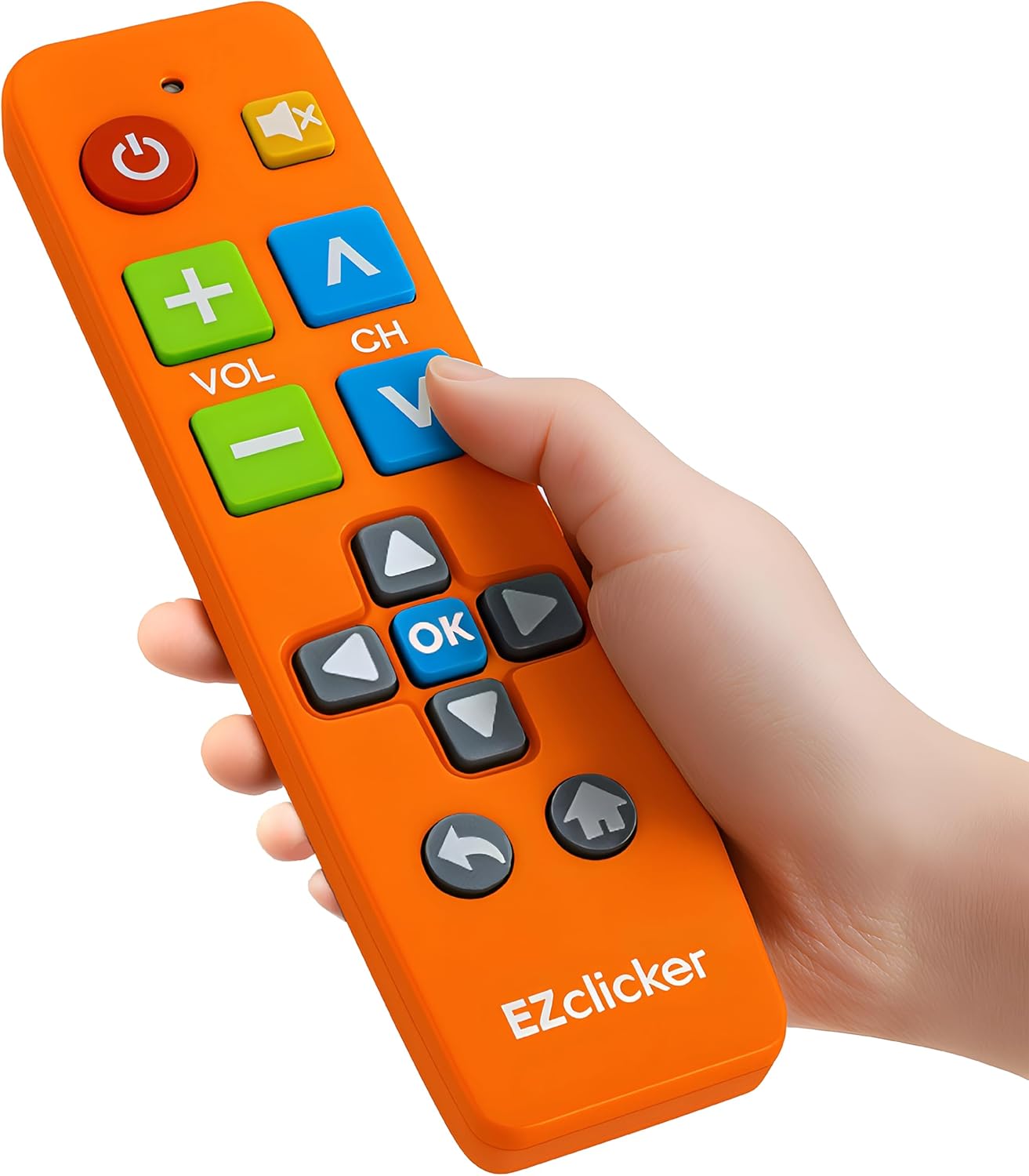
This remote focuses on a handful of practical touches: big, clearly separated buttons and tactile feedback to help you locate controls without looking. It’s described as a “no programming required” option—insert 2xAAA batteries and it should work with your Samsung TV straight away. The compact dimensions (about 7 x 2 x 1 inches) keep it manageable for smaller hands or limited storage spaces. Note the product is listed in orange, which can aid visibility in a cluttered living room.
Compatibility and what that means in practice
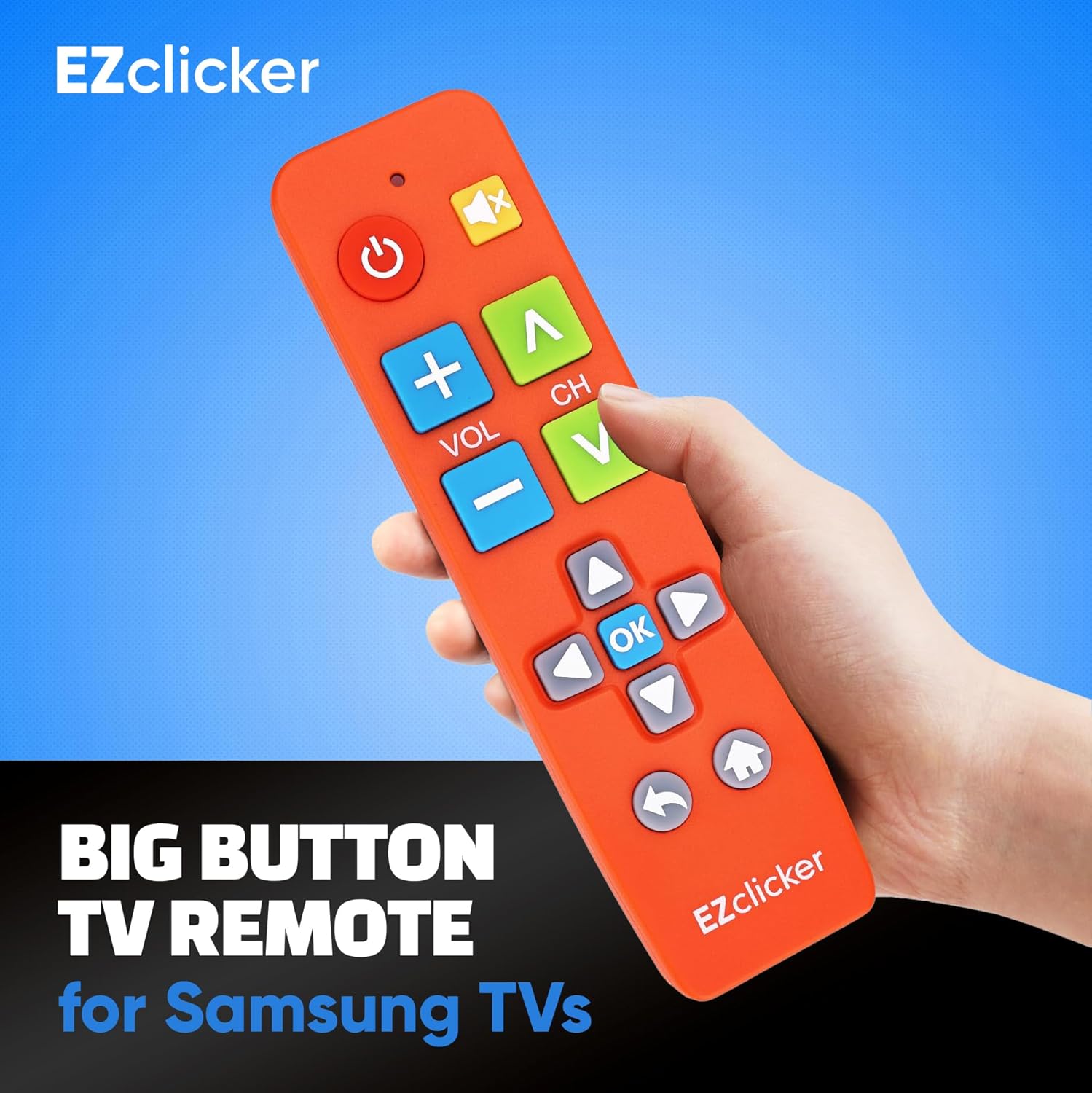
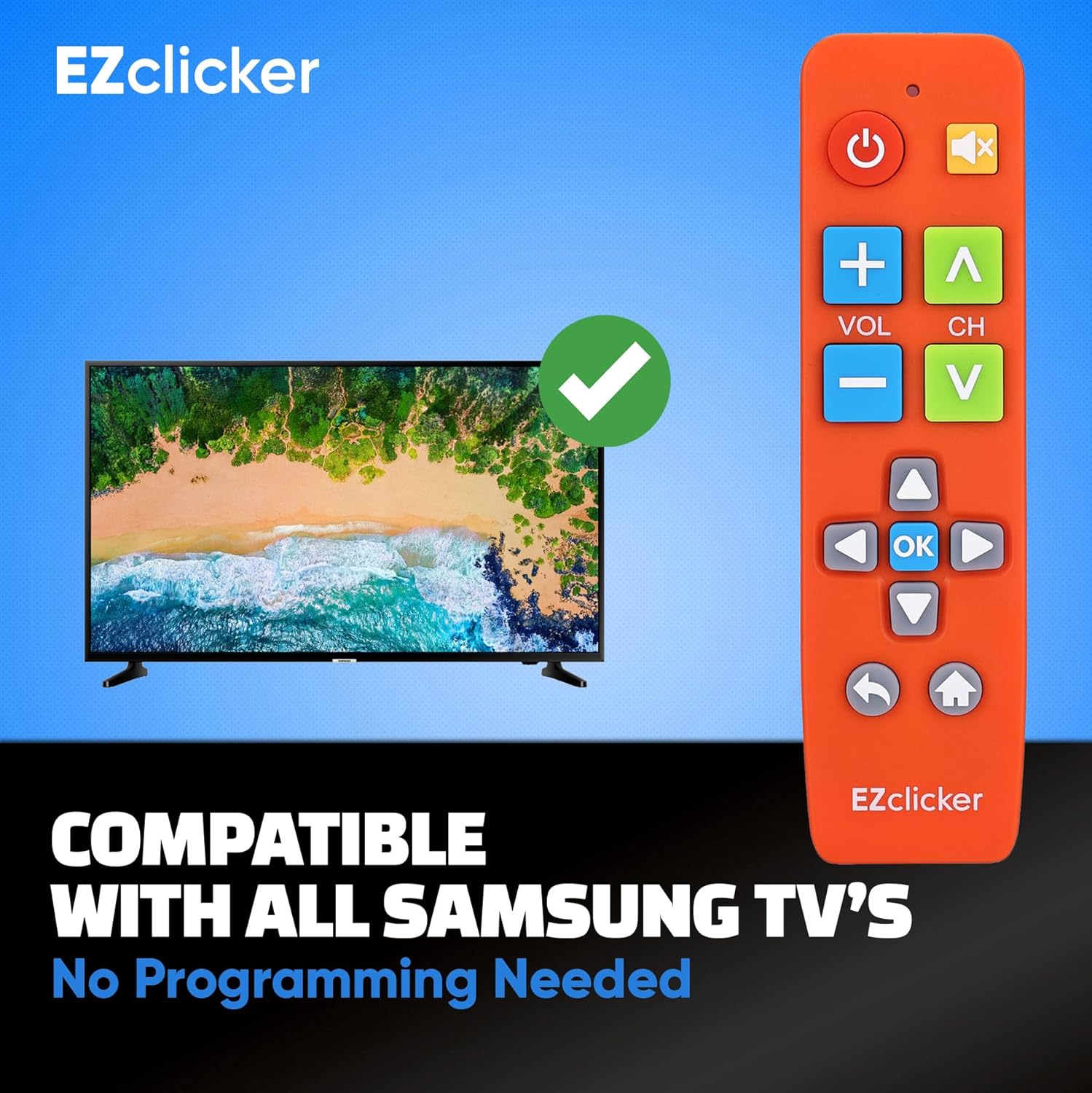
The remote is designed specifically for Samsung TV models. It does not claim compatibility with streaming devices, cable boxes, or other non-Samsung TV platforms. If your setup includes a non‑Samsung box or a multi‑device system, this remote may not control those components.
Real‑world use: benefits and caveats
On the plus side, the lack of pairing or setup steps saves time and complexity, which can be a big win for older users or those who prefer a straightforward approach. The emphasis on large inputs and tactile cues can help someone regain confidence when operating a TV, especially if visual acuity is a concern. However, if your TV relies on more advanced functions or voice controls, you may still need the original remote for those features. Also, the description does not detail battery life or durability, so consider these as reasonable unknowns.
Who it suits best
- People who value a simple, fuss‑free remote for Samsung TVs.
- Older adults or anyone with limited dexterity or vision who benefits from large buttons and tactile feedback.
- Households looking for a dedicated secondary remote that’s easy to grab and use without setup.
When it may not be the perfect fit
- If you need compatibility with non‑Samsung devices or streaming boxes.
- If you require advanced TV features or smart home integrations that go beyond basic controls.
- If you prioritise a remote with detailed specifications or durability metrics not provided here.
What to check before buying
- Confirm your TV is a Samsung model (as per the compatibility note).
- Consider whether the orange design improves visibility in your living space.
- Ensure you’re comfortable with no programming requirements and the use of two AAA batteries (not included).
Practical use case: a simple scene
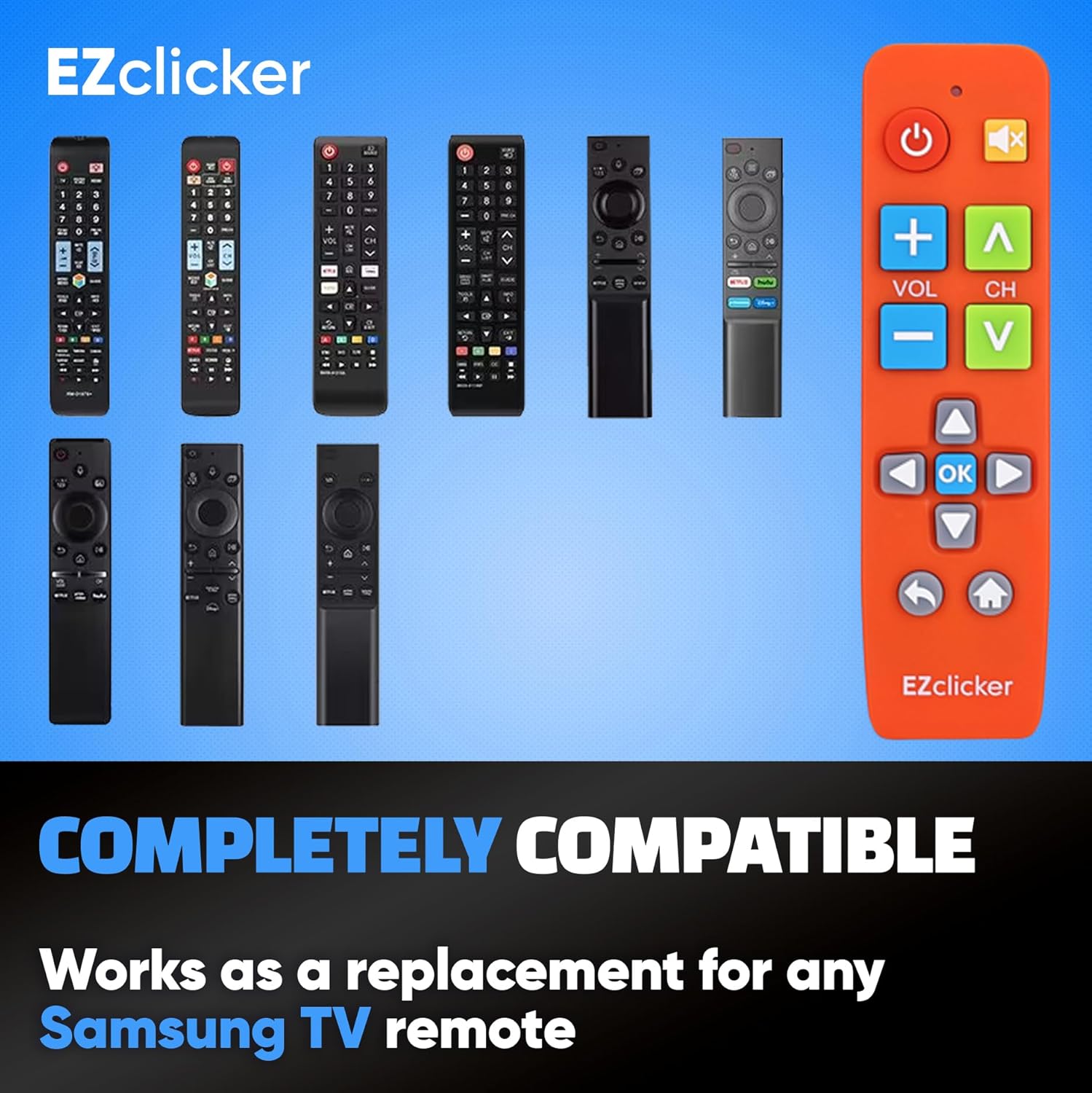
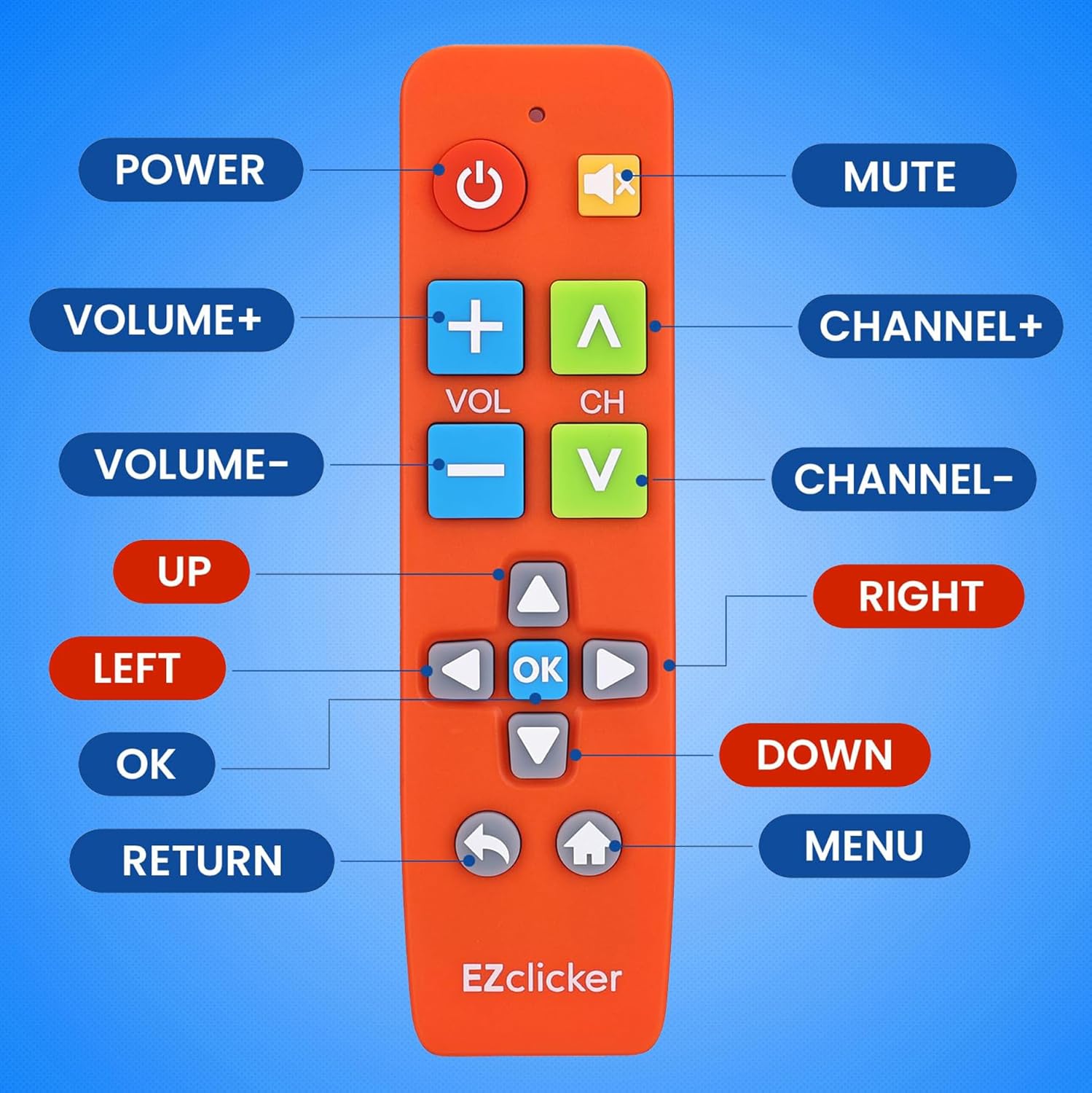
Imagine watching a favourite programme and needing to adjust volume or switch input without fumbling through a dozen tiny buttons. With the EZClicker remote, the large buttons and tactile feedback aim to make those moments quicker and less stressful, especially if you’re reaching for your TV after a busy day.
FAQ (based on available information)
- Q: Do I need to pair this remote with my Samsung TV? A: No, the description states it does not require programming or pairing, insert batteries and use.
- Q: Will it control a non‑Samsung box or streaming device? A: It is described as compatible with Samsung TVs and not with other devices like streaming boxes or cable boxes.
- Q: What about battery life or build quality? A: The provided details don’t specify battery life or materials, those factors would depend on usage and real‑world testing.
Final thought
If your priority is a straightforward, elderly‑friendly remote for Samsung TVs, this EZClicker model offers a pragmatic approach with large inputs and immediate usability. It may not replace a feature‑rich original remote, but it could be a sensible, low‑hassle alternative for daily viewing.
Should you buy it?
It makes sense if you prioritise simplicity and accessibility for Samsung TV control, and you don’t need extended compatibility beyond Samsung devices. If you rely on advanced functions or non‑Samsung equipment, you might want to explore other options.