

EPOMAKER AULA WIN68 HE 65% Hall-effect keyboard ⌨
Product description
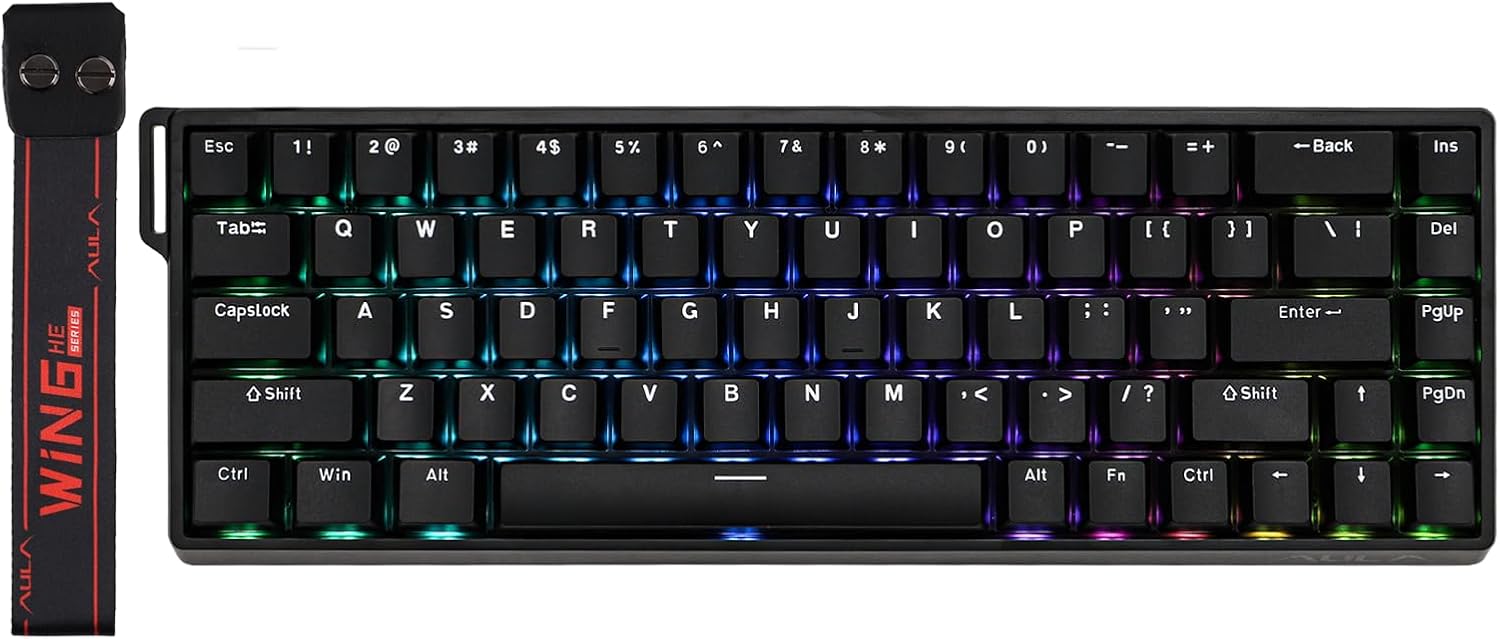
This compact 65% wired magnetic keyboard brings low latency and adjustable Hall Effect switches to gamers and heavy typists who want fast, accurate input during play or creative work. The streamlined 68-key layout keeps your desk tidy while offering programmable behaviours and vivid south-facing RGB to improve key visibility and personalise the look.
Key Points
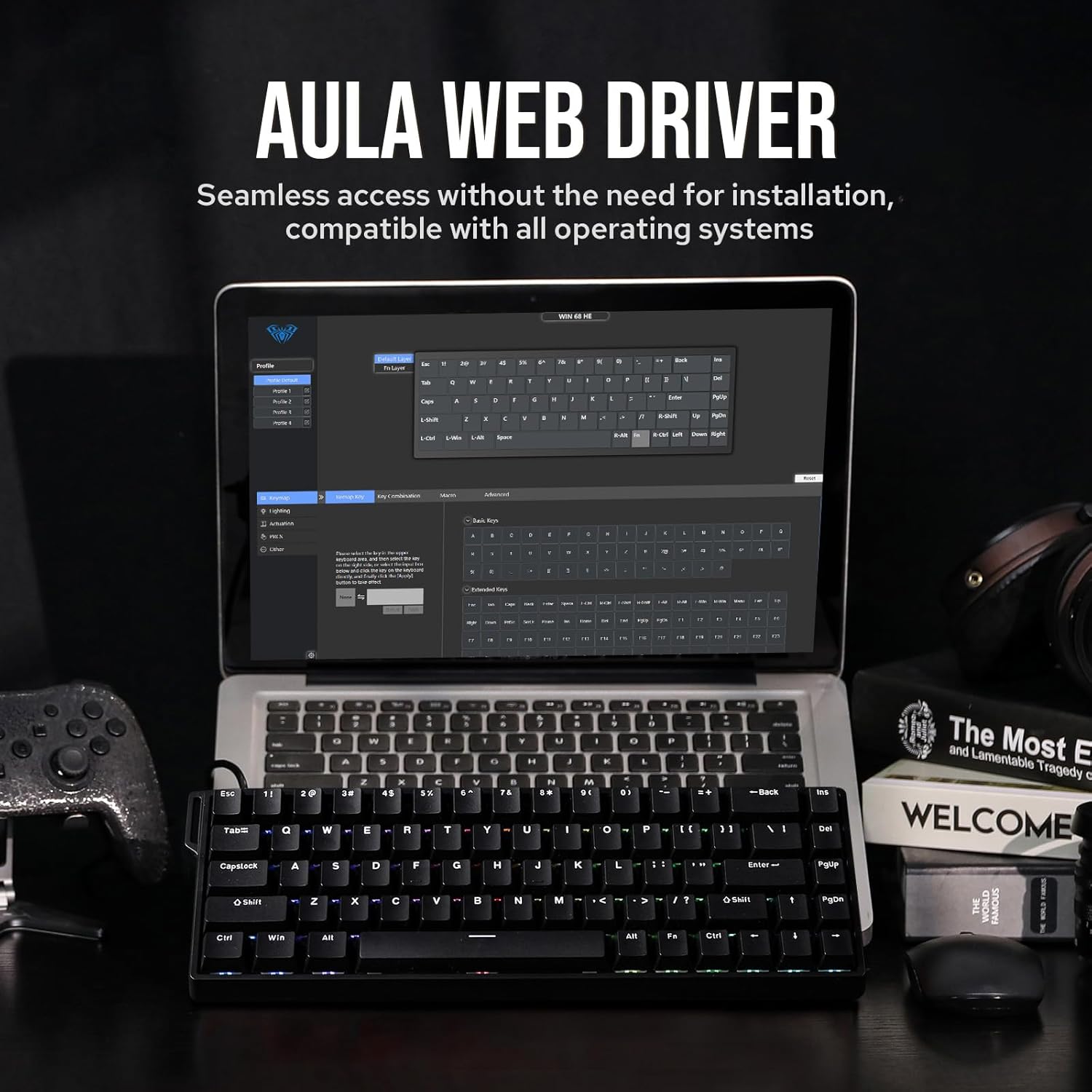
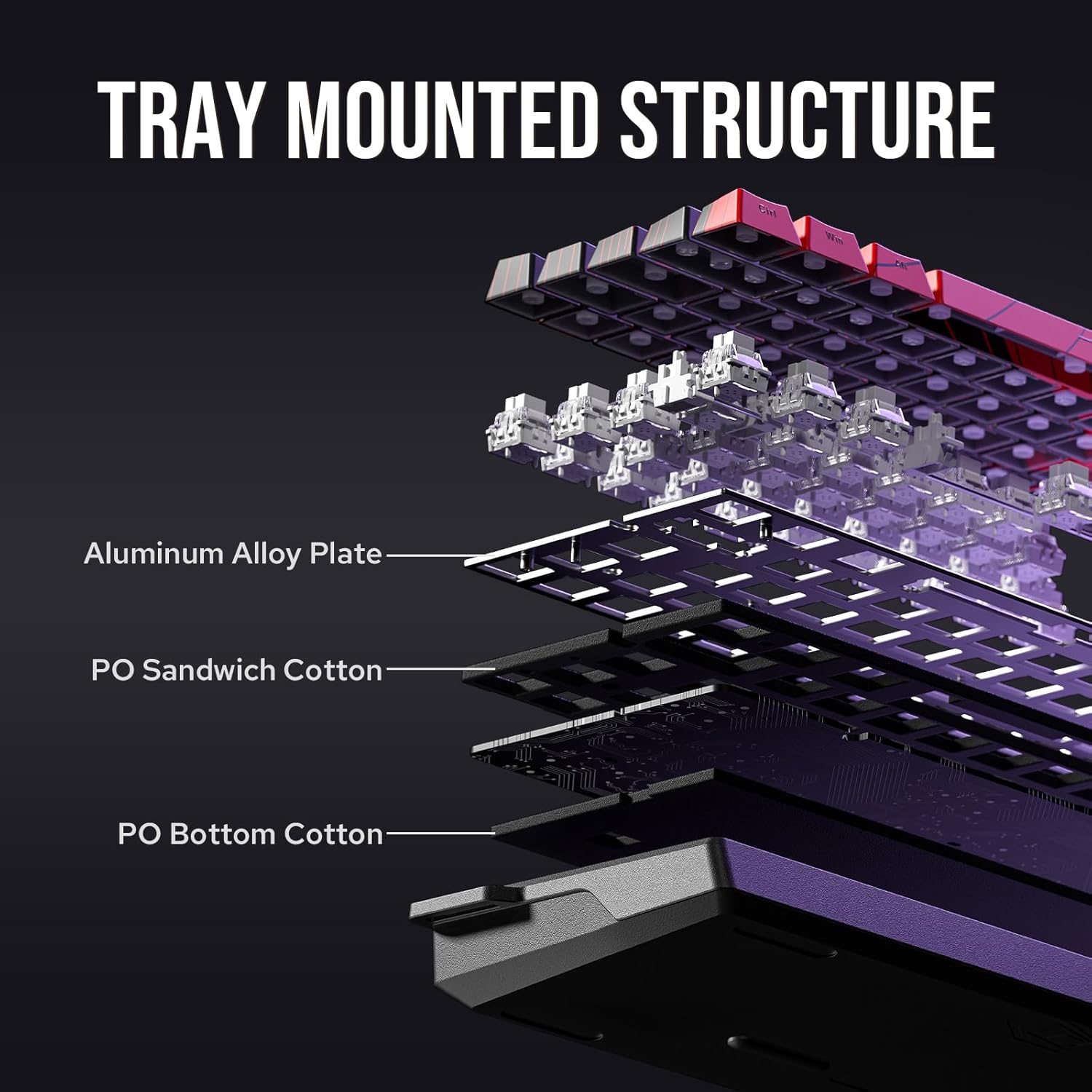
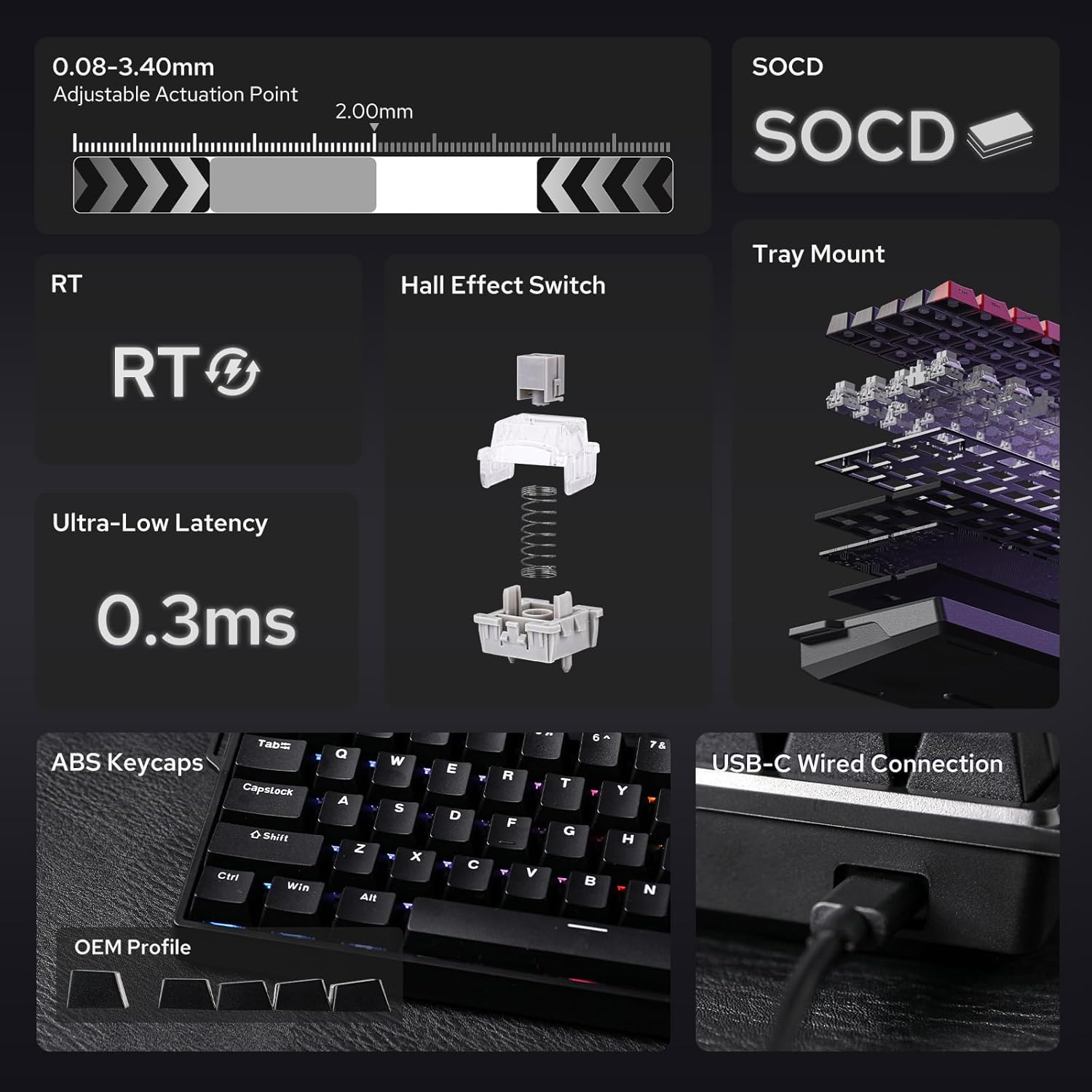
The WIN68 HE focuses on responsiveness and customisable actuation, making rapid key presses and rapid resets feel more consistent. It features Hall Effect magnetic switches with an adjustable trigger point, plus advanced functions such as DKS (Dual Key Switching), MT (Multi-Tap) and TGL (Toggle) for expanded key behaviour. With full-key hot-swap support and a metal positioning plate, the keyboard is built for experimentation and durability. 🎮
Technical Specifications
- Name: EPOMAKER AULA WIN68 HE
- Layout: 65% with 68 keys
- Switch type: Hall Effect magnetic switches, adjustable actuation point
- Polling rate: 8000 Hz, reported ultra-low latency of 0.3 ms (according to the manufacturer)
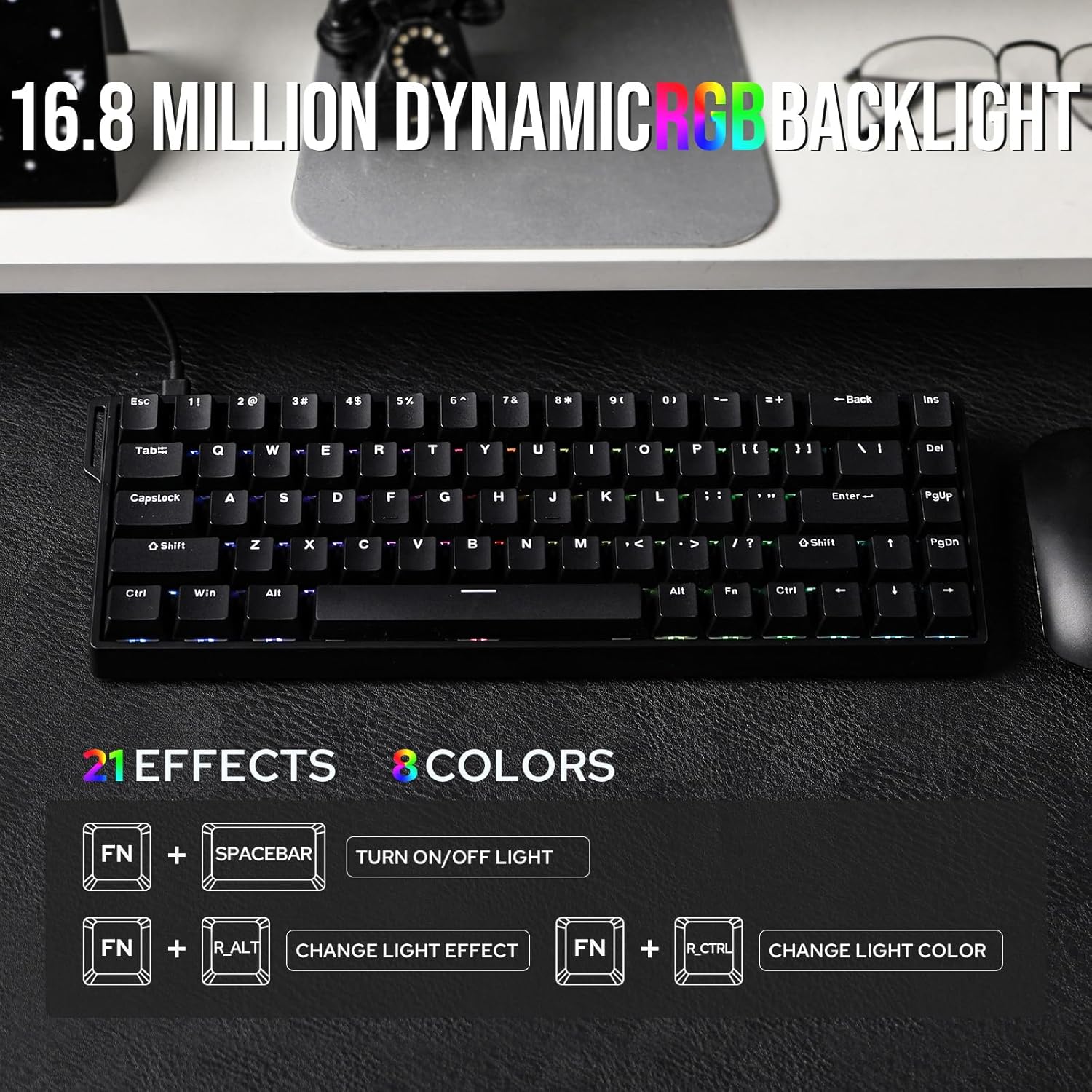
- Lighting: south-facing RGB, 16 million colours, per-key illumination
- Connectivity: wired, compatible with Windows and Mac
- Hot-swap: full-key hot-swappable with south-facing magnetic switches
Benefits
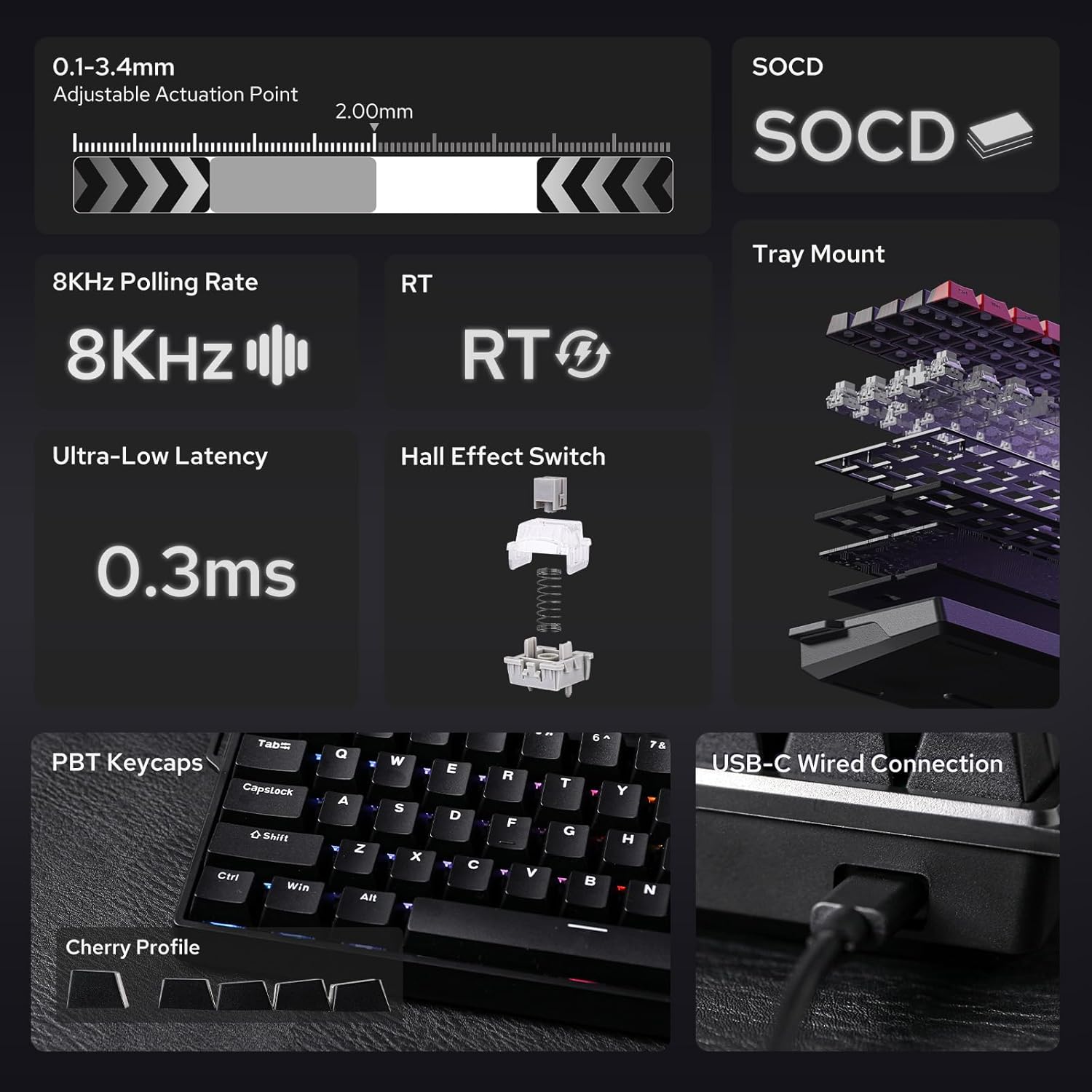
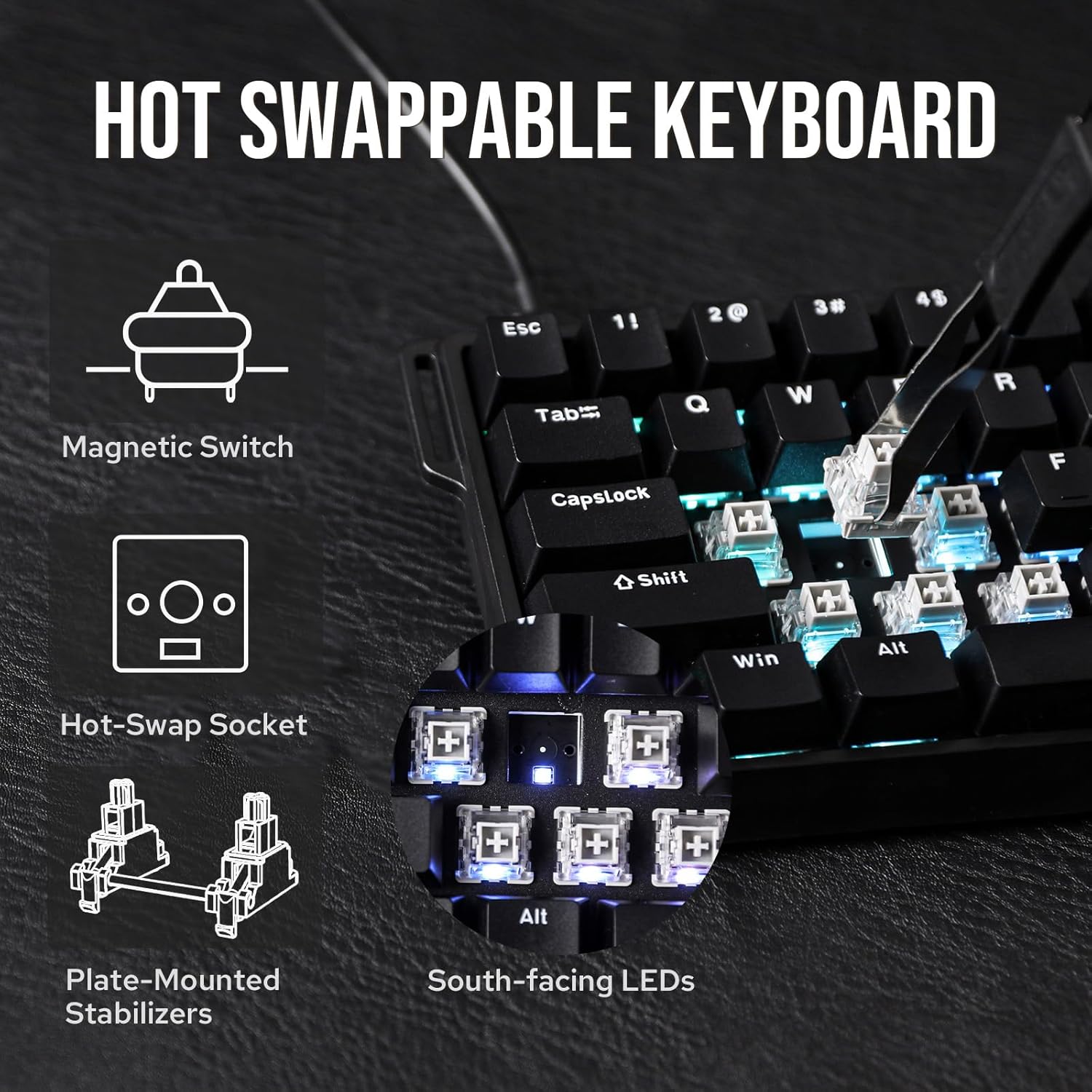
Low input delay and a high polling rate make the keyboard suitable for competitive play and rhythm games where timing matters. The Hall Effect switches are designed to reduce mechanical wear while allowing precise detection of key travel. Customisable actuation and DKS functionality reduce missed presses and allow layered input schemes, so you can tailor the keyboard to different games or workflows. The compact footprint frees up mouse space and helps maintain an uncluttered setup, while the metal plate adds stability under heavier use. ✨
Usage Recommendations
For those who want to tune feel and actuation, start by testing different actuation points and switch types to find a balance between speed and tactile feedback. Make use of the hot-swap feature to try various south-facing magnetic switches without soldering. Enable south-facing RGB modes that improve visibility for streamers or late-night sessions. Consider that highly custom setups may require a short learning period, and that advanced features such as MT and DKS benefit from spending a little time configuring profiles before intense gaming sessions.