

Dragon Touch 15.6" Digital Calendar (Honey Glow) – 2026 family wall planner with interactive touchscreen
Product description
The essentials
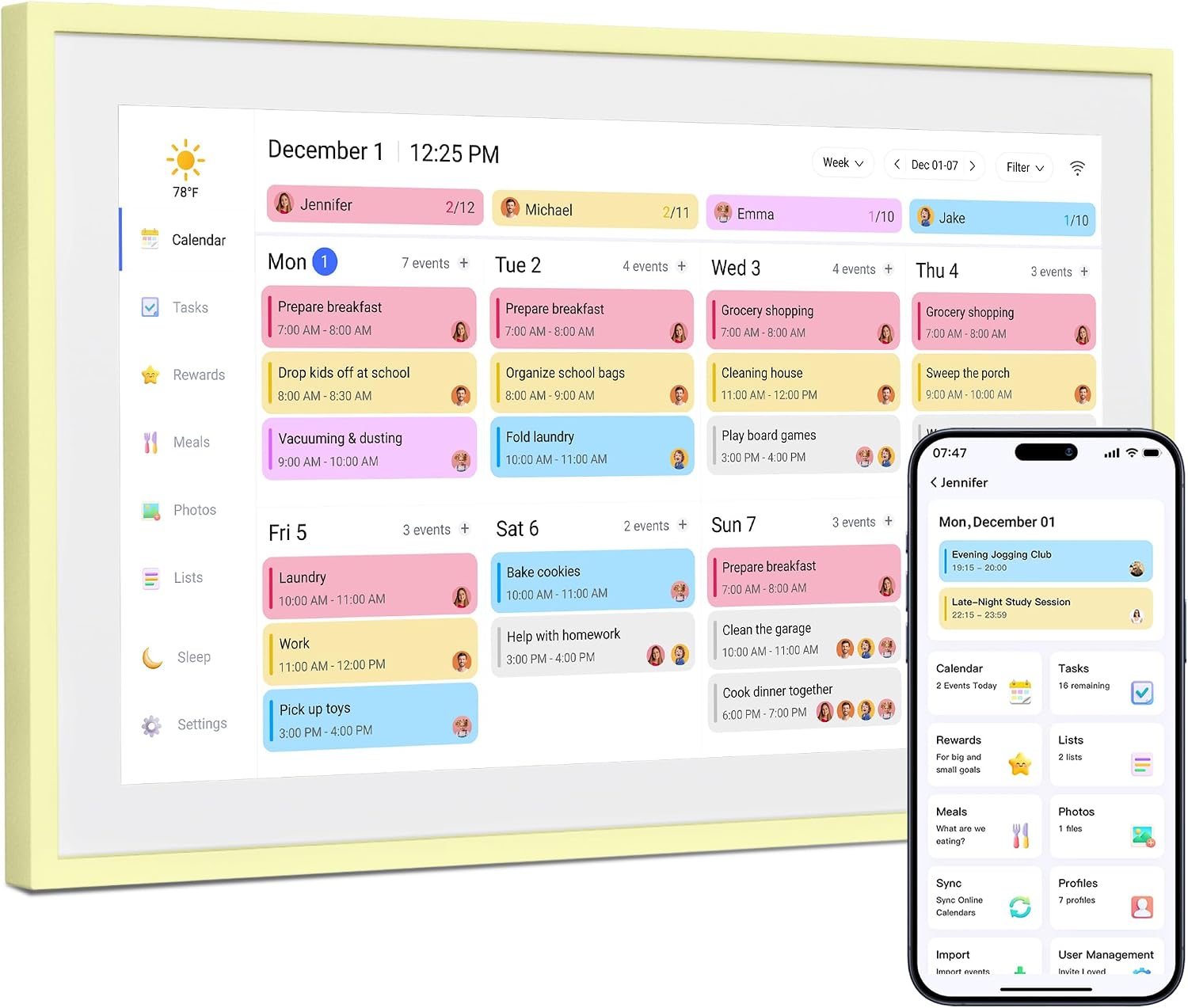
If you’re trying to get everyone on the same page at home, an electronic family planner can be a genuinely practical piece of kit. The Dragon Touch 15.6" Digital Calendar in Honey Glow is designed to sit in the middle of daily routines: it’s a family scheduling display, it supports shared planning via phone calendars, and it also doubles as a chore chart style board to help keep expectations clear for kids.
On paper, the appeal is straightforward: a bright honey-yellow screen for modern interiors, instant sync over Wi‑Fi, and onboard memory for photo sharing. It’s not meant to replace your phone entirely, but it can reduce the “who changed what?” chaos that comes with separate family schedules.
It’s also worth noting that the setup and day-to-day feel will depend a lot on your existing calendar usage. If your household already relies heavily on shared Google/Apple/Outlook/Yahoo/Cozi calendars, this type of device tends to make more sense.
Key features that matter in daily life
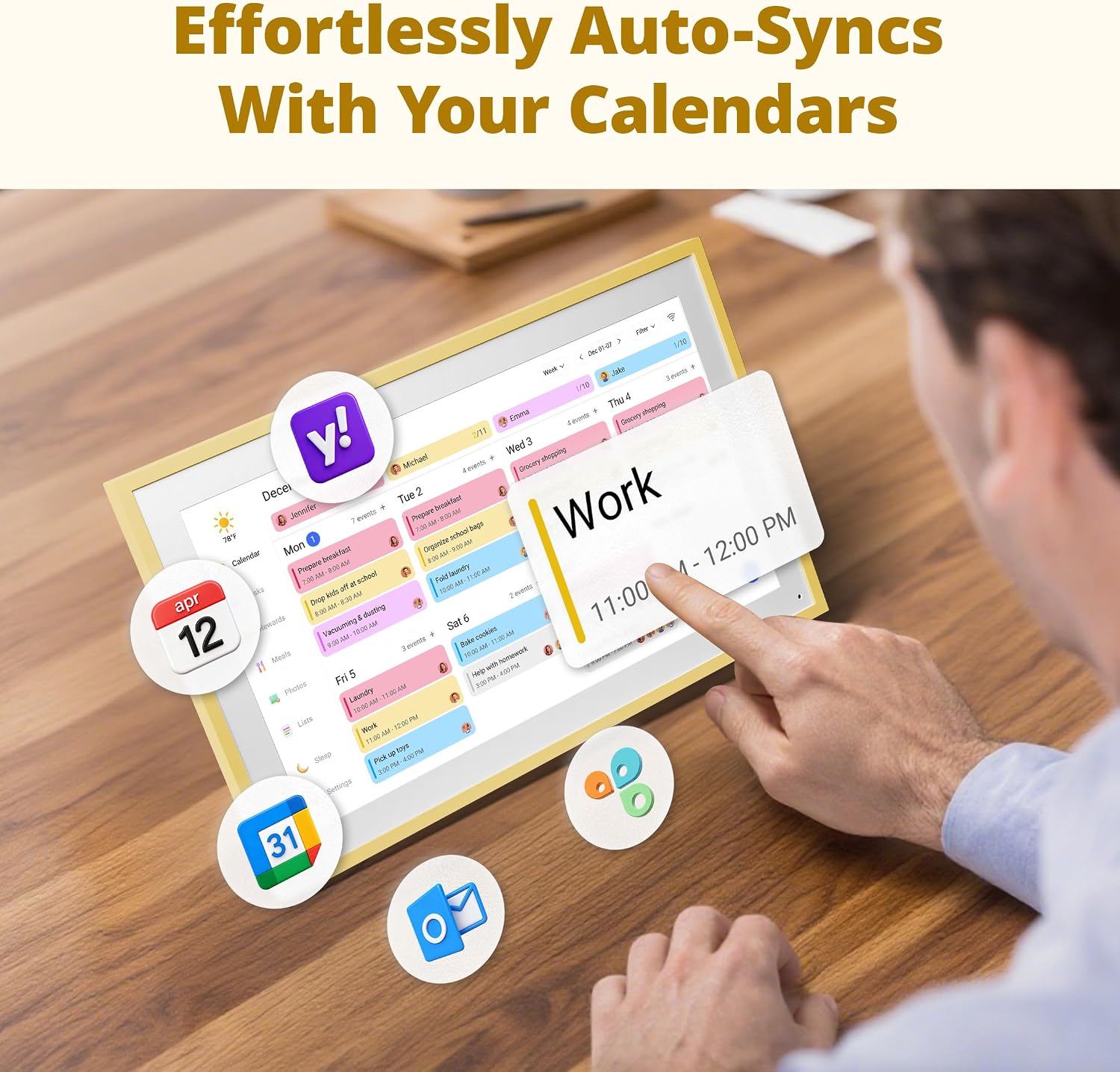
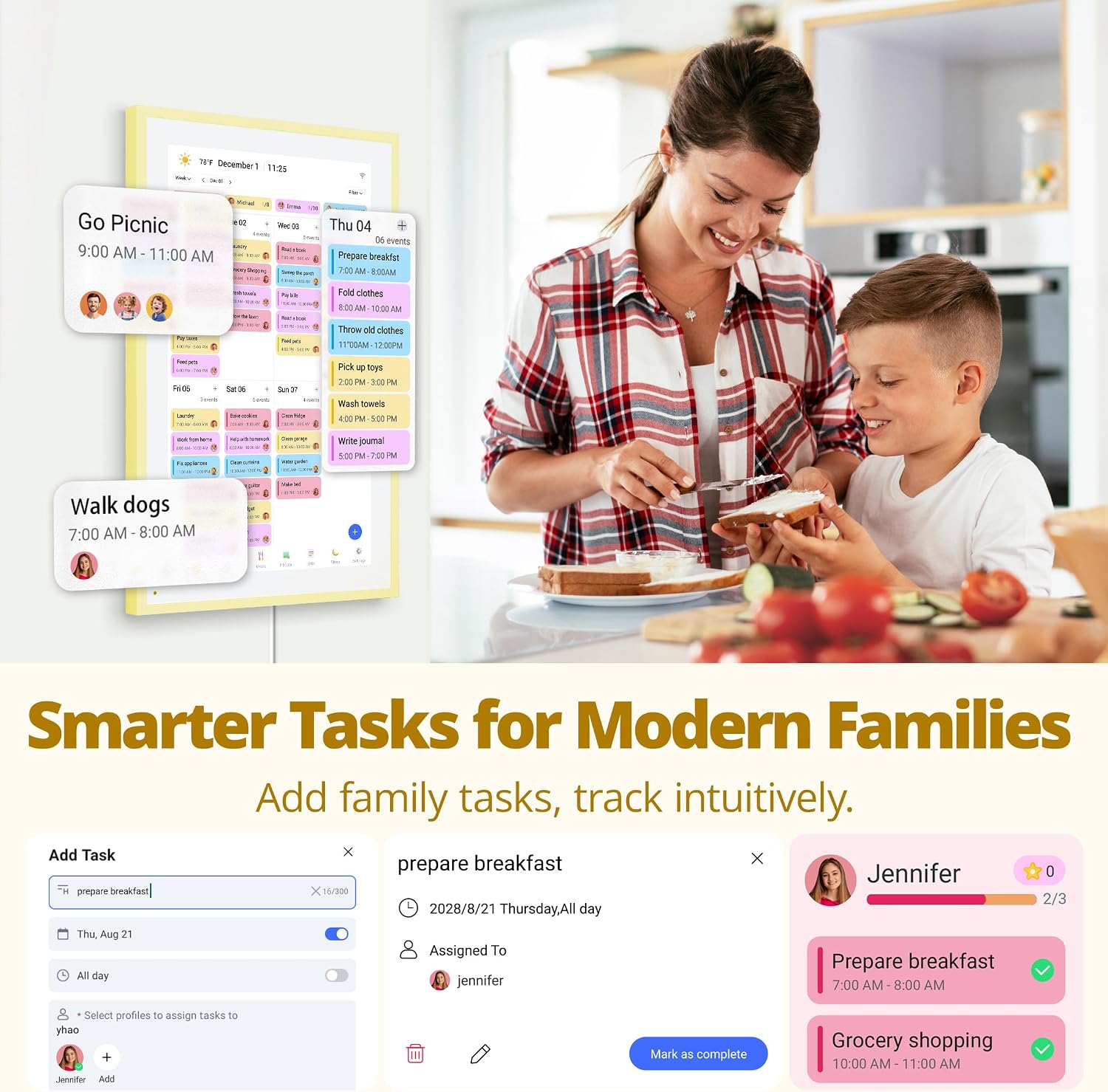
The big headline here is shared scheduling. Once connected to Wi‑Fi, this digital calendar offers instant sync with multiple phone calendars, including Google, Apple, Outlook, Yahoo, and Cozi. The idea is that one device can bind all family members’ accounts, so you’re not juggling separate planning tools.
For many busy households, the real win is visibility. Instead of everyone opening an app at different times, the family wall planner format is built around a single screen you can check at a glance.
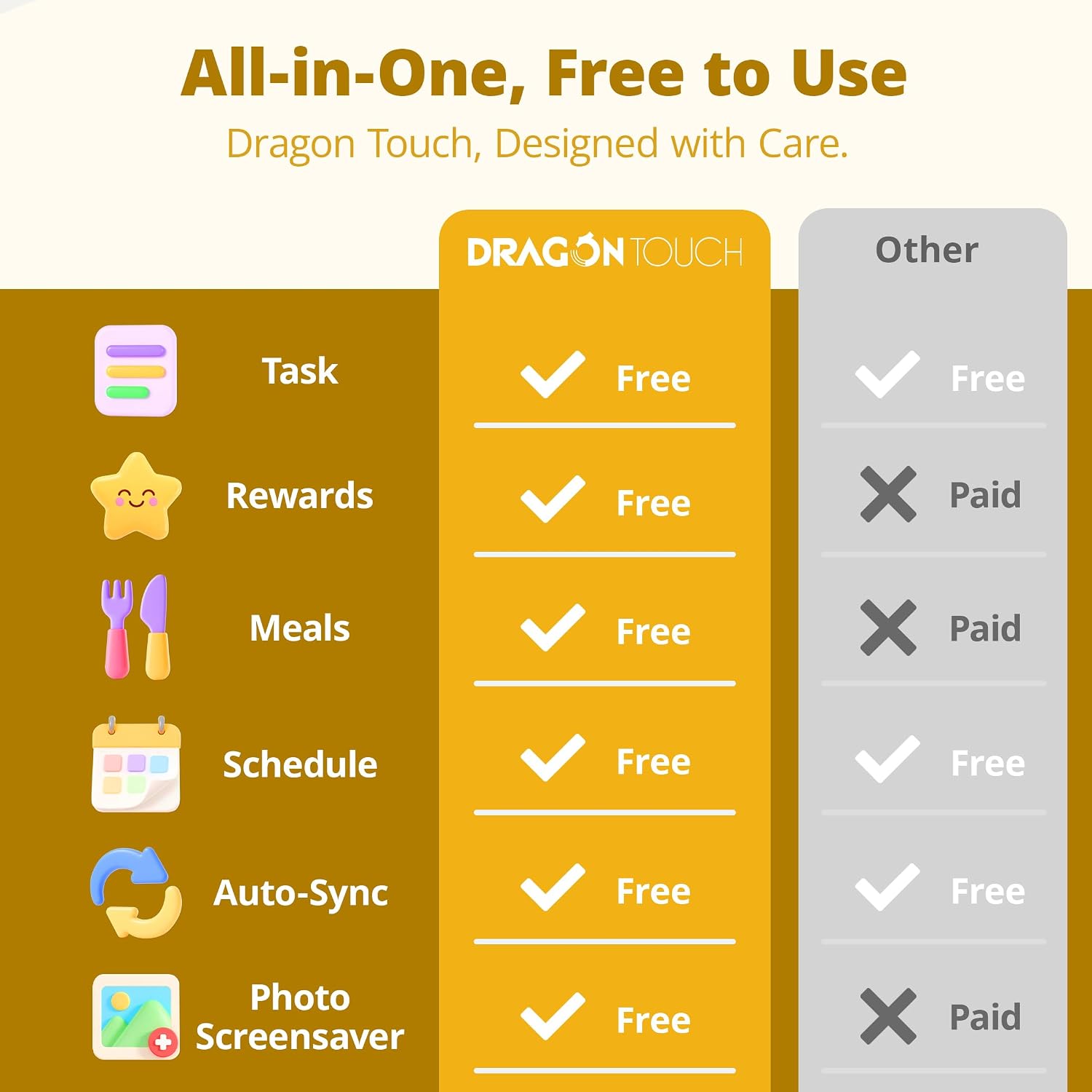
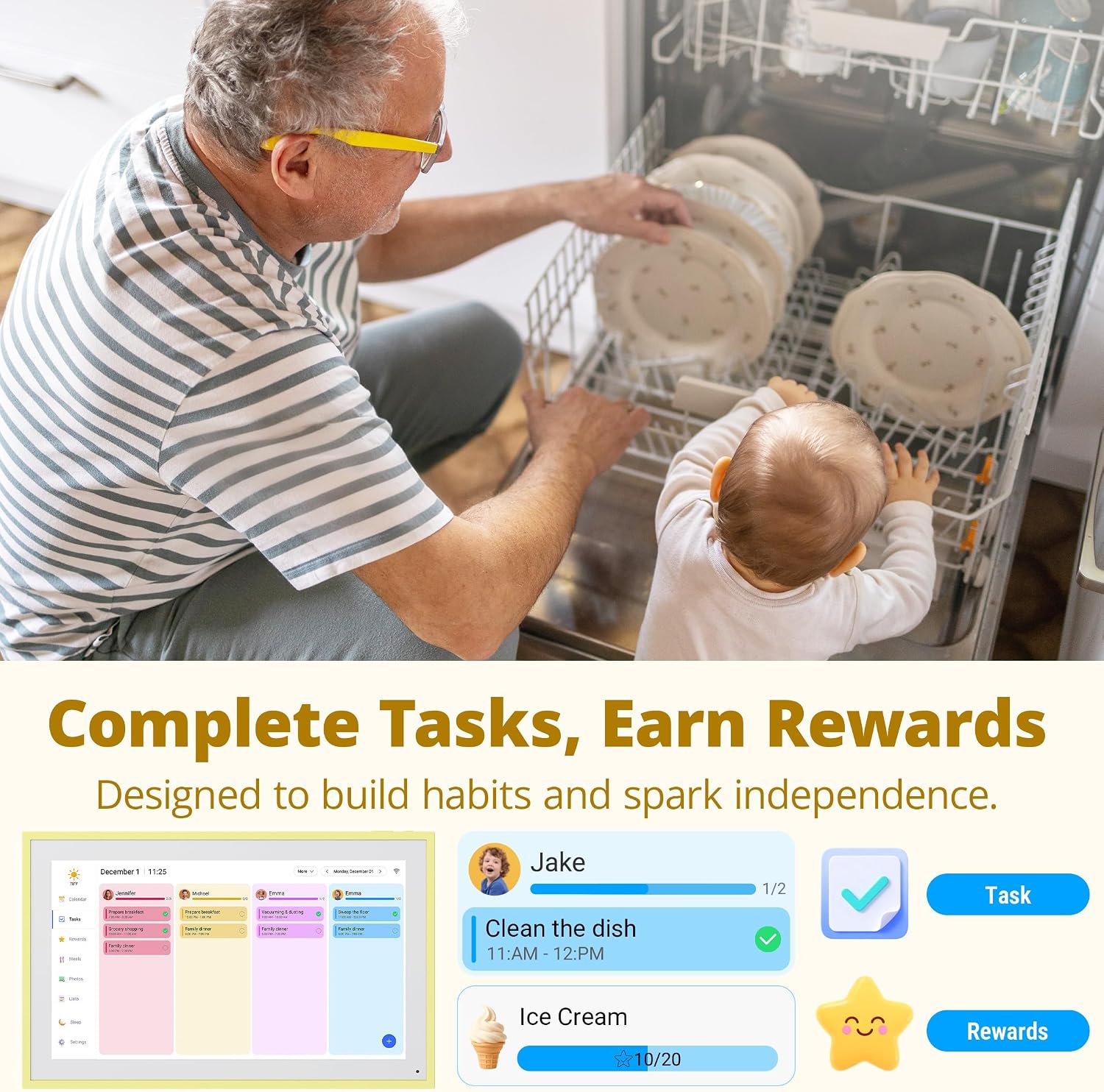
It also includes a chore chart and reward-style setup for kids. That means you can collaborate on household chore plans and tie rewards to completed tasks, aiming to encourage initiative and responsibility without turning chores into a daily debate. Not everyone will love reward systems, though—if you prefer a purely points-free approach, this feature may feel a bit “structured”.
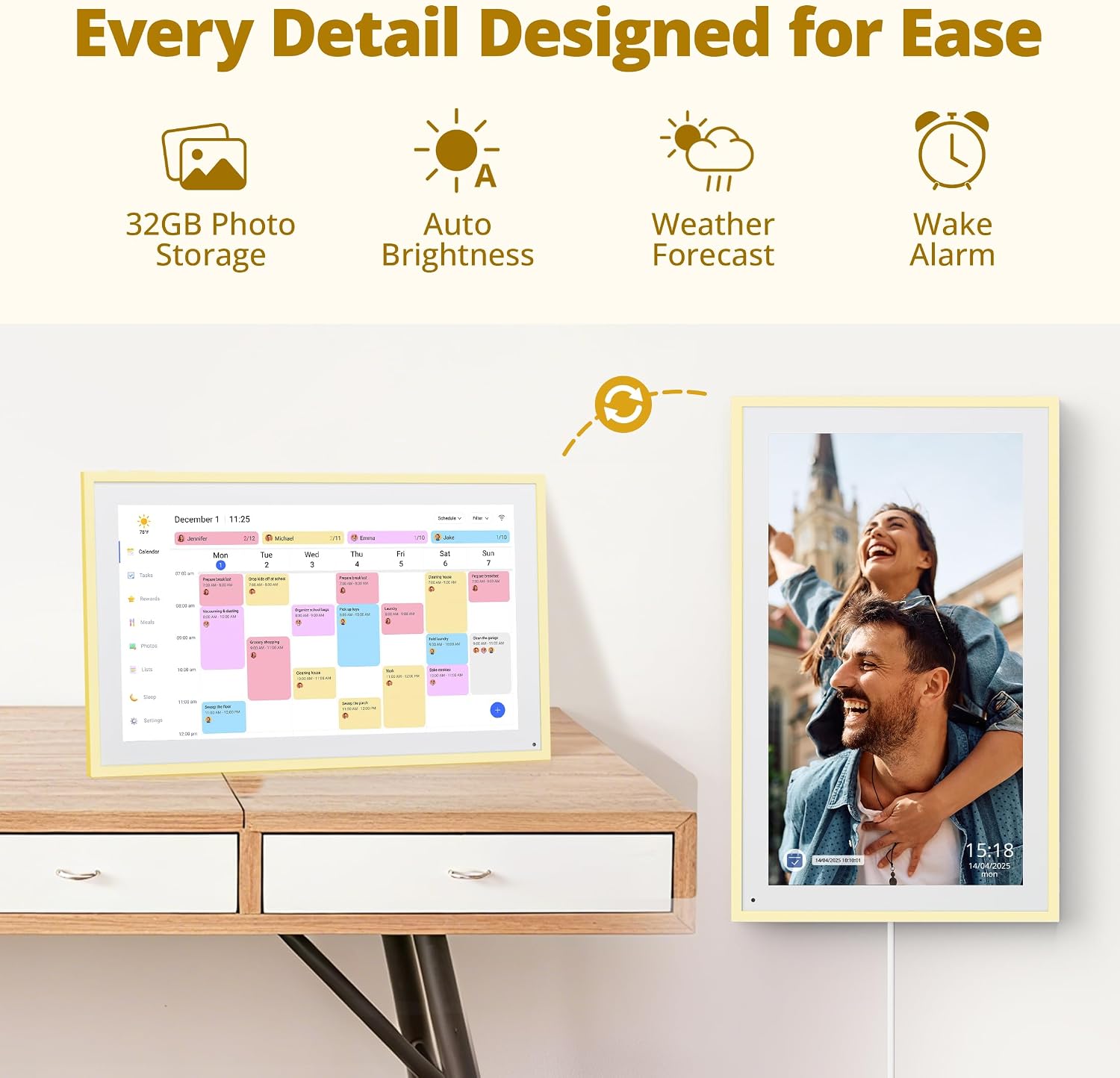
And yes, it’s designed for more than just scheduling: the 32GB built-in memory lets you store photos and switch between slideshow or single-image viewing modes. That can be surprisingly useful when you want the display to feel like part of home life rather than a cold admin board.
What’s really good about it
The honey-yellow colour is a standout. It’s positioned as an interior-friendly alternative to more neutral calendars, so it can work as décor in a living room or kitchen while still serving its practical purpose.
Sync coverage is also a strong point on the spec list: Google, Apple, Outlook, Yahoo and Cozi are all mentioned. If you’re the sort of household where different family members use different calendar services, that breadth can reduce friction.
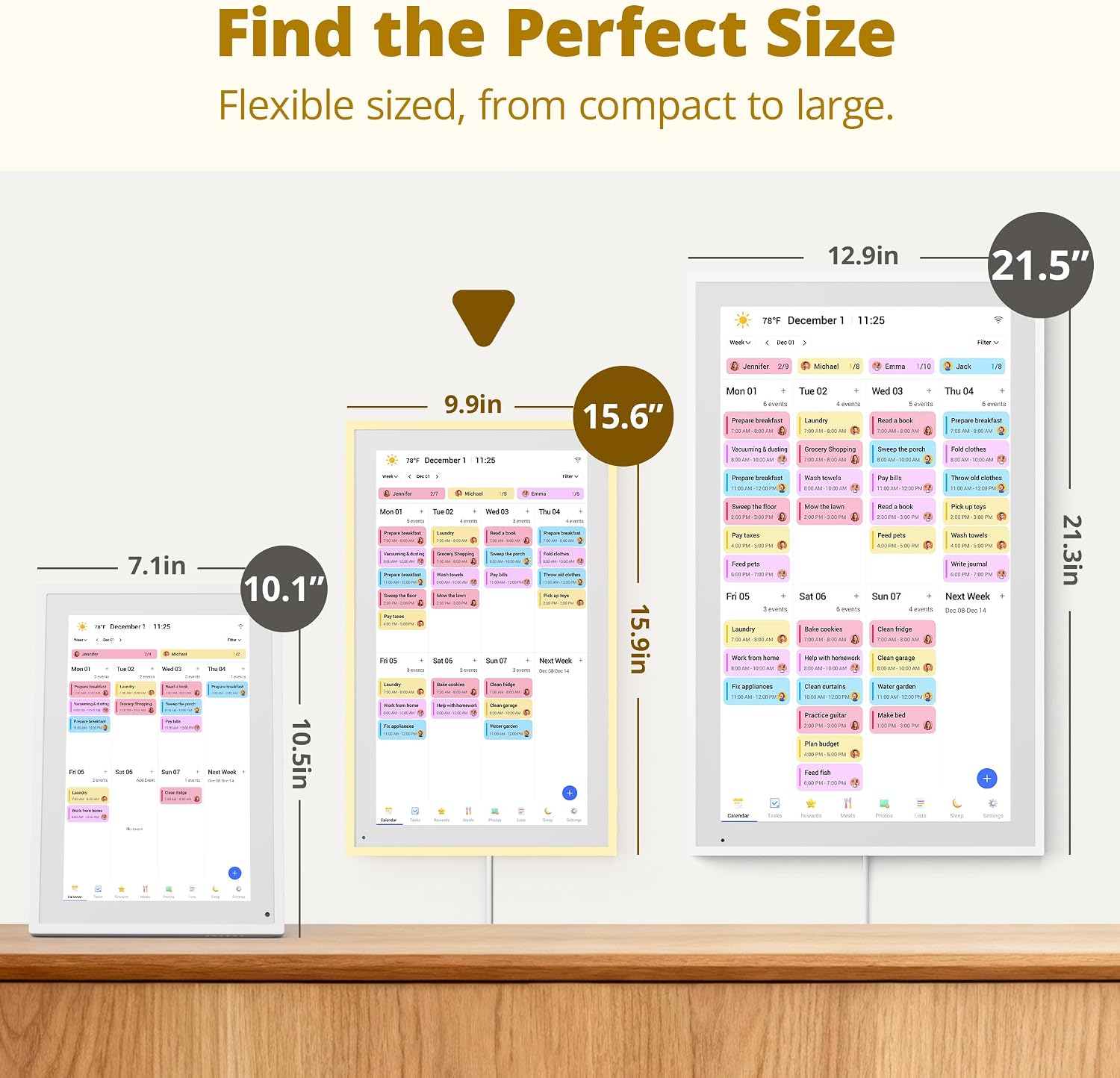
Finally, dual display options are practical. You can place it tabletop-style or mount it on a wall, with installation accessories provided. That flexibility matters because a calendar that can’t be positioned where you actually look loses some of its value.
Where it may fall short (things to consider)
The most obvious limitation is that the details you get from the touchscreen depend on how it’s used day-to-day. It’s an interactive touchscreen device, but the information provided doesn’t clarify how smooth or feature-rich the interface feels for heavy editing.
Also, while it offers 32GB for photo storage and “dynamic updates”, the exact workflow (how often you can practically update photos, and how quickly it reflects changes) isn’t spelled out. So if your main goal is constant photo rotation or highly frequent updates, you’ll want to be realistic about how much effort you’re willing to put in.
Lastly, chore charts and reward systems are a specific style of motivation. It can help structure expectations, but it won’t suit everyone—especially households that want chores handled with fewer incentives.
How to choose the right setup at home
This is the sort of purchase that pays off if you place it somewhere people naturally pass or gather. A kitchen wall, for example, is a classic choice: everyone sees it when planning meals and school items, and it becomes easier to keep changes communicated.
If wall mounting sounds appealing, check that you’re comfortable with basic installation. The product includes professional installation accessories, which should make things easier, but it’s still a commitment compared with simply setting it on a coffee table.
If you’re buying for a multi-calendar household, also consider how your family currently shares schedules. If you mostly keep plans in one place already, you may find this adds less value than it would for mixed-service households.
The essentials for busy families FAQ
FAQs
FAQs
Is it worth it?
A solid pick if you want a single, visible family planner with instant sync across multiple phone calendar services, and you like the idea of using the display as both a scheduling hub and a chore chart for kids. The Honey Glow colour and the option to mount on the wall make it more than just a gadget you hide away.
It may not be a great match if your household doesn’t use shared calendars much, you’re not keen on reward-style chore charts, or you’re expecting a device that will replace complex planning apps completely. In that case, you may be better off with simpler display options.
If you’re the sort of buyer who prioritises “everyone can see it and it stays up to date”, this one makes sense to consider—just make sure the placement and your current calendar habits line up with how the device is meant to be used.