

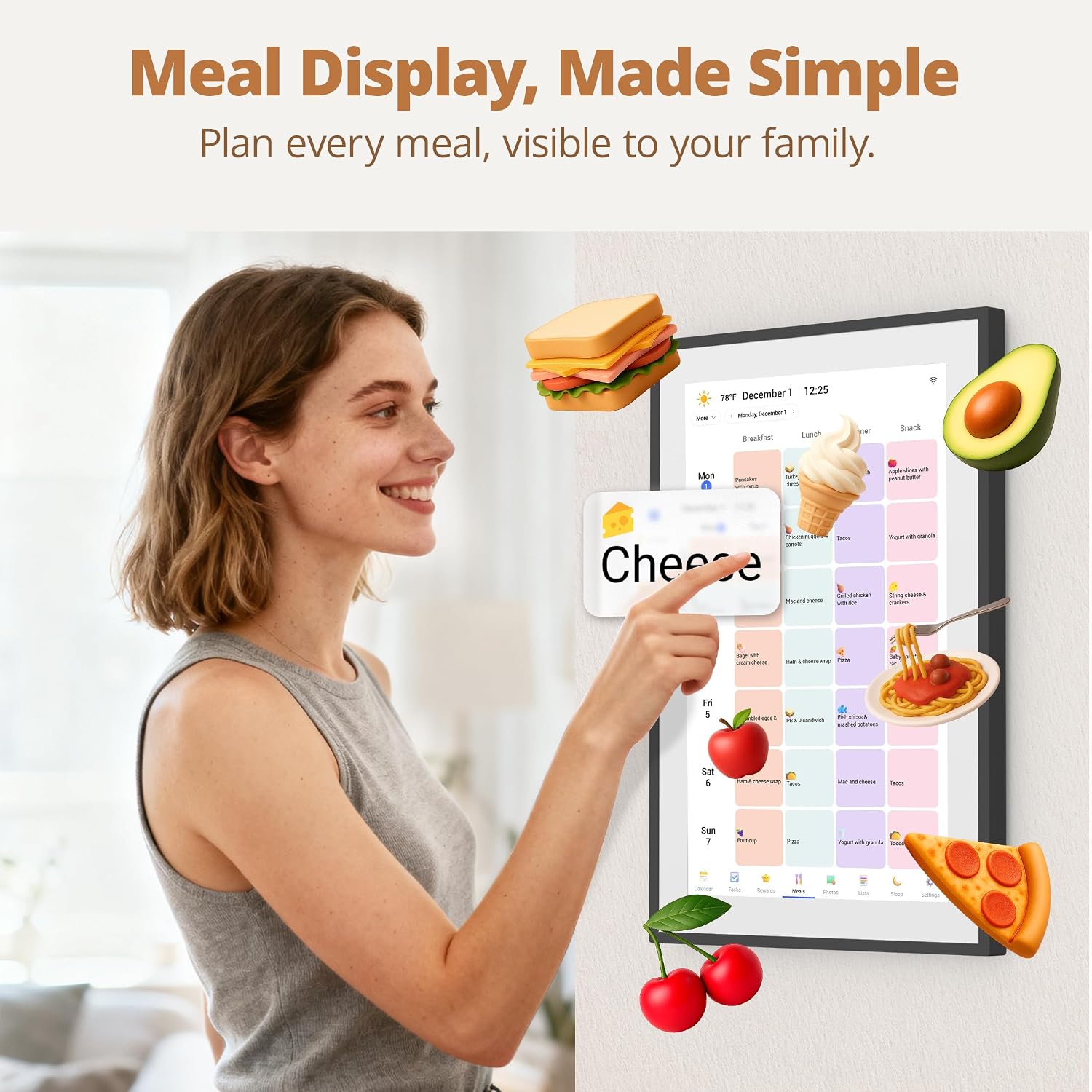
Dragon Touch 14 Inch Digital Calendar Wall – 1920 x 1080 FHD Family Planner with 32GB and Touchscreen
Product description
What it is and who it’s for
The Dragon Touch 14 Inch Digital Calendar Wall is an all‑in‑one family planning device designed to centralise schedules, chores and meal plans. It’s aimed at busy households that want a shared, visible planner and a simple way to keep everyone on the same page. The model combines a high‑definition touchscreen display with built‑in memory and wall mounting, so it sits neatly in a kitchen, hallway or living space where the family can see it at a glance.
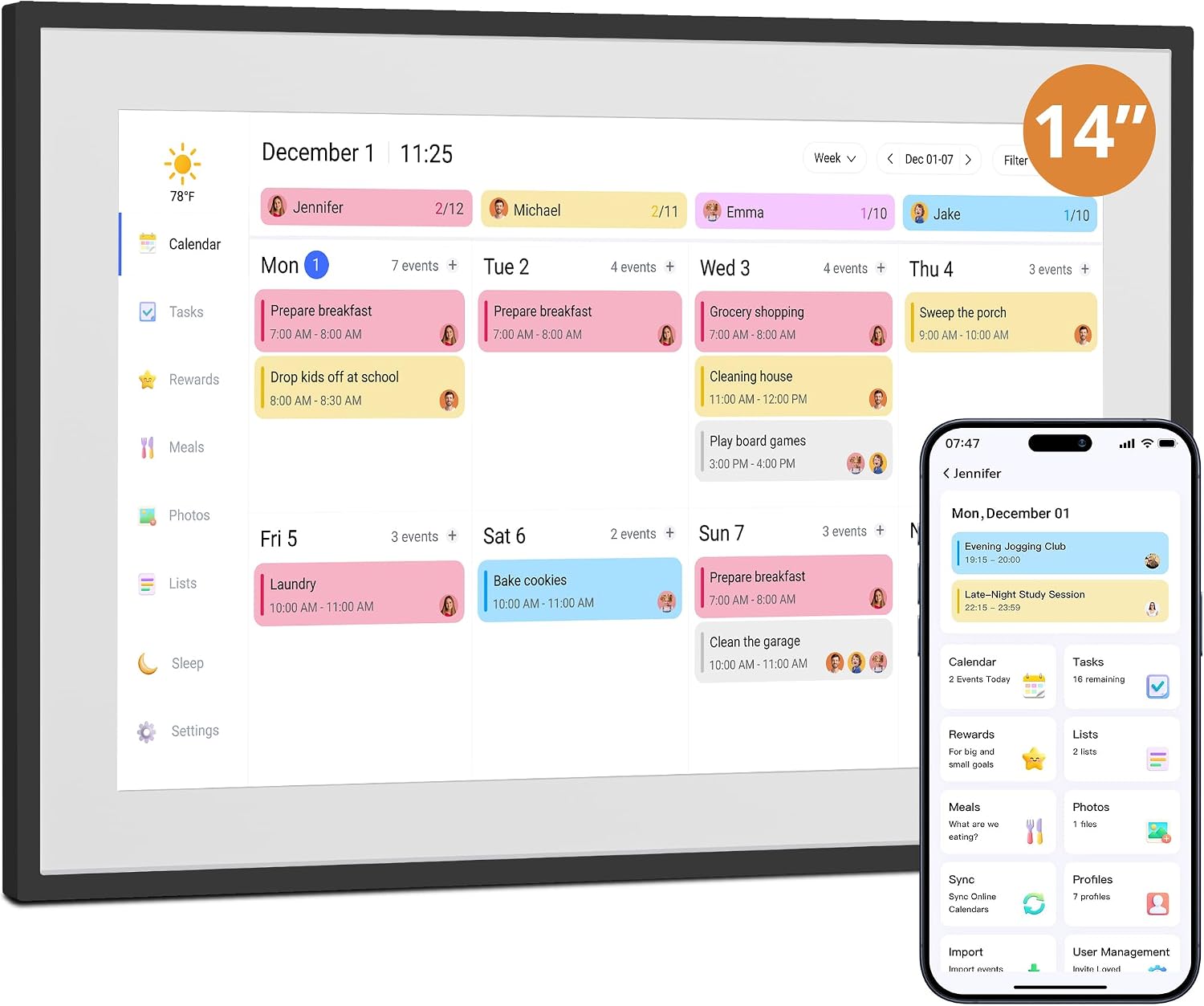
How it works and what you get
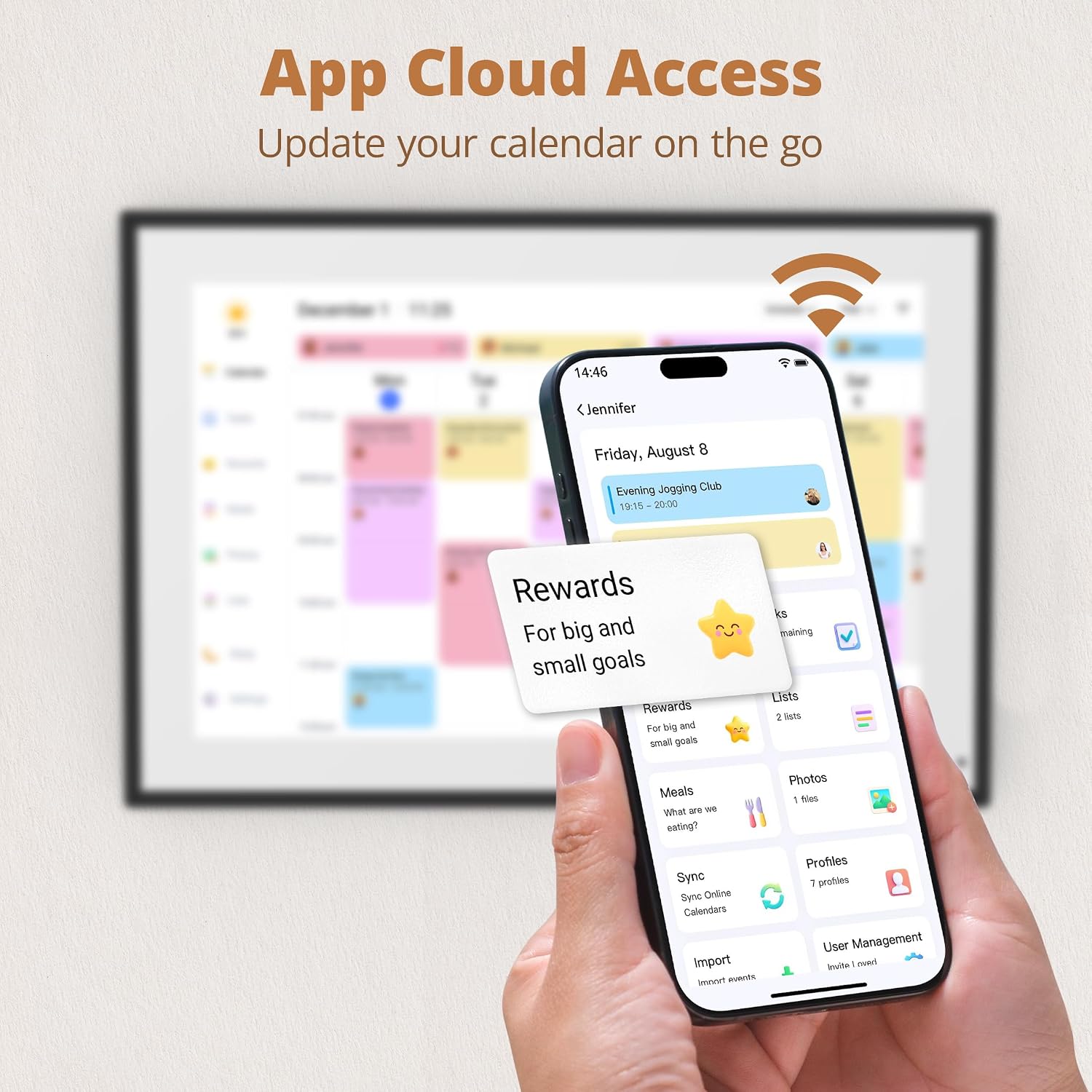
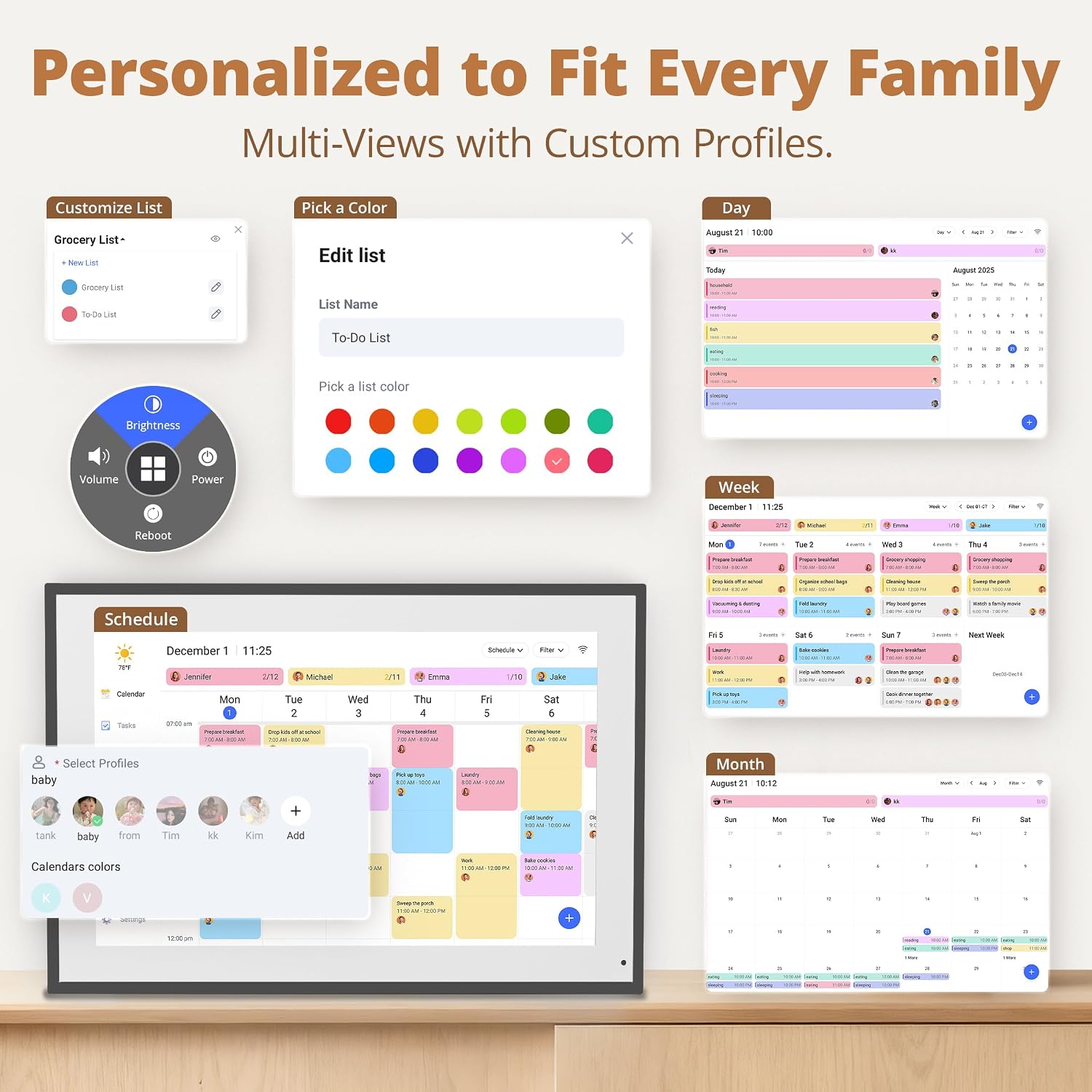
Setup appears straightforward: plug in, connect to Wi‑Fi and link the calendar to a mobile app. Once connected, it claims to integrate multiple personal calendars into one unified interface. The device supports family use beyond scheduling, including chore charts and weekly meal planning. A touch screen makes it intuitive to tap for quick updates, and the 32GB storage provides room for photos when used as a wall‑mounted digital photo frame when not actively used as a calendar.

What stands out on paper
The 1920 x 1080 resolution promises clear detail for daily planning and image viewing. The inclusion of wall mounting adds practicality for a kitchen or corridor, freeing surface space. The ability to authorise other devices could improve convenience, especially if multiple family members want to interact with the calendar. The built‑in memory and touchscreen are practical features for frequent interactions without needing other gadgets nearby.
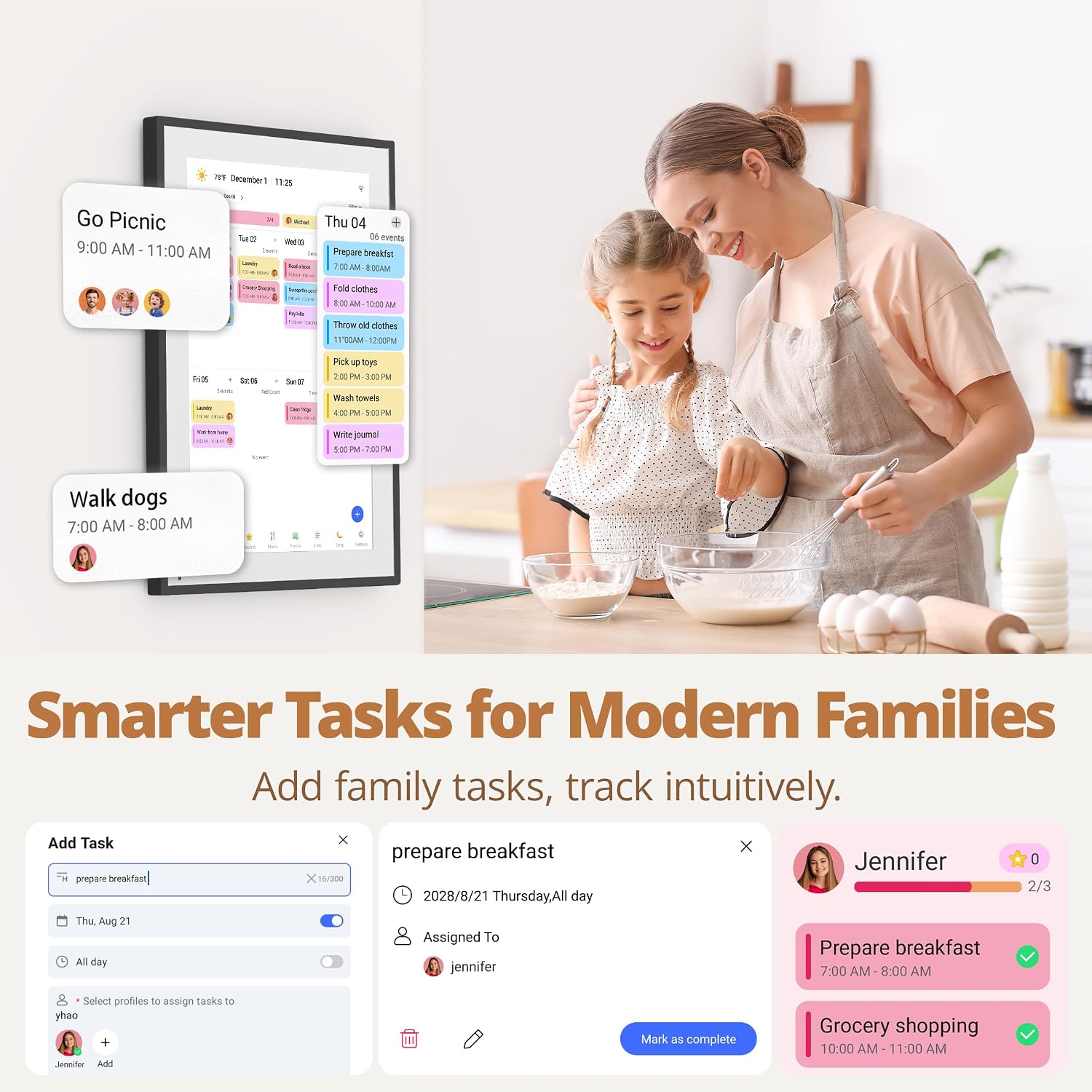
Limitations and caveats to consider
One potential point of confusion is the display size noted in the listing language: the product title mentions a 14 Inch display, while parts of the description refer to a 10 Inch size. If you prioritise a larger canvas, this discrepancy warrants confirmation before purchase. Also, the description doesn’t provide price, exact compatibility details beyond general calendar syncing, or third‑party app support specifics, so you’ll want to verify which calendars are supported in practice.
Who it’s best for and who to skip
– Great for multi‑person households that rely on a shared planning hub and value a simple visual schedule. If you frequently juggle family activities across several calendars, this could help reduce confusion. – Might not be the best fit if you need a device that already integrates with a very particular set of apps or if you require highly custom calendar automation beyond the basics mentioned.
When does it make sense to buy
If you want a centralised, visible planning tool for the family, and you appreciate the option to repurpose the screen as a photo frame or quick display when not actively planning, this could be a sensible choice. It’s sensible to check whether the display size meets your wall space and whether the calendar syncing covers the services you already use.
What to review before buying
- Confirm the actual screen size on your preferred listing to avoid buying a model with a display you don’t want.
- Check which calendar platforms are supported by the connected app and whether you can merge them seamlessly.
- Consider whether wall mounting is feasible in your space and whether you’ll also use the device as a photo frame to justify the 32GB memory.
- Look for user feedback on responsiveness of the touchscreen and the reliability of Wi‑Fi syncing.
Practical use cases and quick contrast
In daily life, you might set a weekly meal plan and assign chores, then let family members log updates via the calendar or the linked app. If you value a dedicated wall hub over scattered notes or phone reminders, this approach can reduce scattered information. If you prefer devices with a clearly stated size and proven long‑term software support, confirm these points before committing.
FAQ
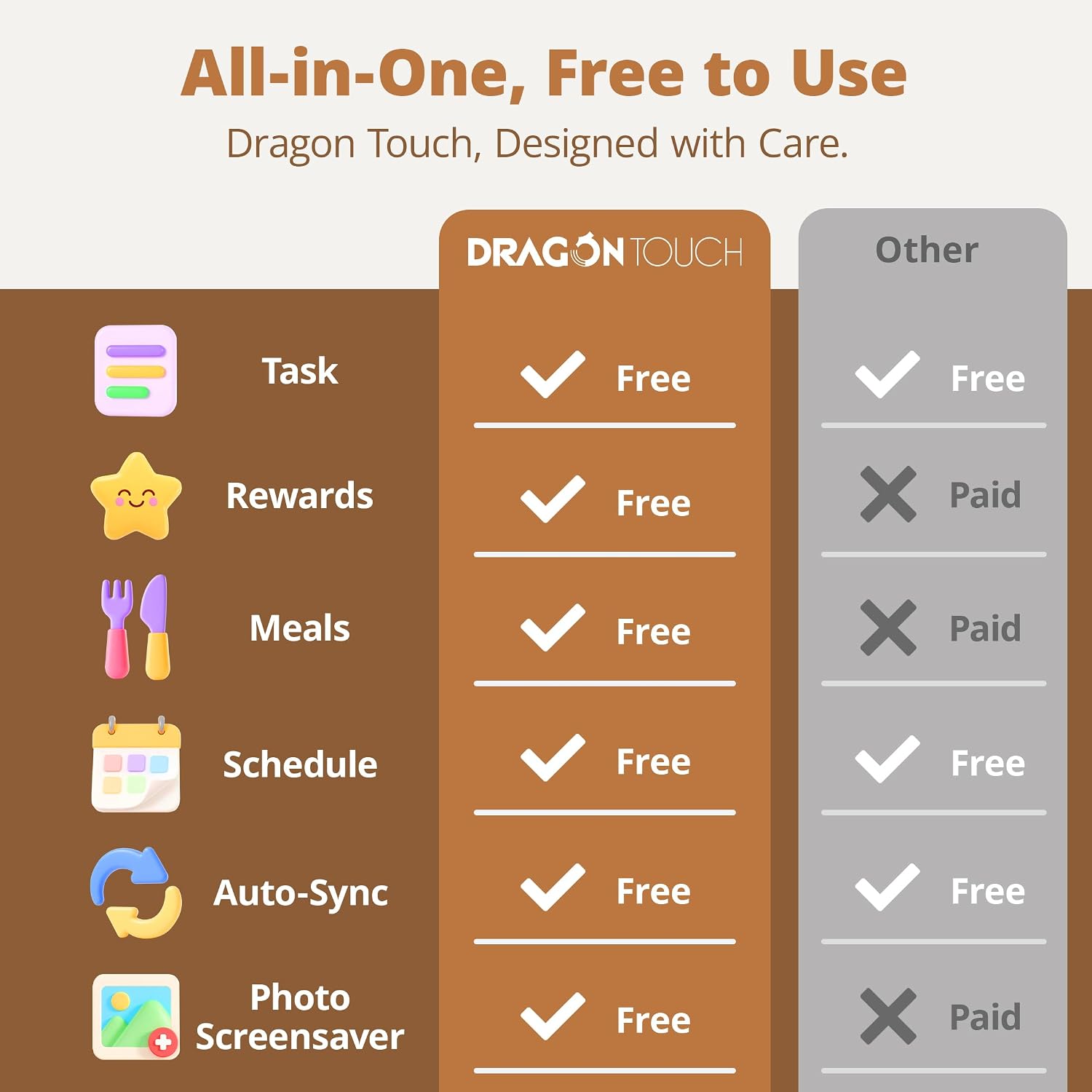
- Do I need a subscription for the calendar syncing? The listing mentions app syncing but does not specify subscription requirements.
- Can I use it as a digital photo frame all day? Yes, it can loop or display uploaded photos when not used for planning.
- Is the display truly 14 inches in all listings? There is an inconsistency in the description about size, confirm the exact specification with the retailer before purchase.
Is it worth it?
A solid pick if you want a dedicated central planning hub for a busy family and you’re comfortable validating the exact display size and platform compatibility before buying.